Best Forza Horizon 6 Game Booster & FPS Booster
If Forza Horizon 6 doesn’t feel as smooth as you expected, you’re not alone. Even with strong hardware, players can still run into FPS drops, stuttering, or lag when the game pushes large open-world environments and high-speed racing scenes. This is where FPS optimization becomes important. In this guide, we’ll break down what causes performance issues in Forza Horizon 6 and how an FPS Booster can help improve stability and make the game run smoother.

- ✅ Reduce Lag and High Ping.
✅ Boost FPS at the Same Time.
✅ Support 2000+ Popular Online Games.
✅ Change Server without Latency.
✅ Boost Game Loading Speed. - ✅ Fix Disconnection Issues
Forza Horizon 6 Overview
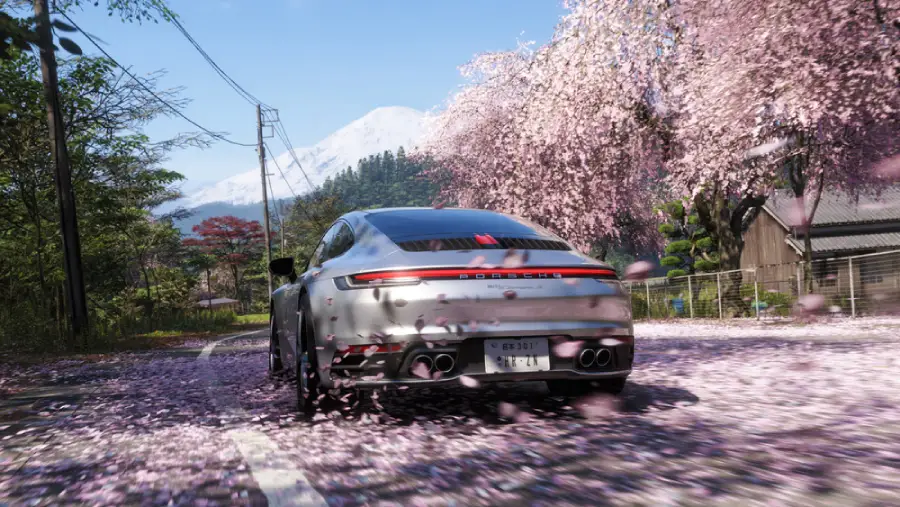
Forza Horizon 6 builds on the series’ open-world racing experience, focusing on freedom, speed, and dynamic driving environments. Instead of traditional closed tracks, players explore a massive world where races, events, and challenges happen naturally as you drive.
The game is designed around a mix of solo exploration and online multiplayer, where you can race, cruise, or join large-scale community events.
Key gameplay features include:
- Seamless open-world driving with no loading between events
- High-speed street and off-road racing across diverse regions
- Dynamic weather and time changes affecting driving conditions
- Large vehicle roster with unique handling and performance styles
- Online multiplayer events with real-time players
Because of these systems, the game constantly loads detailed environments, lighting, and player interactions, which increases hardware demand during fast races or crowded areas.
Forza Horizon 6 Release Date & Platforms
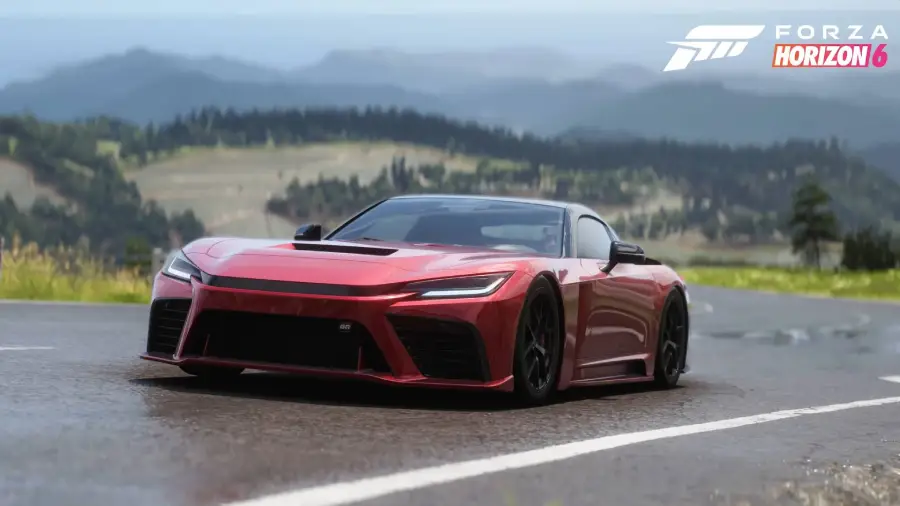
Forza Horizon 6 follows a staged release, giving Premium Edition players early access before the full global launch.
Release Dates
- Release Date: May 19, 2026
- Early Access: May 15, 2026 (Premium Edition)
Platforms (Launch Availability)
- Xbox Series X|S
- Windows PC (Steam)
- Windows PC (Microsoft Store)
- Xbox Cloud Gaming
Preload Status
Preload is already available, allowing players to download the game in advance and jump in as soon as Early Access or full launch goes live.
The game also supports cross-platform play, so PC and Xbox players can compete and explore together in the same shared online world.
Why Is Forza Horizon 6 Running on Low FPS?
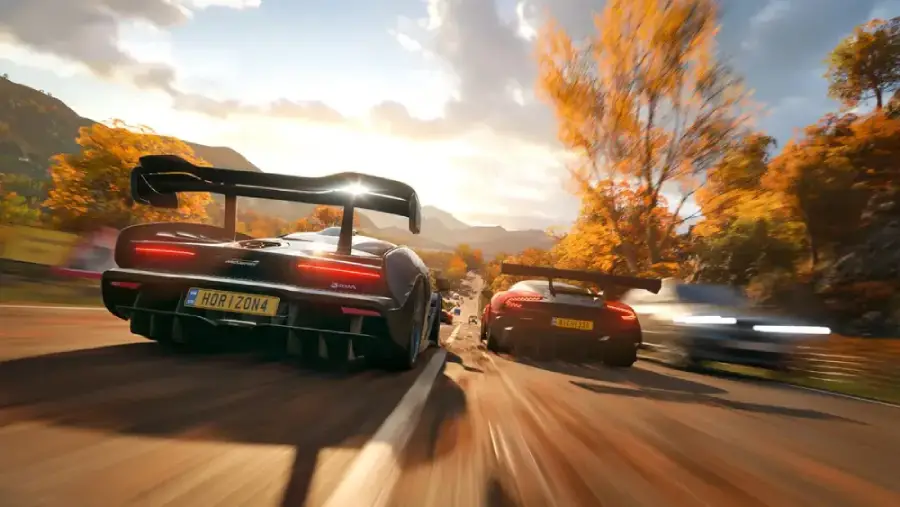
Forza Horizon 6 is built on an updated ForzaTech engine, which delivers more realistic visuals and denser open-world details—but it also increases hardware demands compared to previous entries. Because of this, FPS drops are often tied to system limitations rather than a single in-game setting.
Common causes include:
- VRAM limitations: High-resolution textures, especially in detailed city areas, can quickly exceed 4GB–6GB VRAM, leading to stuttering and frame drops
- CPU bottlenecks: Open-world traffic, physics, and dynamic weather systems require constant processing, which can overwhelm older or weaker CPUs
- Slow storage (HDD usage): The game is optimized for SSDs; using an HDD can slow asset streaming and cause noticeable FPS drops during fast driving
- Background load: Other running applications may compete for CPU and memory resources, reducing game performance
- GPU underutilization: In some cases, the system may not fully prioritize the game, causing inconsistent GPU usage and unstable frame rates
These issues become more noticeable in open-world racing areas where the game continuously loads environments in real time.
Best Way to Increase FPS in Forza Horizon 6
The most effective way to improve FPS in Forza Horizon 6 is not only adjusting graphics settings but also optimizing system performance while the game runs. This is where a dedicated tool like LagoFast becomes useful.
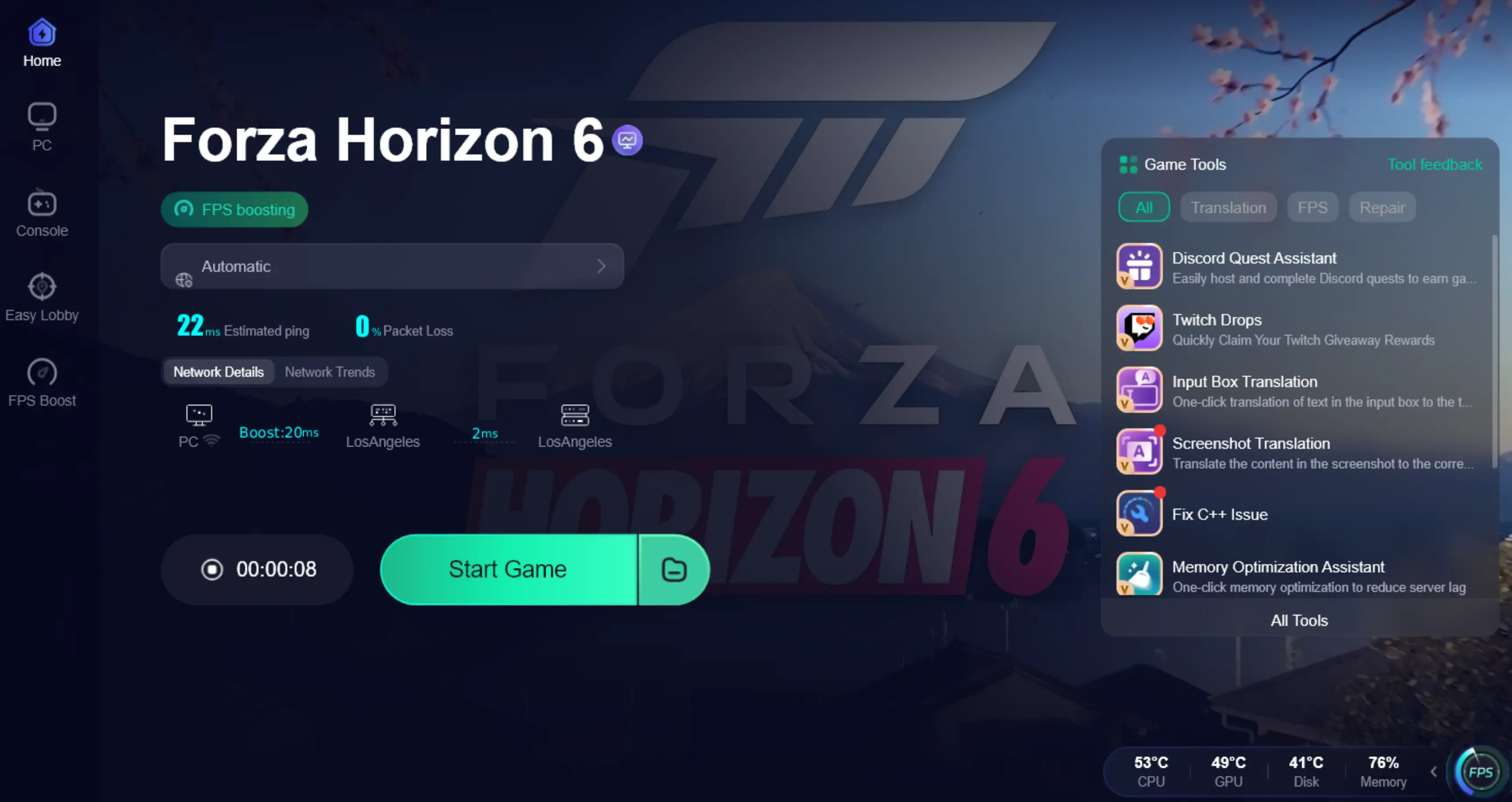
LagoFast FPS Booster is designed to improve real-time game performance by optimizing system resources such as CPU usage and GPU performance, helping players achieve smoother and more stable gameplay without manual adjustments. Instead of tweaking settings one by one, LagoFast automatically applies optimization to help your system run the game more efficiently during gameplay.
LagoFast Key Features:
- Reduce ping for smoother online racing
- Fix packet loss to avoid sudden lag spikes
- Optimize network routing to reduce stuttering and connection instability
- Stabilize overall connection during gameplay
- Use Enter the Game Early tool to switch your system region to New Zealand, allowing Xbox Game Pass players to access Forza Horizon 6 up to 4 hours earlier depending on regional launch timing.
These optimizations reduce stutter and network lag, delivering a smoother and more stable experience in Forza Horizon 6, especially during high-speed races and online play.
Tutorial to Use LagoFast to Boost FH6:
Step 1: Click the Free Trial button to download and install LagoFast.
Step 2: After installation, search "Forza Horizon 6" in the search bar and select the game.

Step 3: Choose your preferred server node and click "Smart Boost" to start optimizing.

Step 4: Launch your game and enjoy smooth, optimized gameplay with lower ping and no stutter.
Additional Ways to Fix Forza Horizon 6 Low FPS Issues
If you prefer manual fixes and still get FPS drops after adjusting settings, the issue is usually system-related rather than graphics alone. Try the methods below to improve stability.
Update Graphics Drivers and System Software (PC)
One of the most common causes of FPS drops is outdated GPU drivers or an unoptimized system.
Steps:
- Open NVIDIA GeForce Experience or AMD Adrenalin Software
- Check for the latest Game Ready drivers and install them
- Use the “Clean Install” option if available
- Update Windows 10/11 to the latest version to ensure DirectX 12 support
Keeping your system updated helps improve game stability and reduces unexpected stuttering during gameplay.
Adjust In-Game Graphics Settings (PC)
Forza Horizon 6 is visually demanding, and certain settings can heavily impact performance.
Recommended adjustments:
- Lower Shadow Quality and Environment Detail
- Reduce Resolution Scaling to Performance mode
- Disable Ray Tracing if your GPU is not high-end
- Turn off extra effects like motion blur
These changes reduce GPU workload and help maintain more stable frame rates during races and open-world driving.
Switch to Performance Mode (Xbox)
On Xbox, Performance Mode is the simplest way to improve FPS stability.
Steps:
- Open the in-game settings menu
- Go to Graphics options
- Switch from Quality Mode to Performance Mode
This slightly lowers resolution but significantly improves frame stability during gameplay.
Refresh System Cache and Background Load (Xbox)
Temporary system data can sometimes affect performance and asset streaming.
Steps:
- Fully power off the console
- Unplug the power cable for about 30 seconds
- Restart the system
This helps clear cached data and can reduce minor stutters or loading-related FPS drops.
Conclusion
Forza Horizon 6 is a demanding open-world racing game, so FPS drops can happen depending on your system setup. With proper settings adjustments, driver updates, and performance optimization tools like LagoFast, you can significantly improve stability and reduce lag. The result is a smoother and more consistent racing experience across all game modes.




Forza Horizon 6 FAQs
 Forza Horizon 6 Release Date and Gameplay Features
 How To Play Forza Horizon 6 Early Right Now Guide
 Forza Horizon 6 Car List: Cars Overview & Best Picks
 How to Fix Forza Horizon 6 Not Launching on PC & Xbox?
 FH6 Slow Download? Speed Up Forza Horizon 6 on PC & Xbox
 Best Controller for Forza Horizon 6 (FH6) Settings & Guide