
To fix Marvel Tokon matchmaking issues, such as matchmaking failures or long wait times, first ensure your PlayStation Network (PSN) account is correctly linked and that the servers are not under maintenance. If you are stuck in an infinite queue, a full restart of the game client is often required to refresh the session token. For persistent connection drops or the "failed to join match" error, switching to a wired connection and using LagoFast Game Booster can significantly reduce high latency and bypass regional matchmaking bottlenecks, ensuring you find opponents in seconds rather than minutes.
Part 1: Marvel Tokon Matchmaking Failed: Why You Can't Find a Match
How to Fix Marvel Tokon Matchmaking Taking Long or Stuck Searching
Part 3: Troubleshooting Marvel Tokon Matchmaking Not Working and Server Outages
Part 4: Marvel Tokon Fighting Souls Can't Find Opponent: Regional and Netcode Issues
Part 5: Solving Failed to Join Match Marvel Tokon Fighting Souls and Disconnects
Part 6: Improve Marvel Tokon Matchmaking Connection with LagoFast
Part 7: Marvel Tokon Fighting Souls Matchmaking FAQs
Part 1: Marvel Tokon Matchmaking Failed: Why You Can't Find a Match
If Marvel Tokon matchmaking failed or you can't find a match, the problem can come from server issues, PSN authentication, your network connection, or matchmaking itself.
Before changing your network settings, check whether Marvel Tokon or PlayStation Network is experiencing an outage. If the servers are online, restart the game and try matchmaking again to refresh your connection.
Tip: If Marvel Tokon isn't available in your country or you're having PSN access issues, check our guide to MARVEL Tōkon: Fighting Souls region lock & PSN issues here.
Part 2: How to Fix Marvel Tokon Matchmaking Taking Long or Stuck Searching
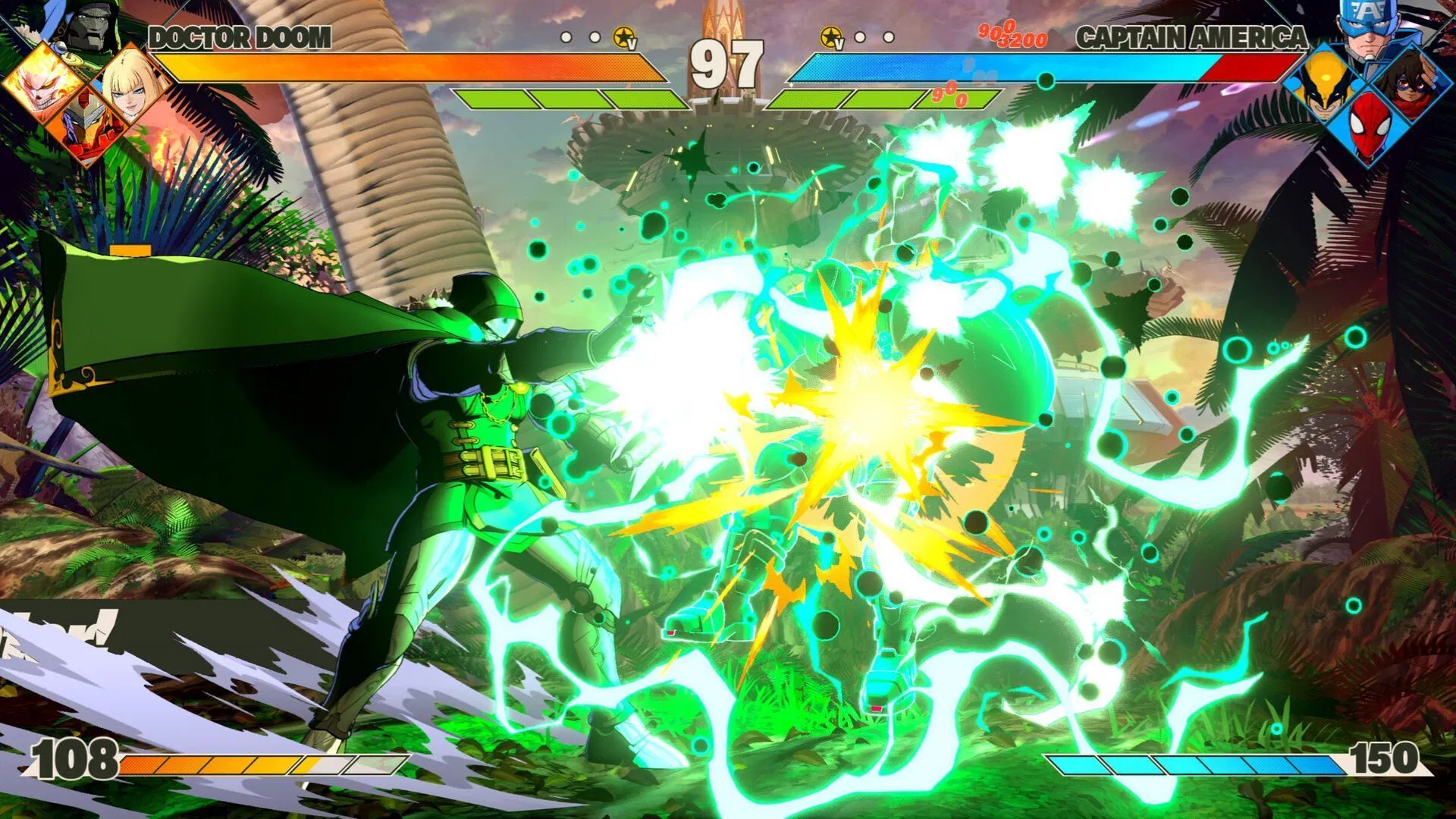
Some players report that Casual or Ranked matchmaking keeps searching without finding an opponent, while Open Lobby still works normally.
If Marvel Tokon matchmaking is taking forever, try:
- Canceling the search and queuing again.
- Switching between Casual and Ranked Match.
- Checking your matchmaking region or settings.
- Entering an Open Lobby to test online play.
If Open Lobby works but Ranked or Casual keeps searching, the issue is more likely related to matchmaking rather than a complete server outage. If you also experience high ping, unstable connections, or repeated connection errors, optimize your network connection before queuing again.
Part 3: Troubleshooting Marvel Tokon Matchmaking Not Working and Server Outages
When Marvel Tokon matchmaking not working becomes a widespread issue, the culprit is almost always server-side maintenance or a full-scale outage. Since the game requires a persistent connection to both the game servers and the PlayStation Network, you must check the status of both services. Developers often take the matchmaking servers offline to implement hotfixes for the game's notorious stuttering and optimization issues, which can sometimes result in several hours of downtime.
To diagnose this, check official social media channels and community-driven status trackers. If you see a spike in reports on Downdetector or similar platforms, the problem is not on your end. However, if your friends are playing while you are stuck, try clearing your DNS cache. Open the command prompt as an administrator and type ipconfig /flushdns. This simple step can resolve routing issues that prevent your PC from reaching the specific matchmaking nodes used by Arc System Works.
Part 4: Marvel Tokon Fighting Souls Can't Find Opponent: Regional and Netcode Issues
A common complaint among the competitive community is that Marvel Tokon Fighting Souls can't find opponents even when the player count is high. This paradox is often tied to the game's netcode implementation. While the game features flashy special moves and detailed character models, its underlying network architecture has faced criticism for poor optimization. If the system detects a slight instability in your connection, it may "shadow-ban" you from the matchmaking pool to prevent you from ruining the experience for other players in a 4v4 environment.
This is where understanding "rollback" and "delay-based" netcode becomes crucial. Marvel Tokon attempts to balance these systems, but a high jitter rate or packet loss will cause the matchmaking coordinator to reject your requests. To improve your visibility to the system, ensure that your NAT type is set to "Open." You may need to perform port forwarding on your router, specifically for the ports used by the Riot/Sony authentication services and the game itself. A stable, low-jitter connection is your best ticket to finding opponents consistently.
Part 5: Solving Failed to Join Match Marvel Tokon Fighting Souls and Disconnects
The failed to join match Marvel Tokon Fighting Souls error usually occurs at the very end of the matchmaking process, just as the game is supposed to transition into the character select screen. This is often caused by a mismatch in game versions or a failure in the cross-play handshake. If you are on PC and trying to match with PlayStation 5 players, any discrepancy in the latest minor hotfix will cause the session to collapse instantly.
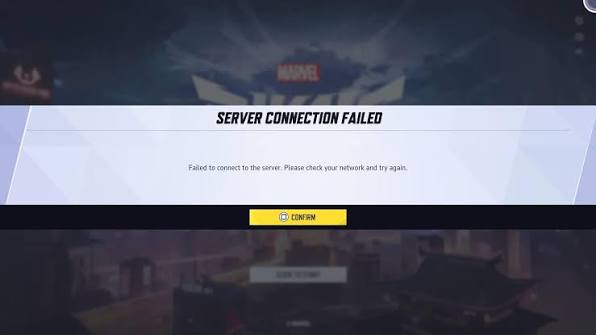
To mitigate these disconnects, verify the integrity of your game files through Steam or the Epic Games Launcher. Corrupted assets can lead to a failure in the pre-match check, resulting in a kick back to the lobby. Furthermore, high CPU utilization on PC—sometimes reaching upwards of 70%—can cause the game to lag during the critical loading phase of a match. Closing background applications like heavy web browsers or unnecessary overlays can free up the resources needed for a successful connection handshake.
Tip: For more MARVEL Tōkon: Fighting Souls common errors, you can find solutions here.
Part 6: Improve Marvel Tokon Matchmaking Connection with LagoFast
If your matchmaking problems are accompanied by high ping, packet loss, connection errors, or disconnects, the issue may be related to your network route rather than matchmaking alone. LagoFast optimizes the connection between your PC and Marvel Tokon servers by selecting a more stable network route. It can help reduce latency, packet loss, and connection instability during matchmaking and online battles.
Steps to use LagoFast Game Booster for Marvel Tokon: Fighting Souls
Step 1. Click the Free Trial button to download and install LagoFast Free Trial.
Step 2. Open LagoFast and use the search bar to find "Marvel Tokon: Fighting Souls."
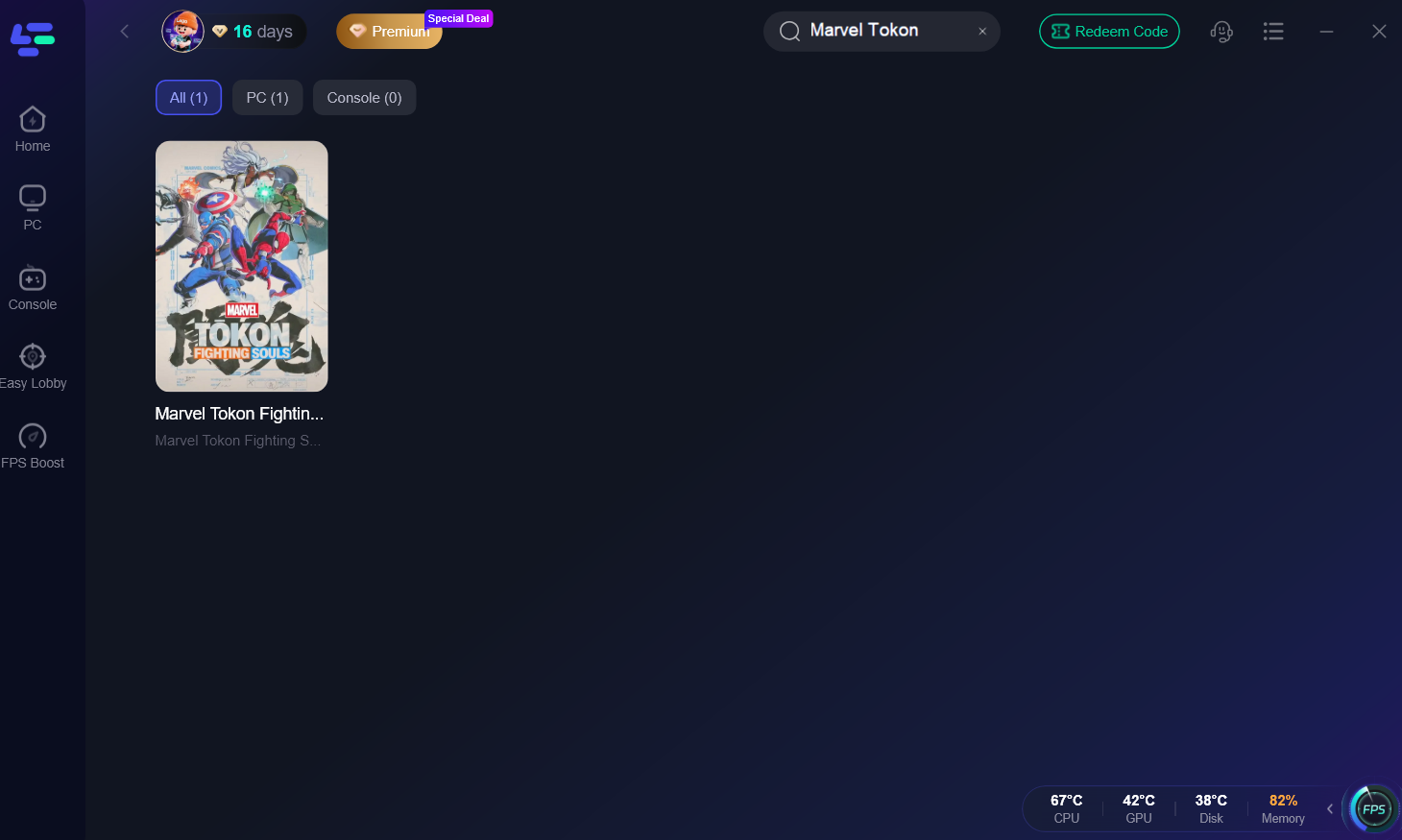
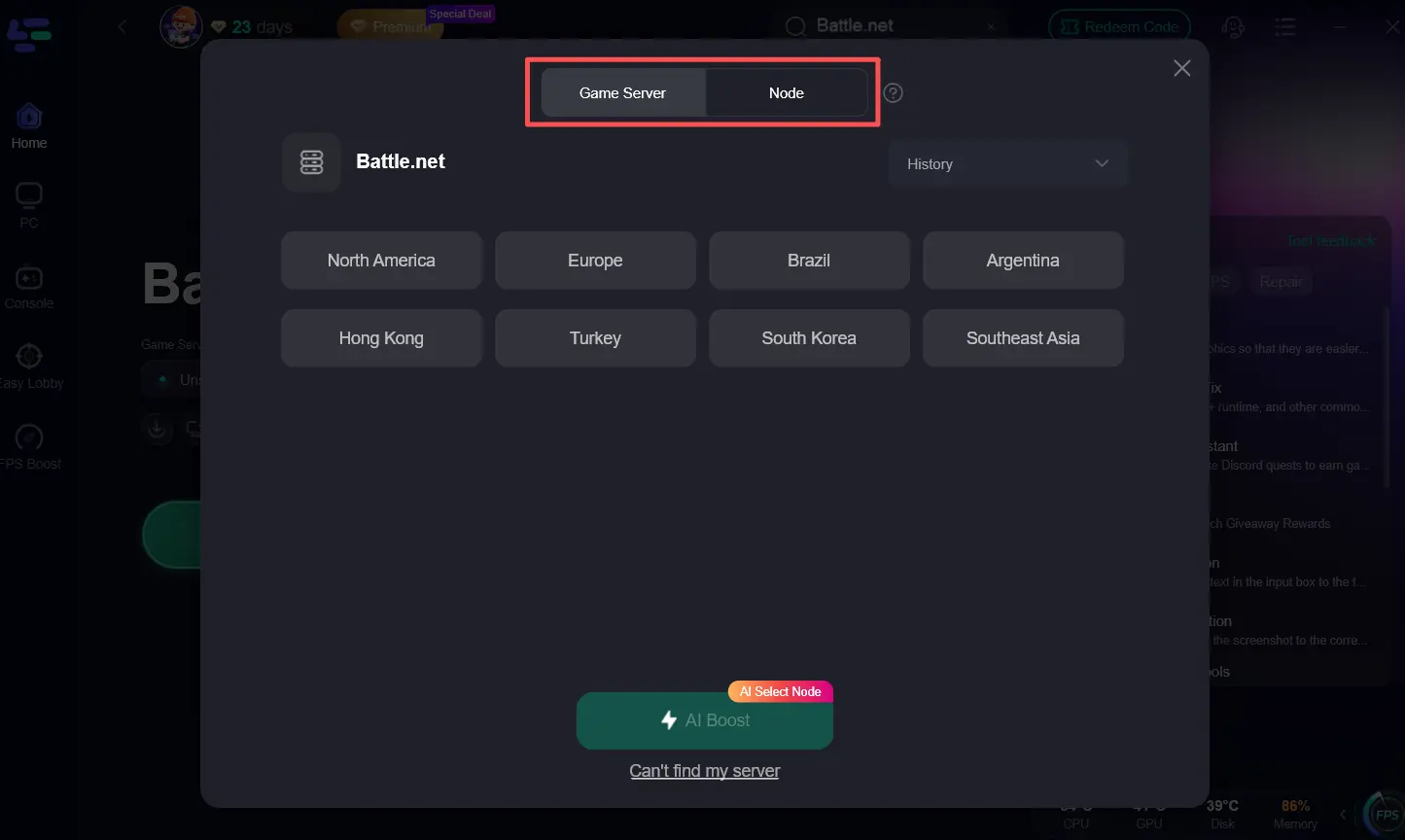
Step 3. Choose the server region you wish to play in and select the node with the lowest latency. Click the "AI Boost" button. LagoFast will automatically optimize your network settings and establish a dedicated path to the game servers.
Step 4. With the boost active, launch Marvel Tokon and enter the matchmaking queue. You will notice significantly faster match discovery and a more stable in-game experience.
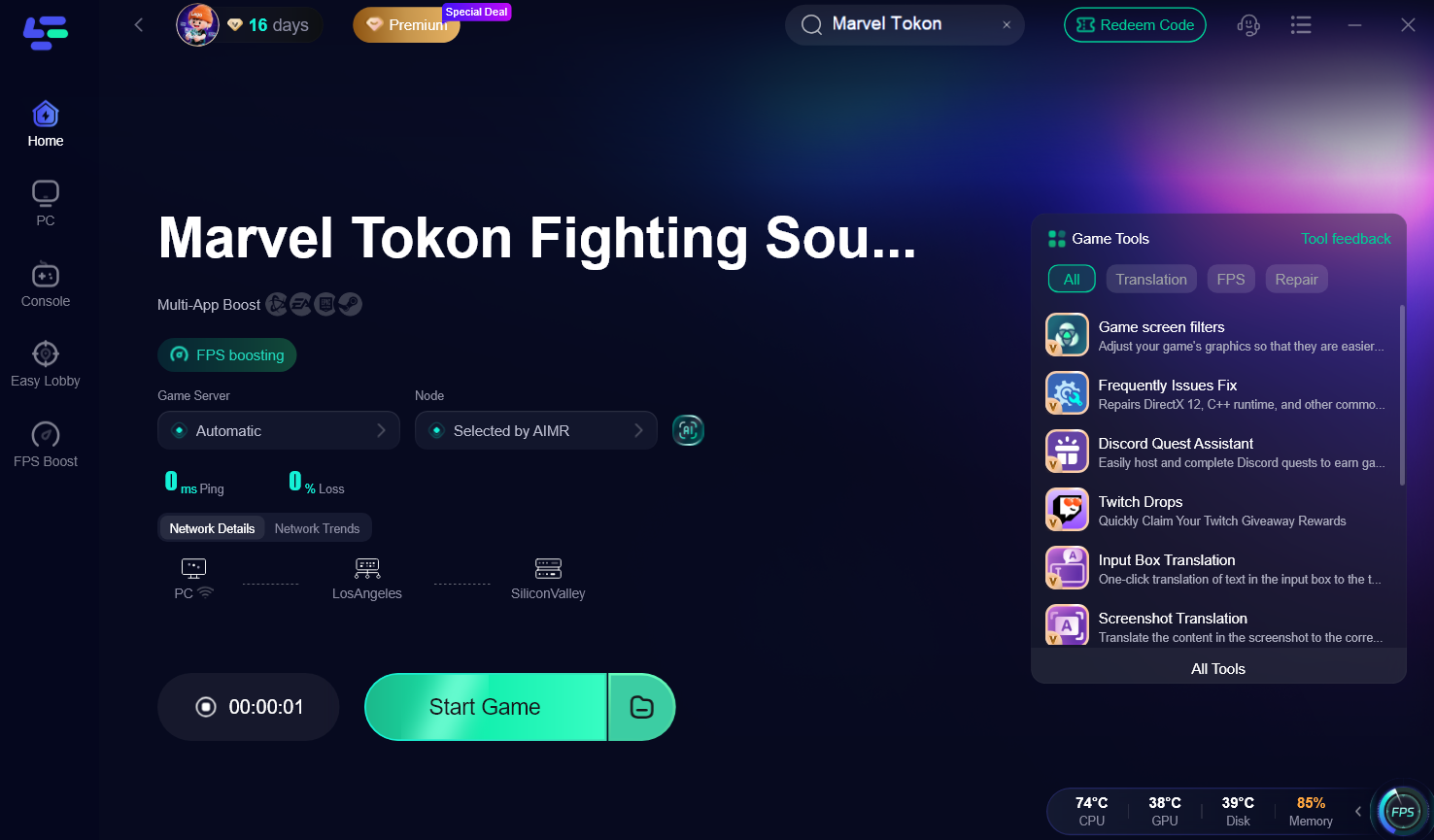
LagoFast can help when poor routing or network instability contributes to matchmaking connection problems, but it cannot fix server outages or guarantee that an opponent will be available in your matchmaking pool.
Part 7: Marvel Tokon Fighting Souls Matchmaking FAQs
1. Why does Marvel Tokon matchmaking take so long on PC?
Matchmaking wait times are often extended due to regional locks and the game's requirement for a stable cross-play handshake. If your connection has high jitter, the system may struggle to find a compatible match.
2. How do I fix the "failed to join match" error in Fighting Souls?
This error is usually solved by restarting your game to refresh your session token. Also, ensure your game files are verified and that you are running the latest version to avoid cross-play mismatches.
3. Does Marvel Tokon: Fighting Souls require a PSN account for PC players?
Yes, a mandatory PlayStation Network account is required for all platforms to handle cross-play and matchmaking services. A failure to log in to PSN will result in matchmaking not working.
4. Can I play Marvel Tokon if the servers are under maintenance?
No, the game requires a persistent online connection for its core modes. During maintenance, matchmaking and online battles will be completely unavailable.
5. What is the best way to reduce lag in 4v4 matches?
Using a wired Ethernet connection and a specialized tool like LagoFast Game Booster is the most effective way to eliminate lag, reduce ping, and ensure a stable connection during intense tag-team battles.
Key Takeaway
Mastering the Marvel Tokon matchmaking failed fix involves a combination of local network optimization and understanding server-side limitations. By keeping your game updated, ensuring a stable PSN link, and utilizing LagoFast Game Booster to overcome regional and routing hurdles, you can spend less time in the lobby and more time dominating the arena. Remember to keep your PC resources free and your connection wired for the best possible 4v4 experience.
Boost Your Game with LagoFast for Epic Speed
Play harder, faster. LagoFast game booster eliminates stutter and lags on PC, mobile, or Mac—win every match!
Quickly Reduce Game Lag and Ping!
Boost FPS for Smoother Gameplay!