
Subnautica 2 is a survival exploration game set in a vast underwater world filled with different biomes, wrecks, and hidden resources. You start with little direction, so figuring out where to go and what to collect is part of the experience. The issue is that most locations and resources are tied to depth and environmental changes, which makes early progression easy to slow down. This guide breaks it down so you know exactly where to look and how to progress faster.

- ✅ Reduce Lag and High Ping.
✅ Boost FPS at the Same Time.
✅ Support 2000+ Popular Online Games.
✅ Change Server without Latency.
✅ Boost Game Loading Speed. - ✅ Fix Game Stuttering Issues
Part 1: What You’re Actually Looking For in Subnautica 2
Part 2: Why You Can’t Find Locations and Resources in Subnautica 2
Part 3: Where to Find All Locations and Resources in Subnautica 2
Part 4: How to Find Locations and Resources Faster Without Getting Lost
Part 5: How to Use LagoFast to Improve Exploration Efficiency in Subnautica 2
Part 1: What You’re Actually Looking For in Subnautica 2
What you’re actually looking for in Subnautica 2 isn’t just scattered resources—it’s understanding how locations connect to progression. Most confusion early on comes from how materials are spread across different biomes and depth layers without clear guidance on what each area is for. Once you understand that structure, exploration becomes much more intentional.
In practice, this usually comes down to a few key things:
- Recognizing biome progression instead of staying in one area
- Understanding depth tiers and what they unlock
- Linking locations to upgrades instead of individual items
- Using scans to reveal fragments and paths
Once you start thinking in terms of locations instead of individual items, resource gathering becomes more consistent.
Part 2: Why You Can’t Find Locations and Resources in Subnautica 2
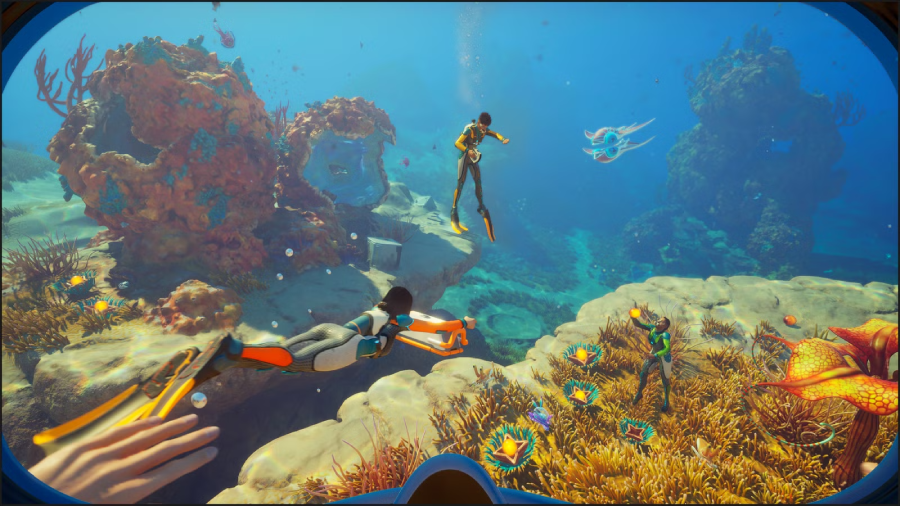
Most players don’t struggle because the game is unfair—they struggle because Subnautica 2 doesn’t clearly explain its world structure. Many players on Reddit also mention getting stuck early on, often saying things like, "Why is it so hard to find materials?” or feeling stuck around the second stage of progression.
- Limited navigation or guidance: There are no clear markers pointing you toward the next key location, so progress depends heavily on exploration and awareness.
- Most progression is tied to depth and environmental changes: shallow areas provide basic materials, mid-depth zones introduce upgrades, and deeper regions contain rare resources. If you’re not moving between layers, progress will feel slow.
- Important clues are easy to miss: Wrecks, terrain shifts, and lighting changes often hint at nearby resources or new paths, but many players swim past them without noticing.
Part 3: Where to Find All Locations and Resources in Subnautica 2
Shallow biomes for early survival
This is where you start, mainly gathering basic materials, food sources, and early fragments. It’s useful for setup, but you’ll quickly move on once you unlock core tools.
Mid-depth zones for upgrades and fragments
This is where progression opens up. You’ll find vehicle parts, upgrade materials, and blueprint fragments that unlock new exploration paths. Most players spend a lot of time here because it bridges early and deep game stages.
Deep areas for advanced resources
These zones are more dangerous, but they contain higher-tier materials and late-game resources. They usually require better preparation and equipment to access safely.
Part 4: How to Find Locations and Resources Faster Without Getting Lost
- Scan first: Start by scanning anything unfamiliar. It helps you unlock fragments and understand what’s worth exploring nearby.
- Watch for biome changes: Don’t swim in straight lines for too long. Pay attention to environmental shifts like caves, deeper water, or lighting changes—these often lead to new locations and resources.
- Mark important spots: When you find useful resources or key locations, place a marker so you can return later. This helps you avoid losing track in larger areas.
Part 5: How to Use LagoFast to Improve Exploration Efficiency in Subnautica 2
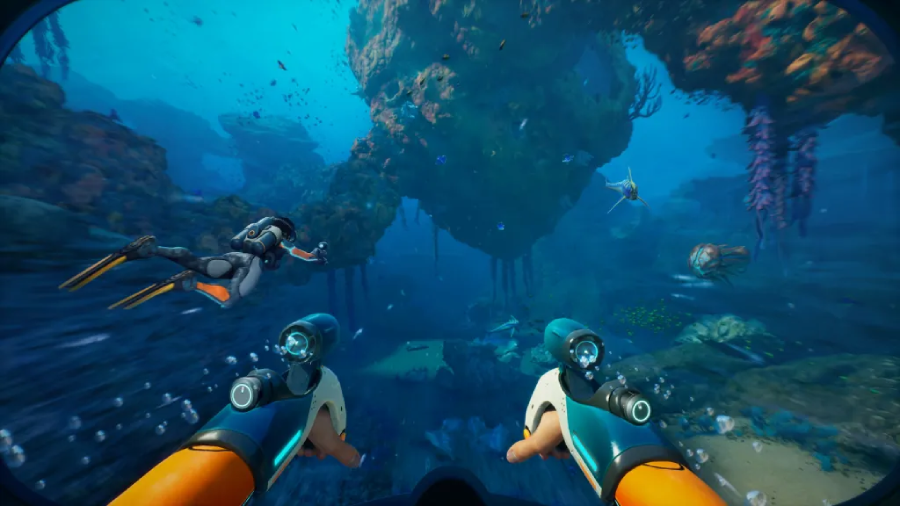
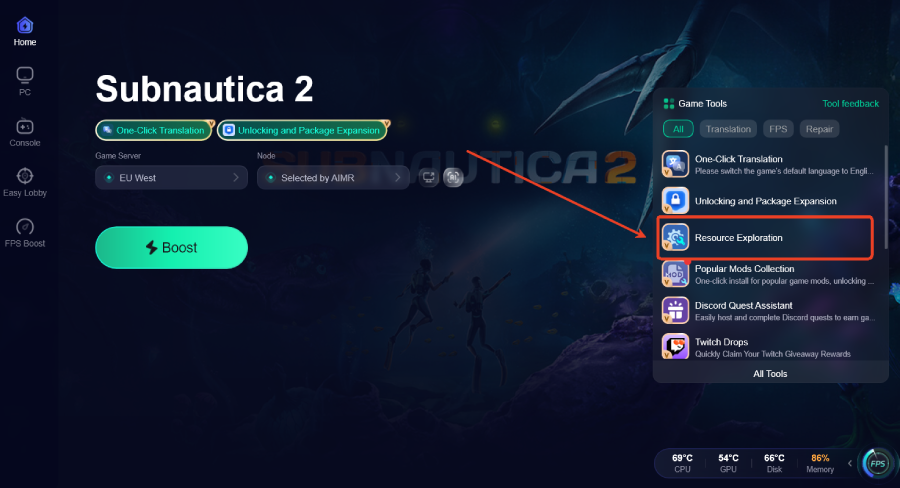
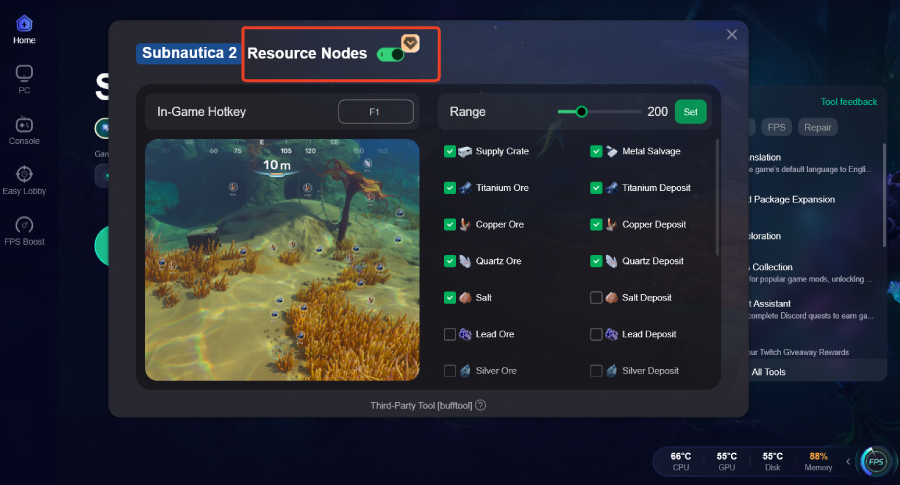
If you find yourself constantly getting lost or spending too much time searching for locations and resources in Subnautica 2, LagoFast can make the process easier. It includes a Resource Exploration feature that lets you view key in-game resource points during gameplay. You can select multiple resource types and adjust the display range to quickly locate important locations and materials without blind exploration.
LagoFast also helps stabilize your gameplay by optimizing routing, which reduces stuttering, lag, and connection issues such as packet loss. In addition, it includes a built-in Unlocking and Package Expansion Tool as well as a One-Click Translation tool, giving players a smoother overall experience in Subnautica 2.
How to Use LagoFast Resource Exploration tool
Step 1: Click the Free Trial button to download and install LagoFast.
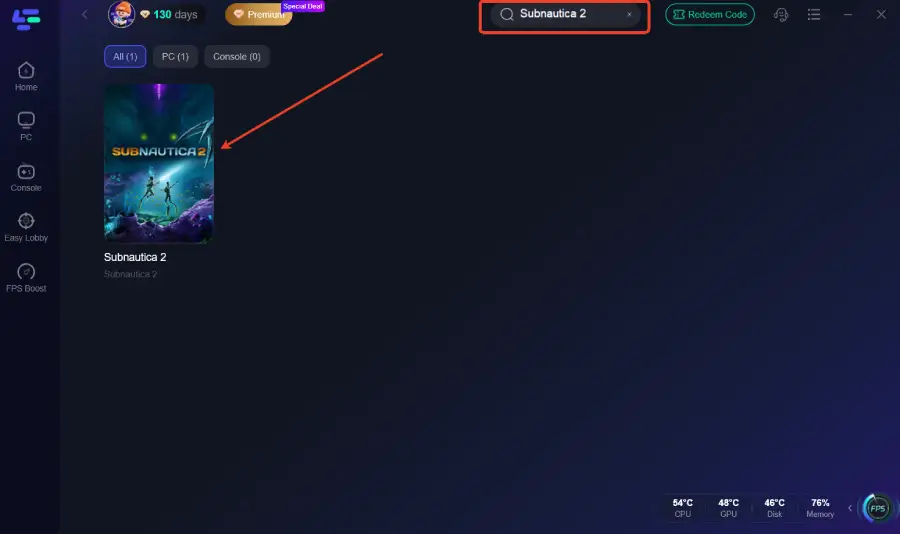
Step 2: After installation, search "Subnautica 2" in the search bar and select the game.
Step 3: Click the Resource Exploration Tool on the right.
Step 4: Click "Resource Nodes" to view basic in-game resource locations.
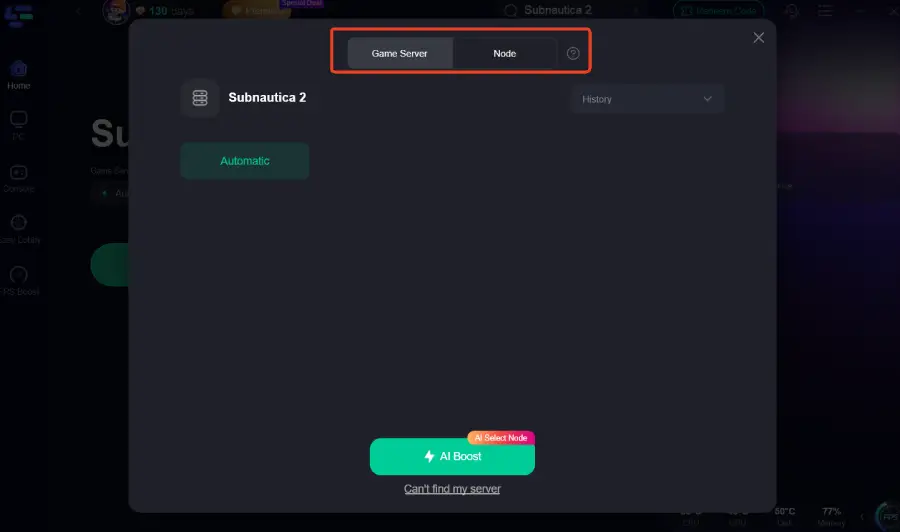
Step 5: Choose your preferred server node and click "Smart Boost" to start optimizing.
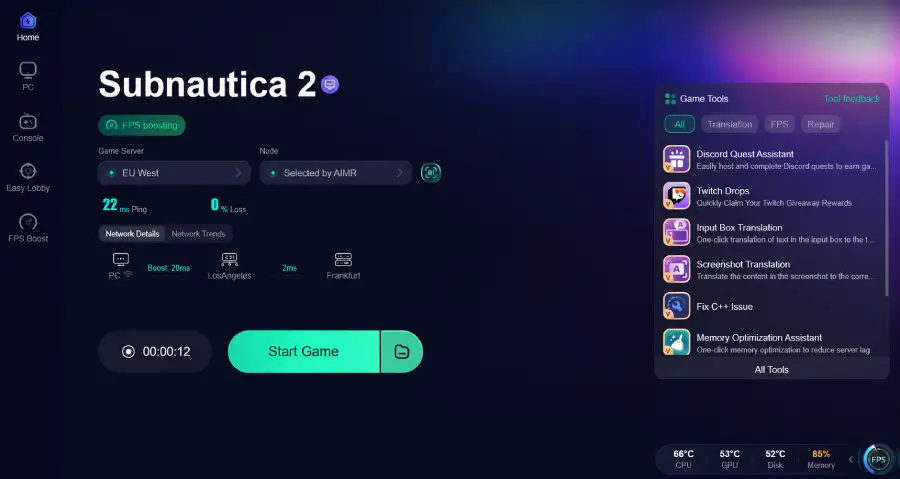
Step 6: Launch your game and enjoy smooth, optimized gameplay with lower ping and packet loss.
Conclusion
Finding locations and resources in Subnautica 2 becomes easier once you understand how progression is tied to biomes, depth, and scanning. Instead of exploring randomly, focus on moving through layers and reading environmental clues. With the right approach—and tools like LagoFast—you can spend less time getting lost and more time progressing.

Boost Your Game with LagoFast for Epic Speed
Play harder, faster. LagoFast game booster eliminates stutter and lags on PC, mobile, or Mac—win every match!
Quickly Reduce Game Lag and Ping!
Boost FPS for Smoother Gameplay!