
If Subnautica 2 feels like you’re always finding useful items but running out of space before you can actually use them, that’s pretty normal early on. The game is built around slow progression, where blueprint unlocking and limited inventory naturally push you to slow down and plan your exploration better. The difference between getting stuck and progressing smoothly usually comes down to understanding how these systems work—and how to use them more efficiently. In this guide, we’ll break down exactly how blueprints and inventory expansion work, and what you can do to move forward faster without wasting time on trial and error.

- ✅ Reduce Lag and High Ping.
✅ Boost FPS at the Same Time.
✅ Support 2000+ Popular Online Games.
✅ Change Server without Latency.
✅ Boost Game Loading Speed. - ✅ Fix Game Stuttering Issues
Part 1: Core Progression in Subnautica 2: Blueprints & Inventory Systems
Part 2: How Blueprint Unlocking Works and How to Speed It Up
Part 3: Essential Blueprints You Should Prioritize Early
Part 4: How Inventory Expansion Works and How to Increase Space Efficiently
Part 5: Common Mistakes That Slow Down Your Progress
Part 6: How LagoFast Improves Blueprint Unlocking and Inventory Expansion
Part 1: Core Progression in Subnautica 2: Blueprints & Inventory Systems
Subnautica 2 progression really comes down to two core systems:
- Blueprints determine what you can craft and upgrade
- Inventory space determines how long you can keep exploring before heading back
If either one is underdeveloped, progress slows down immediately. You end up in a loop where you find useful materials, but are forced to return early before turning them into meaningful upgrades.
That’s why early game often feels like a grind. Most players run into the same problems:
- Exploring without a clear priority
- Scanning fragments randomly instead of targeting key upgrades
- Picking up too many low-value resources too early
Part 2: How Blueprint Unlocking Works and How to Speed It Up
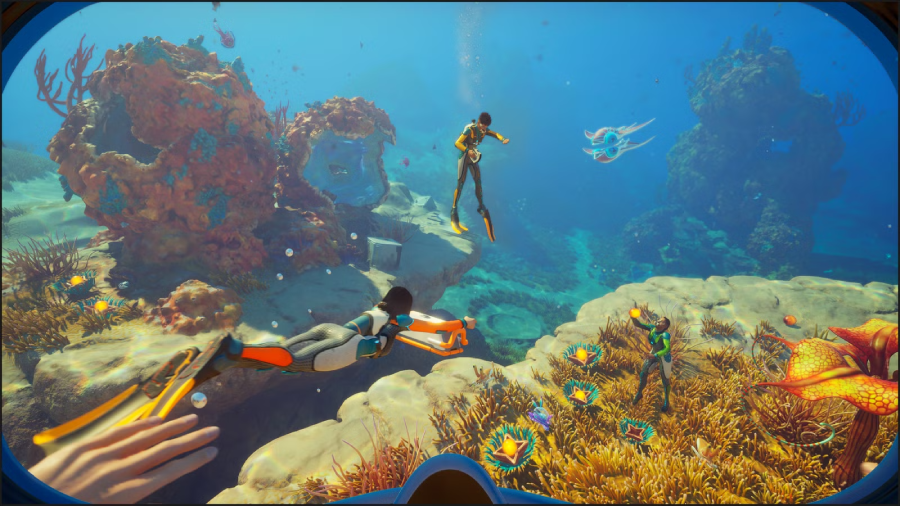
Blueprints in Subnautica 2 are unlocked through exploration in three main ways:
- Scanning fragments found in wrecks and biome areas
- Opening databoxes that contain full blueprint unlocks
- Exploring specific locations tied to progression or upgrades
Among these, fragment scanning is the core system. Most of your progression will come from collecting multiple fragments of the same blueprint across different locations.
Databoxes and exploration rewards can also unlock full blueprints when found, giving occasional fast progress. But most of your progress will still come from fragments.
To progress faster overall:
- Stick to one biome until most available fragments are collected
- Prioritize upgrades that improve survival, mobility, or scanning efficiency
- Avoid jumping between areas too early, which spreads progress too thin
Blueprint progression in Subnautica 2 isn’t random—it mainly depends on how structured your exploration is.
Part 3: Essential Blueprints You Should Prioritize Early
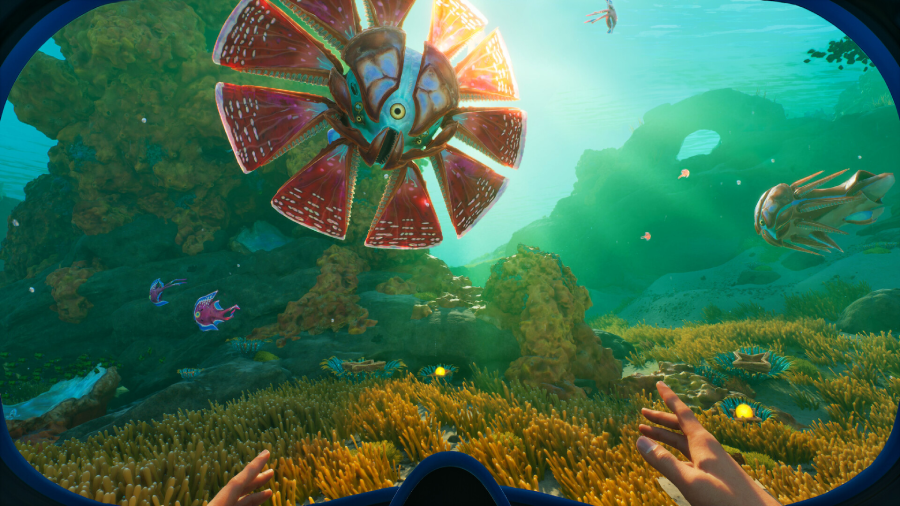
In the early game, a few key blueprints will noticeably speed up your progress:
- Flashlight – Improves visibility in dark caves, wrecks, and deep underwater areas, helping you avoid hazards and spot resources more easily.
- Habitat Builder – One of the most important early-game tools. It allows you to construct bases, place storage, and unlock long-term crafting and survival efficiency.
- Scanner – Essential for progression. It lets you analyze fragments, creatures, and technology to unlock new blueprints faster and reduce random exploration.
- Fabricator – The core crafting system used to create tools, equipment, and survival items from collected resources. It is the foundation of all progression.
- Scanner Room (Optional but powerful)—A base module that helps you detect nearby resources and fragments, making exploration more efficient and reducing unnecessary travel.
These early unlocks reduce backtracking and let you focus more on exploration and progression instead of basic survival management.
Part 4: How Inventory Expansion Works and How to Increase Space Efficiently
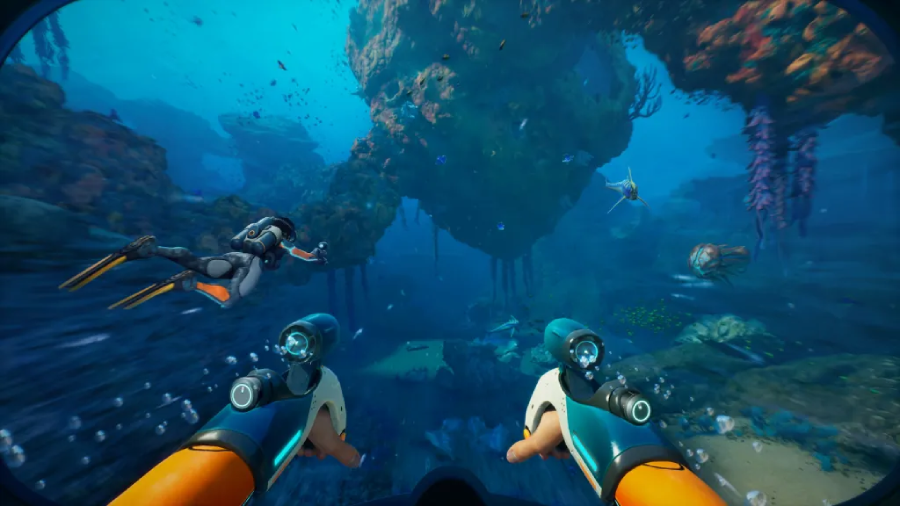
Inventory expansion in Subnautica 2 is tied to exploration and specific upgrade locations. You don’t increase space freely—you unlock it through progression and discovery.
You can increase inventory space by interacting with upgrade terminals found in outposts, abandoned facilities, or exploration sites.
These upgrades are usually hinted through environmental clues:
- Exploration markers often indicate nearby points of interest
- Some outposts contain useful tools, resources, or upgrade stations
- Certain mission objectives may also lead you to inventory upgrade locations
Part 5: Common Mistakes That Slow Down Your Progress
If progress in Subnautica 2 feels slow, it’s usually not the game—it’s a few small habits that add up over time.
- Over-looting low-value resources: Picking up everything might feel efficient, but it quickly fills your inventory with items you don’t actually need yet.
- Scanning without a clear route: Wandering and scanning randomly often leads to incomplete blueprint sets and a lot of wasted travel time.
- Ignoring early essential upgrades: Delaying key tools and survival upgrades slows everything down, especially exploration depth and efficiency.
- Poor inventory and base management: Not using early storage properly forces constant backtracking, which breaks your progression flow.
In most cases, slow progress comes from scattered exploration and inefficient resource habits—not lack of content or difficulty.
Part 6: How LagoFast Improves Blueprint Unlocking and Inventory Expansion
If you want to speed up blueprint progression and stop constantly running out of inventory space, LagoFast’s Unlocking and Package Expansion Tool is designed to support exactly that.
It helps players progress faster in two key areas: unlocking blueprints more efficiently and managing inventory expansion more smoothly during exploration.
This tool also includes:
- Fast teleport support to reduce backtracking and improve exploration efficiency
- Health bar visibility for better survival awareness during exploration
- Quick access hotbar optimization for smoother tool switching in critical moments
In addition, LagoFast also helps improve overall gameplay stability:
- Reduces ping and network delay for smoother sessions
- Fixes packet loss issues that can interrupt exploration
- Optimizes routing to reduce lag and in-game stuttering
It also includes additional quality-of-life features like a translation tool, helping players better understand in-game text and systems.
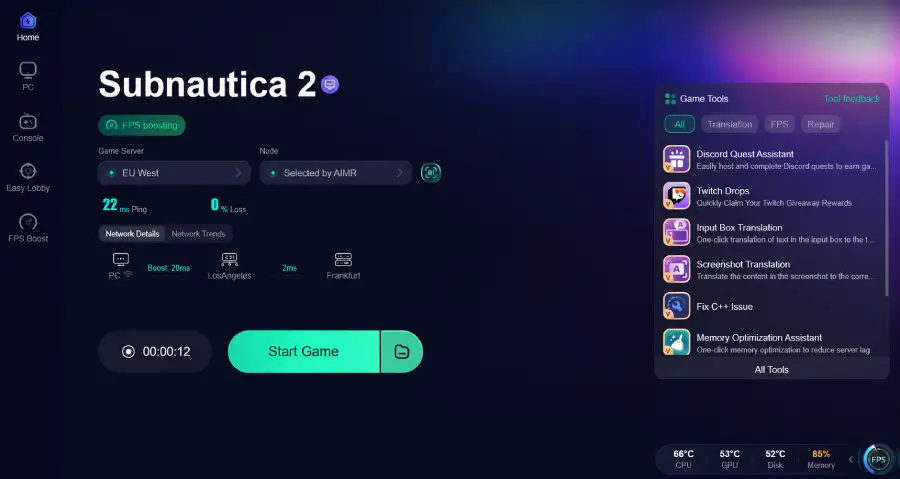
How to Use LagoFast Unlocking and Package Expansion tool
Step 1: Click the Free Trial button to download and install LagoFast.
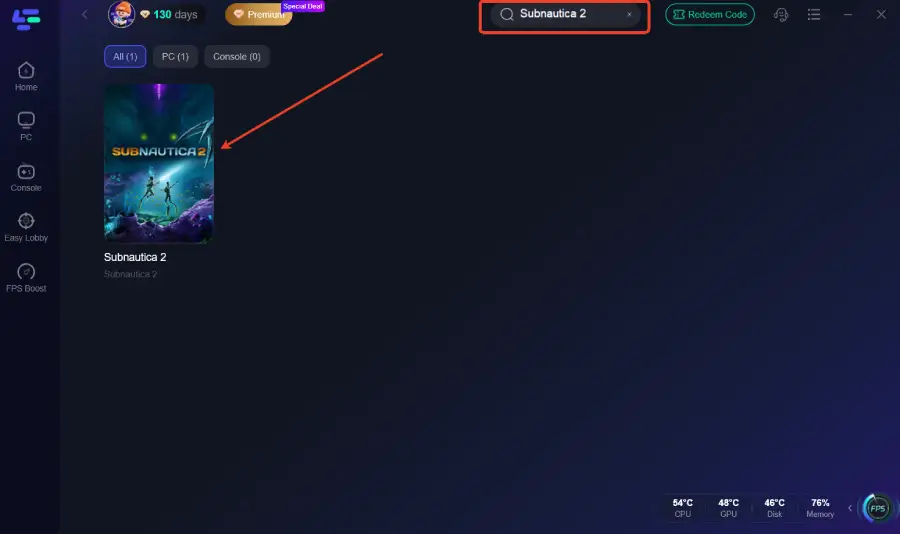
Step 2: After installation, search "Subnautica 2" in the search bar and select the game.
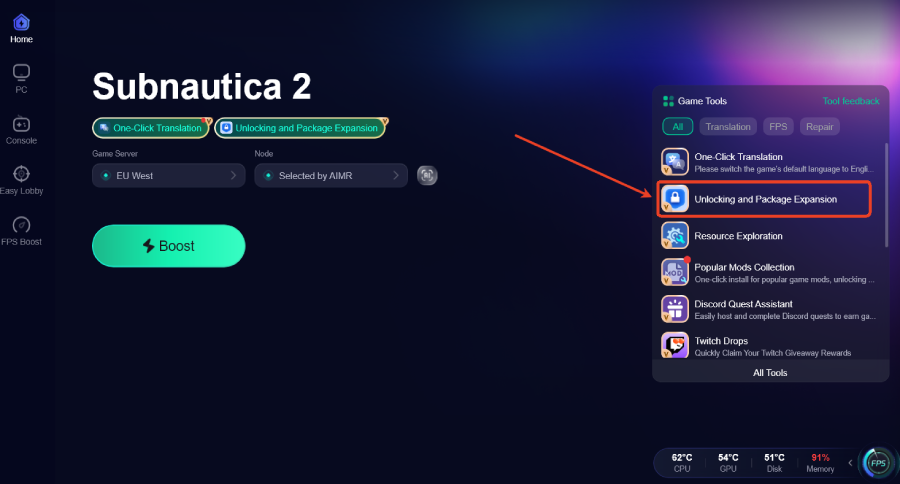
Step 3: Click the Unlocking and Package Expansion Tool on the right.
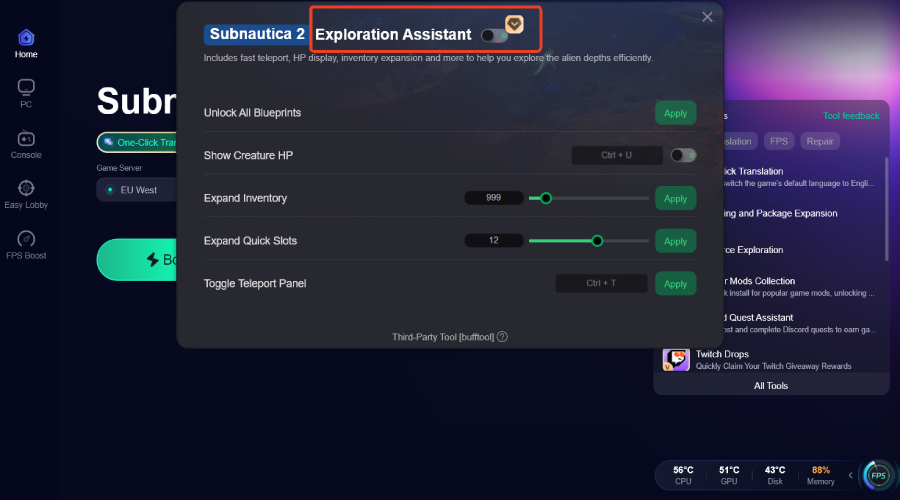
Step 4: Click "Exploration Assistant" and select "Unlock Blueprints or Expand Inventory" to optimize your progression settings.
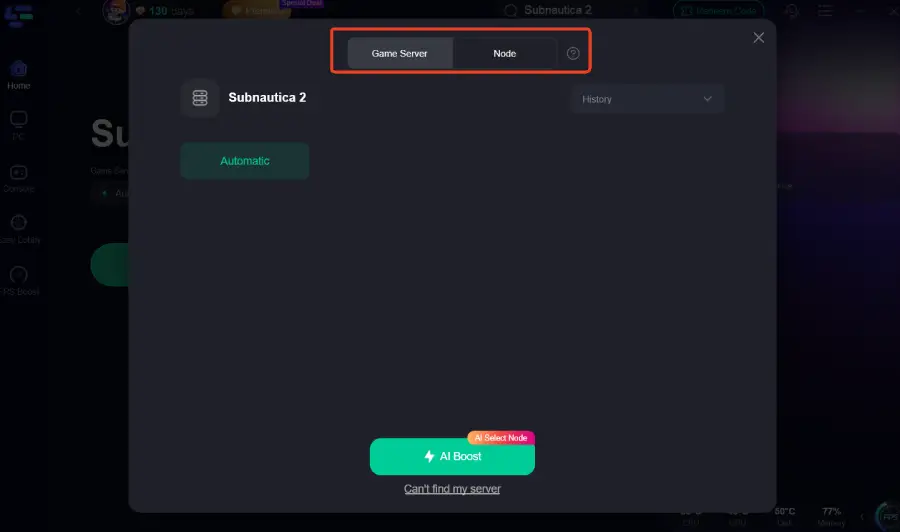
Step 5: Choose your preferred server node and click "Smart Boost" to start optimizing.
Step 6: Launch your game and enjoy smooth, optimized gameplay with lower ping and packet loss.
Conclusion
Once you understand how blueprints and inventory systems work, progression in Subnautica 2 becomes much smoother. Focused exploration, priority upgrades, and better resource management help avoid early-game slowdown. With structured play—and tools like LagoFast for stability—you can progress faster and spend more time actually exploring instead of repeating the same loops.

Boost Your Game with LagoFast for Epic Speed
Play harder, faster. LagoFast game booster eliminates stutter and lags on PC, mobile, or Mac—win every match!
Quickly Reduce Game Lag and Ping!
Boost FPS for Smoother Gameplay!