
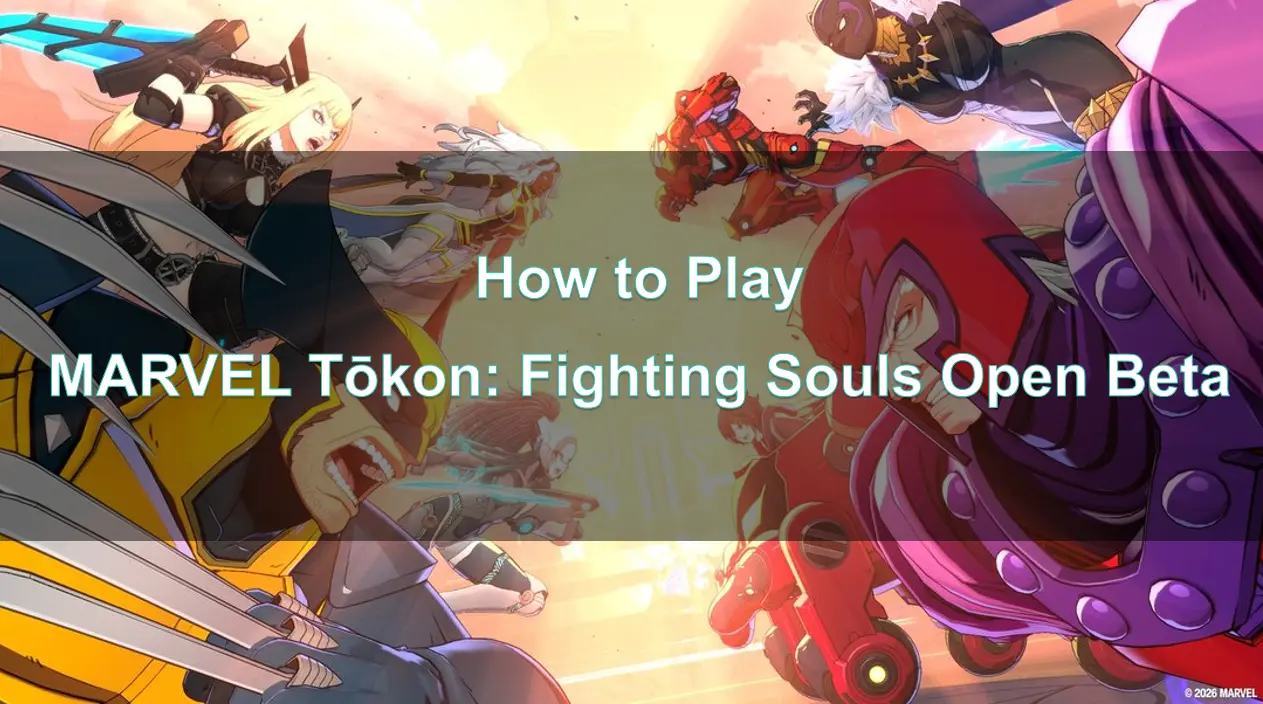
Quick Answer: How to Join the Open Beta?
To play the MARVEL Tōkon: Fighting Souls Open Beta, you do not need an invitation or a special code. Simply open the PlayStation Store on your PS5, or Steam/Epic Games Store on your PC, and search for "MARVEL Tōkon: Fighting Souls Open Beta." Download the beta client, which becomes available for pre-download two hours before the servers go live. Once the beta starts on July 24, 2026, launch the game, sign in with your PlayStation Network (PSN) account (required for all platforms), and start fighting.
Part 1: Quick Answer: How to Join the Open Beta?
Part 2: MARVEL Tōkon: Fighting Souls Open Beta Start Time & End Time
Part 3: Marvel Tōkon Beta Preload Details
Part 4: How to Play MARVEL Tōkon: Fighting Souls on PlayStation 5
Part 5: How to Join MARVEL Tōkon on PC (Steam & Epic)
Part 6: Common MARVEL Tōkon: Fighting Souls Open Beta Issues
Part 7: How to Enhance Your Game Experience with LagoFast Game Booster
Part 8: Frequently Asked Questions
MARVEL Tōkon: Fighting Souls Open Beta Start Time & End Time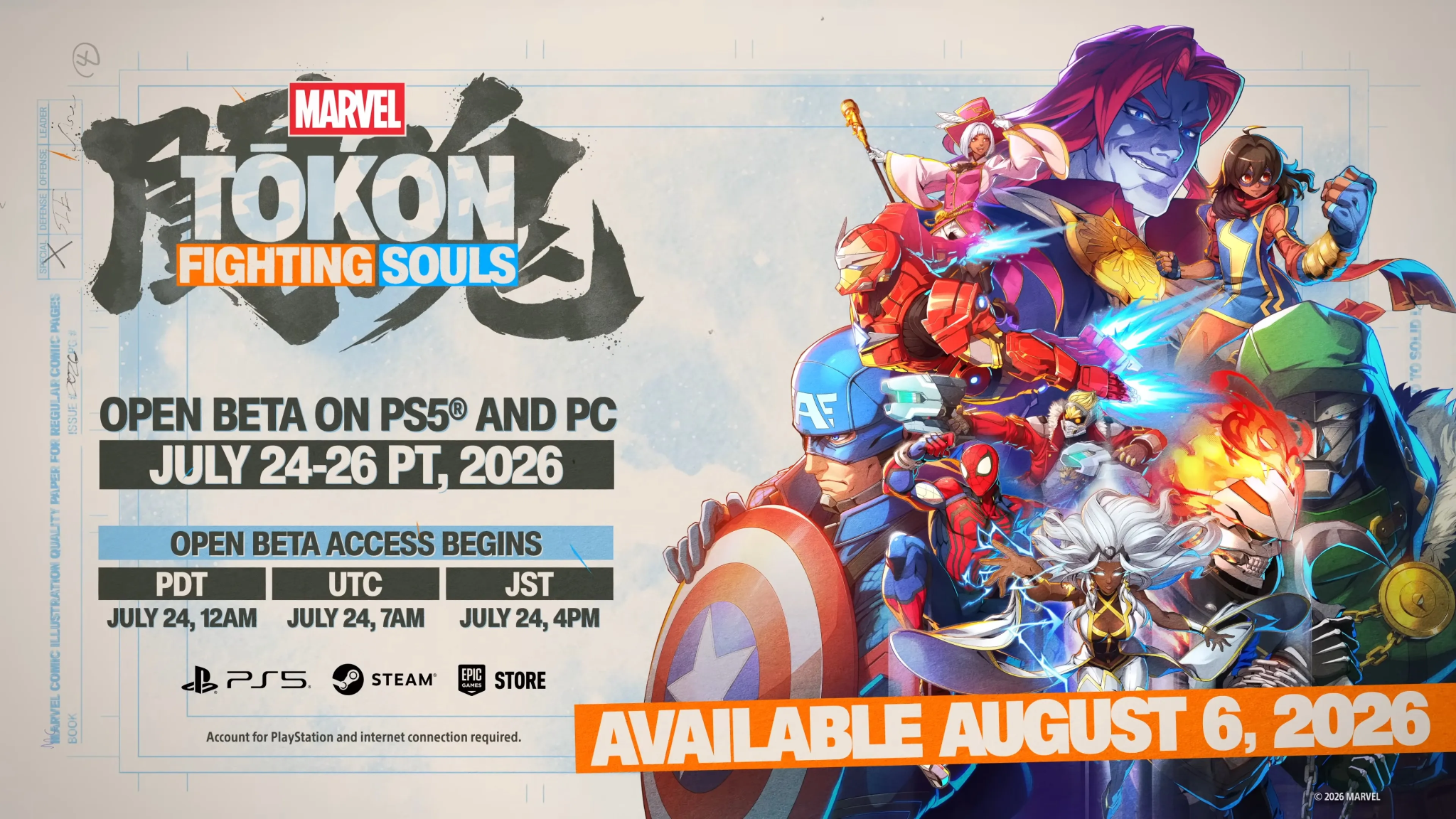
The Open Beta for MARVEL Tōkon: Fighting Souls is a limited-time event, running for exactly 72 hours. This crucial testing phase allows developers at Arc System Works to stress-test servers and gather player feedback before the official launch on August 6, 2026.
Here is the official schedule for the Open Beta across different time zones:
Start Time:
- North America (PT): July 24 at 12:00 AM
- North America (ET): July 24 at 3:00 AM
- UK (BST): July 24 at 8:00 AM
- Europe (CEST): July 24 at 9:00 AM
- Japan (JST): July 24 at 4:00 PM
End Time:
- North America (PT): July 26 at 11:59 PM
- North America (ET): July 27 at 2:59 AM
- UK (BST): July 27 at 7:59 AM
- Europe (CEST): July 27 at 8:59 AM
- Japan (JST): July 27 at 3:59 PM
Mark your calendars and ensure your schedule is clear to maximize your time with the 15 playable characters, including the newly introduced Blade.
Marvel Tōkon Beta Preload Details
To ensure you can jump into the action the second the servers go live, Sony and Arc System Works are offering a preload window. You can begin downloading the MARVEL Tōkon: Fighting Souls Open Beta client two hours before the official start time.
This means if you are on Pacific Time, you can start your download at 10:00 PM on July 23. Preloading is highly recommended, especially for PC players who might experience slower download speeds during peak traffic times when the beta officially opens. Having the game installed and ready to go will save you precious hours of the 72-hour window.
How to Play MARVEL Tōkon: Fighting Souls on PlayStation 5
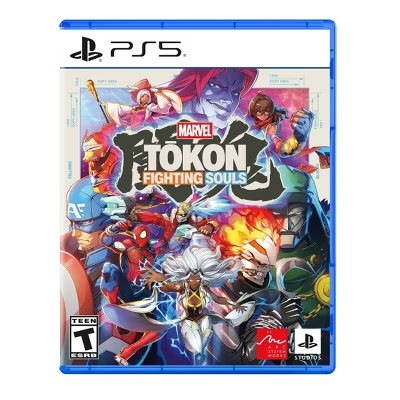
Joining the Open Beta on the PlayStation 5 is a straightforward process. Unlike previous closed tests, this phase is open to everyone, and a PlayStation Plus subscription is not required to participate in online matches during the beta period.
Follow these steps to get started on PS5:
Step 1. Turn on your PS5 and ensure you are logged into your primary PlayStation Network (PSN) account.
Step 2. Navigate to the PlayStation Store from the home screen.
Step 3. Use the search function and type in "MARVEL Tōkon: Fighting Souls Open Beta."
Step 4. Select the beta client from the search results and click Download.
Step 5. Once the download is complete and the beta start time has arrived, launch the game from your dashboard.
How to Join MARVEL Tōkon on PC (Steam & Epic)
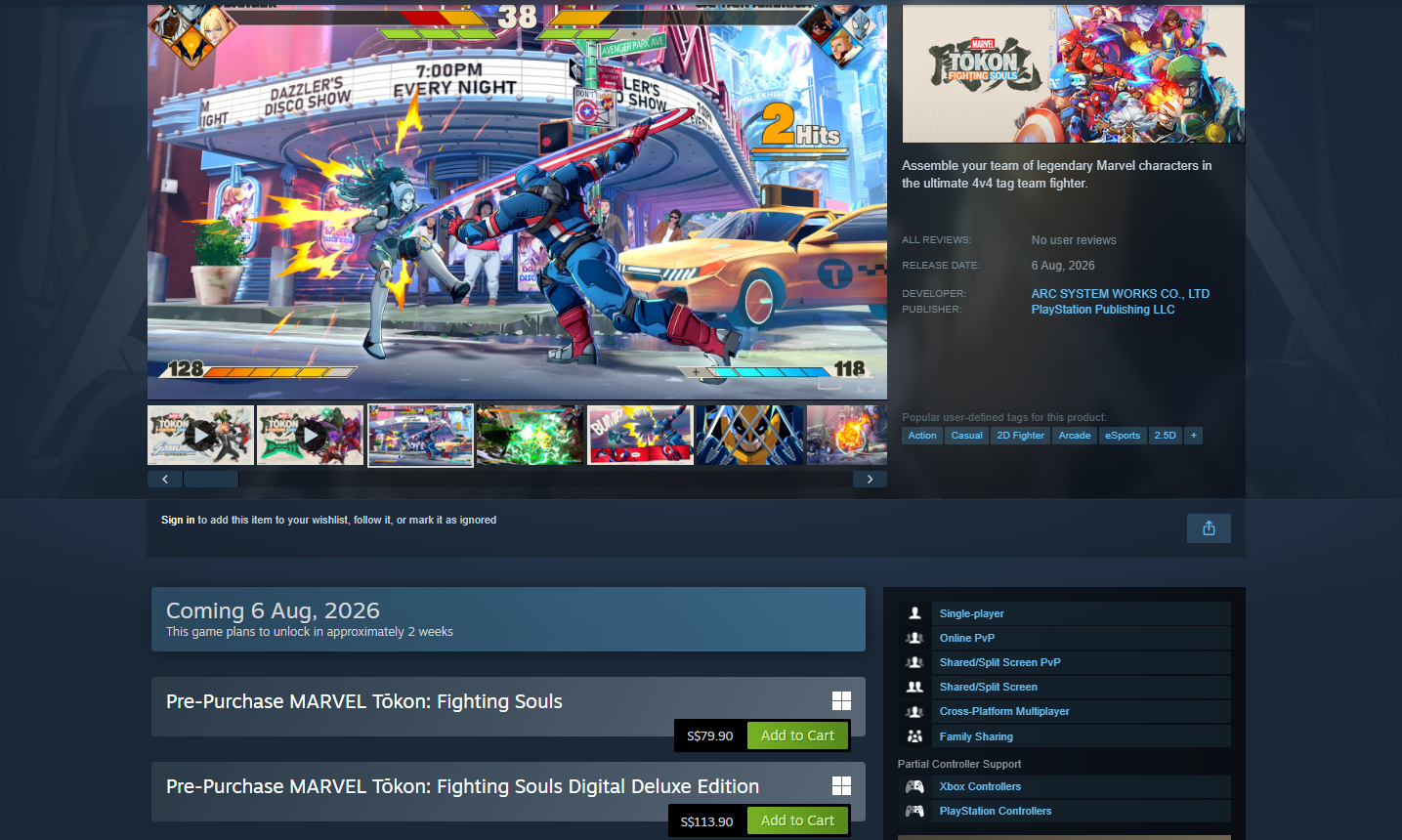
PC players can also join the fray, with the beta available on both major storefronts. It is important to note that regardless of which PC platform you choose, a PlayStation Network (PSN) account is mandatory to play the game.
Here is how to join the beta on PC:
Step 1. Open either the Steam client or the Epic Games Launcher.
Step 2. In the search bar, type "MARVEL Tōkon: Fighting Souls Open Beta."
Step 3. Navigate to the game's store page and click the button to download/install the beta client.
Step 4. Once installed, launch the game.
Step 5. You will be prompted to link or sign in with a PlayStation Network account. Complete this step to access the main menu and online lobbies.
Common MARVEL Tōkon: Fighting Souls Open Beta Issues
Beta tests are inherently designed to uncover bugs and server stress points, so encountering issues is part of the process. Based on previous fighting game betas and early reports, here are some common problems you might face and how to handle them:
- Login Errors and Server Disconnects: With a massive influx of players at launch, the servers may struggle. If you receive a login error or are disconnected from the Open Lobby, the best approach is to wait a few minutes and try again. Avoid spamming the login button, as this can exacerbate server strain.
- Matchmaking Delays: Finding an opponent in Casual or Ranked matches might take longer than expected, especially during off-peak hours in your region. Ensure your crossplay settings (if available) are enabled to widen the player pool.
- Performance Drops on PC: If you experience stuttering or low frame rates on PC, verify that your system meets the minimum requirements. Lowering graphical settings, particularly shadows and anti-aliasing, can significantly improve performance during unoptimized beta builds.
- High Ping and Lag Spikes: Fighting games require precise timing, and high ping can ruin the experience. If your inputs feel delayed or the game stutters during combat, your network routing to the beta servers might be suboptimal.
Tips: Some Open Beta issues may be related to regional availability or server restrictions. Read our guide on MARVEL Tōkon: Fighting Souls is region-locked to find out supported regions and how to troubleshoot access problems.
How to Enhance Your Game Experience with LagoFast Game Booster
For PC players, dealing with high ping, packet loss, or unstable connections during a limited-time beta can be incredibly frustrating. MARVEL Tōkon: Fighting Souls relies heavily on frame-perfect inputs and smooth online play. To ensure you get the most out of the Open Beta, using a dedicated network optimization tool like LagoFast Game Booster is highly recommended.
LagoFast (LagoFast Game Booster - Get No Lag and Lower Ping) is designed to stabilize your connection, reduce latency, and provide a smoother overall gaming experience by routing your traffic through optimized gaming nodes.
Here are the detailed steps to use LagoFast Game Booster for the MARVEL Tōkon Open Beta:
Step 1. Free Download and Register LagoFast
Click the Free Trial button to download and install LagoFast Free Trial. Launch the LagoFast application. Create a new account or log in with your existing credentials.
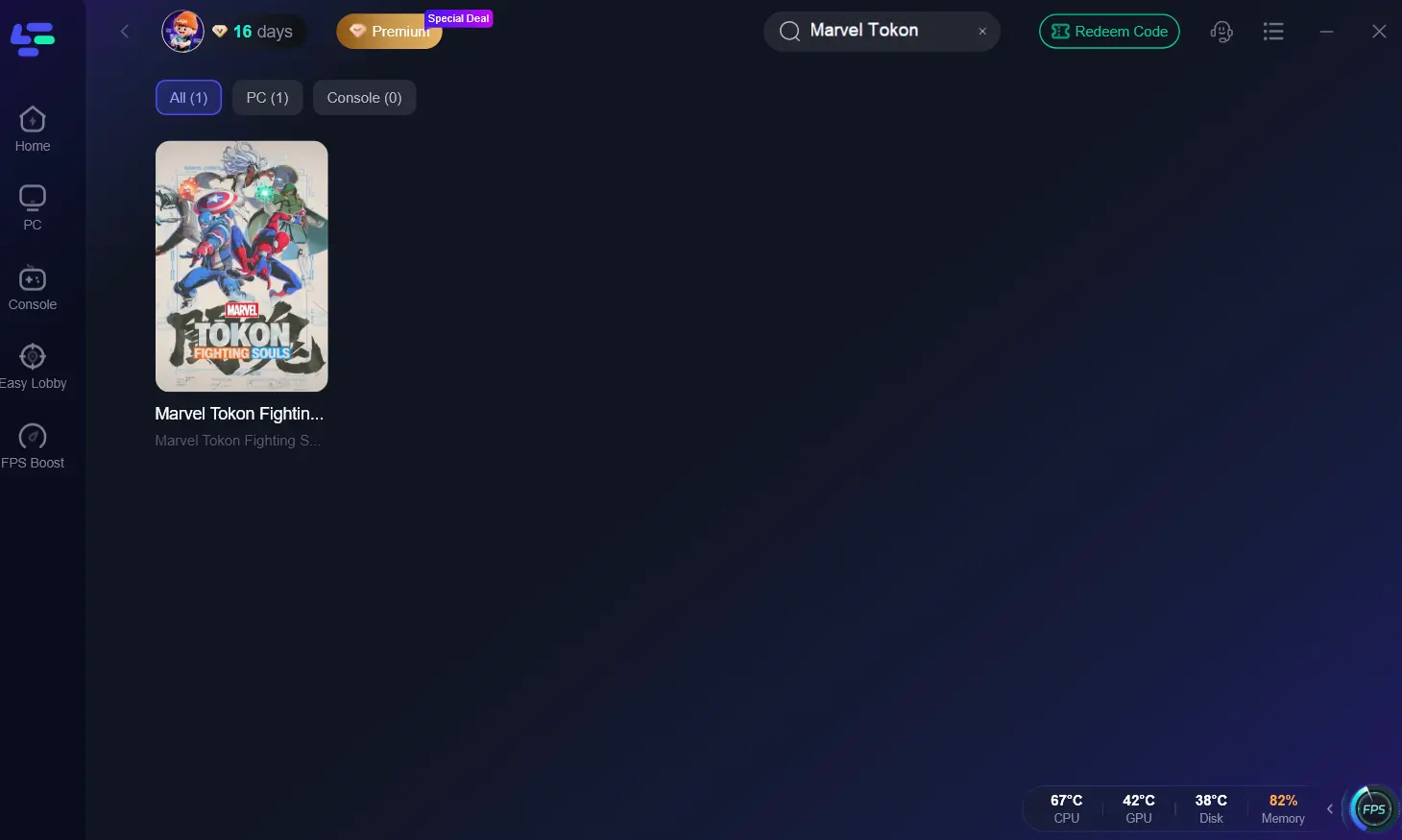
Step 2. Search for the Game
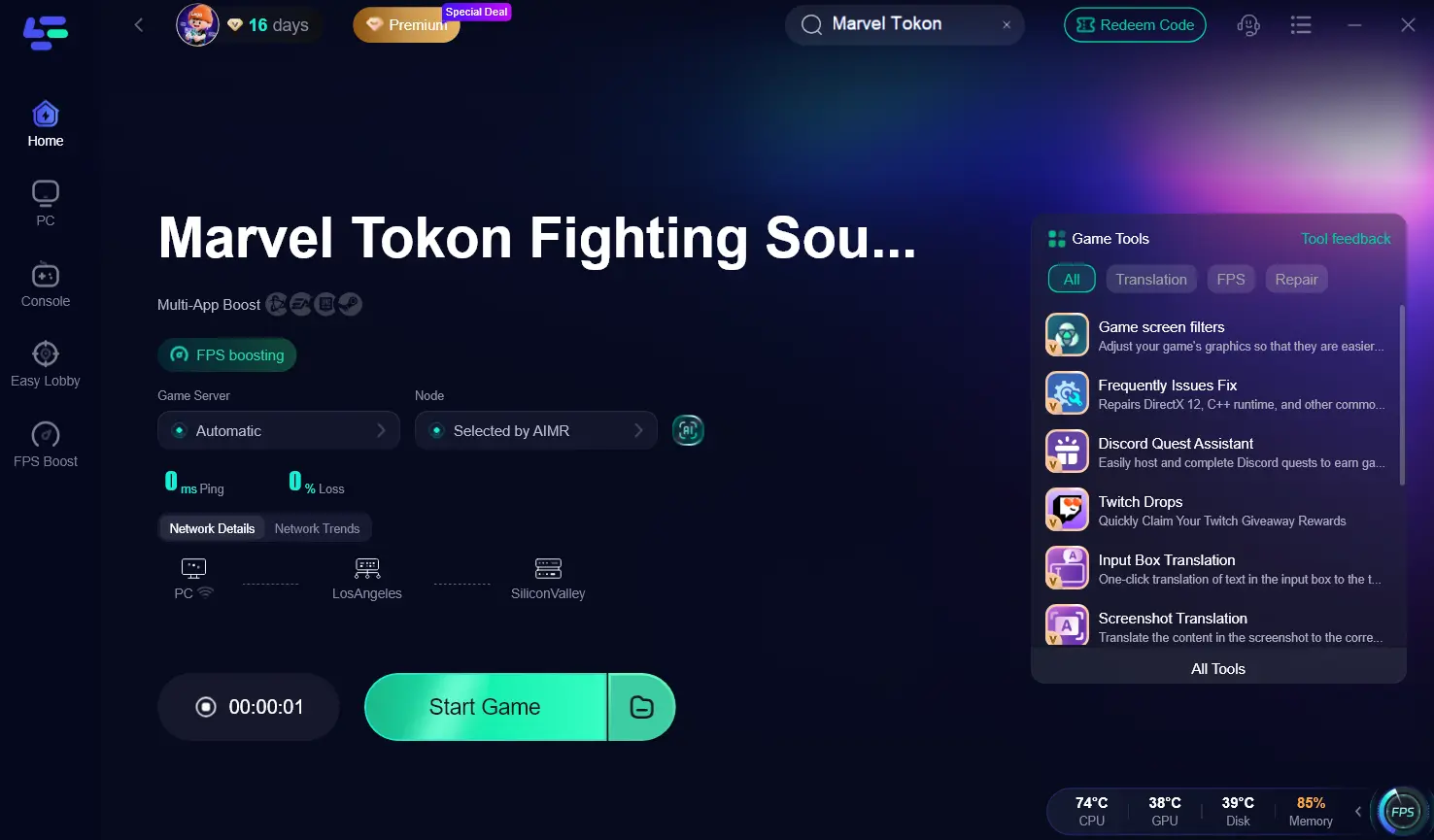
In the LagoFast search bar, type "MARVEL Tōkon: Fighting Souls" or simply "Marvel Tokon." Select the game from the results.
Step 3. Select Your Server and Node
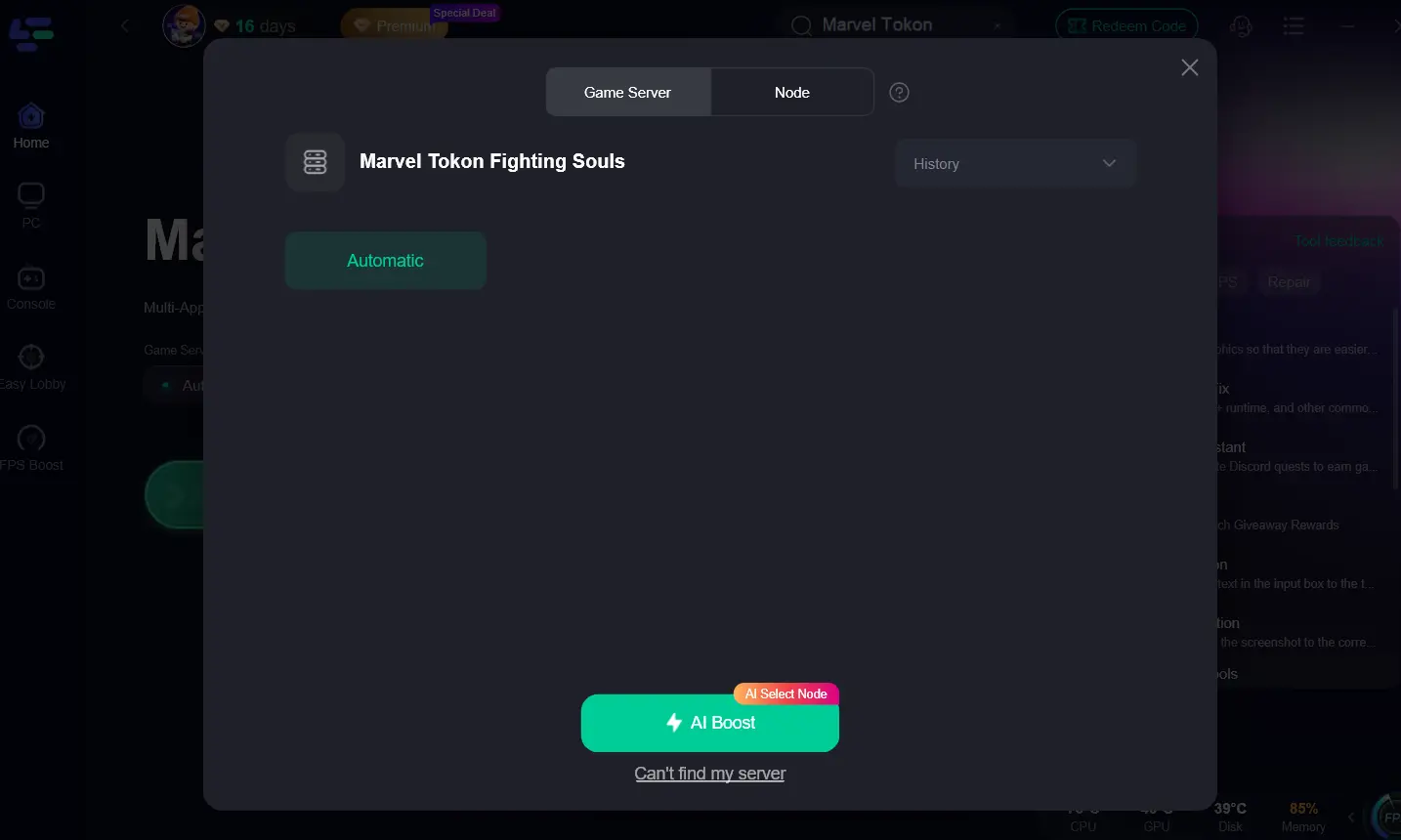
Choose the server region that corresponds to your physical location (e.g., North America, Europe). LagoFast will display various nodes; you can manually select the one with the lowest ping or use the "Automatic" feature for the best routing.
Step 4. Activate the Boost
Click the "AI Boost" button. LagoFast will immediately optimize your network connection for the game.
Step 5. Launch the Beta of MARVEL Tōkon: Fighting Souls
With LagoFast running in the background, tap "Start Game" to launch the MARVEL Tōkon: Fighting Souls Open Beta via Steam or Epic Games. You should notice a more stable connection and lower ping during your online matches.
Frequently Asked Questions
Do I need an invitation code to play the MARVEL Tōkon Open Beta?
No, the Open Beta is available to everyone on PS5 and PC. You do not need a code or an invitation; simply download the client from your respective digital storefront].
Is PlayStation Plus required to play the beta on PS5?
No, a PlayStation Plus subscription is not required to participate in the Open Beta or play online matches during this 72-hour period.
Can I play the beta on Xbox or Nintendo Switch?
Currently, the MARVEL Tōkon: Fighting Souls Open Beta is only available on PlayStation 5 and PC (Steam and Epic Games Store).
Will my progress from the Open Beta carry over to the full game?
Typically, progress made during beta tests (such as ranked points or unlocked cosmetics) does not carry over to the final release. The beta is primarily for testing purposes.
Why do I need a PSN account to play on PC?
Sony requires a PlayStation Network account for all players, regardless of platform, to facilitate cross-platform features, unified friend lists, and centralized account management for their published titles.
Key Takeaway
The MARVEL Tōkon: Fighting Souls Open Beta is your best chance to experience the thrilling 4v4 tag-team action before the official launch. By preloading the client, understanding the start times, and preparing your PSN account, you can maximize your playtime. For PC players, utilizing LagoFast Game Booster is a smart strategy to mitigate high ping and ensure your online battles are as smooth and competitive as possible.
Boost Your Game with LagoFast for Epic Speed
Play harder, faster. LagoFast game booster eliminates stutter and lags on PC, mobile, or Mac—win every match!
Quickly Reduce Game Lag and Ping!
Boost FPS for Smoother Gameplay!