
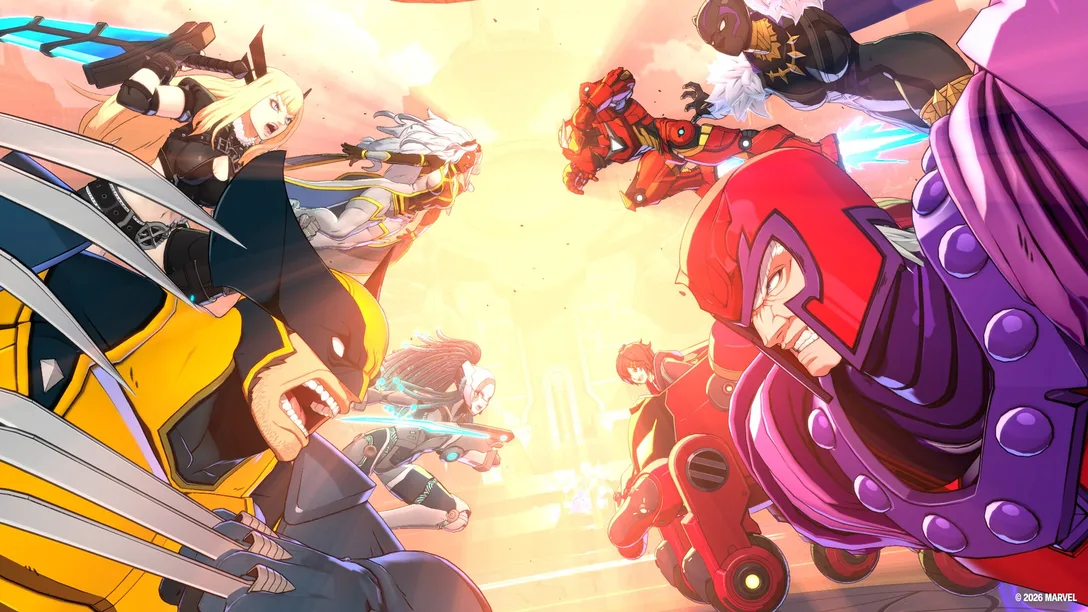
If you're wondering whether Marvel Tokon PSN is down, you're not alone. Shortly after the MARVEL Tōkon: Fighting Souls Open Beta launched, thousands of players reported PSN sign-in failures, login errors, and "Can't connect to online services" messages. Many initially thought the game servers had crashed, but reports showed that a PlayStation Network outage also affected login authentication during the launch window.
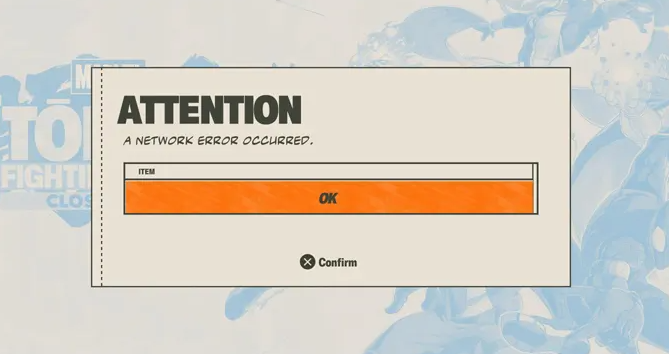
This guide explains why you can't sign in to Marvel Tokon Fighting Souls, how to identify whether the issue is caused by PSN, the game servers, or your own network, and the most effective ways to get back into the game.
Is Marvel Tokon PSN Down?
During the Open Beta, many players were unable to sign in after PlayStation Network experienced a widespread service disruption. While that outage has already been resolved, similar issues can still occur in the future due to PSN maintenance, unexpected outages, or heavy traffic during major game launches.
If you see PSN Sign-in Failed, Can't Connect to Online Services, or other login errors after the official release, the first step is to check whether PlayStation Network is currently experiencing an outage before troubleshooting your own device or network.
How do I know PSN is down?
There are several quick ways to verify whether the problem is caused by PlayStation Network:
- Check the PlayStation Service Status to see whether Account Management or Gaming services are experiencing issues.
- Visit DownDetector to find out if other PlayStation players are reporting the same outage.
- Check the official Marvel Tokon or PlayStation X account for maintenance notices or service updates.
If PSN is confirmed to be down, there's little you can do except wait until Sony restores the service. If PSN is operating normally but you still can't sign in, continue with the fixes below.
How to Fix Marvel Tokon Can't Sign In
If PSN is down, there's little you can do except wait for Sony to restore the service. Since the game requires a PlayStation Account on both PS5 and PC (Steam/Epic Games Store), most login issues are related to PSN services or account authentication rather than the game itself.
Fix 1. Check PSN Status
The first thing to do is verify whether PlayStation Network is experiencing an outage. If PSN is unavailable, Marvel Tokon won't be able to authenticate your PlayStation Account, even if you launch the game through Steam or the Epic Games Store. During the Open Beta, thousands of players encountered login failures because PSN services were temporarily disrupted.
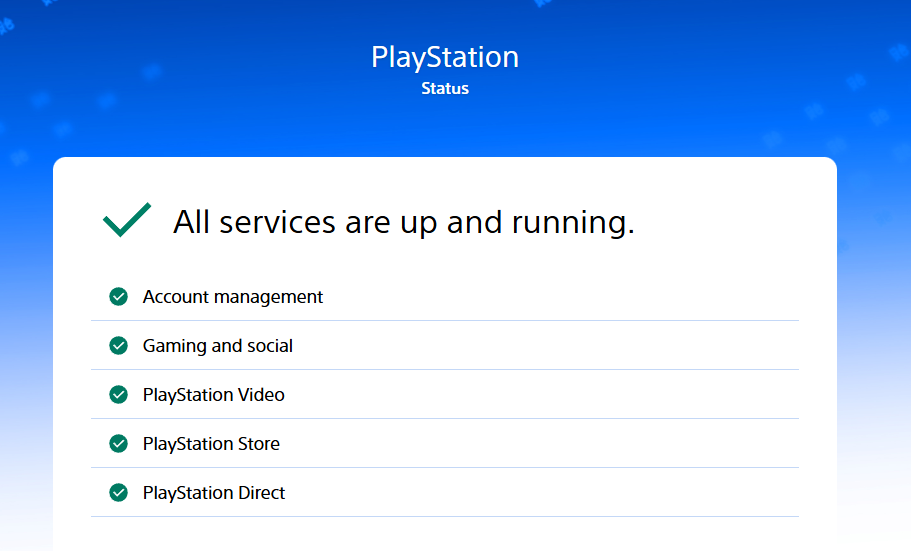
You can check:
- PlayStation Service Status
- PlayStation Support on X
- Reddit or DownDetector for widespread reports
If PSN is down, you'll need to wait until Sony restores the service.
Fix 2. Make Sure You're Signed in to the Correct PlayStation Account
Unlike most PC fighting games, Marvel Tokon requires an Account for PlayStation on every platform, including Steam and the Epic Games Store. If you receive a "Not signed in to PlayStation" error, make sure you're logged into the correct PlayStation Account and complete any required verification before relaunching the game.
Try signing in to your PlayStation Account again and complete any required verification before relaunching the game.
Fix 3. Refresh Your PlayStation Account Session
If PSN is online but you still can't sign in, your authentication session may have expired.
Try these steps:
- Close Marvel Tokon completely.
- Sign out of your PlayStation Account.
- Restart Steam, Epic Games Launcher, or your PS5.
- Sign back in to your PlayStation Account.
- Launch the game again.
Refreshing your login session can often resolve temporary authentication errors without changing any account settings.
Fix 4. Check Whether PSN Is Supported in Your Region
Marvel Tokon is region-restricted on PC because it requires a PlayStation Account. Sony has restricted the game in countries where PlayStation Network isn't officially available. If your region doesn't support PSN, you may be unable to sign in or access online features even if Steam or the Epic Games Store is working normally.
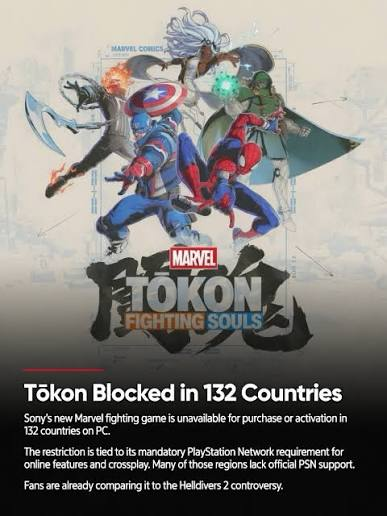
If you're affected, check whether PlayStation Network is officially supported in your country before troubleshooting further.
Use LagoFast to Enhance Marvel Tokon Game Experience
Even after PSN services are restored, some players may still experience login timeouts, unstable matchmaking, high ping, or connection drops. During the Open Beta, PC players also reported performance issues such as stuttering, FPS drops, and unusually high CPU usage, which affected the overall gameplay experience.
LagoFast helps optimize the connection between your device and PlayStation Network by providing a more stable routing path. After you successfully sign in, you can enjoy a more stable online experience and improve game performance with its FPS Booster.
How to Smoothly Play Marvel Tokon on PC
Step 1. Click the Free Trial to download and install LagoFast on your PC.
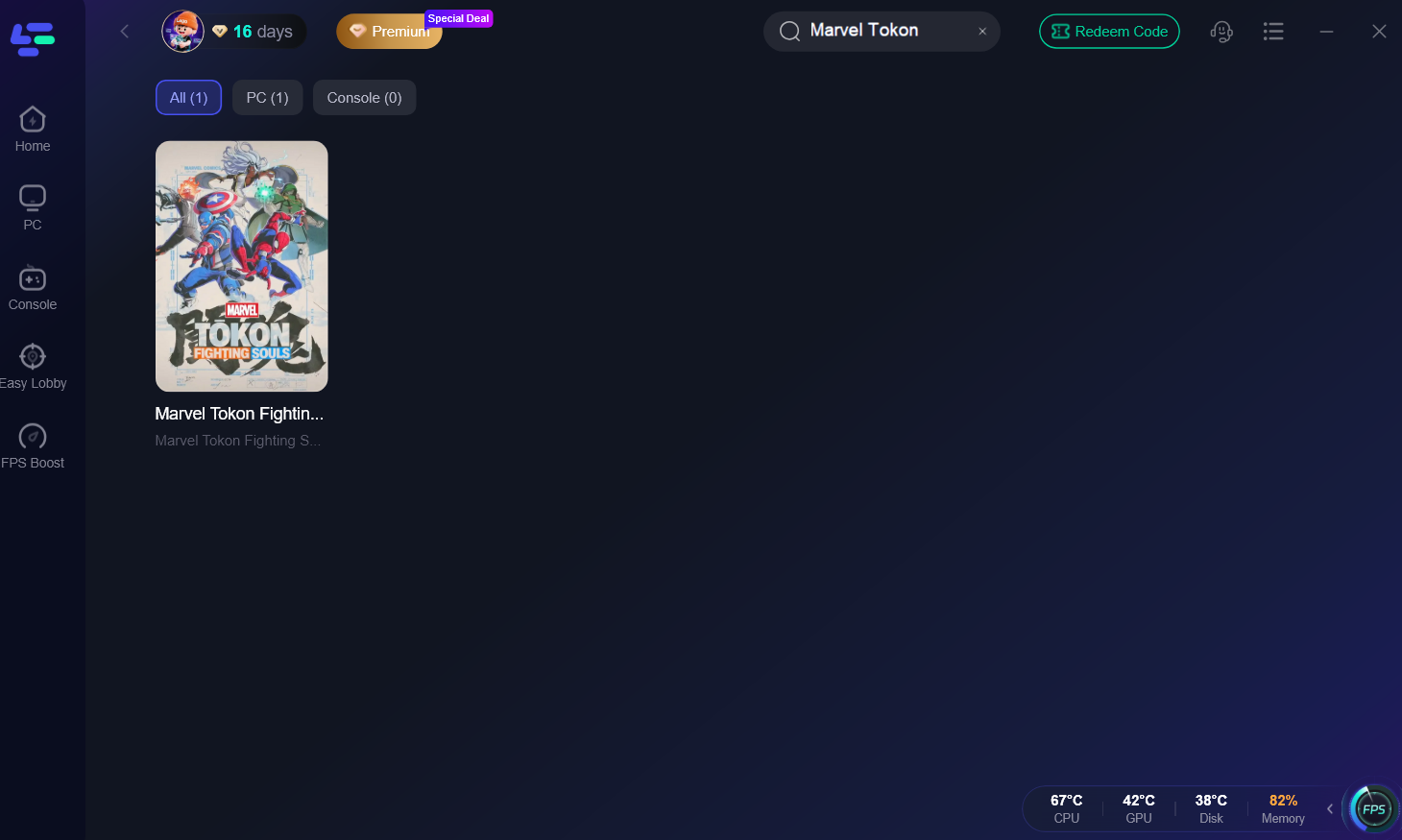
Step 2. Search for "Marvel Tokon: Fighting Souls" and select the game. LagoFast supports over 8000 games; you can boost other games if you need!
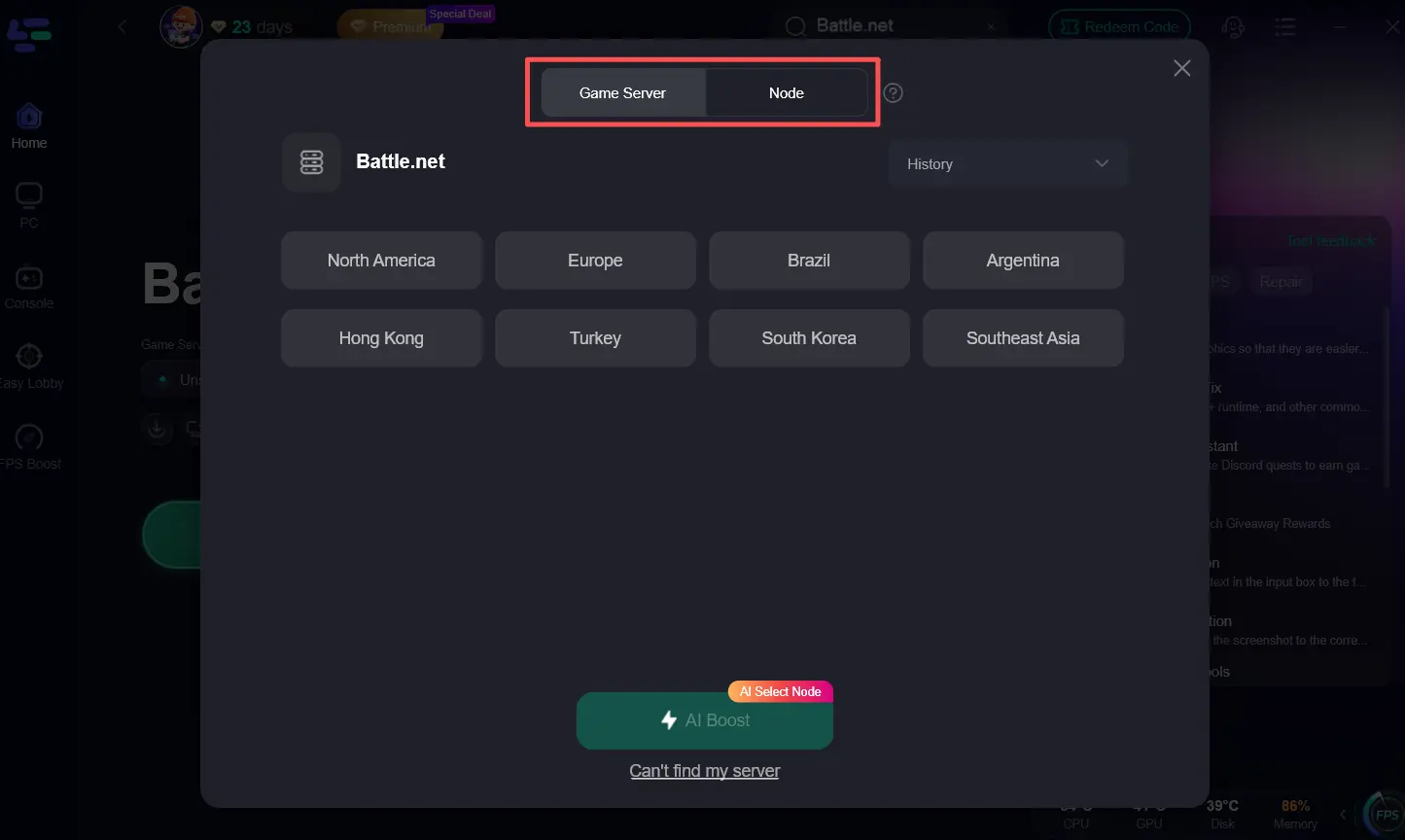
Step 3. Choose the best server route based on your region or let LagoFast automatically select the best connection route. Click "AI Boost" before launching the game.
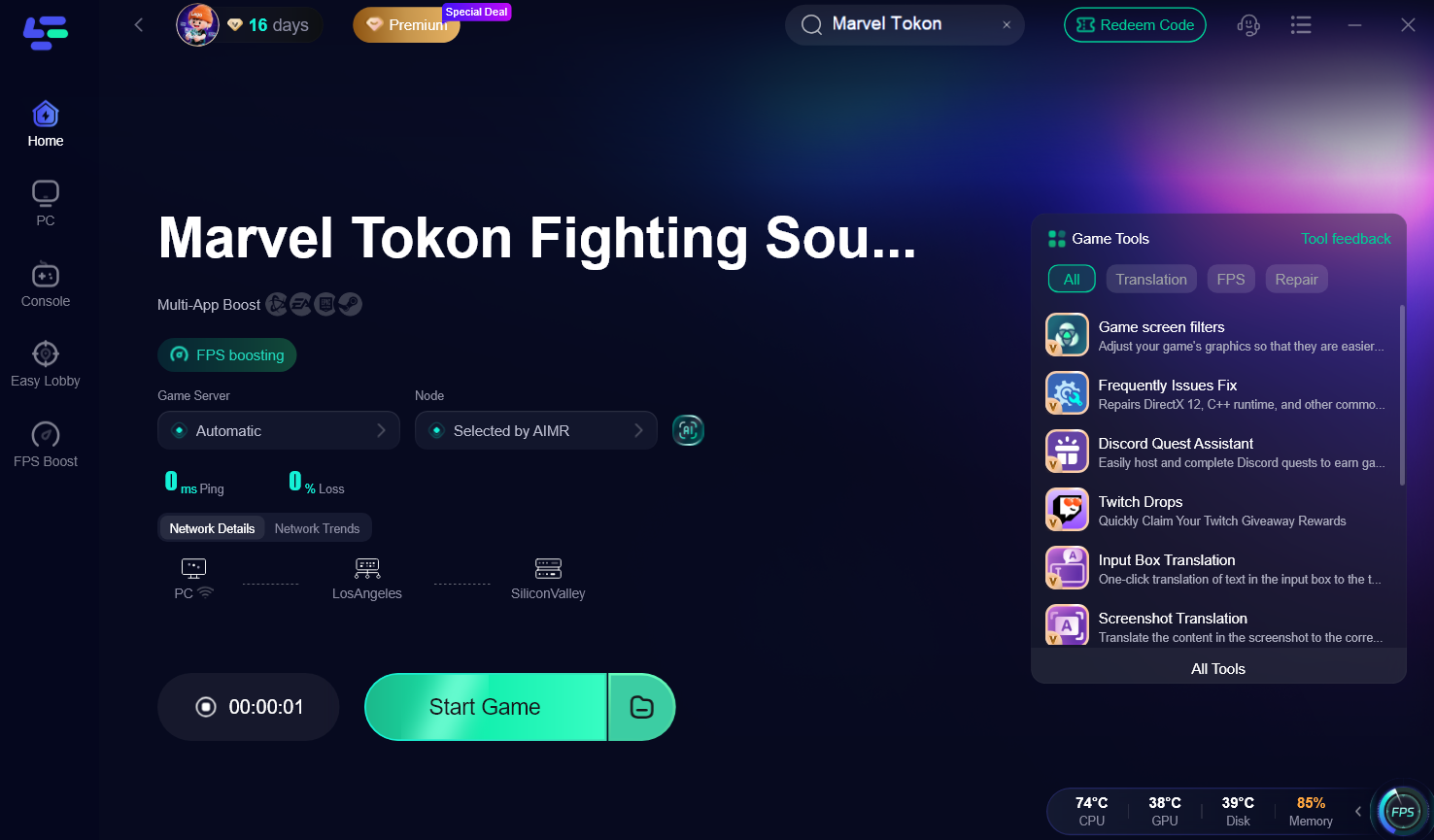
Step 4. Tap “Start Game” to Launch Marvel Tokon and sign in to your PlayStation Account. Once authenticated, enjoy a more stable connection with lower latency and smoother gameplay.
Common Marvel Tokon Sign-in Errors
When PlayStation Network is unavailable, or your connection to PSN becomes unstable, you may encounter one of the following login errors before entering the game. Identifying the error can help you choose the right solution.
|
Error |
Possible Cause |
|
PSN Sign-in Failed |
PSN outage or authentication failure |
|
Can't Connect to Online Services |
PSN outage or unstable network |
|
Login Failed |
PlayStation account authentication issue |
|
WS-116486-6 |
Unable to connect to PlayStation servers |
|
Matchmaking Unavailable |
Server congestion or temporary maintenance |
|
Server Connection Failed |
PSN outage, server maintenance, or unstable connection |
The WS-116486-6 error is one of the most common PlayStation errors during a PSN outage. According to PlayStation Support, it indicates that the console cannot connect to PlayStation Network servers and is often resolved after the service recovers.
FAQ on Marvel Tokon PSN Issues
Why is Marvel Tokon saying PSN Sign-in Failed?
This error usually appears when PlayStation Network is unavailable or your PlayStation Account can't be authenticated. It can also happen if your login session has expired or there's a temporary connection issue between the game and PSN.
Is the Marvel Tokon server offline?
Not always. If Marvel Tokon servers are offline for maintenance, you'll usually see official announcements. However, login failures are more commonly caused by PlayStation Network outages because the game requires a PlayStation Account on every platform.
Why can't I connect to online services?
If you're playing on PC, remember that Marvel Tokon requires an Account for PlayStation even when launched through Steam or Epic Games Store. If PSN is unavailable, your account can't be authenticated, or your network connection is unstable, you may be unable to access online services.
Why can't I sign in even after PSN comes back?
Once PSN services are restored, try signing out and back into your PlayStation Account, then relaunch the game. If the issue persists, verify that your region supports PSN and check your network connection before contacting PlayStation Support.
Coclusion
The next time you encounter a "PSN Sign-in Failed" or "Can't Connect to Online Services" error, check if Marvel Tokon PSN is down first before troubleshooting your PlayStation Account or local network. Once PSN services are back online, the fixes in this guide can help you restore access quickly. At the same time, LagoFast can further improve connection stability and deliver a smoother Marvel Tokon: Fighting Souls experience.

Boost Your Game with LagoFast for Epic Speed
Play harder, faster. LagoFast game booster eliminates stutter and lags on PC, mobile, or Mac—win every match!
Quickly Reduce Game Lag and Ping!
Boost FPS for Smoother Gameplay!