
Quick Answer: Is DragonSword Awakening Multiplayer?
If you are hopping online to find out "is DragonSword Awakening multiplayer?", the answer is yes, but with a few major caveats. The game features specific online co-op modes rather than a fully shared universe. You cannot roam the entire map together; instead, multiplayer focuses heavily on tackling high-level instanced combat encounters.
For a quick rundown on what you can and cannot do with your friends, check the reference table below:
|
Feature / Question |
Quick Answer |
|
Is multiplayer supported? |
Yes, but only for specific instanced battle content. |
|
Open world exploration? |
Currently unsupported (Solo experience). |
|
Main story progression? |
Single-player experience only. |
|
Normal Boss / Subjugation |
Up to 2 players maximum. |
|
Raid limit |
Up to 3 players maximum. |
|
Network Architecture |
Host-hosted (Peer-to-Peer / P2P). |
|
Regional server restrictions? |
None, but cross-region play suffers heavy latency. |
DragonSword: Awakening is an incredible pivot by developer Hound13, transforming what was originally designed as a mobile gacha title into a premium, buy-to-play action RPG for PC. Powered by Unreal Engine 5, players step into the vibrantly animated Continent of Orbis. You recruit a roster of 19 distinct heroes through the core narrative, engaging in flashy, status-ailment-driven tag-team combat against a newly awakened dragon threat without the pressure of microtransactions.

- Reduce Lag and High Ping.
✅ Boost FPS at the Same Time.
✅ Support 8000+ Popular Online Games.
✅ Change Server without Latency.
✅ Boost Game Loading Speed.
Part 1: Is DragonSword Awakening Multiplayer?
Part 2: What Can You Actually Play Together?
Part 3: Step-By-Step Guide: Play DragonSword Awakening With Friends
Part 4: DragonSword Awakening Co-op Not Working: Reasons & Solutions
Part 5: Ensure a Smooth DragonSword Awakening Multiplayer Gaming Experience With LagoFast
Part 6: DragonSword Awakening FAQs
Part 1: Is DragonSword Awakening Multiplayer?
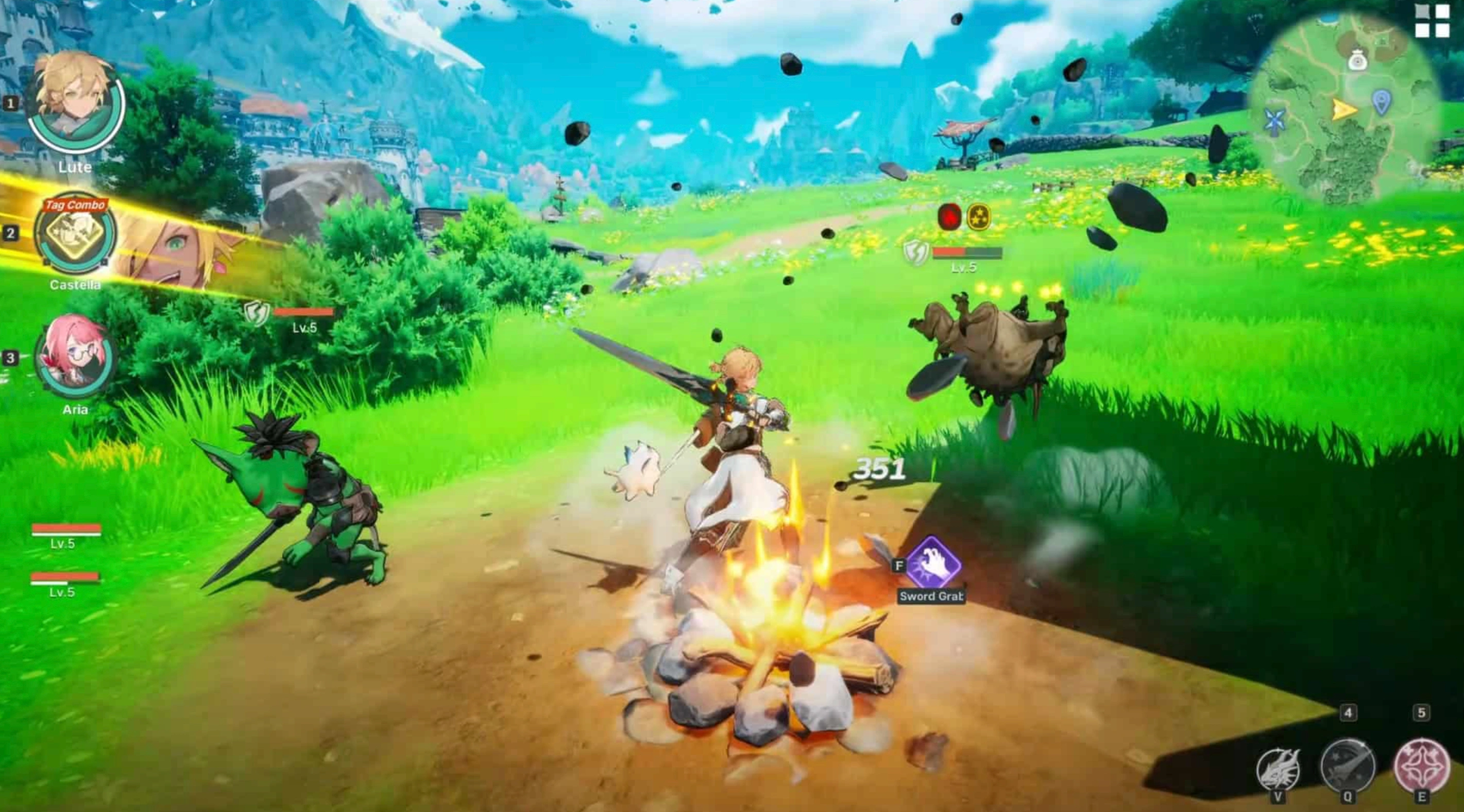
While you might see the "Online Co-op" tag proudly displayed on its Steam page, you need to set your expectations properly before buying a copy for your whole gaming squad. The DragonSword Awakening co-op architecture is entirely host-based, meaning it relies entirely on a Peer-to-Peer (P2P) network rather than dedicated regional servers. Because one player's PC acts as the server, opening up the massive, seamless open world to multiple players would cause extreme loading desync and instability. Therefore, the developers smartly restricted multiplayer to controlled, instanced battlegrounds.
|
Multiplayer Feature |
Details |
|
Regular Boss / Subjugation |
Max 2 Players |
|
Raid |
Max 3 Players |
|
Network Architecture |
Host-hosted / P2P (No dedicated regional servers) |
|
Regional Server Limits |
None, but cross-region matchmaking suffers from high latency |
Part 2: What Can You Actually Play Together?
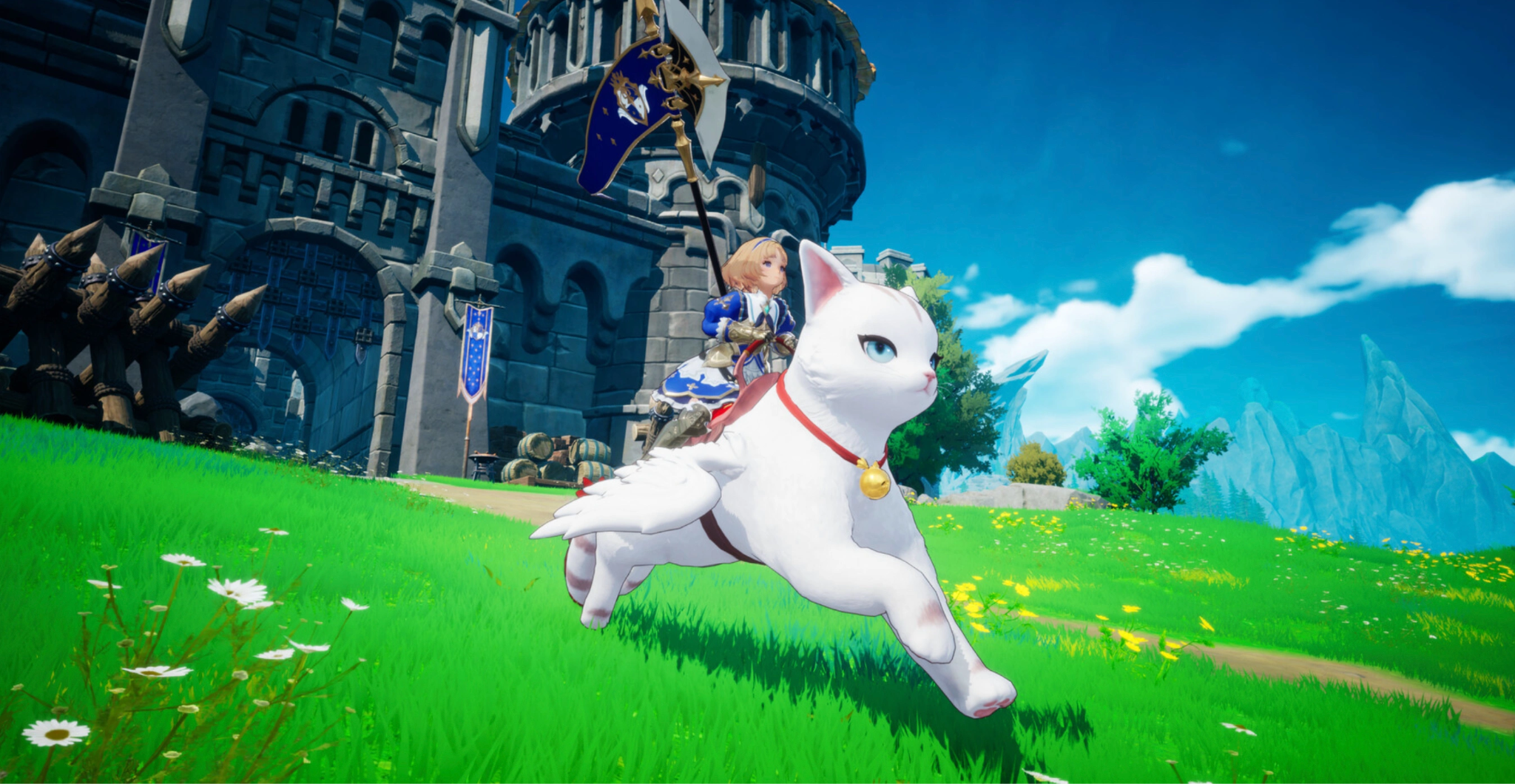
Because the game engine struggles to sync up vast open-world exploration over a P2P connection, you and your buddies will have to focus on the combat arenas. You won't be cooking meals at a campfire or running general fetch quests side-by-side. Instead, the cooperative elements are built exclusively around the combat loop's most demanding content, where your tag-team synergy truly gets tested. Here is exactly what is on the table for you and your friends when you boot up the game.
|
Game Content |
Co-Op Availability |
Player Limit |
Content Focus |
|
Main Story |
Single-player only |
1 Player |
Narrative progression and uncovering Orbis |
|
Open World Exploration |
Single-player only |
1 Player |
Finding hidden cellars, gathering, cooking |
|
Regular Bosses / Subjugation |
Co-op Supported |
Up to 2 Players |
Farming upgrade materials and learning boss patterns |
|
Raids |
Co-op Supported |
Up to 3 Players |
End-game tier challenges and the absolute best loot |
Part 3: Step-By-Step Guide: Play DragonSword Awakening With Friends
Figuring out how to play DragonSword Awakening with friends is relatively straightforward once you understand that you cannot invite anyone while simply wandering around the open-world map. Since the co-op is instanced, the lobby system is tied directly to the specific activity you want to tackle.
Here is the exact process for getting your squad together and jumping into the action:
Step 1. Progress the Main Campaign First: First things first, you need to unlock the multiplayer features. The game requires you to complete the introductory tutorial chapters and reach the first major hub area in Orbis. This usually takes a couple of hours, so do not expect to jump straight into co-op the second you boot up the game.
Step 2. Access the Subjugation or Raid Board: Head to the mission board located in the main hub town, or you can physically access the specific dungeon entrance out in the overworld map.
Step 3. Select Your Desired Encounter: Choose either a Regular Boss (Subjugation) or a Raid. Remember, Regular Bosses only allow for a two-player party, while Raids allow you to bring up to three players total.
Step 4. Create a Private Lobby: Instead of hitting "Start Match," choose the "Create Co-op Room" or "Host Lobby" option. This makes you the host. Because of the P2P network system, the player with the absolute best internet connection and the beefiest PC hardware should always be the one hosting.
Step 5. Send Out Your Invites: If you are wondering about DragonSword Awakening how to invite friends, simply open your friend list from the lobby screen. You can usually invite directly via the Steam overlay or use the in-game social menu to ping them.
Step 6. Lock In Your Roster: Once your friends join the lobby, everyone needs to lock in their hero roster. Since every player brings a full team of characters to swap between, you can actually have up to nine characters represented in a three-player raid! Once everyone clicks the ready button, the host can launch the instance.
Part 4: DragonSword Awakening Co-op Not Working: Reasons & Solutions
Launch weeks for massive action RPGs are notoriously bumpy, and because this game relies on P2P networking rather than massive server farms, you are bound to run into some frustrating roadblocks. If you find your DragonSword Awakening co-op not working, you are definitely not alone in your struggles. The gaming community is already encountering a handful of specific networking headaches. Let's break down the most common issues and exactly how you can troubleshoot them so you can get back to slaying dragons.
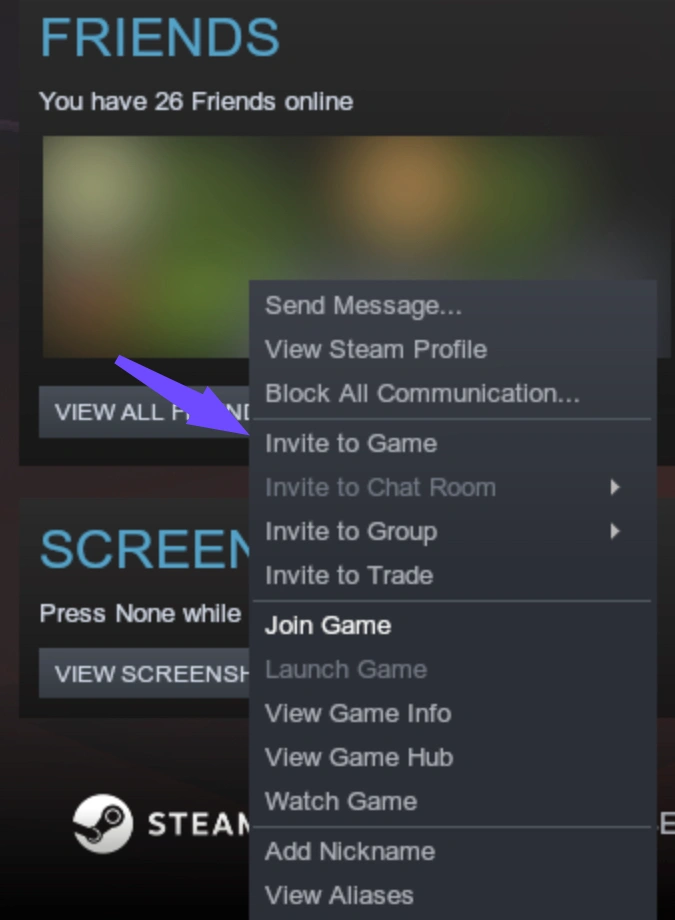
You Are Getting the "DragonSword Awakening Can’t Invite Friends" Error
Sometimes the lobby simply refuses to send the invite, or your friend clicks accept in their Steam overlay and nothing happens. This is typically a desync issue between the game client and Steam's backend infrastructure.
- Solution: First, ensure both of you are running the exact same version of the game. A silent hotfix might have downloaded in the background for one of you but not the other. If your versions match perfectly, try changing the lobby privacy from "Friends Only" to "Private/Password Protected" and have your friend manually search for your lobby ID instead of relying on the automated Steam invite ping.
Severe DragonSword Awakening Host Lag
This is the biggest drawback of a P2P architecture. If the host has a weak upload speed or is running the game on a struggling hard drive, everyone else in the lobby is going to feel it. In an action game that relies on split-second dodging, perfect parries, and tight tag-team combo chains, host lag makes the game essentially unplayable.
- Solution: Always assign hosting duties to the friend with a hardwired Ethernet connection (never Wi-Fi) and the game installed on a fast NVMe SSD. If you are still rubberbanding all over the boss arena, the physical geographic distance between you and the host might just be too great for standard ISP routing to handle smoothly.
Infinite DragonSword Awakening Matchmaking Screens
Trying to queue up with random players via public matchmaking can sometimes trap you in an endless loading loop where the screen just spins forever.
- Solution: Cancel the matchmaking queue after 60 seconds if it hasn't popped. The P2P network handshake occasionally fails silently without giving you a proper error code. Restarting the game client flushes the network cache and usually resolves the infinite queue bug immediately.
Random DragonSword Awakening Connection Error During Boss Fights
Getting booted back to the main menu right when a massive raid boss is at 5% health is an agonizing experience. This usually happens when the host's ISP experiences a micro-drop in connectivity, which instantly severs the connection for the entire party.
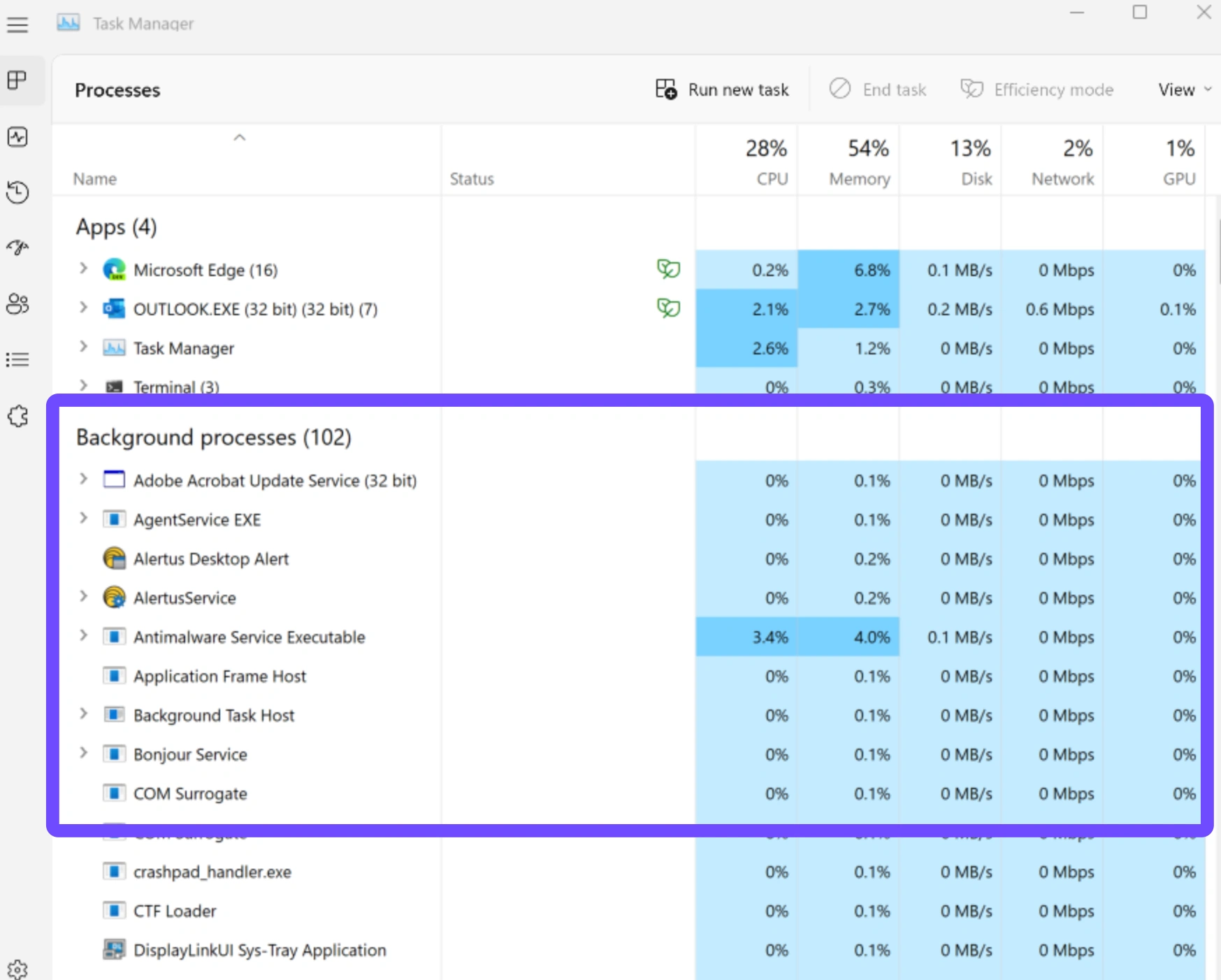
- Solution: Ensure all background downloads (like Windows updates, Discord updates, or Steam background patching) are paused. To truly fix this stability issue and prevent random drops, routing your connection through a dedicated gaming network is the best permanent solution.
Part 5: Ensure a Smooth DragonSword Awakening Multiplayer Gaming Experience With LagoFast
Because the game completely relies on host-based networking rather than dedicated servers, your personal internet routing dictates the quality of your gameplay. If you want to eliminate rubberbanding and enjoy a flawless DragonSword Awakening multiplayer experience, you need LagoFast. LagoFast is an elite gaming booster designed specifically to stabilize P2P connections, reduce high ping, and prevent those frustrating mid-raid disconnects by prioritizing your gaming traffic through optimized global network nodes.
Key Features of LagoFast:
- P2P Connection Stabilization: Specially tuned routing algorithms that lock in a stable connection between you and the host lobby, drastically reducing jitter and packet loss.
- Massive Ping Reduction: By utilizing intelligent global routing, LagoFast finds the absolute shortest path between your PC and your friend's PC, bypassing congested ISP nodes entirely.
- FPS Boost Tools: Beyond just fixing your network, LagoFast frees up your PC's CPU and RAM resources, ensuring you get the smoothest possible frame rates during chaotic, effect-heavy raid encounters.
- Easy Lobby Matchmaking: Ensures that regional restrictions or long physical distances do not prevent you from easily grouping up with international friends for the DragonSword Awakening raid co-op.
Tutorial: Use LagoFast to Optimize Your Multiplayer Gaming Experience
Step 1. Download and install LagoFast on your PC.
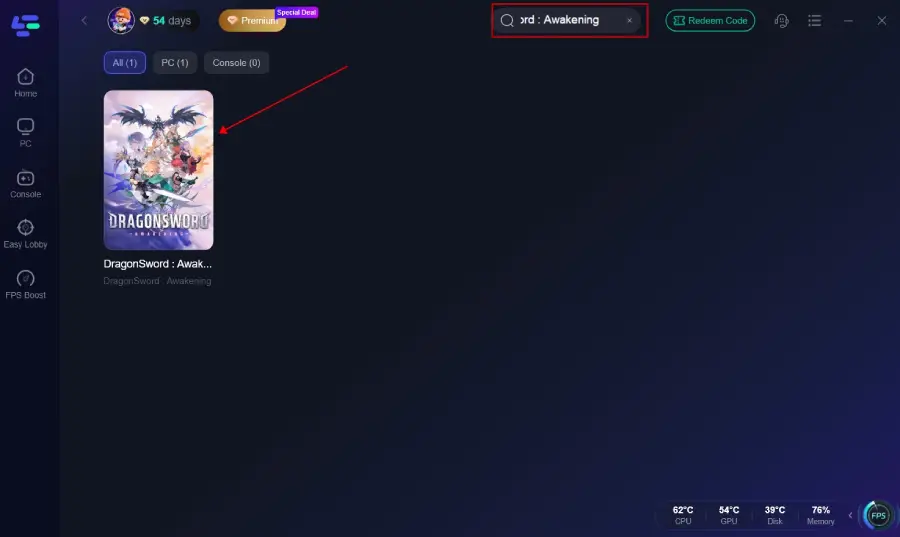
Step 2. Launch LagoFast and type DragonSword Awakening into the search bar.
Step 3. Select the game node and choose the region closest to your actual location (or the server region you play on).
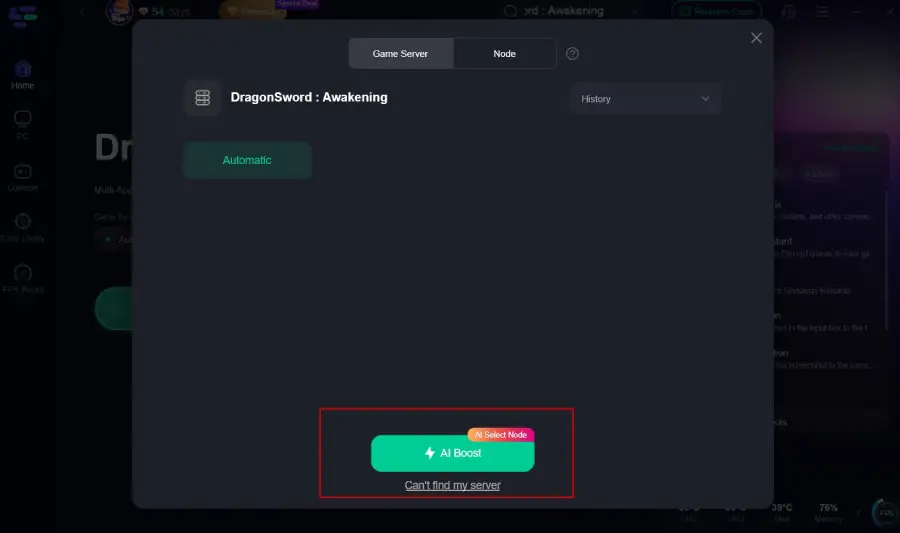
Step 4. Click the "Boost" button. LagoFast will instantly optimize your routing, stabilize your packet transfer rate, and lower your ping.
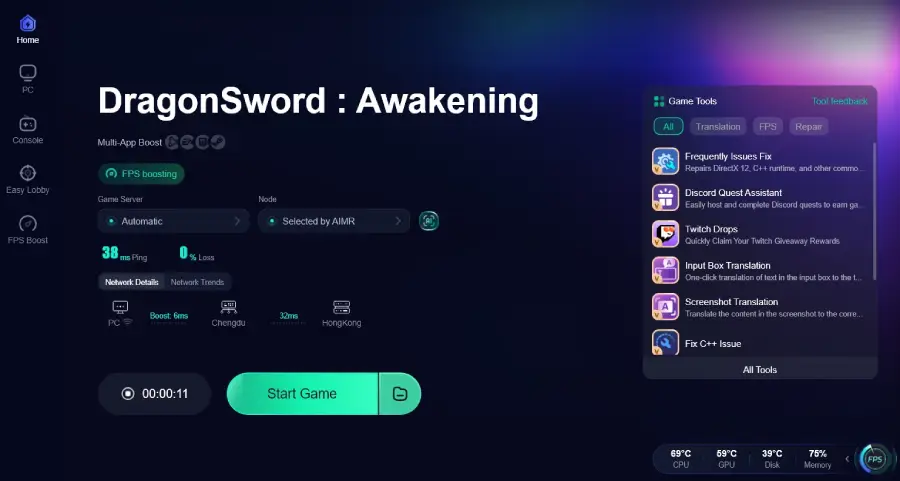
Step 5. With the network boost running securely in the background, launch your game normally and join your multiplayer lobby.
Part 6: DragonSword Awakening FAQs
Is there DragonSword Awakening crossplay support?
Currently, the game is officially launching exclusively on PC via Steam. The developers have stated that while they are open to porting the game to other platforms in the future, there are no PlayStation or Xbox versions at launch. Therefore, traditional crossplay between different console ecosystems does not exist yet. However, the game fully supports Steam Deck play natively.
Will open-world co-op ever be added to the game?
The development team has been very transparent about this limitation. Synchronizing a seamless open world over a P2P connection requires immense technical resources and could result in major visual and physics downgrades. While they haven't entirely ruled it out if the community demand is overwhelming, you shouldn't hold your breath. For now, the multiplayer focus remains firmly on instanced combat.
Can I play the entire game completely offline?
Yes! Because Hound13 pivoted away from a live-service gacha model, you do not need an always-on internet connection to play the main story. All 19 characters are unlocked by simply playing the game, and the multiplayer elements are completely optional.
Can I use public matchmaking to play with randoms?
Yes, you can open your subjugation and raid rooms to random players via public matchmaking. Since connecting to global hosts can cause high ping, using a tool like LagoFast helps keep your combat smooth and responsive.
Do I need to buy characters to be viable in co-op raids?
No. DragonSword Awakening is a premium game with no microtransactions. All 19 launch characters are unlocked entirely by playing the main story and earning standard in-game currency.
Is loot and progression shared when playing together?
Main story progress is not shared, but all players receive their own individual loot drops, upgrade materials, and equipment after successfully completing a co-op boss or raid.
Conclusion
Navigating the multiplayer mechanics of this title can feel slightly restrictive if you initially expected a massive open-world MMO experience. However, the intense, tightly controlled boss battles absolutely deliver on the action. By understanding the game’s P2P limitations and utilizing a powerful connection tool like LagoFast to guarantee your network stability, you and your friends can seamlessly conquer the toughest raids Orbis has to offer.

Boost Your Game with LagoFast for Epic Speed
Play harder, faster. LagoFast game booster eliminates stutter and lags on PC, mobile, or Mac—win every match!
Quickly Reduce Game Lag and Ping!
Boost FPS for Smoother Gameplay!