Palworld Server Guideline
Thank you for choosing our service! Next, please read our tutorial carefully to set up a server for you and your friends.
How to Set Up a Server as a Homeowner
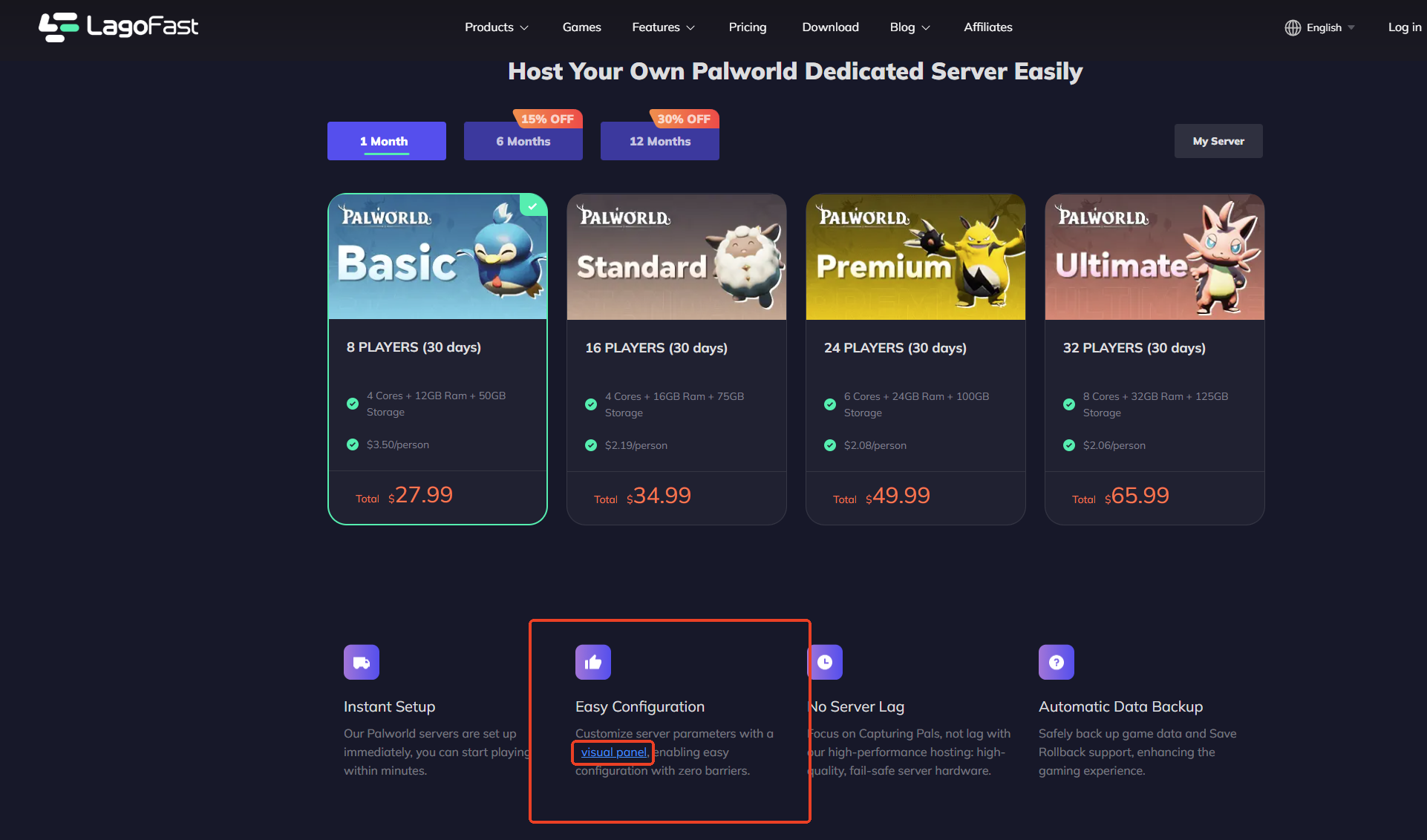
1. After purchasing a server, save your server information, then download ‘Visual Panel’ from the homepage
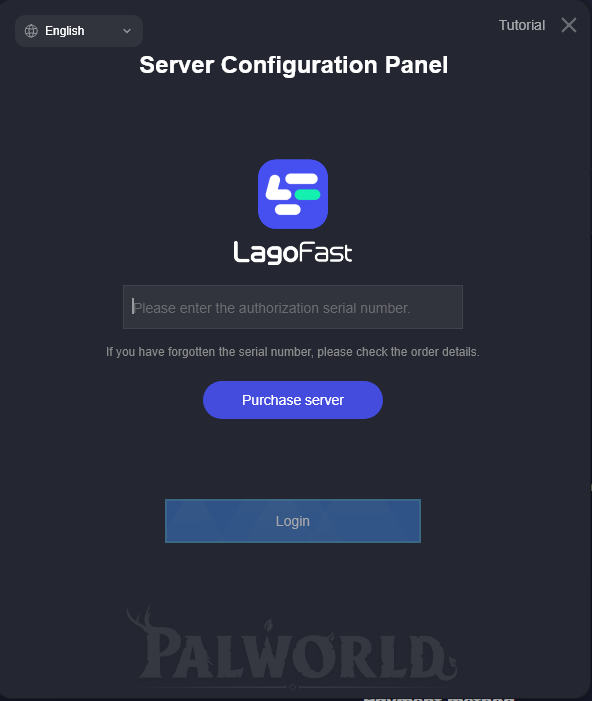
2. Open the ‘panel tool’ you downloaded, enter the Token you received after purchasing the server, and log in.(Click the top-left corner to switch languages)
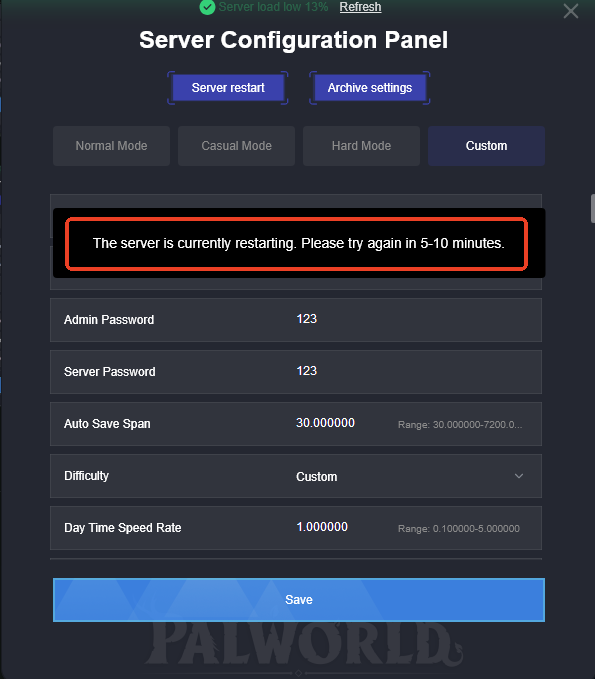
3. Once you've successfully logged in and accessed the control panel, you can adjust the server settings. Change the values to your desired settings, then click "Save."
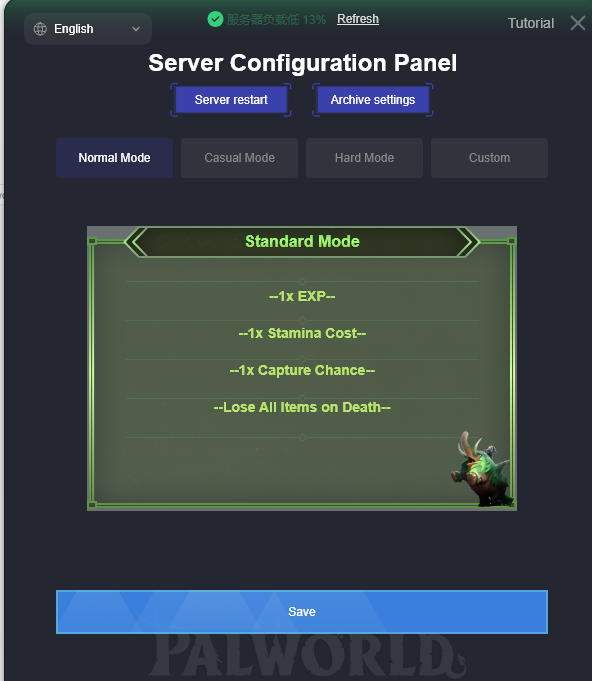
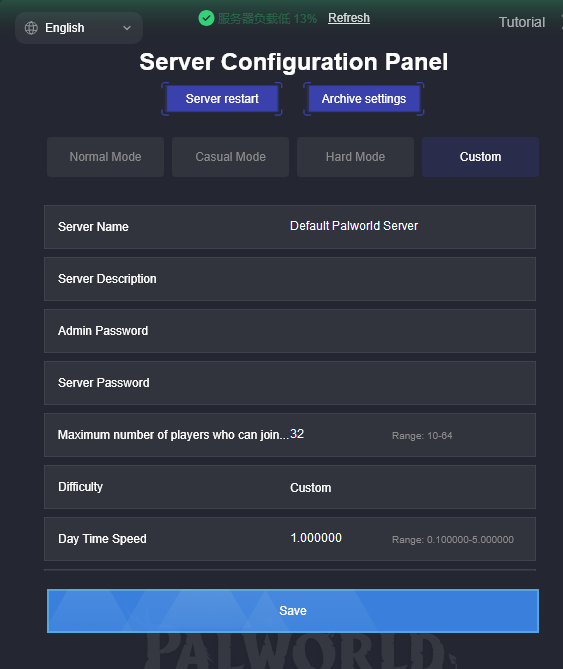
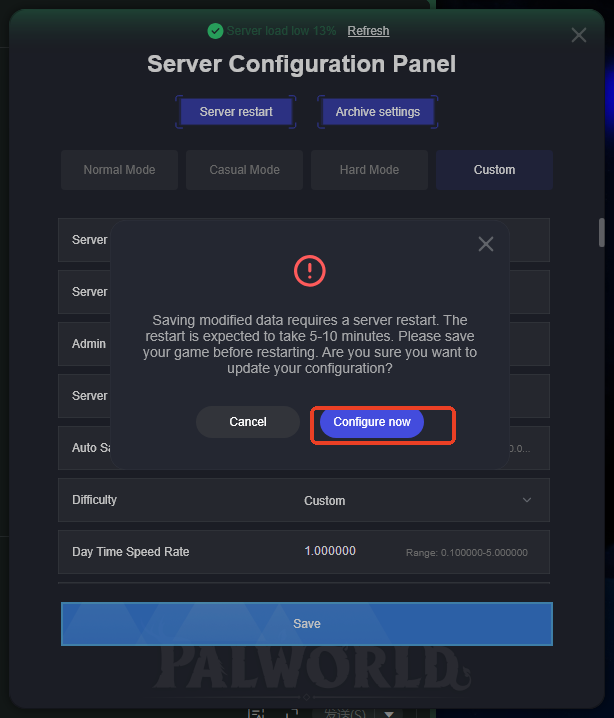
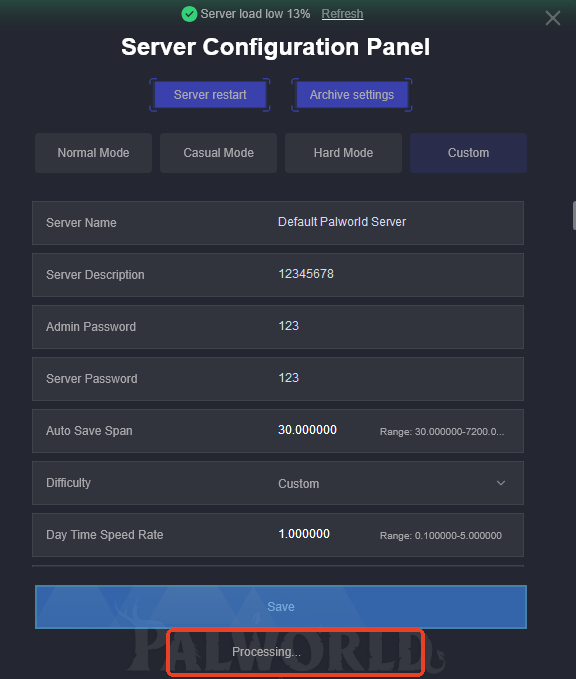
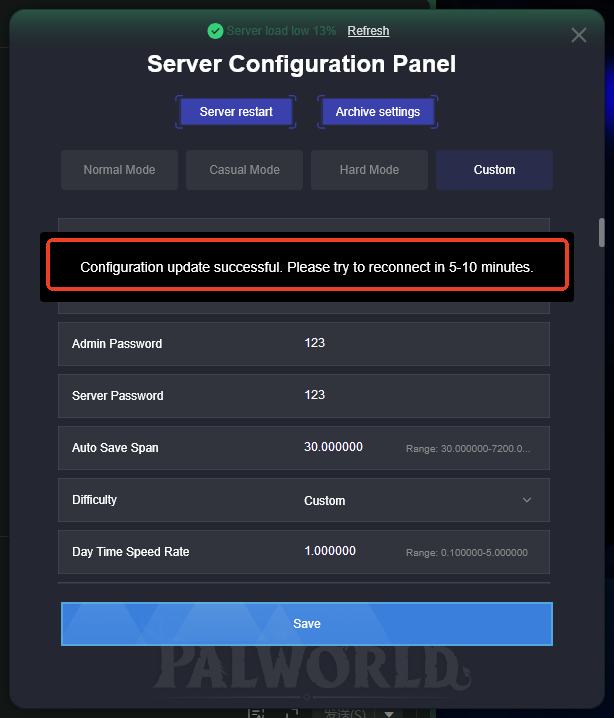
Waiting for the parameters to be saved successfully,please restart the server after the settings have been saved successfully!!!!
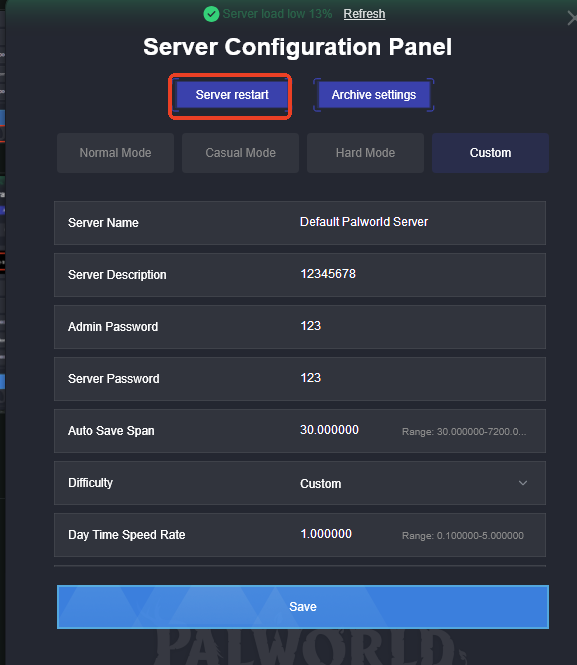
Then, have fun playing with your friends!
How do I join a friend's server?
Launch the game, then select the “Join Multiplayer Game” option

Enter the server's IP address
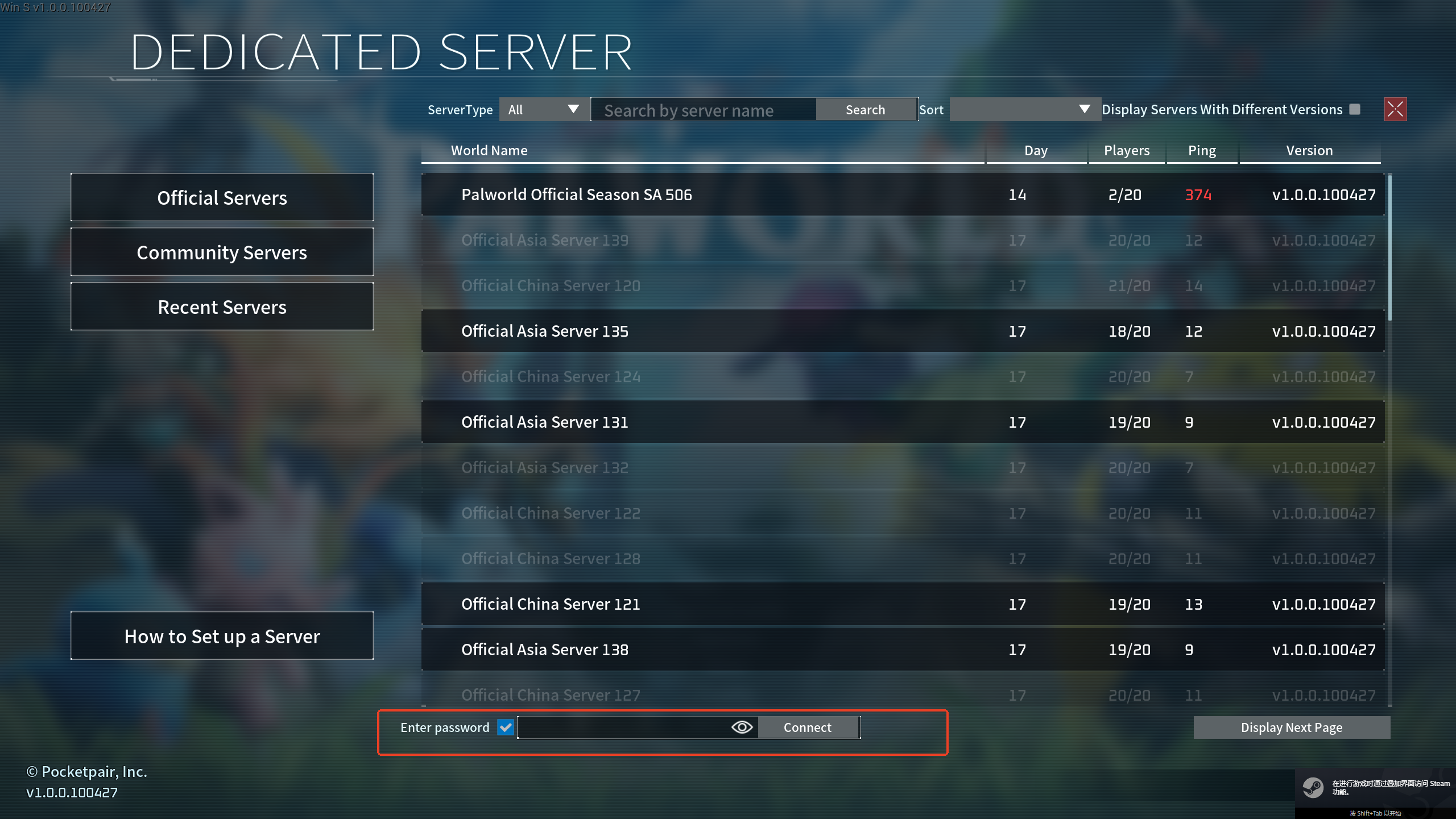
Once you're connected, you're all set to enjoy the game!

