
Registering for the Taiwan server of AION 2 can be challenging for overseas players due to strict security protection. Many encounter phone verification failures, device registration errors, or “A temporary error has occurred” messages that block access. These obstacles are not glitches—they are part of Taiwan server’s enhanced security system designed to protect accounts from unauthorized access. This guide explains why these issues occur, how to properly register security service on the Taiwan server, and how to optimize your gameplay experience using tools like LagoFast.

- ✅Less ping and crashes.
- ✅ Higher FPS and better PC performance.
- ✅ Support for 2000+ games.
- ✅ Stable connection and region switching.
Part 1: Taiwan Server Needs Phone Verification and Can't Register Device
Part 2: How to Register Security Service on Taiwan Server
Part 3: Optimize Your Taiwan Server Experience with LagoFast
Part 1: Taiwan Server Needs Phone Verification and Can't Register Device
Many players trying to register on the Taiwan server encounter three main issues:
- Taiwan server needs phone verification
- Taiwan server can't register device
- Taiwan server register security service
- A temporary error has occurred
I saw a player asking about this on Reddit:
"Can't register device? Anyone know why I keep getting this error? I've set up authentication and OTP, but when I try to register my device and request a verification code, I get this error."
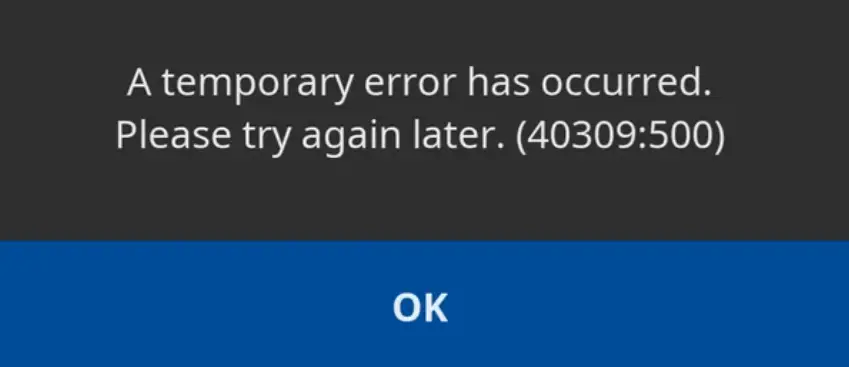
The Taiwan server now requires a valid Taiwanese phone number; foreign numbers are usually not accepted.
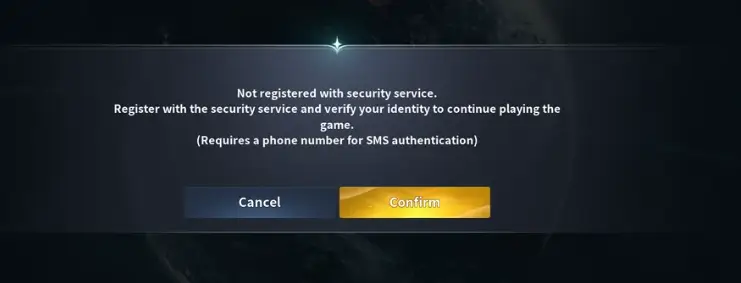
Taiwan server security protection requires phone verification and device registration. The issue is usually caused by temporary system checks, not the phone number itself, and retrying the process a few times typically allows successful registration.
Part 2: How to Register Security Service on Taiwan Server
Before you can fully enjoy AION 2 on the Taiwan server, you must register your device for security protection. Follow the steps below carefully to ensure your account is properly secured and can connect to the game without restrictions.
Device Registration Instructions
1. After logging into the game, click “Security Settings” at the bottom left of the main screen.
2. Review the security protection information, then click “Enroll in Security Protection Service.”
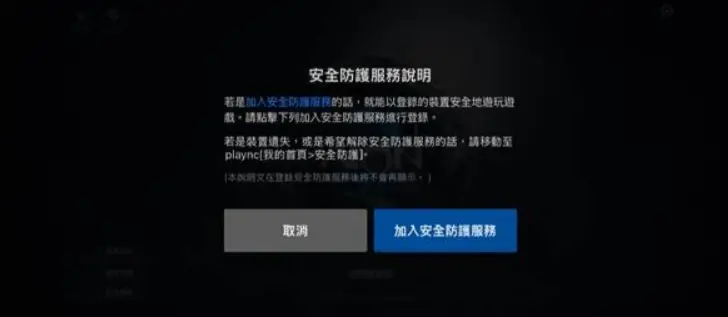
3. Enter the verification code you received and complete phone number verification.
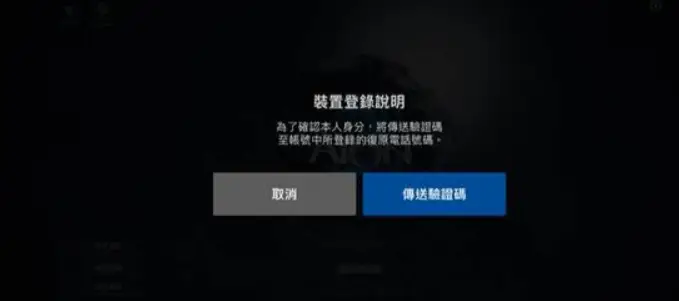
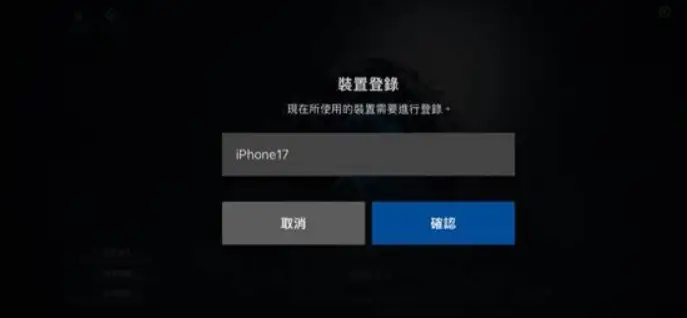
4. Set a device name, then click Register to complete device registration.
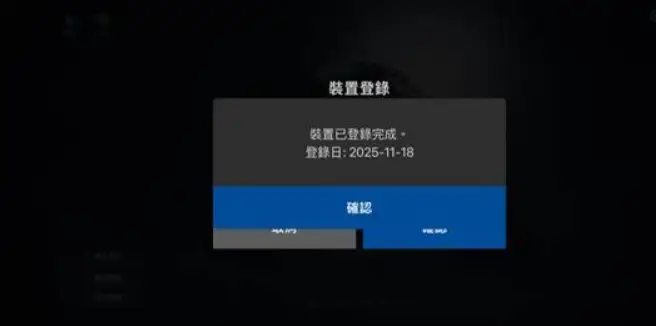
5. After clicking Confirm, a message and date saying “Device Registration Completed” will appear.
6. Once device registration is complete, the security protection section will display “Registered.”
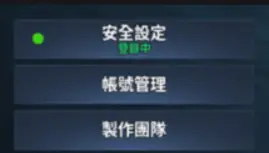
Note: Device registration status is only updated upon login.
If you complete registration while inside the game, you need to log out and log back in for the update to take effect.
Part 3: Optimize Your Taiwan Server Experience with LagoFast
Overseas players often face high ping, lag spikes, and unstable connections when playing AION 2 on the Taiwan server, which can make the game frustrating or even unplayable. LagoFast is designed to fix these issues and improve your overall experience:
- Ping Reduction & Network Optimization: Automatically routes your connection through the fastest and most stable path to the Taiwan server, reducing lag and ensuring smoother gameplay.
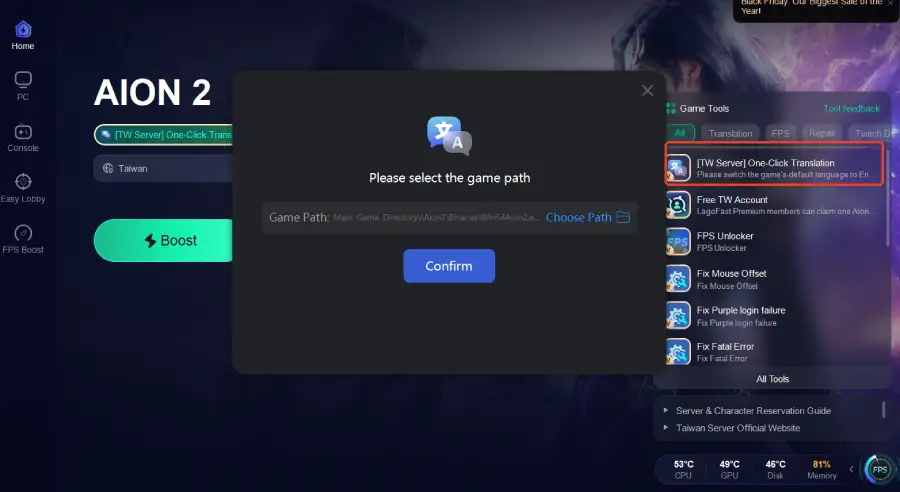
- One-Click Translation Tool: Instantly translates all in-game text into your preferred language, so you can understand menus, quests, and dialogues without confusion.
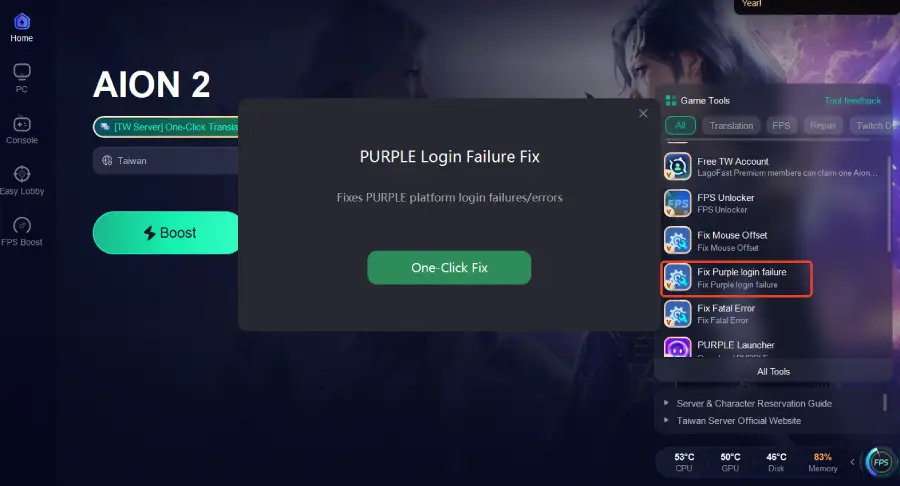
- Fix Purple Login Failure: Resolves login errors related to the Purple system, allowing you to access the Taiwan server without connection interruptions.
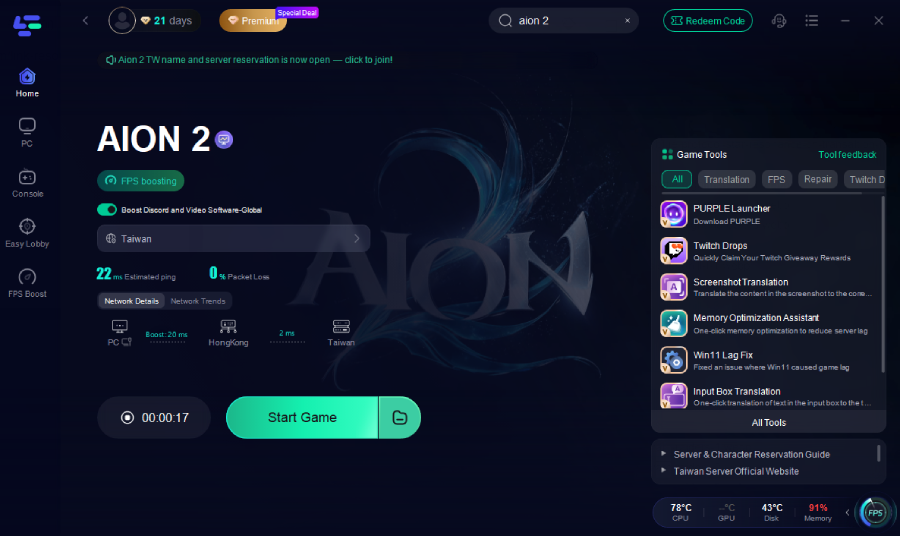
How to Use LagoFast for AION 2 Taiwan Server:
1. Download and install LagoFast.
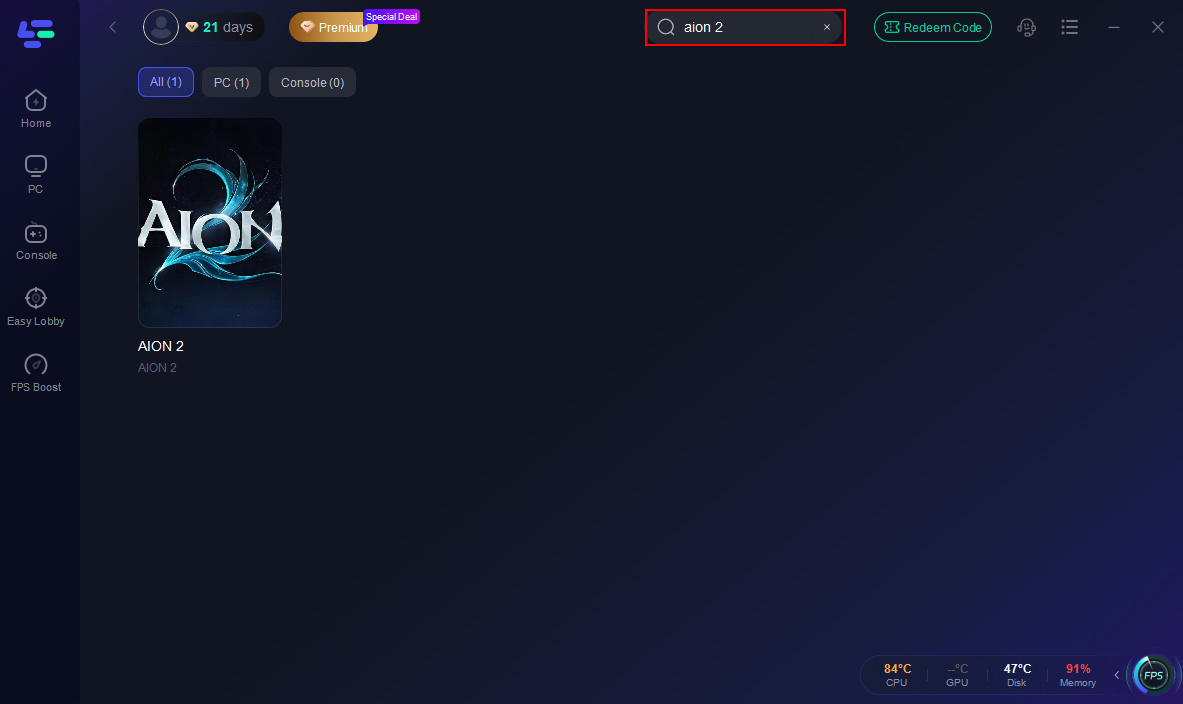
2. Open LagoFast and search for “AION 2” in the search bar.
3. Enable the One-Click Translation feature to translate the game into your preferred language.
4. Enable Fix Purple Login Failure to resolve login errors and ensure smooth access to the Taiwan server.
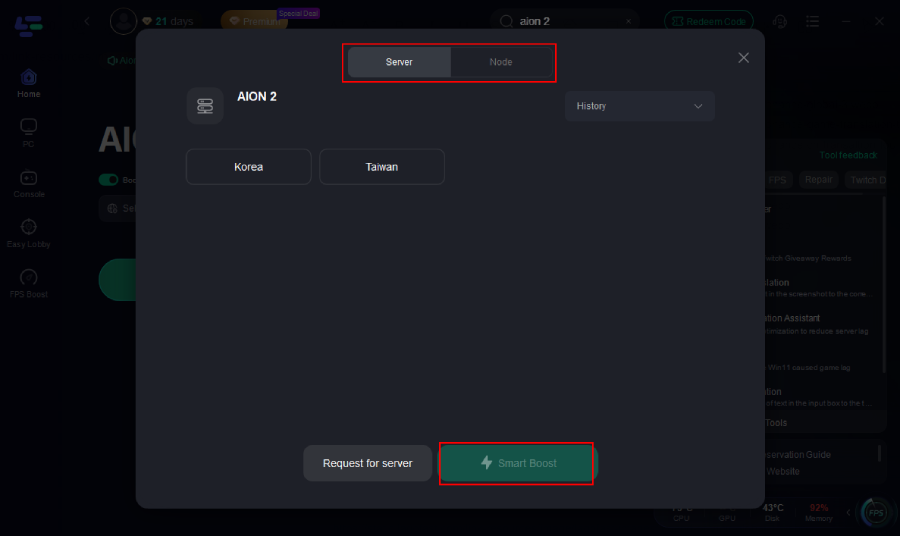
5. Select the Taiwan server and click Boost to optimize your network.
6. Launch the game through LagoFast to enjoy a smooth, fully localized experience with reduced ping and stable connections.
Part 4: FAQs
Q1: Why does the Taiwan server require phone verification?
A: The Taiwan server uses strict security protection, so phone verification is required. Errors during verification are usually caused by temporary system checks or unstable networks, not the phone number itself. Retrying a few times often solves the issue.
Q2: What should I do if I can’t register my device on the Taiwan server?
A: This issue is typically caused by security checks not completing properly. Re-enter the verification code, retry the registration process, and log out and log back in to refresh device status.
Q3: Why do I get “A temporary error has occurred” during registration?
A: This is a common temporary system or network error, not related to your phone number. Switching to a stable network or using LagoFast can help bypass security-related failures.
Conclusion
Successfully accessing the Taiwan server requires understanding and following strict security protocols. By completing phone verification and device registration correctly, you can avoid common errors and ensure your account is fully secured. For overseas players, using LagoFast significantly improves the gaming experience by reducing lag, stabilizing the connection, and providing in-game translation. Following this guide will help you overcome registration hurdles and enjoy AION 2 Taiwan server without frustration.

Boost Your Game with LagoFast for Epic Speed
Play harder, faster. LagoFast game booster eliminates stutter and lags on PC, mobile, or Mac—win every match!
Quickly Reduce Game Lag and Ping!
Boost FPS for Smoother Gameplay!