

If you’re planning to play Subnautica 2, the first thing you probably want to know is whether your PC can handle it without lag, stutters, or FPS drops. Built on Unreal Engine 5, the game pushes hardware harder than typical survival titles, especially in large underwater environments with heavy lighting and effects. This guide breaks down the Subnautica 2 system requirements in a simple way so you can quickly see what kind of performance to expect.

- ✅ Reduce Lag and High Ping.
✅ Boost FPS at the Same Time.
✅ Support 2000+ Popular Online Games.
✅ Change Server without Latency.
✅ Boost Game Loading Speed.
Part 1: Can Your PC Run Subnautica 2?
Part 2: Subnautica 2 System Requirements (PC Specs)
Part 3: Subnautica 2 Early Access Ultra Requirements on PC
Part 4: How to Ensure a Smooth Gaming Experience in Subnautica 2
Part 1: Can Your PC Run Subnautica 2?
If your PC already struggles with newer games, this is a fair concern. Subnautica 2 is built on Unreal Engine 5 and is more demanding than previous survival games, especially when exploring large underwater areas with real-time lighting and effects.
The real question isn’t just whether it runs—it’s how stable it stays during deeper exploration.
- Older GPUs can still run the game, but FPS drops and stutters are likely
- Mid-range PCs can handle medium settings with occasional dips in heavy scenes
- High-end PCs are needed for stable high or ultra settings
If your system already struggles with recent AAA games, you can use the specs below as a reference.
Part 2: Subnautica 2 System Requirements (PC Specs)
These requirements are based on Unreal Engine 5 performance patterns and similar survival game benchmarks, providing a realistic idea of what players can expect at launch.
Subnautica 2 Early Access Minimum Requirements on PC
This is the minimum setup required to run the game at a playable level:
- GPU: Nvidia GTX 1660 / AMD RX 5500 XT
- CPU: Intel i5-8400 / AMD Ryzen 5 2600
- OS: Windows 10 / Windows 11
- Memory: 12 GB RAM
- GPU Memory: 6 GB VRAM
- Resolution & Preset: 1080p / Low settings
- Expected FPS: ~30 FPS
Subnautica 2 Early Access Recommended Requirements on PC
This is the baseline for a smooth experience for most players:
- GPU: Nvidia RTX 3070 / AMD RX 6700 XT
- CPU: Intel i7-13700 / AMD Ryzen 7 7700X
- OS: Windows 11
- Memory: 16 GB RAM
- GPU Memory: 8 GB VRAM
- Resolution & Preset: 1440p / Medium settings
- Expected FPS: ~60 FPS
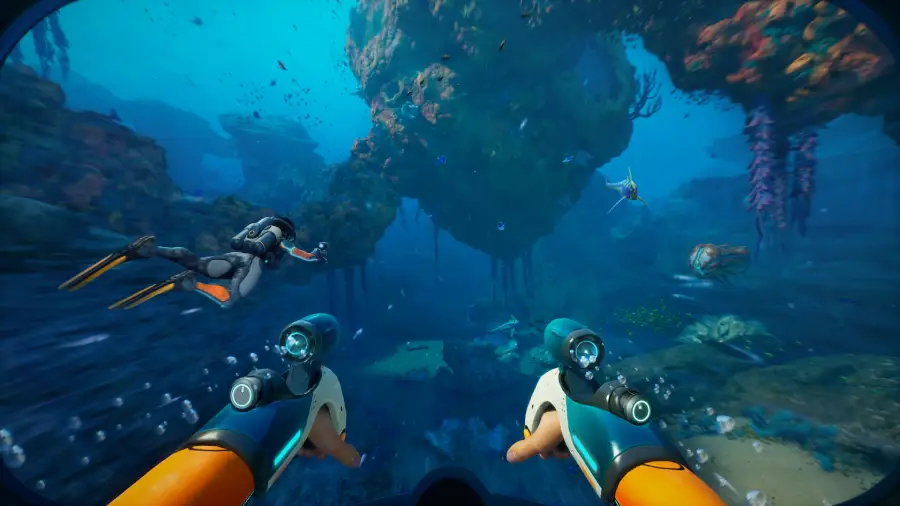
Part 3: Subnautica 2 Early Access Ultra Requirements on PC
If you want max visuals without performance issues, this tier is for stable high-quality gameplay in most underwater scenes.
- GPU: Nvidia RTX 4070 / AMD RX 6900 XT
- CPU: Intel i7-13700 / AMD Ryzen 7 7700X
- OS: Windows 11
- Memory: 32 GB RAM
- GPU Memory: 12 GB VRAM
- Resolution & Preset: 1440p / High settings
- Expected FPS: 60 FPS
Subnautica 2 Early Access Ultra++ Requirements on PC
This is the top-end setup for the cleanest possible experience, especially if you want 4K gameplay and maximum visual fidelity in deep-sea exploration.
- GPU: Nvidia RTX 5070 Ti / AMD RX 7900 XTX
- CPU: Intel i9-14900 / AMD Ryzen 9 7900X3D
- OS: Windows 11
- Memory: 32 GB RAM
- GPU Memory: 16 GB VRAM
- Resolution & Preset: 4K / High settings
- Expected FPS: 60 FPS
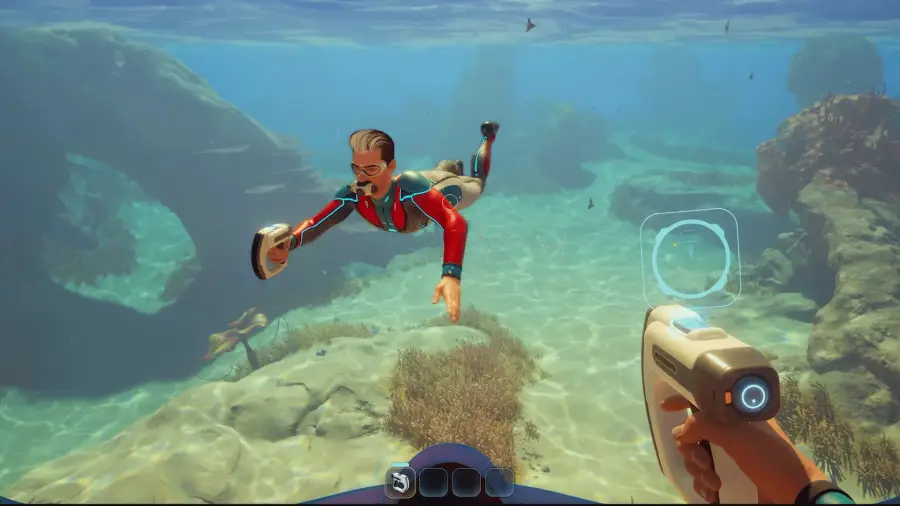
Part 4: How to Ensure a Smooth Gaming Experience in Subnautica 2
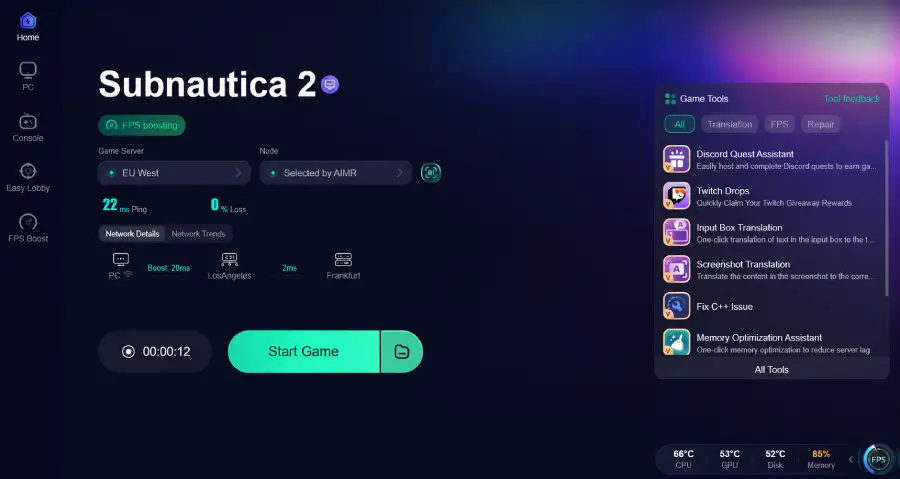
Subnautica 2 is built on Unreal Engine 5, so even if your PC meets the requirements, you may still notice FPS drops or stuttering in heavy underwater scenes due to high rendering load and system pressure. To improve overall stability, many players use LagoFast. LagoFast is a game-focused optimization tool designed to enhance both FPS performance and network stability.
It helps reduce ping, fix packet loss, optimize routing paths, and improve connection consistency, while also offering several useful optimization features:
- FPS Boost: helps stabilize frame performance and reduce sudden FPS drops during heavy gameplay scenes
- Network Optimization: lowers ping, reduces packet loss, and optimizes routing paths to minimize lag spikes and disconnections
- Stutter Reduction: improves connection stability so gameplay feels smoother and more consistent
- Memory Optimization Assistant: one-click memory optimization to reduce lag caused by background memory usage and improve overall system responsiveness during gameplay
Tutorial to Use LagoFast to Enhance Your Subnautica 2 Experience
Step 1: Click the Free Trial button to download and install LagoFast.
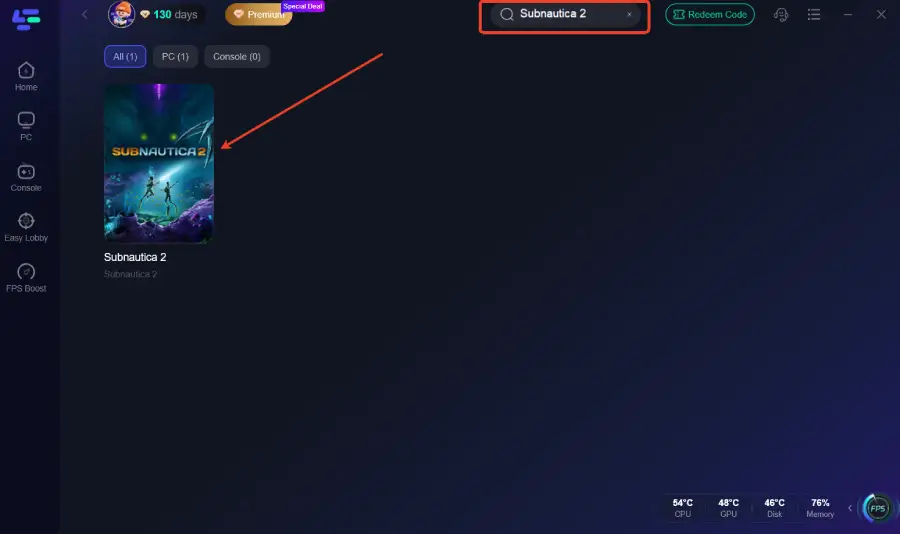
Step 2: After installation, search for "Subnautica 2" in the search bar and select the game.
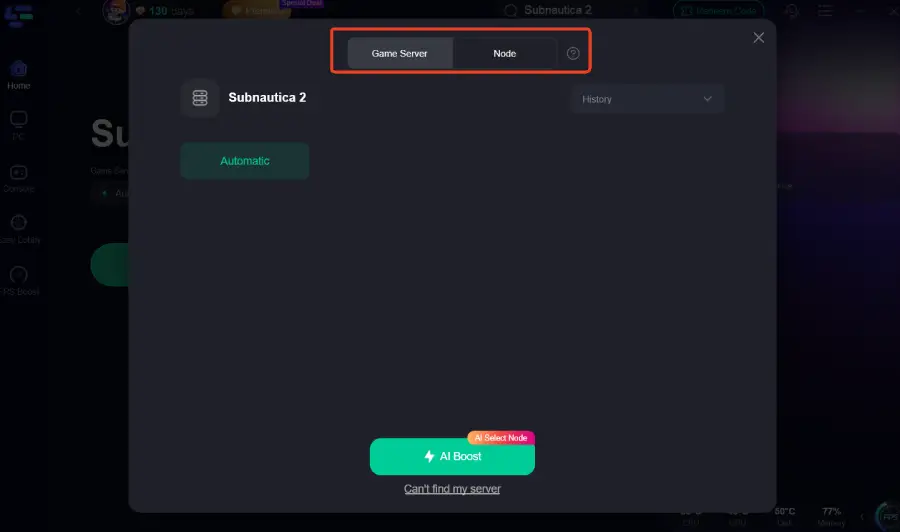
Step 3: Choose your preferred server node and click "Smart Boost" to start optimizing.
Step 4: Launch your game and enjoy smooth, optimized gameplay with lower ping and no stutter.
Part 5: FAQs
When will Subnautica 2 release on PC?
Subnautica 2 Early Access is scheduled for May 14, 2026, with full release timing still to be confirmed.
Is Subnautica 2 hard to run?
Yes. It is more demanding than previous entries due to Unreal Engine 5 and large underwater environments.
Does Subnautica 2 support DLSS or FSR?
Upscaling technologies like DLSS or FSR are commonly used in UE5 games, but official support depends on final release optimization.
Why is Subnautica 2 FPS unstable on some PCs?
Because of real-time world streaming, lighting effects, and high GPU/CPU load in underwater environments.
Can lowering settings improve performance?
Yes. Reducing shadows, reflections, and water effects can significantly improve FPS stability.
Conclusion
Subnautica 2 shows a clear jump in system demands due to Unreal Engine 5 and its detailed underwater environments. Whether you’re on a minimum, recommended, or high-end setup, your actual experience depends on how well your system handles real-time rendering and large-scale world streaming. Understanding the requirements early helps you set the right expectations and avoid performance surprises.

Boost Your Game with LagoFast for Epic Speed
Play harder, faster. LagoFast game booster eliminates stutter and lags on PC, mobile, or Mac—win every match!
Quickly Reduce Game Lag and Ping!
Boost FPS for Smoother Gameplay!