
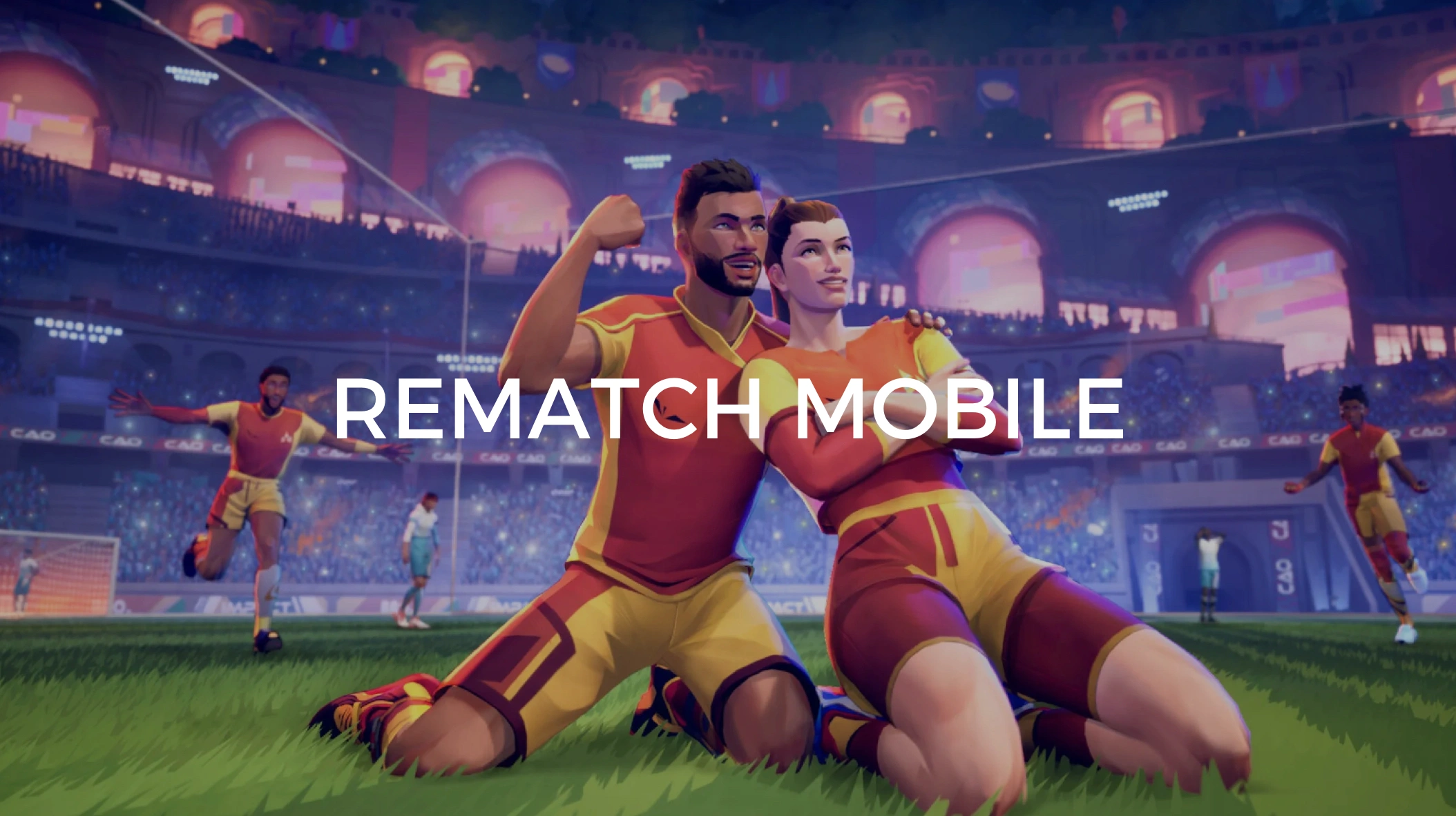
Rematch is shaping up to be one of the most hyped arcade-style soccer experiences of the decade. Developed by Sloclap and published by Kepler Interactive, it blends 5v5 competitive mechanics with a flashy, fast-paced environment inspired by street football culture. The game’s visuals, responsive gameplay, and unique reward system have caught the eye of soccer fans and competitive gamers alike. While the game is currently confirmed for PC and consoles, many players are eager to know: will there be a Rematch mobile version?
This article breaks down everything you need to know about the mobile availability of Rematch, including current platform support, the potential for future mobile releases, how to play Rematch on smartphones right now via PC versions, and whether it’s free or tied to Xbox Game Pass.

- ✅ Reduce Lag and High Ping.
✅ Boost FPS at the Same Time.
✅ Support 2000+ Online Games
✅ Change Server Without Latency.
✅ Multiplatform: PC, Console, Mobile.
✅ End Stuck, Connection & Crashing Issues
Part 1: Will Rematch Come to Mobile Devices?
Part 2: Is Rematch Mobile Free?
Part 3: Will Rematch Be on Xbox Game Pass?
Part 4: How to Download Rematch on Mobile for Android
Part 5: How to Download Rematch on Mobile for iOS
Part 6: How to Play Rematch on Your Mobile: A Step-by-Step Overview
Part 1: Will Rematch Come to Mobile Devices?
As of now, there is no official Rematch mobile release. The game is currently optimized for PC and major consoles, including Xbox Series X/S and PlayStation 5. While players continue to enjoy it via Steam, Xbox Game Pass, and other platforms, there has been no confirmed statement from the developers about a dedicated mobile version.

That said, the developers, Sloclap and Kepler Interactive, haven’t ruled out the possibility. During several Q&A sessions and interviews, developers mentioned that the team is "exploring options for expanding platform availability," though nothing concrete has been committed regarding iOS or Android.
The success of Rematch’s betas and growing popularity could eventually lead to mobile porting, but until there’s an official announcement, mobile fans must turn to workarounds.
Part 2: Is Rematch Mobile Free?
Because a native mobile version hasn’t been launched yet, Rematch mobile isn’t available for free or paid download on either the App Store or Google Play. However, the core PC and console games are not free either. Depending on the edition, players pay between $29.99 and $49.99.

So if a mobile version ever does arrive, it’s unlikely to be free unless supported by in-app purchases or ads, which would be a significant departure from the current model. For now, any access via mobile comes from streaming services or emulators, which we’ll explain shortly.
Part 3: Will Rematch Be on Xbox Game Pass?
Yes, Rematch will be a Day One title on Xbox Game Pass Ultimate. This means that subscribers to the service can enjoy the game at no additional cost on both Xbox consoles and PC platforms starting June 19th, 2025. This is a huge win for Game Pass users, especially those looking to dive into the action without committing to a full-price purchase.
It’s worth noting that Xbox Game Pass does support cloud gaming, which opens a window of opportunity for mobile play, even without an official Rematch mobile release. With Game Pass Ultimate, players can stream Rematch directly to their smartphones through supported apps, bypassing the need for emulators or installations.
Part 4: How to Download Rematch on Mobile for Android
Although Rematch doesn’t have a mobile version, Android users still have a few viable options for playing the game on their phones. Each method has pros and cons, depending on your device’s performance and internet connectivity. Here's an overview of the best solutions:
1. Android Emulator Apps
One workaround is using PC emulation tools like BlueStacks or LDPlayer on a Windows desktop and then streaming that environment to your Android phone. You can control Rematch via touch controls or link a Bluetooth controller for better accuracy. This method depends on a host computer and requires a solid network connection between devices.
2. Google Play or Other App Stores - When Available
Should Rematch release on Android officially in the future, the Google Play Store or alternative platforms like TapTap or the Samsung Galaxy Store will likely carry it. This would be the most convenient method, involving a simple download and installation. Until then, users should avoid unofficial APKs or modded versions, which may be unsafe.

3. Cloud Streaming Services
Using services such as Xbox Cloud Gaming (via Game Pass Ultimate), NVIDIA GeForce NOW, or Steam Link, you can stream Rematch directly to your Android phone. These platforms allow you to play the game remotely from a server or your PC. It’s a reliable option, especially for players with high-speed internet and minimal input lag.
Part 5: How to Download Rematch on Mobile for iOS
Apple’s environment presents slightly more challenges due to its sandboxing policies, but iOS users still have legitimate options for mobile Rematch gaming.
1. iOS Emulator Access via Mac or PC
While traditional emulators aren’t supported natively on iOS, you can use remote desktop software like Parsec or Moonlight to stream gameplay from a PC running Rematch. This setup allows iPhone or iPad users to control and view the game in real-time. Pairing a controller via Bluetooth is recommended for optimal gameplay.
2. Apple App Store - When Officially Released
If Sloclap eventually launches a native version of Rematch on iOS, it would most certainly be available on the Apple App Store. It would include custom UI optimization and possibly cross-progression with other platforms. Until then, keep an eye out for official announcements and avoid downloading unverified apps.
3. Cloud Gaming and Streaming Services

Xbox Cloud Gaming, available through Safari or the Xbox app for iOS, allows users to stream games from the cloud. Since Rematch will be on Game Pass at launch, this method will enable day-one access for iOS users without needing a console or PC. Services like GeForce NOW also offer browser-based access, making it a strong alternative.
Part 6: How to Play Rematch on Your Mobile: A Step-by-Step Overview
Here’s a simplified walkthrough to get you playing Rematch on your mobile device today, whether you're using Android or iOS:
Step 1. Buy or Install Rematch: Ensure you own the game via Steam, Xbox Game Pass, or another supported platform.
Step 2. Choose Your Access Method: Decide whether to use an emulator, cloud streaming service, or remote play setup.
Step 3. Install Necessary Apps:
- For streaming: Steam Link, Xbox Game Pass app, or GeForce NOW
- For emulation: BlueStacks (Android) or cloud-based emulator platforms
Step 4. Pair a Game Controller: Touch controls aren’t always supported. Use a Bluetooth controller for smoother play.
Step 5. Launch and Configure Settings: Start the game, adjust in-game controls or resolution for mobile performance.
Step 6. Accelerate with LagoFast (Optional but Recommended)
If you're experiencing lag or delay, especially during streaming or emulator play, LagoFast can significantly improve your experience. It optimizes traffic routes, reduces ping, and accelerates data delivery, making your gameplay smoother and more stable, especially on mobile networks. LagoFast is particularly effective when paired with Steam Link or Game Pass cloud services.
Follow the tutorial to use the LagoFast Mobile booster:
Step 1: Search “LagoFast Mobile booster” in the Google App Store or Apple App Store. Alternatively, click here to download the APK File.
Step 2: Click the “Download” button, then install and launch “LagoFast Mobile Booster”.
Step 3: Start Rematch Mobile, streaming app, or emulators, then switch to LagoFast Mobile and search for it.
Step 4. Select and click them in the interface.
Step 5: Enter the server selection interface, where you can change to a stable server, then click the “Boost” button to enhance the gaming experience
Step 6: Finally, go back to Rematch Mobile and start playing it without any lag.
Conclusion
While a dedicated Rematch mobile version is not available as of now, there are several excellent ways to experience the thrill of Rematch on both Android and iOS devices. Through emulators, streaming services, and Xbox Game Pass cloud gaming, players can bring the high-energy 5v5 arcade soccer action to their fingertips. With the official launch slated for June 19th, 2025, fans have plenty of options to get ahead of the curve, whether they’re grinding for pre-order bonuses or just looking to get their soccer fix on the go.
Stay tuned for future announcements from Sloclap and Kepler Interactive. A mobile version may just be around the corner. Until then, stream smart, emulate efficiently, and accelerate your gameplay with tools like LagoFast to make the most out of your mobile Rematch experience.
Boost Your Game with LagoFast for Epic Speed
Play harder, faster. LagoFast game booster eliminates stutter and lags on PC, mobile, or Mac—win every match!
Quickly Reduce Game Lag and Ping!
Boost FPS for Smoother Gameplay!