
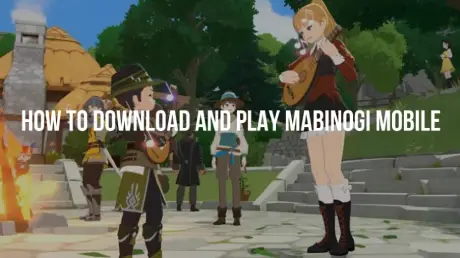
Nexon’s long-awaited fantasy MMORPG, Mabinogi Mobile, is finally bringing the warmth, music, and adventure of Erinn back to life. Whether you want to clear challenging dungeons or relax by a campfire playing custom tunes, this mobile and PC title brings modern visuals to the classic franchise. With the Traditional Chinese version launching on July 22 for Taiwan, Hong Kong, and Macau, players across the globe are eager to dive in. This guide breaks down everything you need to know: download sources, PC client details, cross-play mechanics, and how overseas players can bypass region restrictions with LagoFast.

- ✅ Reduce Lag and High Ping.
✅ Boost FPS at the Same Time.
✅ Support 8000+ Popular Online Games.
✅ Change Server without Latency.
✅ Boost Game Loading Speed.
Part 1: Mabinogi Mobile Launch Overview
Part 2: How to Download and Play Mabinogi Mobile on PC and Mobile
Part 3: Step-by-Step Guide: Account Registration, Pre-Download & Pre-Character Creation
Part 4: How Overseas Players Can Fix High Ping and Region Locks with LagoFast
Part 5: System Requirements for Mabinogi Mobile PC Client
Part 6: Troubleshooting Common Installation & Connection Errors
Part 1: Mabinogi Mobile Launch Overview
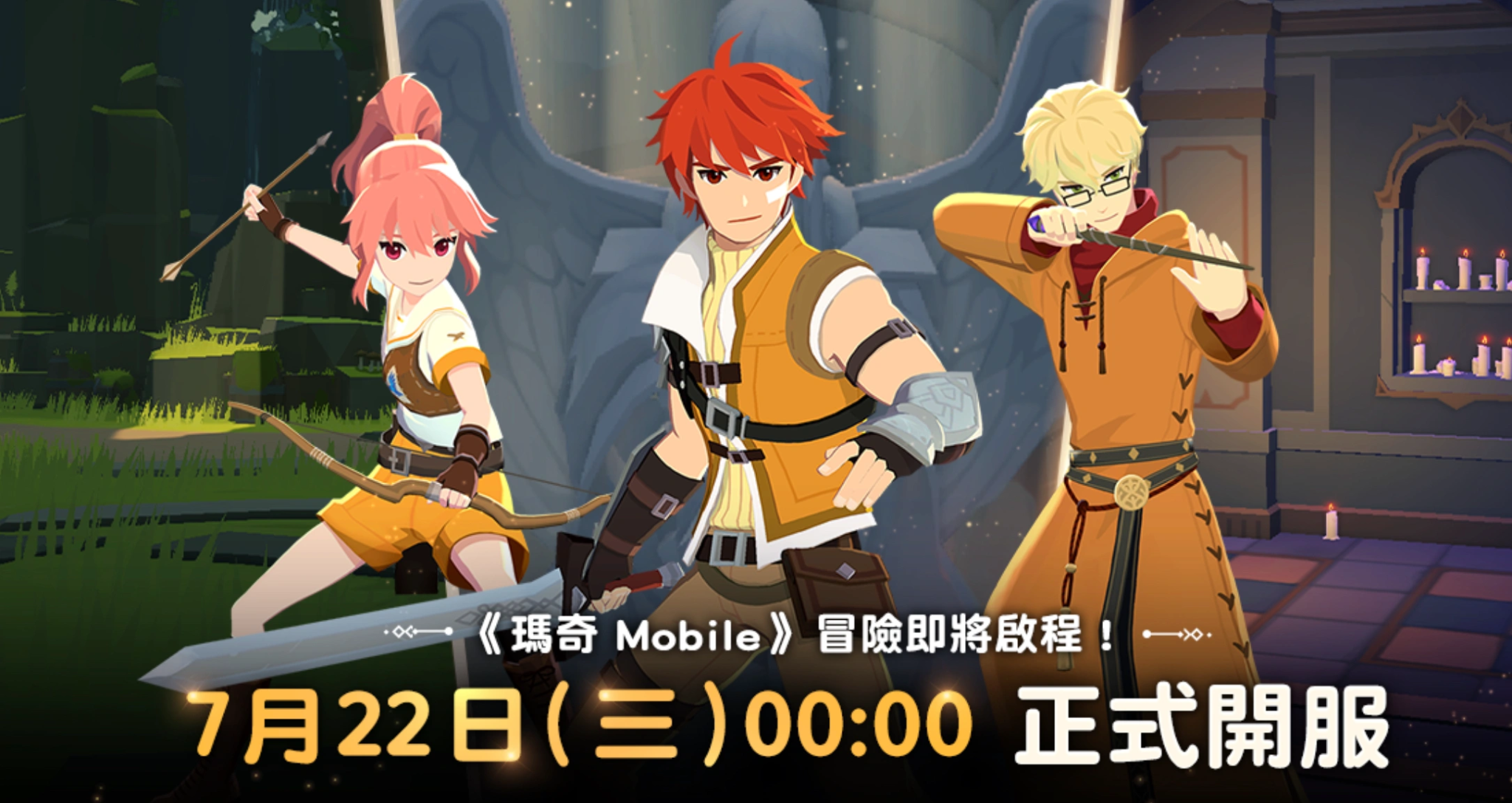
The upcoming July 22 launch specifically targets the Taiwan, Hong Kong, and Macau regions. Published by Nexon, the game is built from the ground up to support seamless play across both mobile devices and desktop computers.
Here is what you need to keep in mind regarding the launch:
- Official Launch Date: July 22.
- Target Regions: Taiwan, Hong Kong, Macau.
- Supported Platforms: PC (Standalone Client), iOS (App Store), and Android (Google Play / APK).
- Cross-Play & Cross-Progression: Fully supported. Playing on your phone during your commute and switching to your PC at home uses the same character and account progress.
- Steam Availability: No, Mabinogi Mobile is not available on Steam. The game runs exclusively through Nexon’s official launcher and dedicated PC client for the Traditional Chinese region.
Because servers are hosted in Taiwan, Hong Kong, and Macau, players residing outside these areas will face regional IP blocks and high latency unless they use a network acceleration tool.
Part 2: How to Download and Play Mabinogi Mobile on PC and Mobile
Getting the game ready on your preferred platform is straightforward, provided you use the official channels.
Downloading the Mabinogi Mobile PC Client
The standalone PC client offers higher resolution graphics, smoother frame rates, and flexible keyboard/mouse controls.
Step 1. Visit the official Traditional Chinese website at tw.nexon.com/mabinogimobile/home/.
Step 2. Look for the PC Client Download button on the homepage.
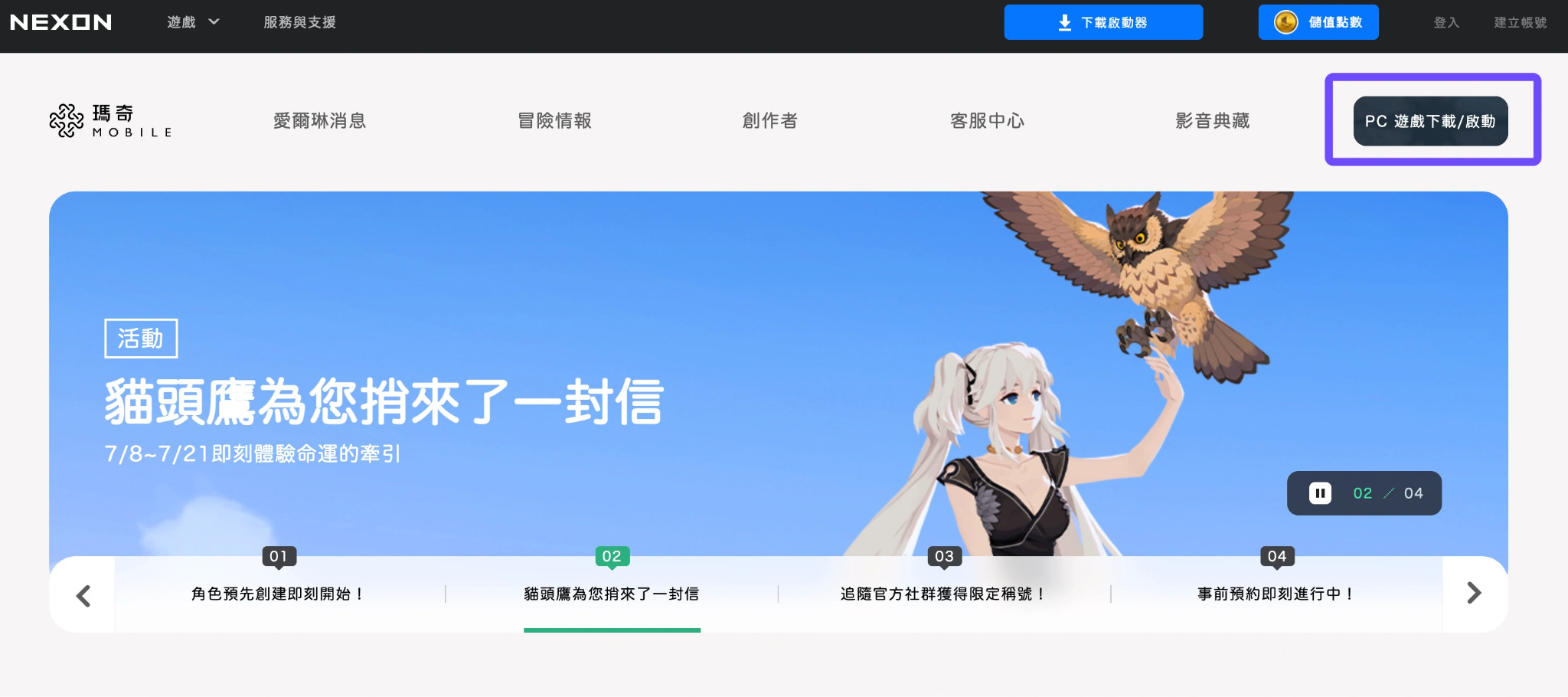
Step 3. Download the setup executable (.exe) file to your PC.
Step 4. Run the installer and choose your preferred directory (ensure you have at least 20 GB of free storage space).
Step 5. Open the game launcher to begin downloading the core patch files.
Downloading on Mobile (iOS & Android)
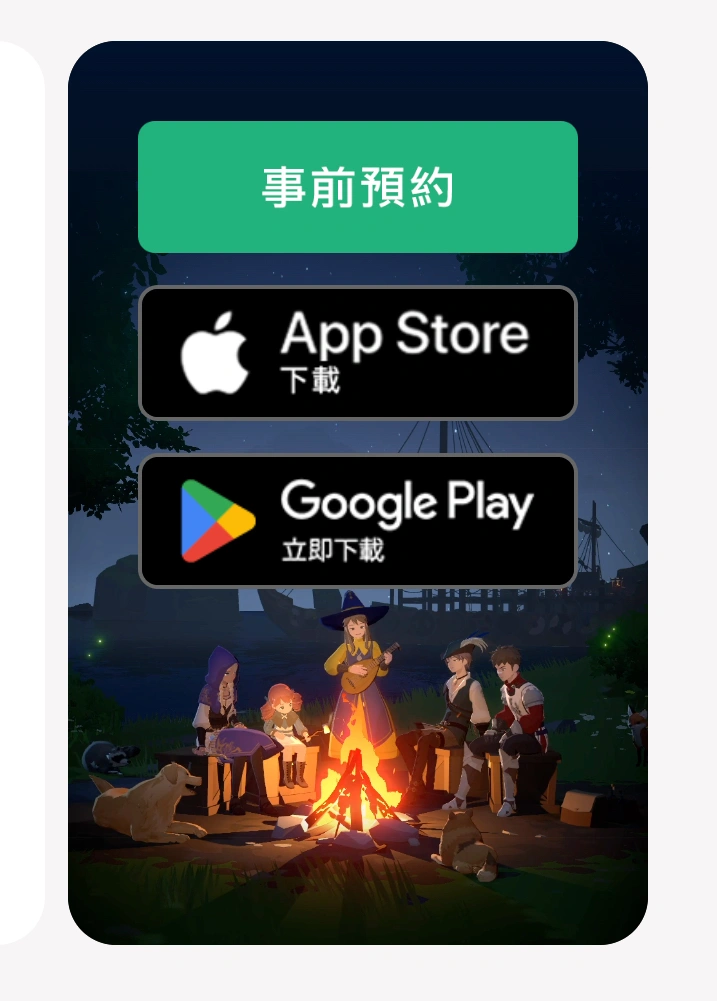
- iOS Users: You will need an Apple ID registered in Taiwan, Hong Kong, or Macau to access the game on the local App Store. Once logged into that account, search for "瑪奇 Mobile" and tap download.
- Android Users: If your Google Play Store region is set to TW, HK, or MO, you can install the app directly from Google Play. Otherwise, you can download the official APK file from trusted third-party repositories or directly from the official website.
Part 3: Step-by-Step Guide: Account Registration, Pre-Download & Pre-Character Creation
Nexon usually opens pre-downloads and pre-character creation events shortly before official server launch days. Following these steps ensures you reserve your favorite character name and log in immediately when servers go live.
Account Registration
Step 1. Go to the Official Mabinogi Mobile Website.
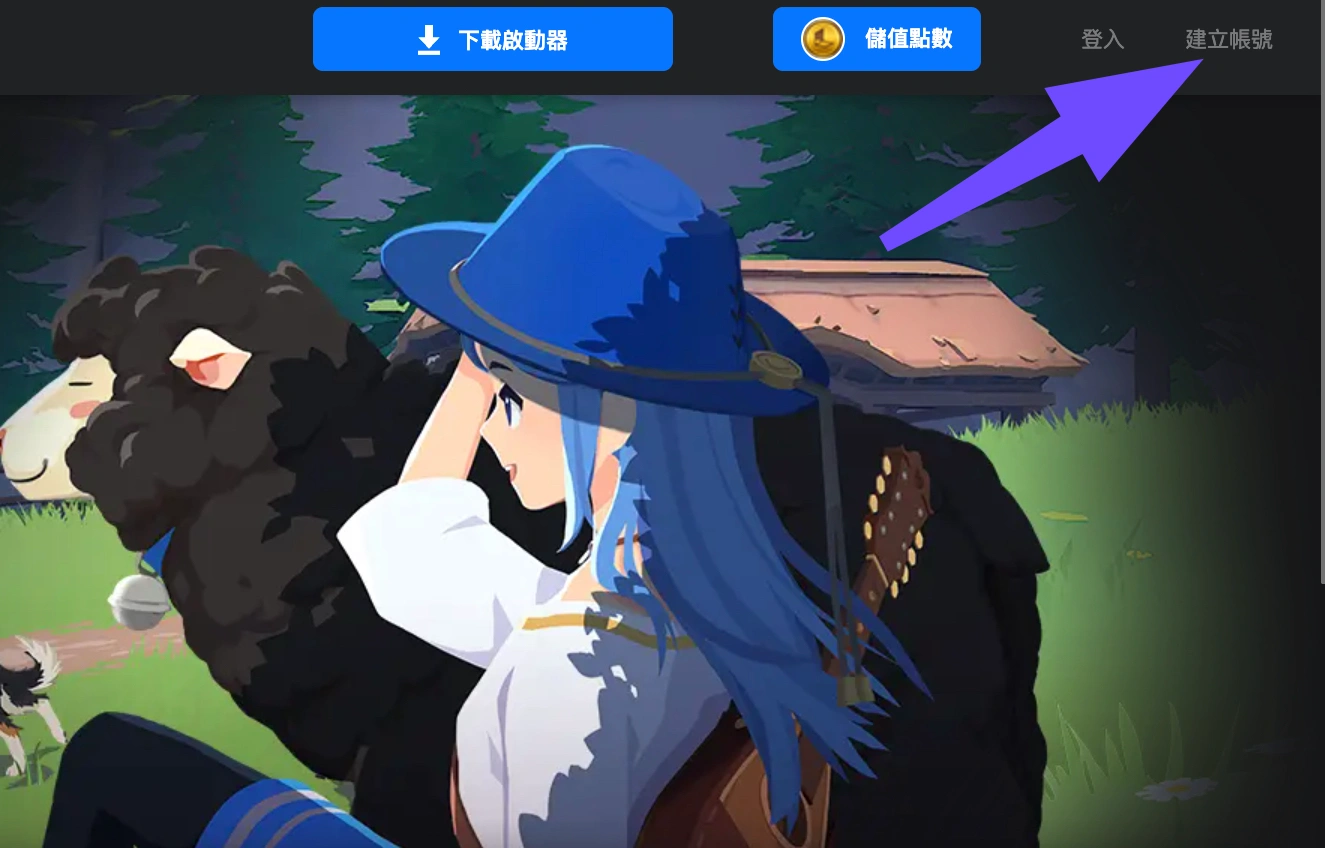
Step 2. Click Member Center / Sign Up in the top-right corner.
Step 3. Select your preferred login method. Nexon supports:
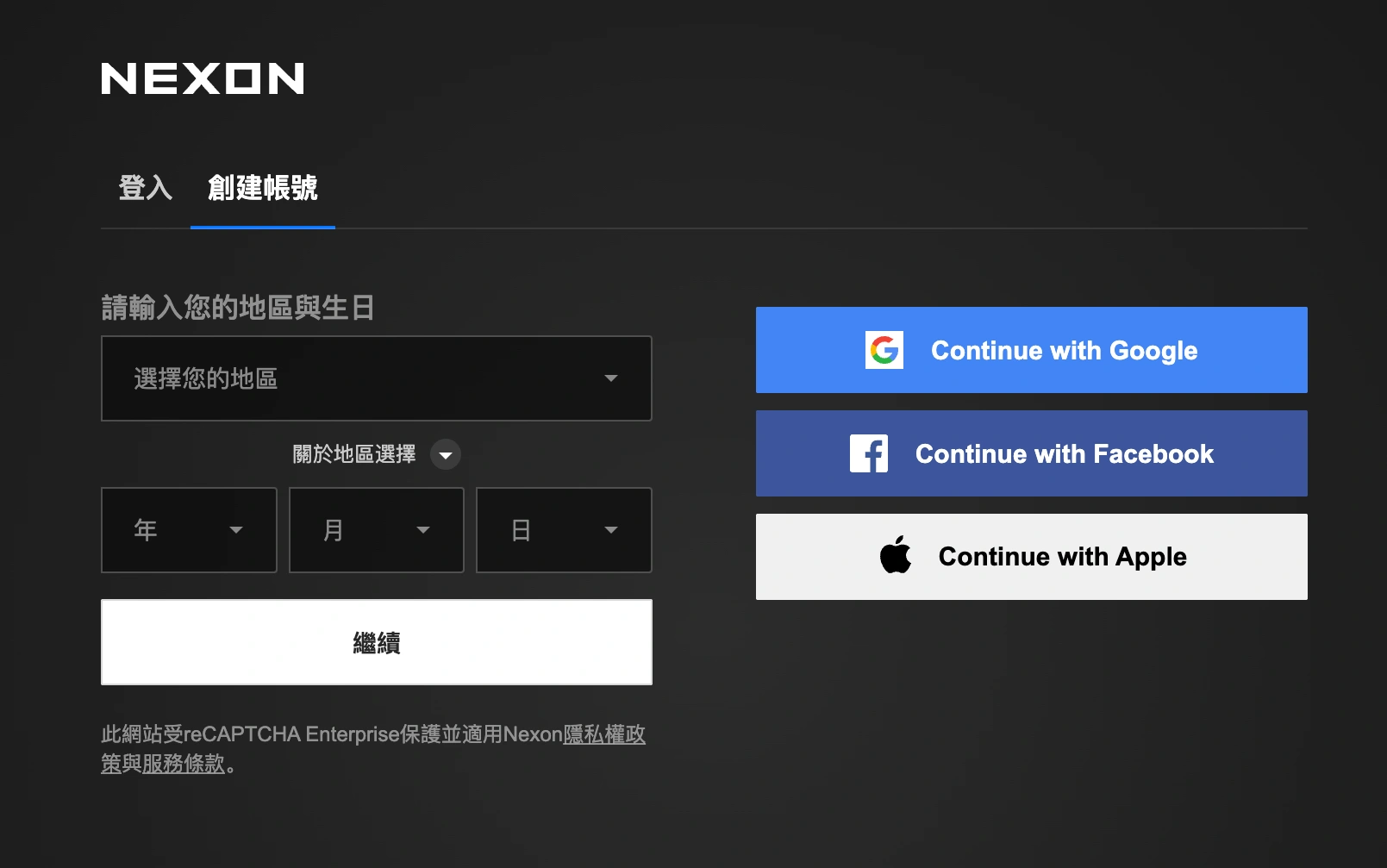
- Direct Nexon TW Account creation (requires email verification)
- Social logins (Google, Apple ID, Facebook)
Step 4. Complete any required regional agreement forms.
Pre-Download the Game
- On PC, launch the installer you downloaded earlier. Allow the launcher to download the full asset bundle (~12 GB to 15 GB).
- On Mobile, open the app store or install the APK, then launch the app to fetch the additional in-game data update.
Pre-Character Creation
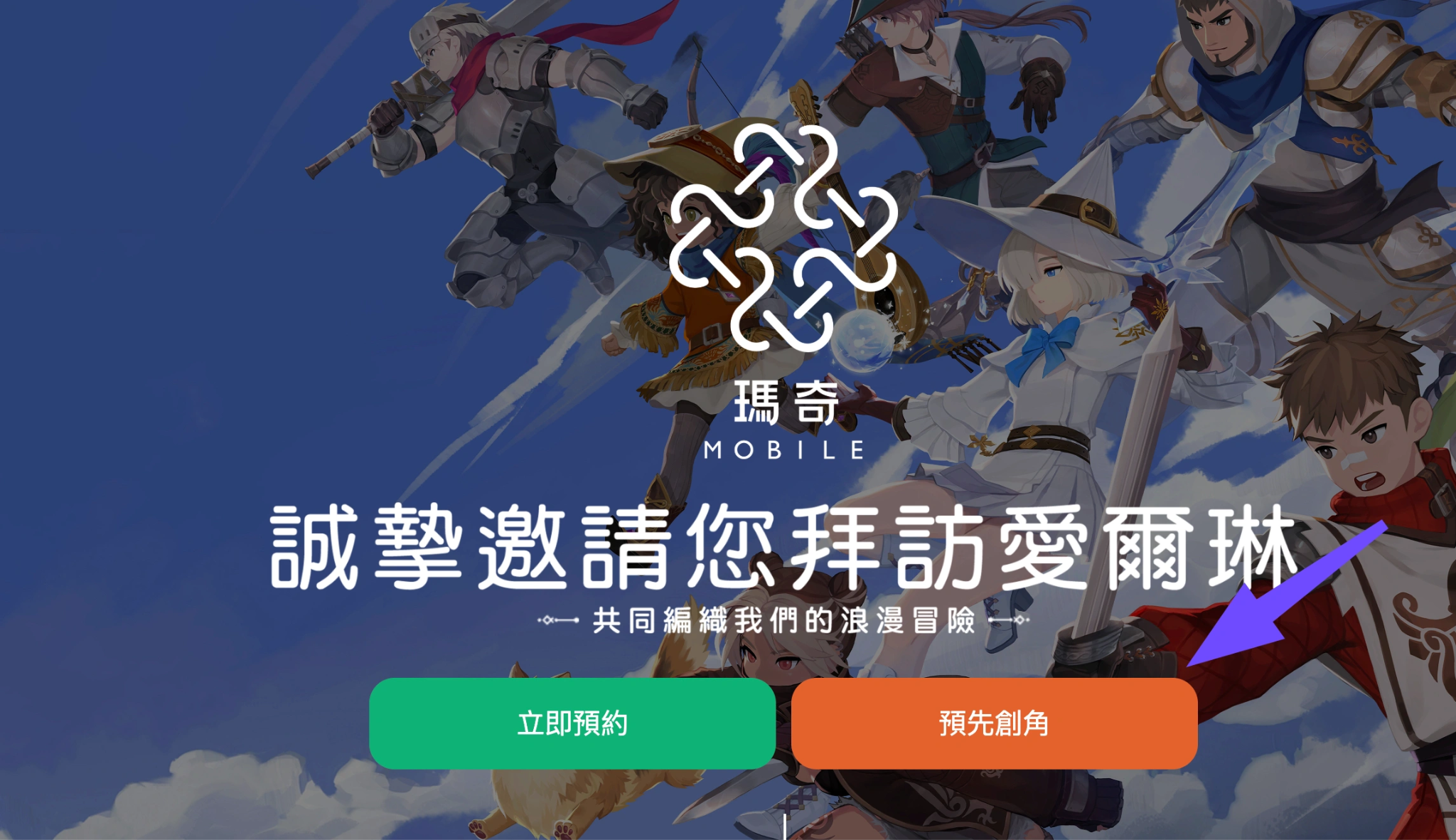
Step 1. Open the game client during the pre-creation period.
Step 2. Log into your registered Nexon account.
Step 3. Select your starting server (coordinate with friends beforehand to pick the same server).
Step 4. Choose your starting class and customize your character’s hair, eyes, facial structure, and starting outfit.
Step 5. Enter your character name and lock in your reservation.
Part 4: How Overseas Players Can Fix High Ping and Region Locks with LagoFast
Playing an Asian MMORPG from North America, Europe, Southeast Asia, or Oceania often leads to severe lag, skill delays, rubberbanding, or outright disconnects during boss fights. Because Mabinogi Mobile servers are physically located in Taiwan and Hong Kong, standard internet service routing (ISP) takes long, inefficient hops across global undersea cables.
This is where LagoFast comes in as a dedicated gaming booster designed to optimize your connection.
Key Advantages of Using LagoFast for Mabinogi Mobile:
- Dedicated Taiwan & Hong Kong Nodes: LagoFast utilizes multipath routing protocols to connect you directly to server nodes closest to Nexon’s game servers, reducing ping by up to 40-60%.
- Bypass Region & IP Restrictions: If Nexon enforces strict IP geolocation checks on game launchers or login portals, LagoFast allows you to bypass these restrictions instantly without changing your whole system setup.
- Fixes Packet Loss & Rubberbanding: Real-time action combat in Mabinogi Mobile requires precise dodge timing and skill combinations. LagoFast stabilizes packet delivery to eliminate rubberbanding during combat.
- Cross-Platform Support: LagoFast supports both Windows PC clients and mobile devices (iOS/Android), protecting your connection no matter where you choose to play.
- One-Click Acceleration: Simple, user-friendly interface requiring no complex manual proxy configs.
How to Use LagoFast to Play Mabinogi PC Client
Step 1. Download and install LagoFast on your PC.
Step 2. Search for the Game: Type "Mabinogi Mobile" or "瑪奇 Mobile" into the search bar.
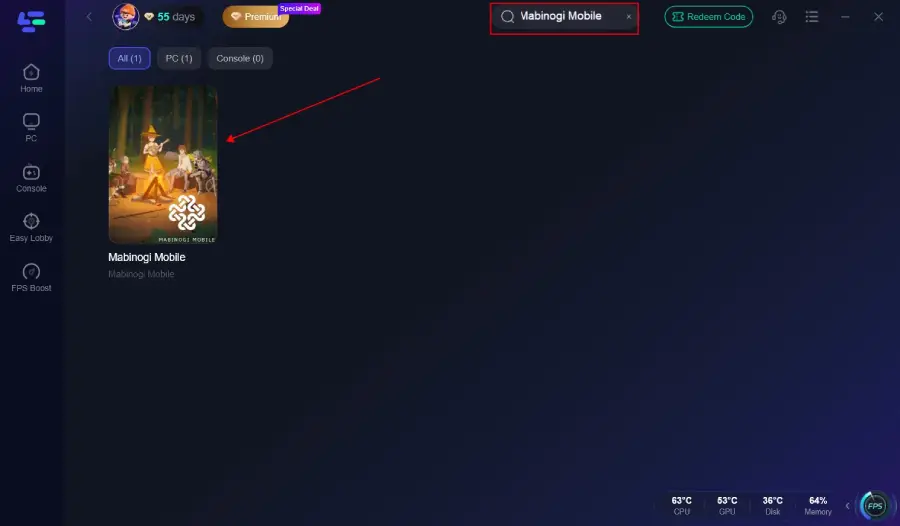
Step 3. Select Server & Node: Choose the Taiwan or Hong Kong server region. Select "Auto-Path" or pick the lowest-latency node provided.
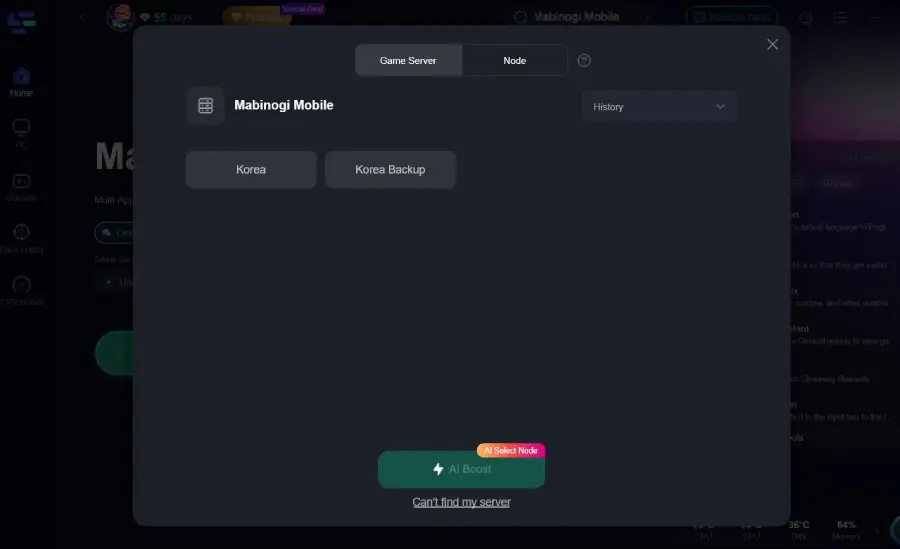
Step 4. Boost the Connection: Click the Boost button.
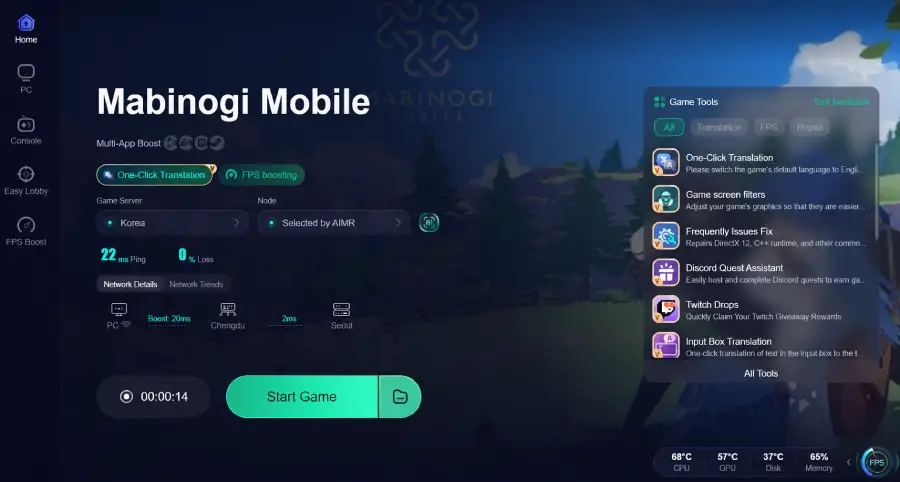
Step 5. Launch the Game: Keep LagoFast running in the background, open your Mabinogi Mobile PC client, and log in cleanly without region lock restrictions.
How to Use LagoFast to Play Mabinogi Mobile
Step 1: Search for “LagoFast Mobile Booster” in the Google Play Store or Apple App Store.
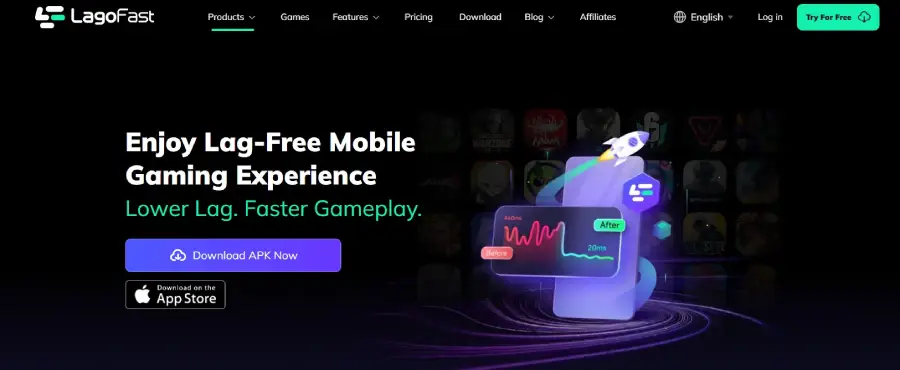
Step 2: Tap “Download”, then install and launch LagoFast Mobile Booster.
Step 3: Open Mabinogi Mobile, then switch back to LagoFast Mobile and search for the game.
Step 4: Select Mabinogi Mobile from the list in the app.
Step 5: Enter the server selection screen, choose Taiwan or Hong Kong server region, and tap “Boost” to reduce lag and improve performance.
Step 6: Return to Aion 2 and enjoy smooth, lag-free gameplay.
Part 5: System Requirements for Mabinogi Mobile PC Client
|
Component |
Minimum Requirements |
Recommended Specifications |
|
Operating System |
Windows 10 (64-bit) |
Windows 10 / 11 (64-bit) |
|
Processor (CPU) |
Intel Core i5-6600 / AMD Ryzen 5 1600 |
Intel Core i7-9700 / AMD Ryzen 7 3700X |
|
Graphics (GPU) |
NVIDIA GeForce GTX 1050 Ti |
NVIDIA GeForce RTX 2060 / AMD Radeon RX 5700 |
|
Memory (RAM) |
8 GB RAM |
16 GB RAM or higher |
|
DirectX |
Version 11 |
Version 12 |
|
Storage |
30 GB available space (SSD recommended) |
30 GB available space on NVMe SSD |
Part 6: Troubleshooting Common Installation & Connection Errors
Even with proper setup, players occasionally encounter technical hitches. Here is how to resolve the most common issues:
Error: "Service Is Not Available in Your Region"
Cause: Nexon's server has detected an IP address outside Taiwan, Hong Kong, or Macau.
Solution: Close the game completely. Launch LagoFast, set the target boost location to Taiwan, click Boost, and then restart the game client.
Download Stuck at 0% or Failing to Update
Cause: Firewall blockage or unstable CDN node connections.
Solution:
Step 1. Add the game executable and launcher to your Windows Defender / Antivirus whitelist.
Step 2. Run the Nexon Launcher as an Administrator.
Step 3. Enable LagoFast before starting the patcher to stabilize the download route.
Black Screen or Crash on Startup
Cause: Outdated graphics drivers or missing DirectX runtime components.
Solution: Update your GPU drivers (NVIDIA or AMD) to the latest version. Reinstall DirectX 11/12 runtime libraries from Microsoft's official site.
Account Authorization / Login Failed
Cause: Browser cookies mismatch or session timeout during social login.
Solution: Clear your default Web browser cache, or set your primary browser to Incognito mode before clicking the social login (Google/Apple) button inside the launcher.
Part 7: Mabinogi Mobile FAQs
What is the official server launch date for Mabinogi Mobile?
The Traditional Chinese server version covering Taiwan, Hong Kong, and Macau officially launches on July 22.
Can I play Mabinogi Mobile on Steam?
No, Mabinogi Mobile is not published on Steam. The PC version is available solely as a standalone client downloadable from the official Nexon Traditional Chinese website.
Can I use the same account to play on both PC and mobile?
Yes! The game features full cross-platform support. Log into the same Nexon account on your PC client and mobile device to access the exact same characters and progress.
How can overseas players download the Mabinogi Mobile Taiwan version?
PC players can download the installer directly from tw.nexon.com/mabinogimobile/home/. Mobile users will need a TW/HK/MO store account (iOS) or an APK installer (Android). To play smoothly from outside these regions, use LagoFast to bypass regional IP checks.
Will my pre-created character be saved when the servers officially open?
Yes. Any character created during the pre-registration and pre-creation event is saved to your Nexon account and ready for action the moment servers go live.
Is Mabinogi Mobile free to play?
Yes, Mabinogi Mobile is free to download and play on all supported platforms, with optional in-app purchases available for cosmetics and progression items.
Why do I need a game booster like LagoFast if I already have high-speed home internet?
Even fast home internet cannot alter the geographical routing that international data takes. LagoFast routes your connection through optimized, direct gaming paths straight to Taiwan servers, dropping latency and resolving IP restrictions that standard ISPs cannot fix
Conclusion
With its July 22 launch fast approaching, Mabinogi Mobile promises a fresh yet nostalgic return to Erinn for both veteran players and newcomers. Grab the PC client from the official website, set up your Nexon account, and pre-create your character today. If you are playing from outside Taiwan, Hong Kong, or Macau, fire up LagoFast to dodge region blocks and enjoy butter-smooth, low-latency gameplay from day one!

Boost Your Game with LagoFast for Epic Speed
Play harder, faster. LagoFast game booster eliminates stutter and lags on PC, mobile, or Mac—win every match!
Quickly Reduce Game Lag and Ping!
Boost FPS for Smoother Gameplay!