
Quick Answer
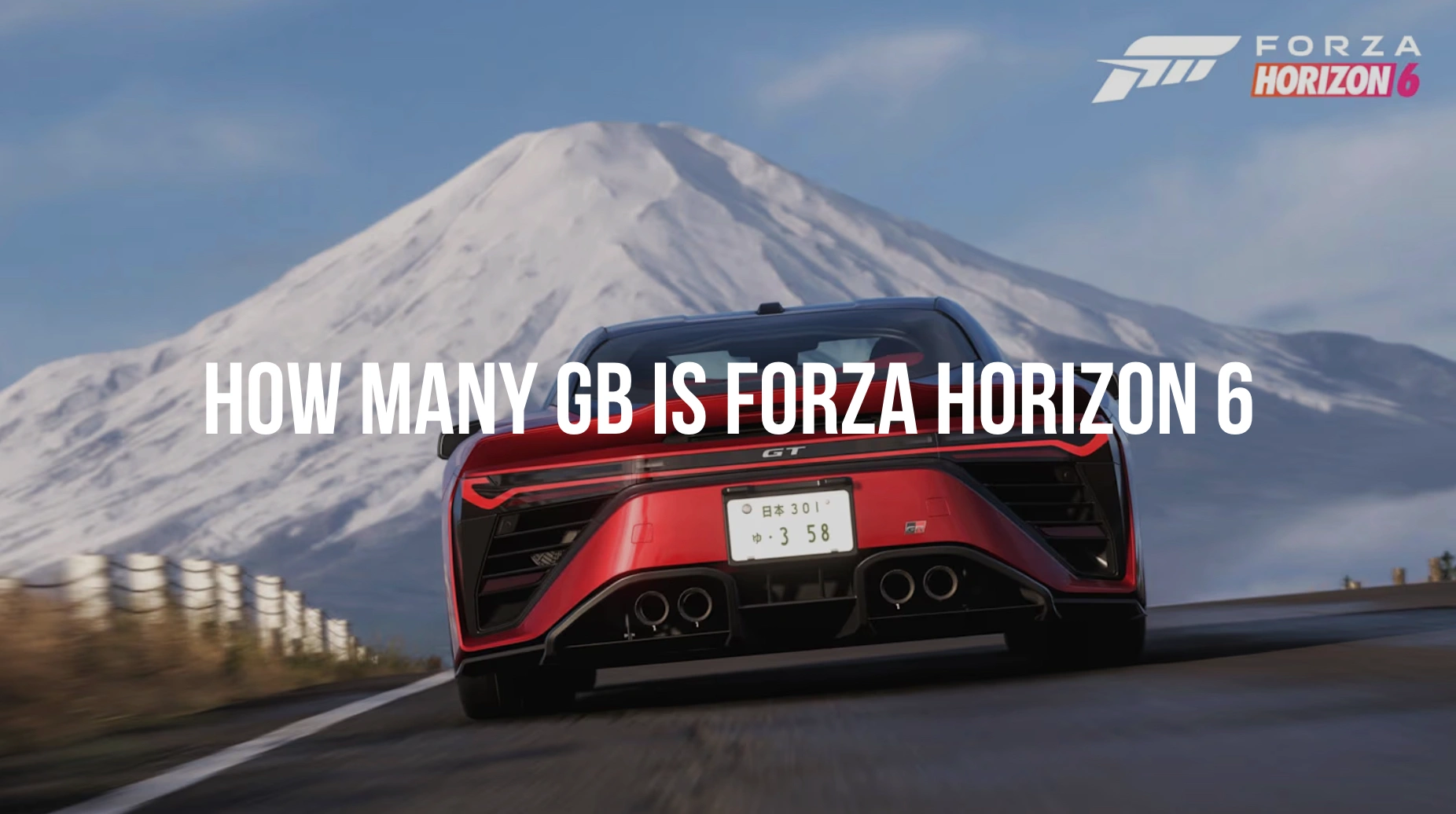
Forza Horizon 6 is the largest entry in the series to date. At launch, the estimated storage requirement is approximately 145 GB on Xbox Series X/S and 157 GB on PC (Steam and Windows Store). These figures can fluctuate slightly based on day-one patches and regional language packs.
Introduction
The Horizon Festival is officially heading to Japan, and for many racing fans, the excitement of drifting through a neon-soaked Tokyo or tearing up the mountain passes of Mt. Fuji is tempered by one practical question: How many GB is Forza Horizon 6?
As games become more visually breathtaking, their footprints on our hard drives expand. With Forza Horizon 6 (FH6) pushing the boundaries of the ForzaTech engine, players need to clear some serious room. Whether you are on a high-end PC or an Xbox Series X, here is everything you need to know about the storage requirements and how to ensure your installation goes smoothly.

- ✅ Reduce Lag and High Ping.
✅ Boost FPS at the Same Time.
✅ Support 2000+ Popular Online Games.
✅ Change Server without Latency.
✅ Boost Game Loading Speed.
Part 1: Why Forza Horizon 6 Is So Large?
Part 2: Forza Horizon 6 Storage Requirements
Part 3: How to Prepare for Installation (Optimization Guide)
Part 4: Solving Network Issues During Installation
Part 5: Beginner Tips: SSD vs. HDD Performance Impact
Part 6: Preload Size vs. Final Size
Part 1: Why Forza Horizon 6 Is So Large?
If you’re wondering why a racing game needs more space than some open-world RPGs, the answer lies in the sheer scale of the "Horizon Japan" experience.
Massive Open World Map
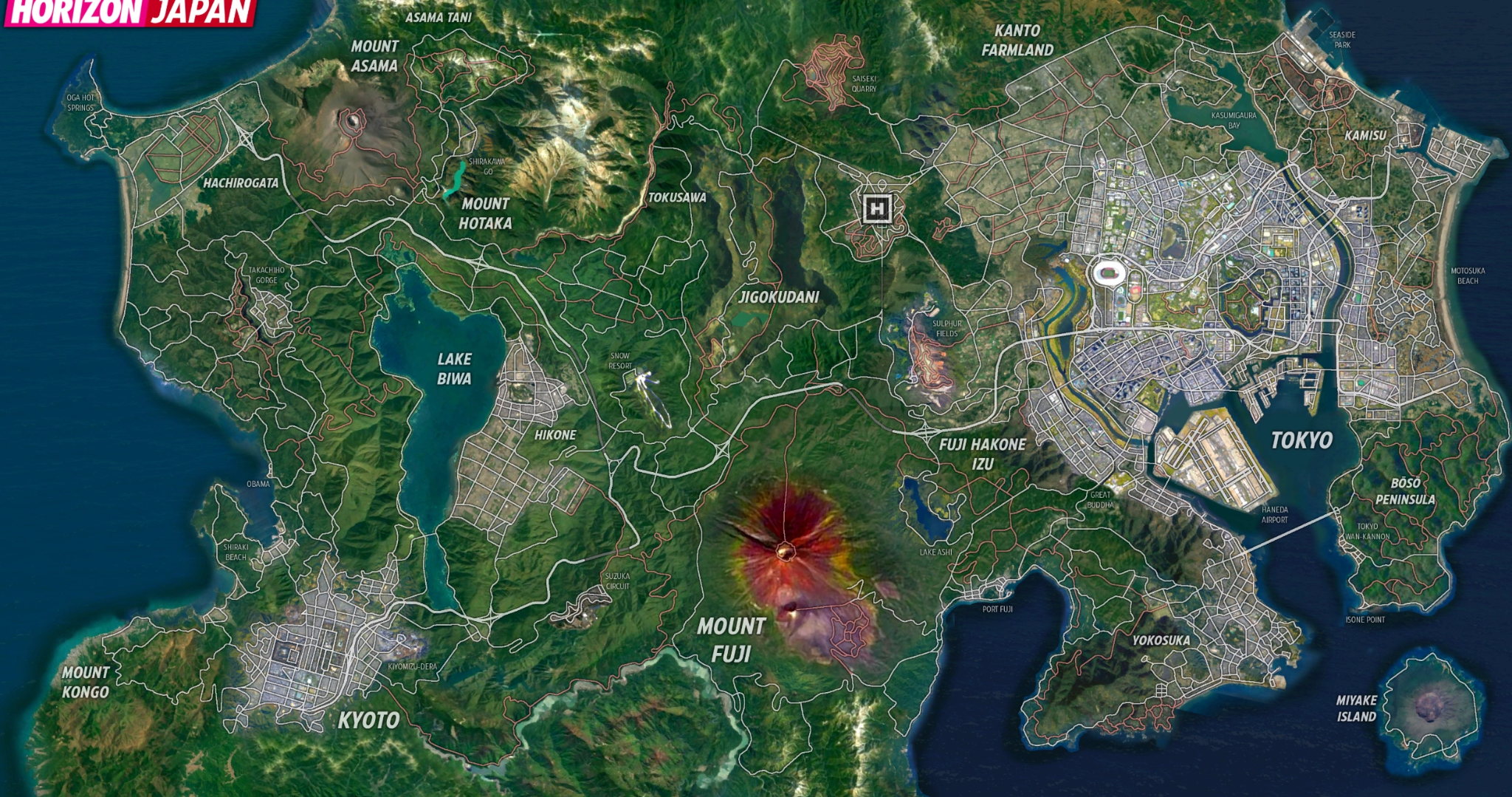
The representation of Japan in FH6 is reportedly the largest map Playground Games has ever built. From the dense, asset-heavy urban sprawl of Tokyo to the sprawling rural landscapes and elevation changes of the Japanese Alps, every square kilometer is packed with unique geometry. Unlike previous titles where assets could be recycled more frequently, the unique architecture of Japan requires a massive library of distinct models.
Ultra HD Visual Assets
With the game being developed exclusively for current-gen hardware (ditching the Xbox One entirely), the developers have utilized much higher resolution textures. Ray tracing is now more integrated into the open world, requiring complex lighting data and high-fidelity shaders that significantly inflate the file size.
Vehicle Content Expansion
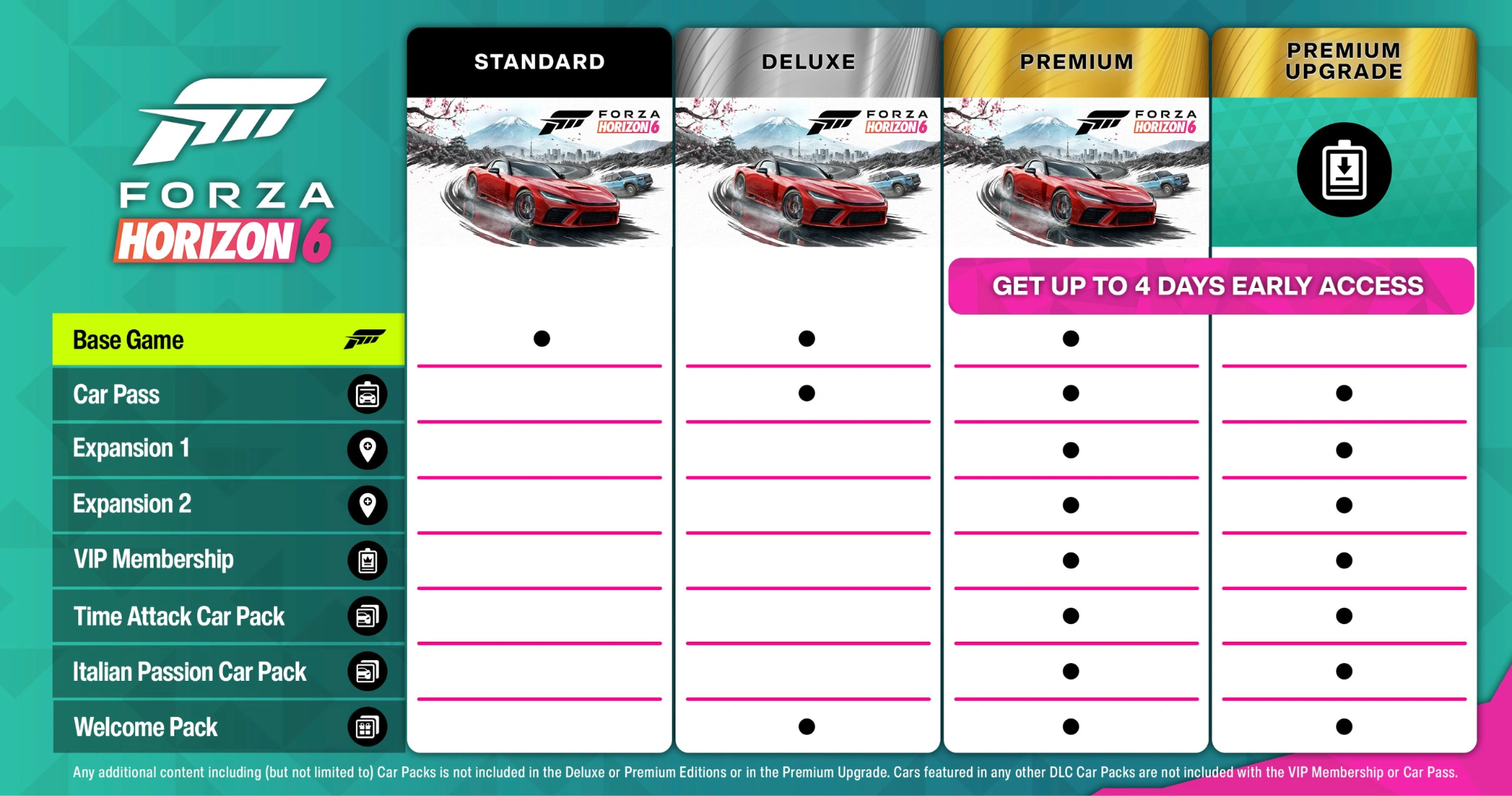
FH6 features over 550 cars at launch. Each vehicle is modeled with extreme precision, including engine bays, interiors, and the "Forzavista" mode which allows you to inspect every nut and bolt. When you multiply that level of detail by hundreds of cars, the GBs start to add up quickly.
Online + Live Service Content
The "Horizon Life" system is more integrated than ever. The background data required for seamless multiplayer transitions, seasonal event rotations, and the new "EventLab 2.0" assets means the base game comes pre-loaded with a lot of heavy lifting for future updates.
Part 2: Forza Horizon 6 Storage Requirements
|
Component |
Estimated Size (PC) |
Estimated Size (Xbox) |
|
Base Game |
~130 GB |
~120 GB |
|
High-Resolution Texture Pack |
Included (Built-in) |
~20 GB (Series X) |
|
Initial Day-One Patch |
5–10 GB |
5–8 GB |
|
Seasonal Updates (First 3 Months) |
+15 GB (Estimated) |
+12 GB (Estimated) |
|
Total Estimated Size |
156.65 GB |
144.84 GB |
Part 3: How to Prepare for Installation (Optimization Guide)
With a download this massive, you don’t want to wait until launch day to start your preparation.
Free Up Space
Don't just delete old games; clear your system's "temp" files and "cache." On PC, ensure your drive has at least 10–15% overhead after installation. SSDs can slow down significantly if they are filled to 99% capacity, which can lead to "hiccups" while the game tries to stream high-speed racing assets.
Use Fast Storage
Forza Horizon 6 requires an SSD. On the Xbox Series X/S, this means the internal storage or the official Seagate/Western Digital expansion cards. On PC, an NVMe M.2 drive is highly recommended to avoid texture popping when driving at 200+ mph.
Optimize Download Speed
A 150 GB download can take several hours (or even days) on a standard connection.
- Wired Connection: Always use an Ethernet cable instead of Wi-Fi for large downloads.
- Clear the Bandwidth: Turn off auto-updates on other devices and stop any streaming services while FH6 is downloading.
Part 4: Solving Network Issues During Installation
Large AAA downloads like FH6 often face significant hurdles that can frustrate players during the pre-load or launch window.
Common Download Obstacles:
- Server Congestion: When millions of players try to download 150 GB simultaneously, Steam and Xbox Live servers can struggle, causing speeds to crawl.
- ISP Throttling: Some Internet Service Providers detect massive sustained downloads and "throttle" or slow down your connection to save bandwidth for other users.
- Packet Loss: Large files are susceptible to corruption if your connection is unstable, leading to "Installation Stopped" errors.
Optimization Tip: Use LagoFast
To combat these issues, many players use game network optimizers like LagoFast. While often associated with reducing in-game lag, LagoFast is highly effective for large-scale installations.
- Stabilize Download Routing: LagoFast can redirect your connection through more stable paths, often bypassing congested nodes in your ISP's network.
- Reduce Packet Loss: By providing a dedicated path to the game servers, it minimizes the risk of file corruption during the 150 GB transfer.
- Cross-Device Compatibility: Whether you are racing on PC, Xbox, or PlayStation, LagoFast offers comprehensive support. You can optimize your console's connection easily via the LagoFast Box or the mobile app, ensuring that no matter where you play Forza Horizon 6, you have the best possible route to the servers.
- Launch Day Performance: Once the game is installed, LagoFast helps you connect to the Japanese servers (or your local region) with the lowest possible latency, crucial for the competitive "The Trial" or "Horizon Open" races.
Tutorial to Use LagoFast to Optimize Forza Horizon 6 Download Speed:
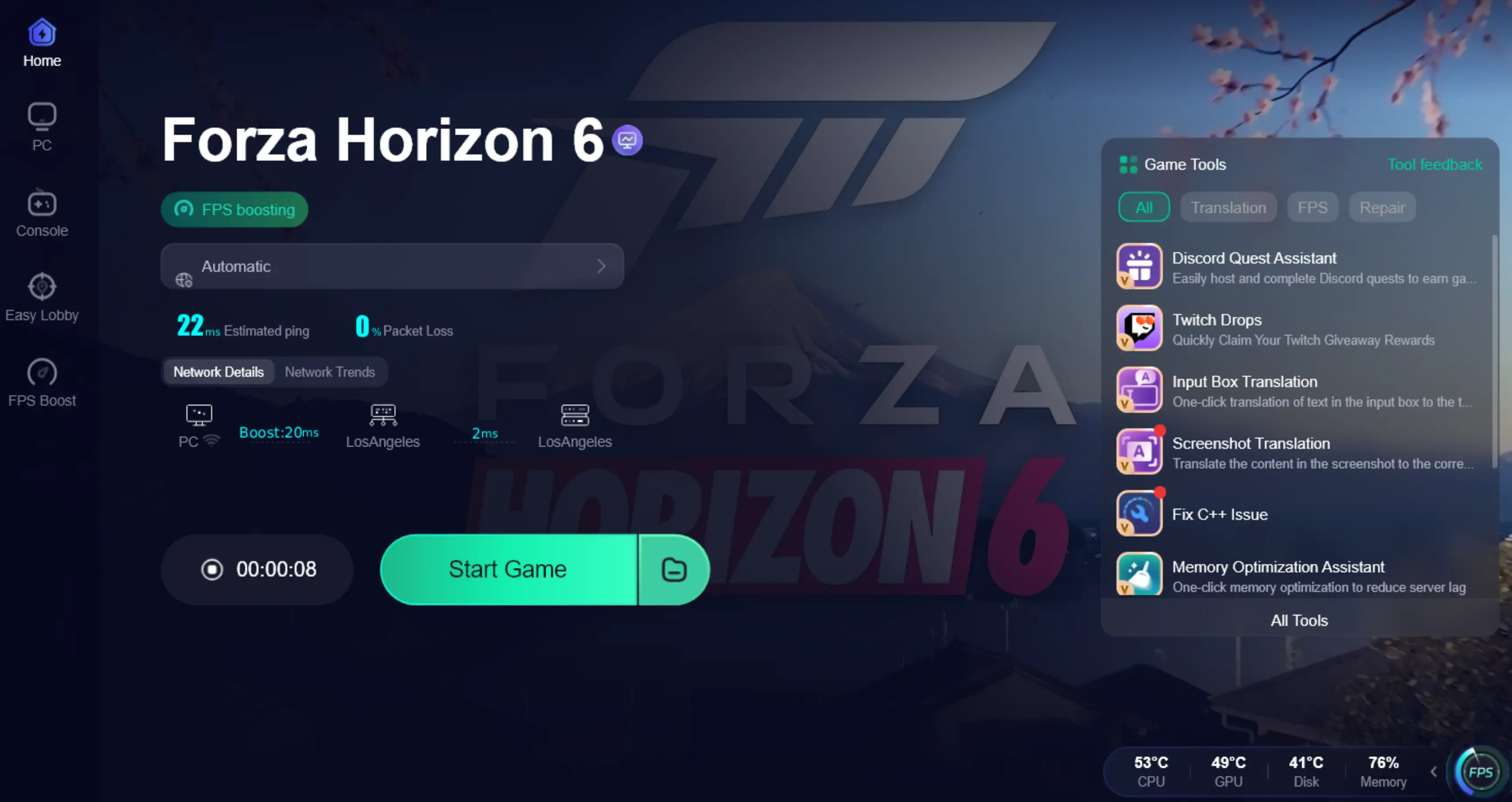
Step 1: Click the Free Trial button to download and install LagoFast.
Step 2: After installation, search "Forza Horizon 6" in the search bar and select the game.

Step 3: Choose your preferred server node and click "Smart Boost" to start optimizing.

Step 4: Launch your game and enjoy smooth, optimized gameplay with lower ping and no stutter.
Part 5: Beginner Tips: SSD vs. HDD Performance Impact
While older titles were playable on Hard Disk Drives (HDD), Forza Horizon 6 is built for speed.
- HDD: You will likely experience "streaming bandwidth" errors, where the world disappears or turns gray because the drive can't load the road fast enough for your car.
- SSD: Assets load almost instantly. Fast-traveling across Japan takes seconds rather than minutes, keeping you in the driver's seat longer.
Part 6: Preload Size vs. Final Size
The "Preload" size is often slightly smaller than the "Final" size. This is because the preload often consists of compressed encrypted files. Once the game launches on May 19th (or May 15th for Premium Edition holders), the files will "unpack," often requiring an additional 10–20 GB of temporary space to complete the process.
Part 7: FAQs
Why is Forza Horizon 6 so big?
The game features high-resolution 4K textures, over 550 detailed car models, and the largest map in the series (Japan), all of which require significant storage space.
Can I install FH6 on an HDD?
Technically, you might be able to on PC, but it is not recommended. The game is designed for SSDs, and using an HDD will cause major performance issues and long loading screens.
Will the game size increase after launch?
Yes. With monthly "Series" updates, new cars, and potential DLC expansions (like the rumored Rally or Drift expansions), expect the game to eventually grow toward 200 GB.
Is the preload smaller than the final size?
Yes, usually. The preload is compressed. You should always have about 20 GB of extra "buffer" space beyond the stated size to allow for the unpacking process.
How can I download Forza Horizon 6 faster?
Use a wired Ethernet connection, download during off-peak hours, and consider using a tool like LagoFast to stabilize your connection and avoid ISP throttling.
Does FH6 support Smart Delivery?
Yes, if you buy the game on Xbox, you will automatically get the correct version for your console (Series X or Series S) without having to pay for a separate upgrade.
Conclusion
Preparing for Forza Horizon 6 requires more than just clearing drive space; it demands a strategy for handling its massive 150 GB footprint. By transitioning to high-speed SSD storage and utilizing LagoFast to bypass download congestion and ISP throttling, you ensure a frustration-free entry into the Japan festival. Whether you are on PC or console, optimizing your network and hardware now means you’ll be the first on the starting line, enjoying the neon-lit streets of Tokyo without lag or installation errors.

Boost Your Game with LagoFast for Epic Speed
Play harder, faster. LagoFast game booster eliminates stutter and lags on PC, mobile, or Mac—win every match!
Quickly Reduce Game Lag and Ping!
Boost FPS for Smoother Gameplay!