
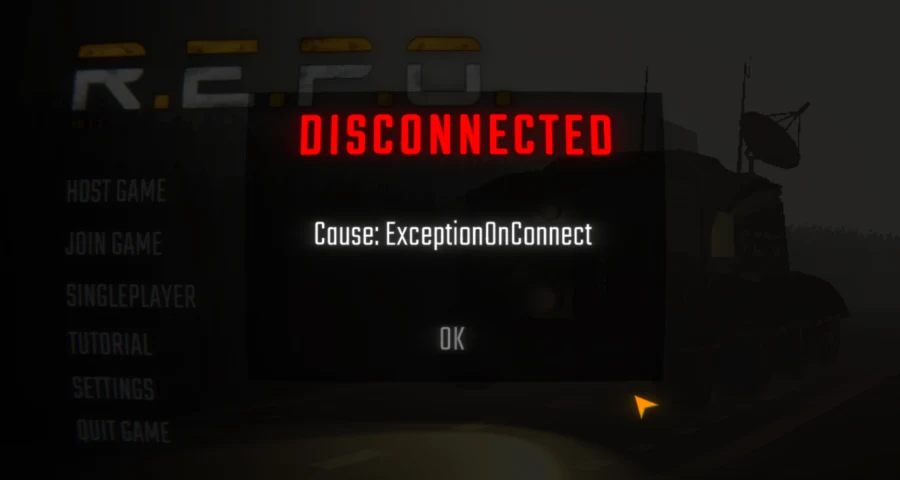
If R.E.P.O. loads for around 20 seconds and then kicks you back to the menu with the message “Disconnected – Cause: ExceptionOnConnect,” the most likely cause is a multiplayer connection failure, usually related to an unstable network. The very first thing you should try is switching from Wi-Fi to a wired Ethernet connection.
“Whenever I try to host or join a game on repo it loads for 20 seconds before sending me back to the menu screen with a disconnected pop up that says ‘Cause: ExceptionOnConnect’.”
This is a multiplayer connectivity issue, not a graphics bug or a startup crash. If the game launches normally but fails when hosting or joining a co-op session, your network connection should be the first thing you troubleshoot.

- ✅ Reduce Lag and High Ping.
✅ Boost FPS at the Same Time.
✅ Support 2000+ Popular Online Games.
✅ Change Server without Latency.
✅ Boost Game Loading Speed.
Part 1: What Does the ExceptionOnConnect Error Repo Mean?
Part 2: What Should You Try First?
Part 3: How to Reset Your Network to Fix ExceptionOnConnect Error REPO
Part 4: Could the Problem Be Steam or the Game Installation?
Part 5: What If the Problem Is Not on Your Side?
Part 6: How LagoFast Can Help Fix ExceptionOnConnect Error REPO
Part 7: When Should You Report the Problem or Contact Support?
What Does the ExceptionOnConnect Error Repo Mean?
The ExceptionOnConnect Error Repo issue usually means that R.E.P.O. failed to complete the multiplayer connection process while joining or hosting a session.
This matches how players describe the problem: the game attempts to connect, hangs on a loading screen for a few seconds, then throws you back to the main menu with a disconnect message. Similar reports have also appeared in Steam Discussions from players unable to host or join multiplayer matches.
The game client started the connection process, but something interrupted or blocked the session before it could finish.
Common causes players have reported include:
- unstable Wi-Fi or packet loss
- router glitches or outdated network states
- DNS or Windows socket stack issues
- VPN or proxy interference
- Steam/client permission problems
- corrupted or incomplete game files
What Should You Try First?
Follow these fixes in order. The quickest and most effective solution is listed first.
Switch from Wi-Fi to Ethernet
This is currently one of the most common patterns reported by players. In one Steam discussion, a player specifically mentioned:
“If you get the ‘Cause: ExceptionOnConnect’ error when trying to join or host a game, it’s likely because you’re on Wi-Fi instead of a wired connection.”
So if you are currently using Wi-Fi:
- connect your PC directly to the router/modem using Ethernet
- try hosting or joining a lobby again
- even if you cannot stay wired permanently, test it once to confirm the cause
If the game works properly over Ethernet, the issue is most likely your wireless network stability rather than the game installation itself.
Restart Your PC and Router
It sounds simple, but restarting both devices can clear temporary routing problems and stuck network sessions.
Do a full restart instead of sleep/wake mode:
- completely close Steam
- restart your PC
- unplug your router/modem for 30–60 seconds before turning it back on
- launch Steam again and test R.E.P.O.
How to Reset Your Network to Fix ExceptionOnConnect Error REPO
If Ethernet alone did not fix the issue, reset the parts of Windows networking that commonly break multiplayer connections.
Flush DNS Cache
Open Command Prompt as Administrator and run:
ipconfig /flushdns
This clears cached DNS records so Windows can request fresh routing information.
Reset Winsock
In the same Administrator Command Prompt, run:
netsh winsock reset
Then restart your PC.
This can help if the Windows socket catalog has been corrupted by old networking tools, VPN software, or driver conflicts.
Disable VPN or Proxy
If you use a VPN, gaming tunnel, proxy, or privacy relay service, disable it before launching R.E.P.O.
These services can interfere with how the game handles multiplayer handshakes during lobby creation or session joining.
If you are unsure whether a proxy is enabled:
- search for “Proxy settings” in Windows
- make sure manual proxy settings are turned off unless you specifically need them
Try Public DNS Servers
If your ISP DNS is unstable, manually set your network adapter to:
Preferred DNS: 8.8.8.8
Alternate DNS: 8.8.4.4
This should not be your very first fix, but it is a useful test if connection attempts still fail after restarting and flushing DNS.
Could the Problem Be Steam or the Game Installation?
Yes, but these are usually secondary causes worth checking after network troubleshooting.
Verify R.E.P.O. Game Files on Steam
If any game files are missing or corrupted, Steam can automatically repair them.
In Steam:
- right-click R.E.P.O.
- open Properties
- go to Installed Files
- click Verify integrity of game files
After verification finishes, try joining or hosting again.
Run Steam as Administrator
This can help if Steam or the game client is being blocked by Windows permissions.
Quick test:
- fully exit Steam
- right-click Steam
- select Run as administrator
- launch R.E.P.O. and test multiplayer again
What If the Problem Is Not on Your Side?
If you already tested Ethernet, restarted everything, flushed DNS, reset Winsock, disabled VPN/proxy, and verified the game files, the issue may not be caused by your PC.
Usually this means one of the following:
- the host has an unstable connection
- the person you are joining is on weak Wi-Fi
- Steam services are having issues
- the game’s multiplayer backend is unstable
- there is a temporary regional routing problem between you and the session
A useful test is very simple:
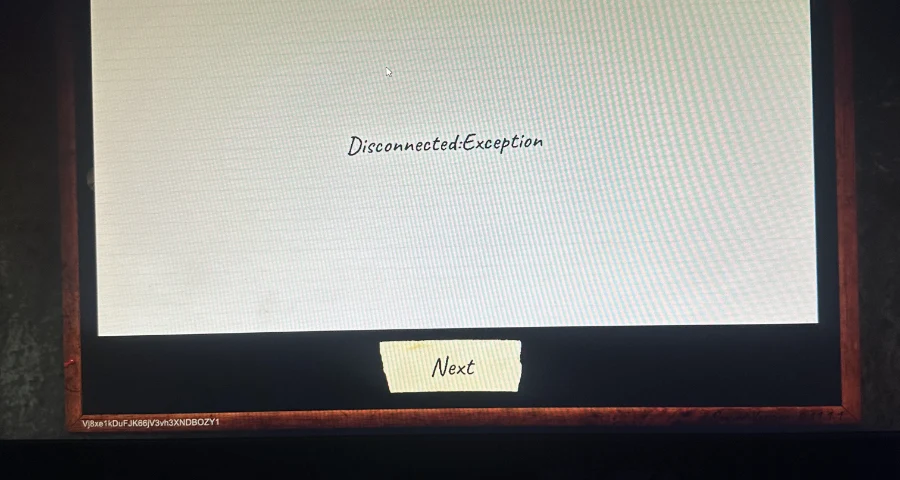
- try joining a different host
- let another player create the lobby
- if possible, test Ethernet on both sides
If only one friend cannot host properly, the problem is likely on their side. If nobody can connect to anyone, the issue may be broader than your own setup.
How LagoFast Can Help Fix ExceptionOnConnect Error REPO
If you are dealing with the ExceptionOnConnect Error Repo issue in R.E.P.O., the problem may not only be your local network settings. In some cases, routing quality, server paths, or unstable regional connections can also affect multiplayer stability.
This is where network optimization tools like LagoFast may help improve your connection quality and reduce multiplayer disconnects. Learn more about LagoFast.
How to Use LagoFast to Improve Your Connection
Start with the free trial version of LagoFast to test whether it improves your multiplayer stability.
LagoFast can optimize your connection routing, which may help reduce connection failures in R.E.P.O.
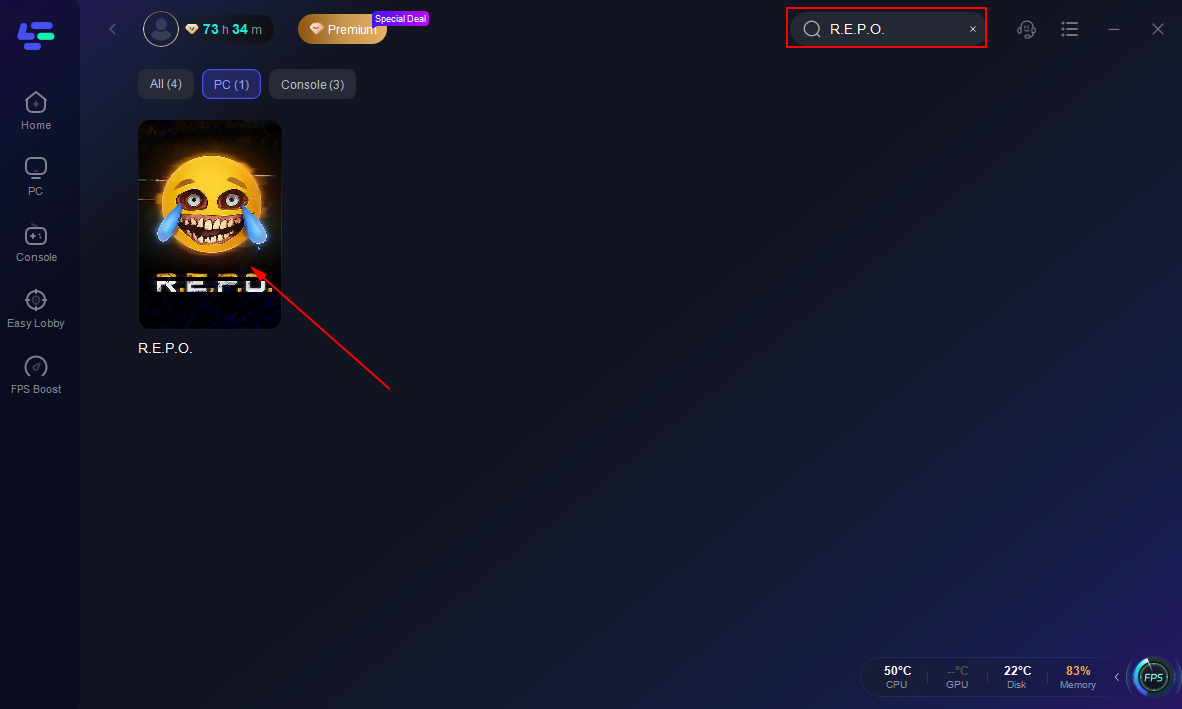
With LagoFast, you can select optimized server routes that may lower latency and improve connection stability.
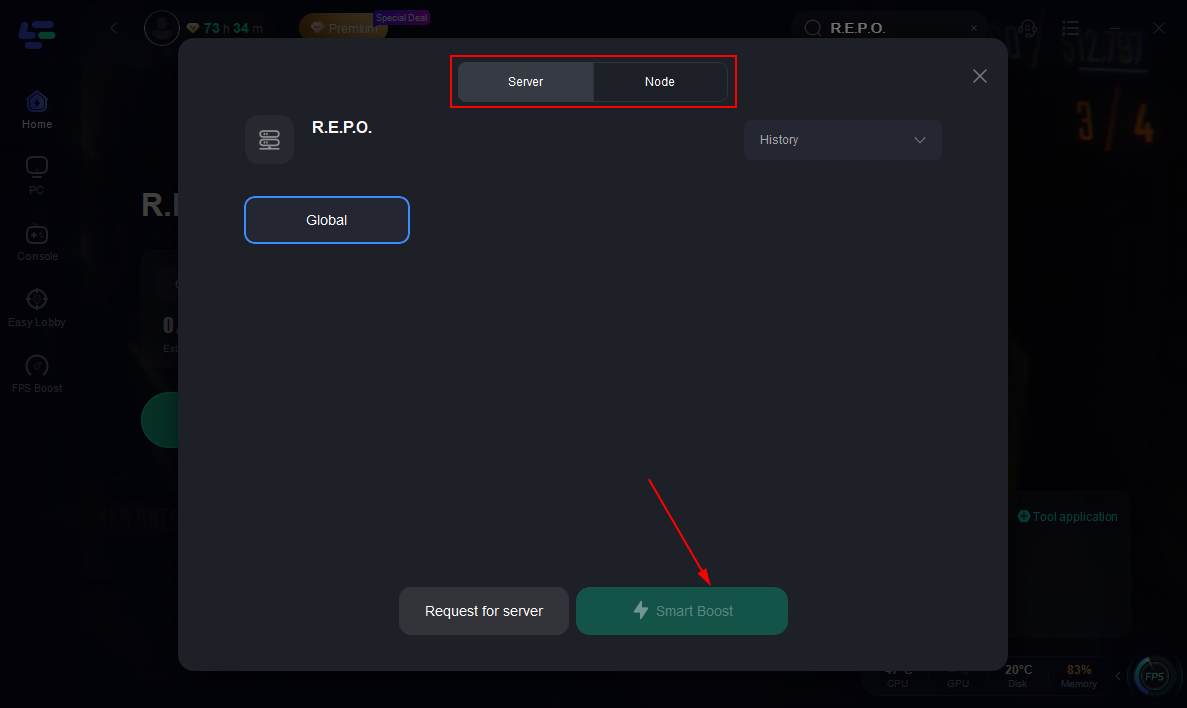
LagoFast is easy to install and only takes a few minutes to set up before gaming.
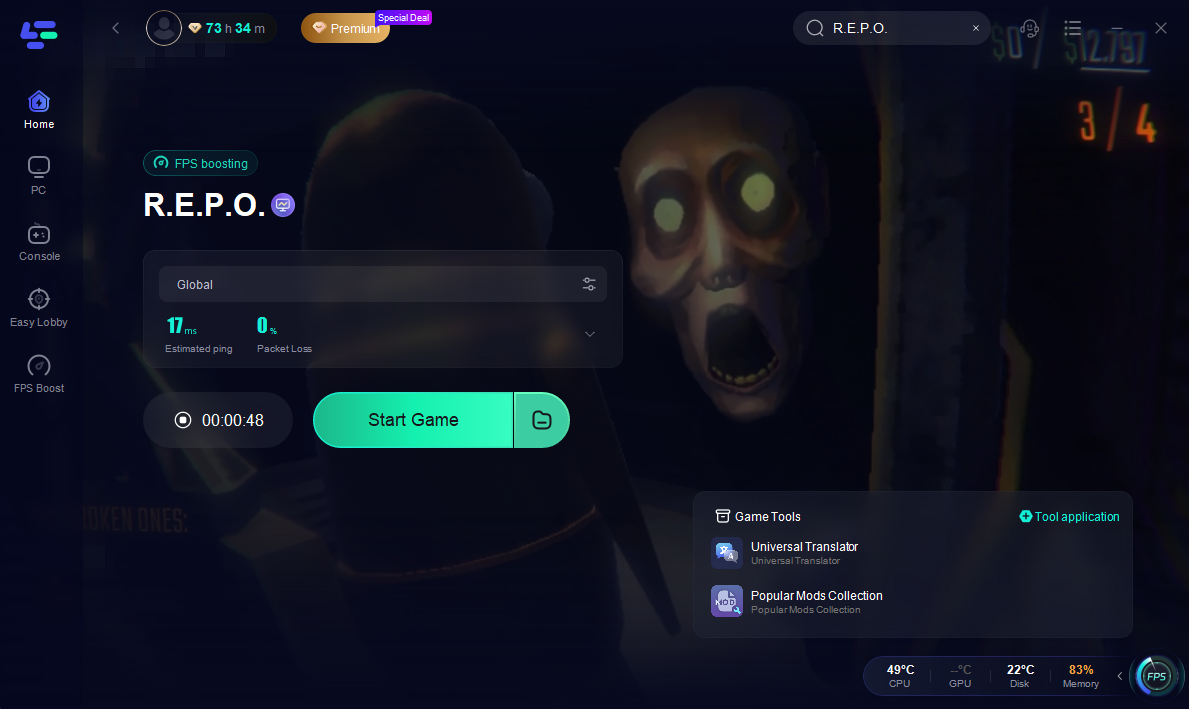
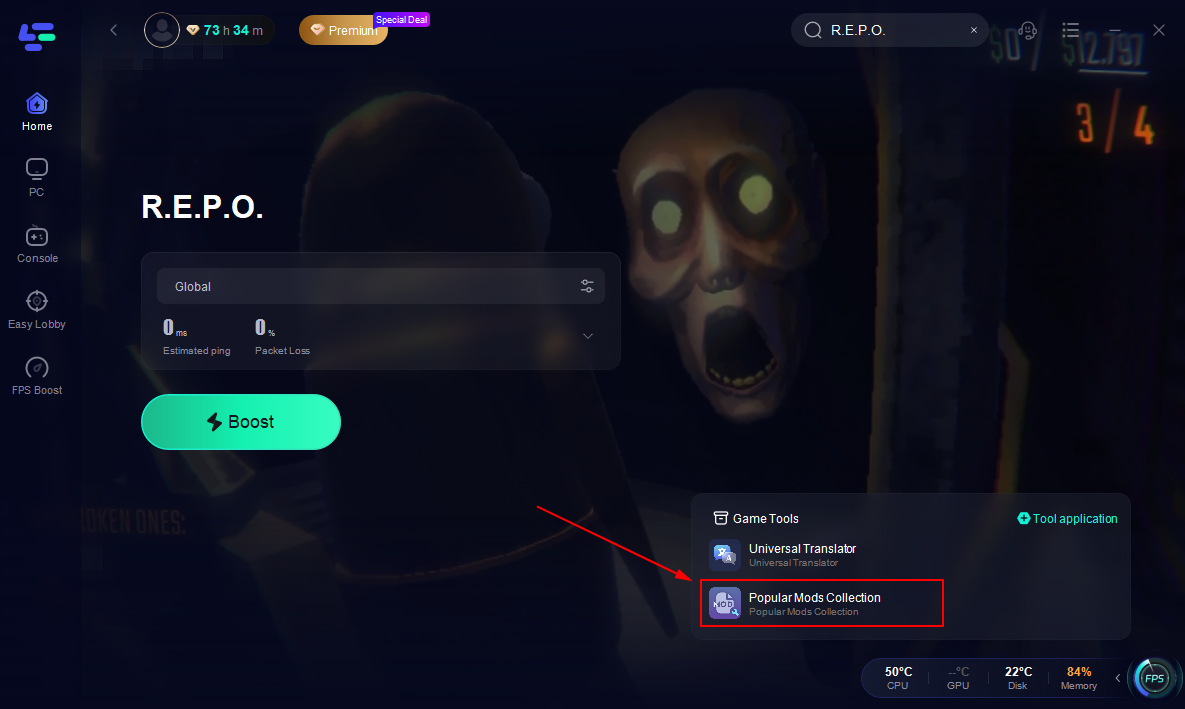
It also includes connection monitoring tools that can help identify future network issues.
When Should You Report the Problem or Contact Support?
You should report the issue after completing the full network troubleshooting checklist at least once and the error still consistently appears.
Best places to check for updates or submit reports:
- Steam Discussions for current player reports and workarounds
- official game support channels listed on the game’s Steam page
- relevant networking or multiplayer support documentation if the developers specifically recommend it
One thing you should avoid: relying on the old Photon support forum. The Photon Engine support forum has officially been shut down, so you are unlikely to receive help there.
When reporting the issue, include:
- the exact error text: Cause: ExceptionOnConnect
- whether you were hosting or joining
- whether you were using Wi-Fi or Ethernet
- your region
- when the issue occurred
- your Steam/game build version if visible
- everything you already tried
- whether the issue happens with all lobbies or only one friend’s lobby
Providing this information makes it much easier to determine whether the issue is local to your setup or part of a larger multiplayer problem.
FAQ
Can Wi-Fi Cause the ExceptionOnConnect Error Repo?
Yes. Right now, this is one of the most common patterns reported by players. That does not prove Wi-Fi is the only cause, but if you are playing wirelessly, switching to Ethernet is the first test you should absolutely try.
Can Corrupted Steam Files Cause Multiplayer Errors in R.E.P.O.?
Yes. It is not the most likely cause if the issue only appears while joining or hosting sessions, but corrupted files can still interfere with multiplayer functionality. Verifying game files through Steam is a quick and safe troubleshooting step.
Should You Disable VPN or Proxy Services for R.E.P.O.?
Yes. If you use a VPN or proxy service, disable it and test again. VPNs and proxies can interfere with how the game establishes multiplayer sessions.
Is This a Graphics or Driver Problem?
Usually not, at least not for this specific error. The Fix ExceptionOnConnect error REPO process is much more focused on multiplayer networking stability than graphics rendering or GPU drivers.
Boost Your Game with LagoFast for Epic Speed
Play harder, faster. LagoFast game booster eliminates stutter and lags on PC, mobile, or Mac—win every match!
Quickly Reduce Game Lag and Ping!
Boost FPS for Smoother Gameplay!