
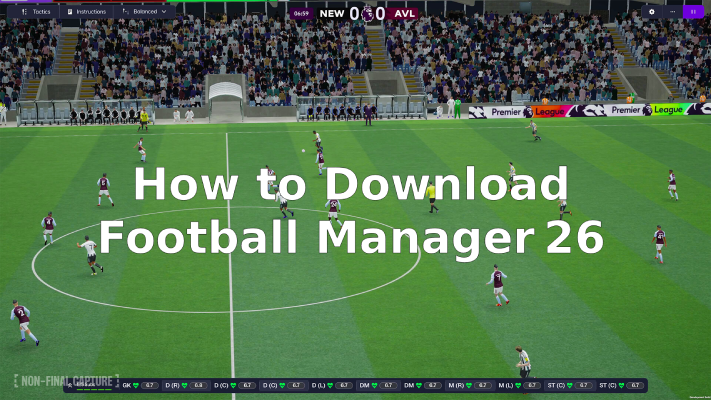
If you’re into football management sims, the latest edition, Football Manager 26, is a big one. Whether you’re planning to download Football Manager 26 on PC, or want to get started with the mobile version, this guide takes you through everything you need to know: from the release date and platforms, to how to download, install and play, including special instructions for regions where it’s locked. Let’s jump in.

- ✅ Reduce Lag and High Ping.
- ✅ Boost FPS at the Same Time.
- ✅ Support 2000+ Popular Online Games.
- ✅ Change Server all over the World!
- ✅ Boost Game Loading Speed.
Part 1. Football Manager 26 release date & platforms
Part 2. How to download Football Manager 26 on PC
Part 3. How to download Football Manager 26 on mobile
Part 4. How to download Football Manager 26 Mobile in Brazil, Russia, and Vietnam
Part 1. Football Manager 26 release date & platforms
The official release date for Football Manager 26 is November 4, 2025 across major platforms: PC, Mac, Xbox Series X/S, PlayStation 5, and iOS/Android. This marks a major comeback after the cancellation of the prior annual title.
In terms of platforms: you can play on Windows and macOS; consoles such as PS5 and Xbox Series X/S; mobile devices via iOS and Android; and a Nintendo Switch version follows on December 4, 2025.
So if you’re searching for “download football manager 26” or “download football manager 26 mobile,” know that the game is available on each major platform right from launch day. The game comes with major upgrades including a new Unity engine for PC and consoles, improved visuals, full Premier League licensing, and women’s football integration, which makes this iteration a significant update in the series.
Part 2. How to download Football Manager 26 on PC
Want to download Football Manager 26 on PC? Here’s a step‑by‑step guide:
- Visit your preferred digital storefront, such as Steam, Epic Games Store, or Microsoft Store, and search for Football Manager 26.
- Purchase the game or pre‑order if available. Some platforms may offer advanced access for pre‑orders.
- Once purchased, click “Download” or “Install.” Make sure you have enough free space; the minimum requirement is around 20 GB.
- After installation, launch the game and follow the first‑time setup, including choosing your language, accepting the license agreement, and installing the latest updates.
- Optional: Check for day‑one patches or updates before jumping in, as this is a major engine update for the series.
By following these steps, you will have downloaded Football Manager 26 on your PC and be ready to play immediately.
Part 3. How to download Football Manager 26 on mobile
If you prefer mobile, here’s how to download Football Manager 26 mobile:
- On iOS (iPhone/iPad): Open the App Store, search for “Football Manager 26 Mobile,” and ensure the developer is correct.
- On Android: Open Google Play (or an equivalent store), search for “Football Manager 26 Mobile,” and verify the official listing.
- Install the app. Note that it may require a Netflix membership on iOS for full access.
- After installation, open the app, sign in or link your account as required, and you can begin your managerial career on mobile.
Note: If you are in Brazil, Russia, or Vietnam, the game may not be officially available from your regional store. If you don’t see the mobile version appear, continue to the next section for how to proceed.
Part 4. How to download Football Manager 26 Mobile in Brazil, Russia, and Vietnam
Why you might need a special method
Due to licensing, regional restrictions, or distribution rights, Football Manager 26 mobile is not officially released in certain markets, including Brazil, Russia, and Vietnam. If you don’t find the app through your local store, you’ll need an alternate method.
Using the LagoFast Game Booster tool
One recommended approach is using the LagoFast Game Booster tool, which provides a “download football manager 26 mobile” solution for region‑locked markets. This tool:
- Provides the official game APK or installation package, sourced from the official distributors, claimed to be virus‑free and safe.
- Enables players in Brazil, Russia, Vietnam, and other region‑locked areas to download and install the mobile version.
- Offers additional features such as reducing lag, boosting FPS, and optimizing performance across mobile, PC, and console.
If your standard store listing doesn’t show the game, this method allows you to safely access and play Football Manager 26 mobile. Always ensure you understand the tool’s legitimacy before installation.
How to Use LagoFast to Download Football Manager 26 Mobile in Brazil, Russia, and Vietnam:
1. Visit LagoFast Mobile official website and download APK file.
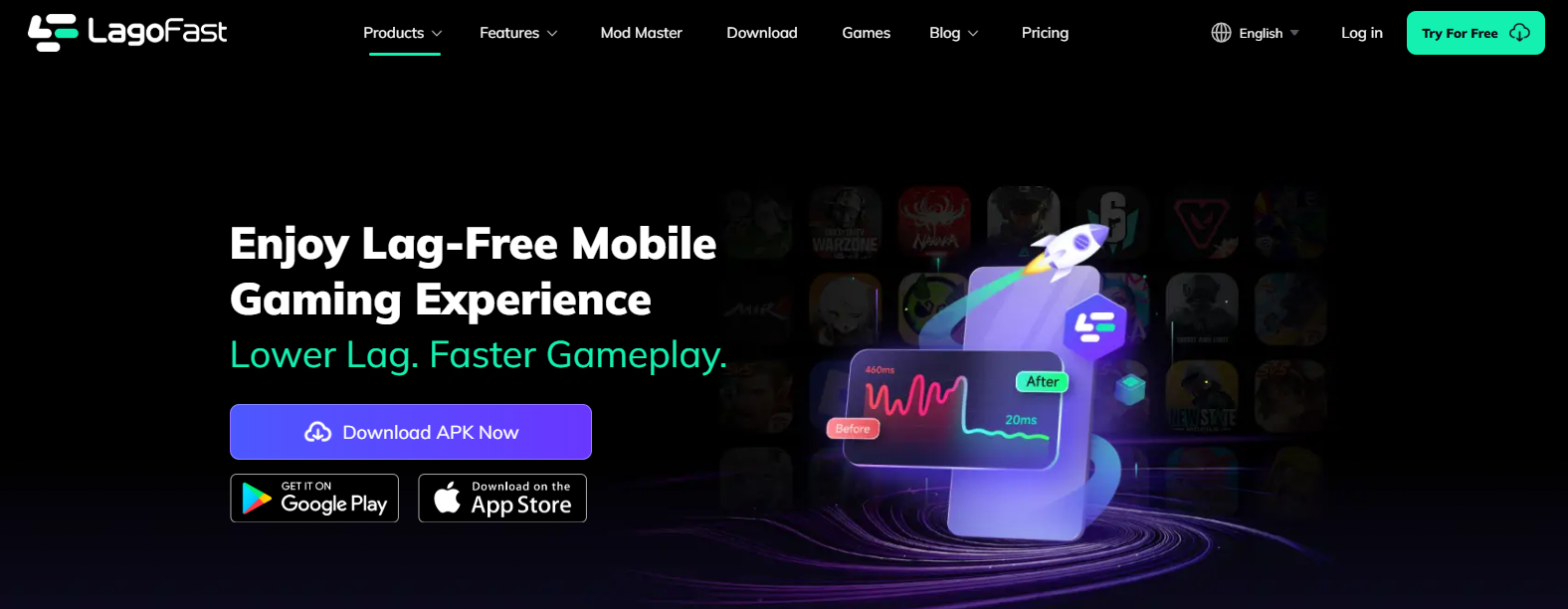
2. After installation, search for "Football Manager 26" in LagoFast's search bar.
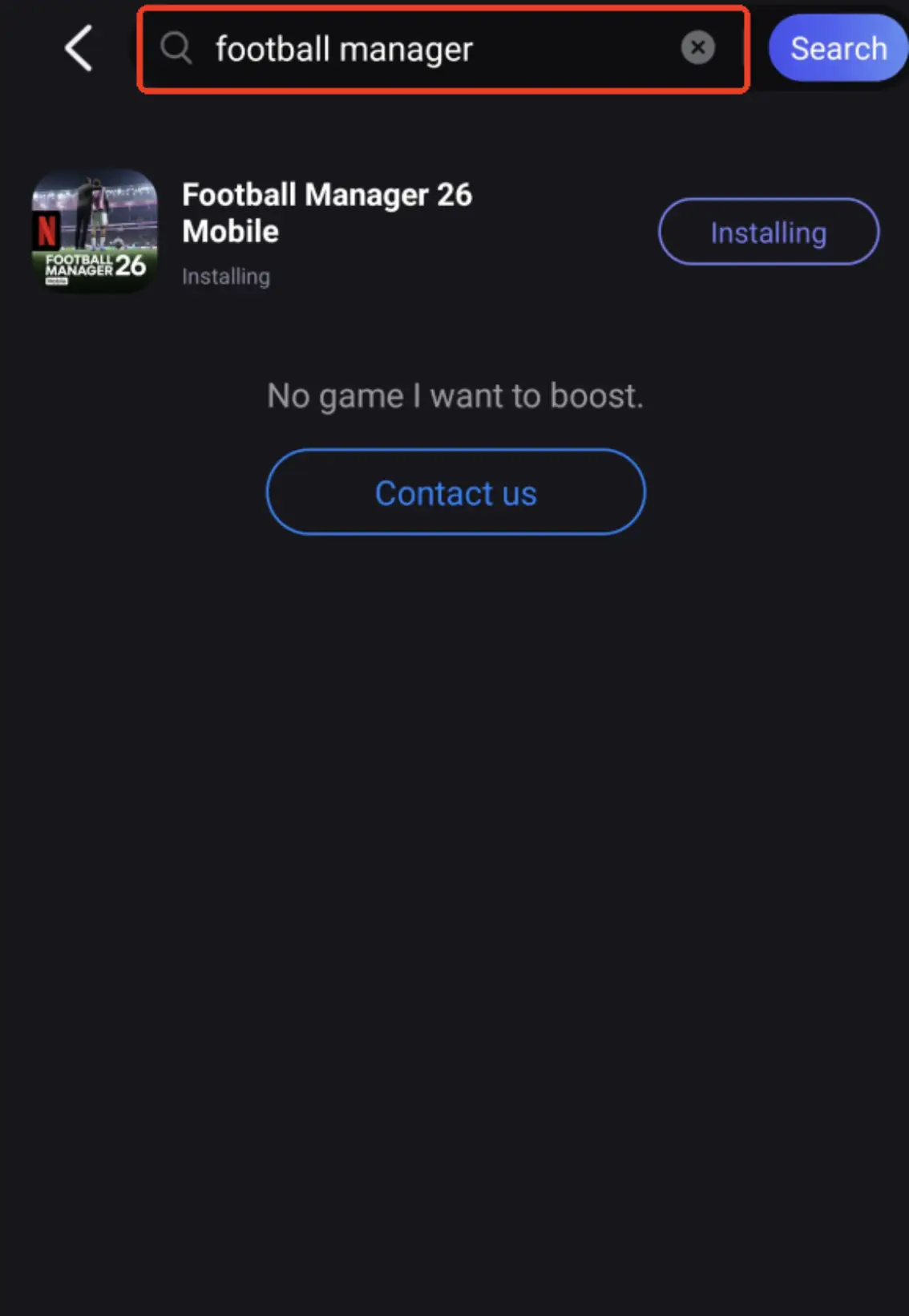
3. Click Download.
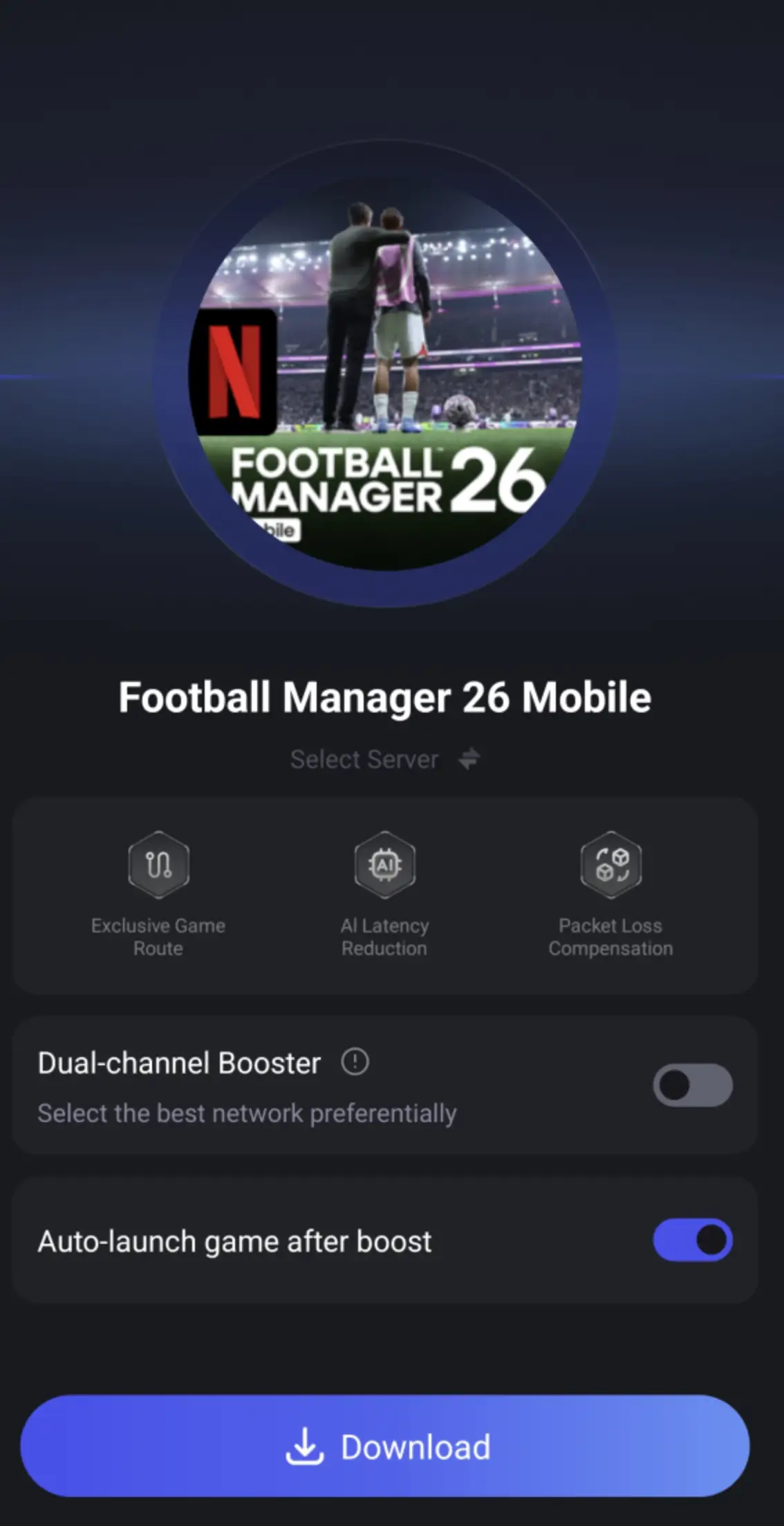
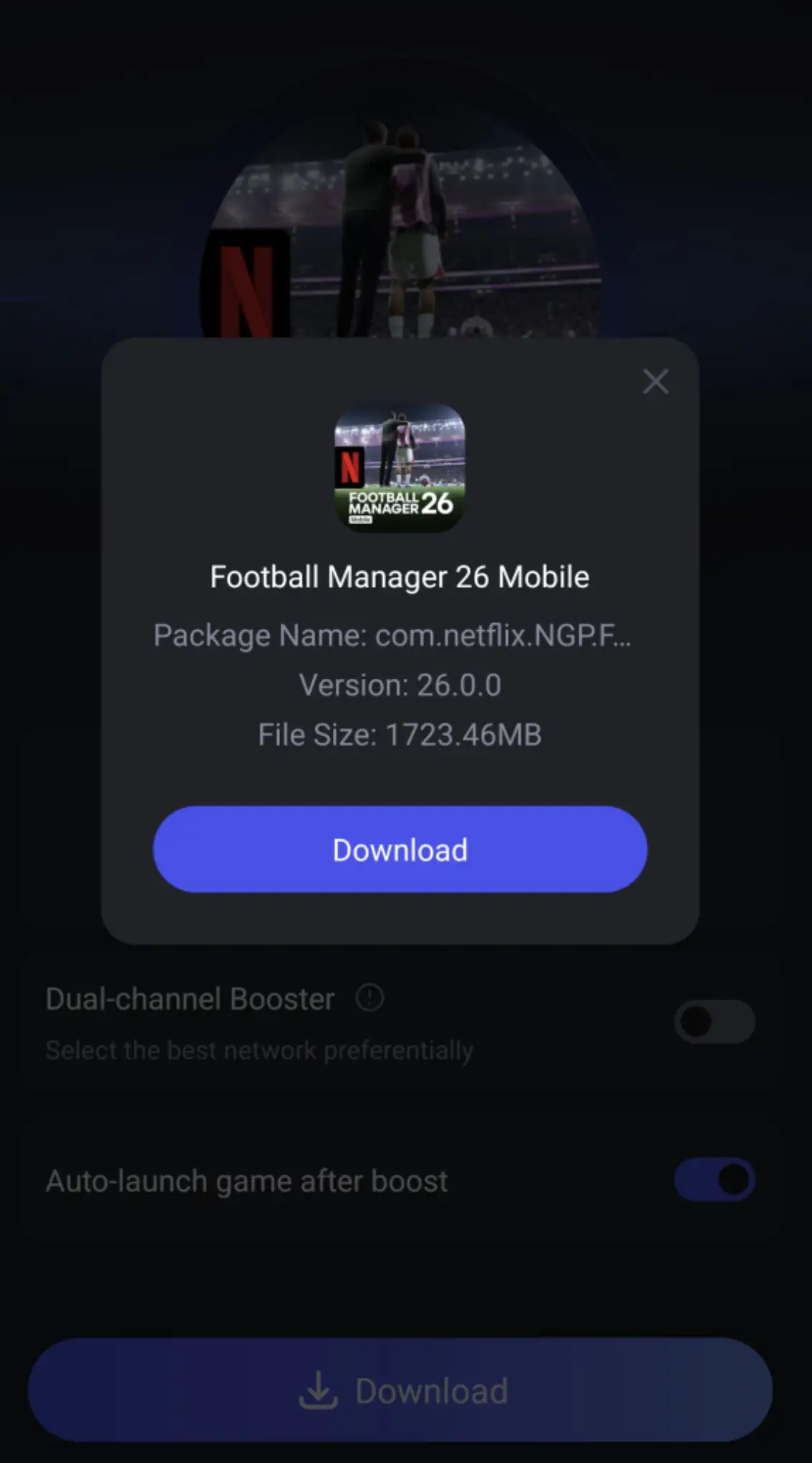
4. Click boost and select a suitable server node to connect to.
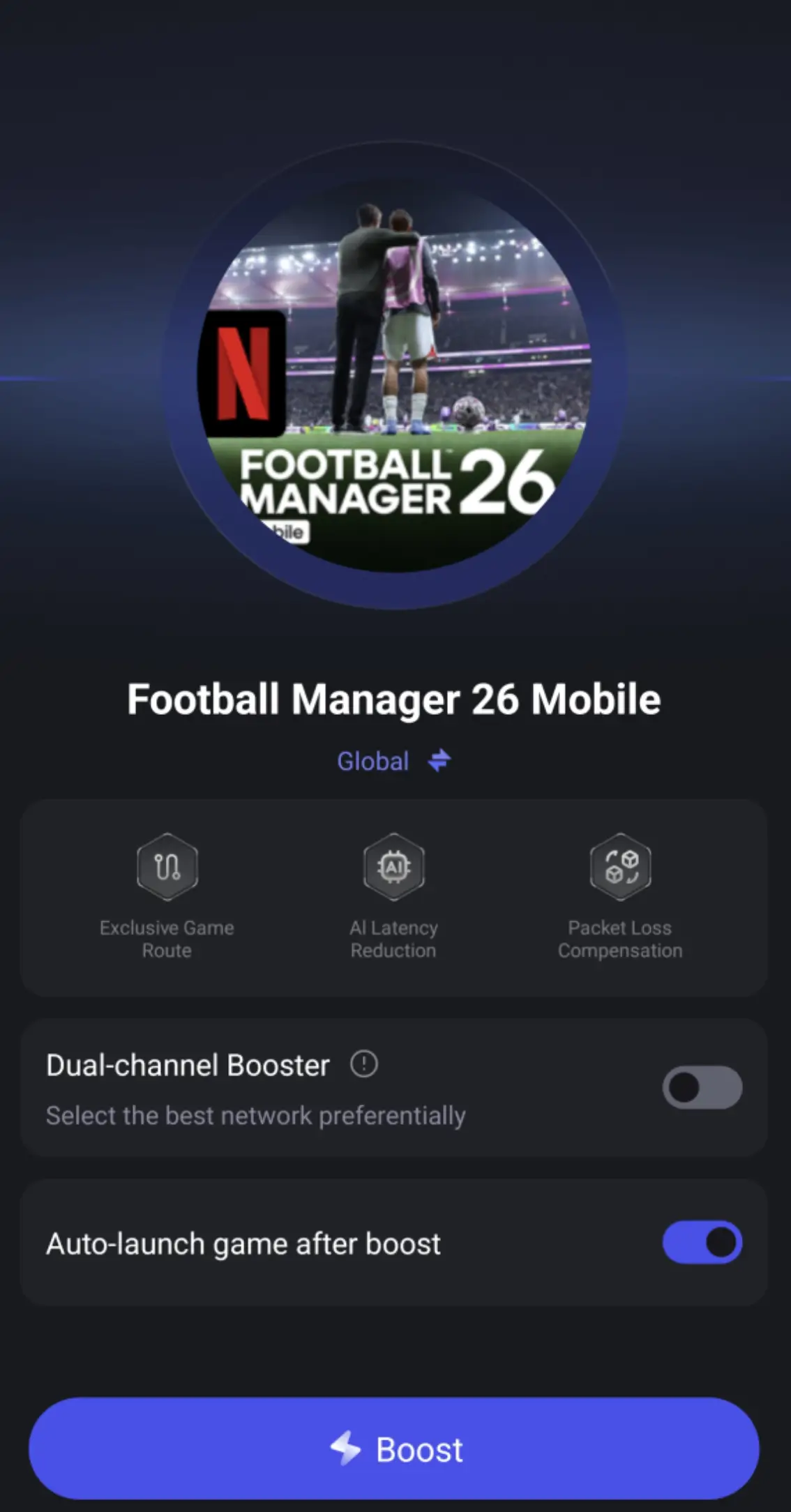
5. Once optimized performance is confirmed, click "Start Game" to launch the game.
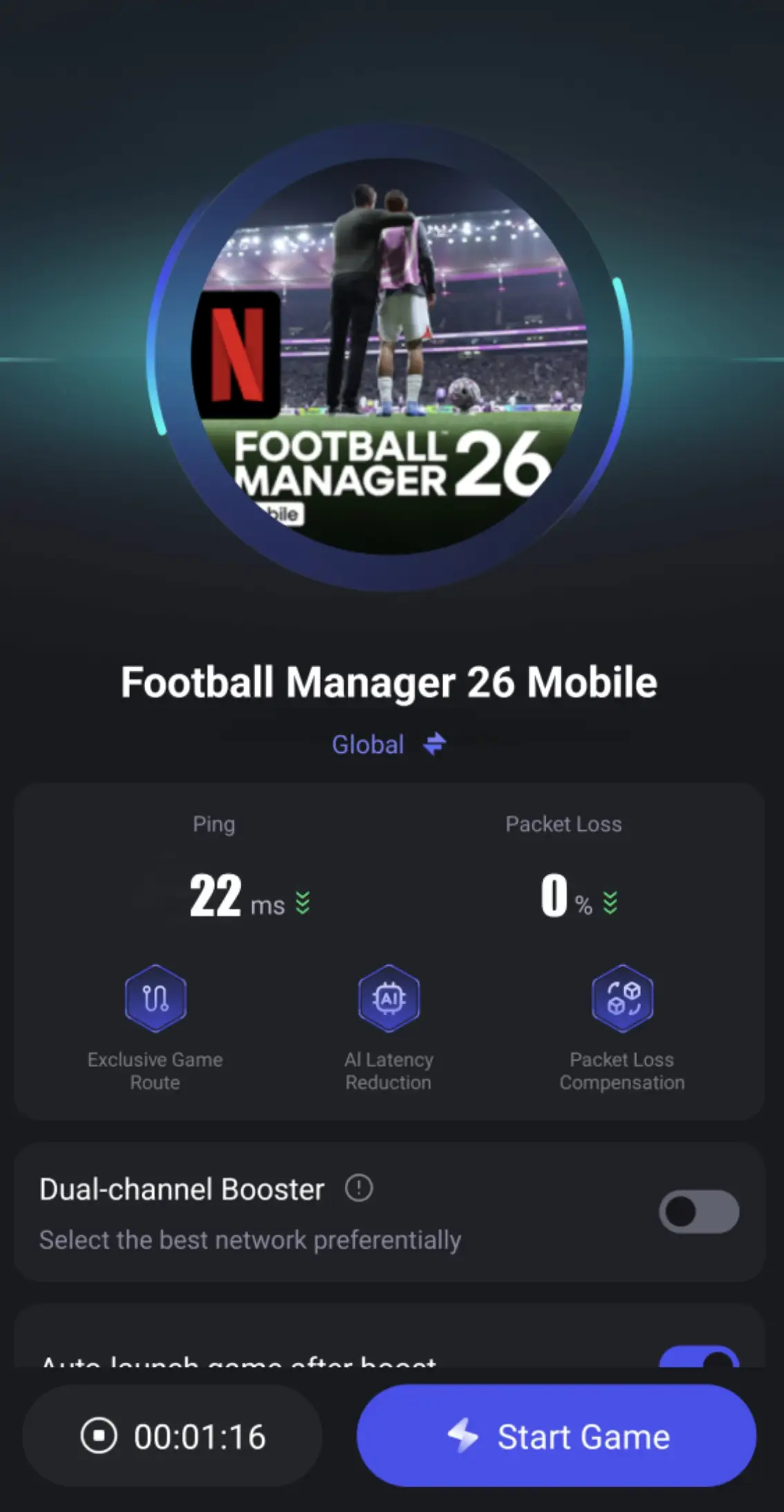
LagoFast Game Booster is not just a region‑unlock tool—it also provides several performance enhancements for gamers. Its main features include reducing lag, boosting FPS, and optimizing gameplay across mobile, PC, and console platforms. This means that whether you’re playing Football Manager 26 on your smartphone, desktop, or console, LagoFast helps maintain smoother performance, faster load times, and a more stable gaming experience. Combined with its ability to provide the official installation package for region‑locked markets, it ensures both safety and convenience when downloading and running the game.
How to Boost Football Manager 26 on PC:
Download and launch LagoFast.
Search for Football Manager 26 in the dashboard.
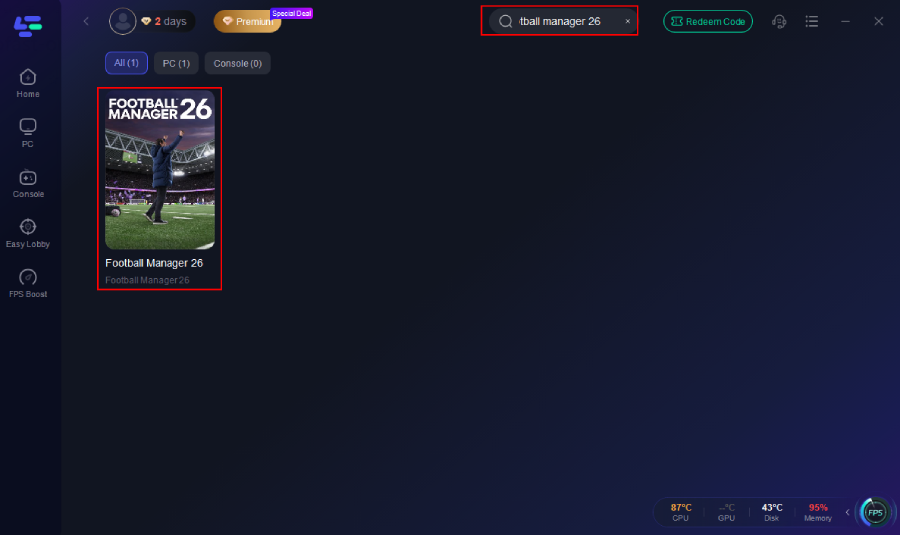
Select your nearest game node or auto-optimize.
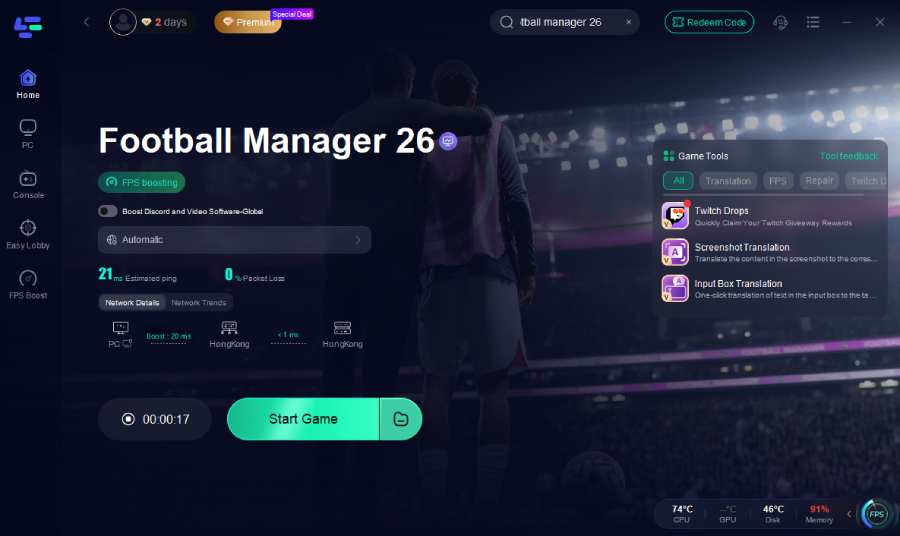
Enable Smart Boost mode to combine ping and FPS optimization.
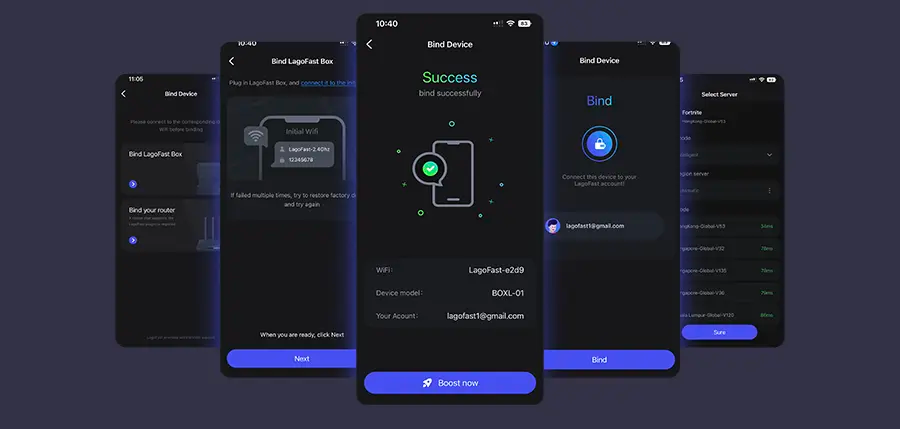
How to Use LagoFast to Boost Football Manager 26 on Console:
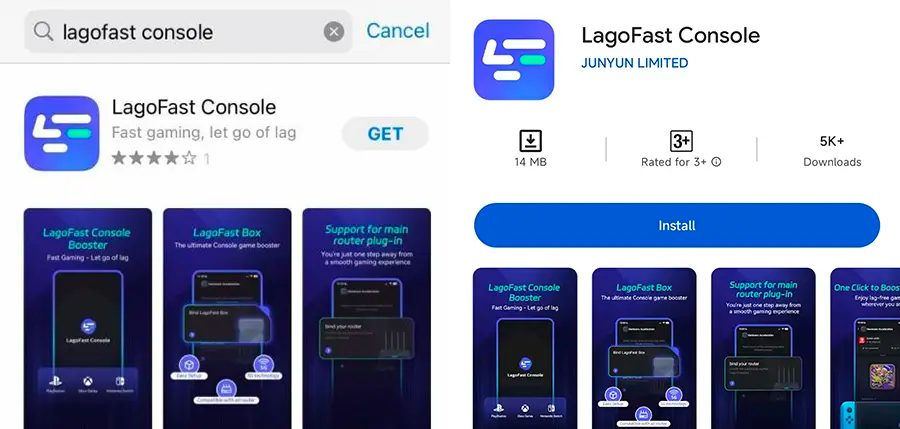
Step 1: Download the LagoFast Console App on your phone to control the LagoFast Box.
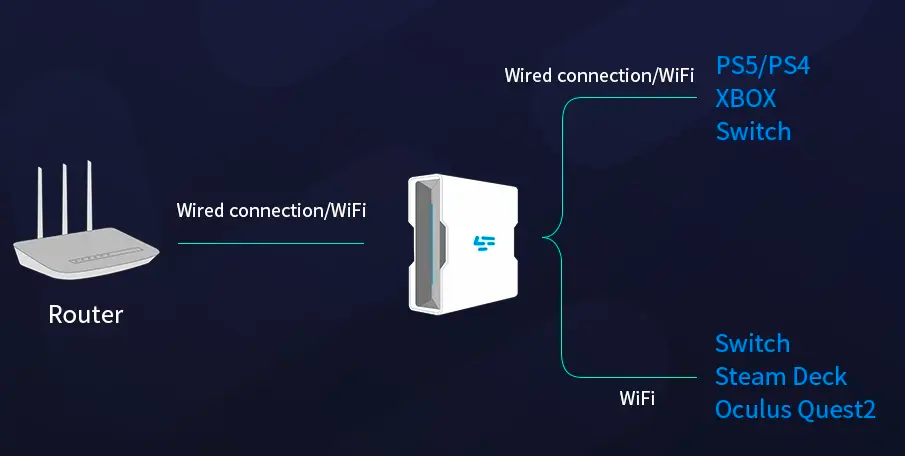
Step 2: Establish a connection between your LagoFast Box, router, and console, choosing between a wired or wireless connection.
Step 3: Launch the LagoFast Console App and boost Black Ops 7. Once you have completed the binding process with the LagoFast Box, proceed to boost this game within the LagoFast Console App.
Conclusion
To wrap up, if you’re ready to dive into the world of Football Manager 26, the steps are clear: note the official release date (November 4, 2025), choose your platform, and download accordingly. On PC, use Steam or other digital stores. On mobile, download Football Manager 26 mobile via the App Store or Play Store unless your region is blocked. For Brazil, Russia, or Vietnam, a tool like LagoFast Game Booster can help you safely access the official mobile version.
Once installed, you can build your dream club, design tactics, and write your football legacy. Good luck — and enjoy the ride!

Boost Your Game with LagoFast for Epic Speed
Play harder, faster. LagoFast game booster eliminates stutter and lags on PC, mobile, or Mac—win every match!
Quickly Reduce Game Lag and Ping!
Boost FPS for Smoother Gameplay!