

In Call of Duty: Black Ops 7, customization goes beyond loadouts and perks — it’s about showing your style on the battlefield. Weapon camos (short for camouflage skins) are a fan-favorite feature that let players personalize their guns while showcasing their skill and dedication. Whether you’re a casual player looking for a clean design or a completionist chasing the rare Dark Matter camo, this guide will walk you through all BO7 camos and how to unlock them.

- ✅ Lower ping and crashes.
- ✅ Higher FPS and better PC performance.
- ✅ Support for 2000+ games.
- ✅ Stable connection and region switching.
Part 1. What Are Camos in Black Ops 7?
Part 2. Full List of Camos in Call of Duty: Black Ops 7
Part 3. How to Unlock Camos in Black Ops 7
Part 4. Best Tips to Unlock Camos Faster
Part 5. Optimize Your Black Ops 7 Experience with LagoFast
Part 1. What Are Camos in Black Ops 7?

Camos in Black Ops 7 are weapon skins earned through gameplay challenges. Each camo represents your progress with a specific weapon class — like assault rifles, SMGs, or snipers — and completing full camo sets often unlocks high-tier “mastery” skins that stand out in multiplayer and zombies modes.
Categories of Camos:
- Base Camos – Standard designs unlocked through basic weapon usage.
- Completionist Camos – Advanced camos like Gold, Diamond, and Dark Matter earned after finishing full sets.
- Event or Seasonal Camos – Limited-time skins tied to seasonal updates or challenges.
Part 2. Full List of Camos in Call of Duty: Black Ops 7
While new camos may be added through seasonal updates, here’s the current full set available at launch:
1. Woodland Camo (Base)
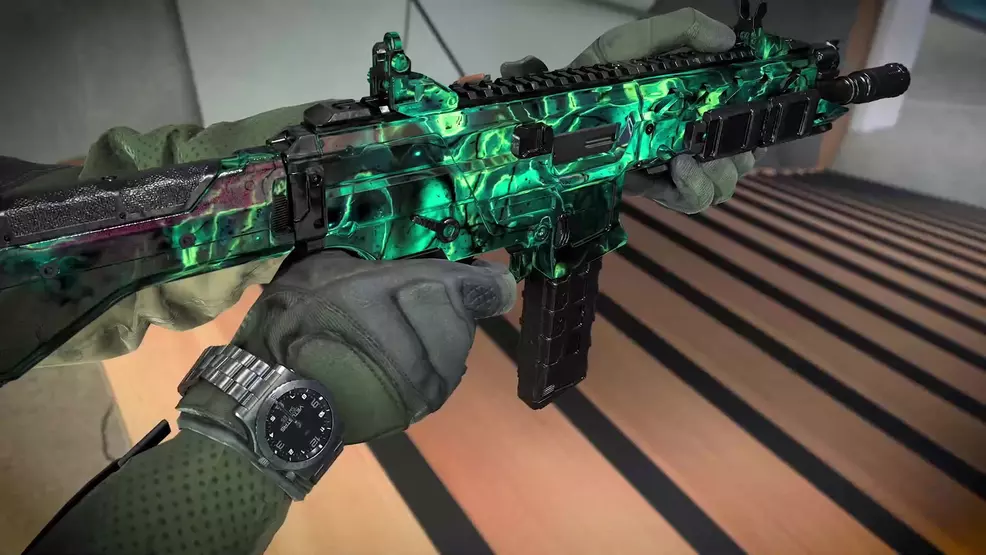
The Woodland camo is your first step in the journey. You can unlock it by getting 50 kills with your weapon. It’s a simple grind that introduces you to the camo system while rewarding steady gameplay.
2. Desert Camo (Base)

Next comes the Desert camo, unlocked after achieving 10 headshots. This challenge encourages precision aiming and mastering recoil control.
3. Digital Camo (Base)
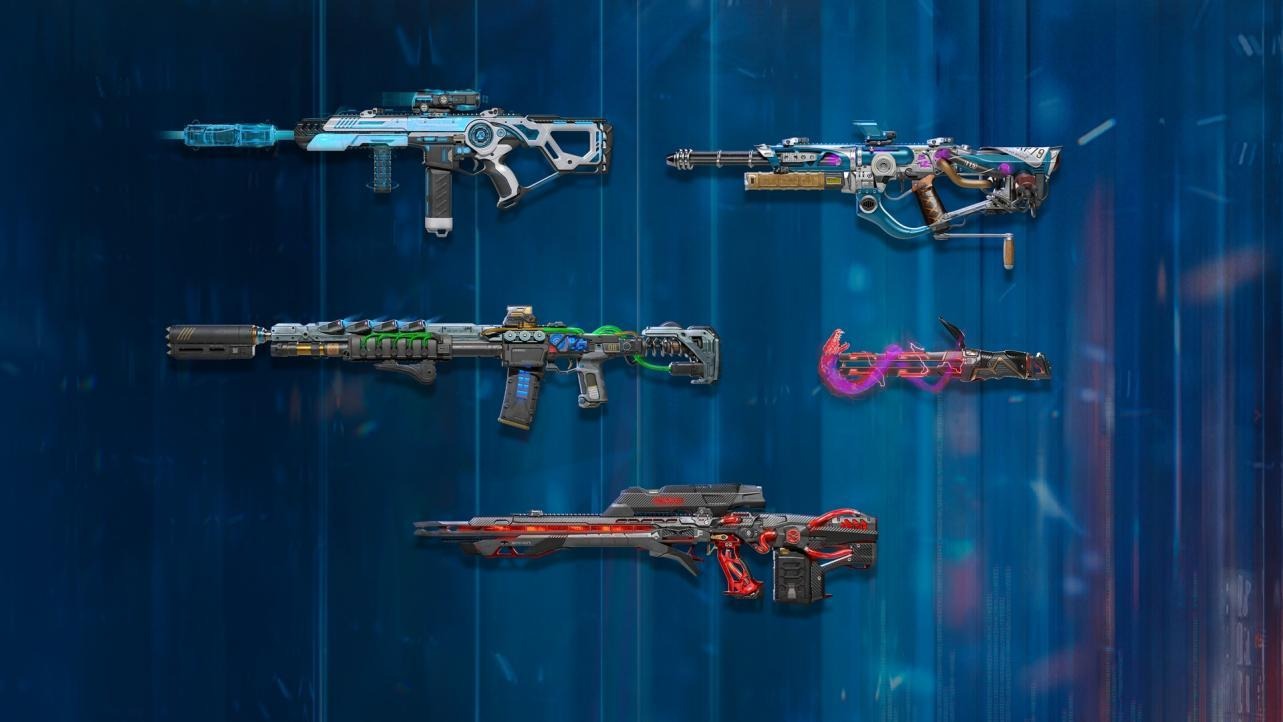
To earn the Digital camo, you’ll need to get 25 kills while crouched. It’s best done in close-quarters maps or with SMGs, where you can crouch for cover while keeping your shots accurate.
4. Tiger Camo (Base)
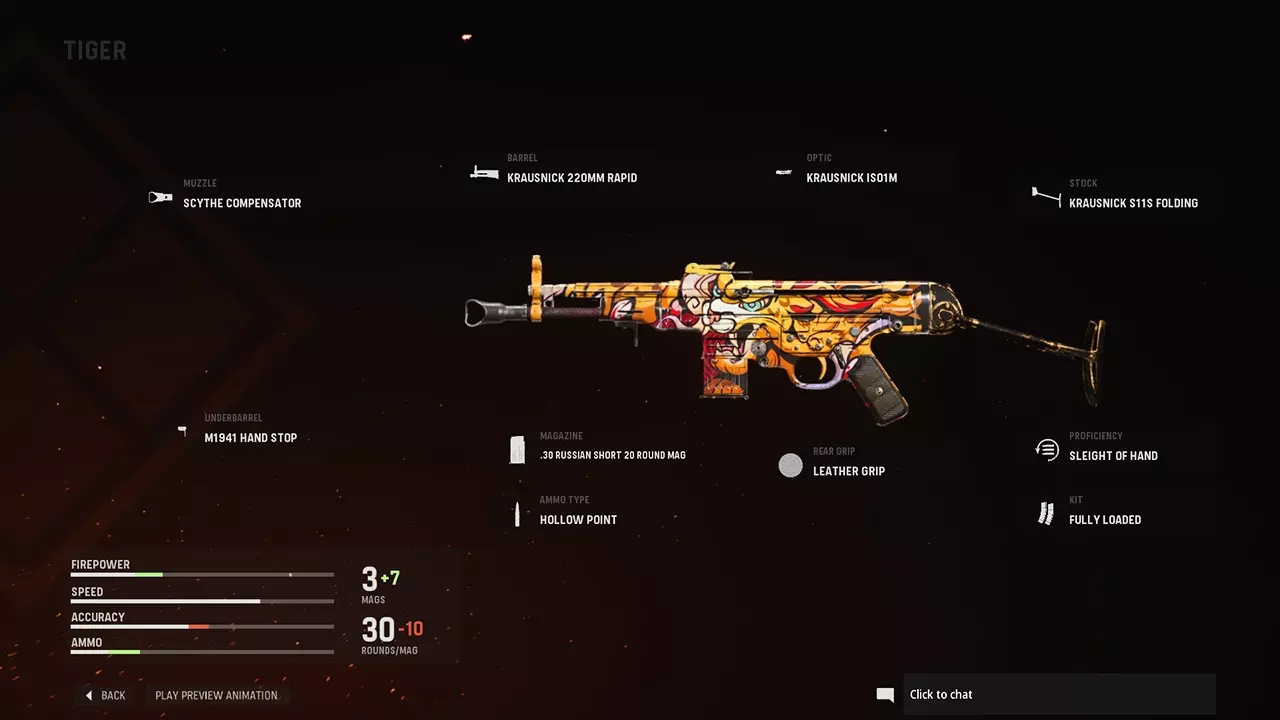
The Tiger camo rewards long-range accuracy. Get 15 longshot kills to unlock it. Equip scopes and play on larger maps to complete this challenge more efficiently.
5. Urban Camo (Base)
For the Urban camo, you must get 20 kills without dying three separate times. It’s a test of consistency and situational awareness — try using loadouts with perks that enhance survivability.
6. Gold Camo (Completionist)

Once you’ve unlocked all five base camos for a weapon, you’ll be rewarded with the iconic Gold Camo. This shining finish represents mastery of that specific weapon and is a must-have for collectors.
7. Diamond Camo (Completionist)
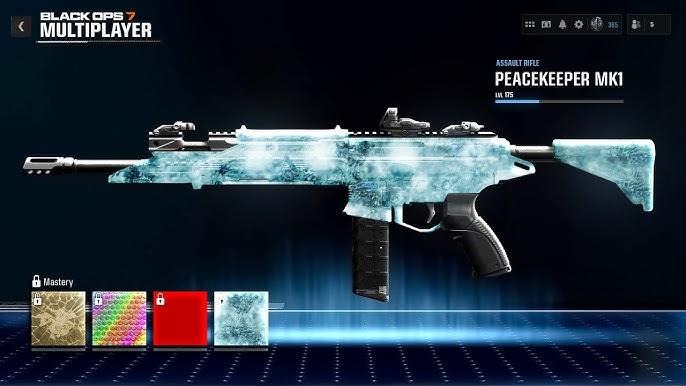
To unlock the Diamond Camo, you’ll need to earn Gold on every weapon in a class — for example, all Assault Rifles or all Sniper Rifles. This is where your real grind begins.
8. Dark Matter Camo (Mastery)
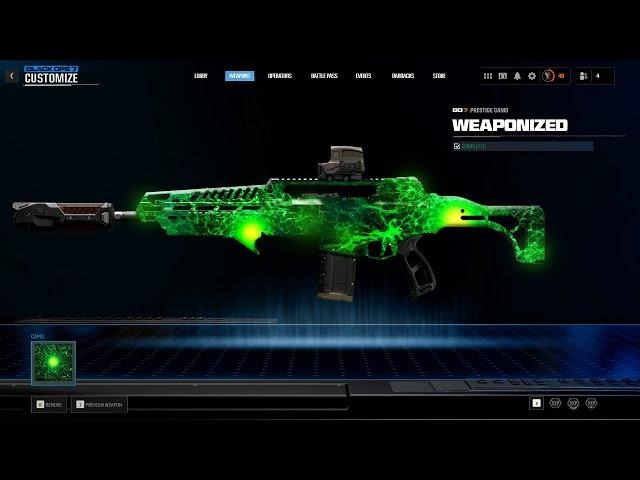
The ultimate flex — Dark Matter — requires unlocking Diamond for every weapon class in the game. This rare and animated skin is a badge of true dedication, proving you’ve mastered every weapon type in Black Ops 7.
9. Event Exclusive Camos (Seasonal)
Finally, there are Event Exclusive camos that can only be earned through limited-time challenges or battle passes. These rotate with each season, often featuring unique colors, effects, and themes tied to seasonal events or collaborations.
Each of these camos in Call of Duty: Black Ops 7 adds a visual reward to your grind. From simple military patterns to shimmering mastery finishes, completing them all is not just about aesthetics — it’s about skill, patience, and persistence on the battlefield. Each camo features unique patterns and color schemes — from realistic military textures to neon futuristic skins that reflect the new Black Ops 7 theme.
Part 3. How to Unlock Camos in Black Ops 7
Unlocking camos in Call of Duty: Black Ops 7 requires completing specific challenges tied to kills, headshots, weapon types, and performance streaks. Here’s a step-by-step breakdown:
Step 1: Level Up Your Weapon
Use your chosen weapon in multiplayer or zombies to level it up and unlock its camo challenges.
Step 2: Complete Weapon-Specific Challenges
Each weapon has 5–6 base camo tiers. For example:
- Assault Rifles: Focus on headshots and longshots.
- SMGs: Prioritize hipfire and rapid kills.
- Snipers: Aim for one-shot kills and long-distance shots.
Step 3: Earn the Gold Camo
After completing all base challenges for a weapon, you’ll unlock the Gold Camo — a classic shiny finish symbolizing mastery.
Step 4: Unlock Diamond and Dark Matter
To earn the Diamond Camo, complete Gold on all weapons in a class (e.g., all ARs).
Once you’ve achieved every Diamond camo across all weapon categories, the ultimate Dark Matter Camo becomes available — the most prestigious skin in Black Ops 7.
Part 4. Best Tips to Unlock Camos Faster
- Play Objective Modes: Domination or Hardpoint provide consistent engagements for kills.
- Use XP Tokens: Double XP helps level weapons faster, unlocking camo challenges sooner.
- Adjust Loadouts: Equip attachments that improve stability or ADS speed for accuracy-based challenges.
- Track Progress: Check the camo progress tab regularly to target specific remaining challenges.
Part 5. Optimize Your Black Ops 7 Experience with LagoFast
If you’re grinding for rare camos or competing in high-stakes multiplayer matches, stable performance is everything. Network lag or frame drops can ruin your streaks — but that’s where LagoFast comes in. This all-in-one game booster helps you achieve smoother gameplay, lower ping, and faster response times in Call of Duty: Black Ops 7.
How to Use LagoFast
Step 1: Click the Free Trial button to download and install LagoFast.
Step 2: Open LagoFast, then click the PC button on the left and search Black Ops 7 in the search bar, click it after it appears.

Step 3: Click on “Server” to change to a better server that fixes connection issues and optimizes the Black Ops 7 gaming experience, then click on “Smart Boost.”

Step 4: Finally, check the specific game ping, packet loss, and multiple path connections on the right side. Finally, click the “Start Game” to fix all the game issues and play the game.

Benefits of LagoFast
- Lower Ping: Minimize latency during online matches.
- Smart Optimization: Automatically chooses the best routes and nodes.
- Lag-Free Gameplay: Enjoy consistent FPS and smoother performance.
- Multi-Region Access: Connect to servers across different regions easily.
By using LagoFast, you’ll ensure that every camo grind and kill streak in Black Ops 7 runs smoothly from start to finish. Whether you’re tackling long weapon challenges, jumping into fast-paced multiplayer matches, or testing your aim in Zombies mode, LagoFast keeps your network steady and responsive. With real-time route optimization and intelligent ping balancing, it detects congestion and automatically connects you to the most stable path — so you can focus entirely on gameplay, not lag.
Conclusion
From Woodland to Dark Matter, Call of Duty: Black Ops 7 brings back the thrill of camo hunting with stunning designs and challenging unlocks. Whether you’re chasing completionist goals or just want to stand out in multiplayer, these camos are worth the grind. Download Call of Duty: Black Ops 7, follow this guide to unlock every camo, and make sure to boost your gameplay with LagoFast for the best online experience.

Boost Your Game with LagoFast for Epic Speed
Play harder, faster. LagoFast game booster eliminates stutter and lags on PC, mobile, or Mac—win every match!
Quickly Reduce Game Lag and Ping!
Boost FPS for Smoother Gameplay!