
Although AION 2 is confirmed for Steam and PURPLE, NCSoft hasn't finalized the exact account-linking process or cross-platform access rules yet. Before buying a Founder’s Pack or claiming any rewards, make sure you are logged into the PLAYNC account you plan to use permanently. To help you avoid launch-day confusion and safeguard your early access bonuses, this guide breaks down platform interactions, account binding rules, and quick fixes for common network hiccups.

- ✅ Reduce Lag and High Ping.
✅ Boost FPS at the Same Time.
✅ Support 3000+ Popular Online Games.
✅ Change Server without Latency.
✅ Boost Game Loading Speed.
Part 1: Does AION 2 on Steam Require an NC Account?
Part 2: How Steam and PURPLE Access Work
Part 3: Can You Use an Existing PURPLE Account on Steam?
Part 4: Do Steam and PURPLE Share Characters and Progress?
Part 5: Can You Switch Between Steam and PURPLE?
Part 6: How Founder’s Pack Access Is Tied to Your Platform
Part 7: What Happens If You Link the Wrong NC Account?
Part 8: Steam Wallet vs PURPLE Payments
Part 9: Bonus Tip: Maximize AION 2 Gaming Experience & Fix Login Issues With LagoFast
Part 10: AION 2 Account Relationships Explained
Part 11: AION 2 Steam and PURPLE Account FAQs
Part 1: Does AION 2 on Steam Require an NC Account?
Yes. While you can download and launch AION 2 directly through your Steam library without opening the standalone PURPLE desktop app, playing the game requires an active PLAYNC account.
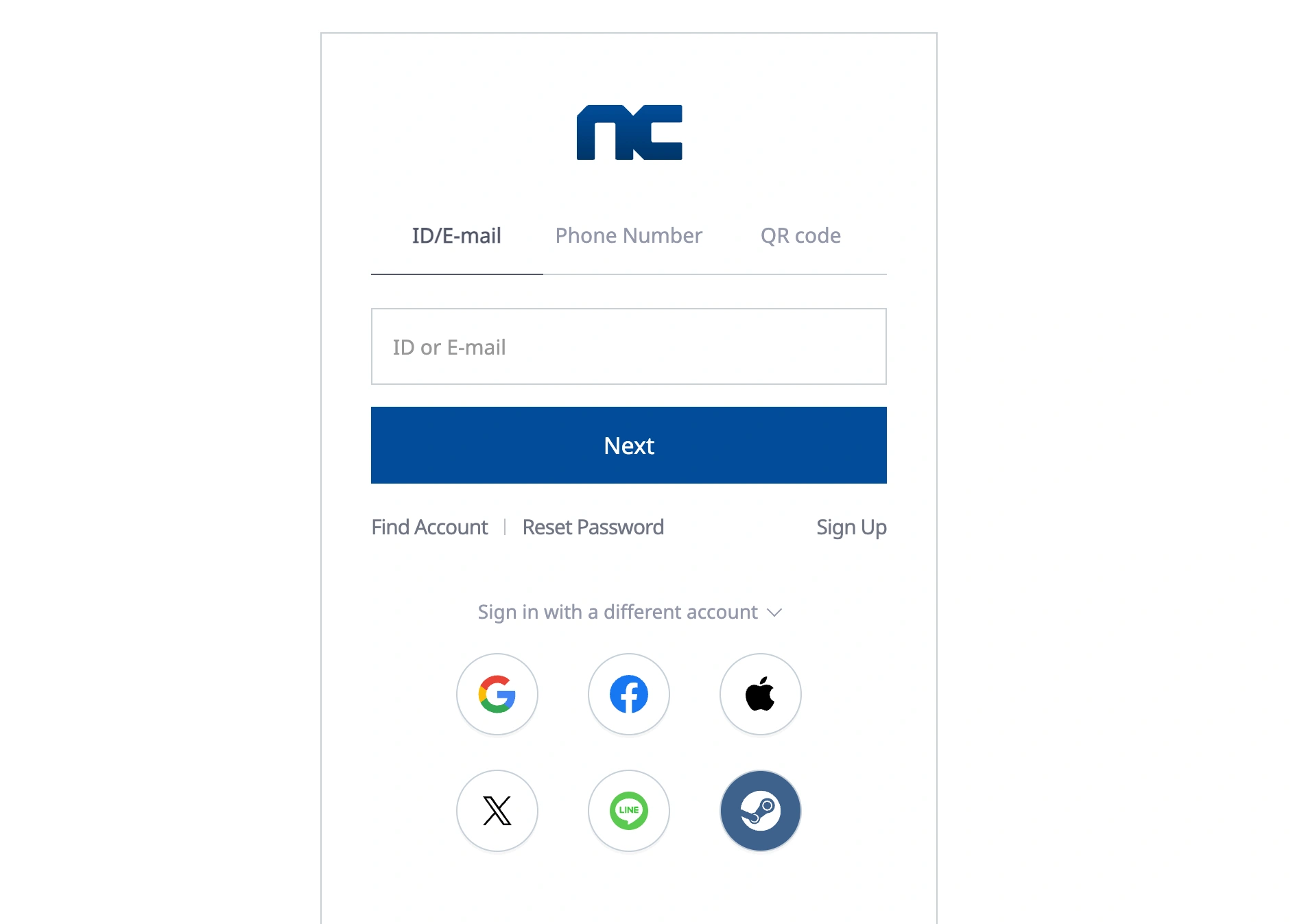
When you boot up AION 2 via Steam for the first time, the client will prompt you to log in or register using NCSoft’s global authentication gateway. This initial login bridges your Steam profile with your PLAYNC identity.
This requirement exists because NCSoft hosts and manages player data, server infrastructure, and cross-game security on their own backend. Even if you never intend to use the standalone PURPLE launcher, your characters, server selections, and account standing remain tied to that core PLAYNC account.
If you are a returning veteran from the older Aion or Lineage II days who previously used an NCWEST account, you will need to migrate those credentials into a modern global PLAYNC account during your first login. Do not create a guest account or a hasty third-party login if you want to protect your long-term progression.
Part 2: How Steam and PURPLE Access Work
AION 2 operates on a unified global architecture, meaning both Steam and PURPLE download the exact same core game client. However, how they handle background authentication and launcher dependencies differs slightly:
- Playing via PURPLE: You download the PURPLE launcher, sign in with your PLAYNC email and password (or linked Google/Apple OAuth), and launch the game directly. PURPLE handles all patch installations, file verifications, and news announcements natively.
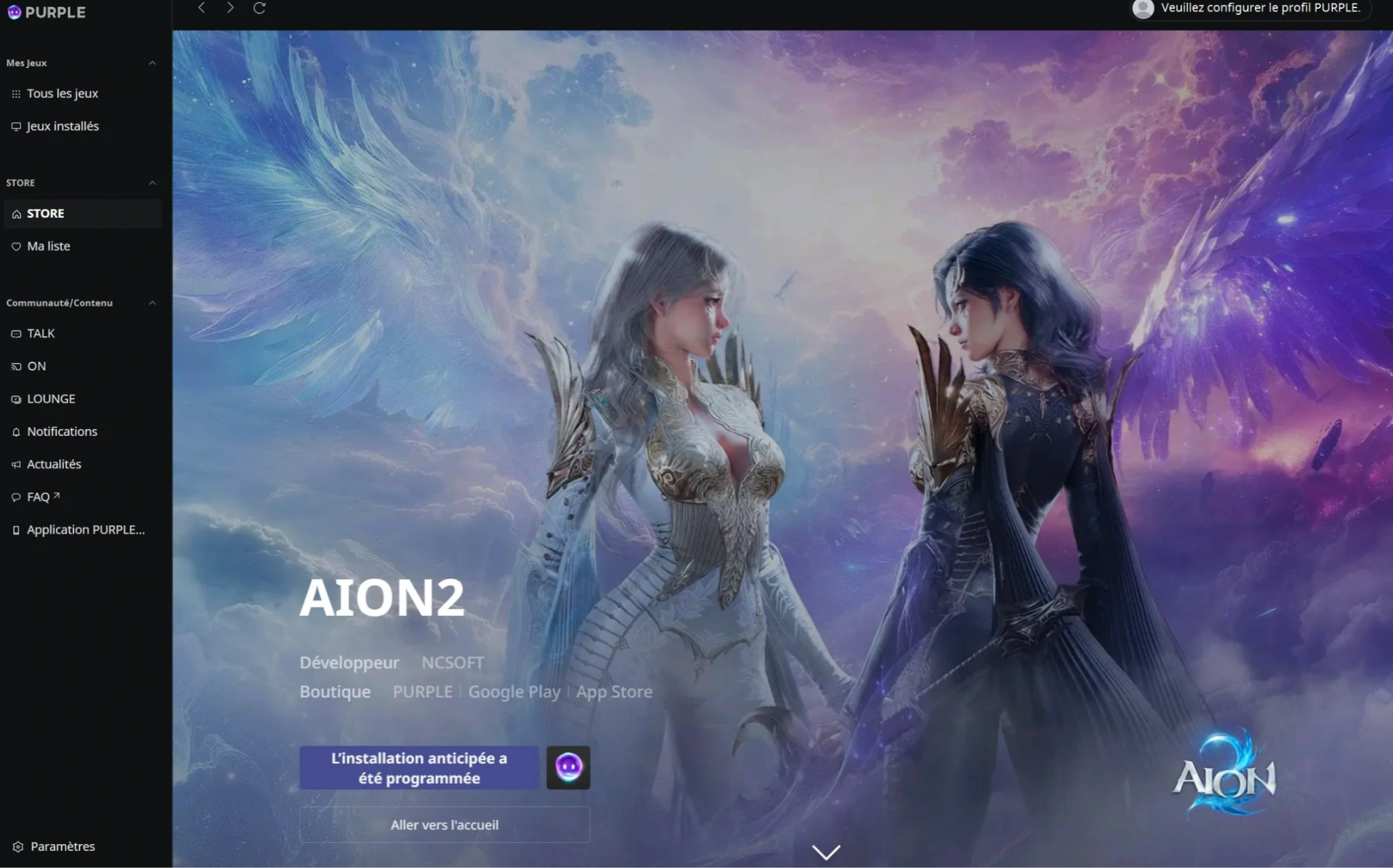
- Playing via Steam: Steam acts as the primary installer and patcher. When you hit "Play" in your Steam library, the game initializes a lightweight, embedded authentication module rather than booting the full desktop PURPLE launcher. Once your Steam account is permanently linked to your PLAYNC credentials, booting through Steam automatically signs you into the game servers without requiring a secondary password entry every session.
While the server destinations are identical, keeping both launchers installed on your PC is unnecessary unless you manage multiple secondary accounts or play other NCSoft titles like Throne and Liberty or Lineage2M.
Part 3: Can You Use an Existing PURPLE Account on Steam?
If you already created an account on PURPLE, whether during global pre-registration, past technical tests, or while playing regional servers, you can use that exact same PLAYNC account when logging into the Steam version of AION 2.
When launching the Steam client for the first time, look for the option to "Sign in with Existing PLAYNC Account" or "Link Account." Enter your primary email address and password associated with your PURPLE profile. Once verified, Steam will permanently bind itself to that PLAYNC identity.
A critical warning for existing account holders:
Do not click "Create New Account" or use a quick one-click social login if your primary PURPLE account uses a different email address. Steam allows only one PLAYNC account to be bound to a single Steam ID. If you accidentally link an empty secondary account, bypassing it requires submitting a manual support ticket to NCSoft customer service, a process that can take several days during a busy launch week.
Part 4: Do Steam and PURPLE Share Characters and Progress?
Because your character data, inventory, and server progression live entirely on NCSoft’s central database rather than on Valve’s local servers, cross-progression is supported between Steam and PURPLE as long as both platforms are linked to the identical PLAYNC account.
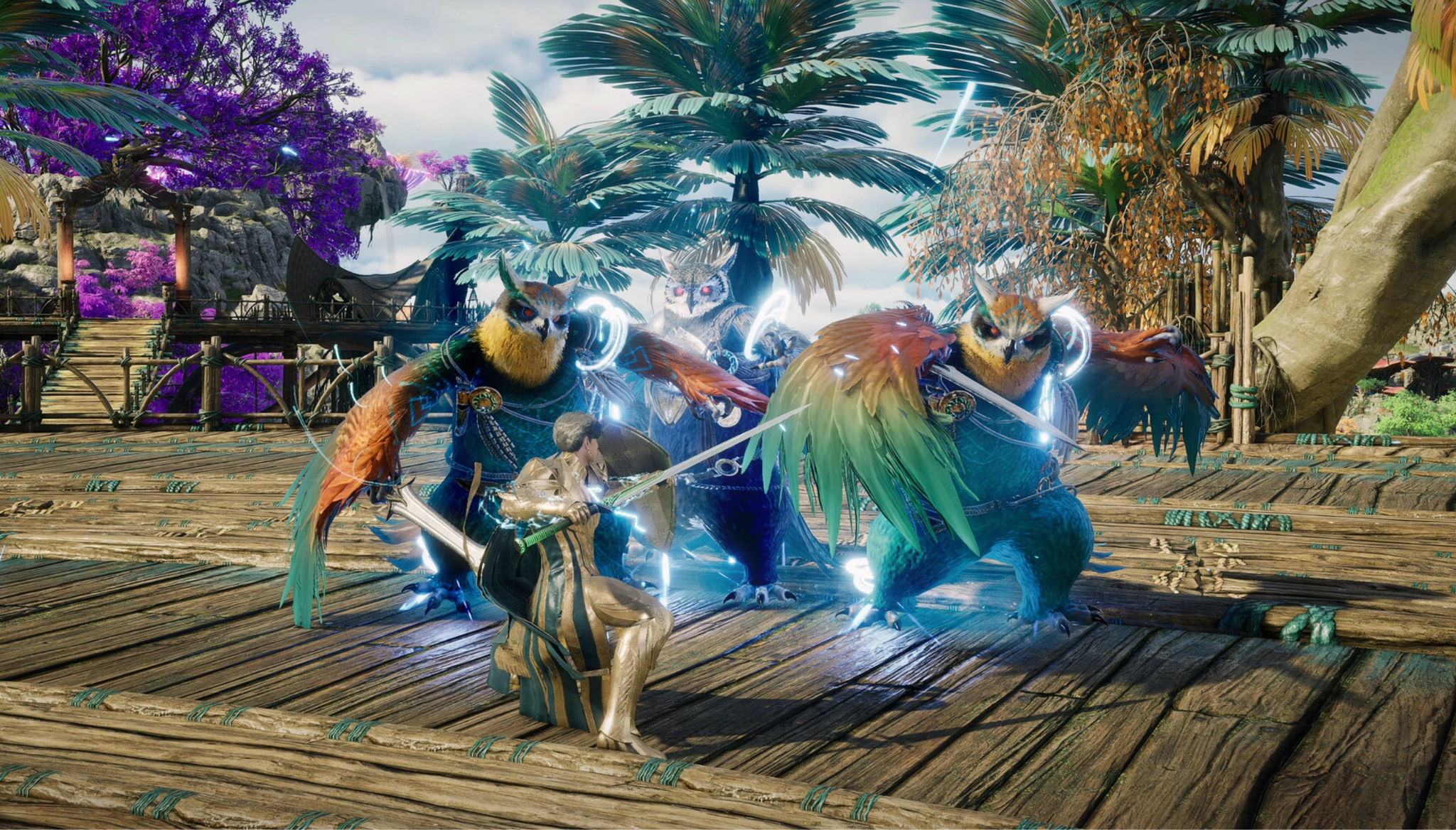
If you start your journey on day one using the PURPLE launcher, level your Gladiator to level 30, and later decide you prefer Steam’s overlay, screenshot tools, and hours tracker, you can seamlessly switch. Once you install the Steam build and log in with your primary PLAYNC credentials, your characters will appear on the server selection screen exactly as you left them.
What Cross-Progression Does NOT Cover
While character experience, gold, gear, and guild memberships transfer freely between clients, platform-specific storefront wallets and localized purchase entitlements do not automatically bridge across ecosystems. You cannot spend Steam Wallet funds inside the PURPLE launcher, and certain region-restricted promotional items may remain visible only on the platform where they were redeemed.
Part 5: Can You Switch Between Steam and PURPLE?
You can alternate between playing on Steam and PURPLE on a session-by-session basis, provided you are using the same underlying PC and logging into the same PLAYNC account. However, simultaneously logging into both clients on different machines will result in an immediate session termination on the older connection.
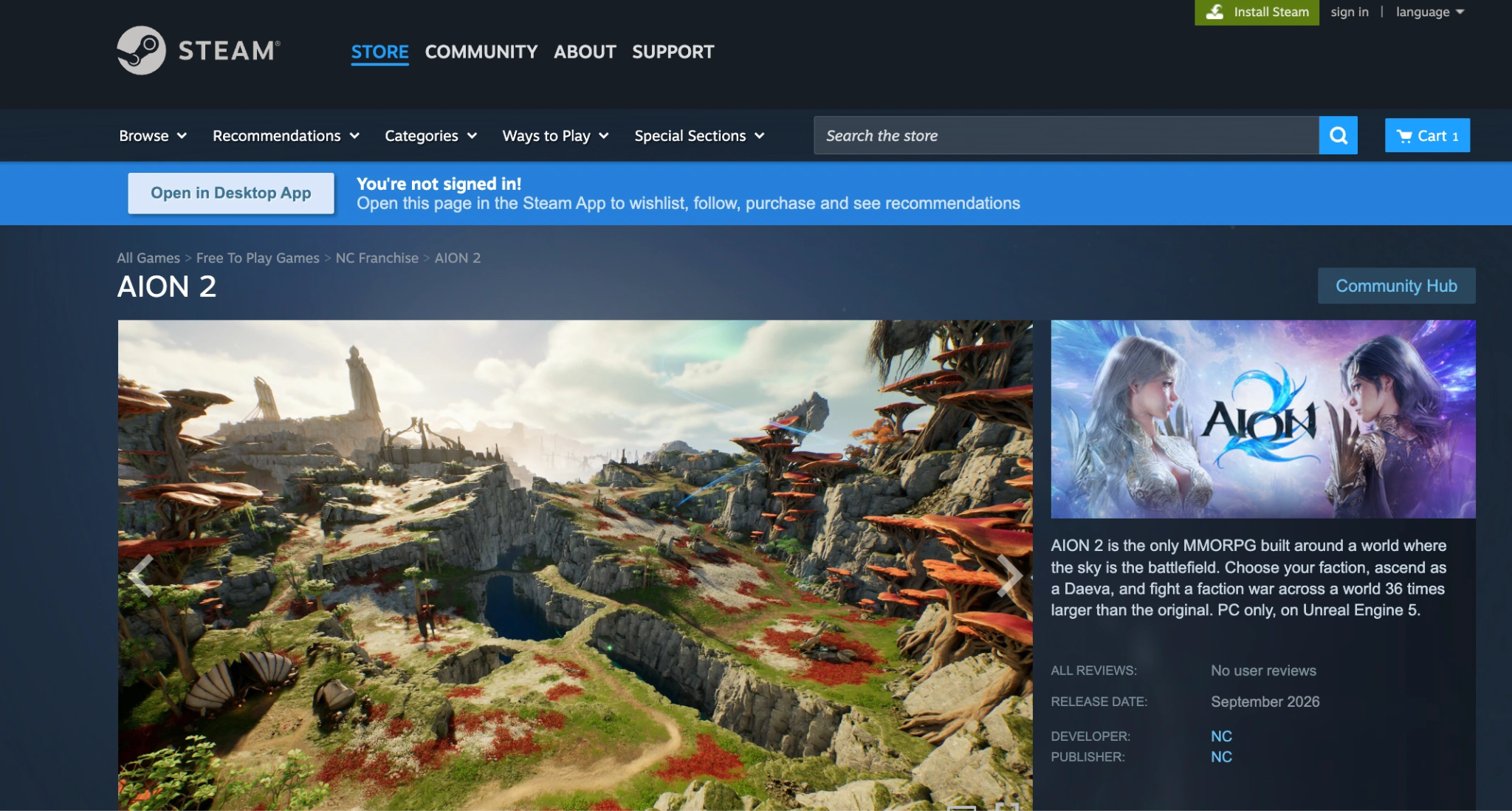
If you plan to switch between clients regularly, follow these operational best practices:
- Unbind Before Changing Regions: If you move or travel internationally, remember that NCSoft enforces regional security checks. Logging into PURPLE from one IP and Steam from another in rapid succession can trigger an automatic "Suspicious Login Attempt" lock.
- Keep Graphics Settings Syncing in Mind: While cloud saves preserve your keybinds and user interface layouts across both launchers, local hardware configurations, such as custom resolution scaling, DLSS preferences, and frame rate caps, are stored in local configuration files and may need to be adjusted independently on each client.
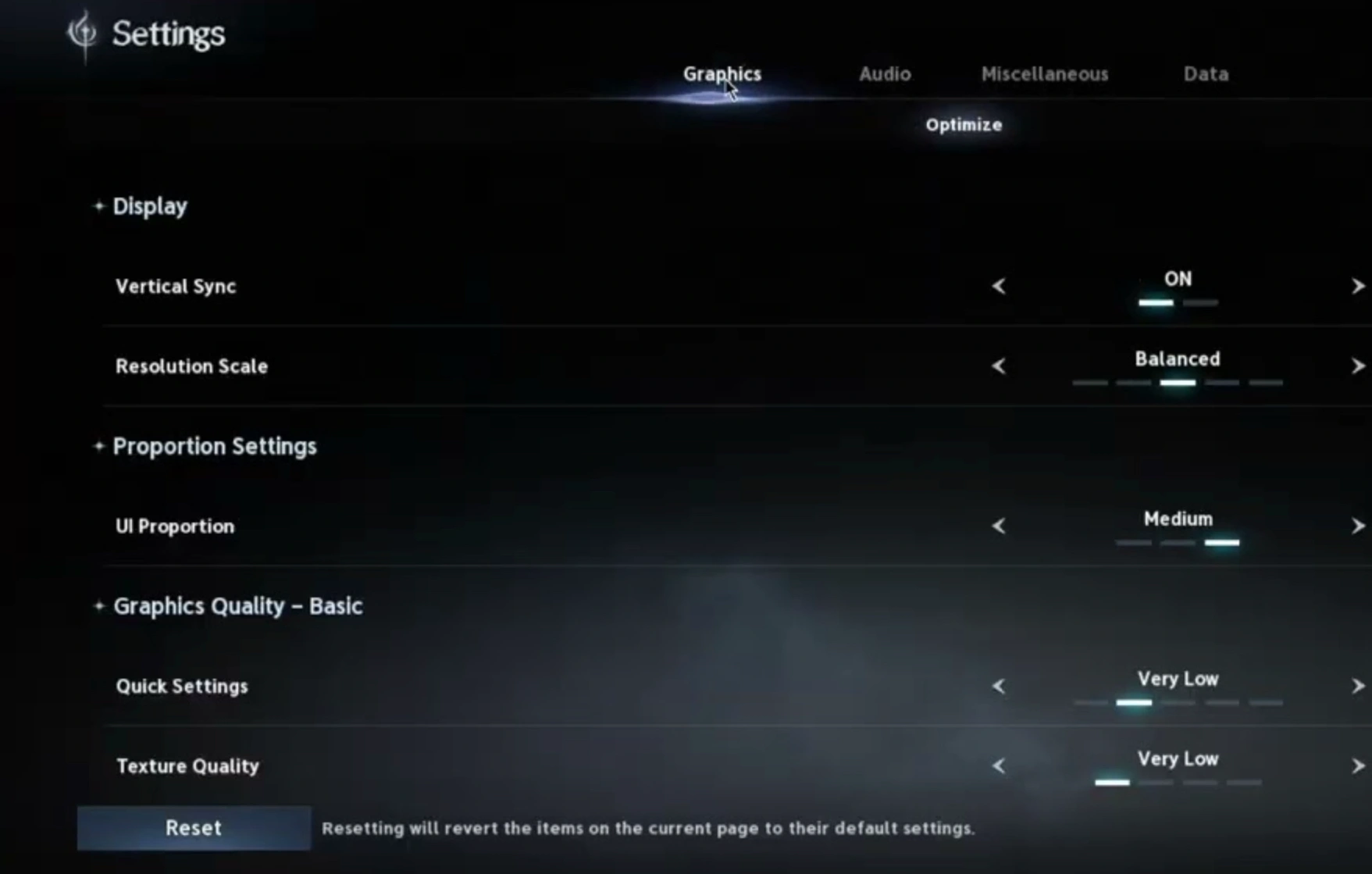
- Avoid Mid-Patch Switching: If NCSoft deploys a hotfix, ensure one launcher completely finishes patching before opening the other to prevent corrupted file indexes or verification loops.
Part 6: How Founder’s Pack Access Is Tied to Your Platform
One of the most frequent sources of pre-launch frustration involves players who purchased an AION 2 Founder’s Pack but suddenly find themselves staring at a "No Early Access" error on launch day.
Here is the most important rule of AION 2 monetization: Founder’s Packs, early access entitlements, and premium pre-order licenses are strictly platform-locked to the storefront where the transaction occurred.
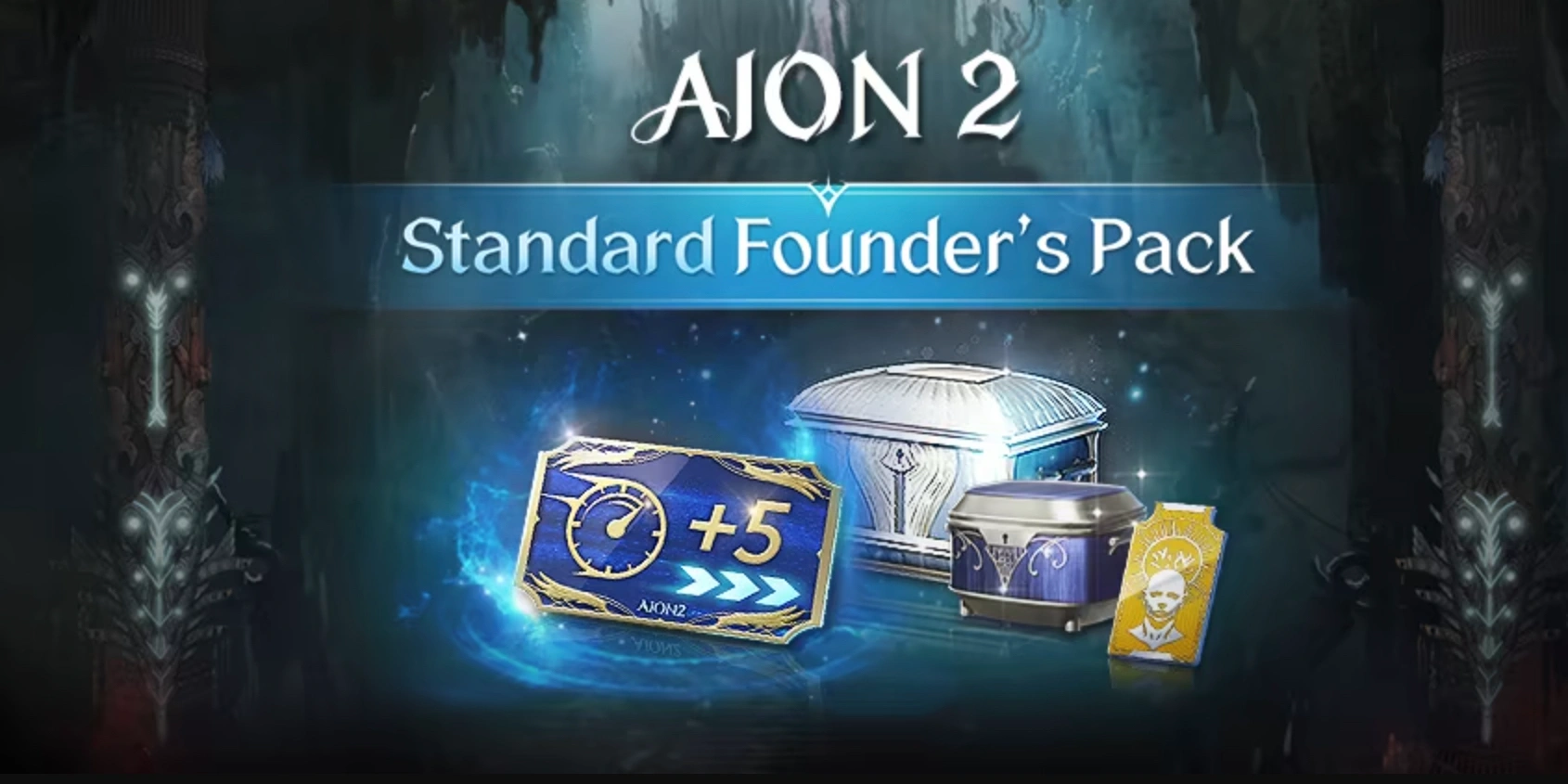
If you buy the Ultimate Founder’s Pack through the Steam Store, your 5-day Early Access privilege, exclusive titles, and cosmetics are tagged directly to your Steam app entitlement. If you attempt to launch the game three days early using the desktop PURPLE client, the system will check PURPLE’s transaction database, see no corresponding purchase record, and deny you entry to the early access servers, even if you are logged into the exact same PLAYNC account!
How to Ensure You Get Your Early Access
- Buy Where You Plan to Play: If you want to play early on Steam, you must buy the Founder's Pack via the Steam Store. If you want to use PURPLE, purchase it via the official NC store.
- Do Not Double Buy: Purchasing a pack on both Steam and PURPLE will not grant you 10 days of early access, nor will it double your exclusive title or cosmetic rewards. NCSoft's system limits reward distribution to one package per PLAYNC account.
- Check Your Binding Before Claiming: When early access opens, log into your chosen client, verify that your server region matches your purchase region, and claim your items from the in-game mail or account depot before attempting to switch launchers.
Part 7: What Happens If You Link the Wrong NC Account?
Accidentally linking a blank, newly generated PLAYNC account to your primary Steam profile is a common Day-1 mishap, especially when relying on automated third-party OAuth logins (like Google, Apple, or Discord) that generate fresh IDs in the background.
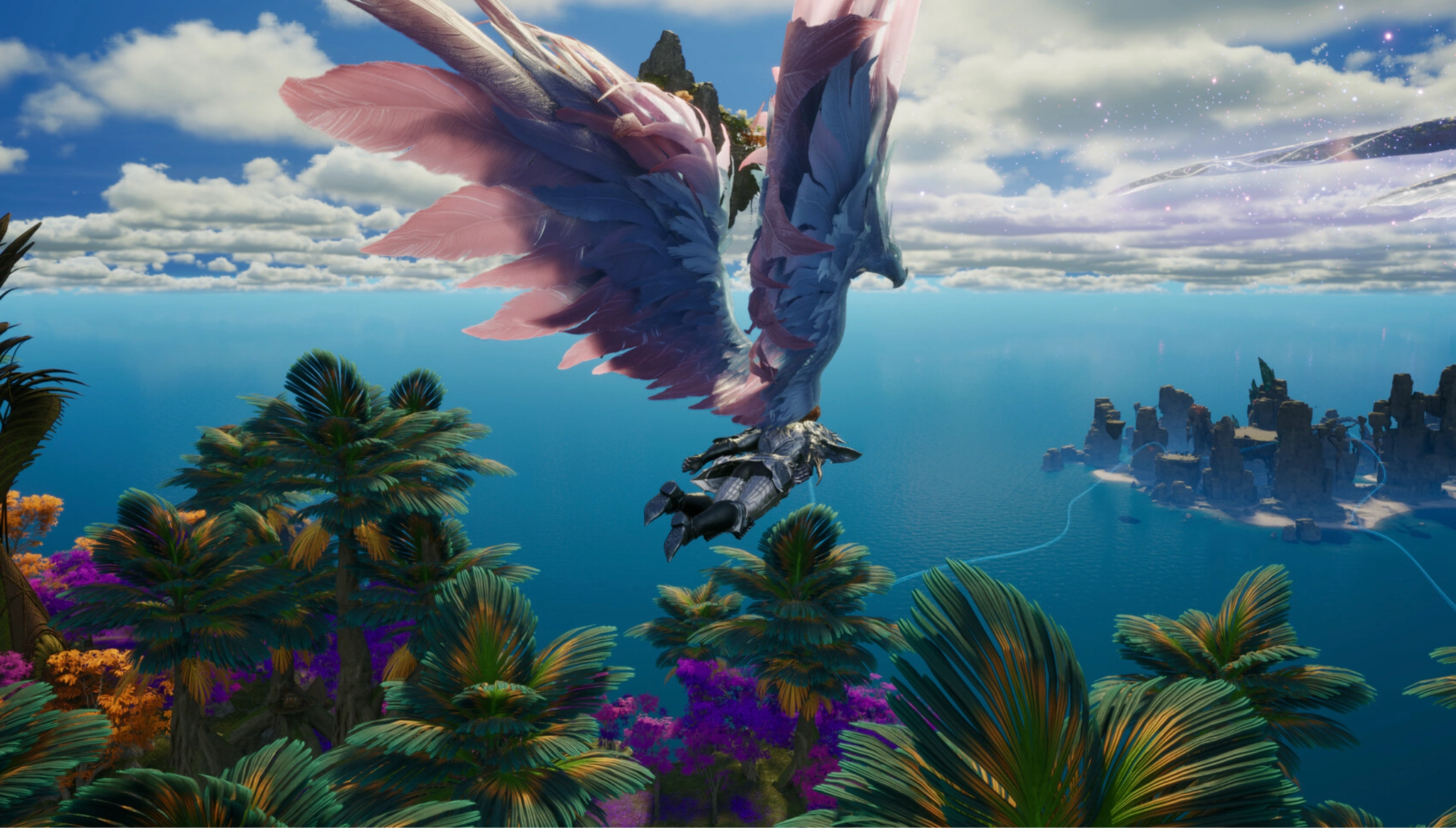
If you bind the wrong account, you will experience the following restrictions:
- You will not see your existing characters from PURPLE or regional betas.
- You will be unable to claim any newsletter pre-registration rewards associated with your true email address.
- Your Steam profile will be permanently locked to that unwanted PLAYNC ID, preventing you from logging into your correct account.
How to Troubleshoot an Accidental Binding
If you find yourself stuck with an incorrect account link, follow this recovery procedure immediately:
Step 1. Stop Playing immediately: Do not create characters or redeem items on the wrong account.
Step 2. Access Account Management: Log into the official PLAYNC portal (id.plaync.com) using the WRONG account credentials.
Step 3. Check Integration Settings: Navigate to "Linked Accounts" or "Platform Connections" and look for the Steam icon.
Step 4. Attempt Manual: If an "Unlink" button is available, click it and complete the email 2FA verification.
Step 5. Submit an Emergency Ticket: If the unlink option is greyed out (common for Steam bindings), open an NC Support ticket titled: "Emergency: Steam Account Unlink Request - Accidental Binding.
When contacting support, provide your Steam 17-digit ID, the email of the incorrect PLAYNC account, and the email of the correct PLAYNC account you wish to use. Do not initiate a chargeback on Steam for any purchases while waiting for support, as this will result in an immediate, permanent ban on both your Steam and PLAYNC accounts.
Part 8: Steam Wallet vs PURPLE Payments
When deciding between Steam and PURPLE as your primary gaming home, payment flexibility is a major factor. While in-game cash shop prices remain standardized across regions, the underlying payment gateways handle currency conversion, taxation, and payment methods very differently.
Here is a side-by-side comparison of how transactions work on each platform:
|
Feature |
Steam Wallet |
PURPLE Payments |
|
Primary Payment Methods |
Steam Wallet balance, credit/debit cards, PayPal, regional methods (iDEAL, Giropay, Alipay, WeChat Pay, etc.). |
Credit/debit cards, PayPal, Razer Gold, and direct NCoin balance purchases. |
|
Regional Pricing & Currency |
Automatically converts to your local Steam currency; subject to Valve's regional pricing suggestions and local sales tax laws. |
Billed primarily in USD, EUR, or KRW depending on your region; international foreign transaction fees may apply from your bank. |
|
Payment Security & Auth |
Protected by Steam Guard 2FA and Valve's automated fraud detection systems. |
Protected by NCSoft 2FA and web-based 3D Secure card verification. |
|
Refund Policy & Disputes |
Governed by Steam's refund rules (generally under 2 hours of playtime / 14 days for unconsumed DLC/packs). |
Governed by NCSoft's strict digital terms; unconsumed Founder's Packs may be refunded via support, but chargebacks trigger instant account bans. |
|
Gift Card Availability |
Widely available via physical and digital Steam Gift Cards at retail stores globally. |
Limited to official NCoin digital codes sold through authorized online retailers. |
For players in regions with volatile exchange rates or those who rely on local payment apps, Steam is usually the more accessible and economical choice. However, players who already maintain a large balance of NCoin from other games will find PURPLE more convenient.
Part 9: Bonus Tip: Maximize AION 2 Gaming Experience & Fix Login Issues With LagoFast
Launching an ambitious, high-population MMORPG like AION 2 inevitably brings network congestion, authentication bottlenecks, and frustrating connection errors. Because AION 2 relies on fast-paced, action-combat mechanics where positioning and combo timing dictate whether you win a PvP skirmish or clear a dungeon raid, playing with high latency or packet loss is a massive handicap.
Furthermore, international players often run into "Invalid Region," "Account Authentication Failed," or Error 40309 when trying to connect to global servers through PURPLE or Steam. This is where a specialized gaming booster like LagoFast becomes an essential tool in your Daeva toolkit.
How LagoFast Solves AION 2 Network & Login Errors
- Bypass Region Locks & IP Restrictions: If you receive an "Invalid Account Region" or find AION 2 missing from your local Steam storefront, LagoFast’s global node network allows you to route your connection through supported launch regions (such as North America, Europe, or Taiwan) with a single click.
- Eliminate High Ping and Packet Loss: LagoFast utilizes smart multi-path transmission technology. It real-time monitors global server routes and locks your game data onto the fastest, cleanest fiber pathways, dropping ping by up to 40% and stopping rubberbanding during large-scale Realm vs. Realm siege battles.
- Fix Launcher & Authentication Crashes: PURPLE launcher stuck at "Preparing 0%"? Steam authentication timing out during peak server queues? LagoFast features a built-in game booster and repair tool designed to stabilize launcher connections, clear routing cache conflicts, and maintain a steady TCP/UDP data stream during login handshakes.
- One-Click FPS & System Optimization: Beyond network routing, LagoFast includes an automated system optimizer that shuts down background RAM hogs, allocates high-priority CPU cores to Unreal Engine 5, and tweaks Windows power plans to ensure buttery-smooth frame rates in crowded cities.
Tutorial: How to Use LagoFast for AION 2
Getting your connection optimized takes less than a minute:
Step 1: Download and install LagoFast.
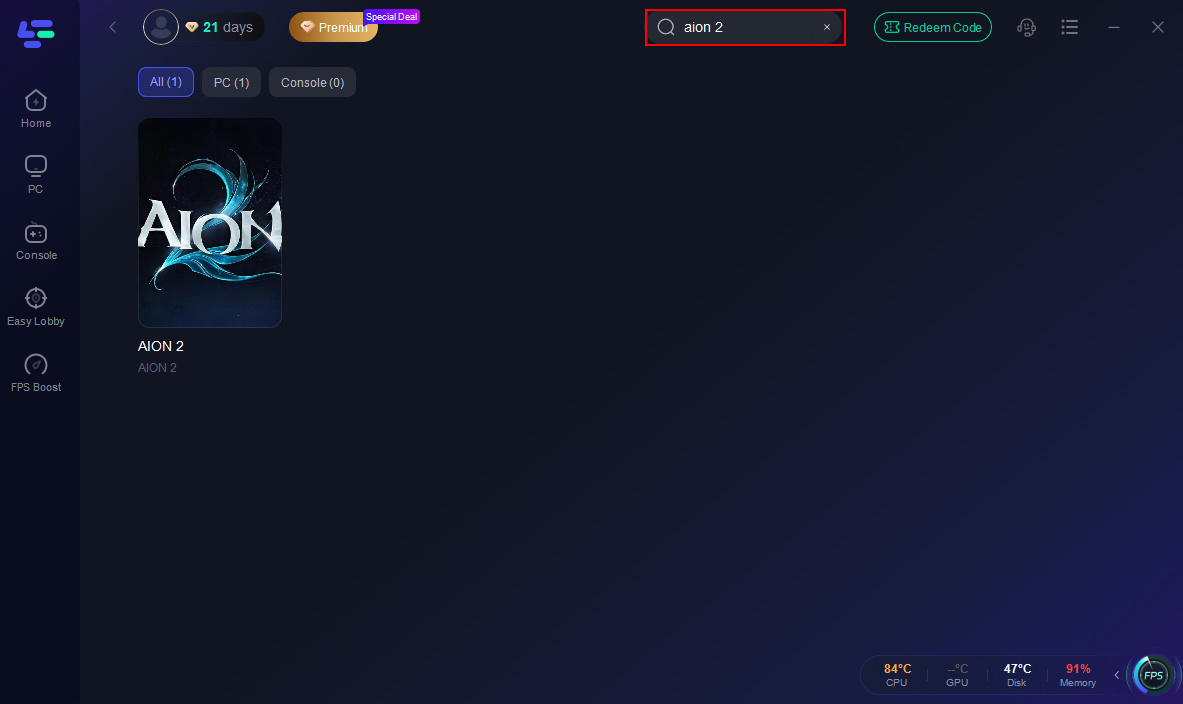
Step 2: Open LagoFast, then click the PC button on the left, search for AION 2 in the search bar, and click it after it appears.
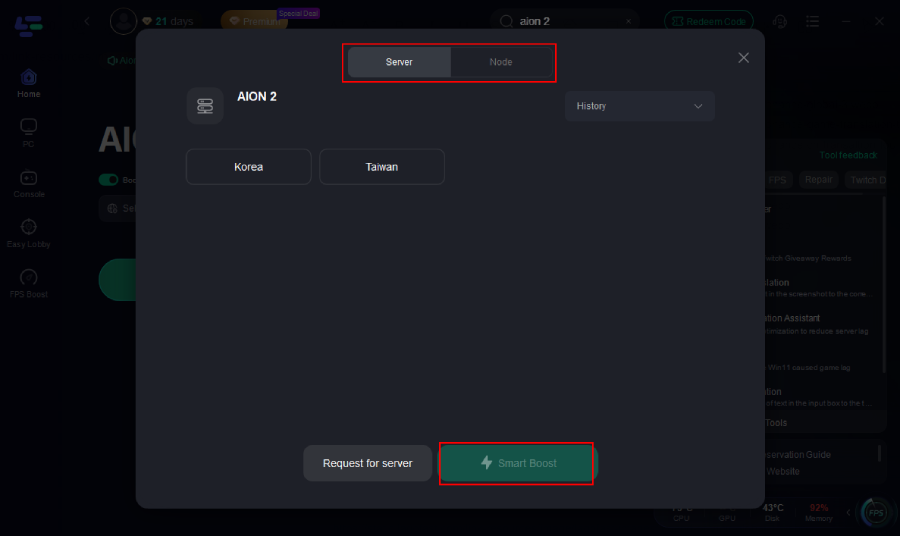
Step 3: Choose your server destination and click the "Boost" button. LagoFast will automatically select the lowest-latency node.
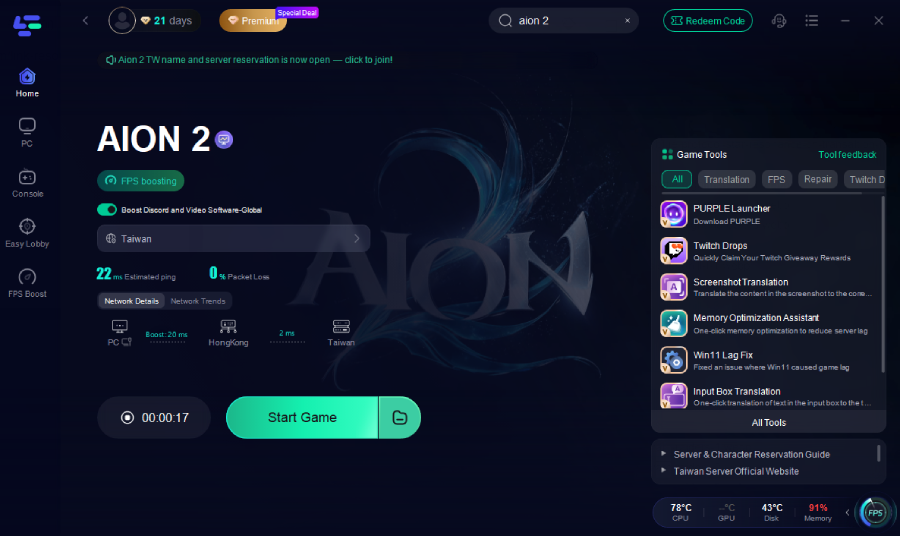
Step 4: Launch AION 2 via Steam or PURPLE directly through the optimized LagoFast gateway and enjoy zero-lag combat.
Part 10: AION 2 Account Relationships Explained
To avoid binding errors and missing out on early access rewards, it helps to understand how NCSoft separates software distribution, identity verification, and in-game data storage.
Here is how each platform and account type interacts within the AION 2 ecosystem:
|
Name |
Core Function |
What It Actually Controls |
|
Steam Account |
Distribution & Storefront |
Handles game downloads, client updates, client launches, and Steam Wallet purchases. |
|
PLAYNC Account |
Master Identity & Authentication |
Acts as your global NC identity. It manages your login credentials, account verification, security settings, and ultimate ownership of your game data. |
|
PURPLE |
Official NC Client & Launcher |
NCSoft’s proprietary PC launcher used for direct game downloads, account management, and multi-game access. |
|
AION 2 Character |
In-Game Progression |
Your actual physical characters, server selection, inventory, guild (Legion) ties, and world progression. |
|
Founder's Pack License |
Paid Entitlements |
Your purchased entitlement (Early Access, exclusive skins, titles), strictly locked to the platform where you bought it. |
Part 11: AION 2 Steam and PURPLE Account FAQs
Why does AION 2 on Steam require a third-party PLAYNC account?
NCSoft requires a PLAYNC account to manage global character data, cross-platform progression, server infrastructure, and game security. Steam acts as a distribution storefront and launcher, while NCSoft's servers handle the actual game world and player identities.
I bought the AION 2 Founder’s Pack on Steam, but PURPLE says I don’t have Early Access. Why?
Founder’s Packs and Early Access entitlements do not transfer across storefronts. If you purchased your pack on Steam, your early access license is bound exclusively to the Steam client. You must launch the game via Steam during the 5-day head start period to access the servers.
Can I play AION 2 on Steam without installing the PURPLE desktop app?
Yes. When playing the Steam version of AION 2, the game uses an embedded background authentication module to verify your PLAYNC account. You do not need to install or run the full standalone PURPLE desktop application to play via Steam.
What should I do if I accidentally linked my Steam account to the wrong PLAYNC account?
Stop playing immediately and do not claim any promotional items. Log into the PLAYNC account management portal to see if manual unlinking is available for your region. If not, submit an urgent customer support ticket to NCSoft with your Steam ID and both account emails to request a manual credential reset.
Can I use Steam Wallet funds to buy in-game items if I launched the game through PURPLE?
A: No. Steam Wallet transactions can only be processed when running the game client through Steam. If you are logged into the PURPLE launcher, you must use PURPLE’s native payment gateway (credit card, PayPal, or NCoin balance) to complete microtransactions.
Why am I getting an "Invalid Region" or "Cannot Connect" error when logging into PURPLE/Steam?
This error typically occurs when your IP address does not match the region where your PLAYNC account was registered, or when regional ISP routing restrictions block NCSoft’s authentication servers. Using a specialized gaming booster like LagoFast allows you to route your connection through an approved server node, bypassing regional login errors instantly.
Conclusion
Navigating AION 2 Steam account linking and PURPLE cross-progression comes down to one simple rule: bind your permanent PLAYNC account before claiming any items or buying Founder’s Packs. Remember that while characters share progress across clients, paid early access is strictly platform-locked. To guarantee a smooth launch day free of region blocks, authentication disconnects, and latency spikes, fire up LagoFast before you log into Atreia. Prepare your account today, Daeva, and see you on the battlefield!
Boost Your Game with LagoFast for Epic Speed
Play harder, faster. LagoFast game booster eliminates stutter and lags on PC, mobile, or Mac—win every match!
Quickly Reduce Game Lag and Ping!
Boost FPS for Smoother Gameplay!