Want to play games in your language? You can use LagoFast built-in translator tool to translate the game into any language now!
Here we will use Seven Knights: Rebirth to show you how:
Specific steps:
1. Install the LagoFast APK version. Please note, the Google Play Store version will not support this function.
Here's our official website: https://www.lagofast.com/en/mobile/
2. Then open the app, turn to "Boost", then switch to the "Space" tab
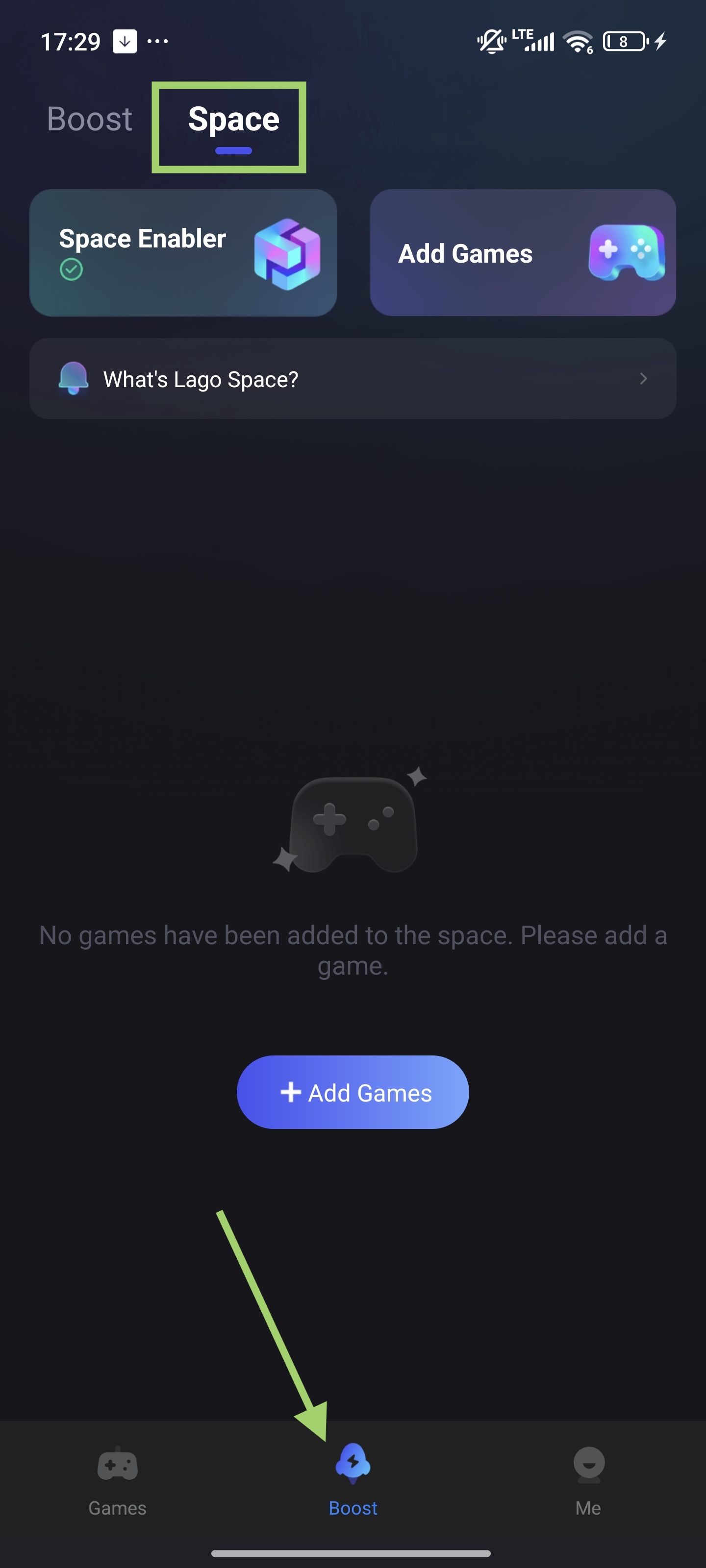
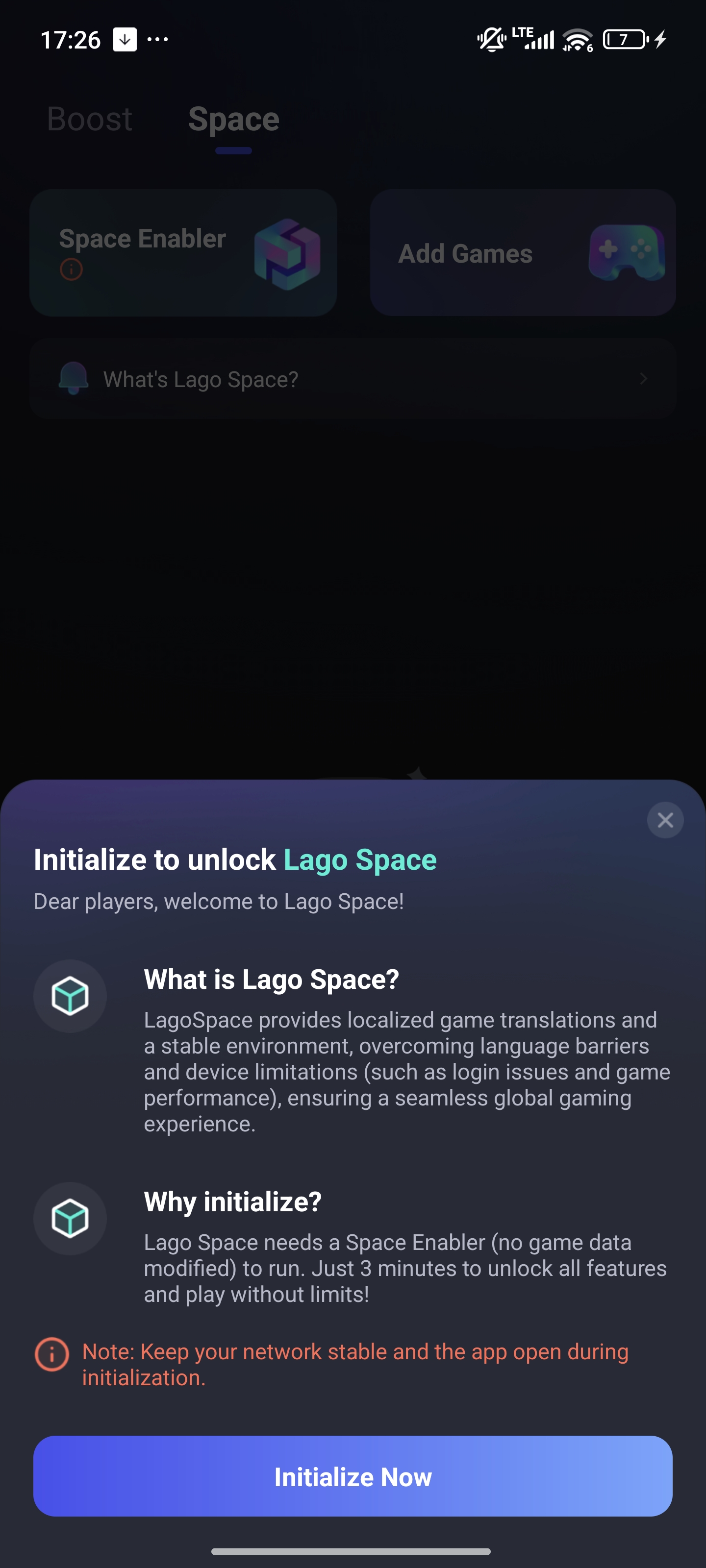
3. Finish the initialization process.
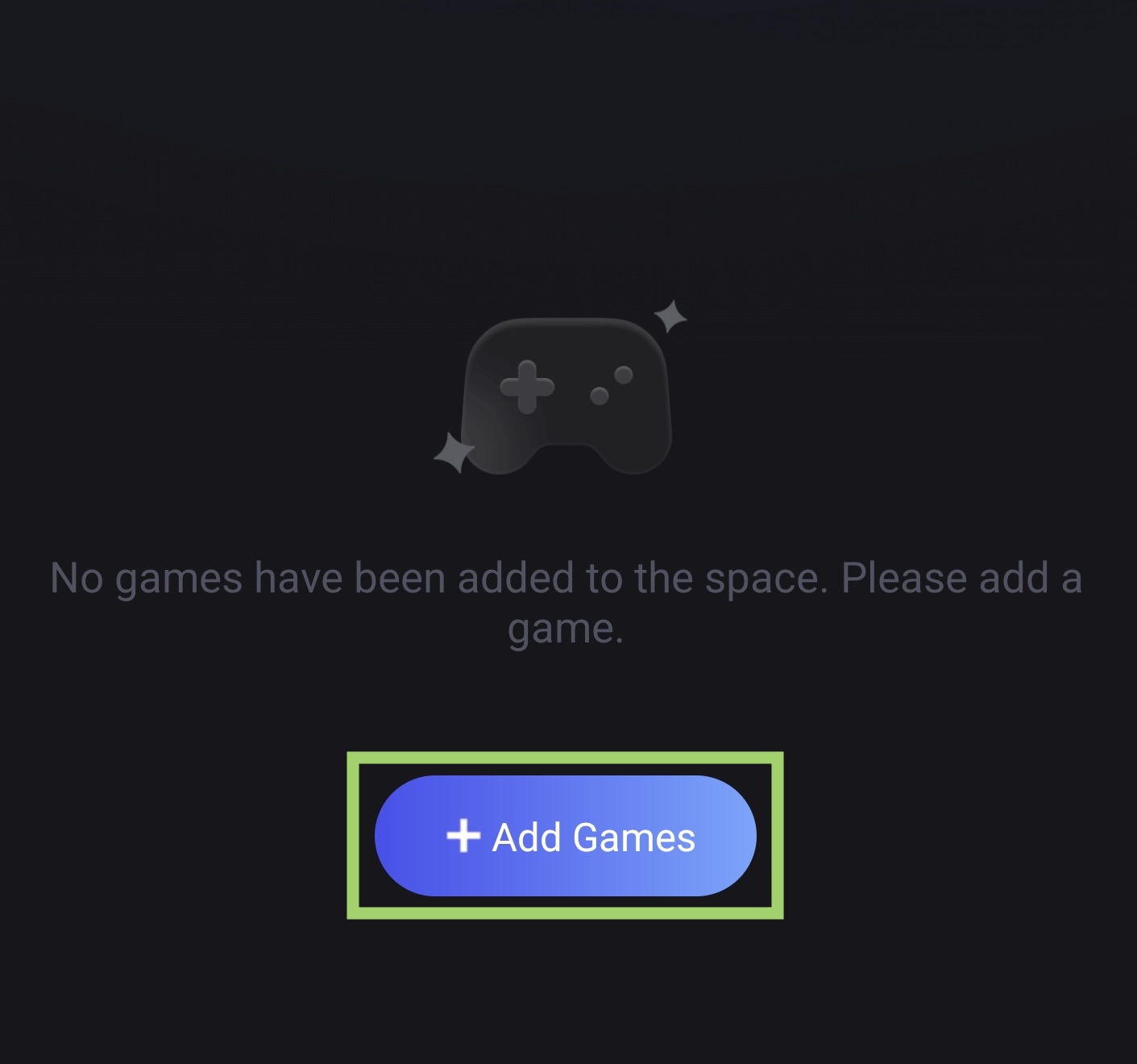
4. Tap "Add Games". Select and add the game you want to play. Let's add Seven Knights here.
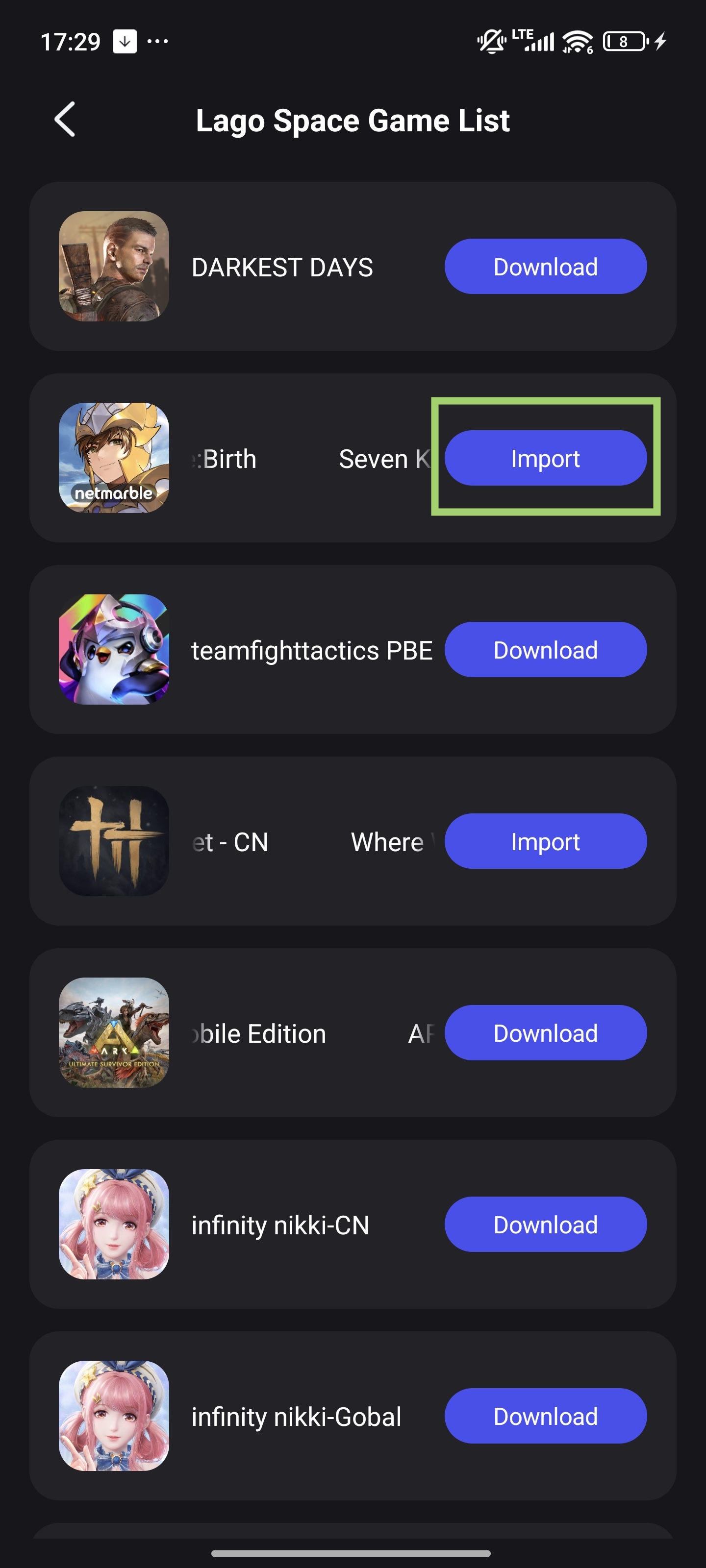
5. After downloading the resources, you will see the game assistant for the game shown in Boost - Space. Deploy it first.

6. Tap to boost the game. Please note, don't turn on the translator before you log in to the game!
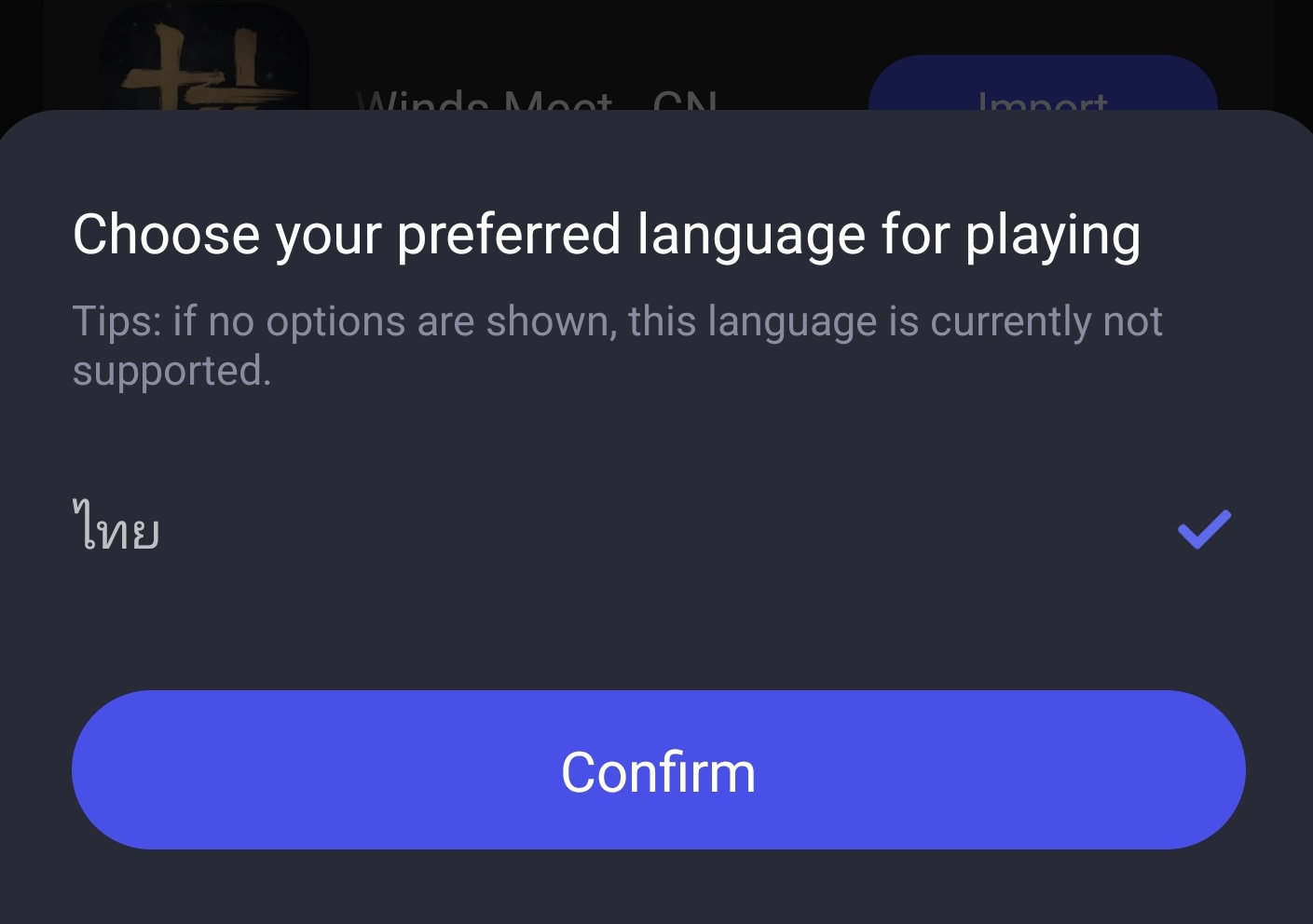
7. After you log in to the game, re-enter LagoFast booster app, and turn on the translator. Before you turn on the translator, you need to select the language you want it to translate to. Here let's select Thai.
8. Then enter the game, you can see the game shown in a built-in Thai (or other languages you chose) version.

