Want to explore Duckov with your friends? Follow the steps below to use the Co-op Tool and team up easily!
Before you begin:
Please make sure to completely close the tool first, then restart it to initialize properly.
When You're the Host
1. Create a Room
Make sure to enable Boost for the “Co-op Play” server when creating a room.
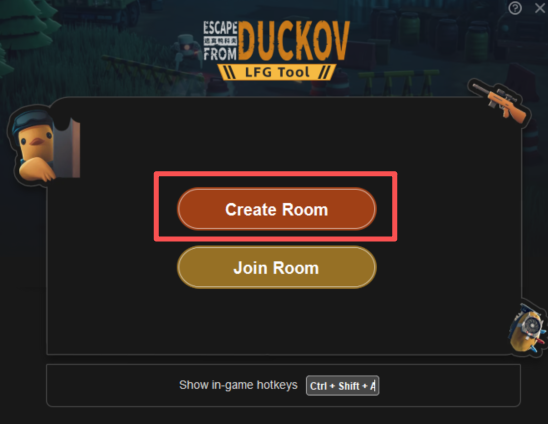
2. Share the Team Code
3. Click Share Now to copy your team code, then send it to your friends.
4. Wait for Friends to Join
Before entering or leaving the bunker, all players will receive a “Ready” prompt. Once everyone is ready, you can leave the bunker together.
When Joining a Friend's Room
1. Click Join Room in the tool (must be inside the bunker)
2. Enter the Team Code
3. Paste the team code your friend shared with you.
4. Mark as Ready
After joining, click Ready.
Once everyone in the room is ready, the host can lead the team out of the bunker and start the game!

