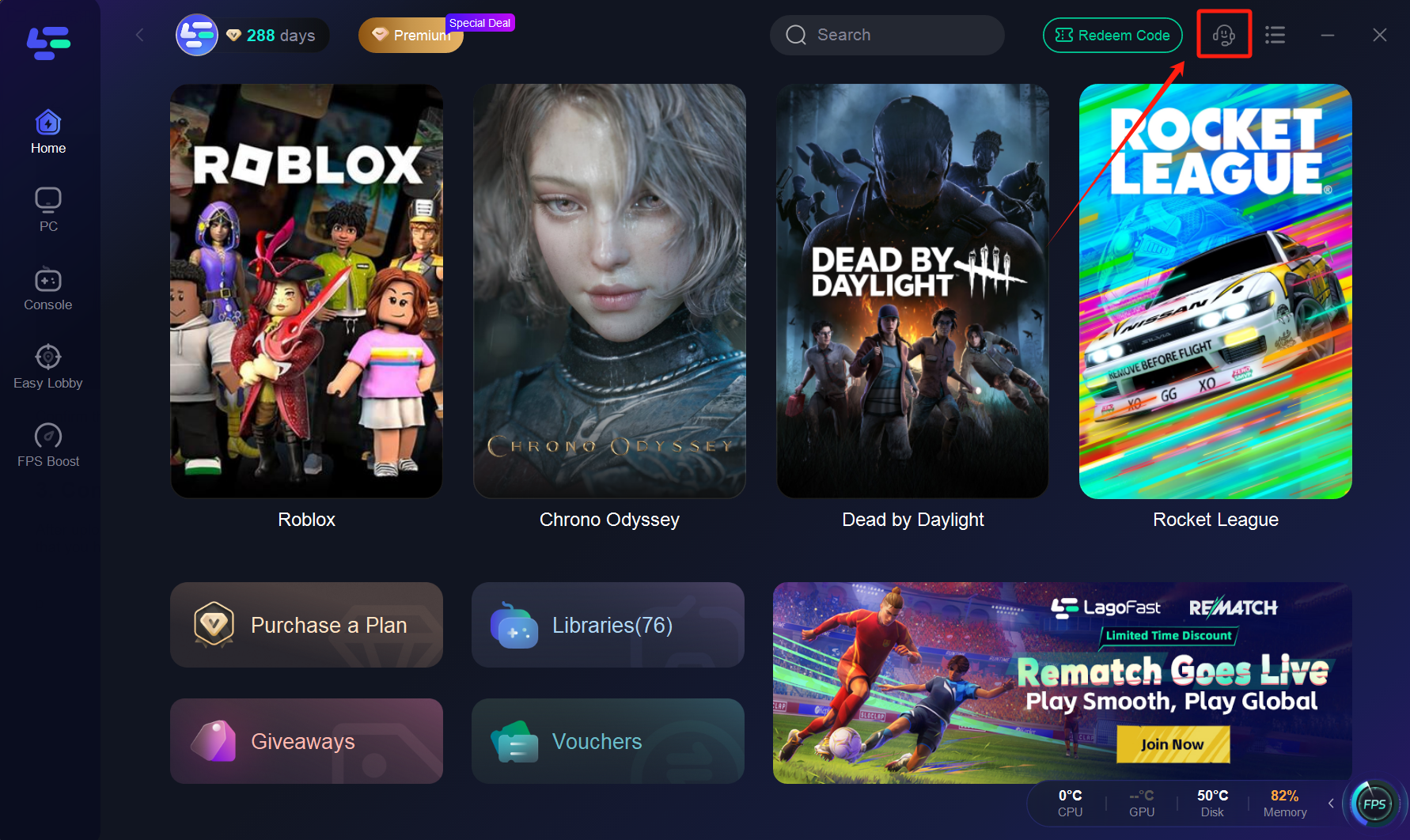
Experiencing problems with your LagoFast boost? Follow these steps to help our support team diagnose and resolve your issue as quickly as possible:
1. Disable Other VPNs
Before using LagoFast, ensure that any other VPN or proxy services are completely turned off. Running multiple VPNs simultaneously can interfere with our boost technology and lead to unexpected connectivity issues.
2. Reproduce the Issue & Upload Logs
Open the LagoFast client and start the boost.
Launch the game in which you’re experiencing the problem, and reproduce the issue if possible.
Once the issue occurs, return to the LagoFast client.
Go to Network Tools and select Upload Logs.
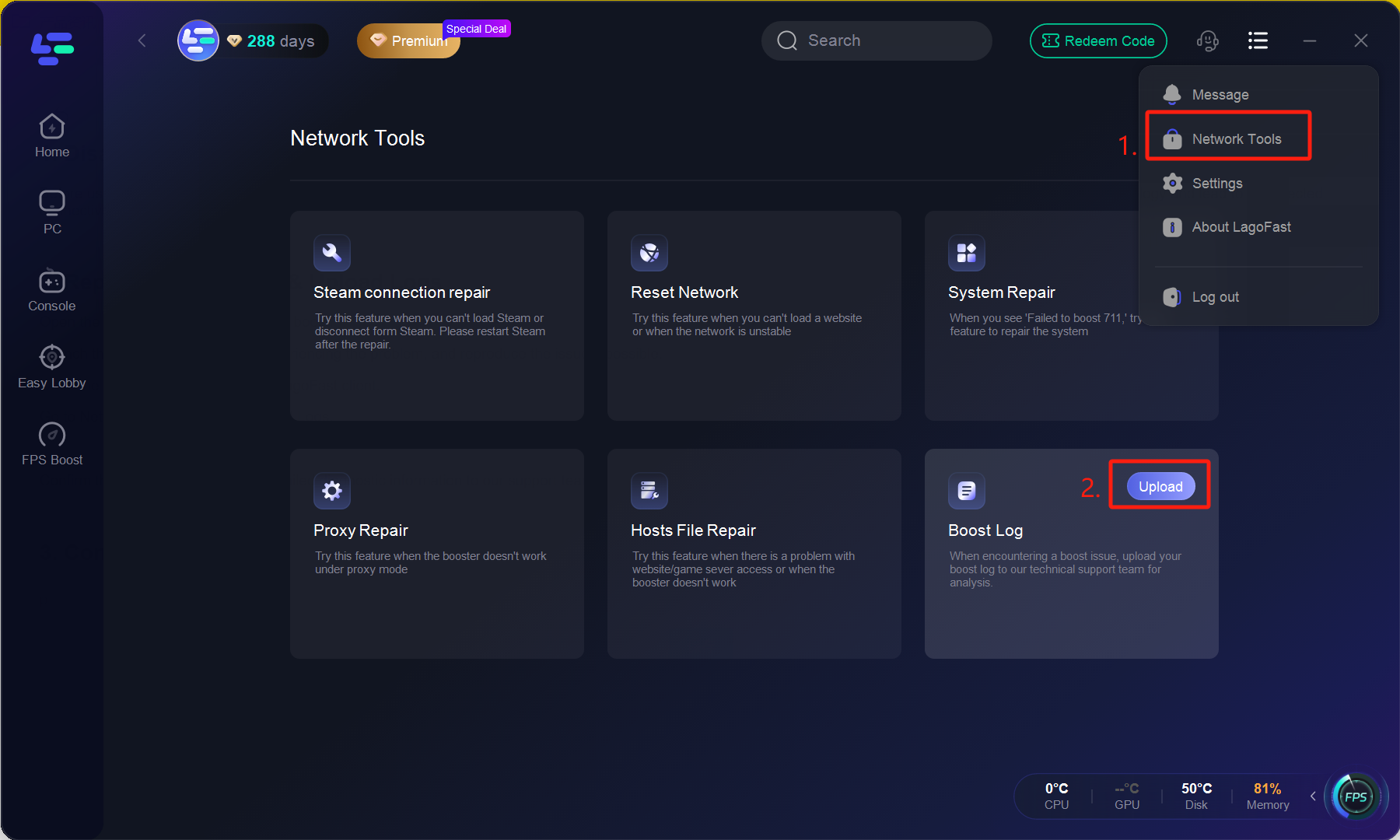
Confirm the upload. This will send detailed diagnostic information to our support team.
3. Contact Support
After uploading your logs, please be sure to contact our support team through the Support portal. Provide your LagoFast ID, a clear description of the issue, any relevant screenshots, and let us know that you have uploaded the logs. This information helps us investigate your case more effectively.