On 21st Apr., Valorant CN has posted an announcement saying the game starts the pre-registration process!
But how to pre-register for Valorant mobile CN with Lagofast Accelerator in other regions? Check out the tutorial!
Step 1: Install the Valorant Closed Test Version APK
For iOS users, you can skip this step. You don't have to install the closed test Valorant APK to pre-register.
But for Android users, you have to install a Valorant closed test version to open the pre-register page.
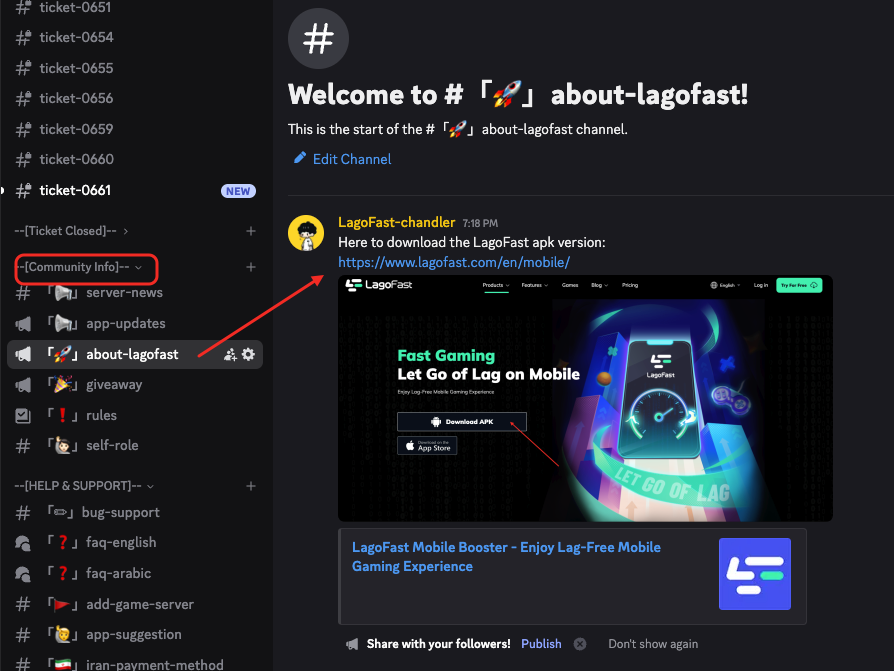
If you don't have the test APK, download one from the LagoFast APK version.
How to get the APK version of the booster? Check out the LagoFast Discord server.
Step 2: Boost the Valorant CN Game.
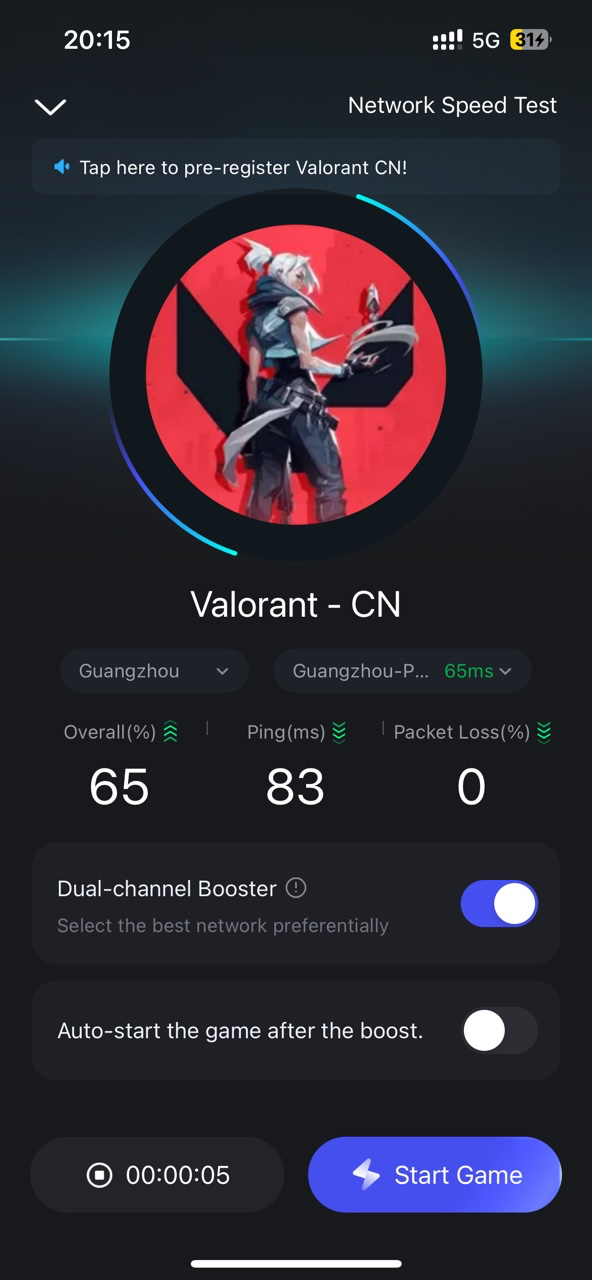
Open Lagofast and find the Valorant CN game in the Game Library > New, or search for it in the search bar at the top.
The version will be released in China first, so there's only one server in China
Then, tap the Boost button and quit the game (the closed test is not accessible now)
Step 3: Access to the Valorant CN Pre-Registration Page
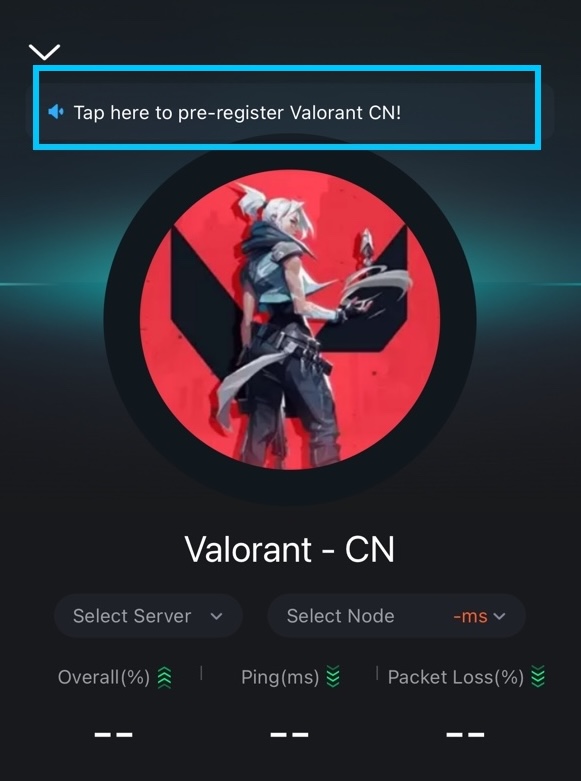
Tap the text floating in the Valorant CN boosting page. It will lead you to the pre-register page.
Then tap the pre-register button. (There's no English on the page)

Select QQ register.
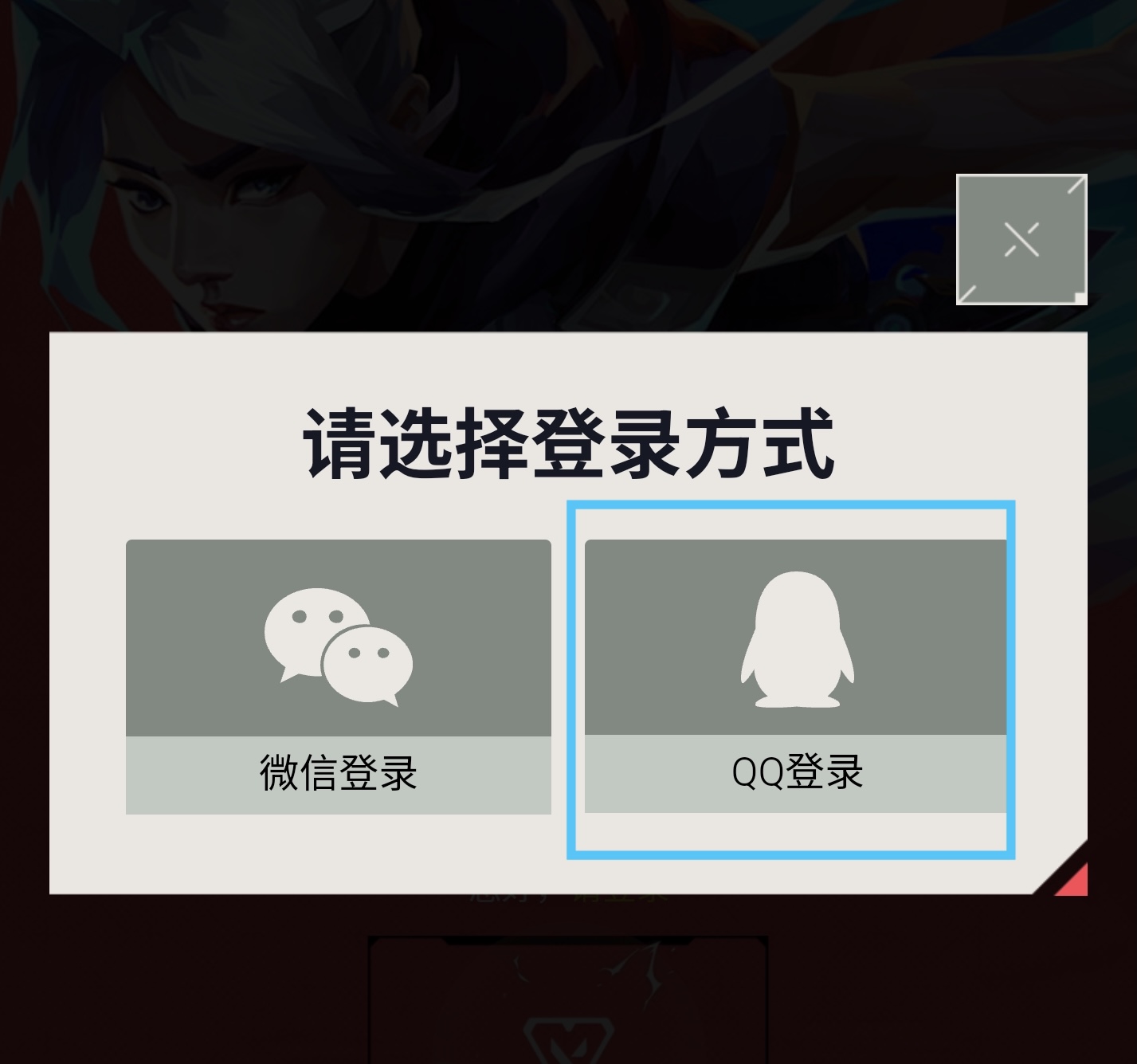
Register a QQ account, then log in to your QQ account. Tap the blue button to log in.
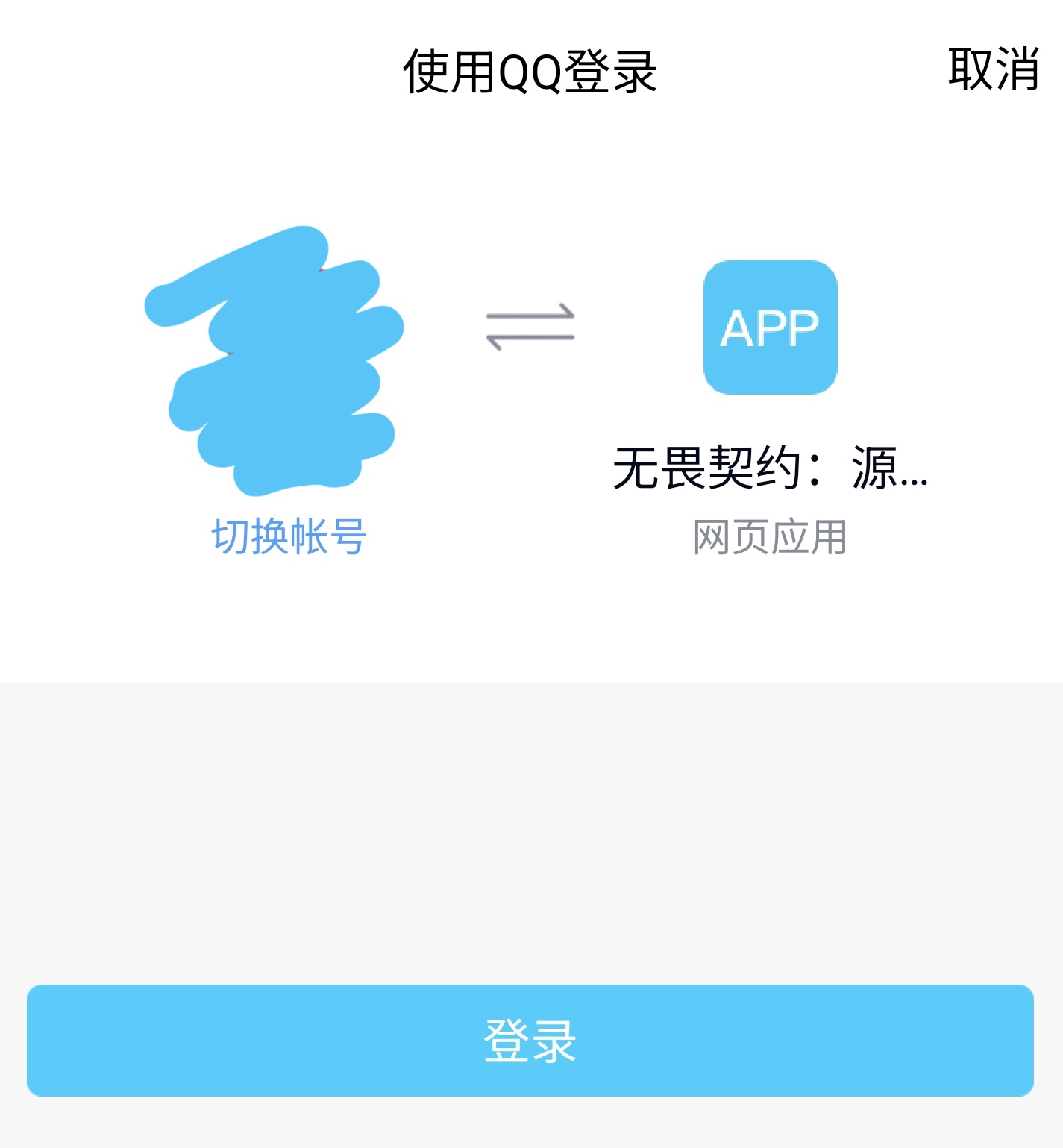
Then you will return to the pre-registration page. And you will see your QQ account shown here.

This way, you will get notified when the game gets new updates for the first time!
LagoFast app will follow up on the new updates as soon as any new Valorant release is launched!

