Skip intro messages
Autor:yakuzadesoLast updated:04/08/2025 14:32:509.8K3KB

Mod Introduction
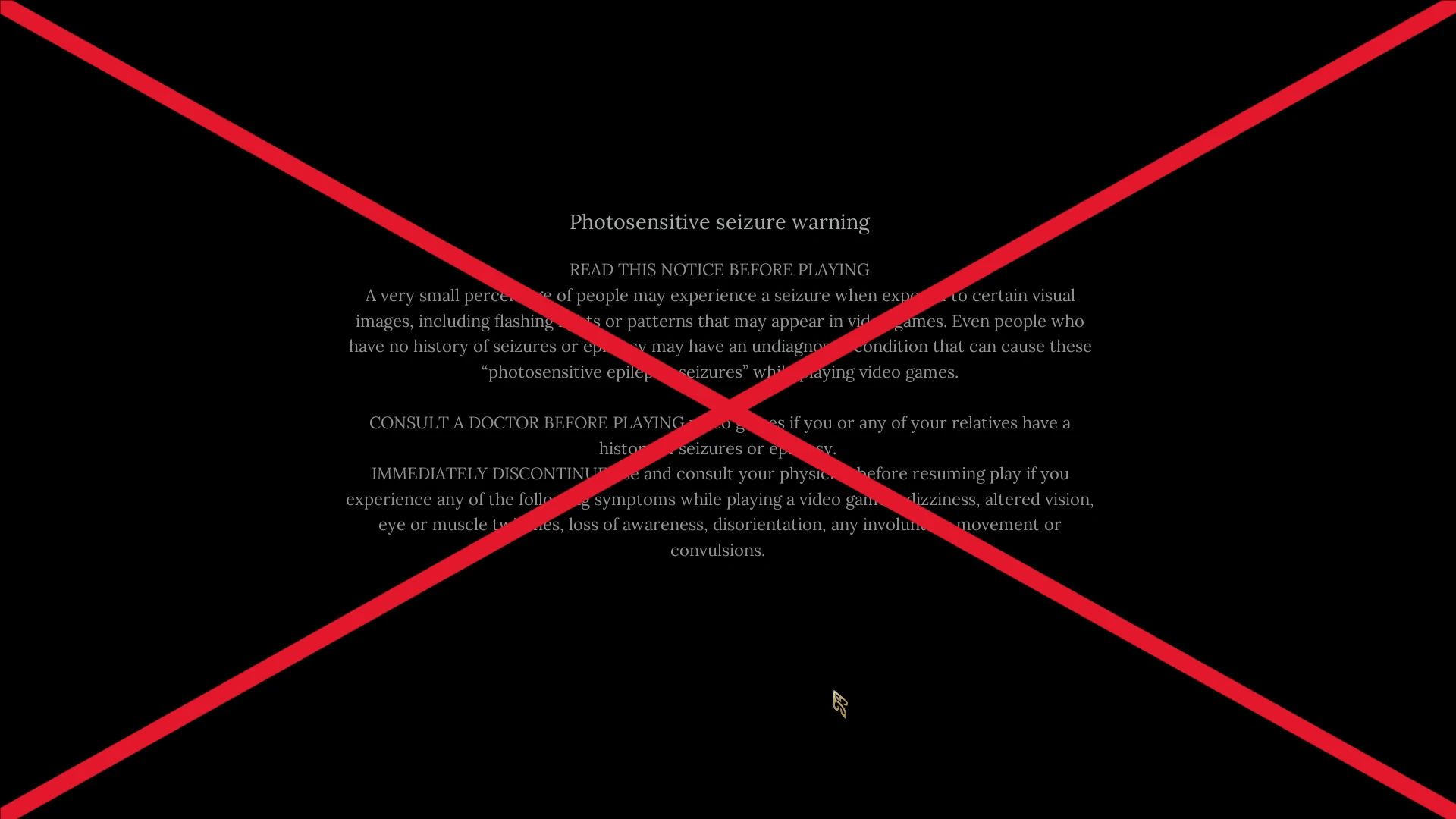
Skips the intro messages (autosave info, epilepsy warning, logos etc.) automatically and goes straight to the "Checking game configuration" screen.
Skips the intro messages (autosave info, epilepsy warning, logos etc.) automatically and goes straight to the "Checking game configuration" screen.
Best used with Skip Intro Logos.
Installation with BP Mod Loader
Wuchang Mod Enabler.
Download and install Blueprint mod loader.
Download the mod. Extract its .zip archive.
Go to where your game is installed and navigate to \Project_Plague\Content\Paks\. Create a new folder in here named "~mods" if you don't have one already.
Drop the mod's .pak file in there. In the end it should look like this:
\Project_Plague\Content\Paks\~mods\SkipIntroMessages.pak
Navigate to "%LOCALAPPDATA%\Project_Plague\Saved\Config\Windows\. Easy way to go there is to paste this in Windows Explorer's address bar and then press enter. The path might be different on the Gamepass version of the game.
Once you're there open the file named "Engine.ini" with a text editor like Notepad and paste the mod's name in there like this:
[/Game/Mods/WFF_BPLoader/WBP_WFF_BPLoader.WBP_WFF_BPLoader_C]
Mods=SkipIntroMessages
Installation with UE4SS
Download and install Wuchang Mod Enabler.
Download UE4SS. You can find the download link when you scroll all the way down. The file you should download should look something like "UE4SS_v3.0.1-416-g4a88719.zip". The numbers might change since the experimental version of UE4SS is updated frequently.
To install UE4SS you need to extract its .zip archive and then go to where your game is installed and navigate to this path: \Project_Plague\Binaries\Win64. Drop the extracted files here. In the end it should look like this:
Download the mod and extract its .zip file. Go to where your game is installed and navigate to \Project_Plague\Content\Paks. Make a new folder named "LogicMods" in here if you don't have one already. Drop SkipIntroMessages.pak from the .zip archive in here.
In the end it should look like this for the Steam version of the game: \Project_Plague\Content\Paks\LogicMods\SkipIntroMessages.pak
The paths might be different for the gamepass version of the game.
Check out my mods
All of my mods for Wuchang
Best used with Skip Intro Logos.
Installation with BP Mod Loader
Wuchang Mod Enabler.
Download and install Blueprint mod loader.
Download the mod. Extract its .zip archive.
Go to where your game is installed and navigate to \Project_Plague\Content\Paks\. Create a new folder in here named "~mods" if you don't have one already.
Drop the mod's .pak file in there. In the end it should look like this:
\Project_Plague\Content\Paks\~mods\SkipIntroMessages.pak
Navigate to "%LOCALAPPDATA%\Project_Plague\Saved\Config\Windows\. Easy way to go there is to paste this in Windows Explorer's address bar and then press enter. The path might be different on the Gamepass version of the game.
Once you're there open the file named "Engine.ini" with a text editor like Notepad and paste the mod's name in there like this:
[/Game/Mods/WFF_BPLoader/WBP_WFF_BPLoader.WBP_WFF_BPLoader_C]
Mods=SkipIntroMessages
Installation with UE4SS
Download and install Wuchang Mod Enabler.
Download UE4SS. You can find the download link when you scroll all the way down. The file you should download should look something like "UE4SS_v3.0.1-416-g4a88719.zip". The numbers might change since the experimental version of UE4SS is updated frequently.
To install UE4SS you need to extract its .zip archive and then go to where your game is installed and navigate to this path: \Project_Plague\Binaries\Win64. Drop the extracted files here. In the end it should look like this:
\Project_Plague\Binaries\Win64\dwmapi.dll
\Project_Plague\Binaries\Win64\ue4ss
Download the mod and extract its .zip file. Go to where your game is installed and navigate to \Project_Plague\Content\Paks. Make a new folder named "LogicMods" in here if you don't have one already. Drop SkipIntroMessages.pak from the .zip archive in here.
In the end it should look like this for the Steam version of the game: \Project_Plague\Content\Paks\LogicMods\SkipIntroMessages.pak
The paths might be different for the gamepass version of the game.
Check out my mods
All of my mods for Wuchang
This tool is provided by the third party [bufftool]

Download Mods For Free
Install LagoFast, start WUCHANG: Fallen Feathers and play with the mods you love.
We use cookies to make interactions with our websites andservices easy and meaningful. For more information aboutthe cookies we use or to find out how you can disable cookies, click here.