High Quality Faces
Autor:HolgaroniLast updated:23/07/2016 07:29:311.2M74.6MB

Mod Introduction
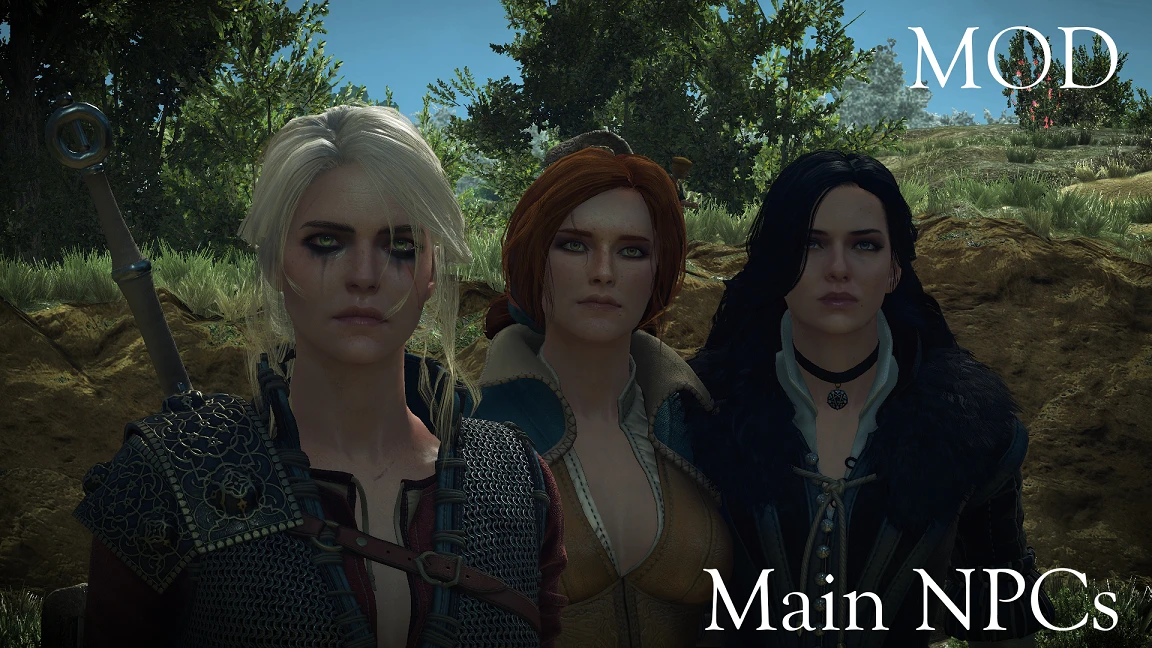
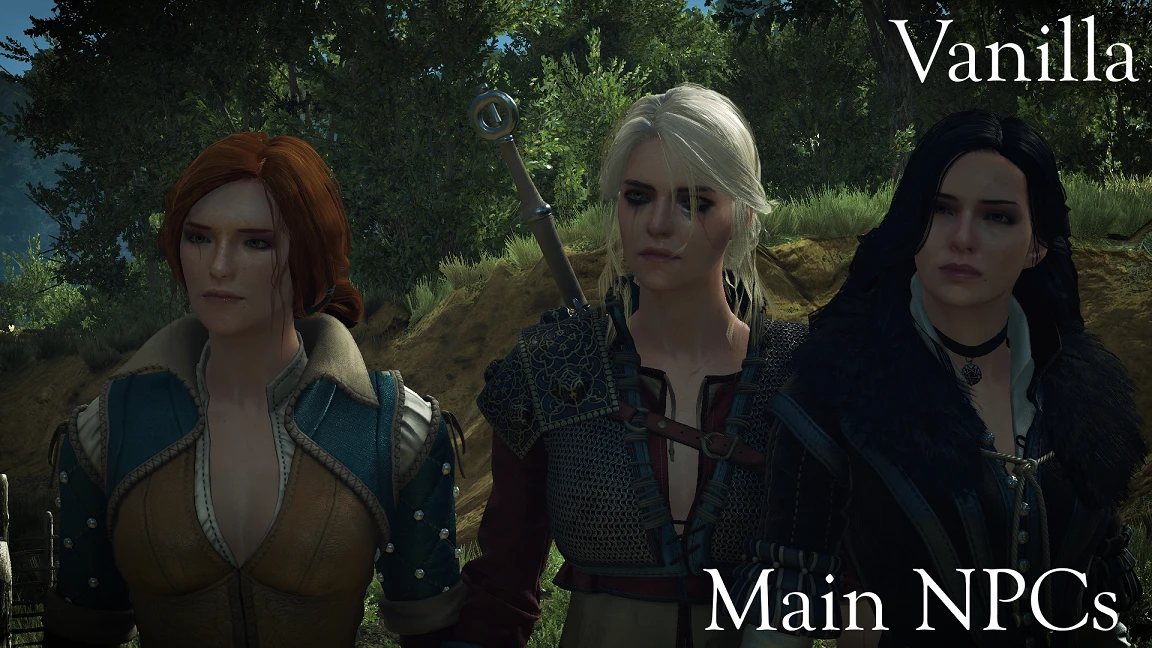
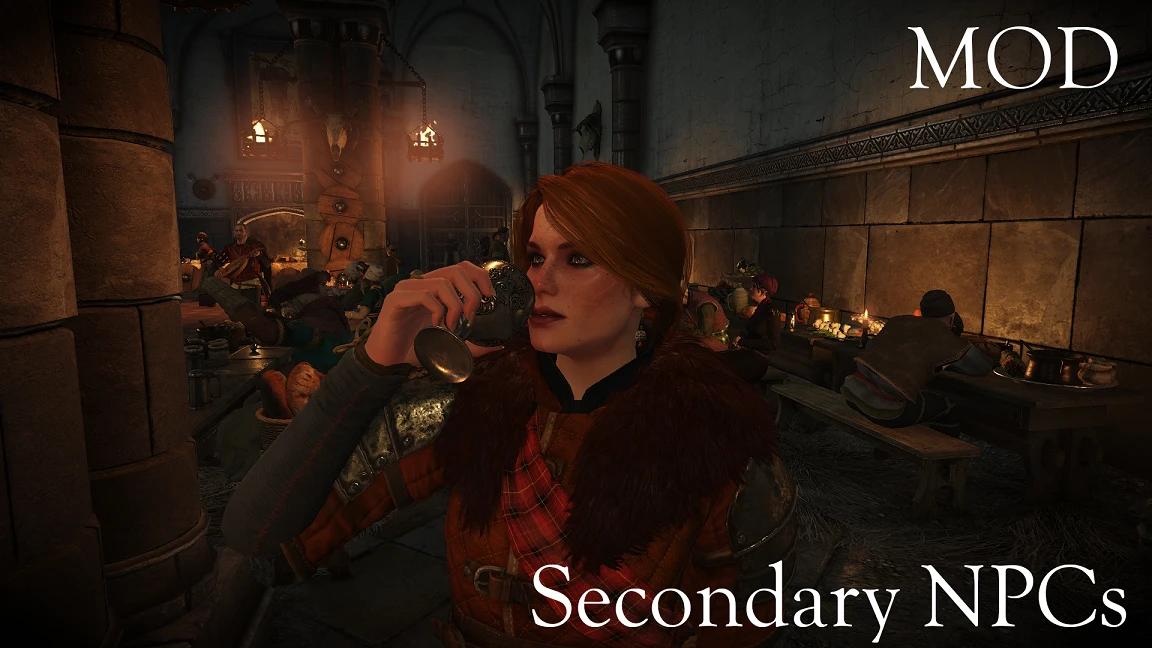
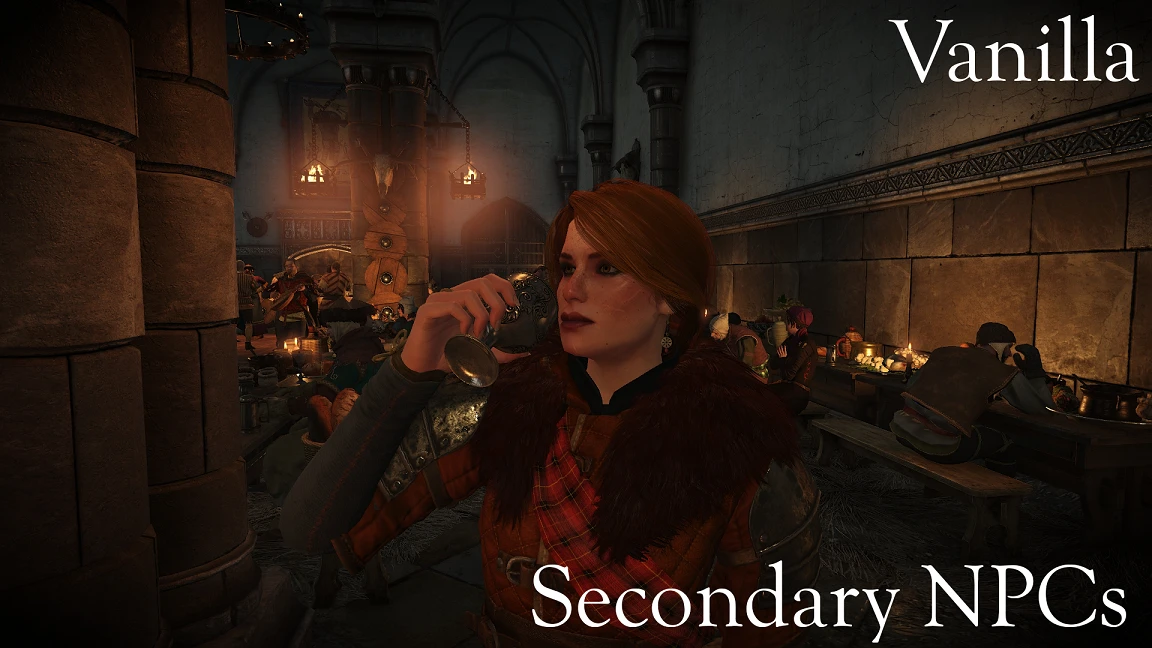
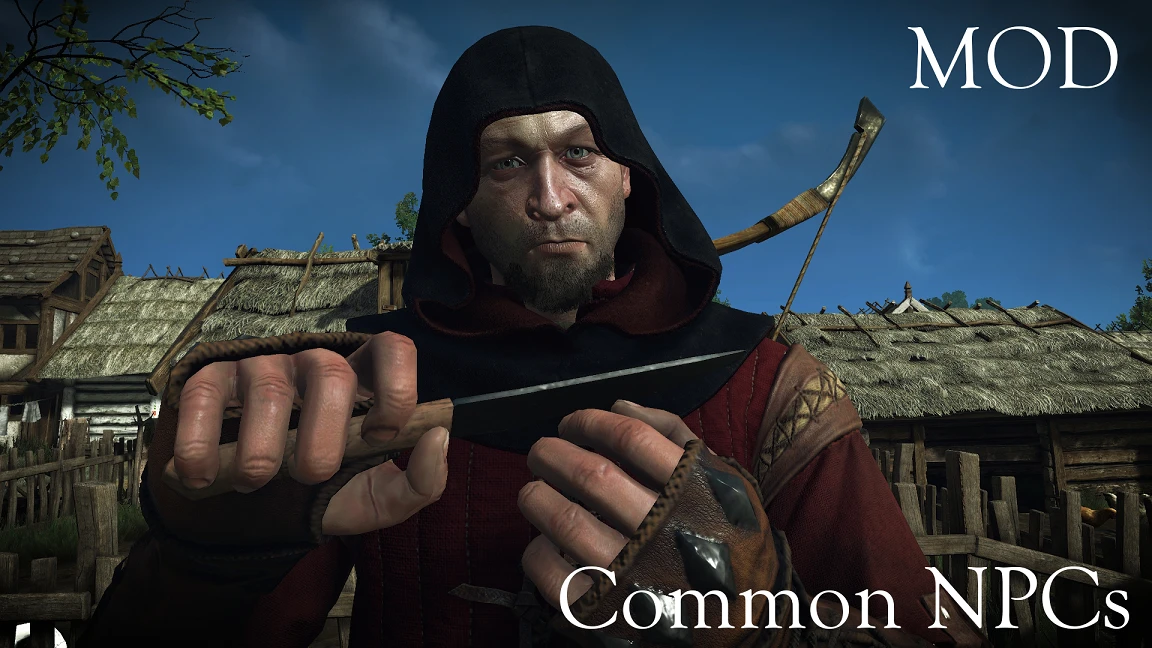
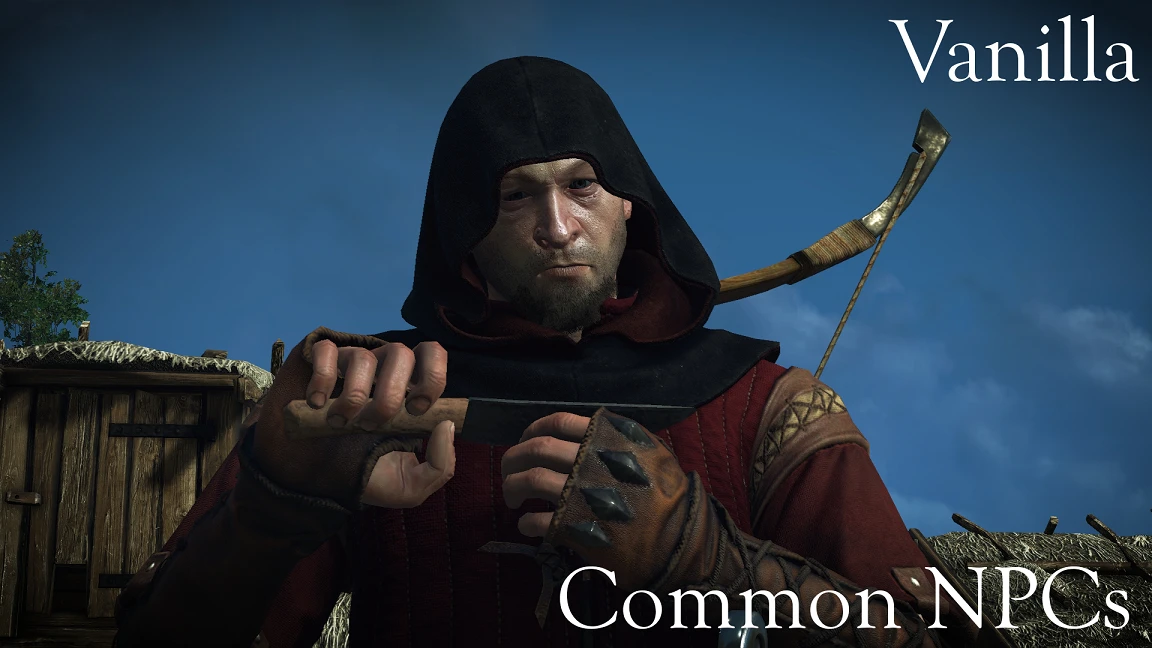
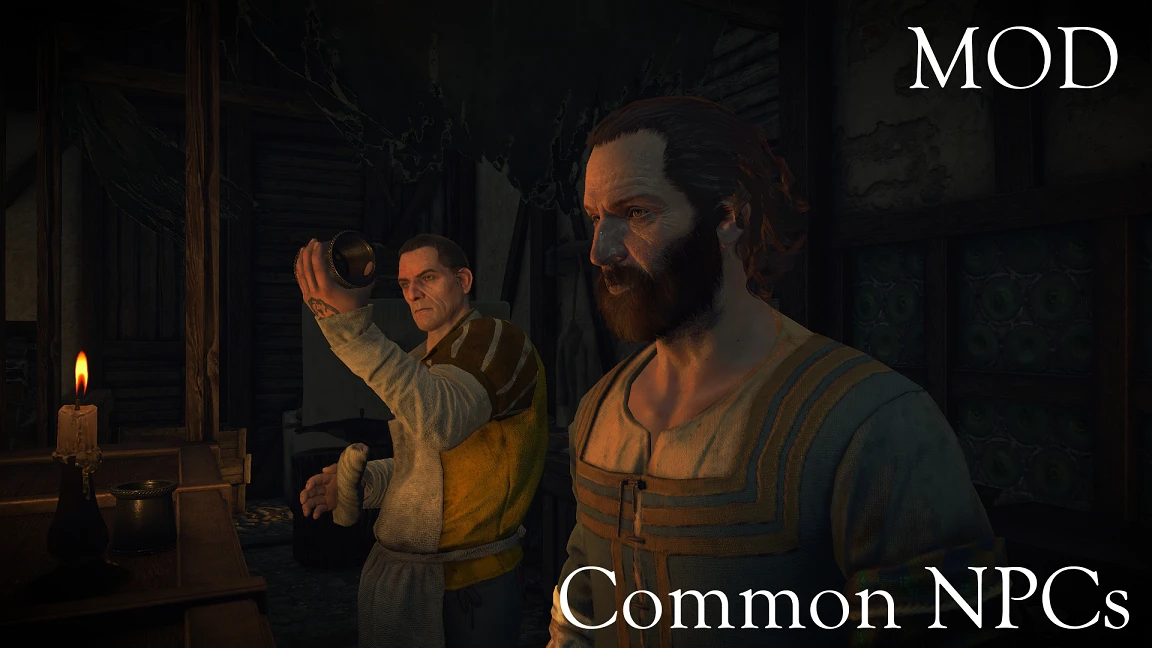
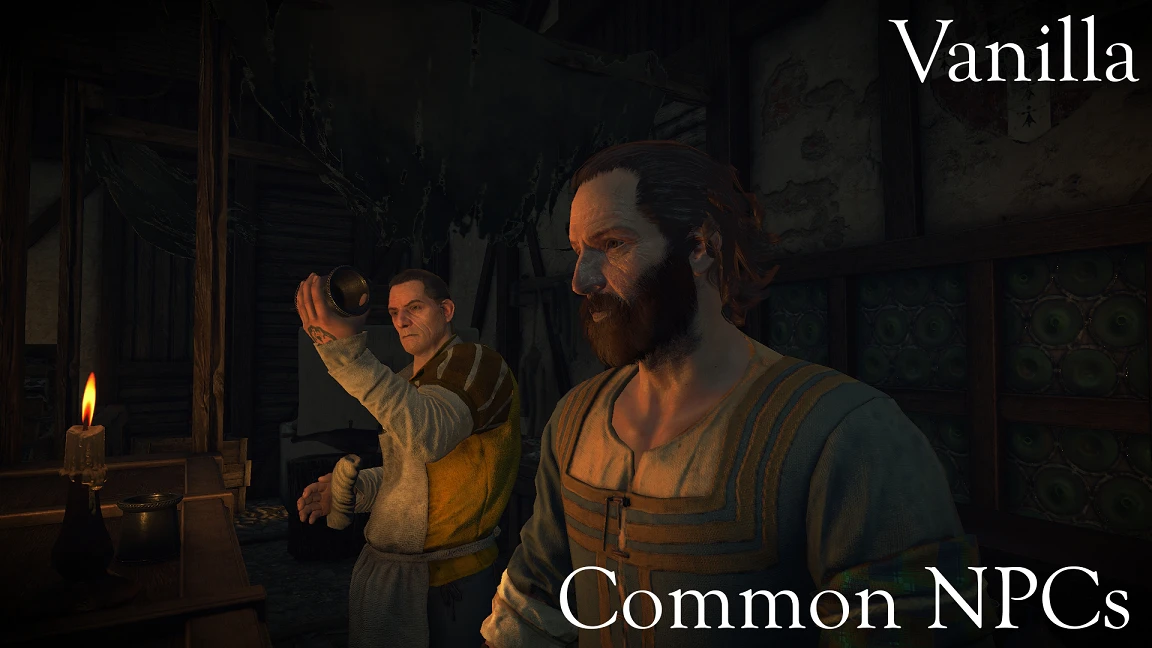
LOD and quality improved for every face.
This wouldn't have been possible without the help of Asmodean778. And Sarcen With his mod's editor, thank you both.
Sure, please provide the text you'd like me to translate.
RECOMMENDED MOD:
http://www.nexusmods.com/witcher3/mods/1902/?
PLEASE READ THE INSTRUCTIONS
What does it do?
Increases face LOD to near maximum and boosts eye autodistance (draw distance) by 10x.
Performance hit?
No idea, didn't notice any drops. Let me know if you find anything.
Instructions
Open your user.settings file located at C:\Users\Holgar96\documents\The Witcher 3
- Find and modify "MeshLODDistanceScale" to a value of 10 or 2. (I have MeshLODDistanceScale=10) Then save the file.
- Download and extract the "modHQFaces" folder to "\yourTW3directory\Mods"
IF IT STILL DOESN'T WORK WITH THESE INSTRUCTIONS, TRY DELETING THE USER.SETTINGS.BAK FILE (IT'S IN THE SAME FOLDER).
Uninstall
Delete "modHQFaces" from your "Mods" folder
Known issues:
Sure, please provide the text you'd like me to translate.
RECOMMENDED MOD:
http://www.nexusmods.com/witcher3/mods/1902/?
PLEASE READ THE INSTRUCTIONS
What does it do?
Increases face LOD to near maximum and boosts eye autodistance (draw distance) by 10x.
- Main NPCs - HoS included (100%)
- Secondary NPCs - HoS included (100%)
- Common NPCs - HoS included (80%) ---> Not all have HQ versions
Performance hit?
No idea, didn't notice any drops. Let me know if you find anything.
Instructions
Open your user.settings file located at C:\Users\Holgar96\documents\The Witcher 3
- Find and modify "MeshLODDistanceScale" to a value of 10 or 2. (I have MeshLODDistanceScale=10) Then save the file.
- Download and extract the "modHQFaces" folder to "\yourTW3directory\Mods"
IF IT STILL DOESN'T WORK WITH THESE INSTRUCTIONS, TRY DELETING THE USER.SETTINGS.BAK FILE (IT'S IN THE SAME FOLDER).
Uninstall
Delete "modHQFaces" from your "Mods" folder
Known issues:
- The ears of some common NPCs may look slightly odd — a minor detail, not very noticeable, and unclear what causes it.
- Lip movement outside of cutscenes requires the recommended mod.
This tool is provided by the third party [bufftool]

Download Mods For Free
Install LagoFast, start The Witcher 3: Wild Hunt and play with the mods you love.
We use cookies to make interactions with our websites andservices easy and meaningful. For more information aboutthe cookies we use or to find out how you can disable cookies, click here.