Photo Mode Don't Hide The Character Model
Autor:ewanhowell5195Last updated:08/07/2025 05:24:2449.6K12KB



Mod Introduction
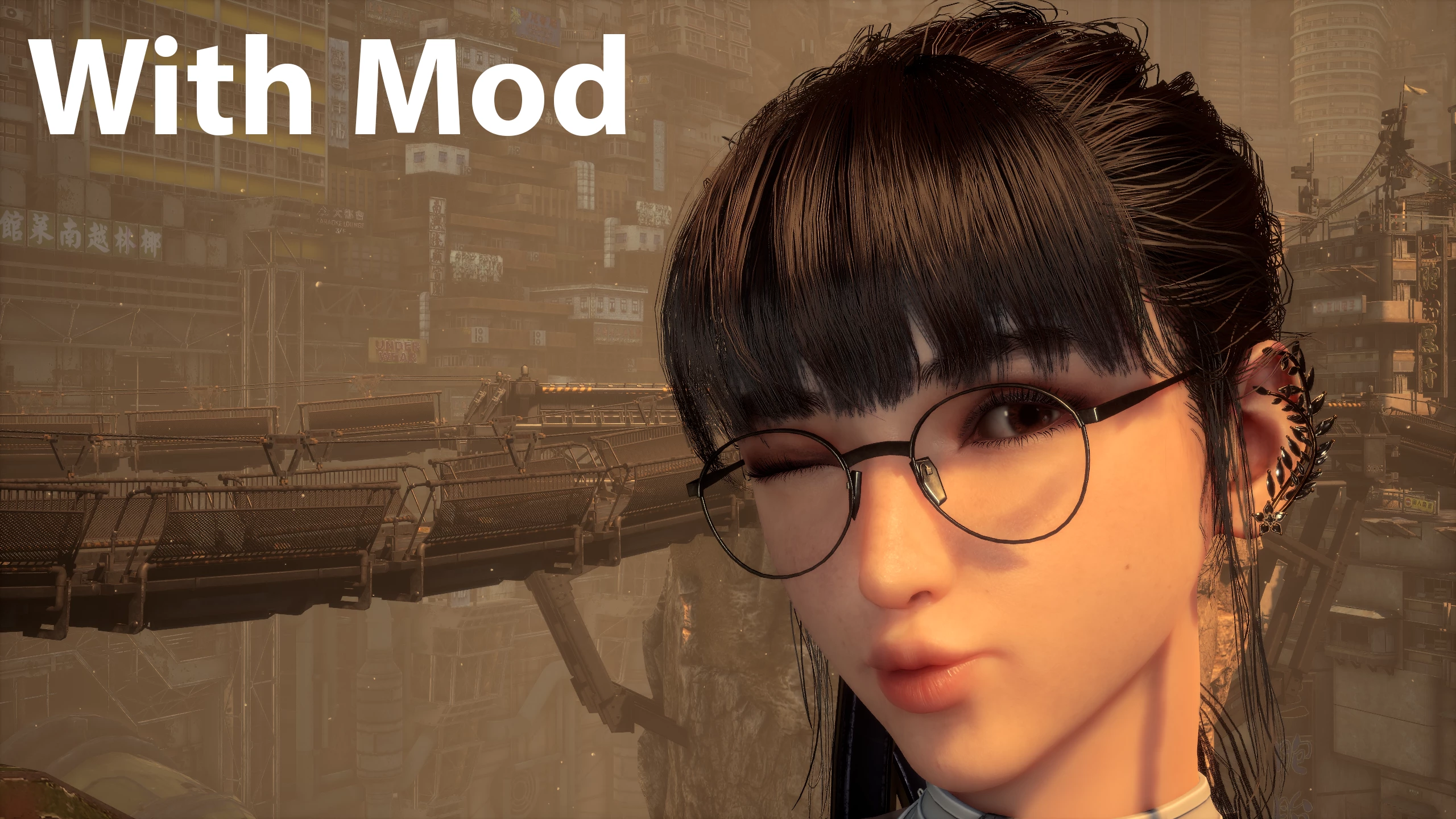
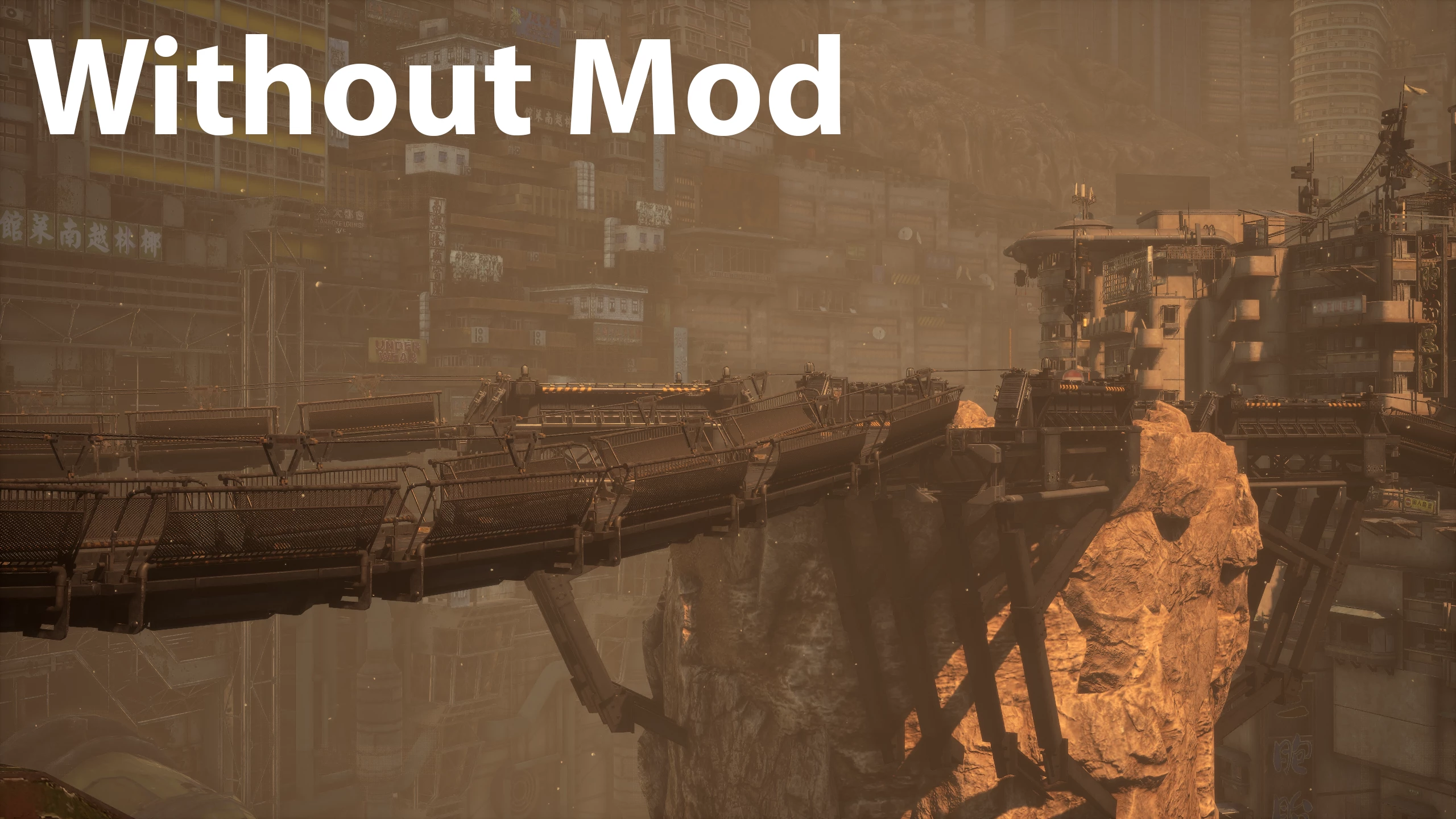
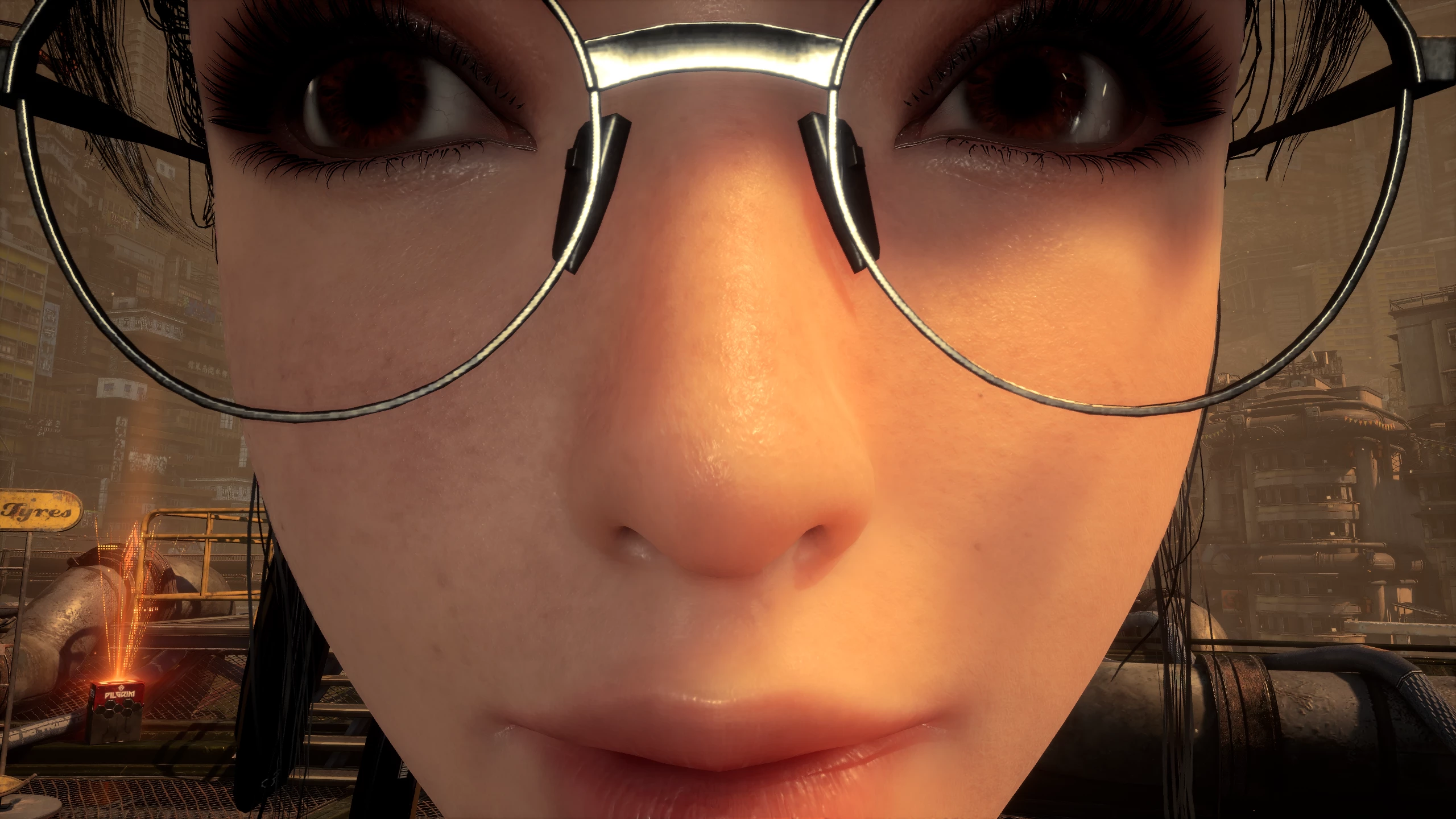
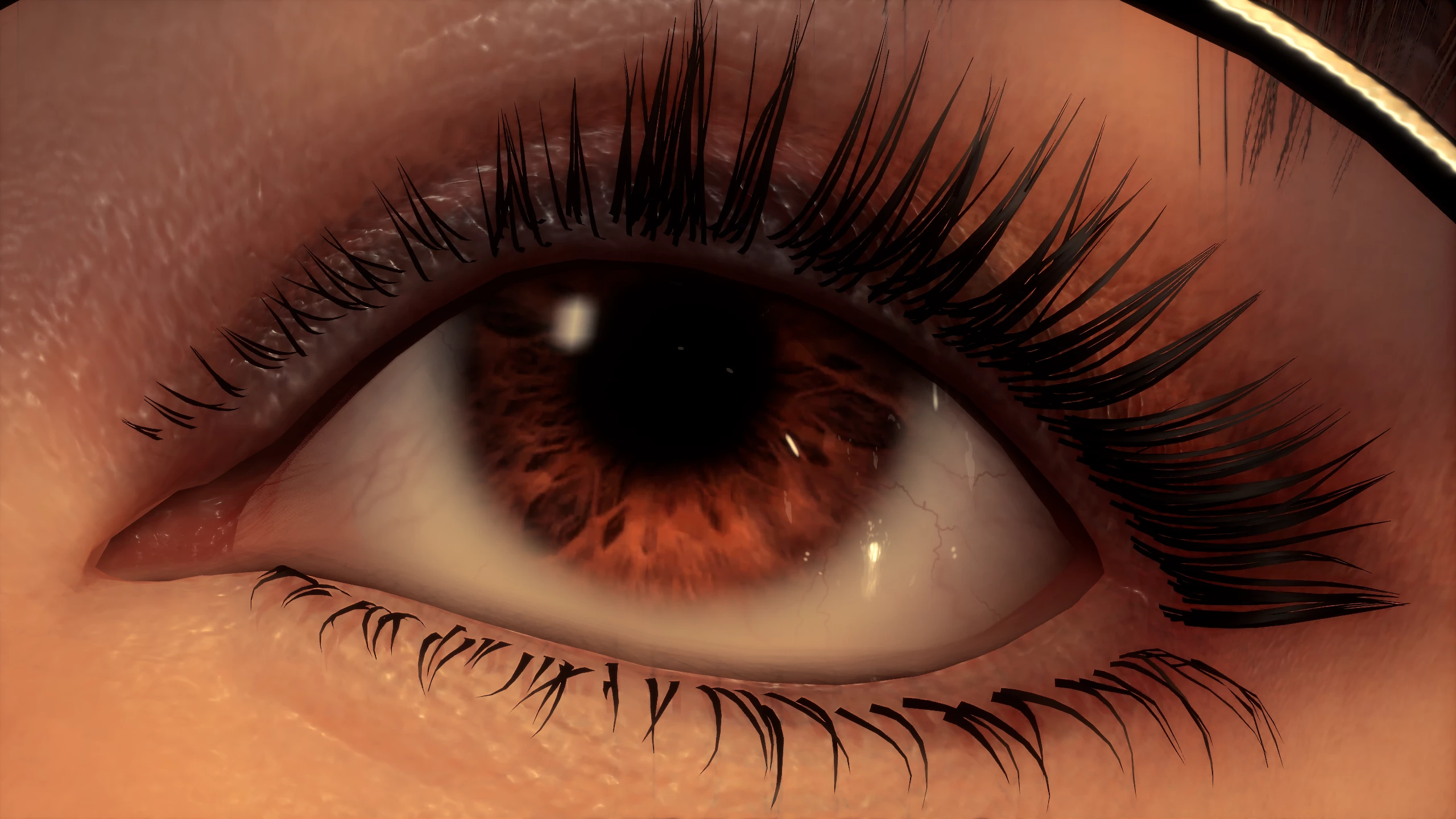
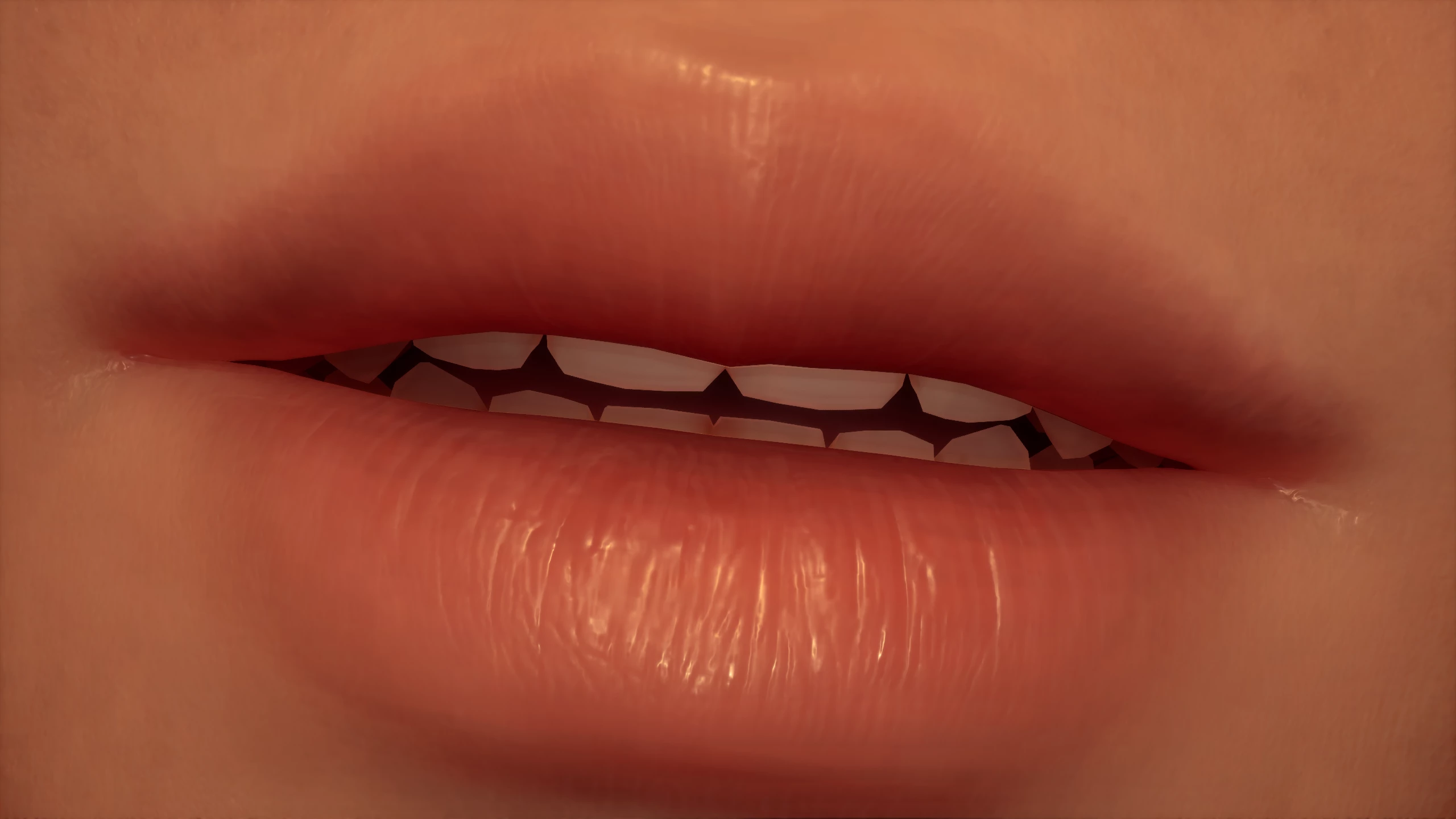
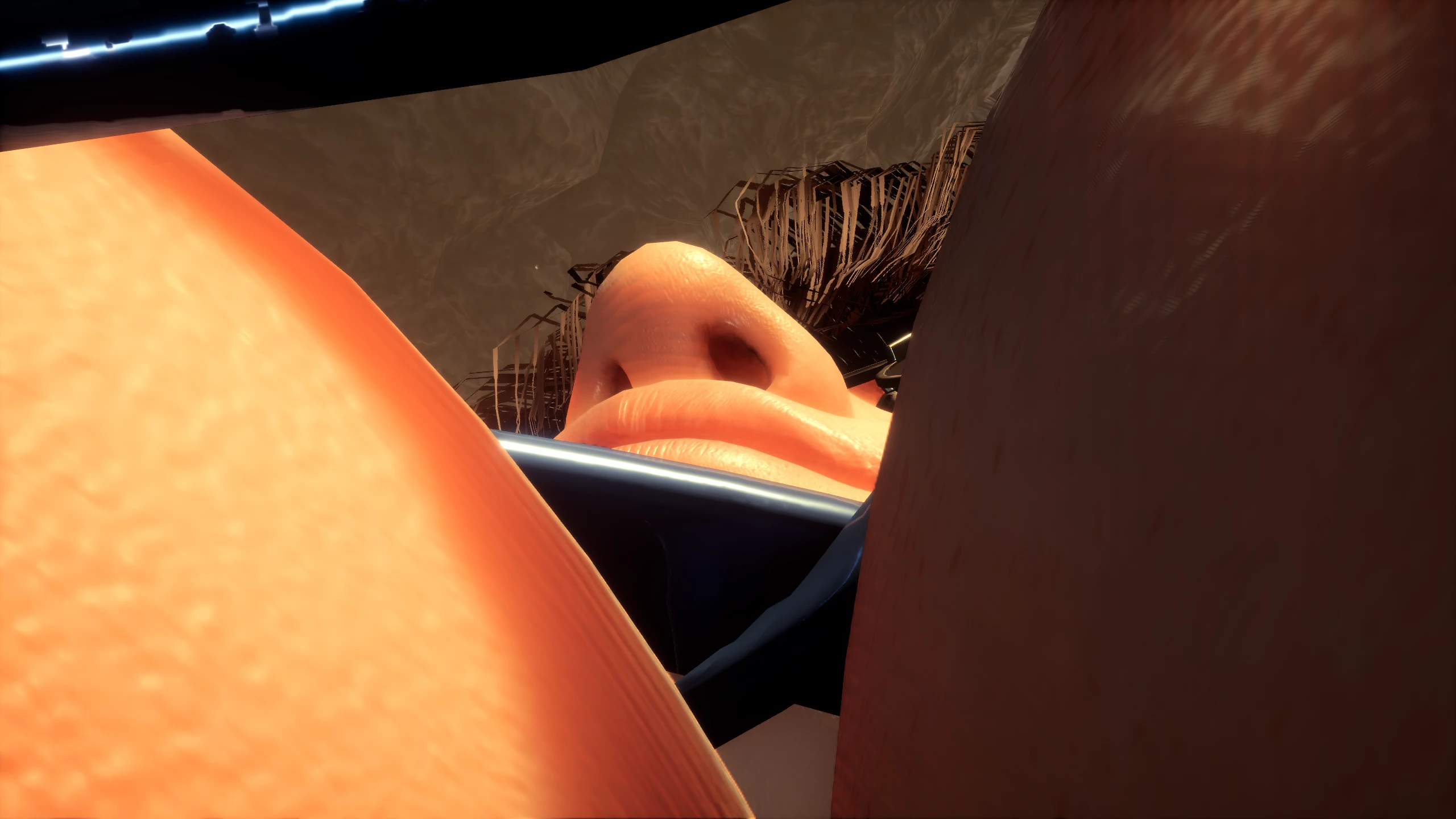
Keeps the character visible when getting too close with the photo mode.
About:
This mod makes it so it is possible to un-hide the player character and other NPCs when you get too close to them with the photo mode camera.
This mod uses keybinds to trigger the un-hide, but the action is bound to the photo mode movement keys (WASD / Left Thumbstick) so that you don't need to think about it when you move the camera around. If you change your keybinds, the mod should follow these changed keybinds automatically.
Now has NPC support! Not all NPCs are supported, but I tried to get support for all the main ones! If someone is missing and you want them added, please make a post to let me know.
Since loading the NPCs is more expensive, this is only done once. The action that NPC loading is bound to is the open photomode keybind. If you open photo mode through the menu, NPCs will not get loaded into the mod, so use the keybind instead.
When changing the FOV, the character may disappear. Just move the camera slightly and the character will get un-hidden.
Installation:
To install the mod, extract the zip, navigate to the game files, and place the following files in the "StellarBlade/SB/Content/Paks/LogicMods" folder:
They MUST be in the "LogicMods" folder. Do NOT use the "~mods" folder or anything else, it will not work.
Do not rename the files.
Requirements:
This mod depends on a custom build ofUE4SSfor Stellar Blade. This is a special mod loader for Unreal Engine games.
Download the latest release's zip file at this link:https://github.com/Chrisr0/RE-UE4SS/releases
To install UE4SS, extract the zip, navigate to the game files, and copy ALL of its contents to the "StellarBlade/SB/Binaries/Win64" folder.
Enjoying my mods?
Support me onCoffeeso I can keep creating them for free!
Join the Discord server!
Join themodding Discord serverwhere you can learn how to mod, suggest new ideas, and keep up with new mod releases!
This mod makes it so it is possible to un-hide the player character and other NPCs when you get too close to them with the photo mode camera.
This mod uses keybinds to trigger the un-hide, but the action is bound to the photo mode movement keys (WASD / Left Thumbstick) so that you don't need to think about it when you move the camera around. If you change your keybinds, the mod should follow these changed keybinds automatically.
Now has NPC support! Not all NPCs are supported, but I tried to get support for all the main ones! If someone is missing and you want them added, please make a post to let me know.
Since loading the NPCs is more expensive, this is only done once. The action that NPC loading is bound to is the open photomode keybind. If you open photo mode through the menu, NPCs will not get loaded into the mod, so use the keybind instead.
When changing the FOV, the character may disappear. Just move the camera slightly and the character will get un-hidden.
Installation:
To install the mod, extract the zip, navigate to the game files, and place the following files in the "StellarBlade/SB/Content/Paks/LogicMods" folder:
- Photo_Mode_Dont_Hide_Character_Model_P.pak
- Photo_Mode_Dont_Hide_Character_Model_P.ucas
- Photo_Mode_Dont_Hide_Character_Model_P.utoc
They MUST be in the "LogicMods" folder. Do NOT use the "~mods" folder or anything else, it will not work.
Do not rename the files.
Requirements:
This mod depends on a custom build ofUE4SSfor Stellar Blade. This is a special mod loader for Unreal Engine games.
Download the latest release's zip file at this link:https://github.com/Chrisr0/RE-UE4SS/releases
To install UE4SS, extract the zip, navigate to the game files, and copy ALL of its contents to the "StellarBlade/SB/Binaries/Win64" folder.
Enjoying my mods?
Support me onCoffeeso I can keep creating them for free!
Join the Discord server!
Join themodding Discord serverwhere you can learn how to mod, suggest new ideas, and keep up with new mod releases!
This tool is provided by the third party [bufftool]

Download Mods For Free
Install LagoFast, start Stellar Blade and play with the mods you love.
We use cookies to make interactions with our websites andservices easy and meaningful. For more information aboutthe cookies we use or to find out how you can disable cookies, click here.