Starfield FSR2 Bridge - Replacing FSR2 with DLSS or XeSS
Autor:LukeFZ564Last updated:03/09/2023 01:40:42107.7K197KB
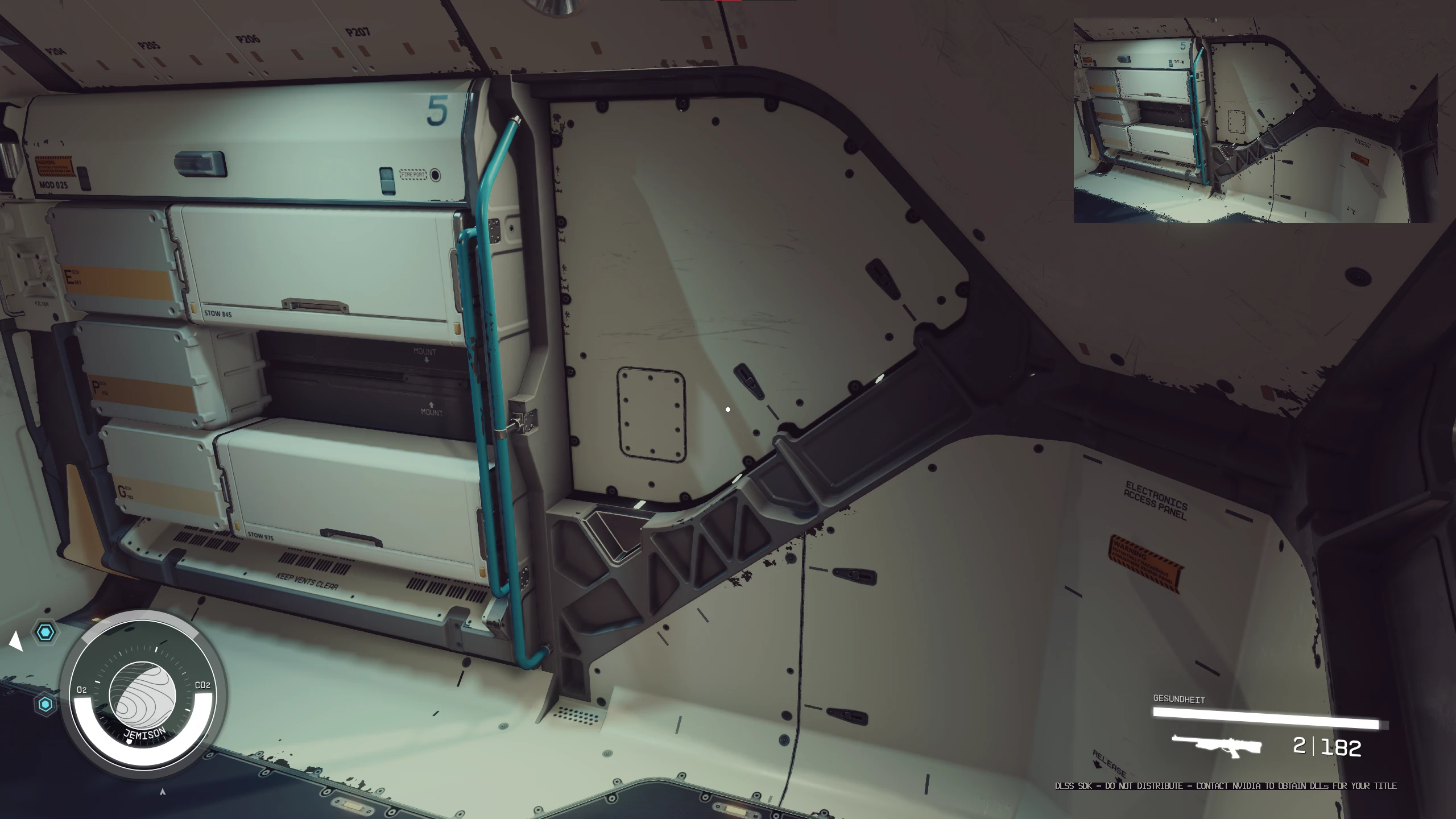

Mod Introduction
Allows you to use DLSS or XeSS instead of the built-in FSR2 without needing ReShade. Does not support Frame Generation!
**IMPORTANT:** DLSS Frame Generation is not compatible with this!
This mod bridges the gap between the game's implementation of FSR2 and other upscaling technologies.
No sharpening included, and no ReShade dependency either.
How to install:
- Download the release that matches your preferred upscaler (DLSS or XeSS).
- Extract it into the game directory. (Once extracted, FSRBridge.asi, winmm.ini, and winmm.dll should be right next to Starfield.exe)
- Download the matching DLL for your upscaler and place it in the same directory.
DLSS: https://www.techpowerup.com/download/nvidia-dlss-dll/
Note: It is recommended to download either the latest version (v3.5.0) or the last v2 version (v2.5.1).
- XeSS:https://raw.githubusercontent.com/intel/xess/main/bin/libxess.dll
- Launch the game.
To get to your game directory:
**- Xbox:**
- Right-click, select "Manage," then "Files," and choose "Browse..."
- Then go into the 'Starfield' folder, then 'Content' - you should now see 'Starfield.exe'.
- Steam:
Right click on the game in your library -> 'Manage' -> Click on 'Browse local files...'
- You should now see 'Starfield.exe'.
How to Configure:
Enable FSR2 (now replaced by DLSS/XeSS) in the in-game settings.
- Use the in-game resolution slider to adjust DLSS/XeSS settings.
How to set a custom preset override (new in v1.1.0, DLSS only)
To use this, create a file named 'preset_override.txt' next to FSRBridge.asi, and enter the letter of the preset you want, e.g., 'C' for preset C or 'F' for preset F.
If the file is not found, it will fall back to the defaults specified by the DLSS 'Quality' mode. (Preset D)
**Notes:**
- Since DLSS does not include a sharpening pass, the image will appear slightly softer than native FSR2.
- If you want an additional sharpening pass, you can install the latest version of ReShade yourself and use CAS — this should keep the Steam Overlay and Input working.
**Troubleshooting:**
- Q: "My game only renders the HUD and a gray(ish) screen!"
- A: You have not downloaded and extracted the upscaler DLL (nvngx_dlss.dll) and placed it into the game directory.
- Q: "I'm using the XeSS version and my game doesn't start!"
- A: You have not downloaded and extracted the upscaler DLL (libxess.dll) and placed it into the game directory.
Third-Party Libraries Used:
MinHook
- Ultimate ASI Loader for injection.
If you like the mod, consider supporting me on Patreon. For one-time donations, you can also use Buy Me a Coffee.
This mod bridges the gap between the game's implementation of FSR2 and other upscaling technologies.
No sharpening included, and no ReShade dependency either.
How to install:
- Download the release that matches your preferred upscaler (DLSS or XeSS).
- Extract it into the game directory. (Once extracted, FSRBridge.asi, winmm.ini, and winmm.dll should be right next to Starfield.exe)
- Download the matching DLL for your upscaler and place it in the same directory.
DLSS: https://www.techpowerup.com/download/nvidia-dlss-dll/
Note: It is recommended to download either the latest version (v3.5.0) or the last v2 version (v2.5.1).
- XeSS:https://raw.githubusercontent.com/intel/xess/main/bin/libxess.dll
- Launch the game.
To get to your game directory:
**- Xbox:**
- Right-click, select "Manage," then "Files," and choose "Browse..."
- Then go into the 'Starfield' folder, then 'Content' - you should now see 'Starfield.exe'.
- Steam:
Right click on the game in your library -> 'Manage' -> Click on 'Browse local files...'
- You should now see 'Starfield.exe'.
How to Configure:
Enable FSR2 (now replaced by DLSS/XeSS) in the in-game settings.
- Use the in-game resolution slider to adjust DLSS/XeSS settings.
How to set a custom preset override (new in v1.1.0, DLSS only)
To use this, create a file named 'preset_override.txt' next to FSRBridge.asi, and enter the letter of the preset you want, e.g., 'C' for preset C or 'F' for preset F.
If the file is not found, it will fall back to the defaults specified by the DLSS 'Quality' mode. (Preset D)
**Notes:**
- Since DLSS does not include a sharpening pass, the image will appear slightly softer than native FSR2.
- If you want an additional sharpening pass, you can install the latest version of ReShade yourself and use CAS — this should keep the Steam Overlay and Input working.
**Troubleshooting:**
- Q: "My game only renders the HUD and a gray(ish) screen!"
- A: You have not downloaded and extracted the upscaler DLL (nvngx_dlss.dll) and placed it into the game directory.
- Q: "I'm using the XeSS version and my game doesn't start!"
- A: You have not downloaded and extracted the upscaler DLL (libxess.dll) and placed it into the game directory.
Third-Party Libraries Used:
MinHook
- Ultimate ASI Loader for injection.
If you like the mod, consider supporting me on Patreon. For one-time donations, you can also use Buy Me a Coffee.
This tool is provided by the third party [bufftool]

Download Mods For Free
Install LagoFast, start Starfield and play with the mods you love.
We use cookies to make interactions with our websites andservices easy and meaningful. For more information aboutthe cookies we use or to find out how you can disable cookies, click here.