Quantum Reshade
Autor:HelloImCrimsonLast updated:11/09/2023 08:28:53136.3K0KB

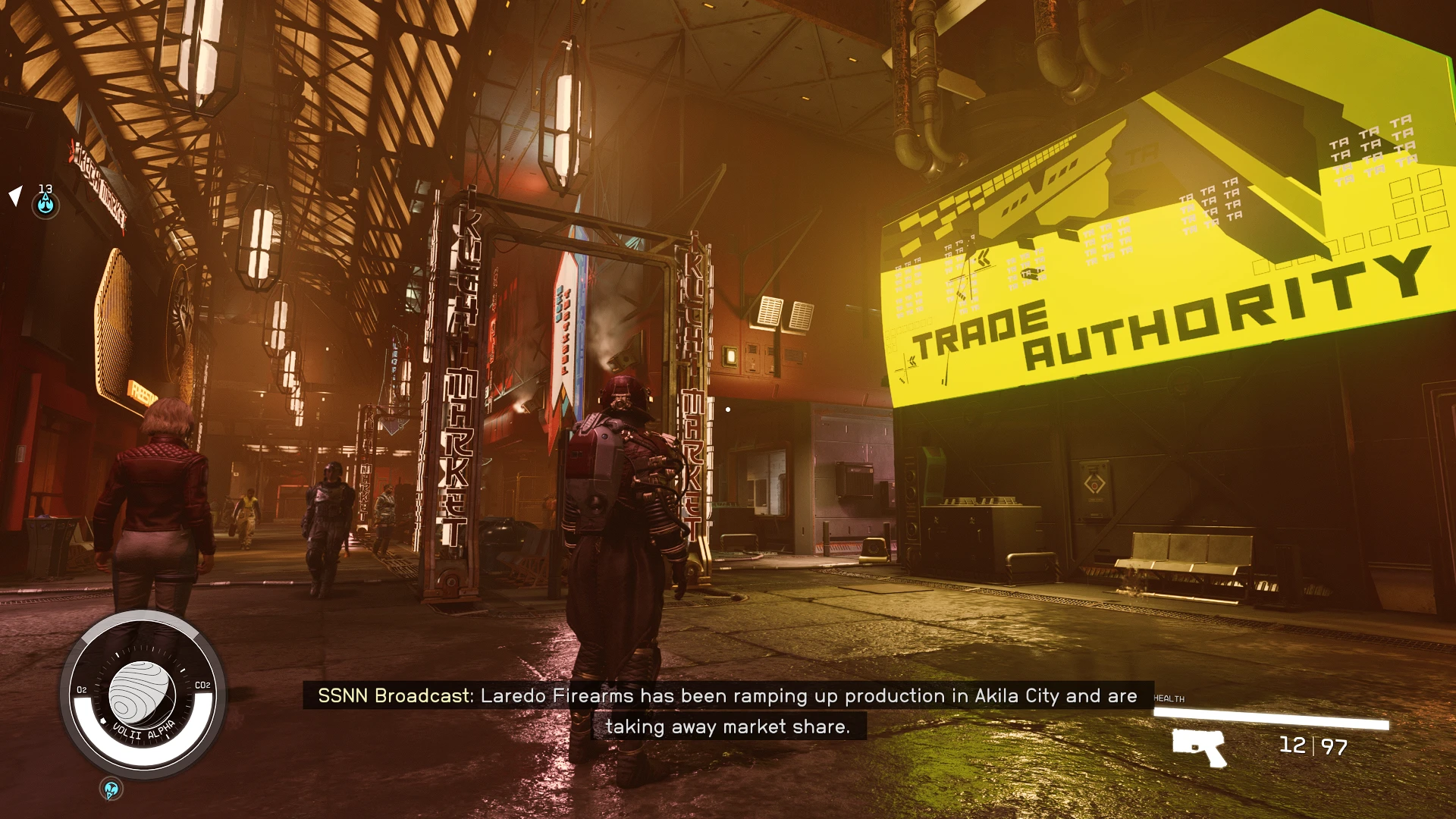
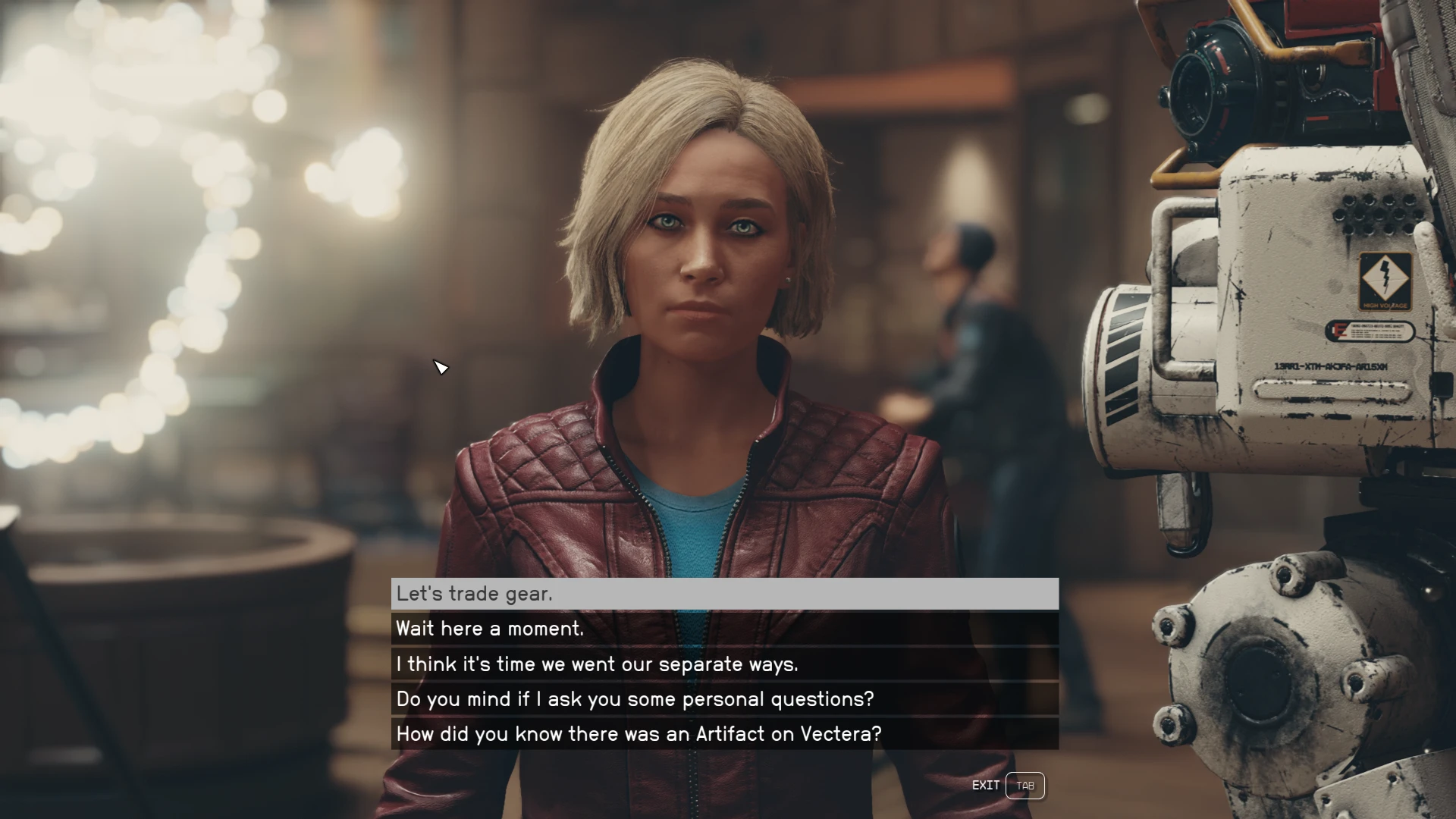
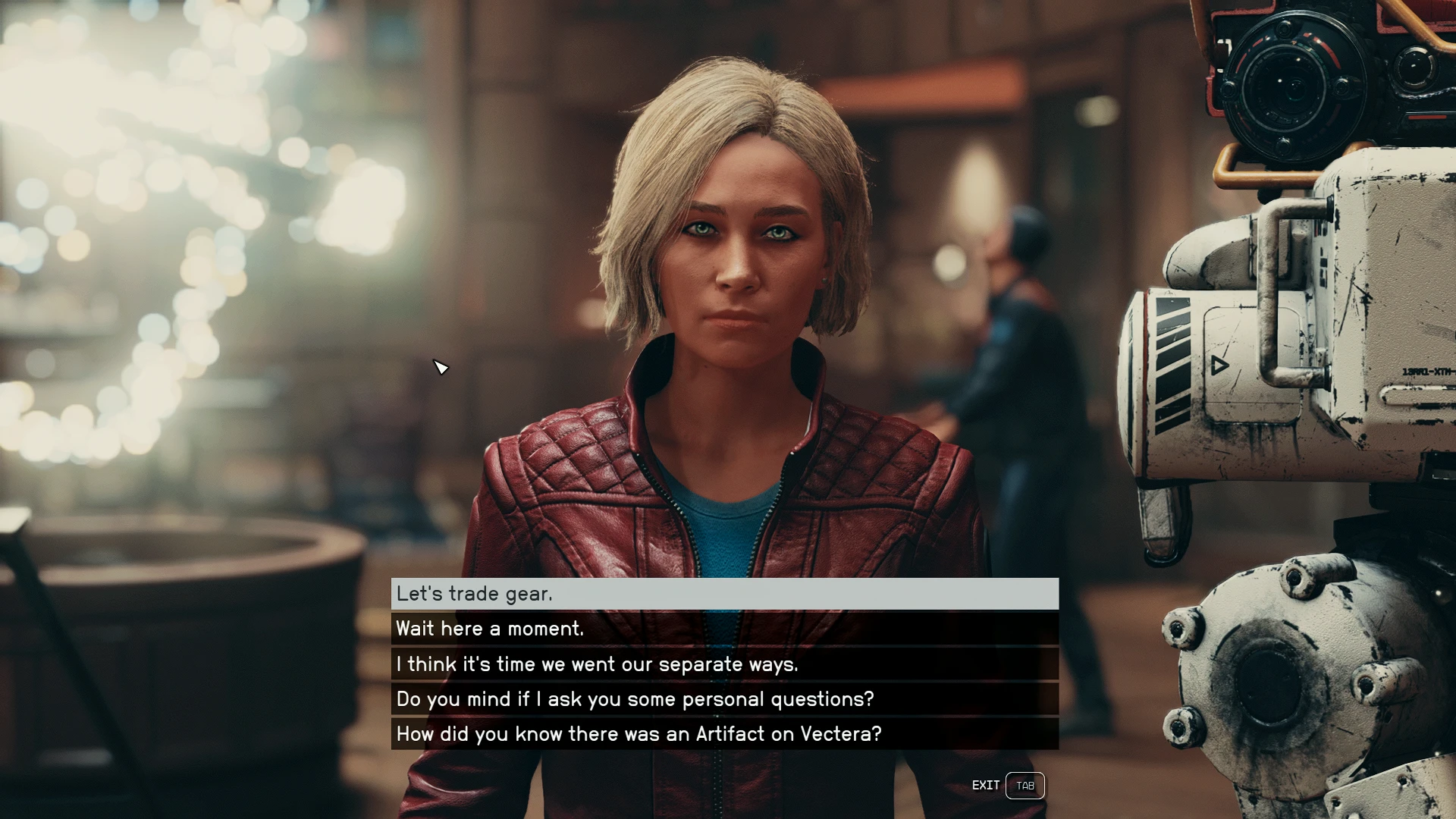
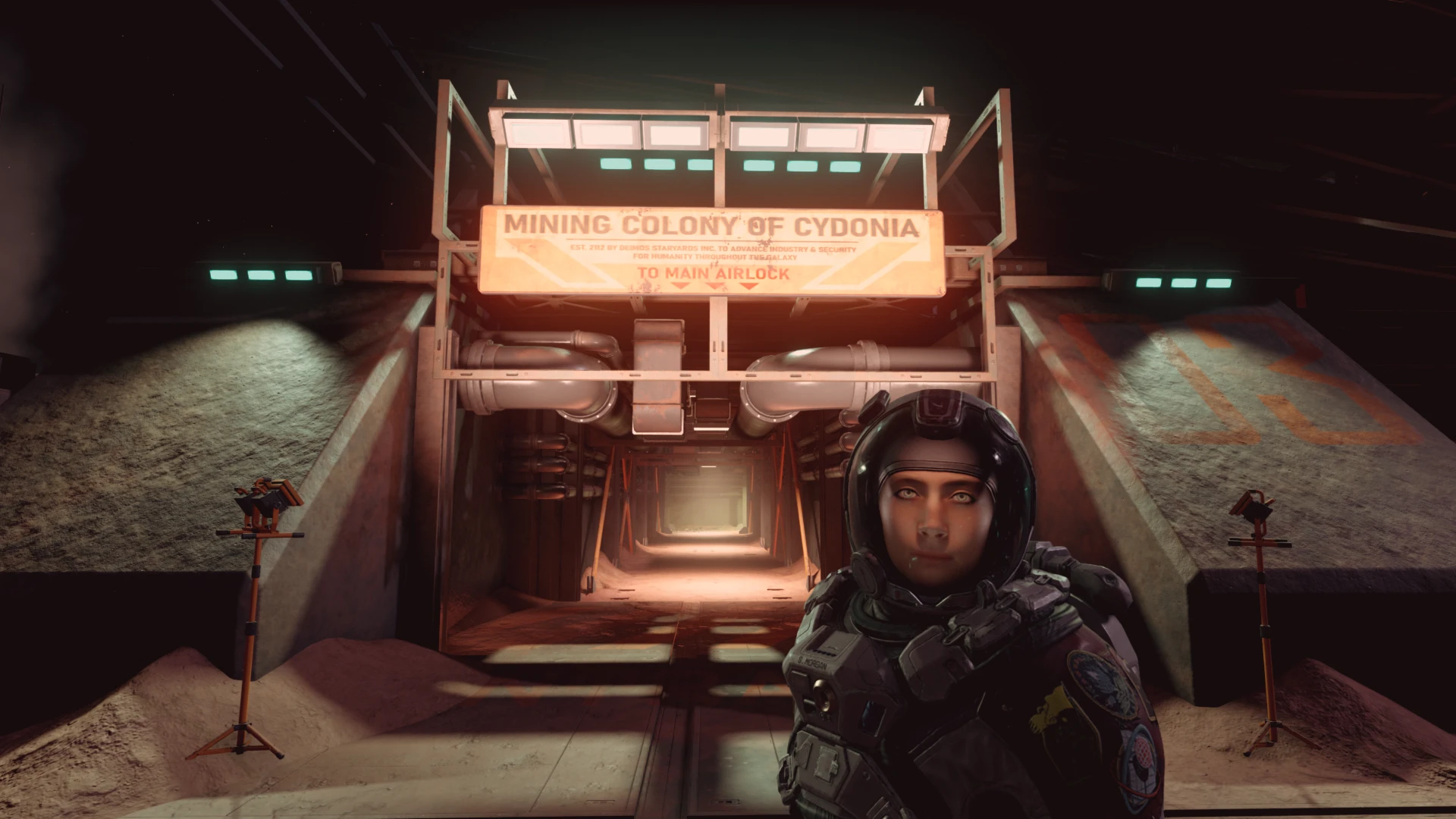
Mod Introduction
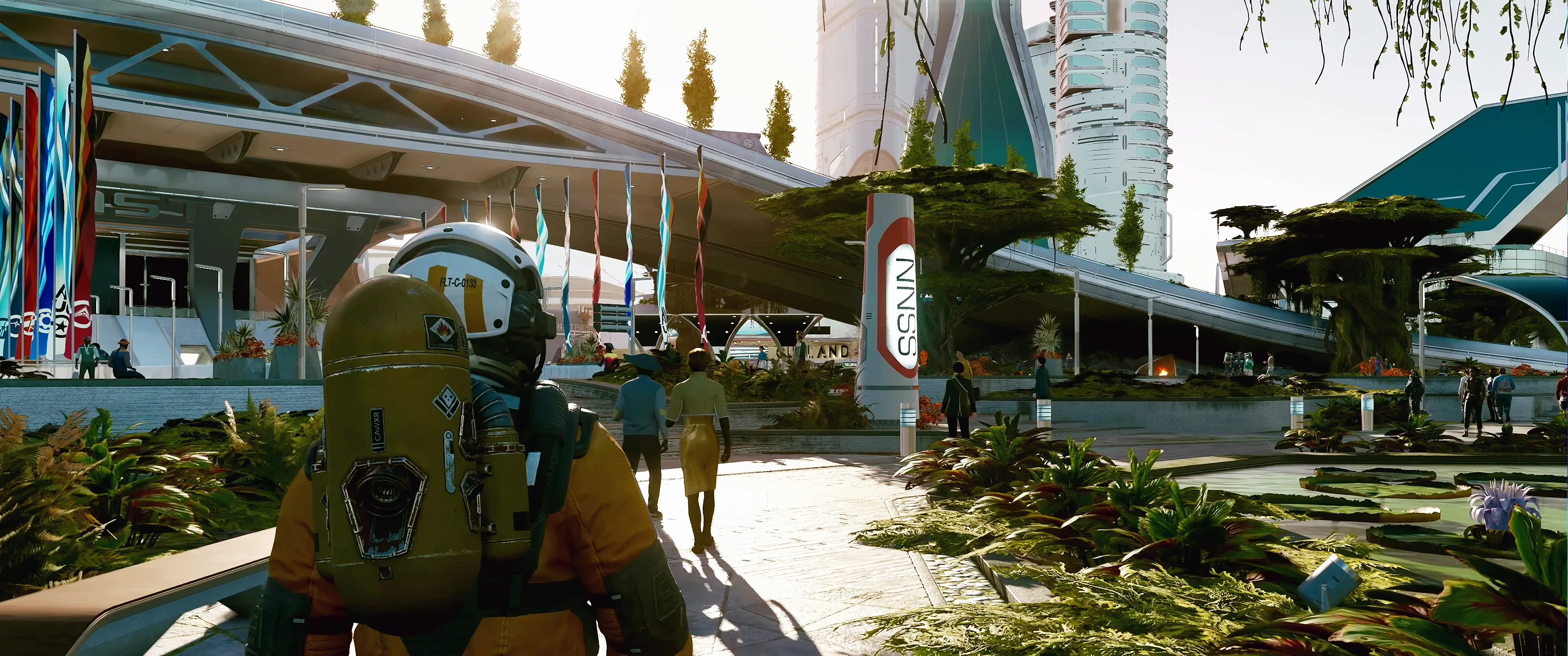
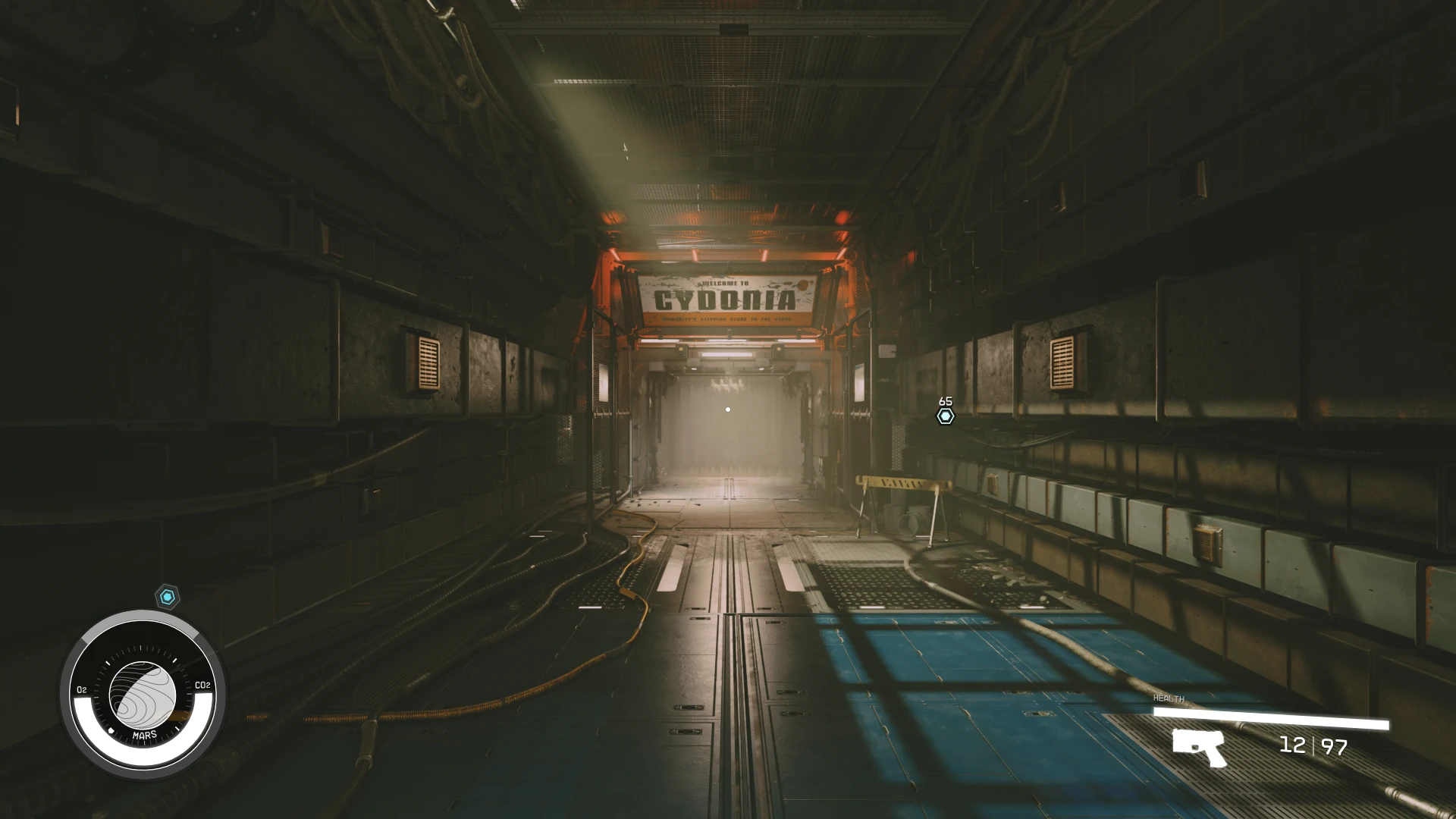
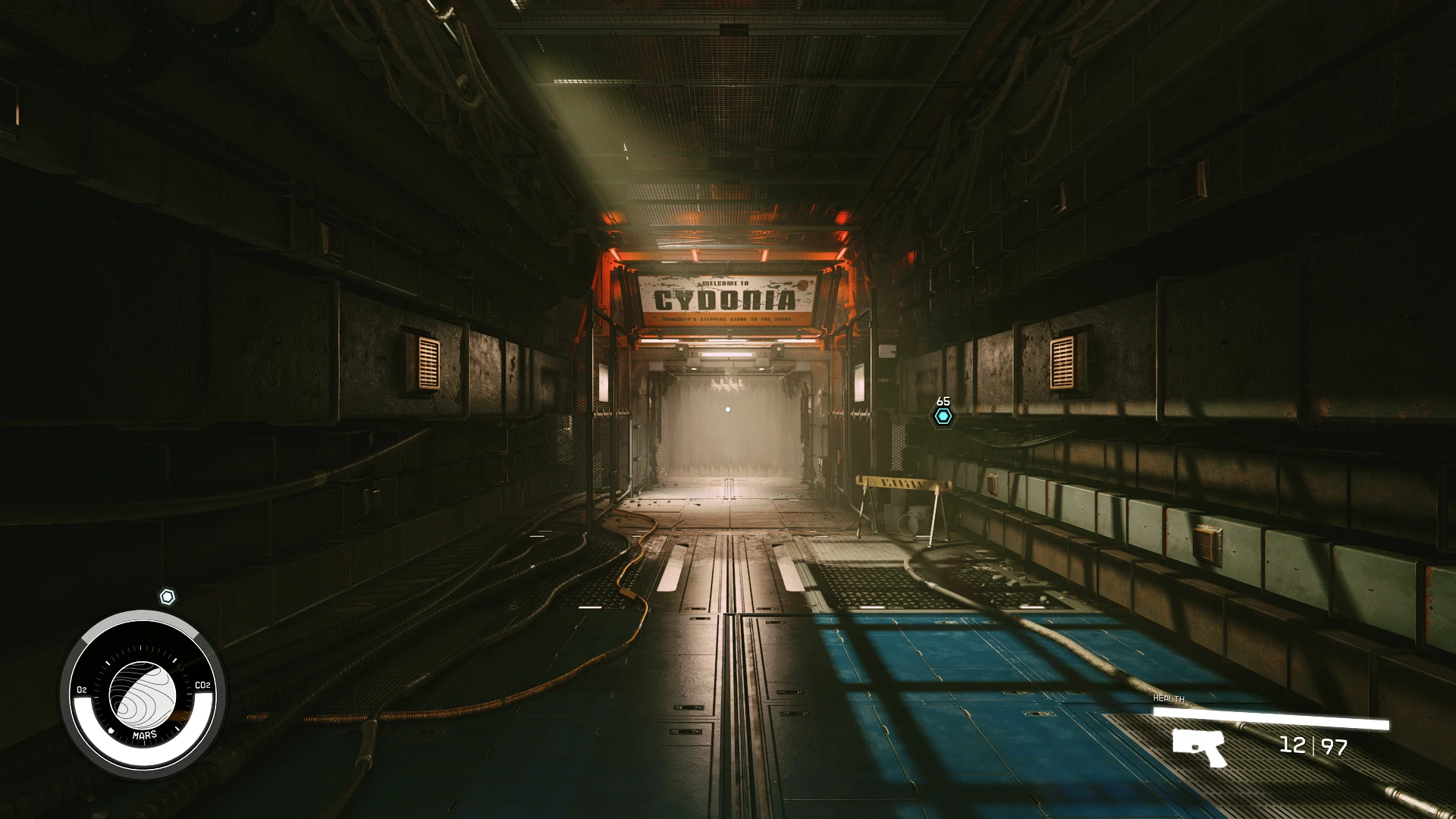
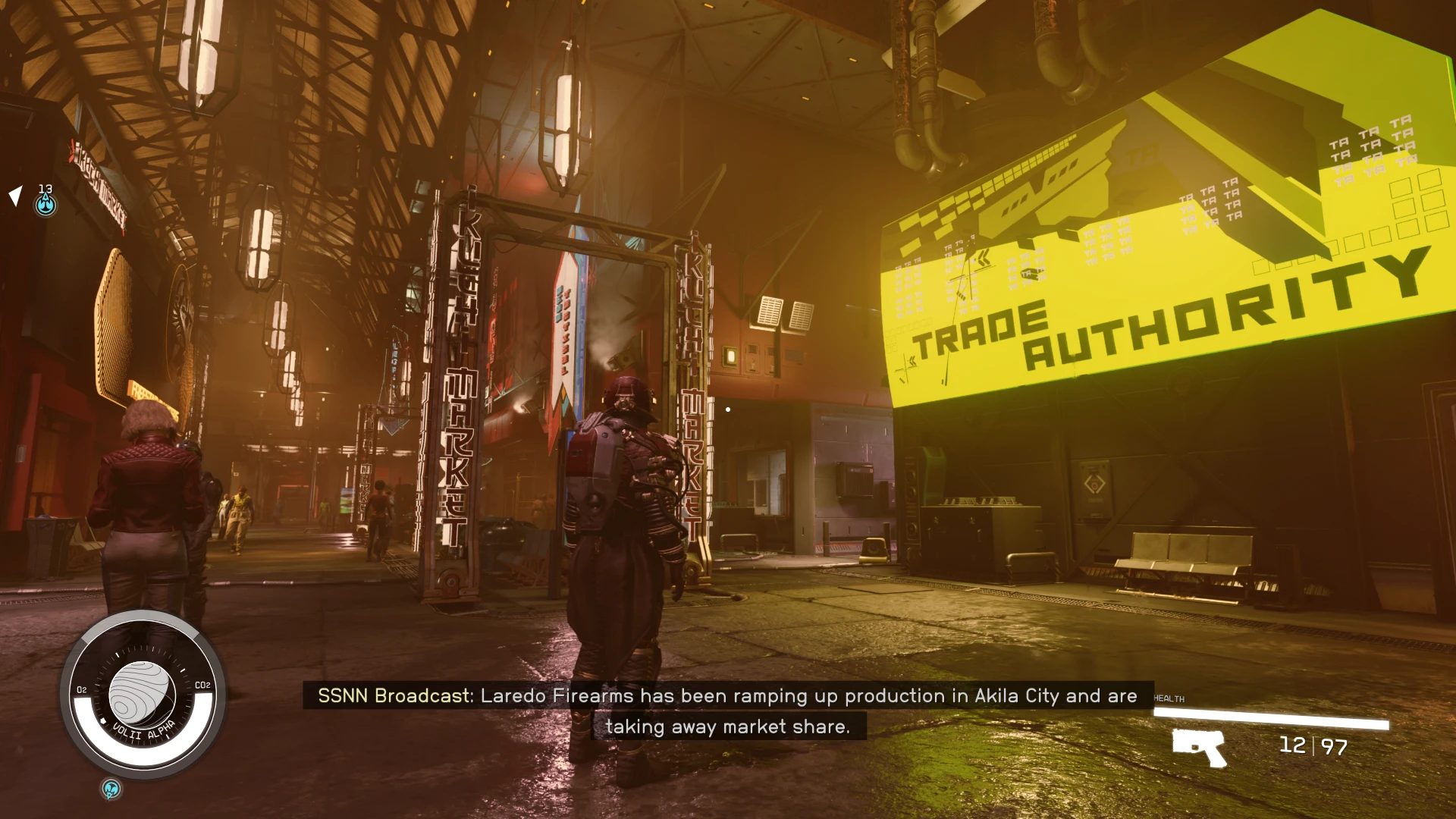
MAJOR REWORK! Quantum Reshade brings you closer to the reality YOU want. Make your game look like reality with groundbreaking new imaging technology and emulation—ReShade.
Installation:
I made a video tutorial on installing Reshade in case a visual guide helps more. No voiceover or text—just follow along. It's simple.
请提供需要翻译的文本内容。
****DISCLAIMER****
>IF YOU USE FSR2, TURN OFF AMD FIDELITYFX CAS if the game looks too sharp; or adjust the Sharpening Intensity under CAS.fx in Reshade settings to your preference. I play with DLSS, so naturally the in-game FSR2 sharpening slider DOES NOT work for me.
Different Method to Install Reshade for Puredarks DLSS 3 Thanks to Formula 21;
"I got it working. Here are some directions if you want to include it in your instructions."
-Install Reshade as per Crimson's instructions.
Delete dxgi.dll in the Starfield folder
- Extract Puredark DLSS3 mod (tested with Build Beta 03)
-Copy all of the content of the DLSS3 mod into your Starfield root folder, overwrite everything. EXCEPT For ReShade.ini, keep the file already in the game directory.
rename d3d12.dll to dxgi.dll
PLEASE ENDORSE IF YOU LIKE THE RESHADE. IT MEANS A LOT. THANK YOU.
I'm a professional game localization translator, automatically identifying the source language and translating the following text into 【English】, ensuring the output is only in 【English】 without mixing other languages, fitting the game's context (UI, dialogue, quests, system texts, etc.), sounding natural and player-friendly while avoiding literal translations, and adding no explanations or notes.

I'm a professional game localization translator, automatically identifying the source language and translating the following text into 【English】, ensuring the output is only in 【English】 without mixing other languages, fitting the game's context (UI, dialogue, quests, system texts, etc.), sounding natural and player-friendly while avoiding literal translations, and adding no explanations or notes.
Installation:
- Drag me **Preset** and reshade-shaders folder into your Starfield main folder that contains the Starfield.exe.
- Download the latest Reshadeand run the installer. Select Starfield.exe or, if applicable, GAMEPASS, you need to select gamelaunchhelper.exe file, not Starfield.exe.
- Select DirectX12 as your renderer.
- When it asks which packages you want to install, select my preset in the preset selection screen to only download the shaders it needs.
- When you start the game, press the Home button (default) to open the Reshade menu, or use the key you set in your Reshade.ini.
- Follow the on-screen instructions to complete the tutorial, and during it, select the Quantum Reshade preset.
- That should be it.
- Enjoy!
- FOR PUREDARKS DLSS USERS I suggest you grab the RESHADE VERSION OF HIS DLSS MOD!
I made a video tutorial on installing Reshade in case a visual guide helps more. No voiceover or text—just follow along. It's simple.
请提供需要翻译的文本内容。
****DISCLAIMER****
>IF YOU USE FSR2, TURN OFF AMD FIDELITYFX CAS if the game looks too sharp; or adjust the Sharpening Intensity under CAS.fx in Reshade settings to your preference. I play with DLSS, so naturally the in-game FSR2 sharpening slider DOES NOT work for me.
Different Method to Install Reshade for Puredarks DLSS 3 Thanks to Formula 21;
"I got it working. Here are some directions if you want to include it in your instructions."
-Install Reshade as per Crimson's instructions.
Delete dxgi.dll in the Starfield folder
- Extract Puredark DLSS3 mod (tested with Build Beta 03)
-Copy all of the content of the DLSS3 mod into your Starfield root folder, overwrite everything. EXCEPT For ReShade.ini, keep the file already in the game directory.
rename d3d12.dll to dxgi.dll
This tool is provided by the third party [bufftool]

Download Mods For Free
Install LagoFast, start Starfield and play with the mods you love.
We use cookies to make interactions with our websites andservices easy and meaningful. For more information aboutthe cookies we use or to find out how you can disable cookies, click here.