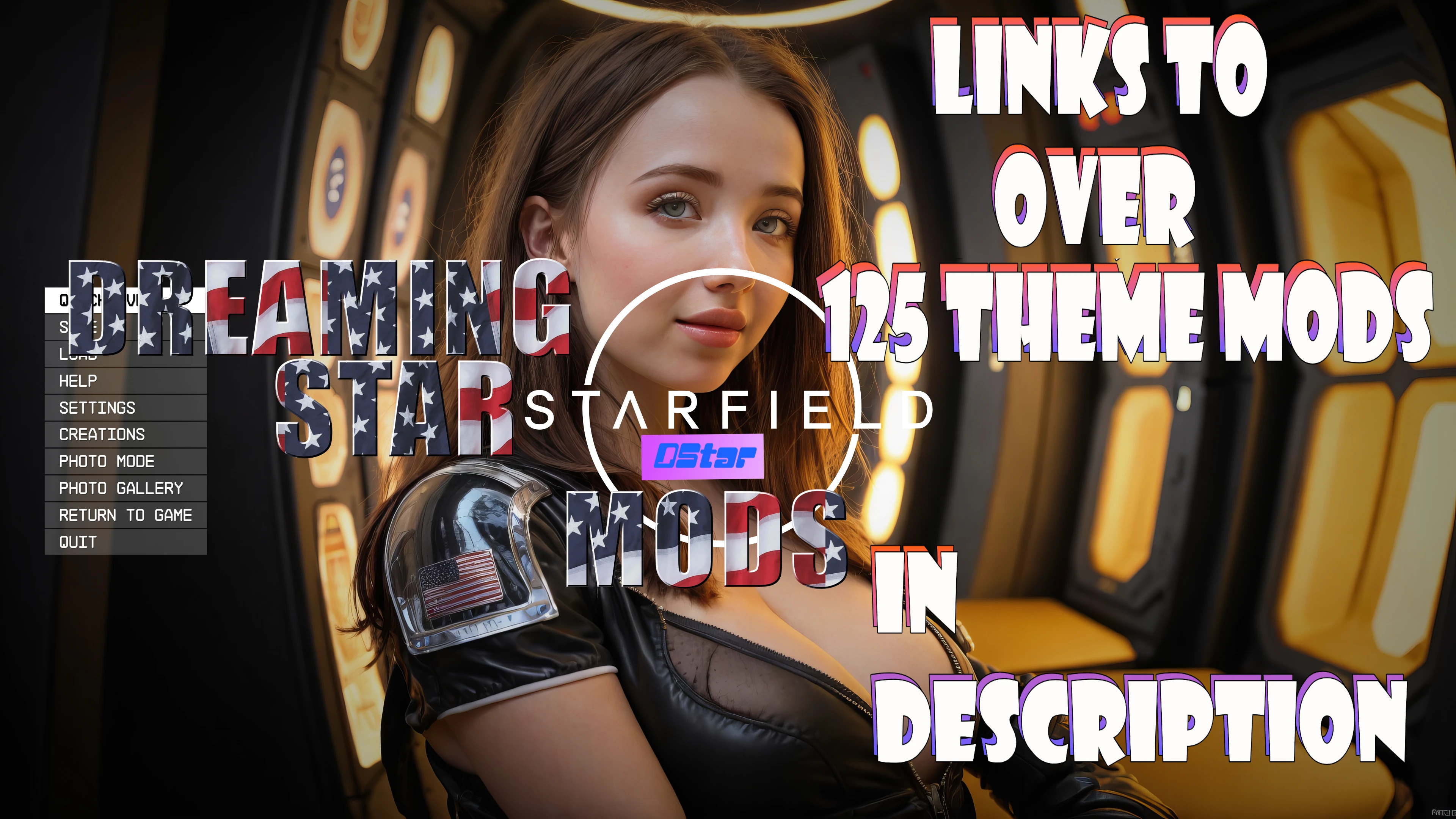
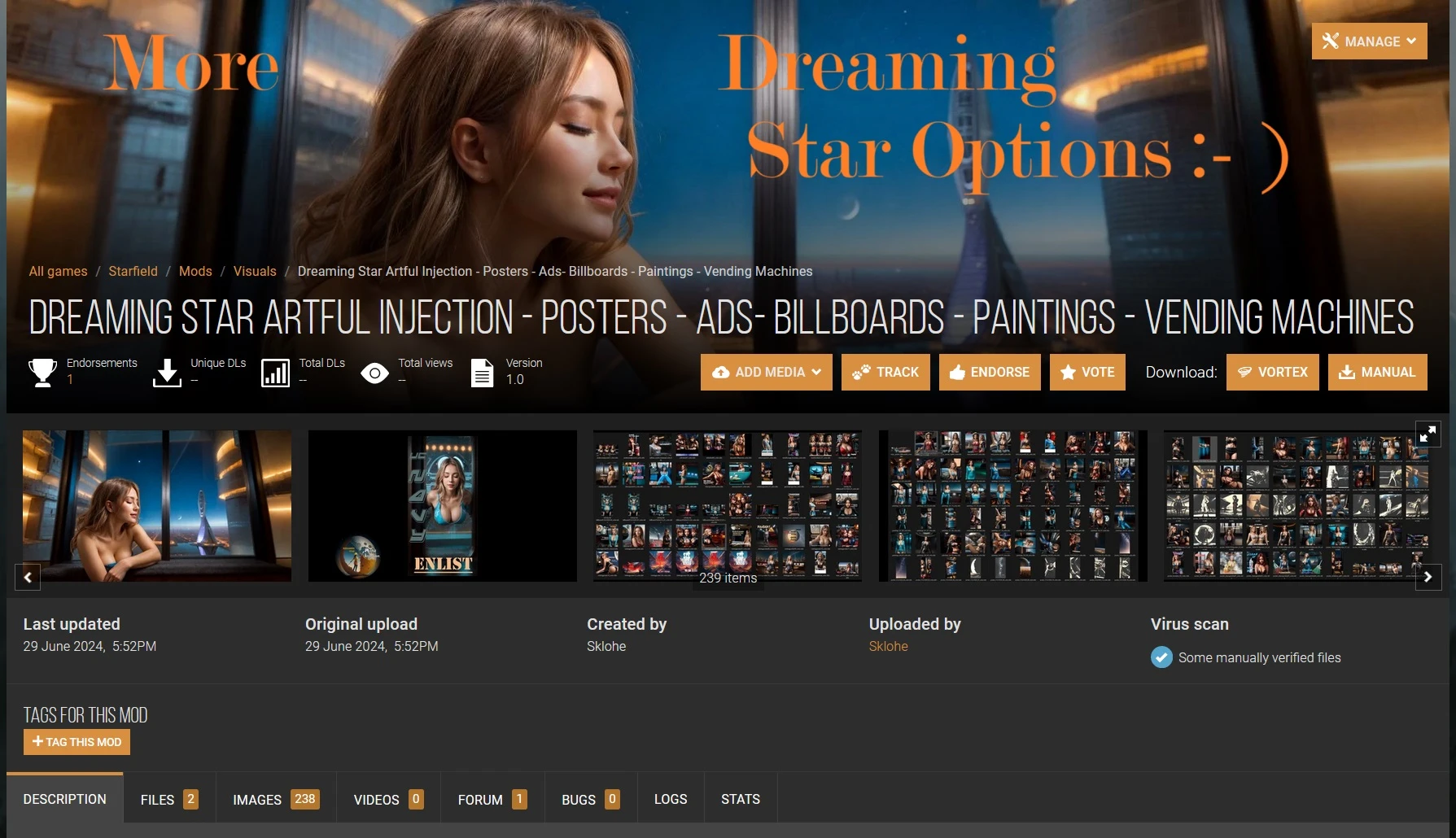
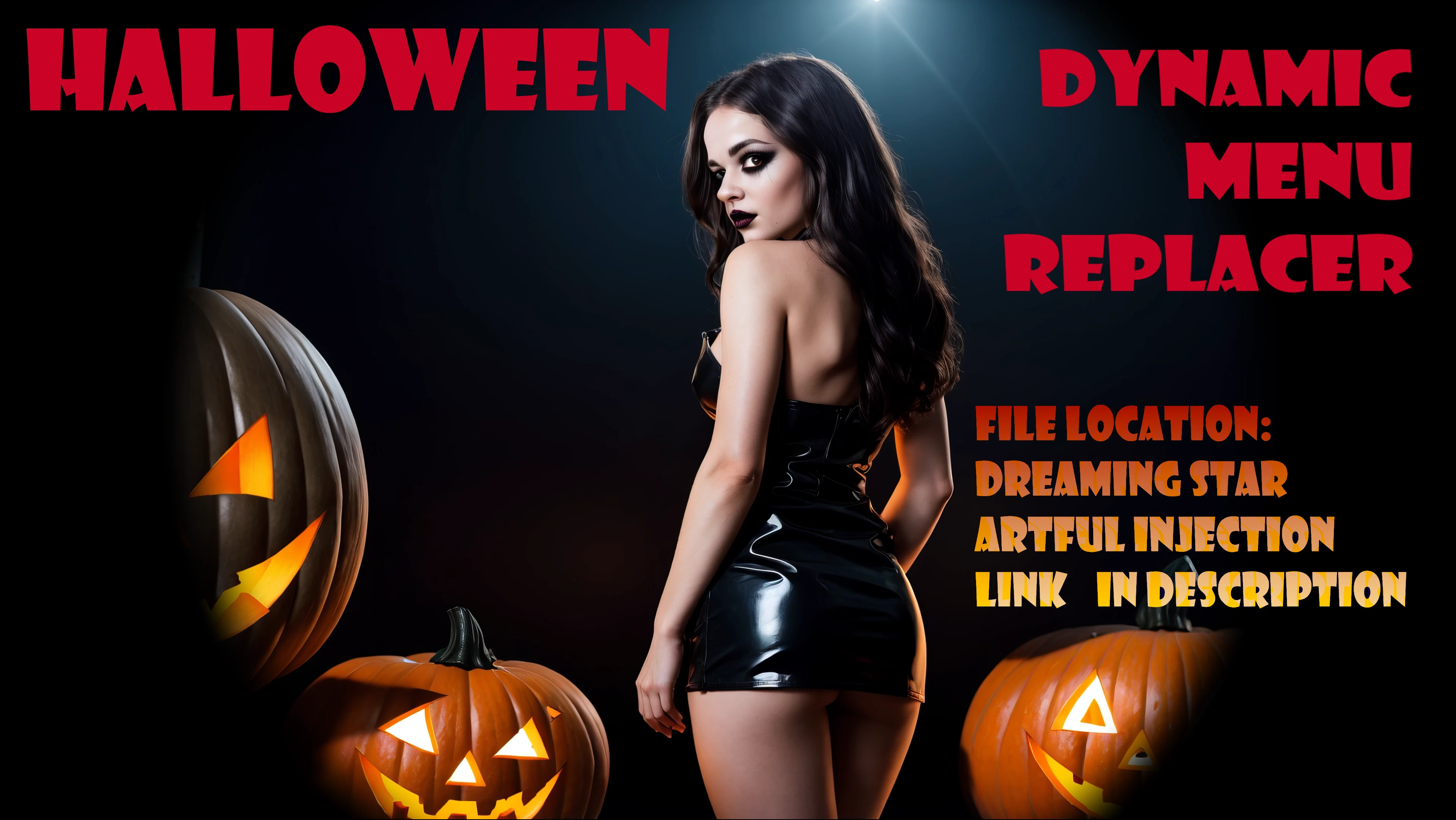
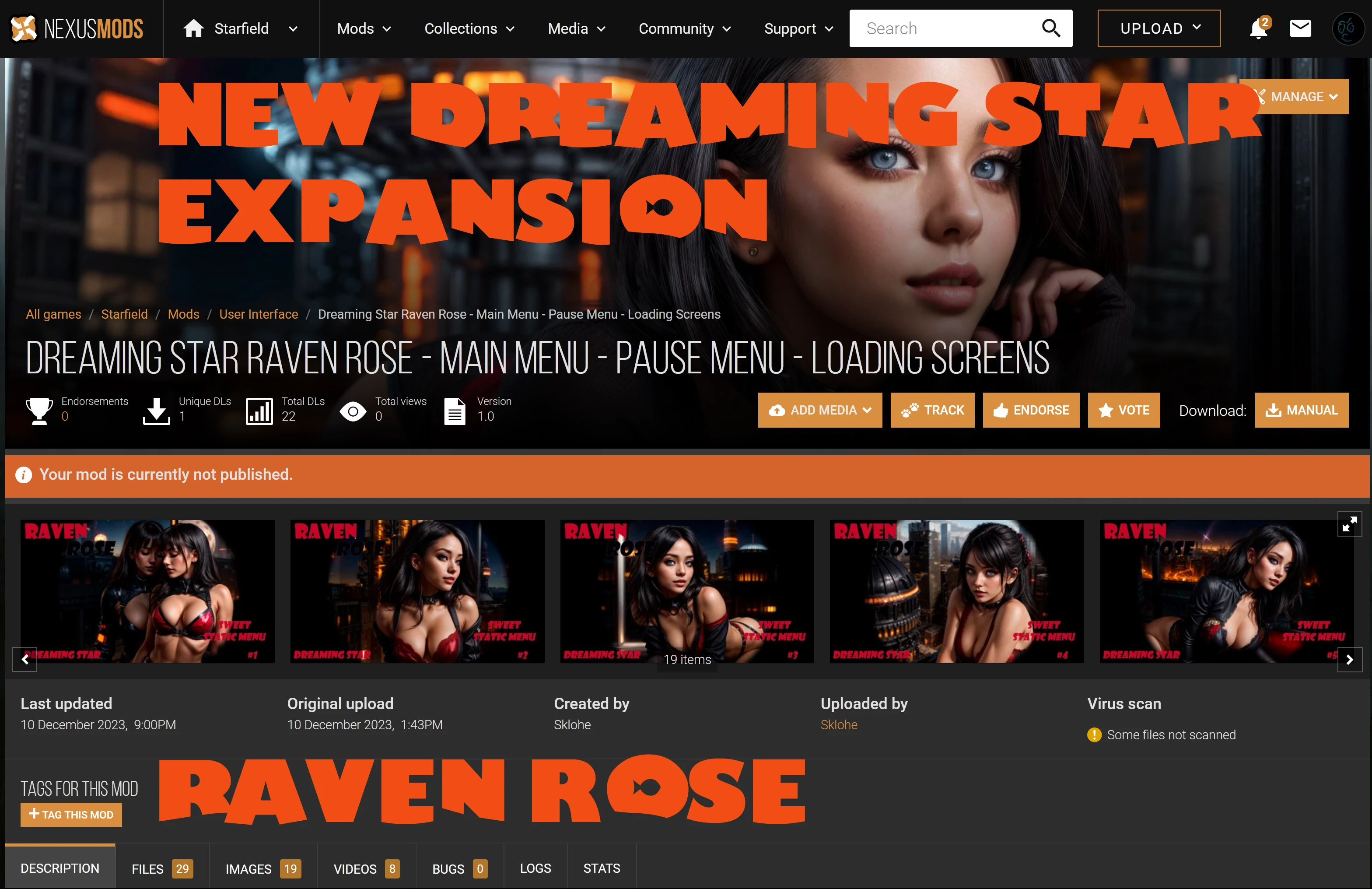
Dreaming Star is “how the game should start” +++ (30 Options at Dreaming Star Raven Rose). Adds optional pause screens, 4K loading screens, and 2K magazines (more coming soon) in a lore-friendly and visually appealing way. Replaces Artifact Visions with
"Dude, where are the rest of your compatible Dreaming Star files?" (Over 125+ Dreaming Star Options Available!)
If you like my Dreaming Star theme and design work, support my dedication to craft here:https://dreamingstarshop.etsy.com I do not use Patreon or accept direct donations, but if you like my designs, it is much appreciated. I am actively developing and will create more replacers based on my work.
**Spoiler:**
Show
Origins of Orion Big Bang Phase 2 mod is next.
"Dude, why is your file section so full? It's cluttered and hard to find what I need.
Dreaming Star is technically multiple mods, but I want you to have all the choices available. You choose which options suit your current playthrough in **File Area** Main Files Dreaming Star Main Menu Options (Three Dynamic Options)
***NEW*** DStar 4K Dreaming Star Main Menu 3 Dream City
And 4kEnteringDreamingStarMenu2 DreamingStarMainMenu
Dreaming Star Dreaming Star Main Menu Music Replacer Options Update Files Dreaming Star Magazines (Standard & High-Vis) 可选文件 Dreaming Star Artifact Vision Theme Options Dreaming Star Loading Screens Miscellaneous Files Dreaming Star Pause Screen Options And...
Dreaming Star Wallpaper (Personal Use)
Well, sir, it's this rug I have—it really tied the room together. "The Dude" The Big Lebowski
"The Dude" hopes you enjoy Dreaming Star...
Check out the other Dreaming Star mods, mix and match theme options and. . . Enjoy!
*****New Options Listed Below!*****
"The Dude" Places Previous Mod Previews Here...
Dreaming Star captures the vastness of the Starfield. It started as a main menu video replacer, making for a great opening to the game. Now, it also includes multiple themed options to change your pause screen and other game elements to match your Dreaming Star menu.
I’ll need the text you want translated to proceed. Please paste the content. I am actively developing Dreaming Star as a theme and will continue to add options and more features as time permits. I specialize in game localization.
Please provide the text you'd like me to translate.
I never have time to thank all those who appreciate my work. Thank you, sincerely. ***Not affiliated with any mods that copy my mod name, ideas, and theme not true to my vision of my creation without my permission***
Please see permissions and credits settingsI am a professional game localization translator.
Automatically identify the source language and translate the following text into 【English】.
Requirements:
- Output content must and can only be in 【English】, with no other languages mixed in
- Fit the game context (UI, dialogue, quests, system text, etc.)
- Sound natural and match player habits, avoiding literal translation
- Do not add explanations or notes
Text:
********************
Because someone already copied my mod without permission. .
I expect other authors to use their own original ideas, content, and assets to contribute to the modding community. I appreciate that people are inspired by others. I am greatly inspired by members of our modding community, particularly members of our Skyrim SE community.
Create your own dream!
Hi, I'm Sklohe
I am the author and creator of Dreaming Star.
No mod author is allowed to copy my mod creation, replicate my theme structure ideas using assets similar to my source images, or use my mod name to build any mod.
***I am not affiliated with or responsible for any content others copy***
I am responsible for creating the Dreaming Star mod — its name, concept, thematic structure, and all future ideas I add as options to the mod.
Honestly, a NSFW option is not my thing. Please be respectful and don't ask.
I like that the mod theme is streamable, edgy, and appealing. I look forward to Finding more ways to extend it.
I need you to act as a professional game localization translator.
Automatically identify the source language and translate the following text into 【English】.
Requirements:
- Output must be 【English】 only, no mixing of other languages
- Fit game context (UI, dialogue, quests, system text, etc.)
- Natural phrasing, aligned with player expectations, avoid literal translation
- Do not add explanations or notes
Text:
*************************************************************************************
Works great with the current Starfield update!
*****Everything works fine with Vortex installation except for loading screens and new magazine options. If you run into any issues, check the images of Dreaming Star installed via Vortex.
The forum has answers to installation questions and more. New options...***Please see Changelogs or files***
New option:***Main Menu Music Replacer Option 2***
Added A Celtic-style remix as your main menu music, based on Kevin MacLeod's "Celtic Impulse."
New option:***Main Menu Music Replacer Option 1*** Added "Dream a Little Dream" song to replace any main menu's music.
New option:***Check out the new magazine scans in images*** Added handcrafted 2K Dreaming Star: The New Atlantian Magazines.
Added handcrafted 2K Dreaming Star The New Atlantian Magazines **Higher Visibility Option** New option:***Check out the videos of the first static main menu replacer***
Added 4kDreamingStarStaticMainMenu3 for players who prefer a static main menu background. I will add more of these options when I have time. New option:***Check out the videos of the first static main menu replacer***
Added 4kDreamingStarStaticMainMenu2 for players who prefer a static main menu background. I'll add more of these options as time allows. New option:***Check out the pictures of the new magazines in images*** Added handcrafted 2K Dreaming Star Kryx's Journal Magazines.
Added handcrafted 2K Dreaming Star Kryx's Journal Magazines (Higher Visibility Option) New option:***Check out the videos of the new static main menu replacer***
Added 4kDreamingStarStaticMainMenu1 for players who prefer a static main menu image. I'll add more of these options when I have time. New option:
***Check out the videos of the new artifact visions matching the new main menu replacer***
Added 4K Dreaming Star Artifact Vision Theme 2, featuring a dreamlike menu. Entrance to the Starfield with in-game artifact visions to match! New option:***Check out the videos of the new main menu replacer***
Added 4kEnteringDreamingStarMenu2, embracing the dreamlike entrance to Starfield.
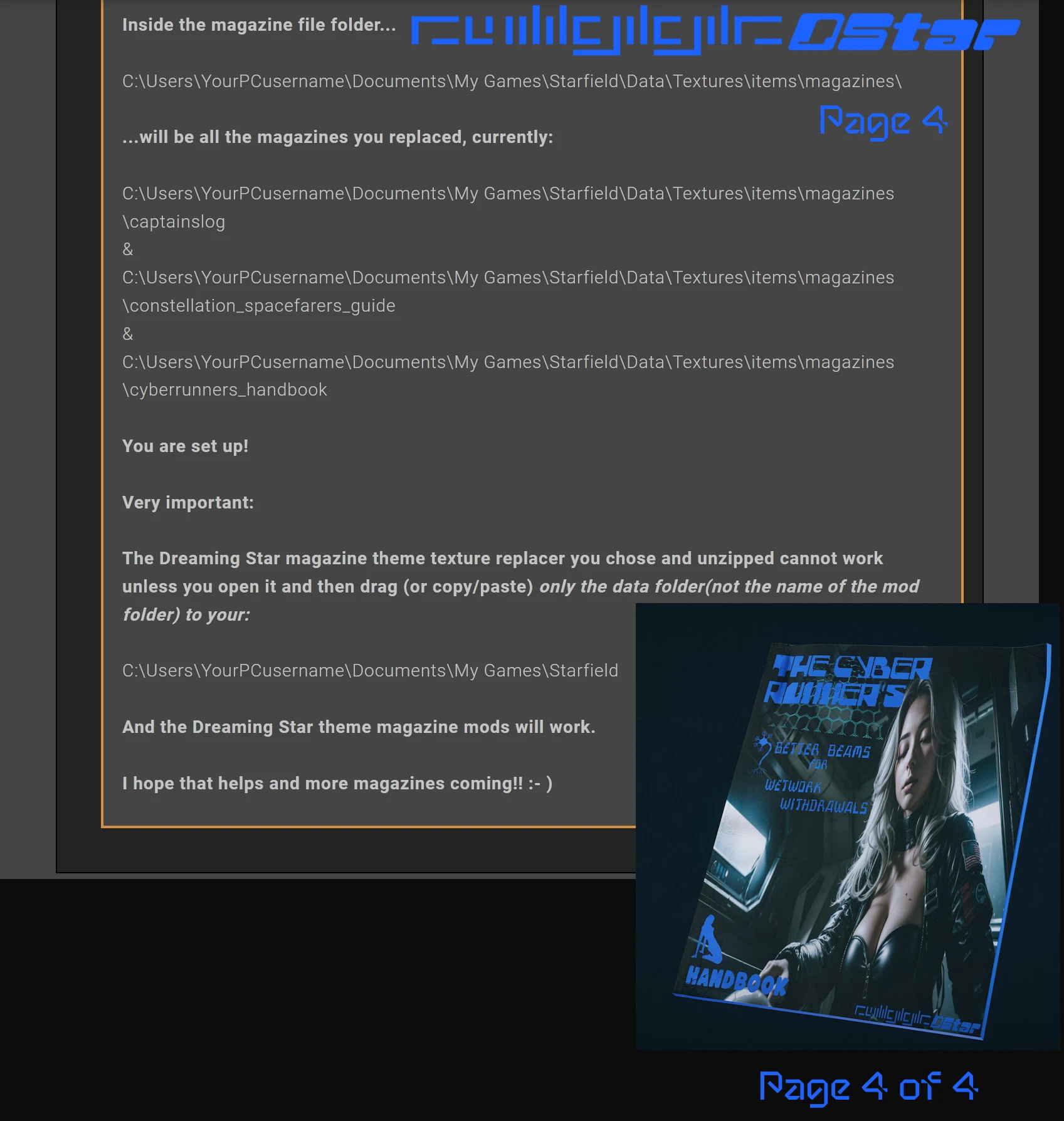
Youtube in-game sample video is 1080P. The second sample is 4K. **New option:*****Check out the new magazine scans on page 2*** Added handcrafted 2K Dreaming Star Cyber Runner's Magazines.
New option:Check out the new magazine images on page 2 of the gallery. Added handcrafted 2K Dreaming Star Constellation Magazines.
Added handcrafted 2K Dreaming Star Constellation Magazines (Higher Visibility Option). New option:
Added two new pause screen options.
Two weeks since Dreaming Star's release, added main menu intro to pause options.
Organizing main menu pause options under "Main Files" for quicker access.
New option:
Added Dreaming Star Pause Screen Option #4. Preview in images page 2.
You can only enable one pause screen at a time.
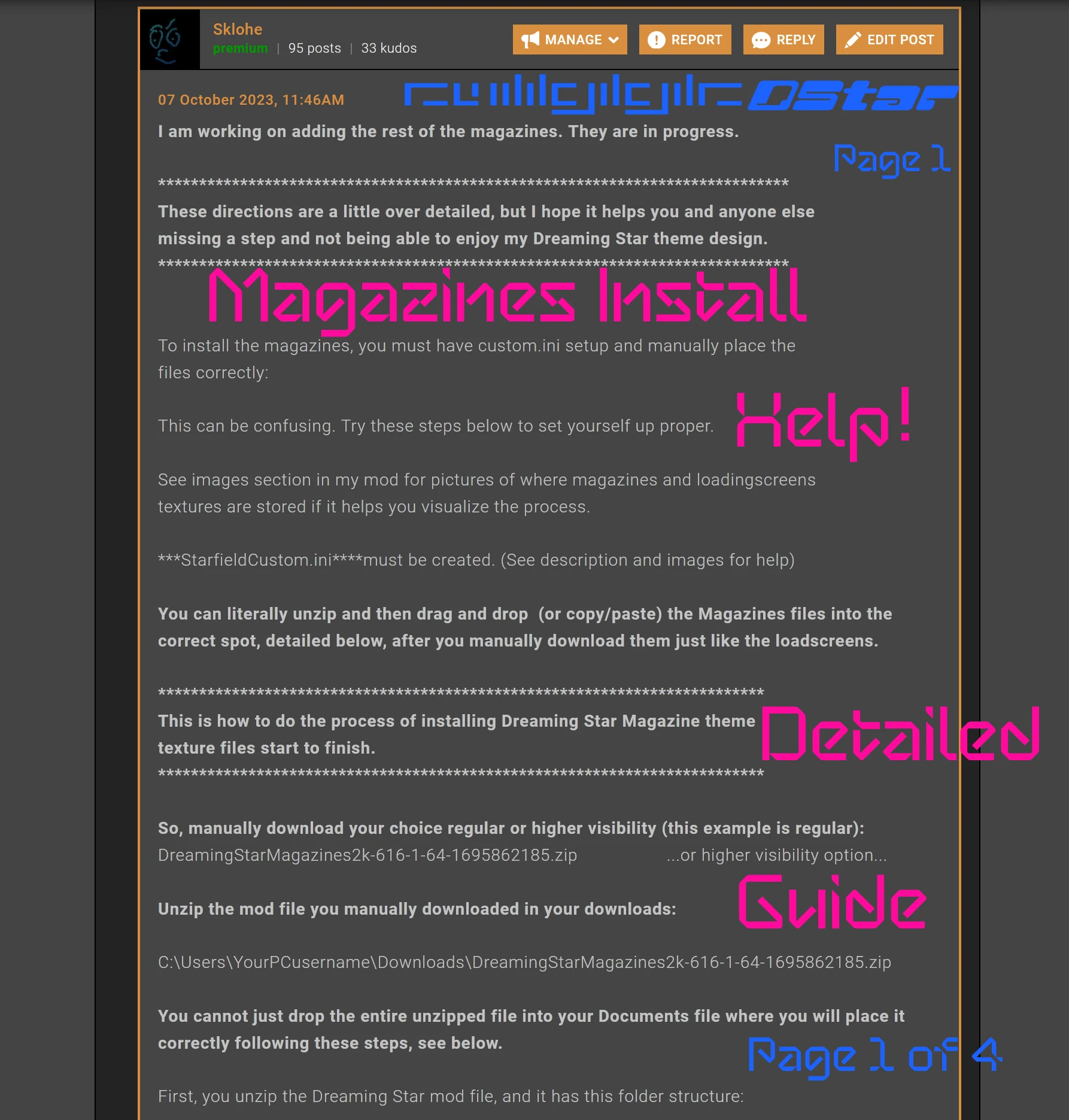
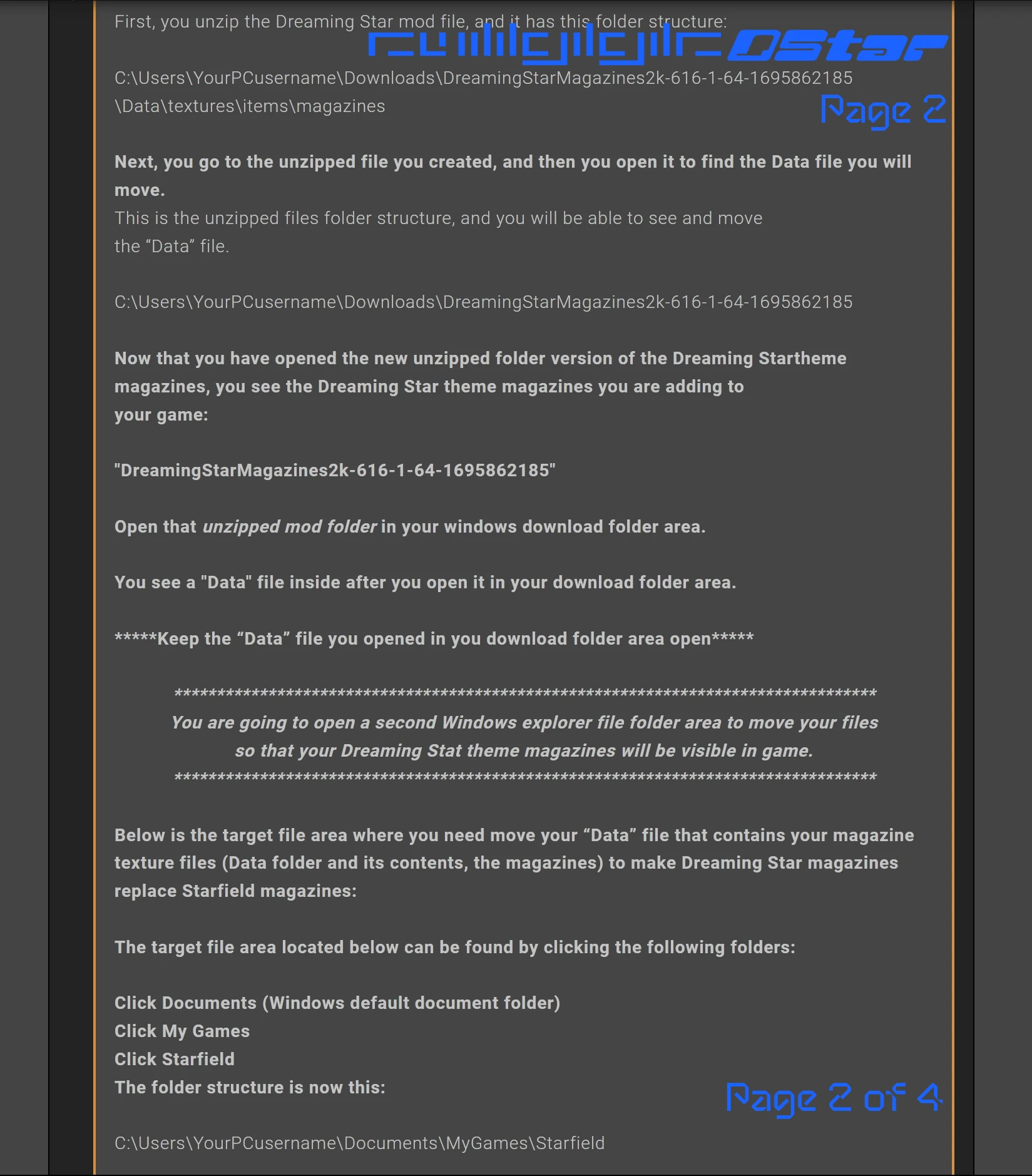
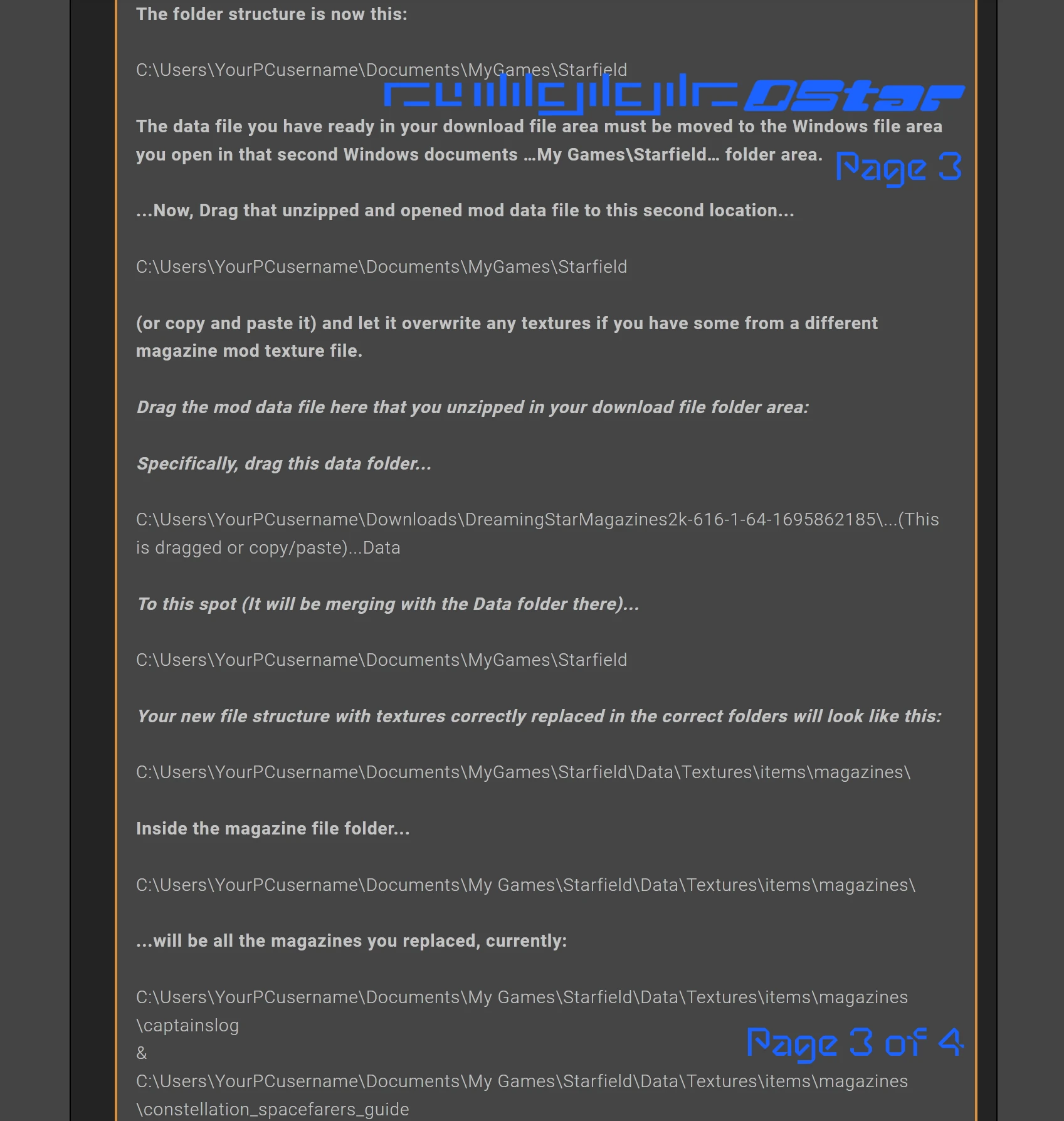
New option (Requires a little file maneuvering): Added handcrafted 2K Dreaming Star Captain’s Log magazines. More will be added as time permits. See images on the second image page. Images not visible are those in the main menu. Matching the menu with the Captain’s Logs felt appropriate and makes a fitting addition to the Dreaming Star theme. These are texture files. Please make sure they go in this file area:
C:\Users\Yourusername\Documents\My Games\Starfield Magazines must be installed manually.
Please refer to the images for assistance. Please refer to the full loading screen instructions for help.
New option: ***Added "Dreaming Star 4K Wallpaper for PC Backgrounds (PNG Format)" to simplify downloading all Dreaming Star loading screen assets for PC use.***
New option (Requires a little file maneuvering): Added over 50 unique 4K loading screens and replaced all loading screens with the Dreaming Star theme. Loading screens must be installed manually.
Please look at the images for help.
To load loose texture files for the Dreaming Star load screens, you must have or create a StarfieldCustom.ini file in your My Documents folder on your C: drive—unless you've moved it.
Rename that file (So you can change back to the stock menu video if you choose):
MainMenuLoop.BAKbk2
(Your PC will say the file is unstable. That is okay. Press enter to confirm. You can delete "BAK" that you added to the file to restore it.)
Unzip DreamingStar.zip, then locate the file "MainMenuLoop.bk2" and use it to replace the original menu video. Make sure you’ve renamed the original as "BAK" to keep a backup. Place it in the same folder where you created a backup.
This tool is provided by the third party [bufftool]
Download Mods For Free
Install LagoFast, start Starfield and play with the mods you love.
We use cookies to make interactions with our websites andservices easy and meaningful. For more information aboutthe cookies we use or to find out how you can disable cookies, click here.