UXM
Autor:TKGPLast updated:04/04/2019 04:04:58354.4K2.4MB


Mod Introduction
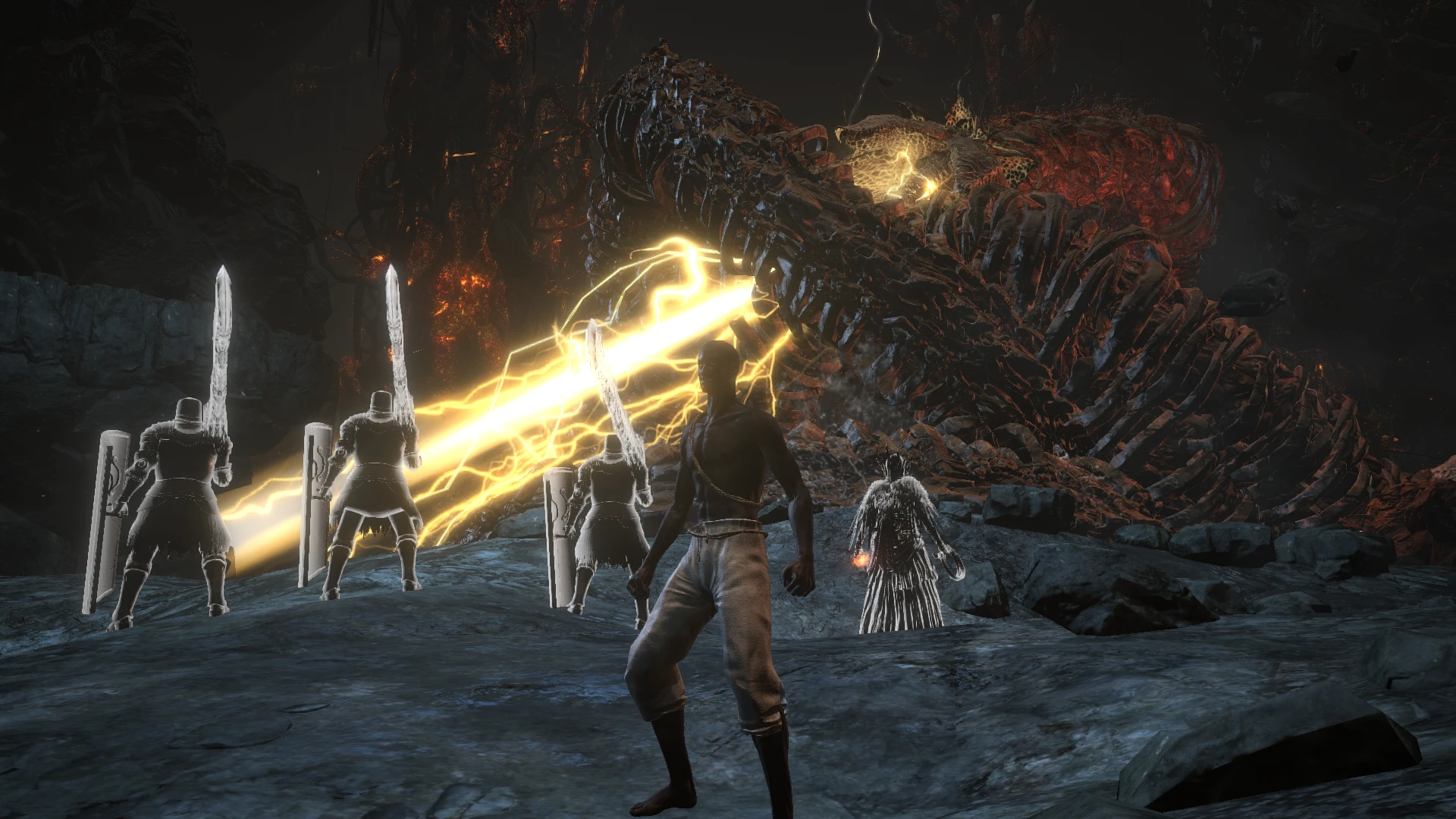
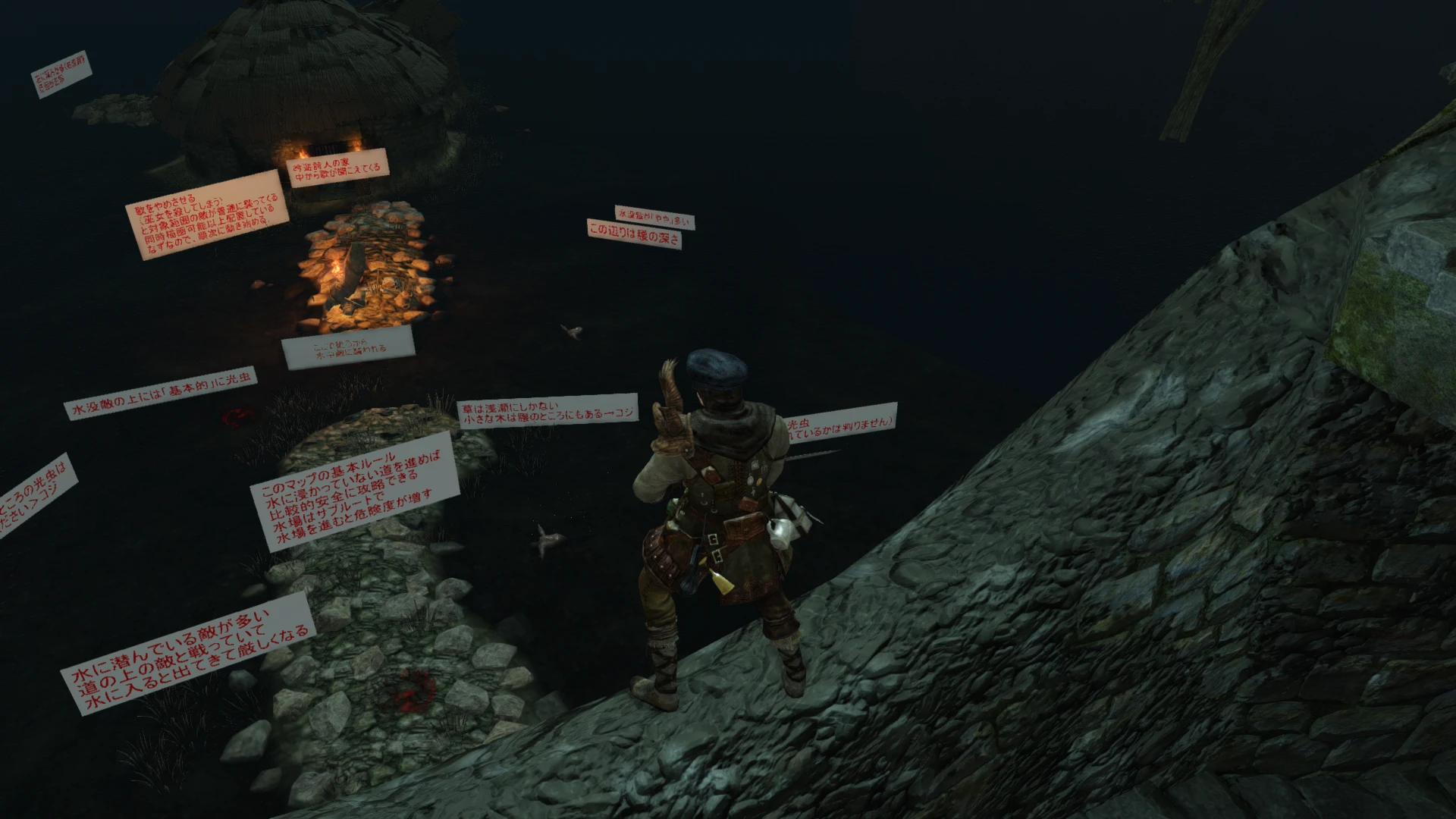
Enables file modding for DS2, SotFS, DS3, and Sekiro by unpacking game archives and patching the executable to load loose files instead.
Usage
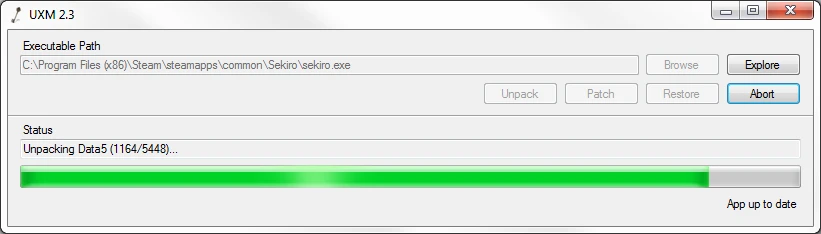
When first starting the app, the default Steam location of Sekiro will be selected. If the game you want is installed somewhere else, use the Browse button to correct it.
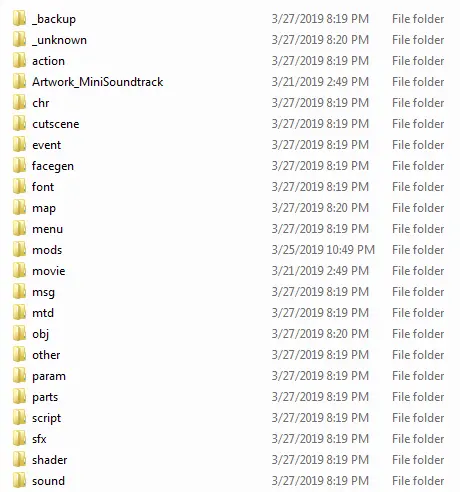
The Unpack button will extract all files from the game archives; any files that are already present will be skipped, so if you need to unmodify any file you can simply delete it and unpack again without having to sit through the entire process.
The Patch button will modify the executable to use those extracted files instead of looking in the archives; please note that for Sekiro, most users should use Mod Engine instead of patching. Patching the executable without also unpacking the archives will crash the game, so make sure you do both.
Finally, the Restore button will restore the original executable and delete the extracted files, and the Abort button will cancel any operation in progress.
Bannability
UXM only edits data within the executable, not code, so anticheat should have no effect on it. File mods in general have never been grounds for a ban in any of the Souls games, but mods that alter your save may not be safe, so please consult your mod author's advice and play offline if using anything dubious.
Source Code
Modding Discord
My Modding Tools
MTD Editor - edits material configs
UXM - unpacks main game archives
Yabber- unpacks and repacks a wide variety of FromSoft formats
Yapped - general-purpose param editor
When first starting the app, the default Steam location of Sekiro will be selected. If the game you want is installed somewhere else, use the Browse button to correct it.
The Unpack button will extract all files from the game archives; any files that are already present will be skipped, so if you need to unmodify any file you can simply delete it and unpack again without having to sit through the entire process.
The Patch button will modify the executable to use those extracted files instead of looking in the archives; please note that for Sekiro, most users should use Mod Engine instead of patching. Patching the executable without also unpacking the archives will crash the game, so make sure you do both.
Finally, the Restore button will restore the original executable and delete the extracted files, and the Abort button will cancel any operation in progress.
Bannability
UXM only edits data within the executable, not code, so anticheat should have no effect on it. File mods in general have never been grounds for a ban in any of the Souls games, but mods that alter your save may not be safe, so please consult your mod author's advice and play offline if using anything dubious.
Source Code
Modding Discord
My Modding Tools
MTD Editor - edits material configs
UXM - unpacks main game archives
Yabber- unpacks and repacks a wide variety of FromSoft formats
Yapped - general-purpose param editor
This tool is provided by the third party [bufftool]

Download Mods For Free
Install LagoFast, start Sekiro: Shadows Die Twice and play with the mods you love.
We use cookies to make interactions with our websites andservices easy and meaningful. For more information aboutthe cookies we use or to find out how you can disable cookies, click here.