Rampage Trainer
Autor:RampageDevLast updated:19/08/2025 03:53:562.9M5.2MB



Pre-dependencies
Mod Introduction
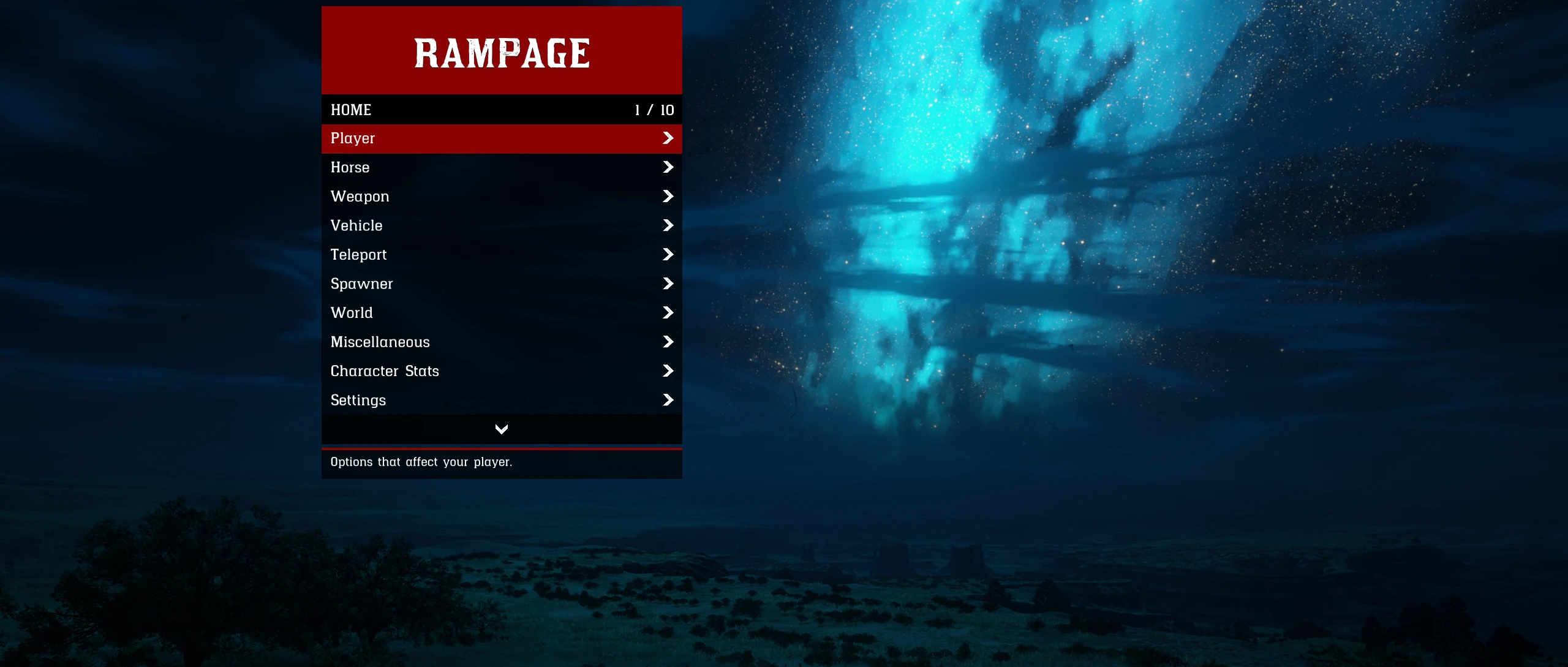
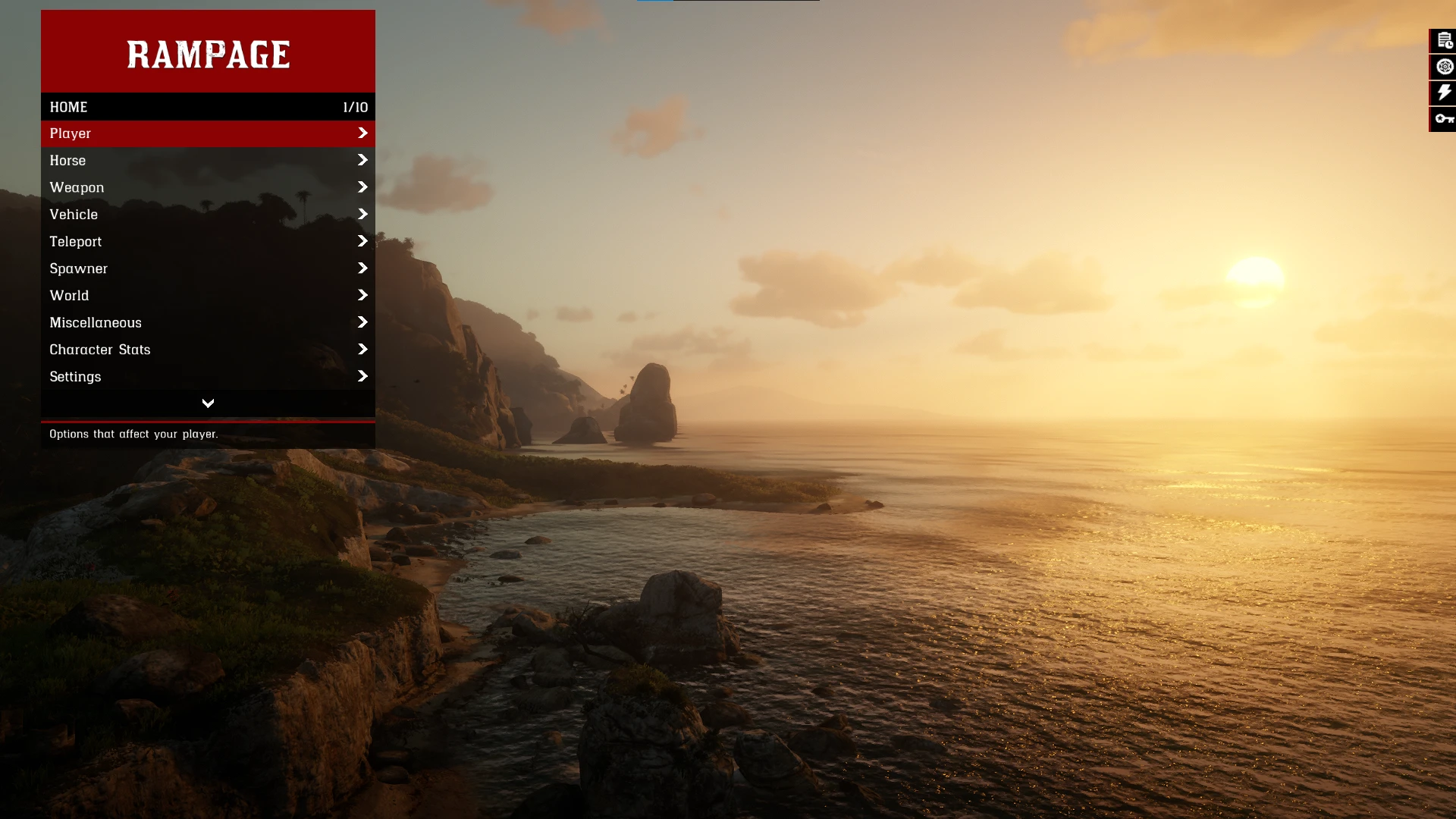
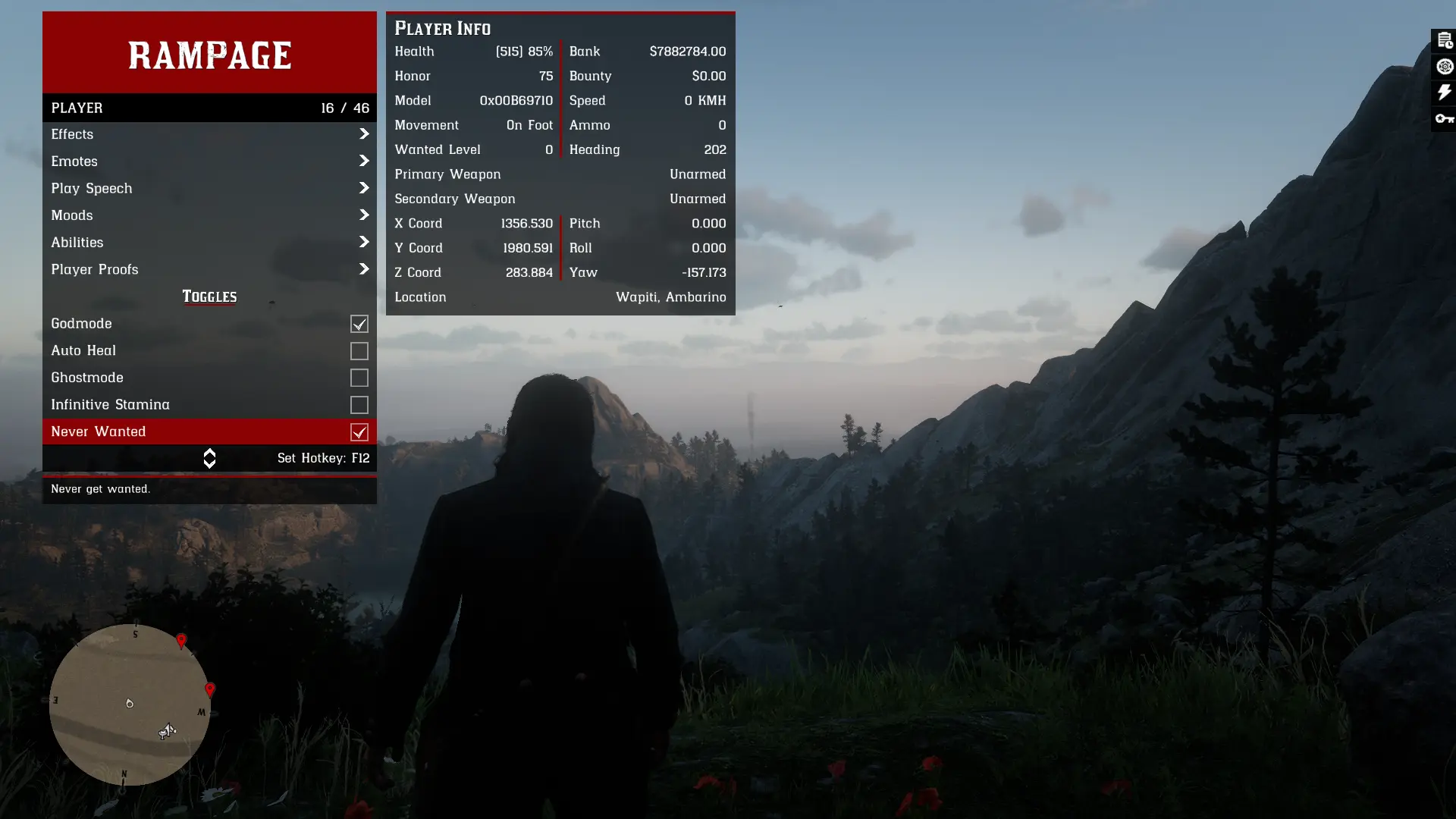
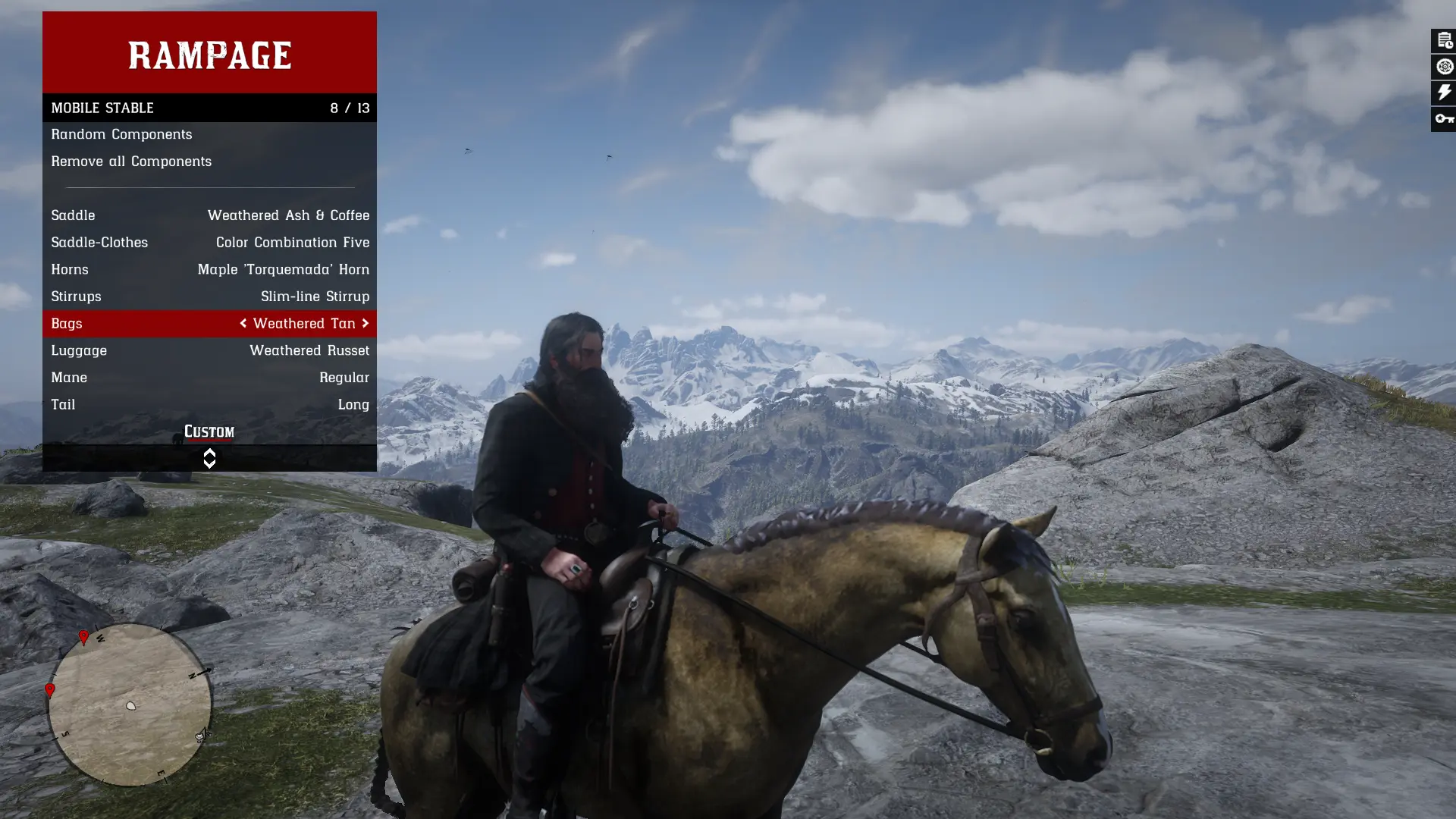
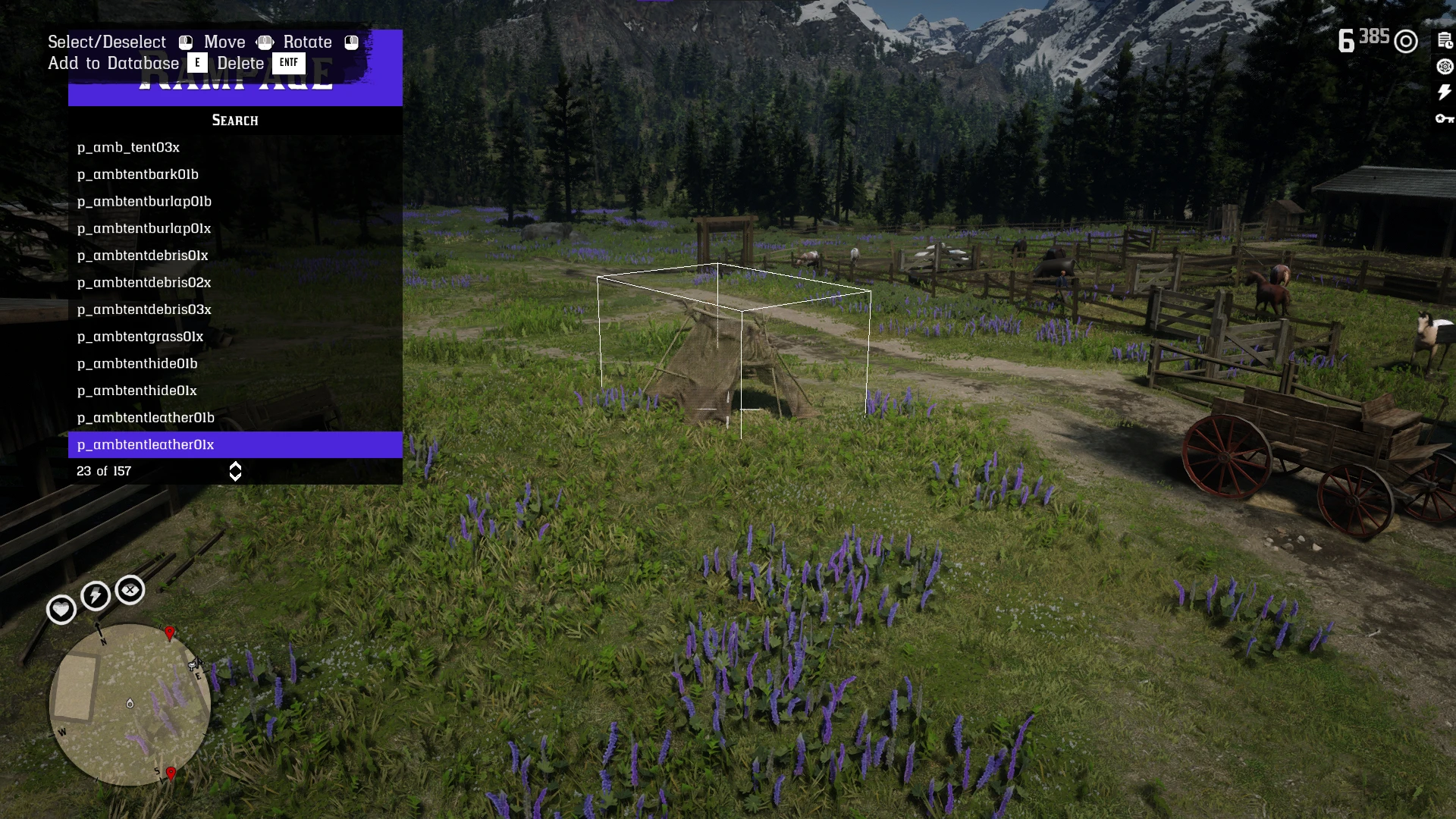
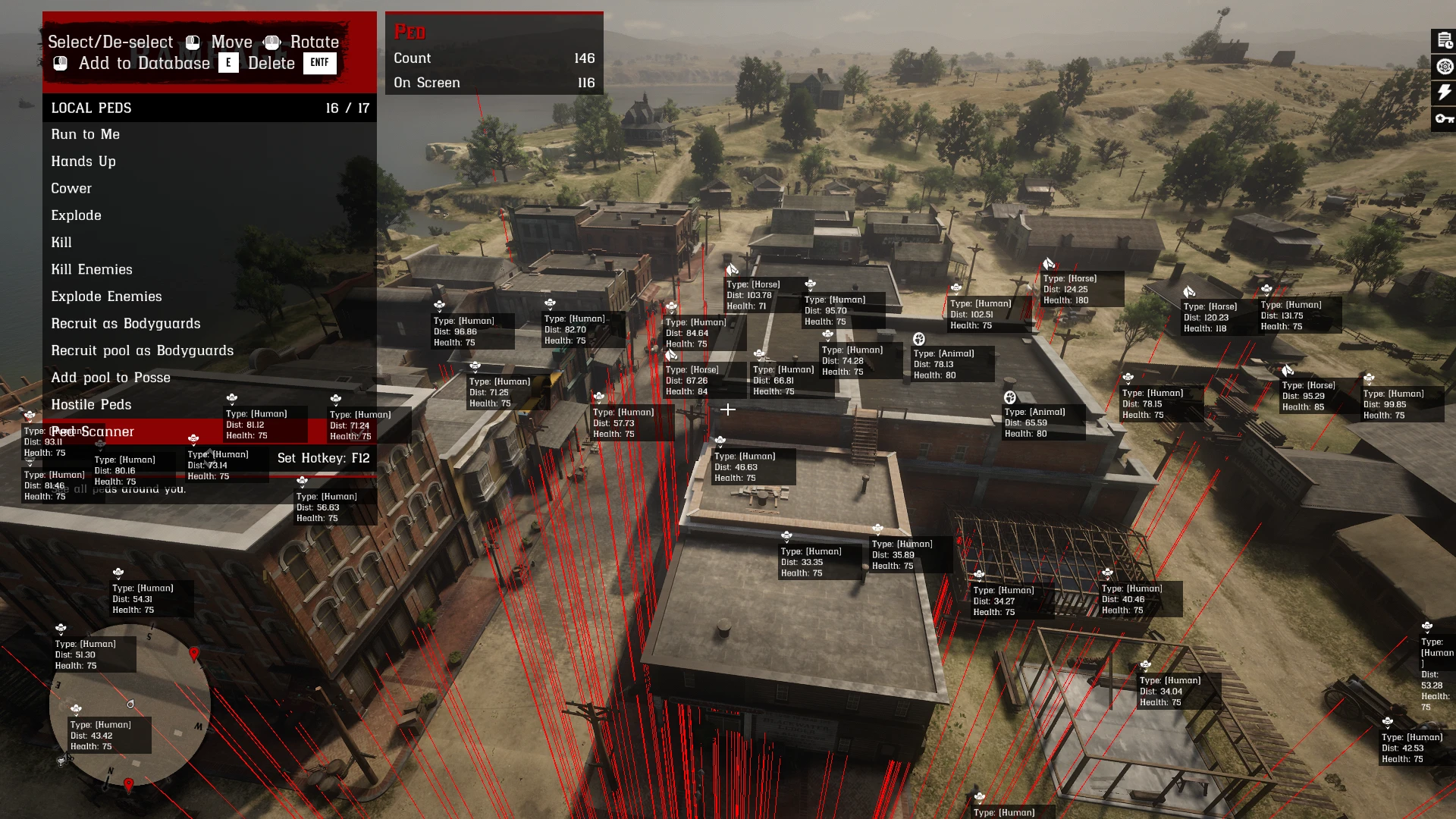
Rampage is a Red Dead Redemption 2 Single Player Trainer for Story Mode with lot's of useful and special features.

Rampage Community


⌨️ [ On Keyboard ] ⌨️
Controls with the arrow keys
[ F5 ] - Open Trainer
[^] - Up
[ v ] - Down
[<] - Left
[>] - Right
[←] - Back
[Enter] - Select
Controls with the numpad keys
[ F5 ] - Open Trainer
[Numpad8] - Up
[Numpad2] - Down
[Numpad4] - Left
[Numpad6] - Right
[Numpad0] - Back
[Enter] - Select
🎮 [ On Controller ] 🎮
Press RB and A - Open Trainer (XBox Controller)
Press R1 and X - Open Trainer (PS Controller)
DPAD Up - Up
DPAD Down - Down
DPAD Left - Left
DPAD Right - Right
B/Circle - Back
A/X - Select
Open key on Keyboard and Controller can be changed either via the Settings.json file or ingame inside the settings submenu


> Rampage requires the latest version of Alexander Blade’s ScriptHookRDR2 plugin to function properly.
> To load Rampage, you must have either dinput8.dll or version.dll in your game directory.

Installation Steps:

> Download the provided .zip archive.
> Extract all contents into your Red Dead Redemption 2 folder (directory where RDR2.exe is located).

Ensure the following files are present in that directory:

> RampageFiles (folder)
> Rampage.asi (mod)
> Script hookrdr2. dll
> dinput8.dll or version.dll or any .asi loader
⌨️ [ On Keyboard ] ⌨️
Controls with the arrow keys
[ F5 ] - Open Trainer
[^] - Up
[ v ] - Down
[<] - Left
[>] - Right
[←] - Back
[Enter] - Select
Controls with the numpad keys
[ F5 ] - Open Trainer
[Numpad8] - Up
[Numpad2] - Down
[Numpad4] - Left
[Numpad6] - Right
[Numpad0] - Back
[Enter] - Select
🎮 [ On Controller ] 🎮
Press RB and A - Open Trainer (XBox Controller)
Press R1 and X - Open Trainer (PS Controller)
DPAD Up - Up
DPAD Down - Down
DPAD Left - Left
DPAD Right - Right
B/Circle - Back
A/X - Select
Open key on Keyboard and Controller can be changed either via the Settings.json file or ingame inside the settings submenu
> Rampage requires the latest build of Red Dead Redemption 2.
If you encounter startup errors such as "Can't find native", and you are not running the latest game version, you will need to either:

1. Update your game to the latest version
2. Use an older version of both Rampage and Script Hook DR2.
These legacy files can be found in the Miscellaneous category under the Files tab.

> If you experience issues with saving settings or other files, ensure your user account has appropriate write permissions for the game directory:

1. Navigate to your game folder.
2. Right-click on the folder and select Properties.
3. Go to the Security tab, select Authenticated Users, and click Edit....
4. Check Full control, then click Apply to save changes.

> When submitting a bug report, please include:

1. A detailed description of the issue.
2. Relevant log files such as ScriptHookRDR2.log and Rampeg.log

> If you are using other mods and experience issues, please remove all other mods and test again. If the problem persists with only Rampage installed, then proceed with submitting a bug report.

> Streaming support is no longer maintained. It is strongly recommended to use Lenny’s Mod Loader (LML) for loading custom assets.
Q: How can I disable the Panels in the top right corner?
A: Go into Settings->Extended UI->Disable "Window Activators"

Q: How can I use RDR Online Weapons?
A: To use RDR Online weapons you need to install a LML mod that adds those weapons to the SP Catalogue

Q: How can I use Online Clothes/Horses/Maps
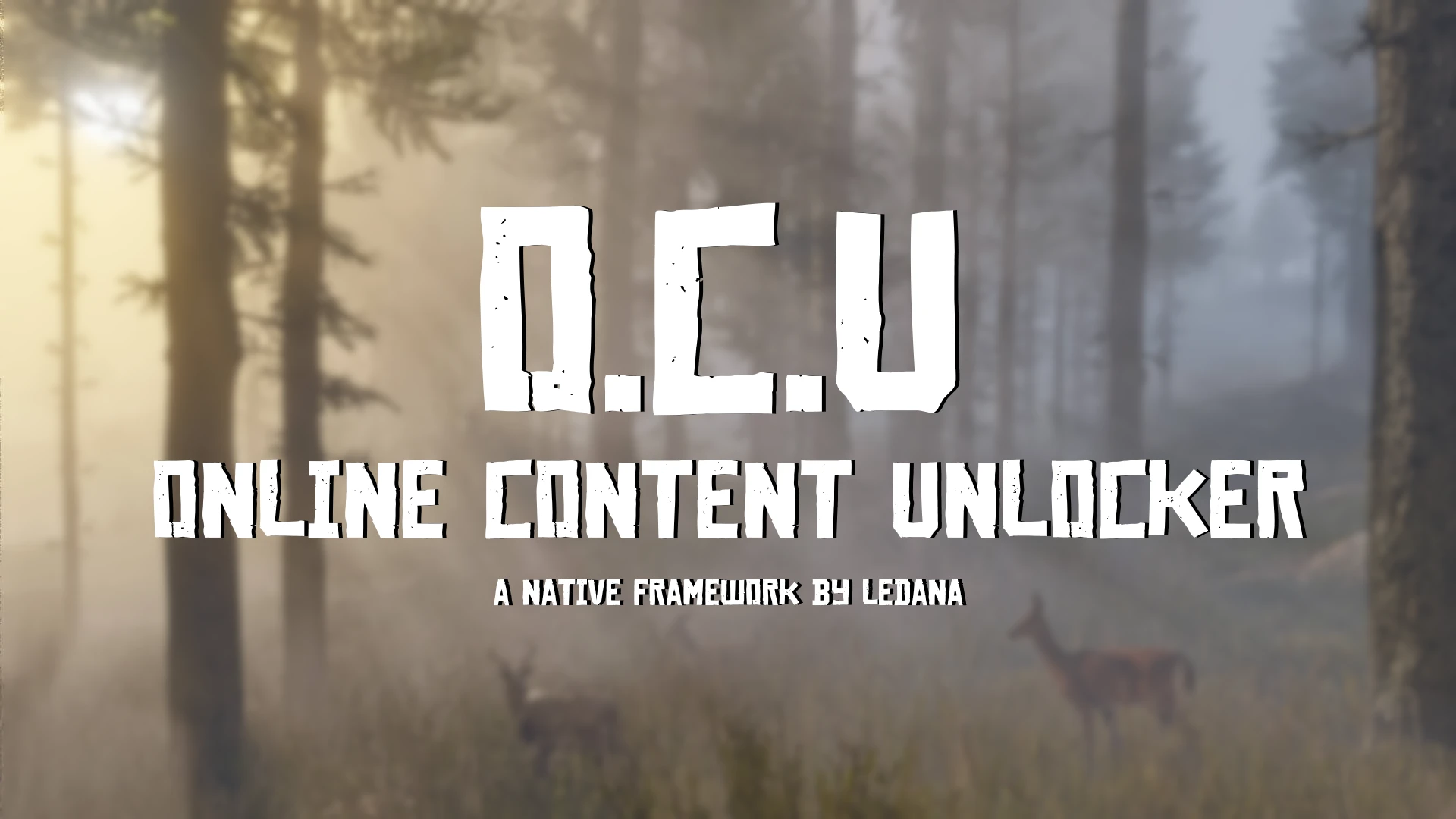
A: Put version.dll from Lenny's Simple Trainer inside your game directory or use the Online Content Unlocker Mod

Q: Can I save custom set hotkeys
A: Limited availability (You can save some but not all)
Rampage Community
This tool is provided by the third party [bufftool]

Download Mods For Free
Install LagoFast, start Red Dead Redemption 2 and play with the mods you love.
We use cookies to make interactions with our websites andservices easy and meaningful. For more information aboutthe cookies we use or to find out how you can disable cookies, click here.