Creative Menu
Autor:OkaetsuLast updated:16/03/2025 22:30:44323.2K285KB

Mod Introduction
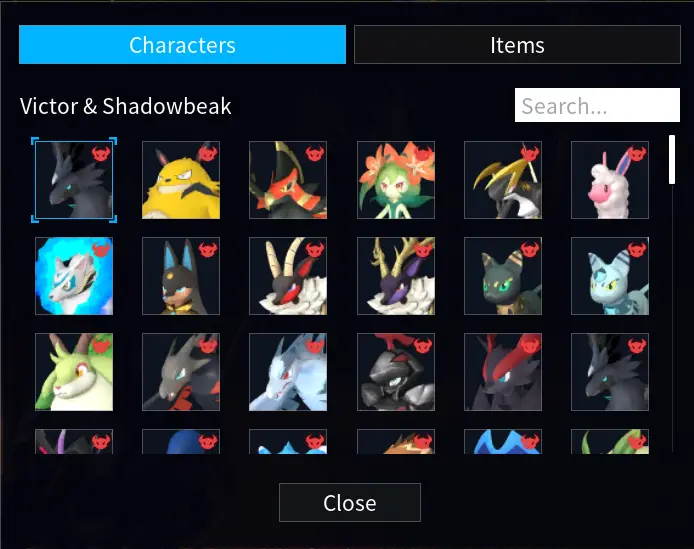
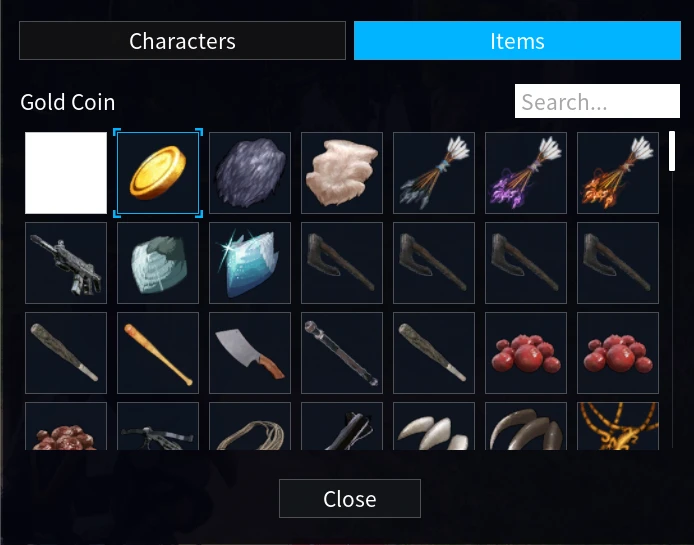
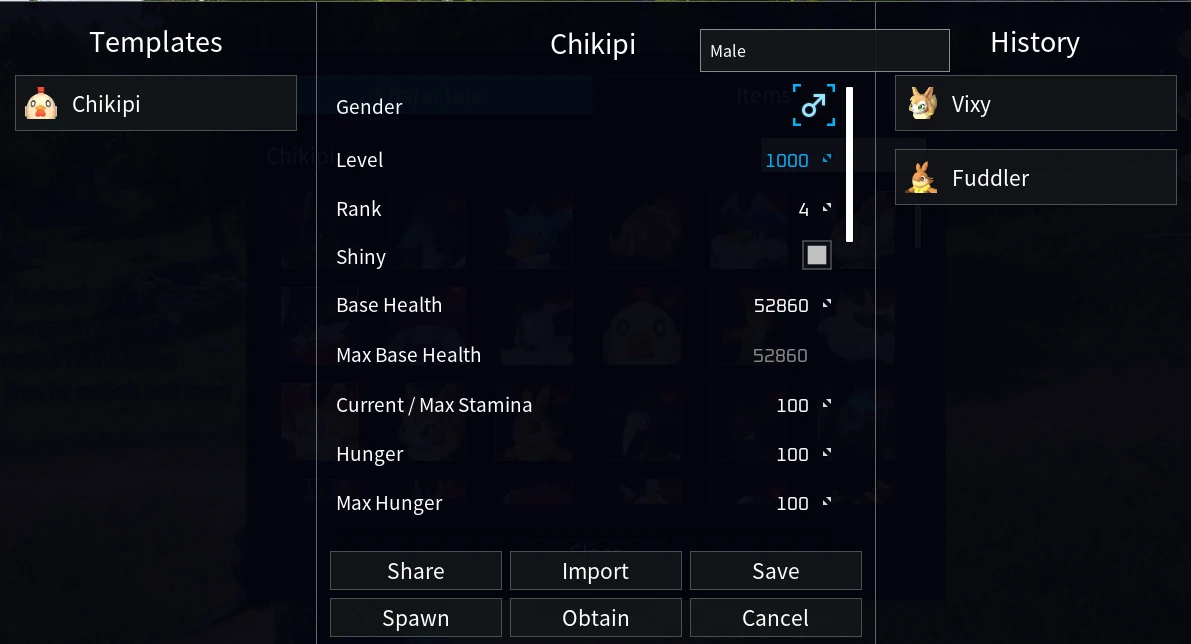
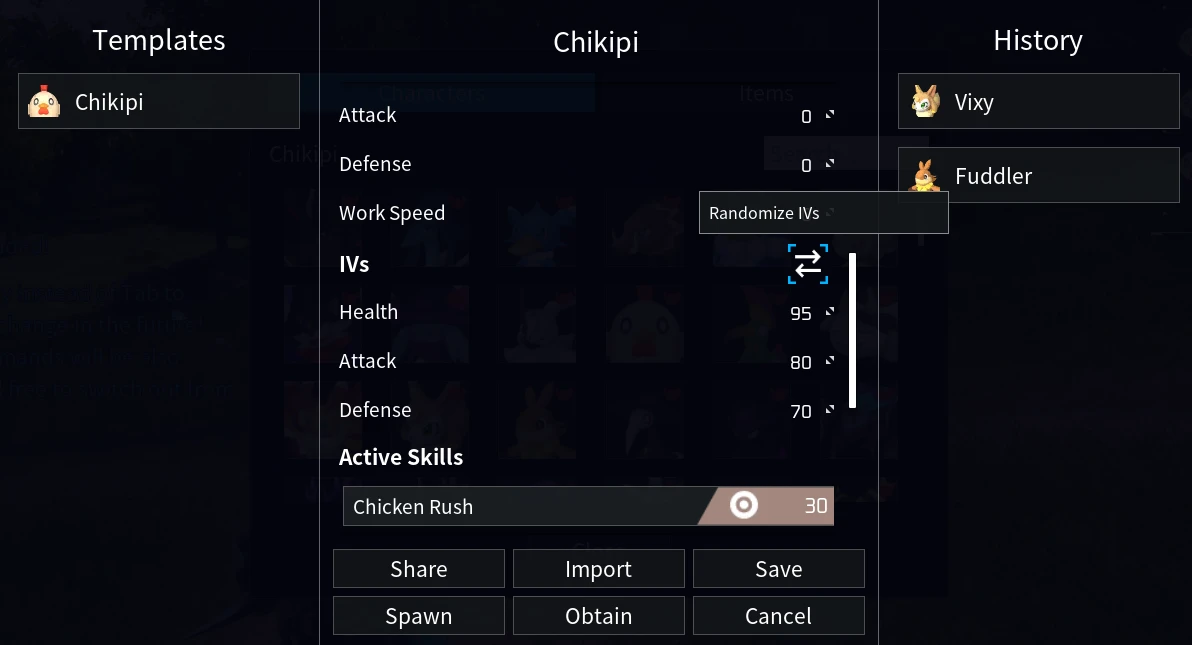
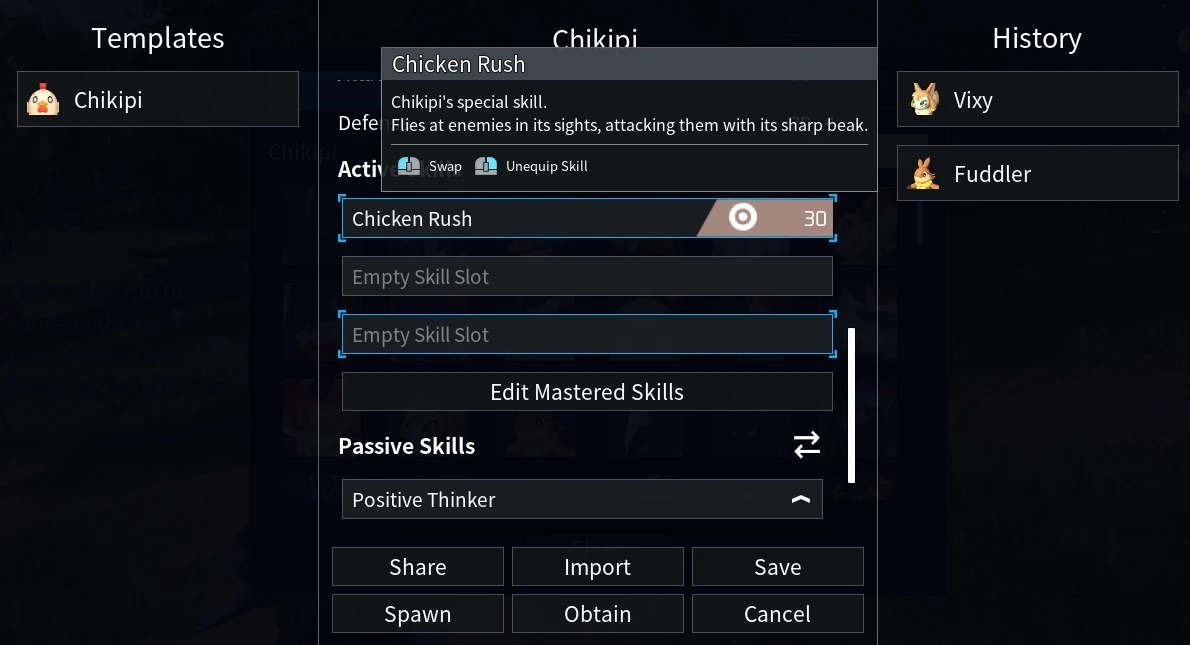
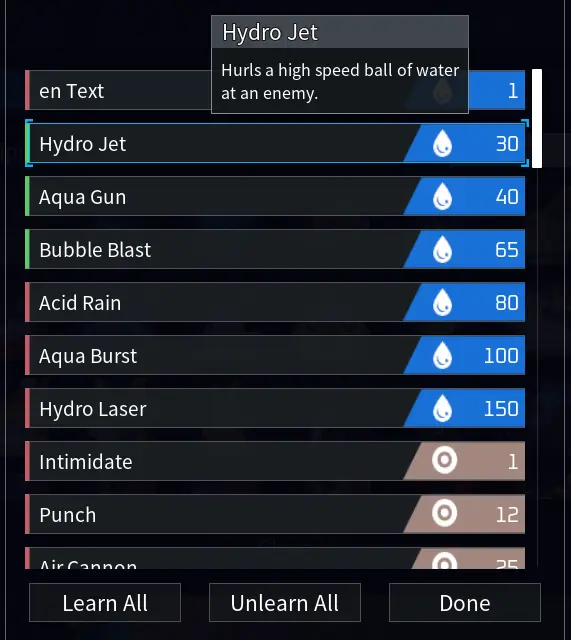
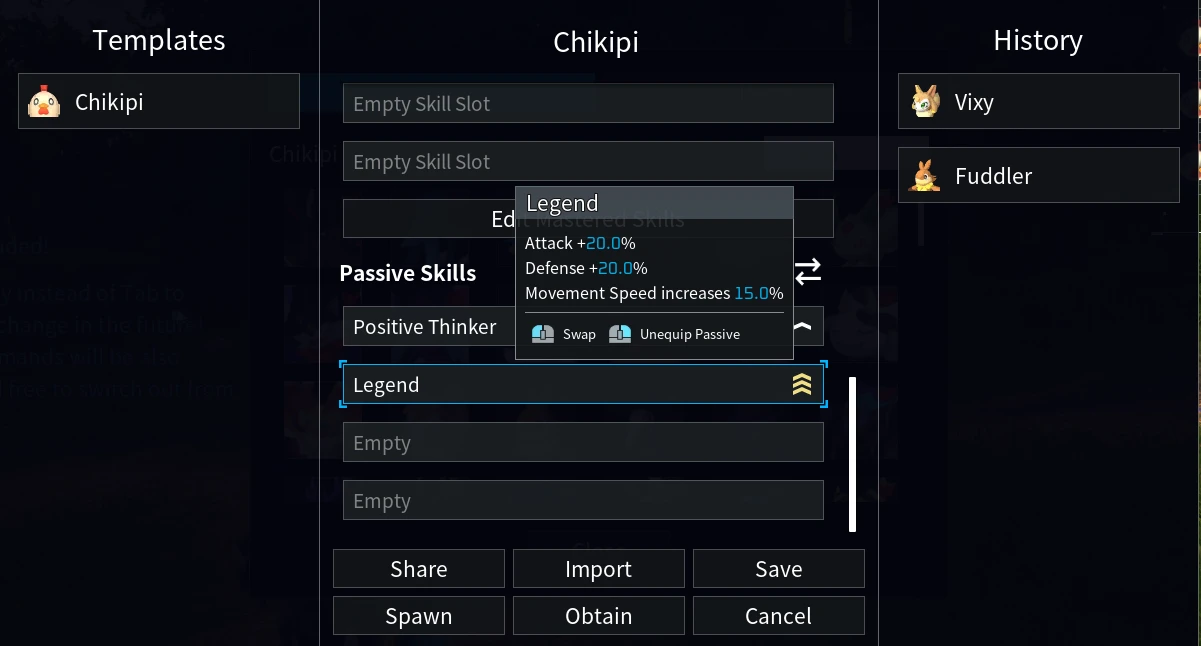
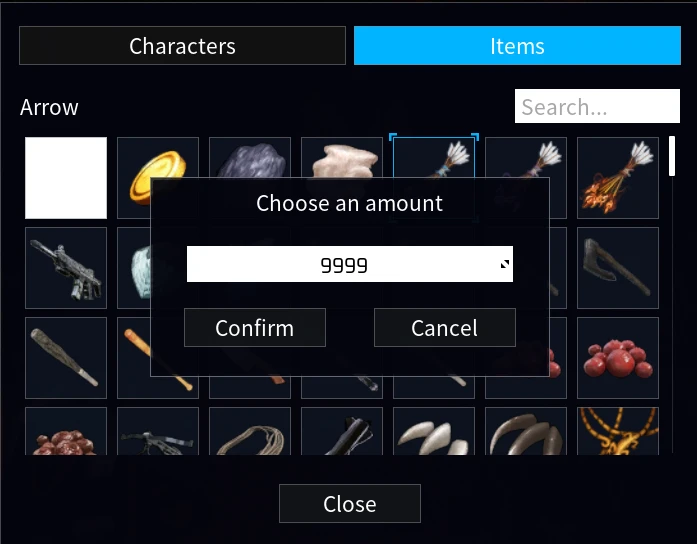
Lets you spawn Pals/NPCs and edit their Stats/IVs before spawning them in and it also has a tab for giving yourself any item in the game!<div class="container mod_description_container condensed"> <font size="3">Hello! This is a more 'advanced' mod that lets you spawn in Pals or you may also give them to yourself directly. Now here's the fun part, you may customize their stats/IVs/abilities/passives to your liking before spawning them in which means you can give Lucky/Legend passive to non shiny or legendary Pals! You may also give yourself any item in the game.<br/><br/>Spawning items/pals/npcs works in multiplayer, however you will need to be an admin and both the server and client must have this mod.</font><br/><br/><br/><font size="5"><strong>REQUIREMENTS<br/></strong></font><br/><font size="3"><a href="https://github.com/Okaetsu/RE-UE4SS/releases/tag/experimental-palworld" rel="nofollow">UE4SS</a></font><font size="3"><br/></font><br/><br/><font size="5"><strong>INSTALLATION<br/></strong></font><br/>If you're using Steam, use Vortex Mod Manager and if you're on Game Pass, refer to <a href="https://github.com/Okaetsu/CreativeMenu/wiki/Installation-(PC-Game-Pass)" rel="nofollow">Installation (PC Game Pass) · Okaetsu/CreativeMenu Wiki</a><br/><br/><font size="5"><strong>HOW TO USE<br/></strong></font><br/><font size="3">F1 is the default keybind for opening the menu, keybind is customizable in creative-menu-config.lua which you can find more info on over at CreativeMenu Wiki in the <a href="https://github.com/Okaetsu/CreativeMenu/wiki/FAQ#can-i-change-the-keybind-to-be-something-other-than-f1" rel="nofollow">FAQ Section "Can I change the keybind to be something other than F1?"</a></font> </div>
This tool is provided by the third party [bufftool]

Download Mods For Free
Install LagoFast, start Palworld and play with the mods you love.
We use cookies to make interactions with our websites andservices easy and meaningful. For more information aboutthe cookies we use or to find out how you can disable cookies, click here.