Mod Configuration Menu (MCM)
Autor:AragasLast updated:28/11/2025 02:15:504.2M1.1MB

Pre-dependencies


Mod Introduction
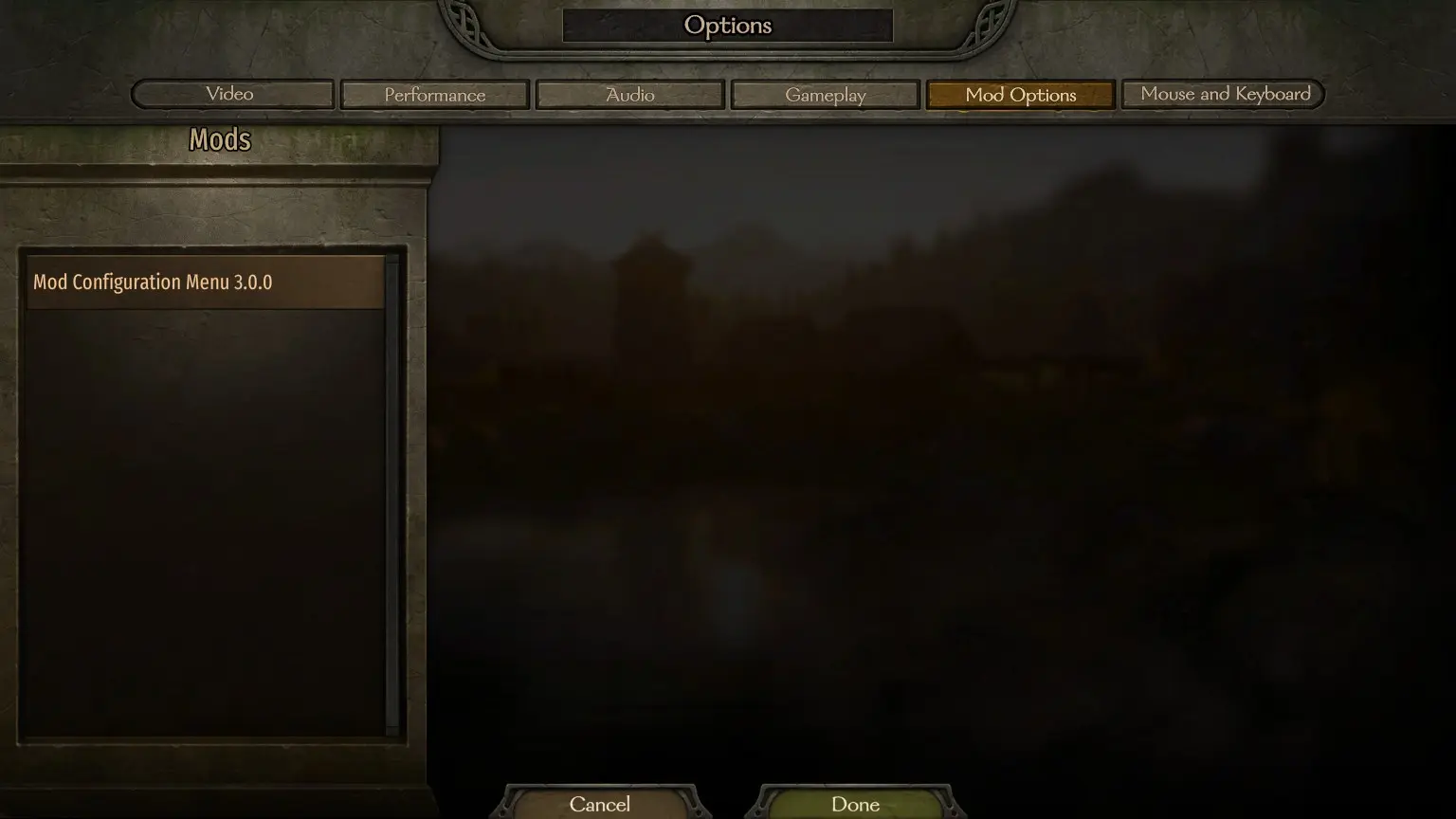
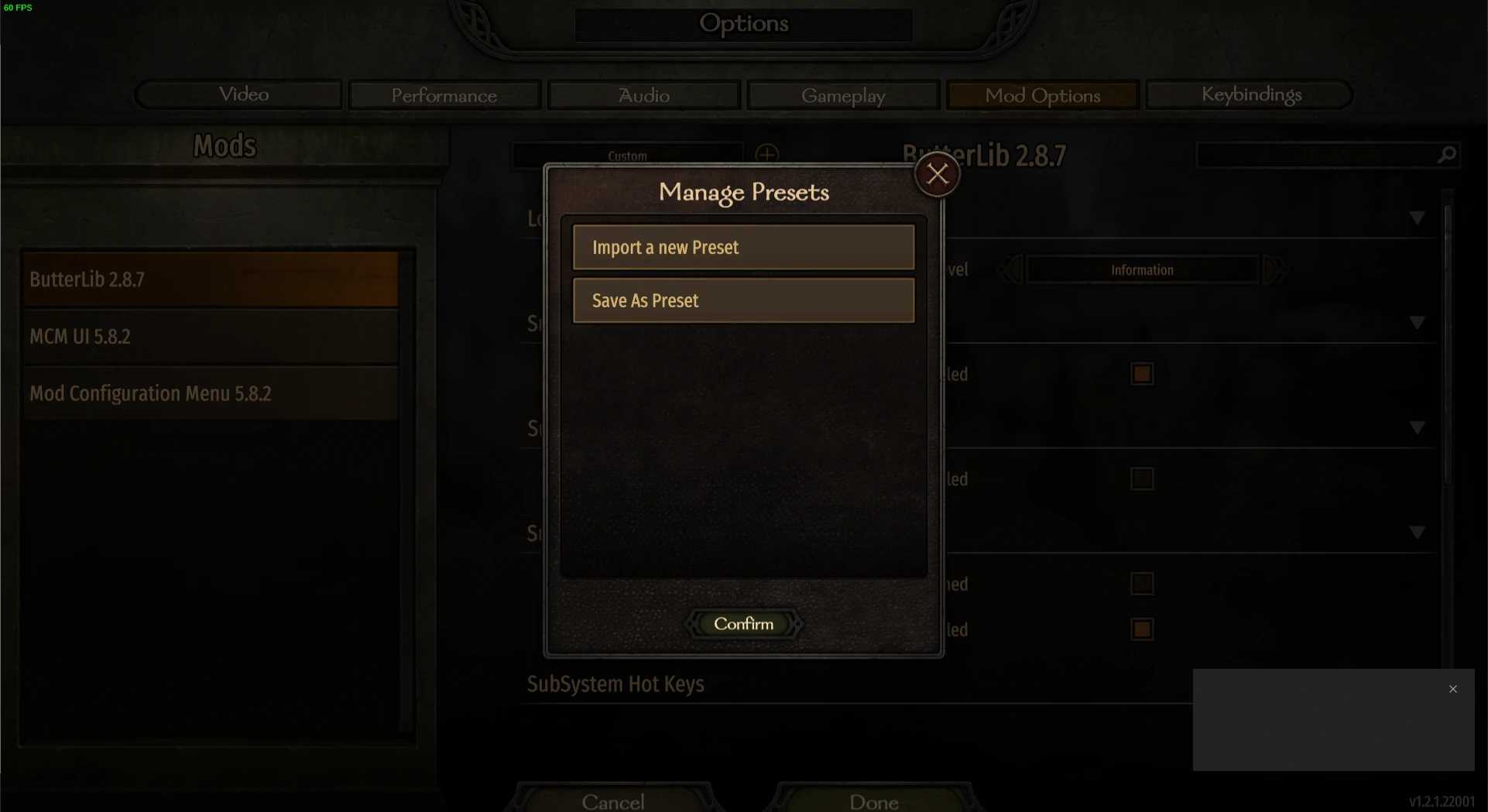
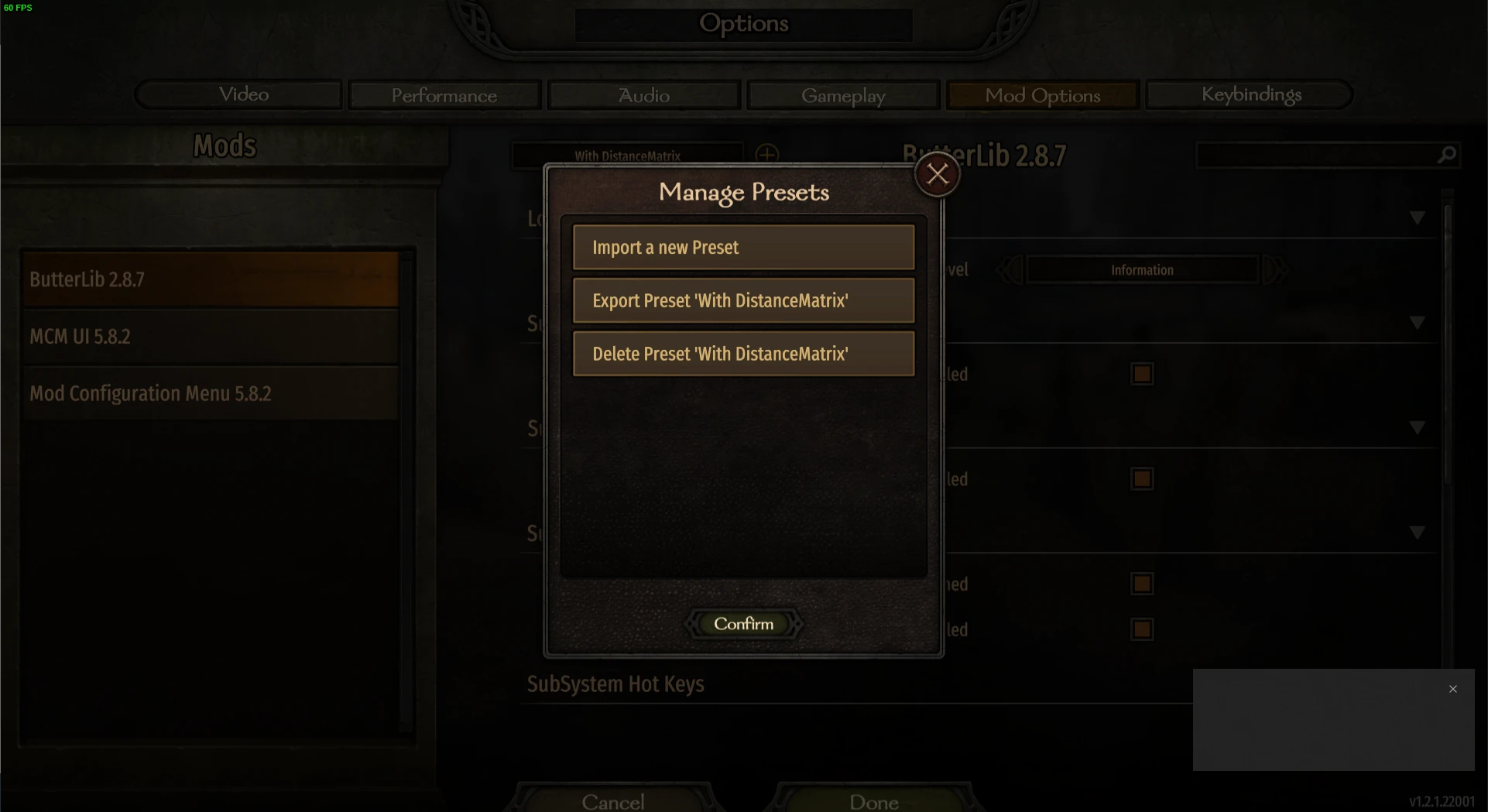
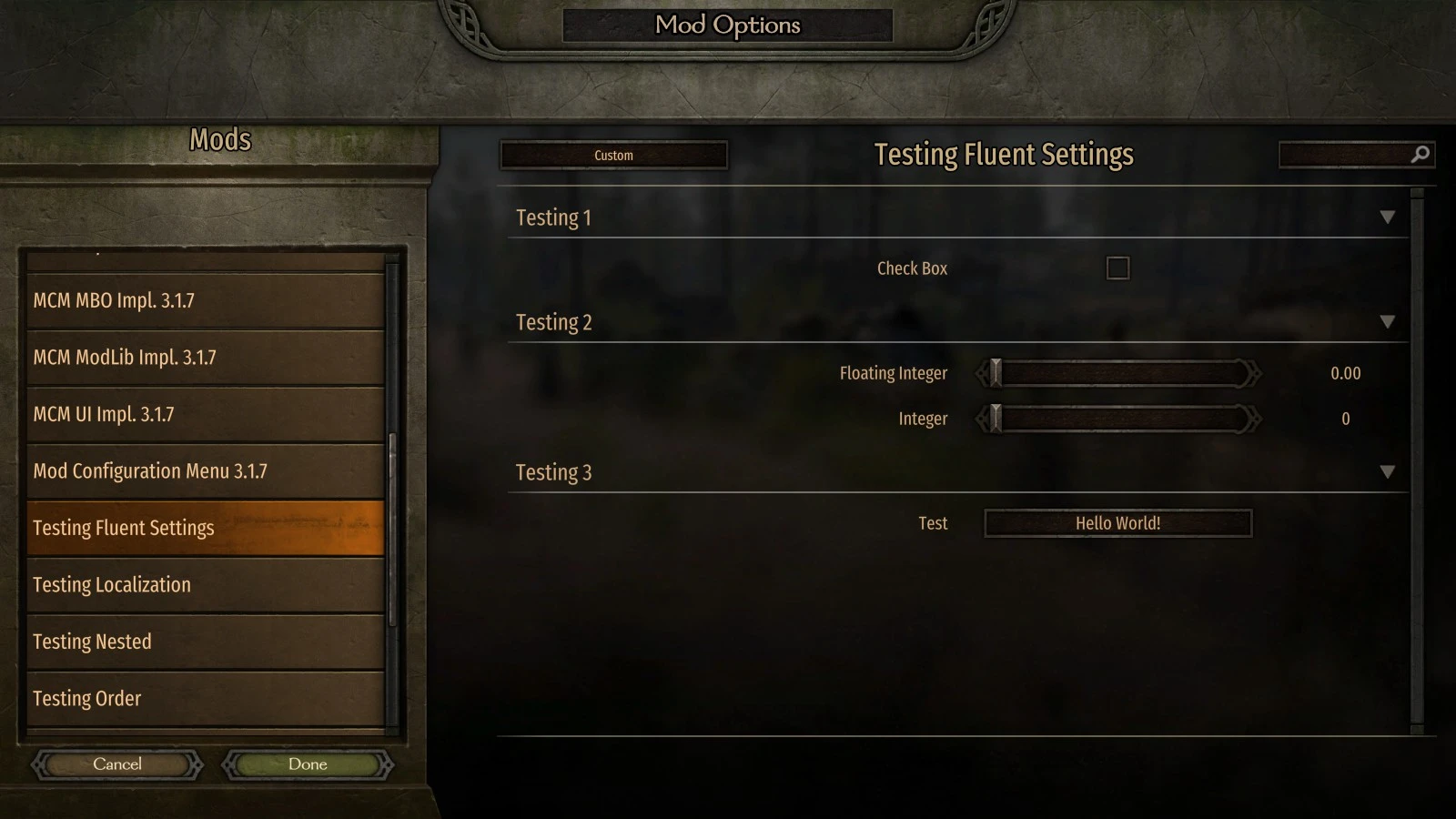
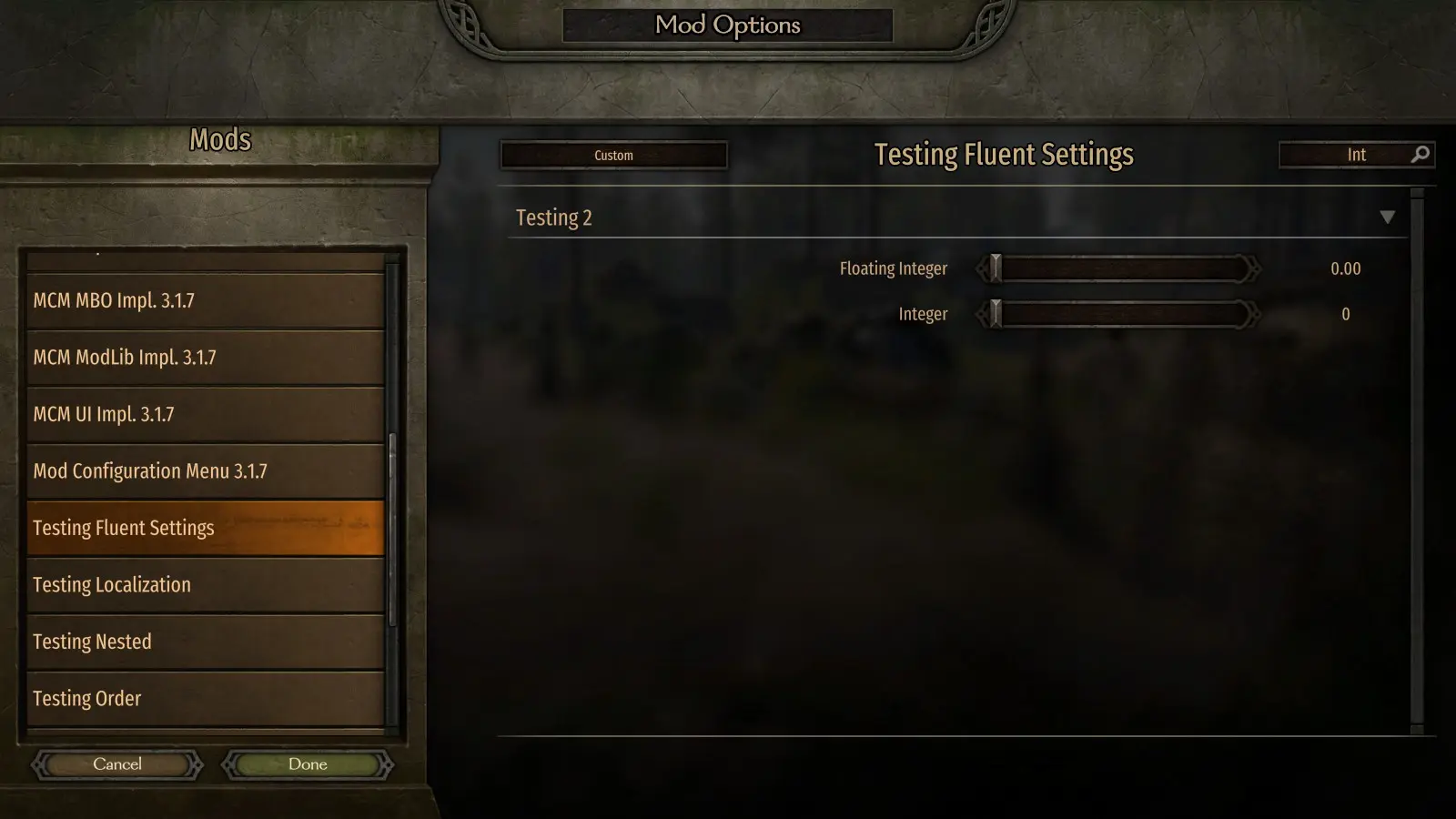
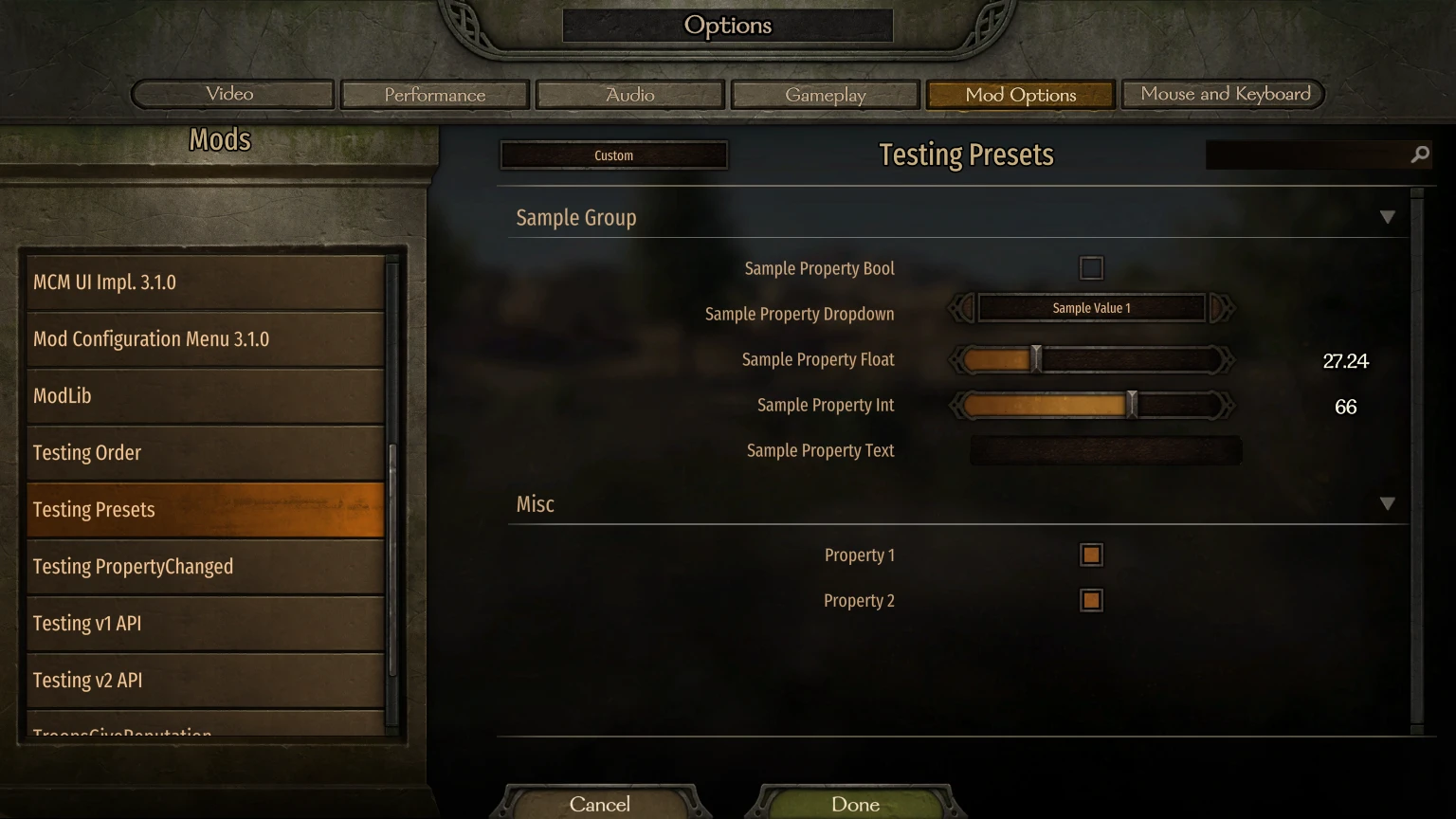
MCM is a Mod Options screen library designed to let modders use its API for defining the options.<div class="container mod_description_container condensed"> <div align="center"><br/><div class="img-wrapper"> <img src="https://raw.githubusercontent.com/Aragas/Bannerlord.MBOptionScreen/refs/heads/dev/resources/mcm-transparent.png"/> </div><br/><a href="https://crowdin.com/project/mod-configuration-menu" rel="nofollow"><div class="img-wrapper"> <img src="https://badges.crowdin.net/mod-configuration-menu/localized.svg"/> </div></a><br/><a href="https://www.nuget.org/packages/Bannerlord.MCM" rel="nofollow"><div class="img-wrapper"> <img src="https://img.shields.io/nuget/v/Bannerlord.MCM.svg?label=NuGet%20Bannerlord.MCM&colorB=blue"/> </div></a><br/><a href="https://steamcommunity.com/sharedfiles/filedetails/?id=2859238197" rel="nofollow"><div class="img-wrapper"> <img src="https://img.shields.io/badge/Steam-Mod%20Configuration%20Menu-blue.svg"/> </div></a><a href="https://steamcommunity.com/sharedfiles/filedetails/?id=2859238197" rel="nofollow"><div class="img-wrapper"> <img src="https://img.shields.io/steam/downloads/2859238197?label=Downloads&color=blue"/> </div></a><a href="https://steamcommunity.com/sharedfiles/filedetails/?id=2859238197" rel="nofollow"><div class="img-wrapper"> <img src="https://img.shields.io/steam/views/2859238197?label=Views&color=blue"/> </div></a><a href="https://steamcommunity.com/sharedfiles/filedetails/?id=2859238197" rel="nofollow"><div class="img-wrapper"> <img src="https://img.shields.io/steam/subscriptions/2859238197?label=Subscriptions&color=blue"/> </div></a><a href="https://steamcommunity.com/sharedfiles/filedetails/?id=2859238197" rel="nofollow"><div class="img-wrapper"> <img src="https://img.shields.io/steam/favorites/2859238197?label=Favorites&color=blue"/> </div></a></div><br/><br/>AKA MBOptionScreen Standalone.<br/>Previously, a fork of <a href="https://github.com/mipen/ModLib" rel="nofollow">ModLib</a> that was de-forked. <br/>Sources available at <a href="https://github.com/Aragas/Bannerlord.MBOptionScreen" rel="nofollow">GitHub</a>!<br/>Credits to <a href="https://www.nexusmods.com/users/79933" rel="nofollow">Drogean</a> for the MCM Logos! <br/><br/>MCM is a Mod Options screen library designed to let modders use its API for defining the options.<br/><br/>MCM supports three setting types - Global, PerCampaign and PerSave. Global are shared across characters and saves, PerCampaign are persistent within a single campaign, PerSave are stored within the save file!<br/><br/>It provides 5 types of options:<br/><ul class="disc"><li> Bool</li><li> Int Slider / Textbox</li><li> Float Slider / Textbox </li><li> Textbox</li><li> Dropdown </li><li> Button <br/></li></ul><br/>The settings can be defined at compile time by using the Attribute API and at runtime by using the Fluent Builder.<br/><br/>MCM uses the following 3 framework level libraries:<br/><ul class="disc"><li> <strong>Harmony</strong> is used to have a single 0Harmony.dll across the game.</li><li> <strong>ButterLib</strong> is a general modding library that eases mod development.</li><li> <strong>UIExtenderEx</strong>is an general UI manipulation library.<br/></li></ul><br/>See the <a href="https://mcm.bannerlord.aragas.org/articles/index.html" rel="nofollow">Docs</a> for more details!<br/><br/><font size="5">Installation</font><br/><font size="4">Players</font><br/>Requires <strong>Bannerlord.Harmony</strong>, <strong>Bannerlord.UIExtenderEx</strong>, <strong>Bannerlord.ButterLib</strong>.<br/><font size="4">Developers</font><br/>Add this to your <strong>.csproj</strong>. Please not that <strong>IncludeAssets="compile"</strong> is very important!<br/><code><br/> <ItemGroup><br/><span class="wbbtab"></span> <PackageReference Include="Bannerlord.MCM" Version="4.3.16" IncludeAssets="compile" /><br/> </ItemGroup><br/></code><br/><br/><font size="5">FAQ</font><br/><font size="4">How do I install it?</font><br/><ul class="content_list content_list_ordered"><li> Find the Modules folder in your Bannerlord installation location. For Steam users, this is usually here: <strong>C:\Program Files (x86)\Steam\steamapps\common\Mount & Blade II Bannerlord\Modules</strong></li><li> Download the latest version of this mod and drop the folder inside Modules from the archive into your game's <strong>Modules</strong> folder.</li><li> Start the Mount & Blade II: Bannerlord launcher and select all Mod Configuration Menu mods to be loaded.<br/></li></ul><div class="bbc_spoiler">Spoiler: <div class="bbc_spoiler_show">Show</div><div class="bbc_spoiler_content"><br/><strong>Your Modules folder structure should look something like this:</strong><br/><br/><div class="img-wrapper"> <img src="https://cdn.discordapp.com/attachments/753640646253740073/858635739528429568/unknown.png"/> </div><br/><br/></div></div><div class="bbc_spoiler">Spoiler: <div class="bbc_spoiler_show">Show</div><div class="bbc_spoiler_content"><br/><strong>Your mod order in the launcher should look something like this:</strong><br/><br/><div class="img-wrapper"> <img src="https://cdn.discordapp.com/attachments/753640646253740073/858636433450729492/unknown.png"/> </div><br/><br/></div></div><br/><font size="4">Unblocking DLL's</font><br/>You may need to right click on every *.dll files, click Properties, and click Unblock if you extracted the zip file with Windows Explorer or other programs that try to secure extracted files.<br/><font size="4">Harmony installation issues:</font><br/>Check Harmony's Troubleshooting for more info on how to fix it.<br/><font size="4">Crashes on v1.0.0-v1.0.3 with Vortex used</font><br/>Check <a href="https://forum.nexusmods.com/index.php?showtopic=8605808/#entry118785353" rel="nofollow">this comment</a> </div>
This tool is provided by the third party [bufftool]

Download Mods For Free
Install LagoFast, start Mount&BladeII:Bannerlord and play with the mods you love.
We use cookies to make interactions with our websites andservices easy and meaningful. For more information aboutthe cookies we use or to find out how you can disable cookies, click here.