REFramework Direct2D with HDR Support
Autor:lingsamuelLast updated:25/02/2026 02:09:5013.5K127KB

Pre-dependencies
Mod Introduction
Direct2D with HDR support.
This is a fork based on cursey's reframework-d2d
Adds HDR support so the UI displays correctly in HDR.
Installation:
Unzip the zip file
1. Put "reframework-d2d.dll" under "reframework\plugins"
2. Place "reframework-d2d.lua" inside the "reframework\autorun" folder
**Configuration:**
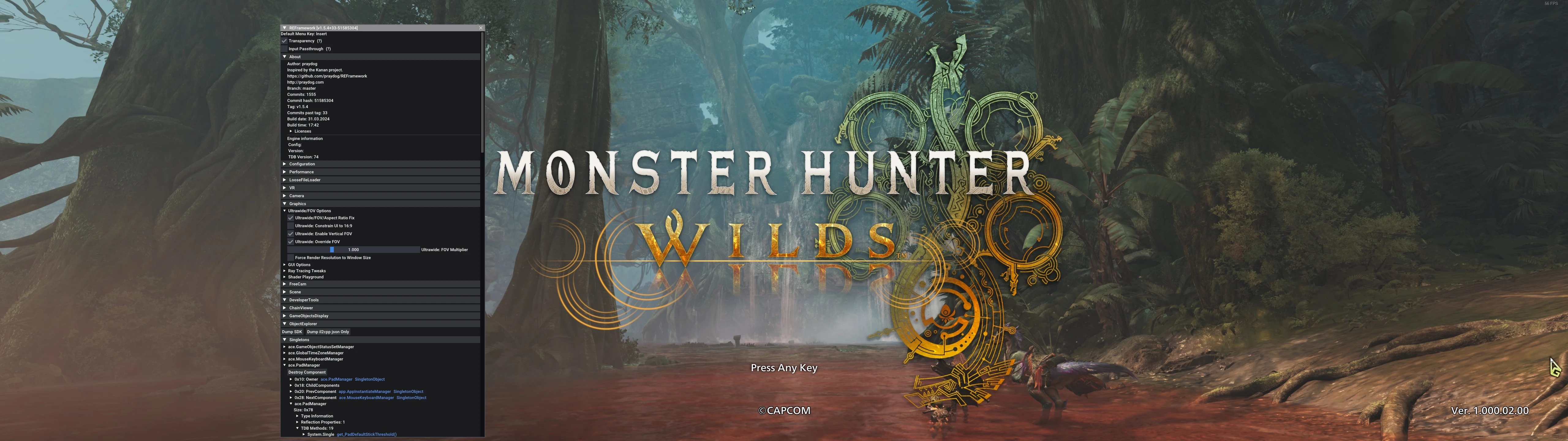
In game, press "Insert" to open the REF menu, go to "Scripts" > "REFramework D2D", and check if HDR mode is enabled.
You can adjust the Paper White nits when HDR mode is enabled.
Adds HDR support so the UI displays correctly in HDR.
Installation:
Unzip the zip file
1. Put "reframework-d2d.dll" under "reframework\plugins"
2. Place "reframework-d2d.lua" inside the "reframework\autorun" folder
**Configuration:**
In game, press "Insert" to open the REF menu, go to "Scripts" > "REFramework D2D", and check if HDR mode is enabled.
You can adjust the Paper White nits when HDR mode is enabled.
This tool is provided by the third party [bufftool]

Download Mods For Free
Install LagoFast, start Monster Hunter Wilds and play with the mods you love.
We use cookies to make interactions with our websites andservices easy and meaningful. For more information aboutthe cookies we use or to find out how you can disable cookies, click here.