Bushes- Collision Remover
Autor:JovianStoneLast updated:08/08/2018 14:49:13414.5K1.7MB


Mod Introduction
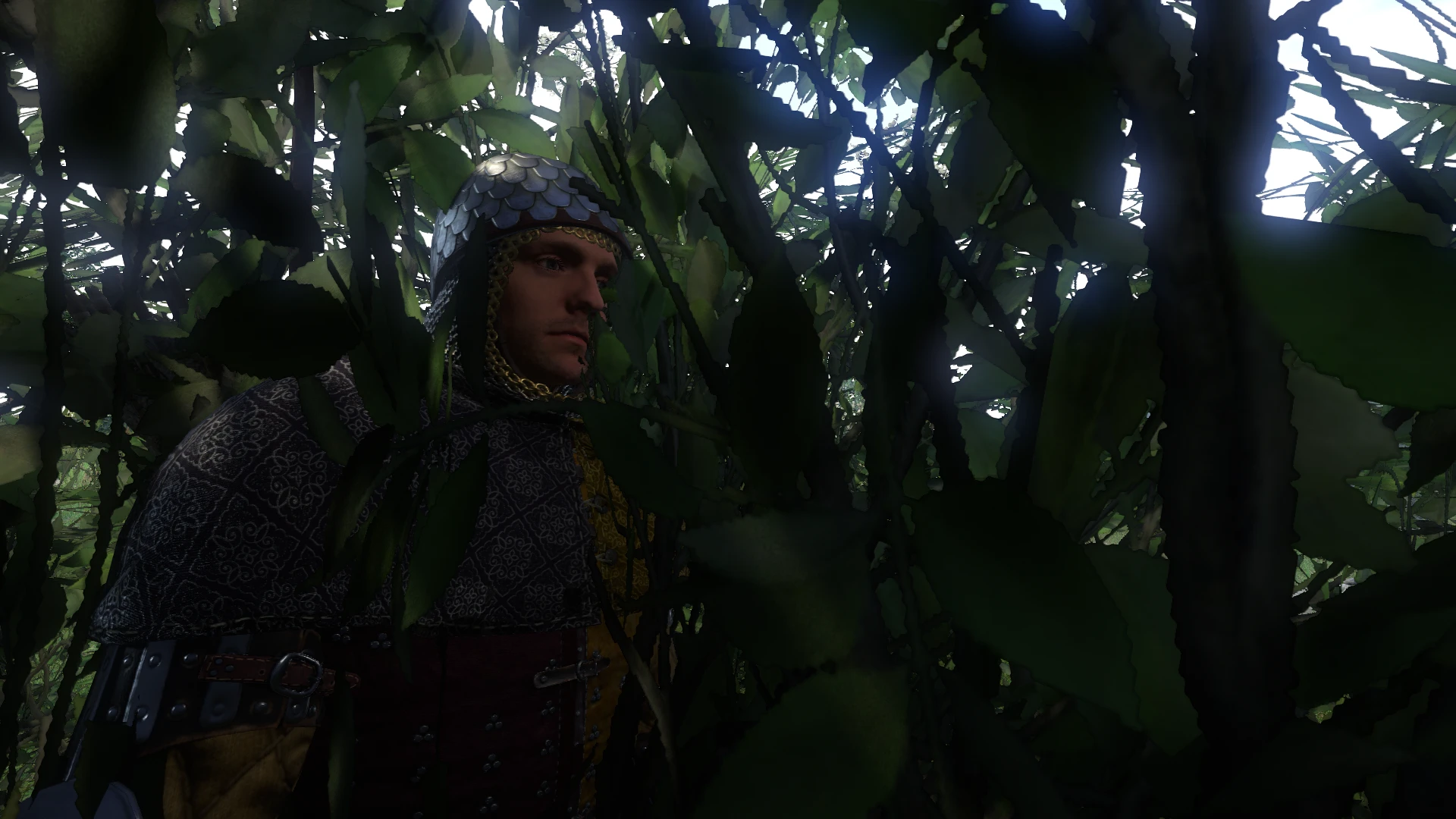
Removes those annoying collision boxes on all bushes
08/08/18- V2.0 Released! Fixed every single bush, and spent dozens upon dozens of hours cataloguing every bush to assure rendering
07/31/18- V1.21 Released. Fixed Roses (so far I've only found them in Rattay's castle garden)
07/31/18- V1.2 Released. Fixed slight LOD problem, uploaded BUSHES only version. Soon to come...Bushes and small Tree's version
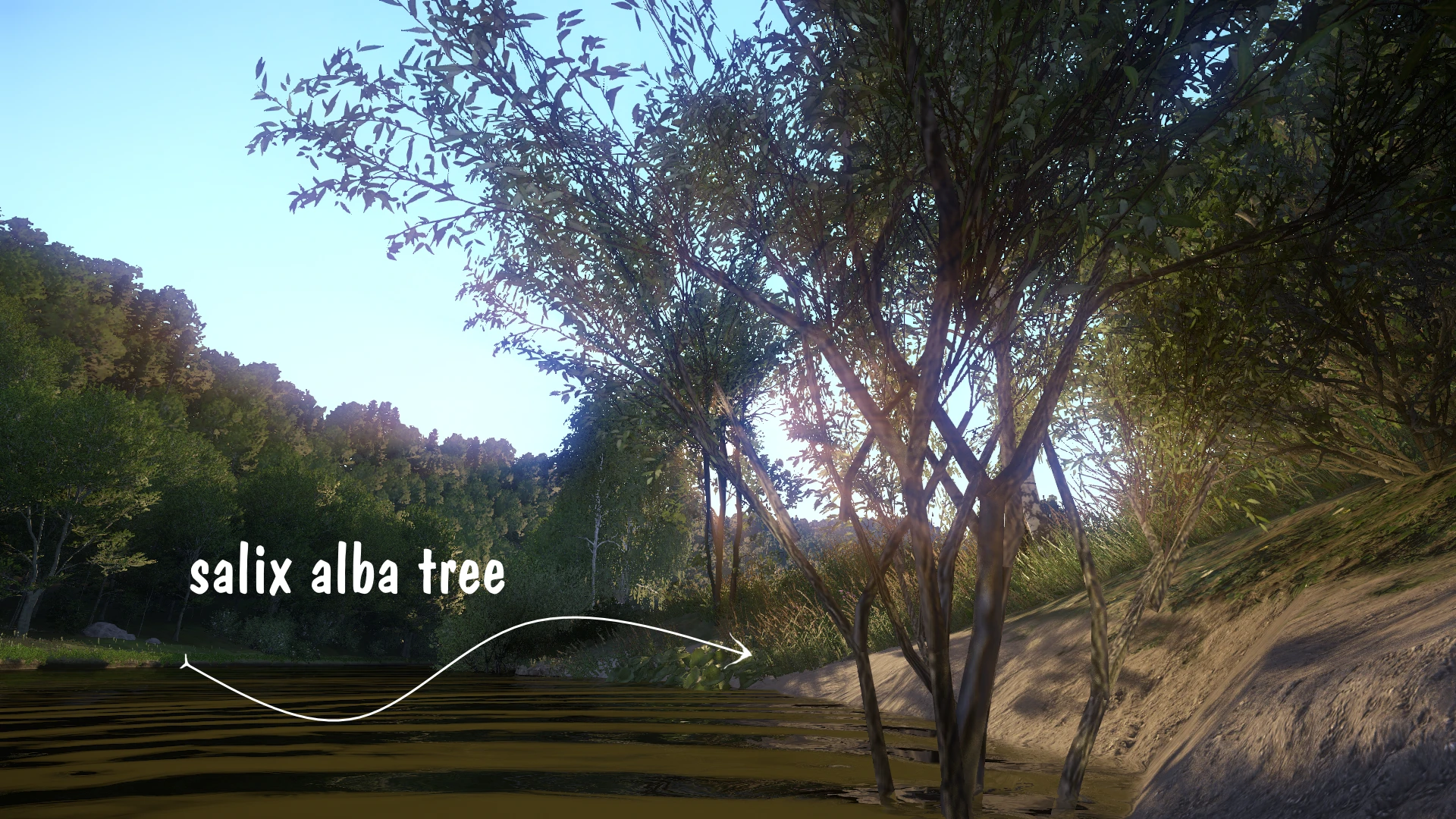
07/30/18- V1.1 Released. Added small Salix Alba tree (see screenshot)
07/30/18- V1.0 Released
____________________________________________________________________________________________________________________________________________________
Finally figured out how to remove the collision boxes on bushes. No more halting your travels to find a way around them.
Modifies files found in "Objects/vegetation/bushes" so I highly doubt it would conflict with any other mods.
I decided I should make 2 versions. One for only bushes, and another with bushes and trees (smaller trees, hopefully).
But I did keep the one tree (Salix Alba) in the bushes version, only because there's a lot of those types of trees near water (see screenshot).* It's REALLY hard figuring out which tree/bush is which, so the Bushes & Small Trees version is going to take some time.*
______________________________________________________________________________________________________________________
The ONLY problem with this mod, if you can even call it a problem, is that the sound of "leaves rustling" that you normally
hear when colliding with a bush is tied to the collision boxes. So removing the collision boxes also removes the "leaves rustling" sound.....but big deal, right??
AICave published a video for this mod, take a look
_____________________________________________________________________________________________________________________________________________________
Bushes- Collision Remover Installation:
"Mods" Folder:
Default is C:\Program Files (x86)\Steam\steamapps\common\KingdomComeDeliverance\Mods
Some have noted that adding the mods path (I think for KC:D V1.6+)....
"data\Bushes.Only_Collision.Remover.pak"
to the end of "pak.cfg" may also be necessary.
This is found in the Data directory of Kingdom Come Deliverance.
"pak.cfg":
Default is C:\Program Files (x86)\Steam\steamapps\common\KingdomComeDeliverance\Data
____________________________________________________________________________________________________________________________________________________
This info is only relevant if you downloaded the initial release:
**V1.0 fixed (and up): I found the culprit for the slight lod problem with one bush. It's "sambucus_nigra_a_flowers" and in order to fix it I just duplicated "sambucus_nigra_b_flowers". So now they're a bit smaller than the "a" variant, but hey....who cares.
08/08/18- V2.0 Released! Fixed every single bush, and spent dozens upon dozens of hours cataloguing every bush to assure rendering
07/31/18- V1.21 Released. Fixed Roses (so far I've only found them in Rattay's castle garden)
07/31/18- V1.2 Released. Fixed slight LOD problem, uploaded BUSHES only version. Soon to come...Bushes and small Tree's version
07/30/18- V1.1 Released. Added small Salix Alba tree (see screenshot)
07/30/18- V1.0 Released
____________________________________________________________________________________________________________________________________________________
Finally figured out how to remove the collision boxes on bushes. No more halting your travels to find a way around them.
Modifies files found in "Objects/vegetation/bushes" so I highly doubt it would conflict with any other mods.
I decided I should make 2 versions. One for only bushes, and another with bushes and trees (smaller trees, hopefully).
But I did keep the one tree (Salix Alba) in the bushes version, only because there's a lot of those types of trees near water (see screenshot).* It's REALLY hard figuring out which tree/bush is which, so the Bushes & Small Trees version is going to take some time.*
______________________________________________________________________________________________________________________
The ONLY problem with this mod, if you can even call it a problem, is that the sound of "leaves rustling" that you normally
hear when colliding with a bush is tied to the collision boxes. So removing the collision boxes also removes the "leaves rustling" sound.....but big deal, right??
AICave published a video for this mod, take a look
_____________________________________________________________________________________________________________________________________________________
Bushes- Collision Remover Installation:
- Download the file
- Navigate to your Kingdom Come: Deliverance game folder in the Steam folder.
"Mods" Folder:
Default is C:\Program Files (x86)\Steam\steamapps\common\KingdomComeDeliverance\Mods
- Go to the "Mods" folder, if it doesn't exist create it.
- Extract the contents of the zip file you're using into your Mods folder.
- another possible step, if mod isn't working:
Some have noted that adding the mods path (I think for KC:D V1.6+)....
"data\Bushes.Only_Collision.Remover.pak"
to the end of "pak.cfg" may also be necessary.
This is found in the Data directory of Kingdom Come Deliverance.
"pak.cfg":
Default is C:\Program Files (x86)\Steam\steamapps\common\KingdomComeDeliverance\Data
____________________________________________________________________________________________________________________________________________________
This info is only relevant if you downloaded the initial release:
**V1.0 fixed (and up): I found the culprit for the slight lod problem with one bush. It's "sambucus_nigra_a_flowers" and in order to fix it I just duplicated "sambucus_nigra_b_flowers". So now they're a bit smaller than the "a" variant, but hey....who cares.
This tool is provided by the third party [bufftool]

Download Mods For Free
Install LagoFast, start Kingdom Come: Deliverance and play with the mods you love.
We use cookies to make interactions with our websites andservices easy and meaningful. For more information aboutthe cookies we use or to find out how you can disable cookies, click here.