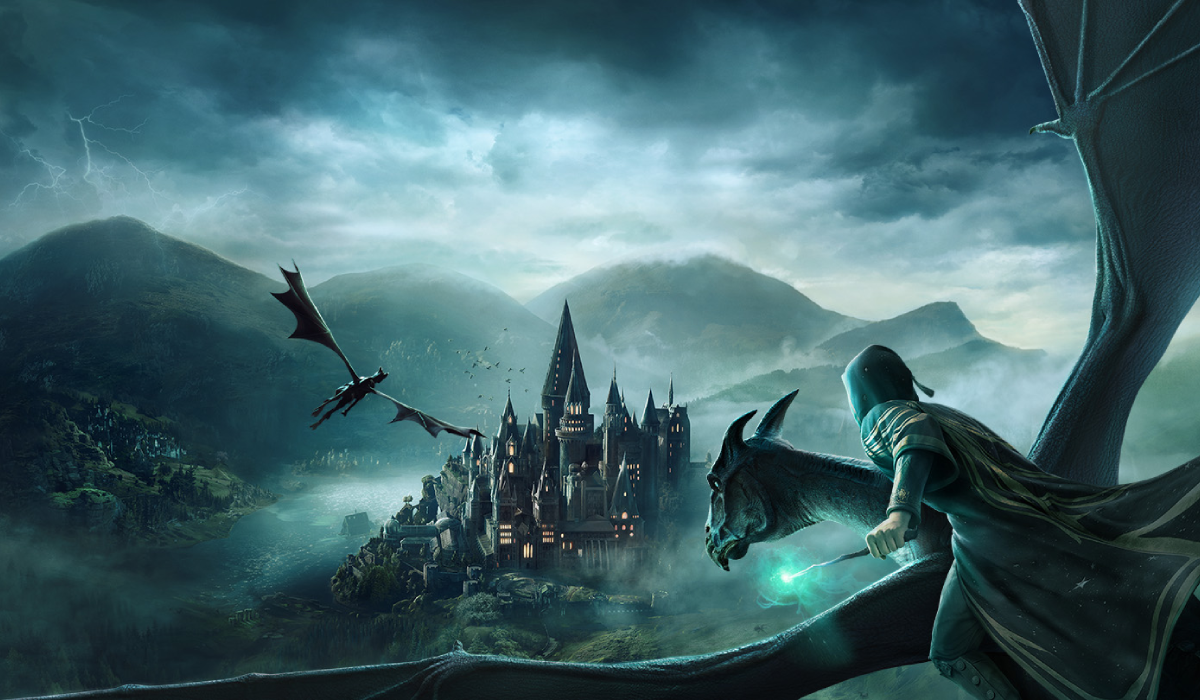
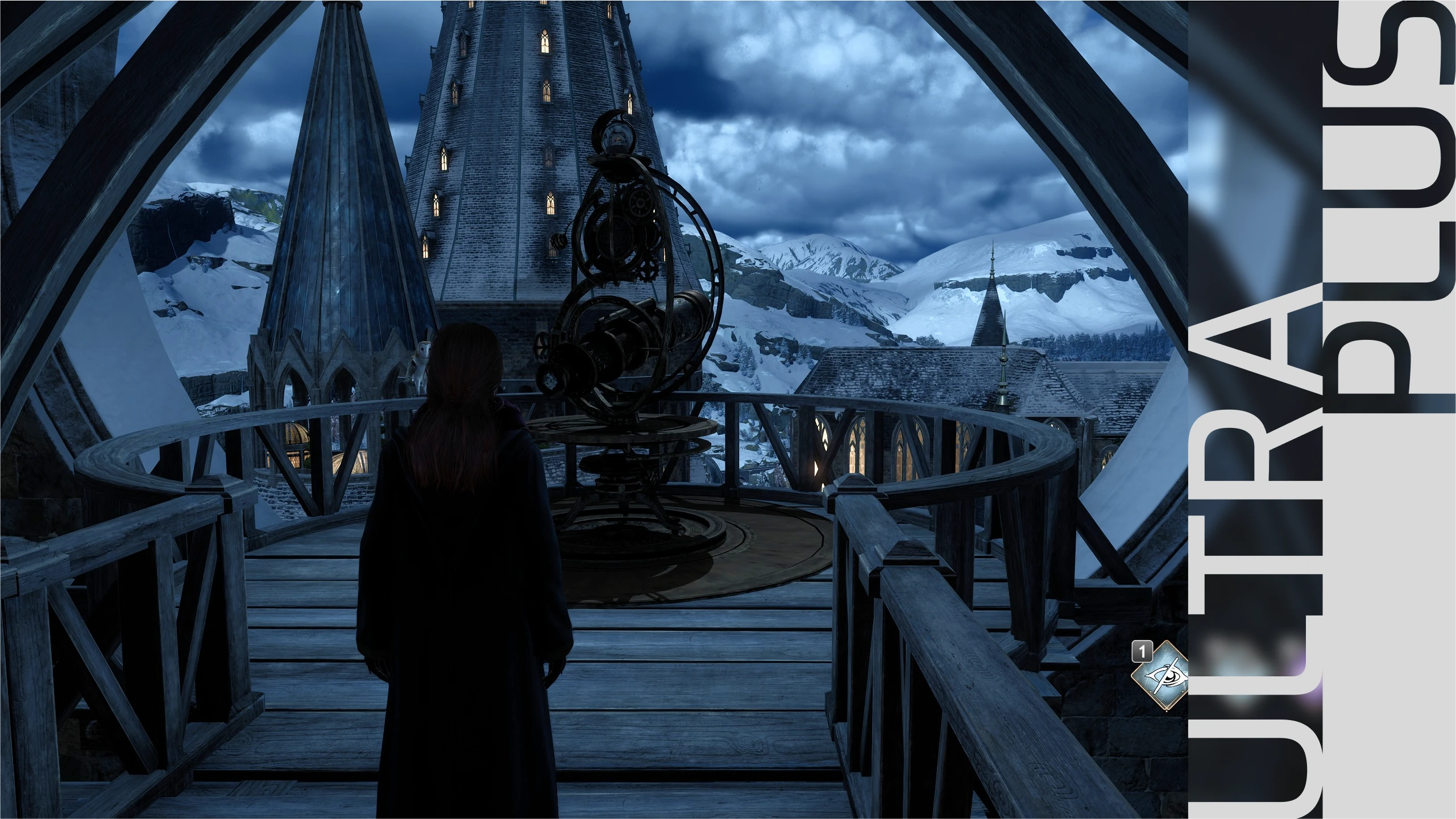
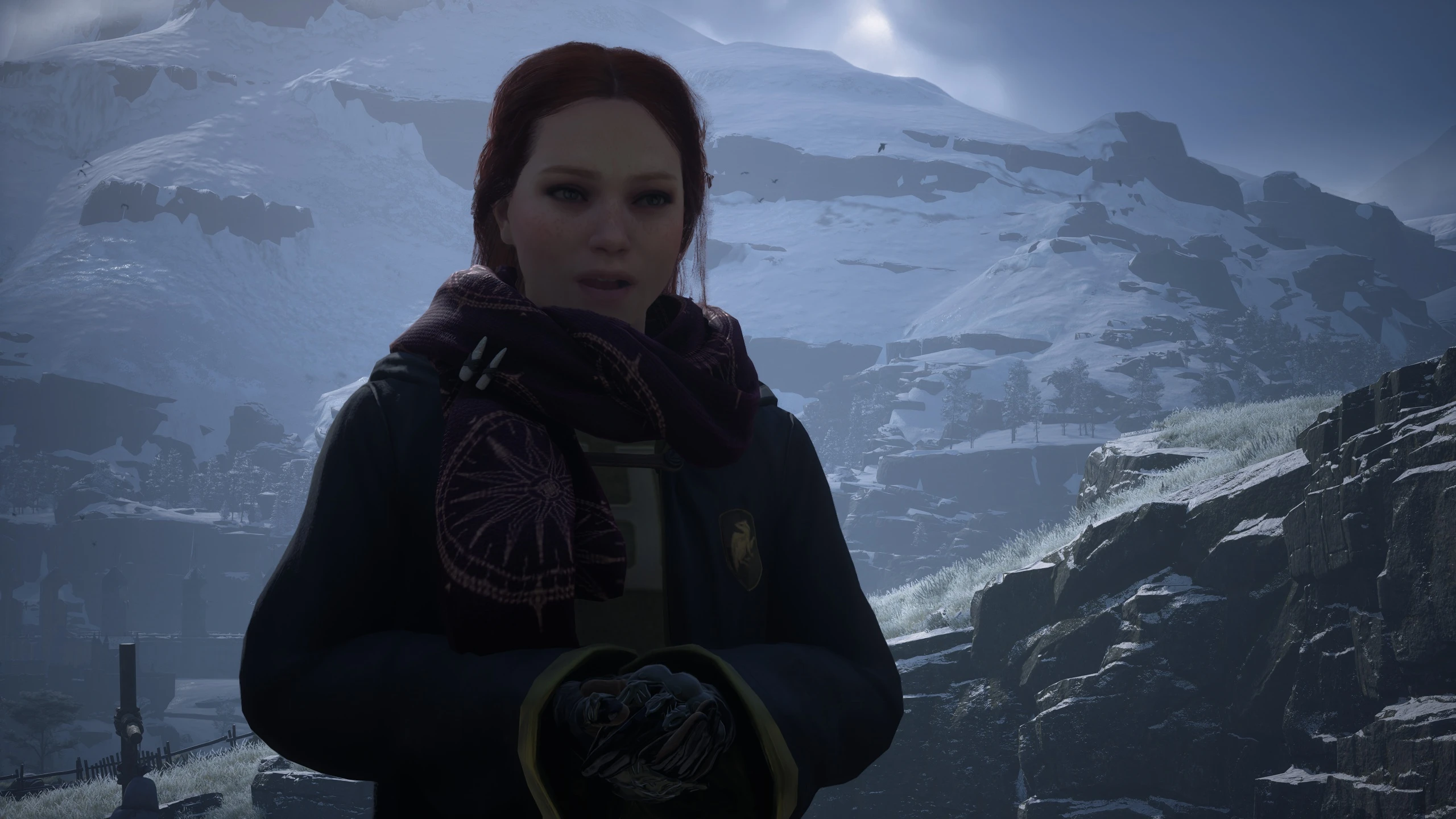
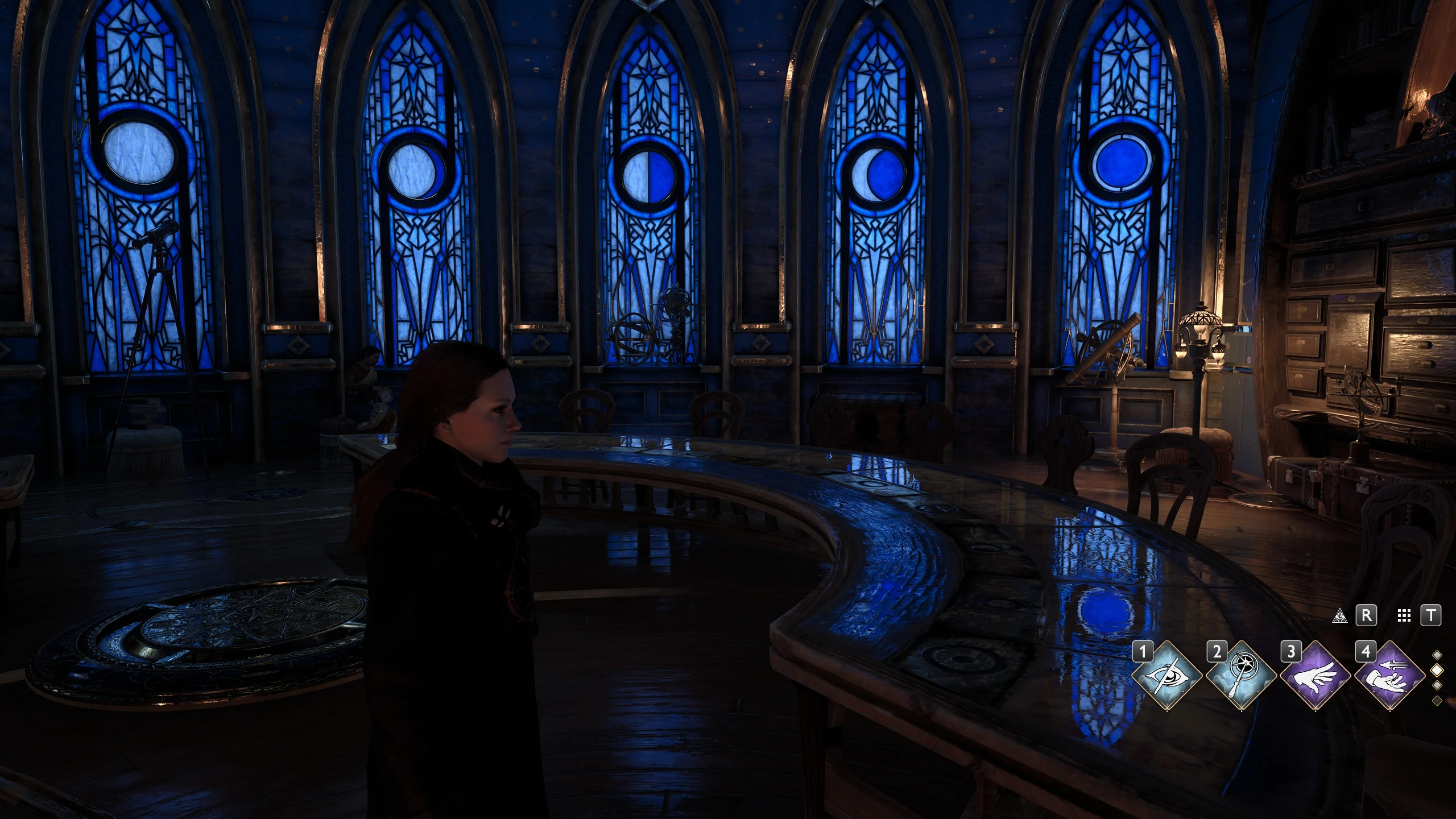
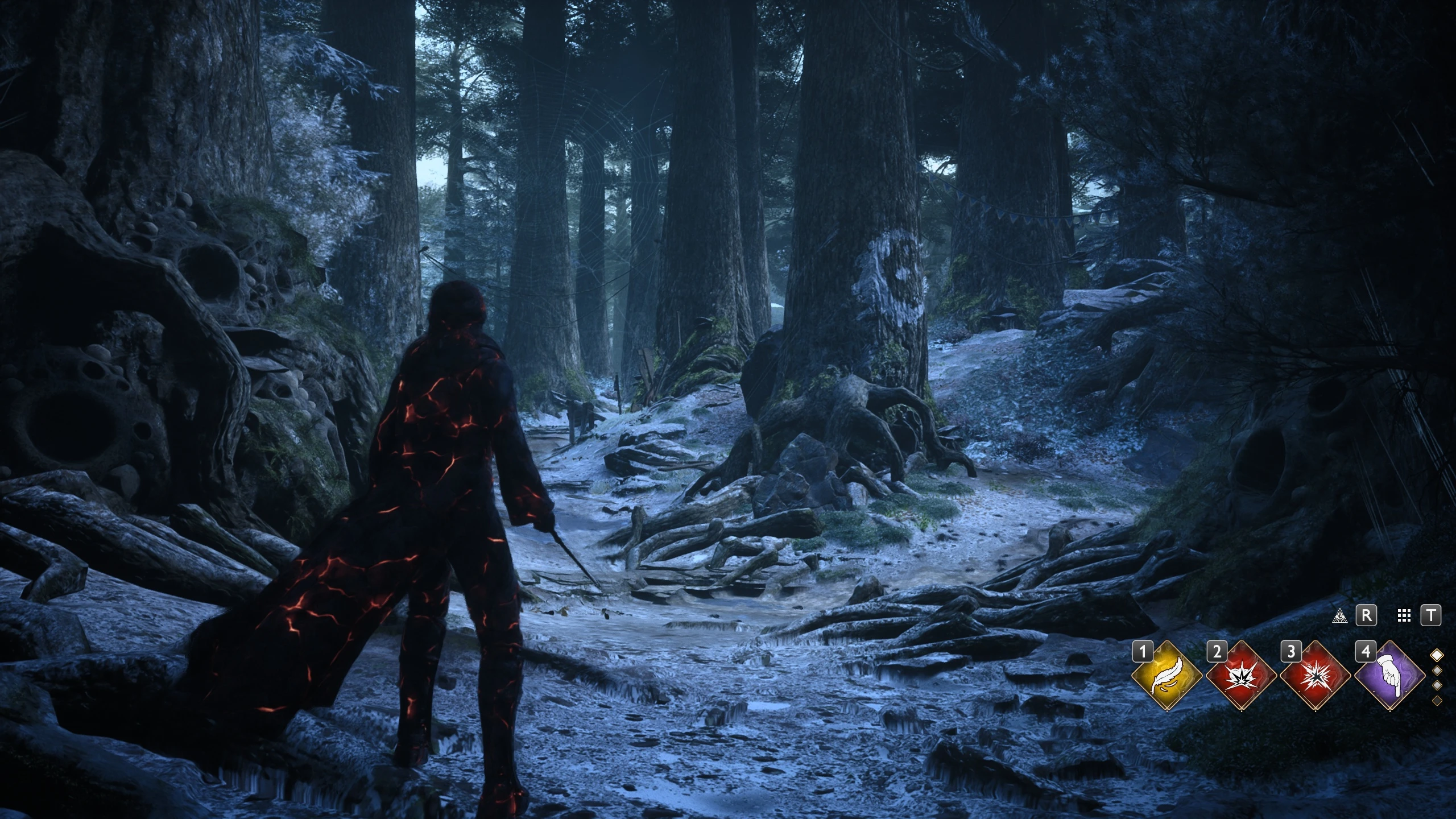
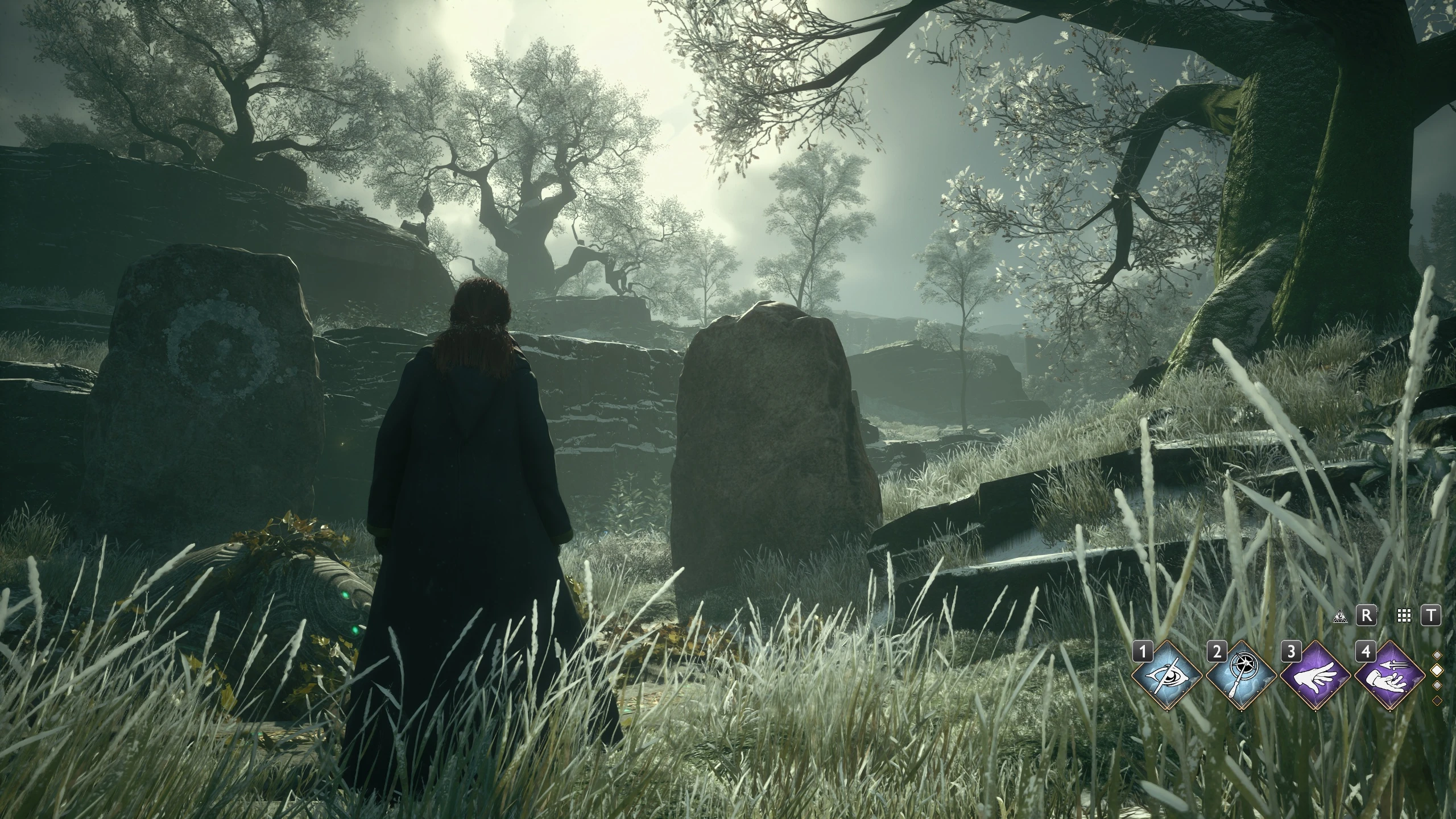
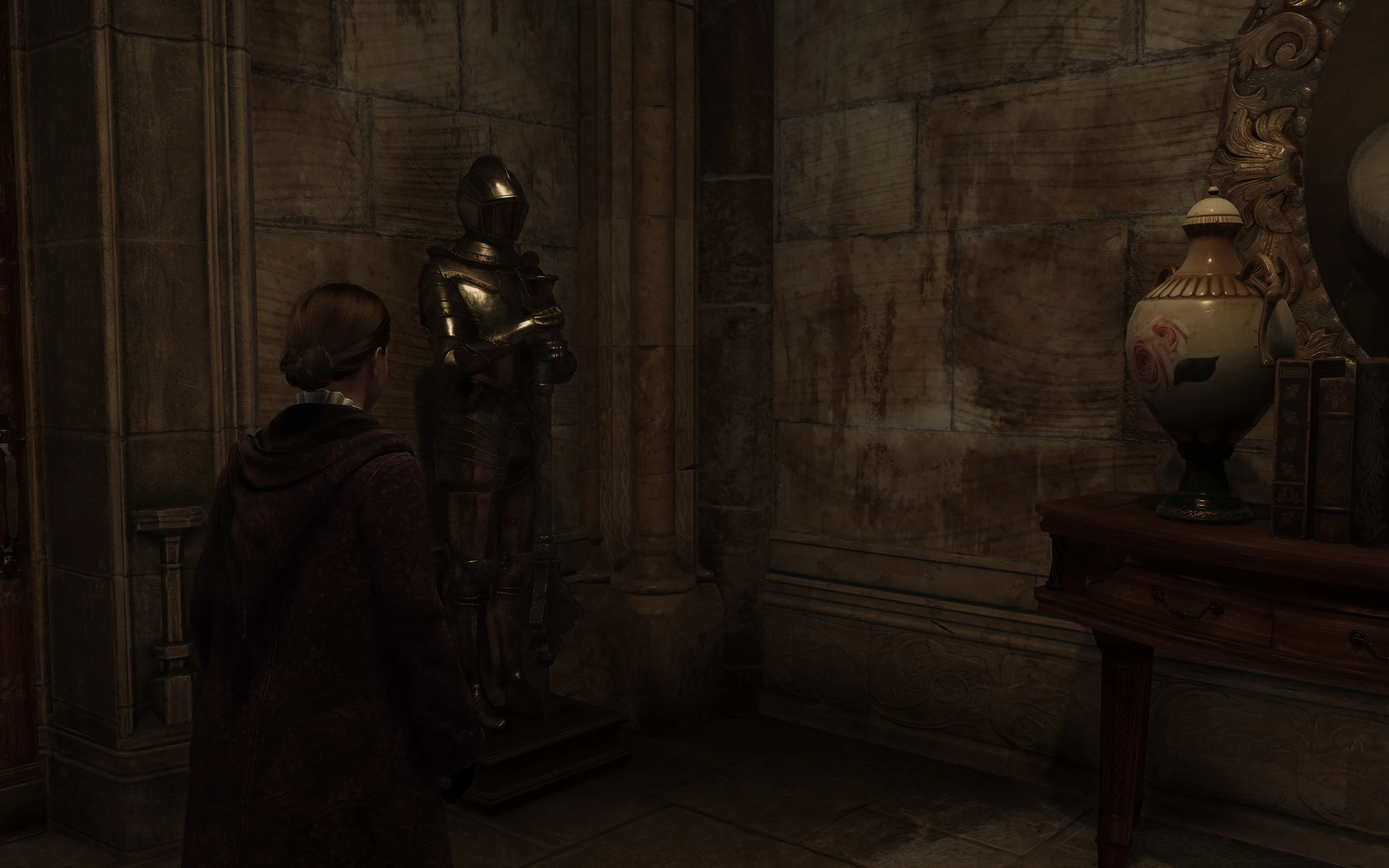
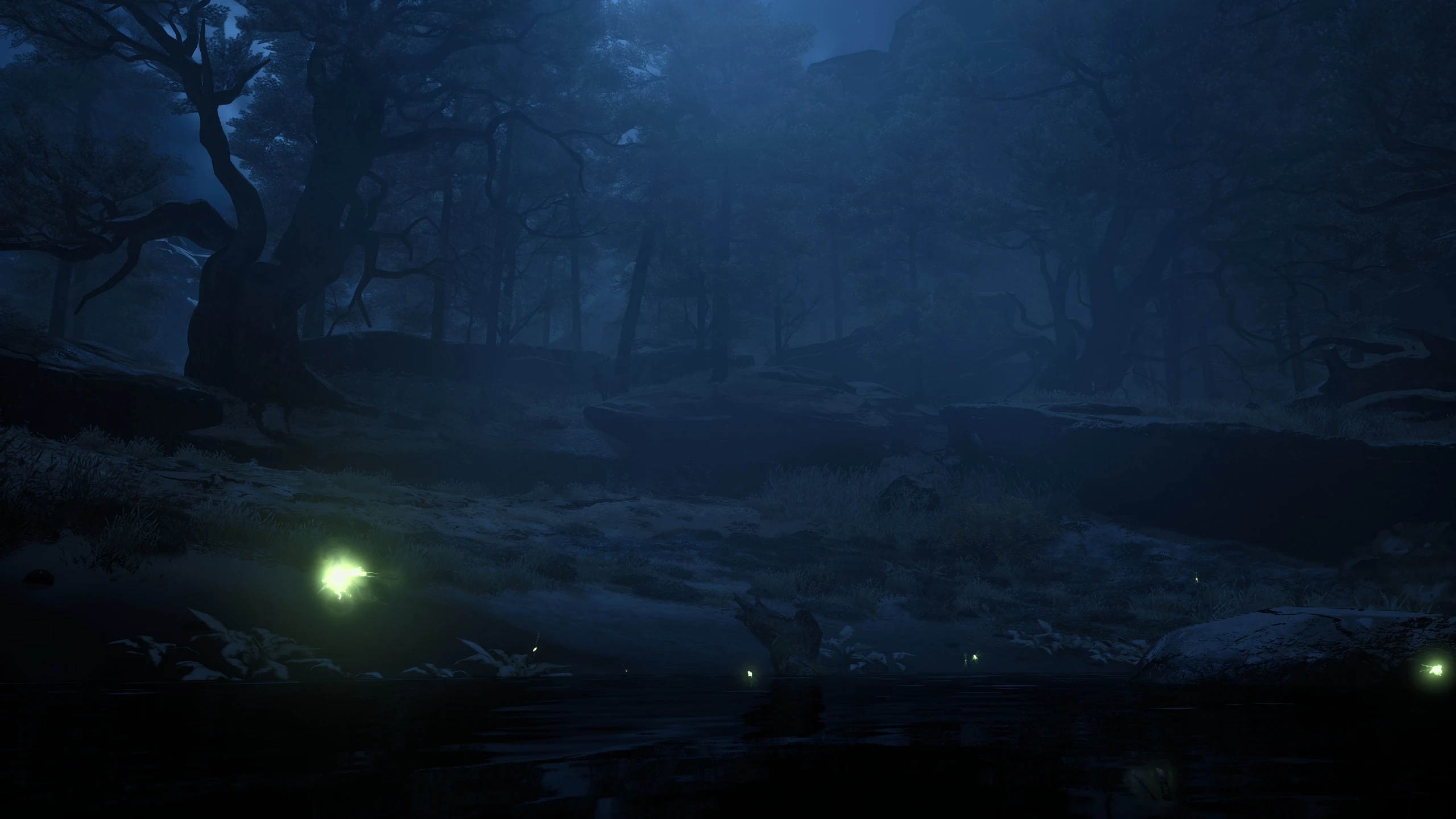
Ultra+ is a series of mods designed for all PCs, fixing bugs and performance, with the best possible visuals.
Only download Ultra+ mods from Nexus or Ultra Place Discord. We do not upload anywhere else.
Support and Supporting
Join The Ultra Place DiscordFor the fastest support and releases. See you there!
If you'd like to support our efforts please endorse, share or support us on Patreon.
About Ultra+
Ultra+ is a series of mods designed for all PCs, fixing bugs and performance, with the best possible visuals.
v12.4.3
General performance improvements
Additional settings for LODDistanceScale and ViewDistanceScale
Improved compatibility and stability
Ray reconstruction users: use RR preset E which can be configured per game via NVIDIA Profile Inspector Revamped - must not use global override on newest DLLs. Preset D is noisy. Generally recommend turning off in-game and turning on in U+. The U+ setting does a lot more than turning RR on.
Recommend using RTAO as RTGI doesn't seem to work well right now.
Sorry that it took so long to get things working on latest patch
Reworked a lot of engine changes from the ground up
Added setting DynamicLighting that is disabled by default. DynamicLighting is primarily for dynamically changing RTSkylight and RTWater based on location and time of day. I believe the stability issues relating to this have been resolved, but it is also now an opt-in feature.
Resolved stability issues (hopefully all of them)
Improved performance
Important note about reflections - in the current version of the game when we significantly increase the quality of reflections it is causing specular noise unless DLSS is enabled. DLSS AutoExposure is responsible for fixing the specular noise in reflections. At this time we are not sure if there is a way to fix the specular noise for people that can't use DLSS without significantly reducing the quality. A possible solution would be to offer lower quality reflections for users that can't use DLSS.
Introducing v11
Hogwarts Legacy has never looked so good! The mod works better than ever from potato to epic PCs.
Updated to fully support the new Ultra+ Mod Manager (UMM) ◦ Ultra+ Mod Manager installs, upgrades, and helps you easily manage Ultra+ mods for several games ◦ It shows you Ultra+'s current settings, keyboard shortcuts, and lets you configure the games live ◦ Notifies you of shortcuts pressed in-game (requires adjusting Windows Notifications to allow UMM to display over top of games)
Dynamic time and location-based Ray Traced Skylight ◦ Ray Traced Skylight is now tuned by hand, by player location and time of day ◦ Previously we had to compromise on RT Skylight, reducing its overall brightness due to a few locations with wrong (extremely bright) lighting ◦ v11 overhauls lighting by seamlessly adjusting the lighting as you play to provide a significant improvement in quality (close to path tracing in some locations if you have all ray tracing enabled)
v11 dynamically disables or adjusts features in specific locations to enhance visual fidelity and address vanilla bugs ◦ Location based performance optimizations when using Ray Traced Skylight ◦ Disables ray traced shadows in Depulso Rooms 1 & 2 and Hall of Herodiana due to wrong lighting (vanilla bug)
Ray Traced Skylight is now several percent faster in all locations
Provides more dynamic Ray Traced Water behavior to both enhance RT Water when it is needed, and to turn off RT Water when it's not needed (note that some locations indoors with water features may be getting turned off in this version) ◦ For example saves ~13 real FPS in Central Hall on a 4090 with RT Water enabled. Saves ~10 real FPS in Transfiguration Coutryard ◦ Should be more performant everywhere RT Water is not needed
Significantly increases RT Water quality in certain situations ◦ Aggressive water and ray tracing distance settings in locations marked as having water features (lakes primarily) ◦ Aggressive water and ray tracing distance settings when the player is on a mount and flying ◦ Aggressive water and raytracing distance settings when the player is above a certain height and outdoors
RT Skylight fades skylight brightness between sunrise and sunset ◦ And properly ray traced landscapes are now possible at night due to brighter RT Skylight
Tuned Ray Reconstruction to fix noise issues
Significantly improved streaming from the engine hitching due to occlusion culling ◦ Fixed hitching of Merlin trials and animations ◦ Ultra+ now scales all streaming performance based on Texture Quality. This wasn't possible before because Unreal Engine ignores many important settings in the in-game graphics menu. Full scaling is now handled automatically by Ultra+ Extensions, so Low to Epic should all play smoother than ever
Improved performance in Hogsmeade
Slow or non-loading ground textures in v10.5 is resolved
Enable DLAA with Frame Gen ◦ Press the '=' key to toggle DLAA on or off in game while keeping frame generationenabled (it's not possible to enable both via the in-game graphics menu) ◦ DLAA provides a drastic image quality improvement and it is recommended when you might not need all of your frames and just want to look at pretty graphics ◦ Or toggle it for Photo Mode! ◦ To use this mode, choose your DLSS quality level like normal, enable frame generation, and then you can freely toggle between your selected DLSS quality and DLAA with by pressing '='
Completely fixes Ultra Fog ◦ Fixes the fog-covered map while using Ultra Fog ◦ Ultra Fog redoes the weather-based fog and wind to add more realism, and is made to compliment Ultra+
Improved realism of shadows when using RTAO/RTGI with RT Skylight
Added support for all DLSS presets (A, C, E, F, and G)
Bug fixes
Depth of field is automatically disabled when using RT skylight due to incompatibility (noise) especially during cutscenes
Fixed RT Water setting being reversed in UltraPlusConfig.ini / Ultra+ Mod Manager
Fixed flickering reflections in some locations
Fixed black or flickering shadows in some locations
Fixed lights not casting light onto their surroundings in some locations
Fixed wrong hair self-shadows under certain lights with RT shadows enabled (vanilla bug)
Mostly fixed black squares due to incorrect ray traced shadows in some locations (vanilla bug)
Recommended Configuration
RT Skylight is currently best when used with Ray Reconstruction. We are working on tuning RT Skylight without RR however this is still a work in progress
Please use RTGI or RTAO when using RT Skylight
Known Issues
Possible crash when fast traveling from the map. Please let us know if this happens to you.
Thank you to everyone in the Discord for your feedback! Thank you to Darkstar for helping to diagnose the black RT shadow bug!
What it Does
Fixes all performance problems:
*NewTunes game streaming based on your hardware (Low/Medium/High/Ultra) for the smoothest possible experience
raytracing performance, transfiguration courtyard, etc. by reducing ray traced overdraw on vegetation
Improves performance in general with no visual quality loss by tuning Unreal Engine
Fixes most hitches/stutters
Fixed slow texture loading
Completely disables Chroma SDK plugin in the engine (replacing the DLL is not necessary)
Makes the game playable even on low-end PCs
Fully supports AMD and NVidia
Significantly improves visuals:
Enables cut-scene visuals for the whole game with no performance cost
Choose your favourite Lighting Presets (does not use ReShade, all changes are in-engine)
Choose your favourite ambient occlusion: SSAO/RTAO (vanilla), or SSGI, GTAO, or RTGI
ray traced global illumination
ray traced water
Enables ray traced skylight which brings the game very close to full path tracing
Fixes many problems with vanilla ray traced shadows
Fixed low quality NPC meshes
Enables Ray Reconstruction (if you're using DLSS)
Enables much higher quality reflections (both ray traced and raster)
You can change everything live, in-game
Fixed reflections noise
Fixes the raised black floor for both SDR and HDR
Improves light shaft quality
Fixed blurry textures by sharpening textures directly (not screen sharpening)
high quality TAA
Improves sky and clouds above cut-scene quality
Increases particle FX (bugs, butterflies, dust, etc.)
Enables ray tracing for particles FX (spells, rain, butterflies, etc. at High and Epic)
Enables the in-game console (access by pressing the tilde key '~')
Hand-tunes the entire game to look amazing
How Does it Look?
v10 alpha using VanillaTweaked Lighting Preset — Needs updating for v11
Kind Words
"Just wanted to say, out of all the mods and tweaks I've been doing to get RTX and Ray Tracing features to work with decent performance in this game, this one actually did it." — TheJuggler17
"You are legitimately a godsend, thank you so much. This is the ONLY fix that works for me and solves all of my technical issues with this game, not to mention that it makes the game look so much better without a huge performance hit" -ChristianLangano
"Thank you again for all the effort you're putting into this clearly essential mod for many users." -Korzun
Installing or Upgrading
If you're upgrading from a previous version, we've made installation a lot easier!
Ultra+ Mod Manager Installation and Configuration: UMM provides a way to easily install, update, and configure Ultra+ mods. Important! If coming from versions prior to 11.0, dSelect old Ultra+ paks in Hogwarts Legacy\Phoenix\Content\Paks. Also delete any lighting and/or skylight paks. (Ultra Fog is okay to keep)
Run the application, and select Hogwarts Legacy, and click Add Game.
Now that UMM is configured for Hogwarts Legacy, to install or update Ultra+, click the version number (may say Unknown, red if there is an update) on the Status tab or Installed Mods tab to install or update the mod - this is the primary method.
Note: Steps 1-3 only need to be performed the first time; after which you can simply select your game and select Load Config.
Now, you can configure mod settings in the Settings tab; this can be done while the game is running as well; simply press F12 in-game to load your new settings. Launch the game either via the Launch Game button in UMM or your usual means.
Once started, calibrate your black point in-game > Graphics Settings > two thirds down > Image Calibration. This makes the mod darker or lighter. Important: Choose your texture quality based on your GPU memory. Go to Graphics Settings > Texture Quality, and choose:
4GB Low
6GB vram —> Choose Medium
8-10GBHigh
12GB+ vram —> use Ultra
(Note: Texture Quality doesn't make a big difference to how Ultra+ looks. You can play even with 4GB vram!)
Recommended Configuration RT Skylight is currently best when used with ray reconstruction - we have not tuned the parameters without RR but it is on the list. Feel free to give it a try and provide feedback. Please use RTAO when using RT Skylight Example settings: Lighting mode= rtao RTSkyLight=on RayReconstruction=on (Nvidia users only) Manual Installation:
Delete old Ultra+ paks in Hogwarts Legacy\Phoenix\Content\Paks
Also delete any lighting and/or skylight paks
(Ultra Fog is okay to keep)
Copy everything in the downloaded zip into your Hogwarts Legacy folder
Start the game. Once started, calibrate your black point in-game > > two thirds down > Image Calibration. This makes the mod darker or lighter
Important: Choose your texture quality based on your GPU memory. Go to Graphics Settings > Texture Quality, and choose: • 4GB vram —> Choose Low • 6GB vram —> Choose Medium • 8-10GB High • 12GB+ vram —> use Ultra
(Note: Texture Quality doesn't make a big difference to how Ultra+ looks. You can play even with 4GB vram!)
Recommended Configuration RT Skylight is currently best when used with ray reconstruction - we have not tuned the parameters without RR but it is on the list. Feel free to give it a try and provide feedback. Please use RTAO when using RT Skylight Example settings: Lighting mode= rtao RTSkyLight=on RayReconstruction=on (Nvidia users only)
If you need any help please see the Troubleshooting sticky Post, or join the Discord. Remember to endorse if you like it, this helps others find the mod.
Controlling Ultra+
You control Ultra+ three ways:
Via the existing in-game Graphics menu. Everything has been tweaked to maximise performance vs. quality for any menu option you choose
Using Ultra+ Mod Manager to modify the settings
By editing Phoenix\Binaries\Win64\ue4ss\Mods\UltraPlusExtensions\scripts\config\UltraPlusConfig.ini
Inside UltraPlusConfig.ini, you can enable function keys to control the game live while playing.
Here is everything the in-game graphics settings in the pak version do:
Function Keys
F12: Reload UltraPlusConfig.ini Additionally inside Phoenix\Binaries\Win64\ue4ss\Mods\UltraPlusExtensions\scripts\config\UltraPlusConfig.ini you can edit the below settings, or enable the in-game keyboard shortcuts by changing EnableKeybinds to 'on':
F3: Cycle between several Lighting Presets (VanillaTweaked, Realism, Fantasy, Harry's, Fairytale, Darkmoor, Vanilla)
F4: Cycle between SSGI, RTGI, RTAO, GTAO (ground truth ambient occlusion), SSAO (screen space ambient occlusion)
F7:fog off/on
F8:ray traced skylight
F9:ray traced water
F10: Toggle Ray Reconstruction on/off
0 (zero number key): Cycle ray traced reflection shininess from "physicallybased", "medium", and "high"
Graphics Settings > Page 1
(Recommended) Motion blur can be enabled/disabled as normal, however it's no longer a visual effect — it's altered to smooth the frames (just like a real camera does). When it's enabled you shouldn't notice, except the game looks smoother.
Lens flare is enabled or disabled depending on the Lighting Preset (F3)
Film grain is force-disabled except for Darkmoor, Vanilla, and VanillaTweaked Lighting Presets
Note: Sometimes the game says ray tracing is enabled when it's not. If you have unexpectedly high FPS, un-select all raytracing, and re-select it. The game will tell you to restart, and ray tracing should be enabled.
Raytracing High performance impact — 3080/4070/7700xt and above should be fine with
Ultra Detailed RT reflections (much improved from vanilla) Highest quality RTAO, RTGI, and RT shadows Ray traced particle FX (spells, etc.)
High Same as Ultra but no ray traced particle FX
Med Performance RT reflections (much improved from vanilla)
Low Performance RT reflections RT shadows only around the player (50 metres)
Note: Change ray traced water and ray traced skylight by editing UltraPlusConfig.ini
View Distance impact — For 3080/3090/4070/4080/7800xt we recommend Affects vegetation, grass, and building draw distances
Ultra 2.5x view distance, however FPS cost is much more reasonable with v10 due to faster methods
High 1.3 to 2x view-distance
Med1.0x (vanilla) view distance
Low 0.7x performance view distance, with extra optimisations in v10
Effects Medium Impact Increases or reduces the quality of:
Screen space reflection quality (water and reflective/shiny surfaces)
Particle effects quality (including fire and spells)
Fog resolution is increased or reduced (it's not super noticeable)
Foliage High impact — For 3080/3090/4070/4080/7800xt we recommend Controls density and stop distance of grass and foliage (which is also affected by View Distance)
Similar to cut-scenes but faster, with a much farther draw distance
Similar to Vanilla Ultra but with performance improvements
Med Performant fog
Low No fog
Sky Low impact Affects sky and clouds, but also lighting cast onto ground
Ultra Same as cut-scene, gorgeous clouds and light thrown onto ground (1.0x internal resolution)
High Similar to cut-scene with (0.8x) performance-focused improvements
Fast version of Ultra+ sky (0.7x)
Low Performance (0.5x). Interestingly this is about "High" in Vanilla!
Some commands you can add to %LocalAppData%\Hogwarts Legacy\Saved\Config\WindowsNoEditor\Engine.ini.
At the bottom type[System Settings] then add the commands underneath:
Fix Micro-stutters This comes with a performance cost, however if you're sensitive to microstutters it helps (however I would recommend setting a max FPS cap in your GPU control panel before trying this):
r.FinishCurrentFrame=1
Sharper or Softer Image If you want a sharper image, try changing the default r.Tonemapper.Sharpen=0.5. Values of 0.5 to 1.2 work well, e.g:
r.Tonemapper.Sharpen=1.0
User Interface (UI) Size To make the UI smaller, add the following just above [System Settings], where '0.85' is your desired percentage of the UI size. 0.70 to 0.95 work well.
Stuttering and Low Performance Fix(SLPF) mod — Ultra+ completely disables the Chroma SDK Unreal Engine plugin. However there is no harm in installing this.
Uninstalling Ultra+ Mod Manager:
If you used UMM to install the Ultra+, simply run UMM, select Hogwarts, and select Load.
Navigate to the Mod Settings tab, click the box next to UltraPlus in the list, then select Uninstall Mod. Confirm, and that's it!
Manual Uninstallation:
Delete the Hogwarts Legacy\Phoenix\Paks\~UltraPlus*.pak file
In Hogwarts Legacy\Phoenix\Binaries\Win64, delete: dwmapi.dll ue4ss (folder)
That's it! Nothing is left over
Recommended Mods
Other recommended mods for fixing and improving things. Thank you to the wonderful modders out there! 💕
I would like to thank the many great people who have and continue to help test Ultra+. This game is huge and far too much for just one person to test, so this mod wouldn't be possible without your invaluable feedback.
I'd like to give special thanks to (I know I'm going to miss some people 😬)
There are many more, in 3000+ Posts I know I've missed some (I'm sorry), but I appreciate everyone one of you! Ultra+ simply wouldn't have gotten to this stage without you taking the time to post! 😊
Changelog
See Changelog near the top of the mod description for the latest changes.
This tool is provided by the third party [bufftool]
Download Mods For Free
Install LagoFast, start Hogwarts Legacy and play with the mods you love.
We use cookies to make interactions with our websites andservices easy and meaningful. For more information aboutthe cookies we use or to find out how you can disable cookies, click here.