Transmogrify Armor
Autor:tomcIarkLast updated:02/11/2025 11:51:44253.6K237KB

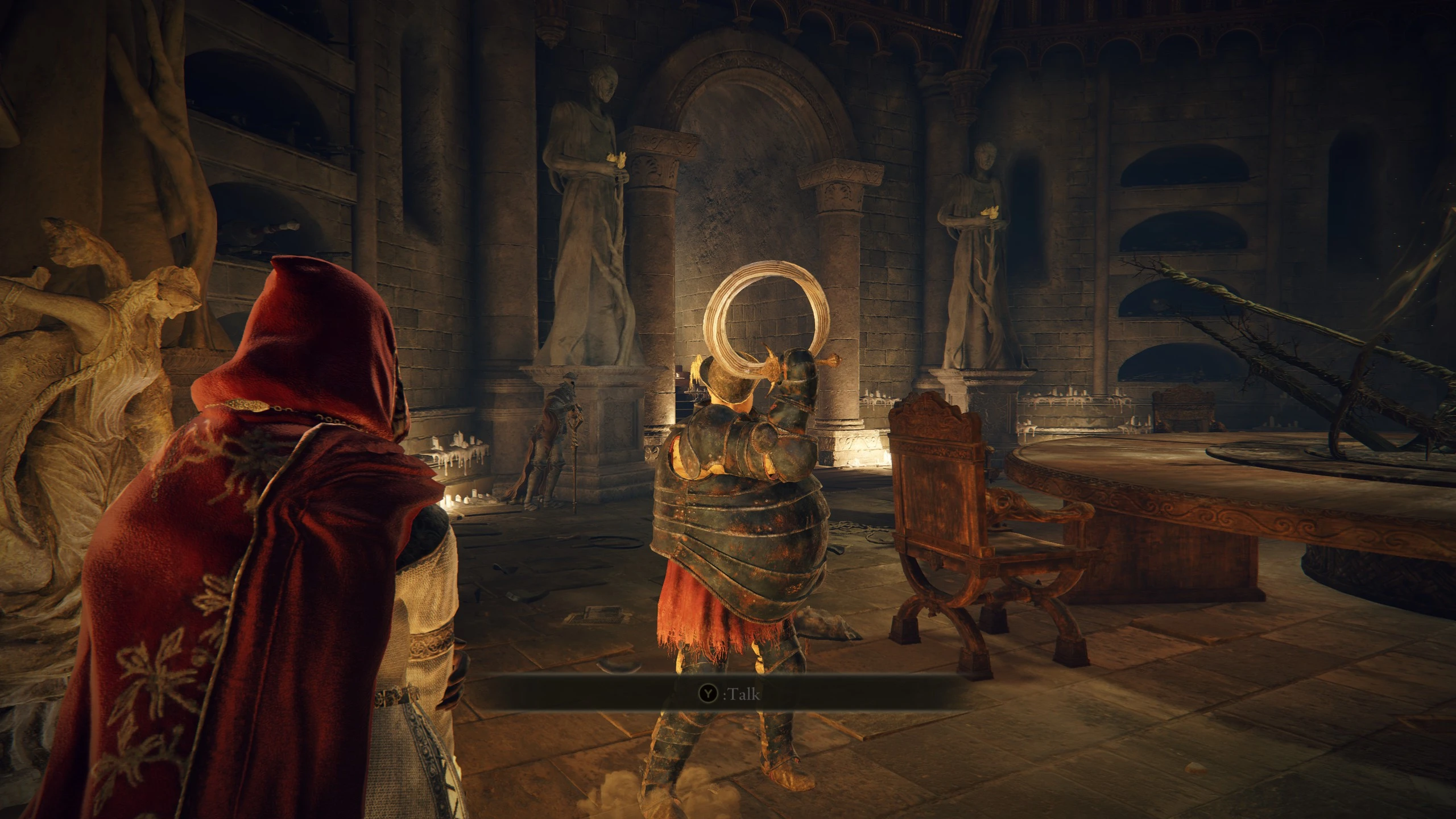

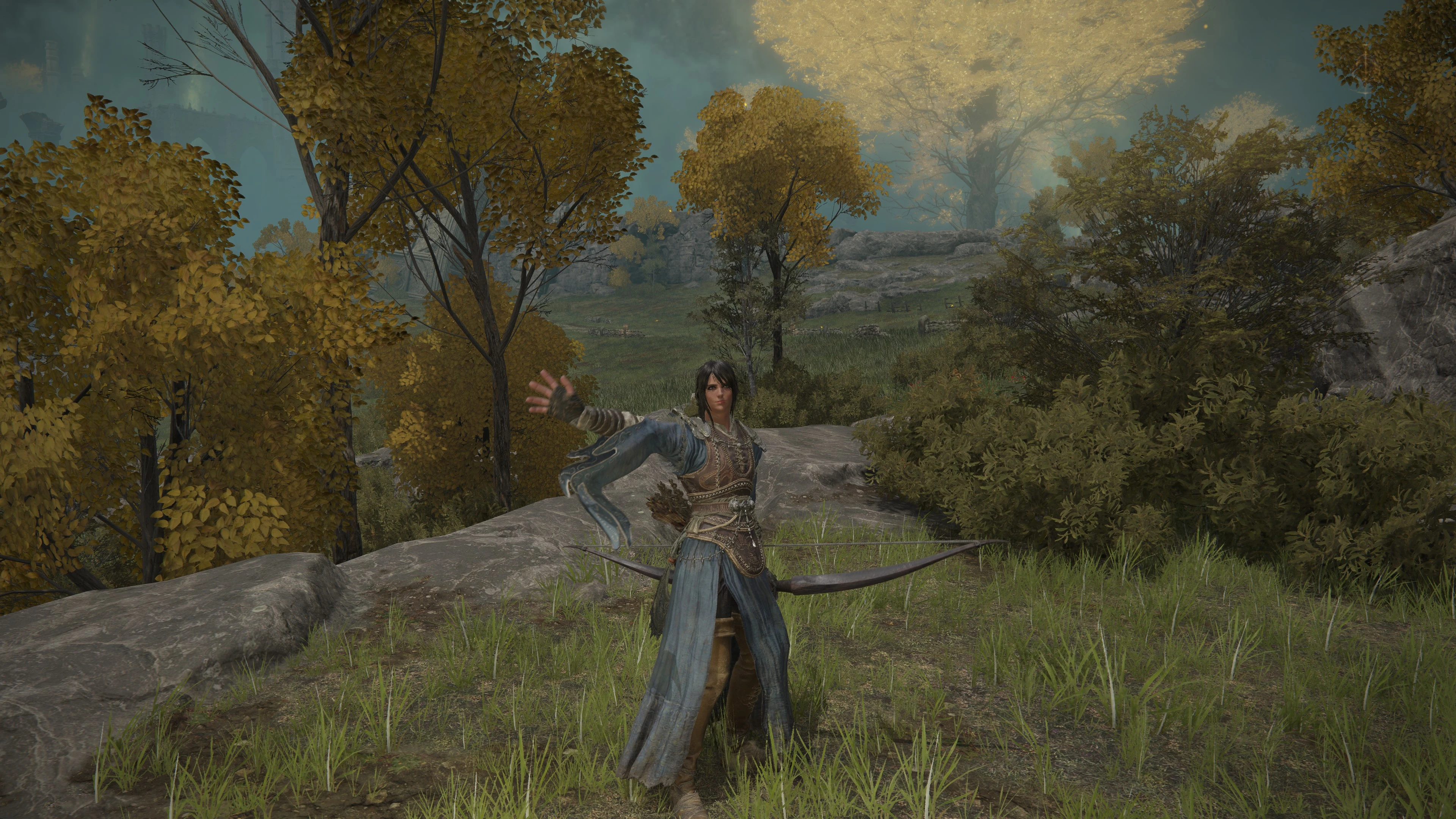
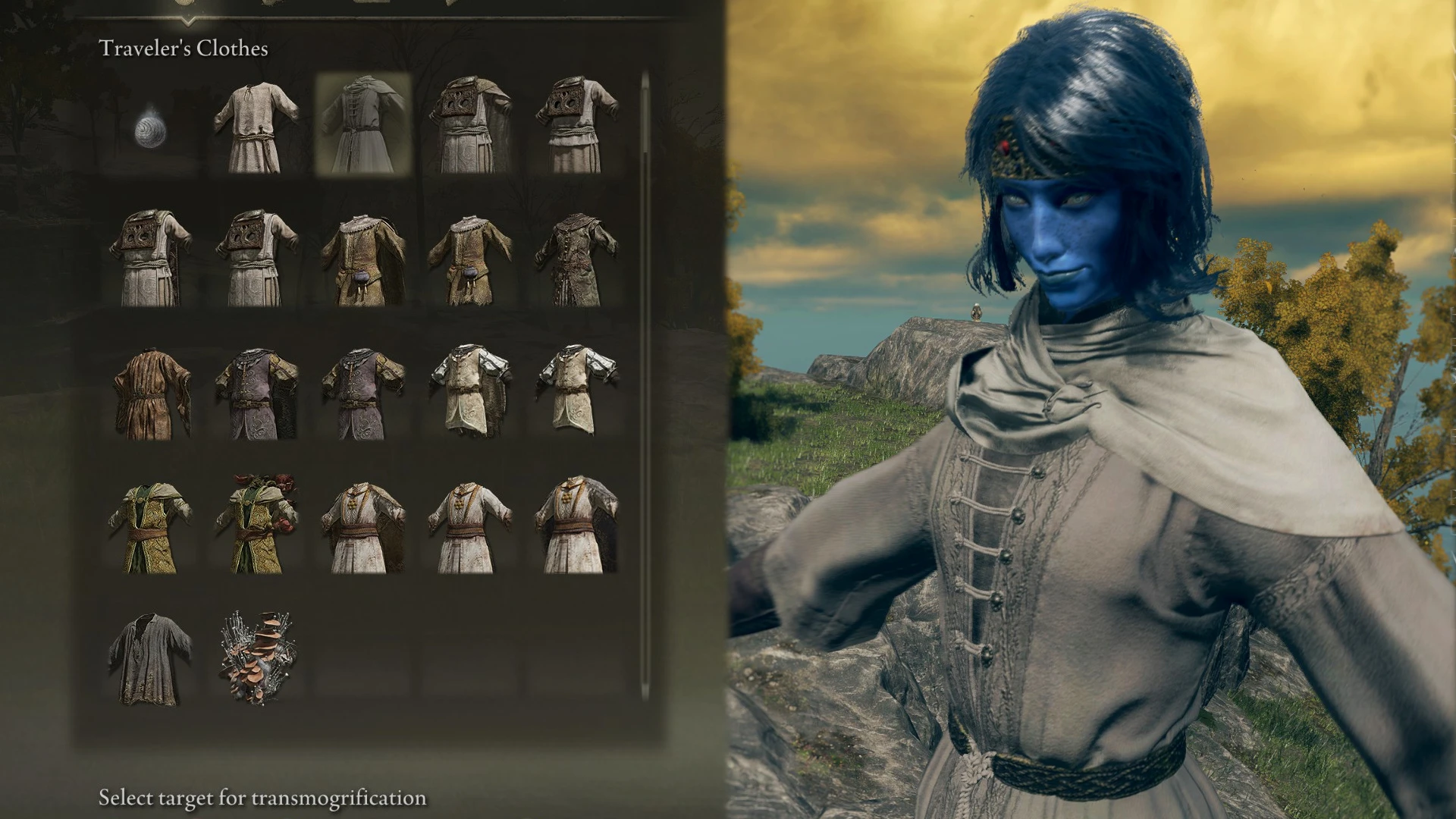
Mod Introduction
(DLC compatible) Change your appearance to any armor while keeping the stats and bonuses from the armor you actually have equipped. Compatible with game version 1.16 / Shadow of the Erdtree, The Convergence Mod, ELDEN RING Reforged, and
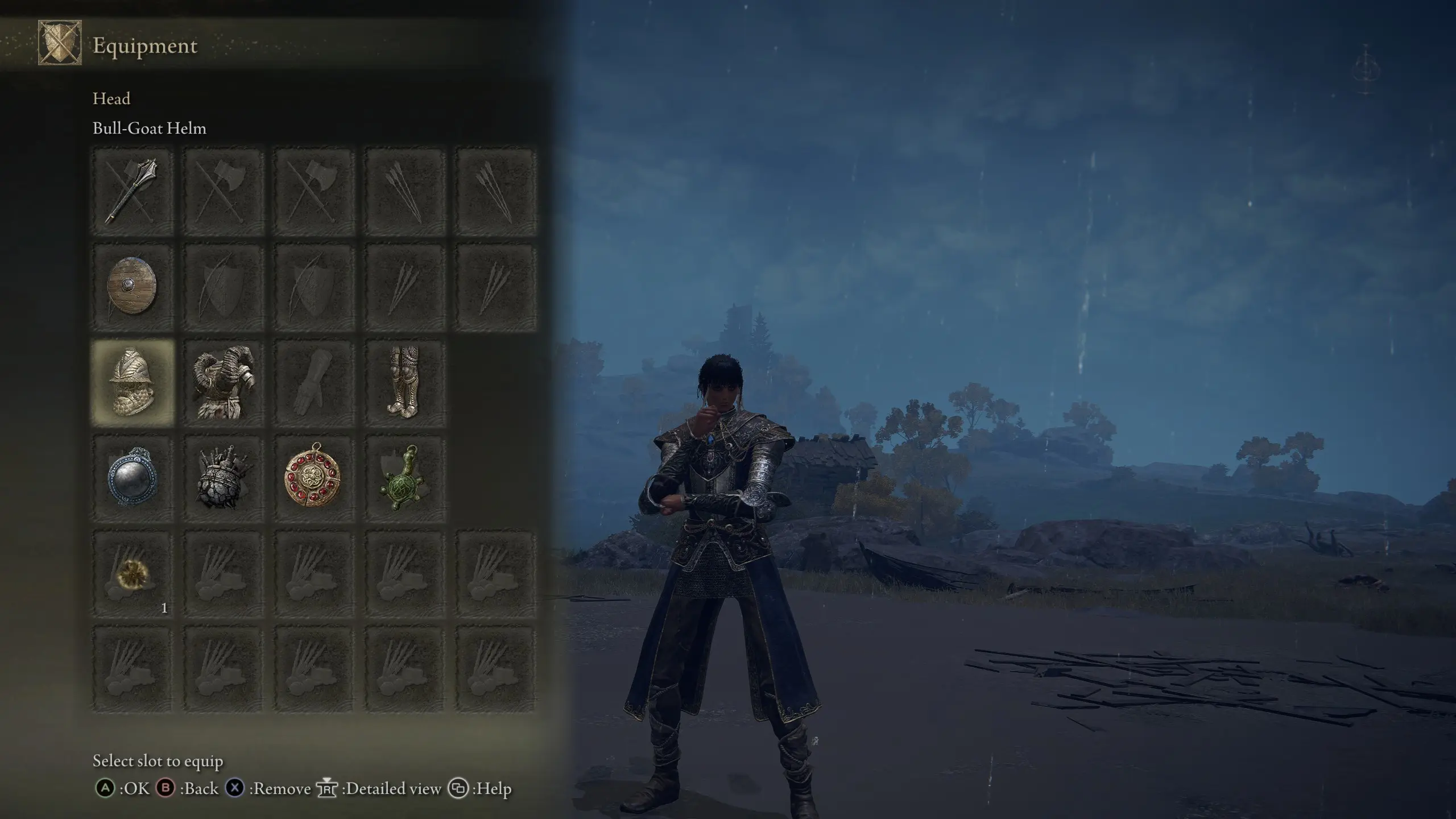
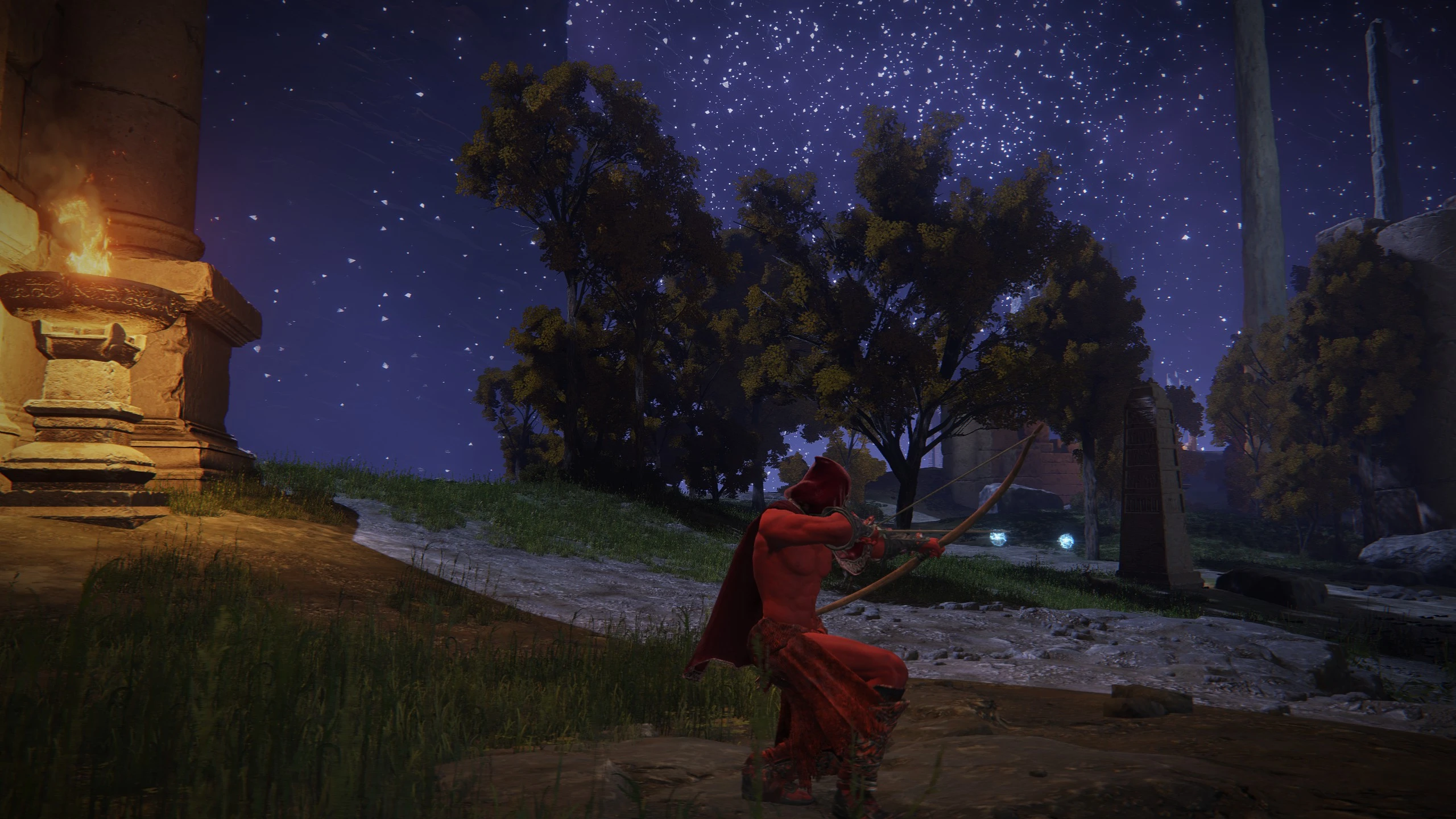
Transmogrification (AKA transmog) allows you to modify the cosmetic appearance of your armor while keeping the original stats intact. You can make armor pieces resemble any other piece in the game, or make them invisible to benefit from their effects without covering up your character.
The mod is tested on Elden Ring patch 1.16 downloaded via Steam with Shadow of the Erdtree purchased. It's included by default in ELDEN RING Reforged and The Convergence mod, and also works with Seamless Co-op, ELDEN Ring Reborn, and most other mods. This mod doesn't impact Seamless Co-op matchmaking, so you can still co-op or invade with people who don't have it installed.
DLC Info
This mod displays armor names and descriptions from the Shadow of the Erdtree expansion. If you wish to hide DLC items, edit the include_dlc_armor line in your ertransmogrify.ini file, changing true to false.
Important: Before switching back to the vanilla game, untransmogrify any armor you changed with this mod. You could also back up and restore your save file before and after playing the mod. Playing online with transmogrified armor won't work, and might get you banned if you try anyways.
Installing on Steam Deck
This also works on Steam Deck, but instead of running launchmod_eldenring.bat you need to launch through Steam. See How to install Elden Ring mods on Steam Deck.
Transmogrifying Armor
Any armor in the game can be chosen for transmogrification, even if you don't have it in your inventory. This includes unobtainable armor (e.g. Deathbed Smalls) and armor added by other mods you have installed (e.g. Dreadnought Armor from The Convergence or the Chelonian Mitre from ELDEN RING: Reforged). You can also pick Invisible to make that slot appear empty.
If you prefer, you can lock armor that you haven't acquired yet from transmogrification by editing the supplied .ini file.
If you don't pick anything for a slot, it'll default to your current equipped armor.
Undoing Transmogrification
Your appearance will change back to the armor you're actually wearing.
Configuration options
You can customize a few aspects of the mod by editing the supplied .ini file and relaunching the game. See the file for more details.
Language Support
This mod supports all languages that Elden Ring is localized in. Please let me know if you'd like to report translation errors in your local language.
More Mods
The mod is tested on Elden Ring patch 1.16 downloaded via Steam with Shadow of the Erdtree purchased. It's included by default in ELDEN RING Reforged and The Convergence mod, and also works with Seamless Co-op, ELDEN Ring Reborn, and most other mods. This mod doesn't impact Seamless Co-op matchmaking, so you can still co-op or invade with people who don't have it installed.
DLC Info
This mod displays armor names and descriptions from the Shadow of the Erdtree expansion. If you wish to hide DLC items, edit the include_dlc_armor line in your ertransmogrify.ini file, changing true to false.
- Download the latest version of ModEngine2 and extract it somewhere.
- Download the mod and extract ertransmogrify.dll and ertransmogrify.ini into the ModEngine-2.1.0.0-win64 folder (see screenshot below)
- Open config_eldenring.toml in Notepad and look for the line starting with "external_dlls = ...". Add the mod to the list:
external_dlls = [
]
If you're using multiple DLLs, make sure they're separated by commas. For example:
external_dlls = [
"ermerchant.dll",
"ertransmogrify.dll",
] - Double-click Launchmod _ eldenring.bat to start the game.
Important: Before switching back to the vanilla game, untransmogrify any armor you changed with this mod. You could also back up and restore your save file before and after playing the mod. Playing online with transmogrified armor won't work, and might get you banned if you try anyways.
Installing on Steam Deck
This also works on Steam Deck, but instead of running launchmod_eldenring.bat you need to launch through Steam. See How to install Elden Ring mods on Steam Deck.
Transmogrifying Armor
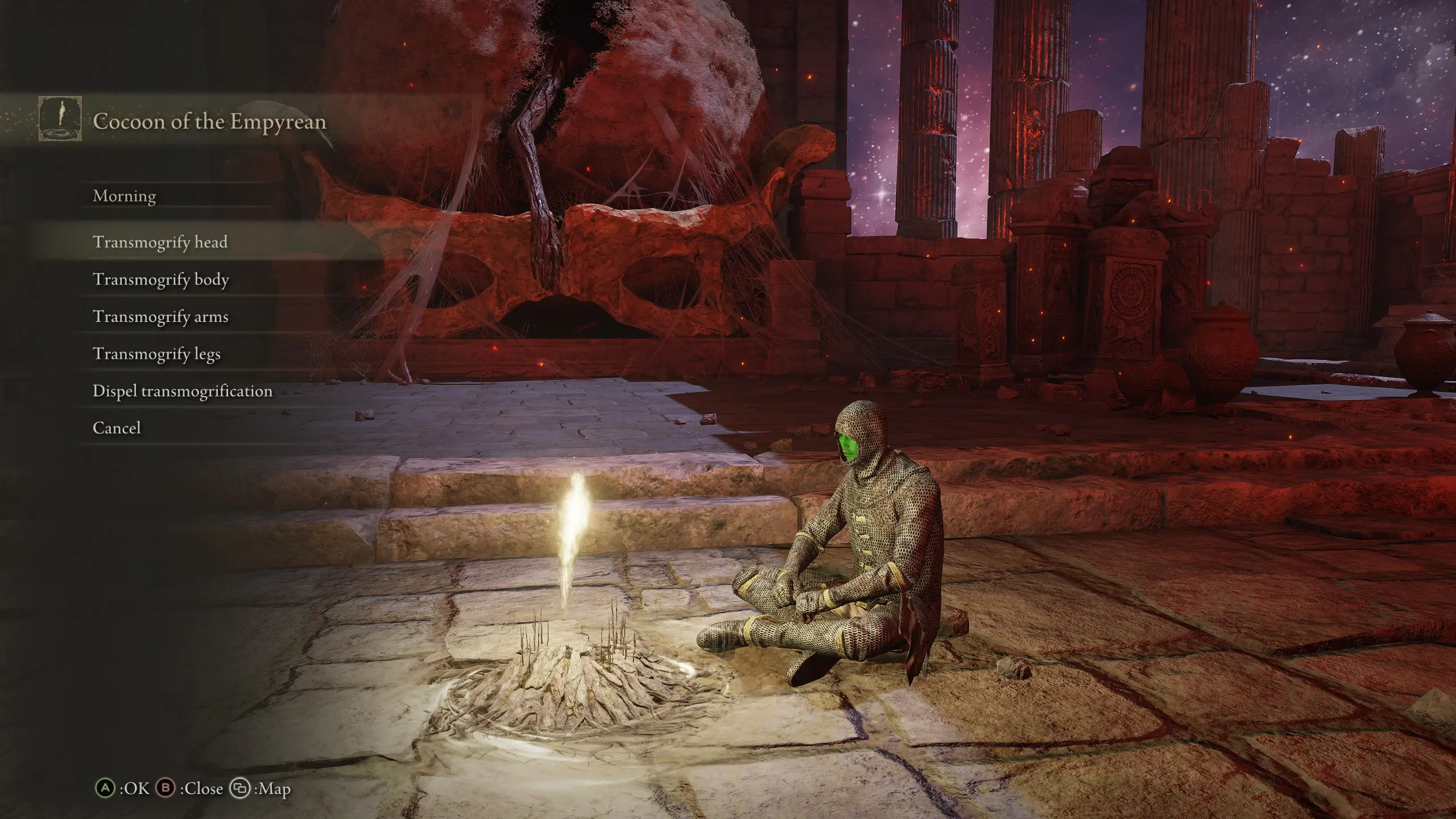
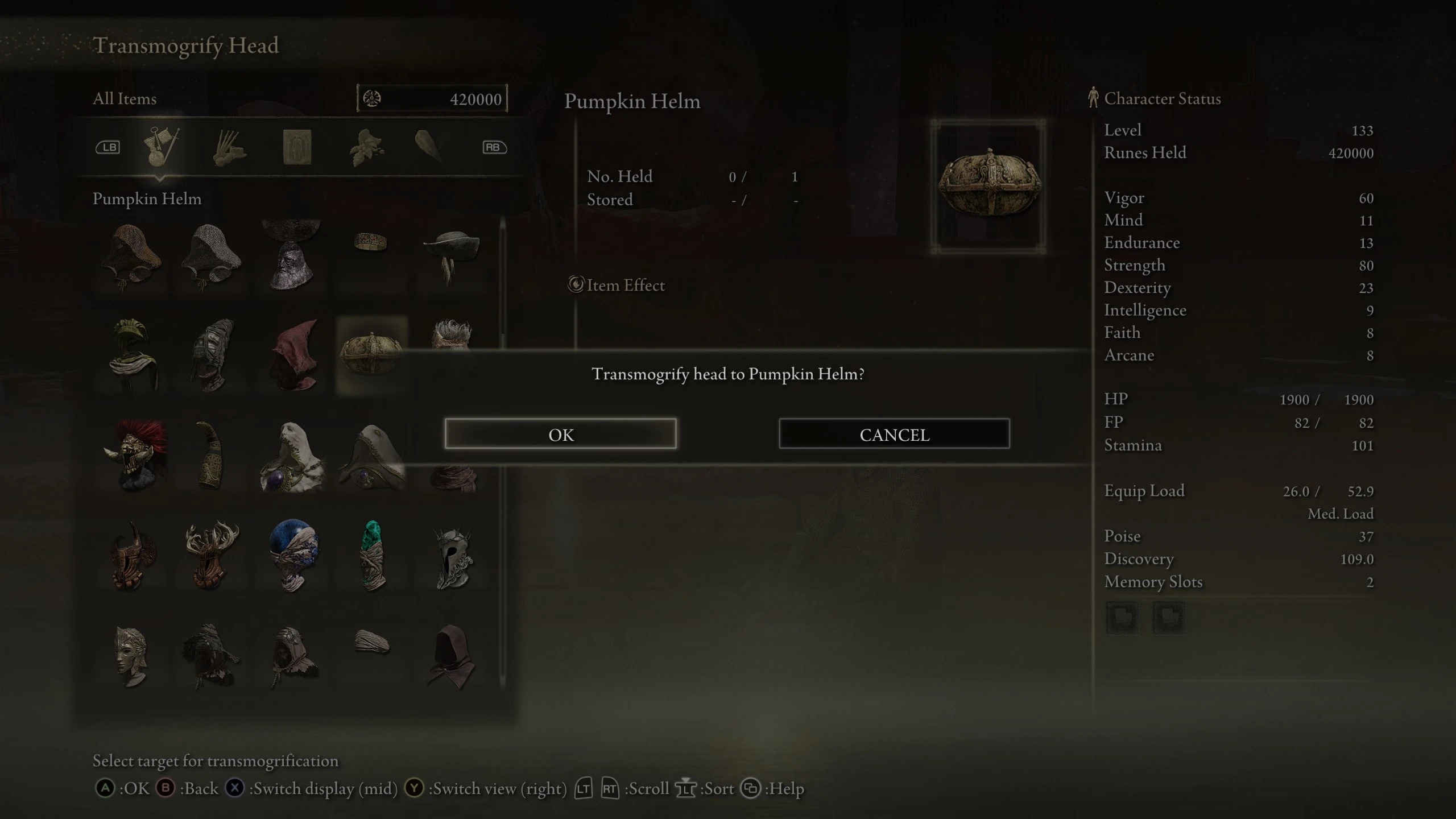
- Choose the Transmogrify armor option while resting at a Site of Grace.
- Select the armor slot you want to change (Transmogrify head, Transmogrify chest, Transmogrify arms, or Transmogrify legs)
- Select an armor piece for that slot.
Any armor in the game can be chosen for transmogrification, even if you don't have it in your inventory. This includes unobtainable armor (e.g. Deathbed Smalls) and armor added by other mods you have installed (e.g. Dreadnought Armor from The Convergence or the Chelonian Mitre from ELDEN RING: Reforged). You can also pick Invisible to make that slot appear empty.
If you prefer, you can lock armor that you haven't acquired yet from transmogrification by editing the supplied .ini file.
If you don't pick anything for a slot, it'll default to your current equipped armor.
Undoing Transmogrification
- Choose the Transmogrify armor option while resting at a Site of Grace.
- Select Dispel transmogrification
Your appearance will change back to the armor you're actually wearing.
Configuration options
You can customize a few aspects of the mod by editing the supplied .ini file and relaunching the game. See the file for more details.
Language Support
This mod supports all languages that Elden Ring is localized in. Please let me know if you'd like to report translation errors in your local language.
- Mod by Tom Clark
- Event scripting and VFX help from Lord Exelot
- Polish translation by Lumitko
- Simplified Chinese and Traditional Chinese translations by 兵器君 (shintheweapon)
- Japanese translation by Furisuke
- German translation by ivi
- Italian translation by antro97
- Korean translation by Eka001
- Russian translation by kotovsky410 and NazgulXCI
- Arabic translation by 2Pz
- Spanish translation by Yonchi Chikito
- Thai translation by Perapat Chainpattanakij
More Mods
- Armor and Weapon Dyes- Alter the color of your equipment using customizable dye options. Armor dyes also apply to transmogs.
- Glorious Merchant- Free access to every item for quick build making. Compatible with all other mods without merging.
- Player List Overlay for Seamless Co-op
This tool is provided by the third party [bufftool]

Download Mods For Free
Install LagoFast, start Elden Ring and play with the mods you love.
We use cookies to make interactions with our websites andservices easy and meaningful. For more information aboutthe cookies we use or to find out how you can disable cookies, click here.