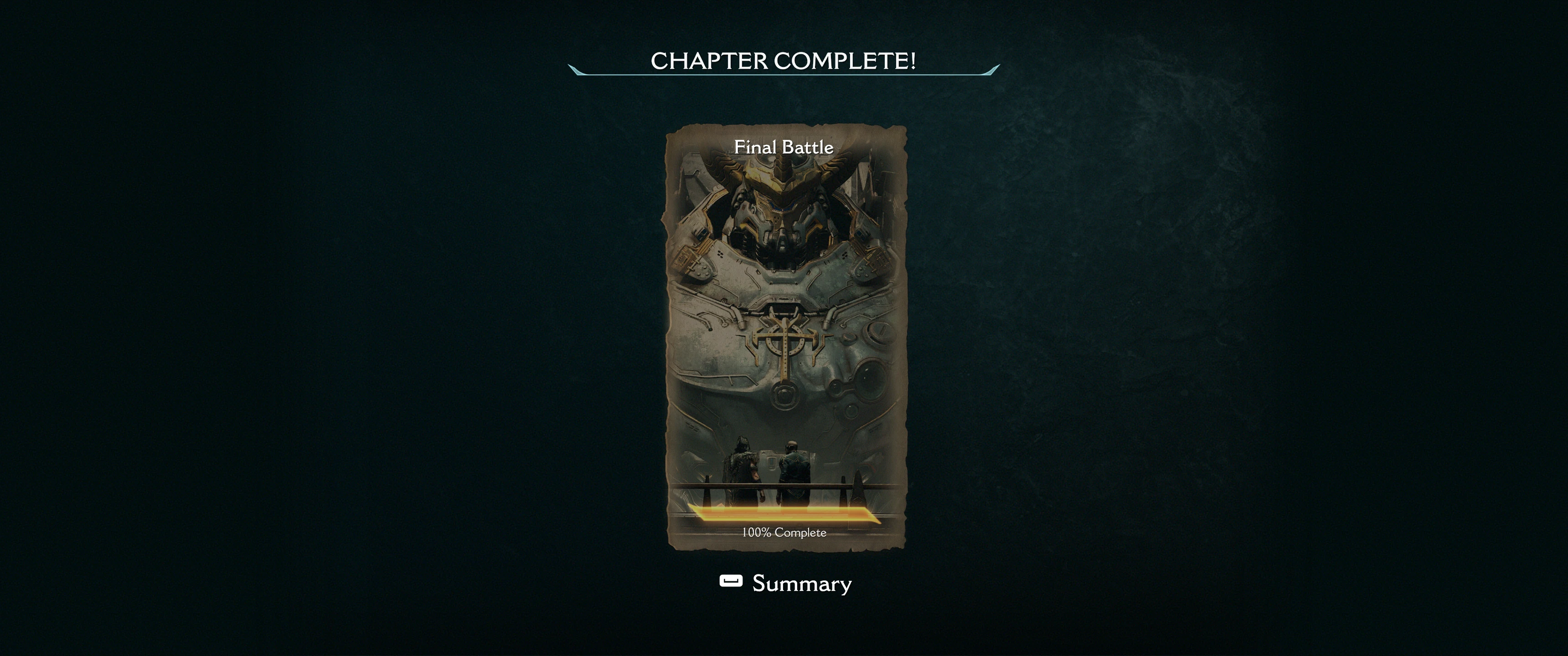
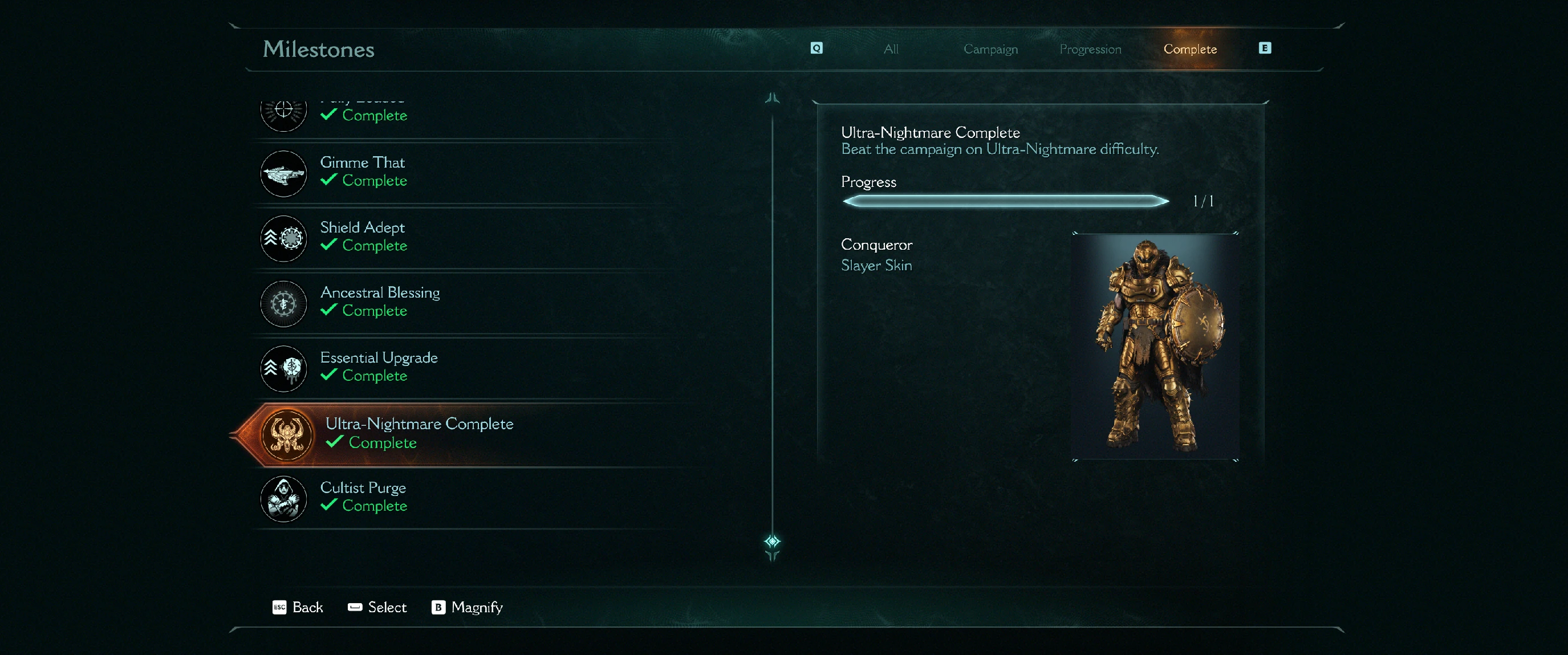
Save file 100 percent completed
Autor:EonaCatNLLast updated:30/05/2025 01:45:543.3K1002KB

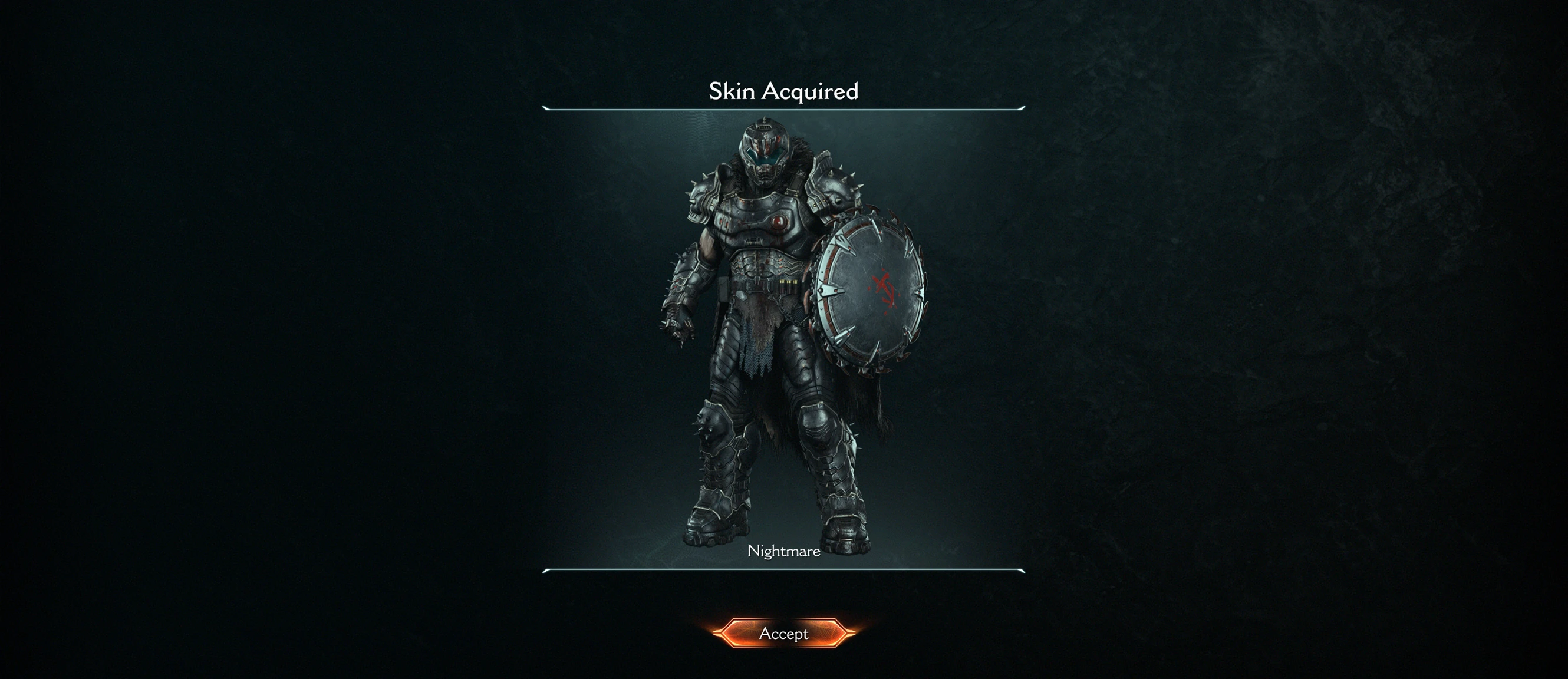
Mod Introduction
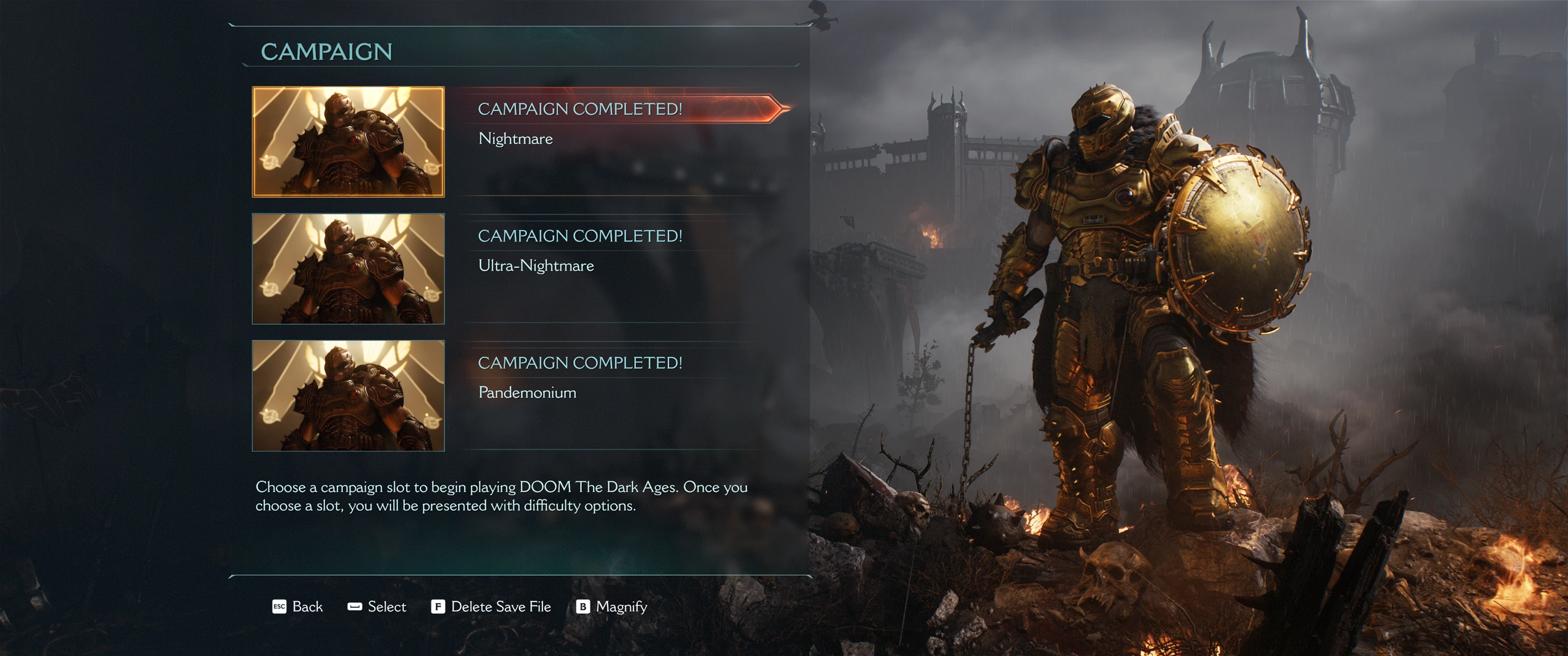
EonaCat Doom The Dark AgesSavegame 100 percent completedPlace the savegame in:C:\Users\username\AppData\Local\Packages\BethesdaSoftworks.ProjectTitan_3275kfvn8vcwc\SystemAppData\wgs\000900000D9E41E2_00000000000000000000000071672517
EonaCat Doom The Dark Ages
Savegame 100 percent completed
Place the savegame in:
C:\Users\[username]\AppData\Local\Packages\BethesdaSoftworks.ProjectTitan_3275kfvn8vcwc\SystemAppData\wgs\000900000D9E41E2_00000000000000000000000071672517
Replace 000900000D9E41E2_00000000000000000000000071672517 with your own gamepass profile id
Make sure that when you start the game the cloud saves files are not synced again.
What I do:
During the start of the game wait for the cloud saves to sync and immediately replace your save files with the save files from the ZIP.
(So the cloud save is already synced when the game is booting.)
Make sure that you replace the files before you see the main intro.
Savegame 100 percent completed
Place the savegame in:
C:\Users\[username]\AppData\Local\Packages\BethesdaSoftworks.ProjectTitan_3275kfvn8vcwc\SystemAppData\wgs\000900000D9E41E2_00000000000000000000000071672517
Replace 000900000D9E41E2_00000000000000000000000071672517 with your own gamepass profile id
Make sure that when you start the game the cloud saves files are not synced again.
What I do:
During the start of the game wait for the cloud saves to sync and immediately replace your save files with the save files from the ZIP.
(So the cloud save is already synced when the game is booting.)
Make sure that you replace the files before you see the main intro.
This tool is provided by the third party [bufftool]

Download Mods For Free
Install LagoFast, start DOOM: The Dark Ages and play with the mods you love.
We use cookies to make interactions with our websites andservices easy and meaningful. For more information aboutthe cookies we use or to find out how you can disable cookies, click here.