
KEEP THE DEAD
Autor:KNIGHTMARE077Last updated:15/11/2025 08:54:4345425.9MB

Mod Introduction
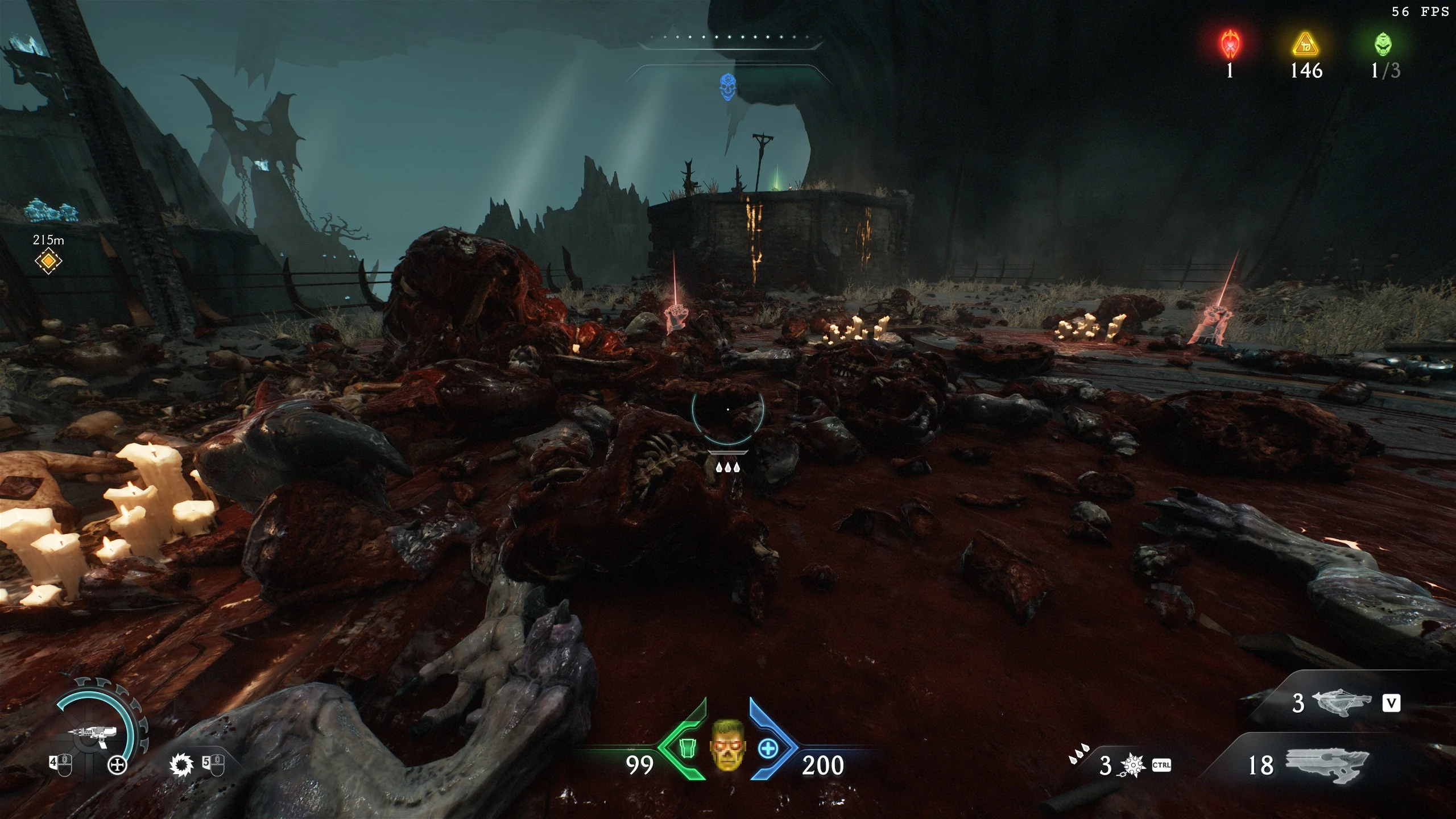
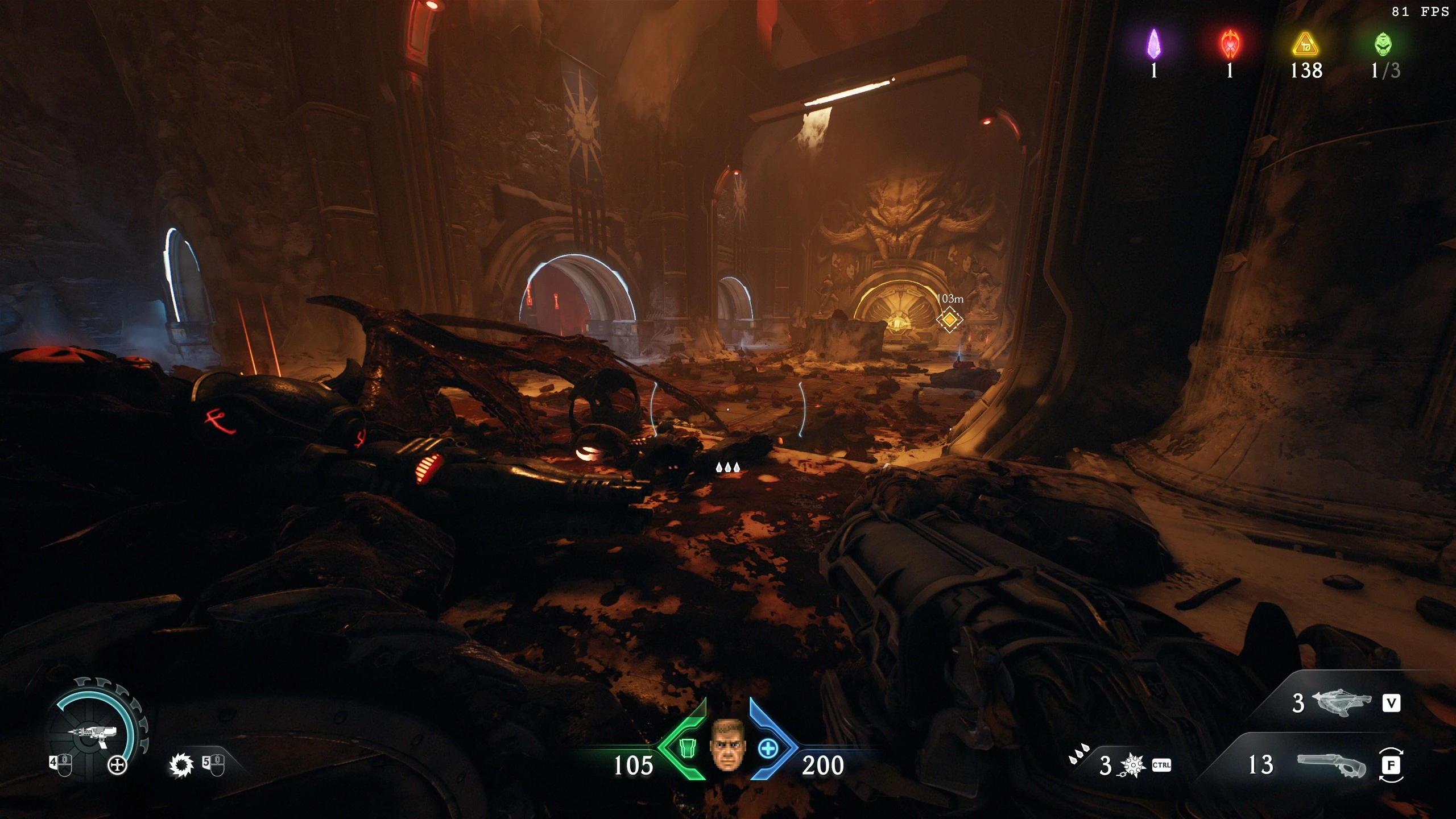
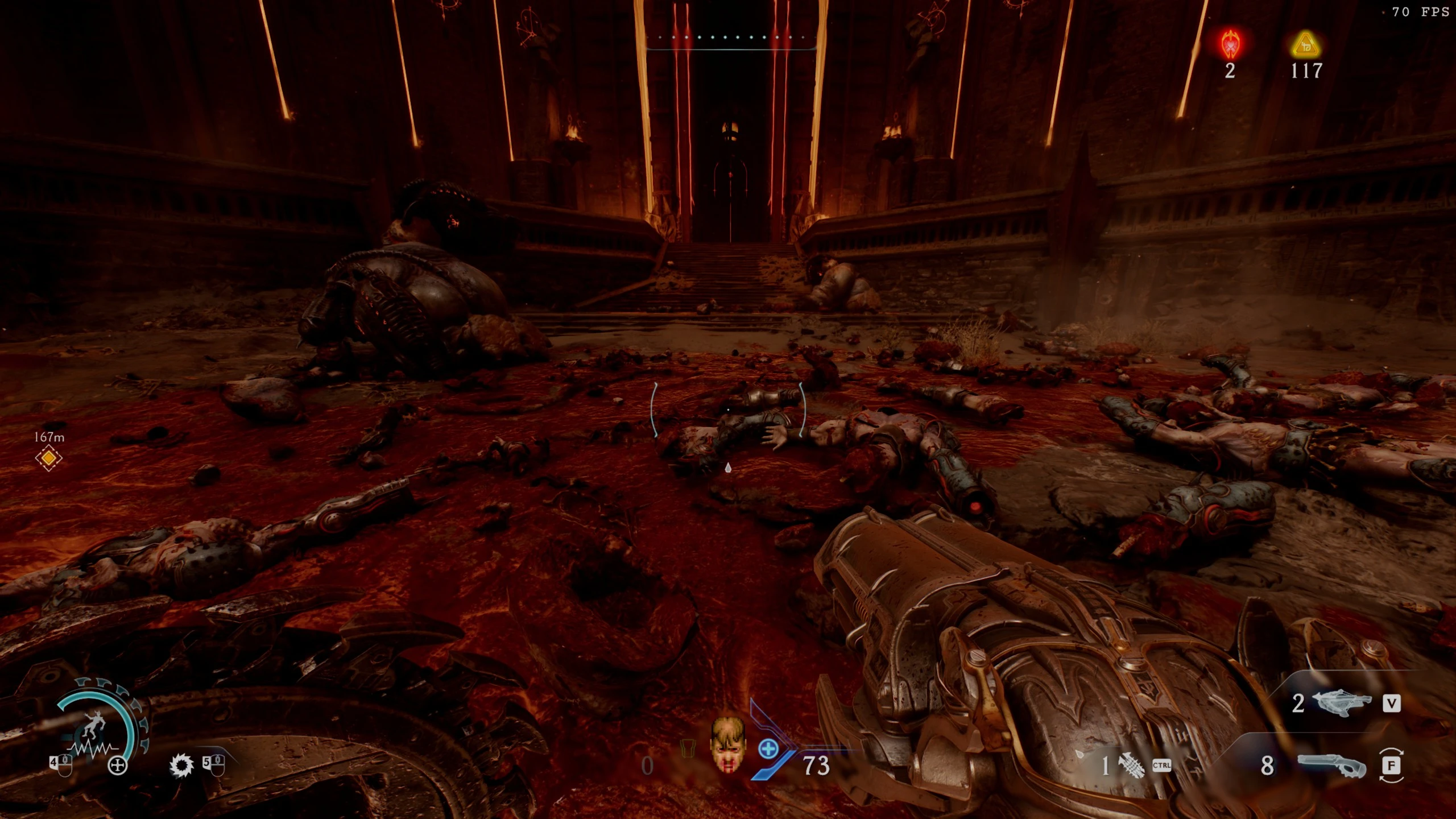
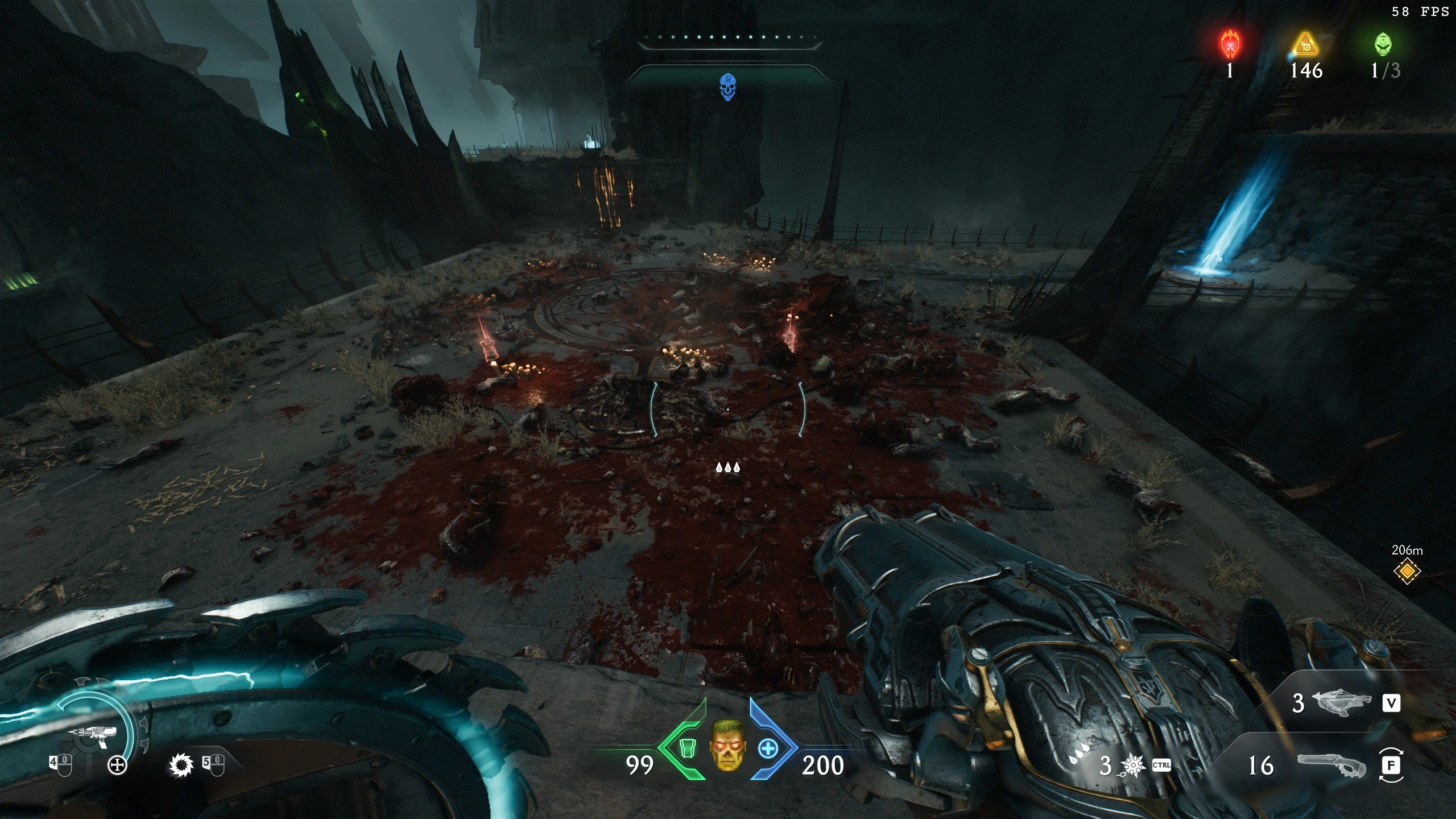
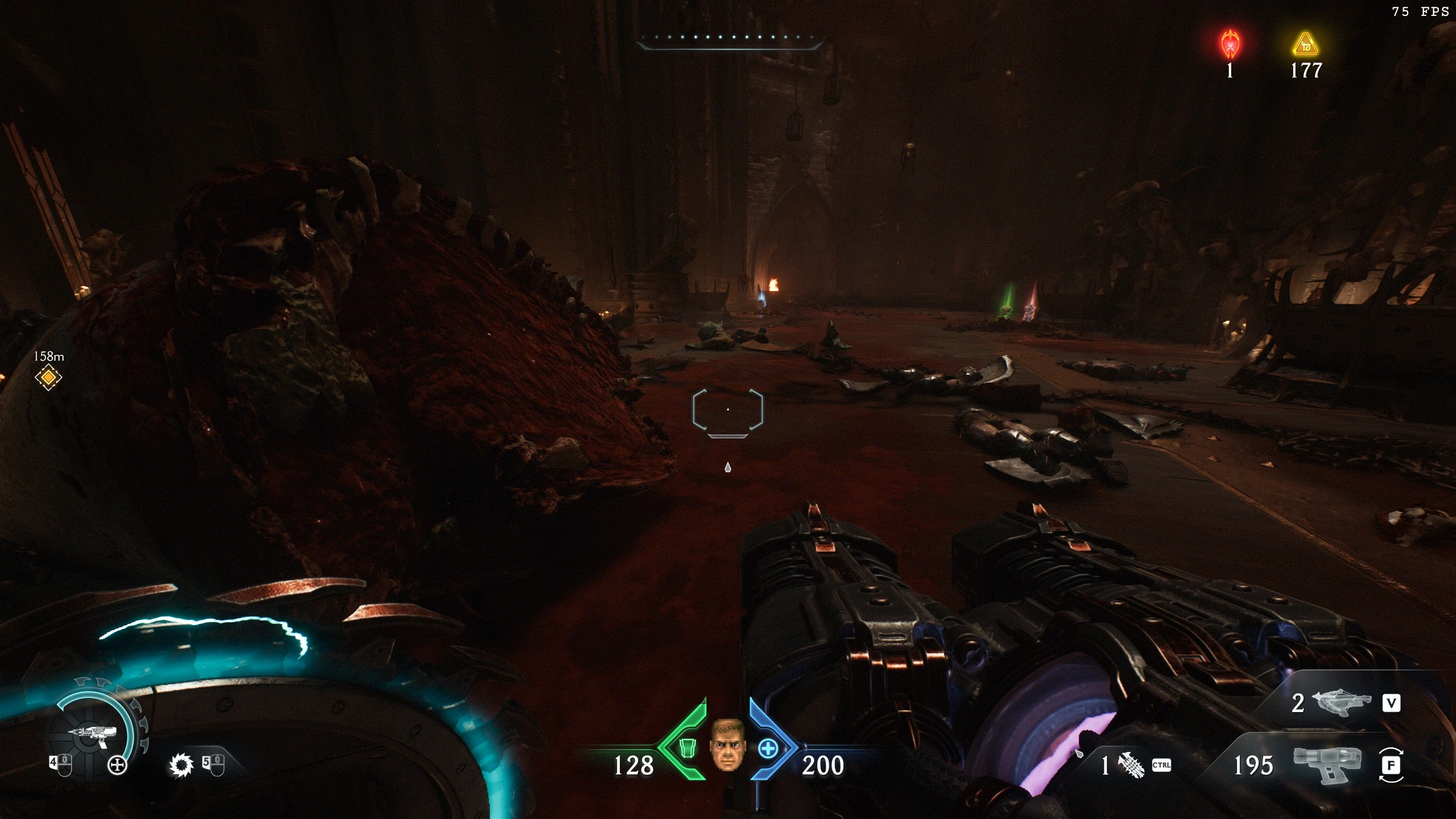
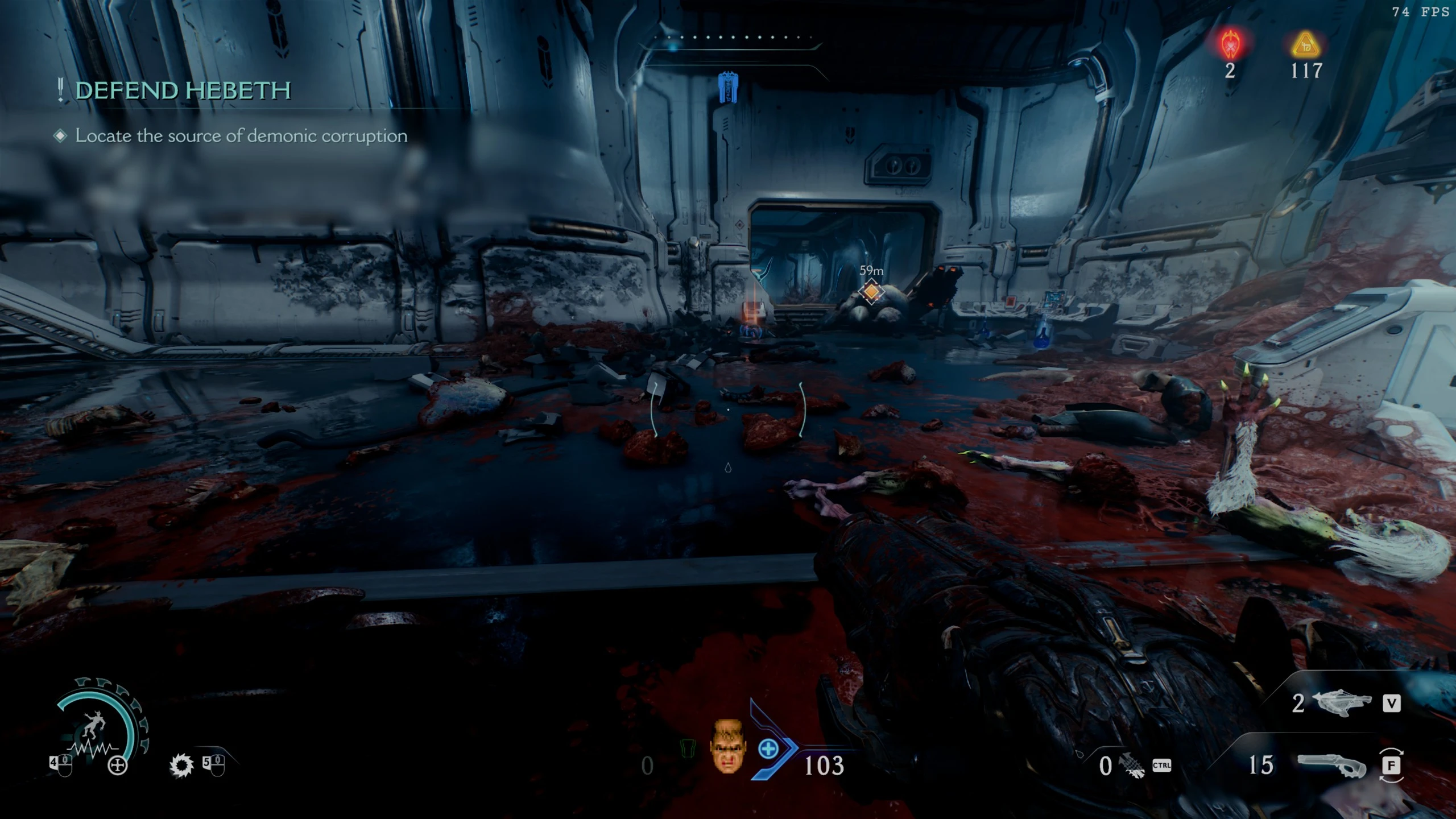
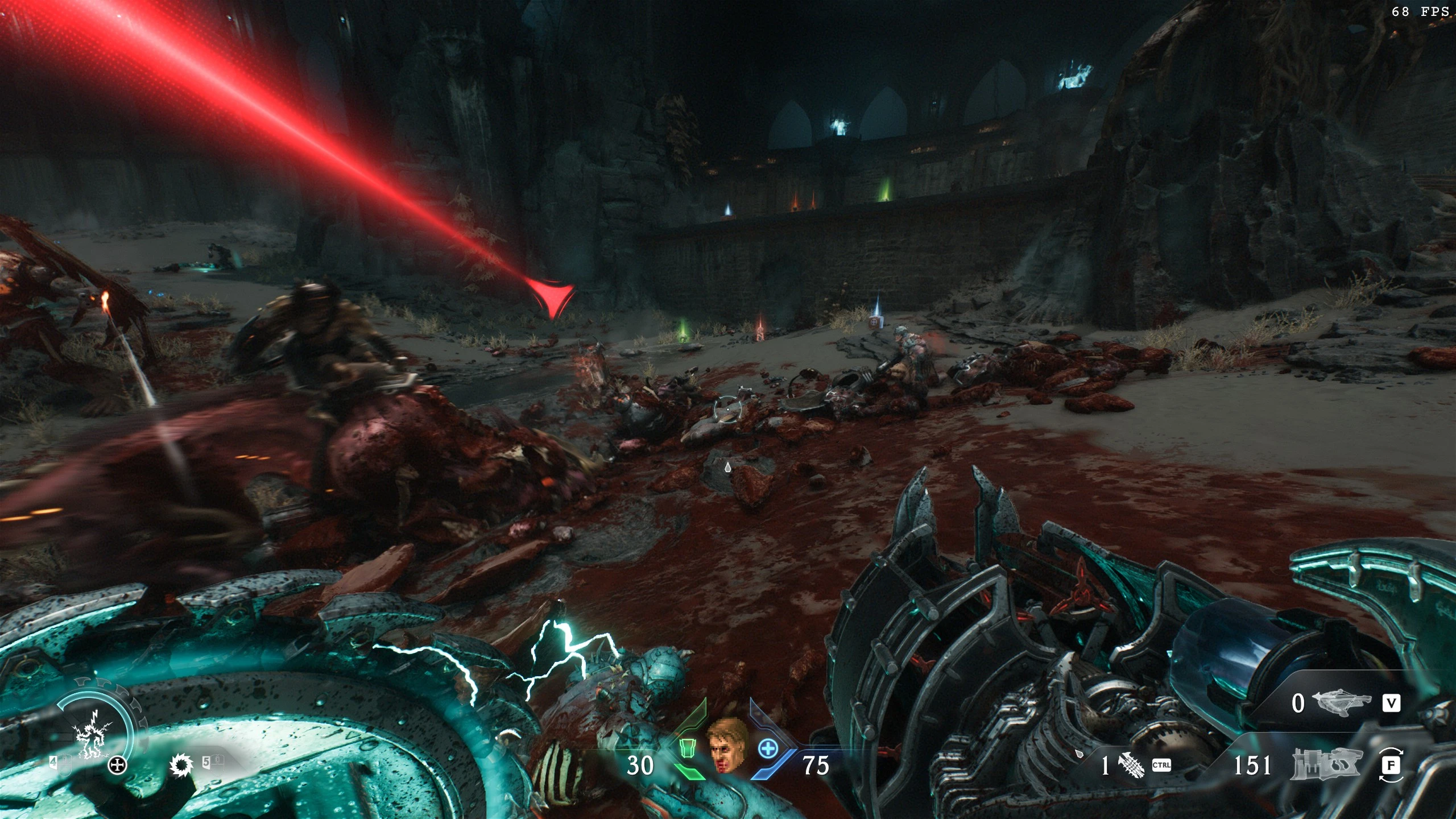
Modifications to allow the gore to be more persistent.
Install
1) Download the required modding tools (NEEDS VERSION 3.1):
Atlan Mod Loader - GitHub
2) Download Keep The Dead Dark Ages Mod
3) Place the .zip archive in your "mods" folder.
4) Add the launch options to steam.
Right click Doom Dark Ages In Steam
Select Properties.
Go to launch options under "General"
Add the following:
"C:\Program Files (x86)\Steam\steamapps\common\DOOMTheDarkAges\DOOMTheDarkAges.exe" %command% +com_skipintrovideo 1 +r_woundManagerMaxVerts 10096 +r_maxrendermodels 85536
**If your game is installed somewhere else other than the default C:\ drive, adjust for your location.**
5) Launch the game with AtlanModLoader.exe or DarkAgesModManager.exe
You can launch the game normally through Steam after you ran the AtlanModLoader or DarkAgesModManager once to load the mod.
===============================================================================================
Uninstall
1) Delete "Keep The Dead Dark Ages.zip" from "mods" folder.
2) Delete the steam launch options you set (step 4 of Install above)
3) Run AtlanModLoader.exe or DarkAgesModManger.exe
4) Done.
Thank You:
FlavorfulGecko5 , Tjoener, Proteh, Zwipe-Zwap Zapony
This is NOT possible without all of you and your work!
KEEP THE DEAD
Modifications for more persistent gore.
(For Game Version = 2.2)
(For Game Version = 2.2)
Install
1) Download the required modding tools (NEEDS VERSION 3.1):
Atlan Mod Loader - GitHub
2) Download Keep The Dead Dark Ages Mod
3) Place the .zip archive in your "mods" folder.
4) Add the launch options to steam.
Right click Doom Dark Ages In Steam
Select Properties.
Go to launch options under "General"
Add the following:
"C:\Program Files (x86)\Steam\steamapps\common\DOOMTheDarkAges\DOOMTheDarkAges.exe" %command% +com_skipintrovideo 1 +r_woundManagerMaxVerts 10096 +r_maxrendermodels 85536
**If your game is installed somewhere else other than the default C:\ drive, adjust for your location.**
5) Launch the game with AtlanModLoader.exe or DarkAgesModManager.exe
You can launch the game normally through Steam after you ran the AtlanModLoader or DarkAgesModManager once to load the mod.
===============================================================================================
Uninstall
1) Delete "Keep The Dead Dark Ages.zip" from "mods" folder.
2) Delete the steam launch options you set (step 4 of Install above)
3) Run AtlanModLoader.exe or DarkAgesModManger.exe
4) Done.
Thank You:
FlavorfulGecko5 , Tjoener, Proteh, Zwipe-Zwap Zapony
This is NOT possible without all of you and your work!
This tool is provided by the third party [bufftool]

Download Mods For Free
Install LagoFast, start DOOM: The Dark Ages and play with the mods you love.
We use cookies to make interactions with our websites andservices easy and meaningful. For more information aboutthe cookies we use or to find out how you can disable cookies, click here.