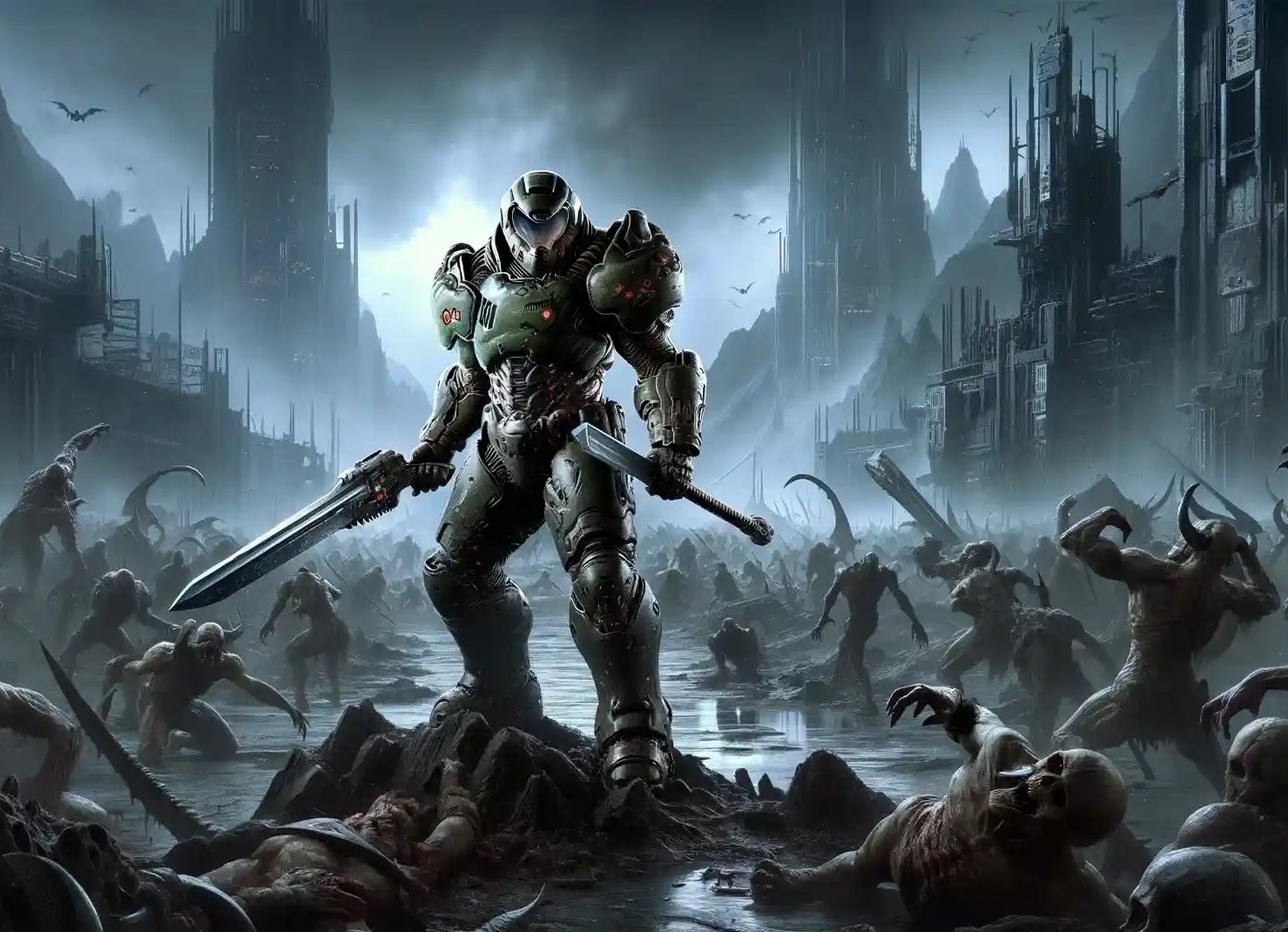
Ironclad Clarity Reshade Premium Edition
Autor:TheMachoPixelLast updated:21/05/2025 11:18:2558935KB

Pre-dependencies
Mod Introduction
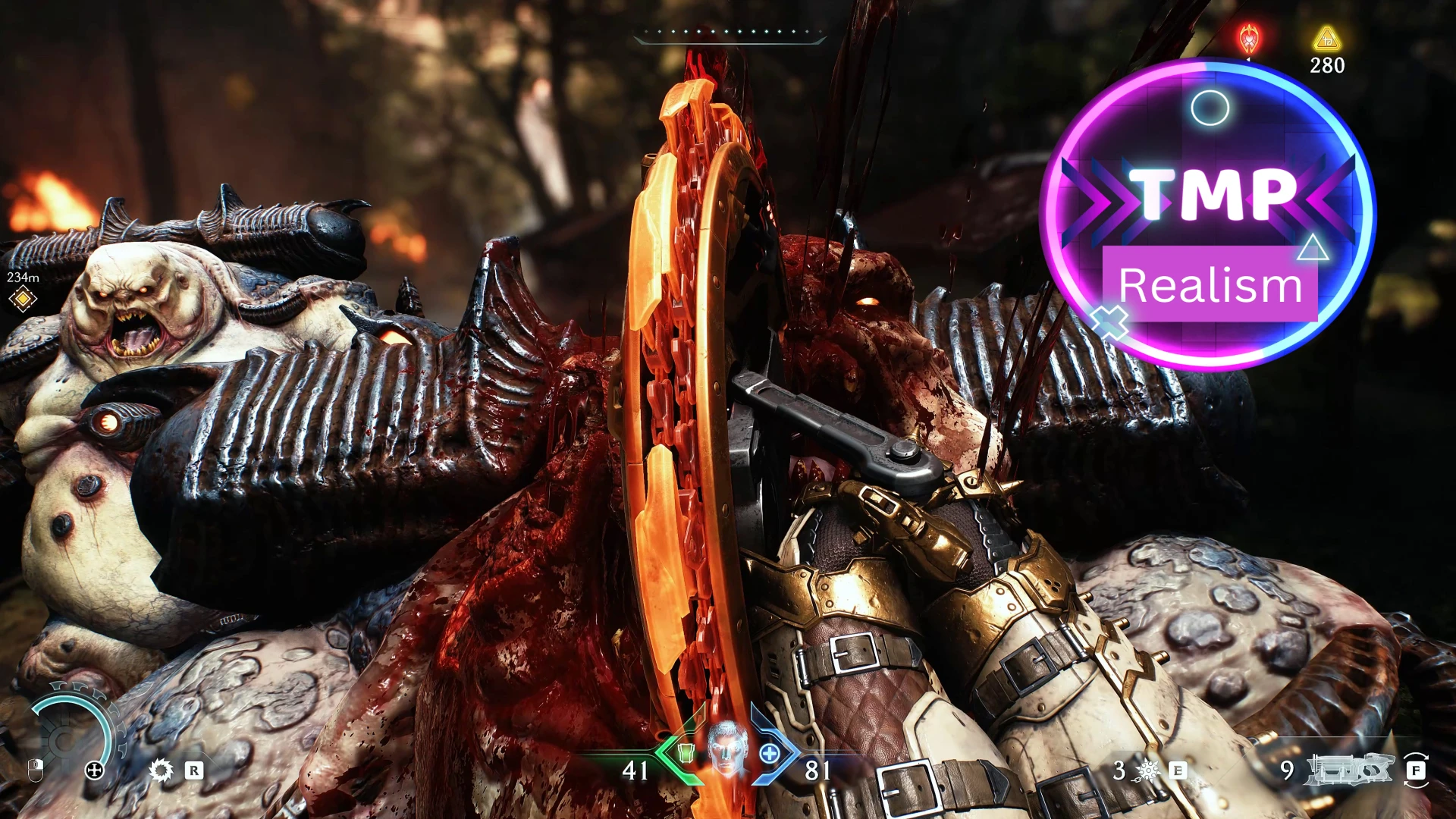
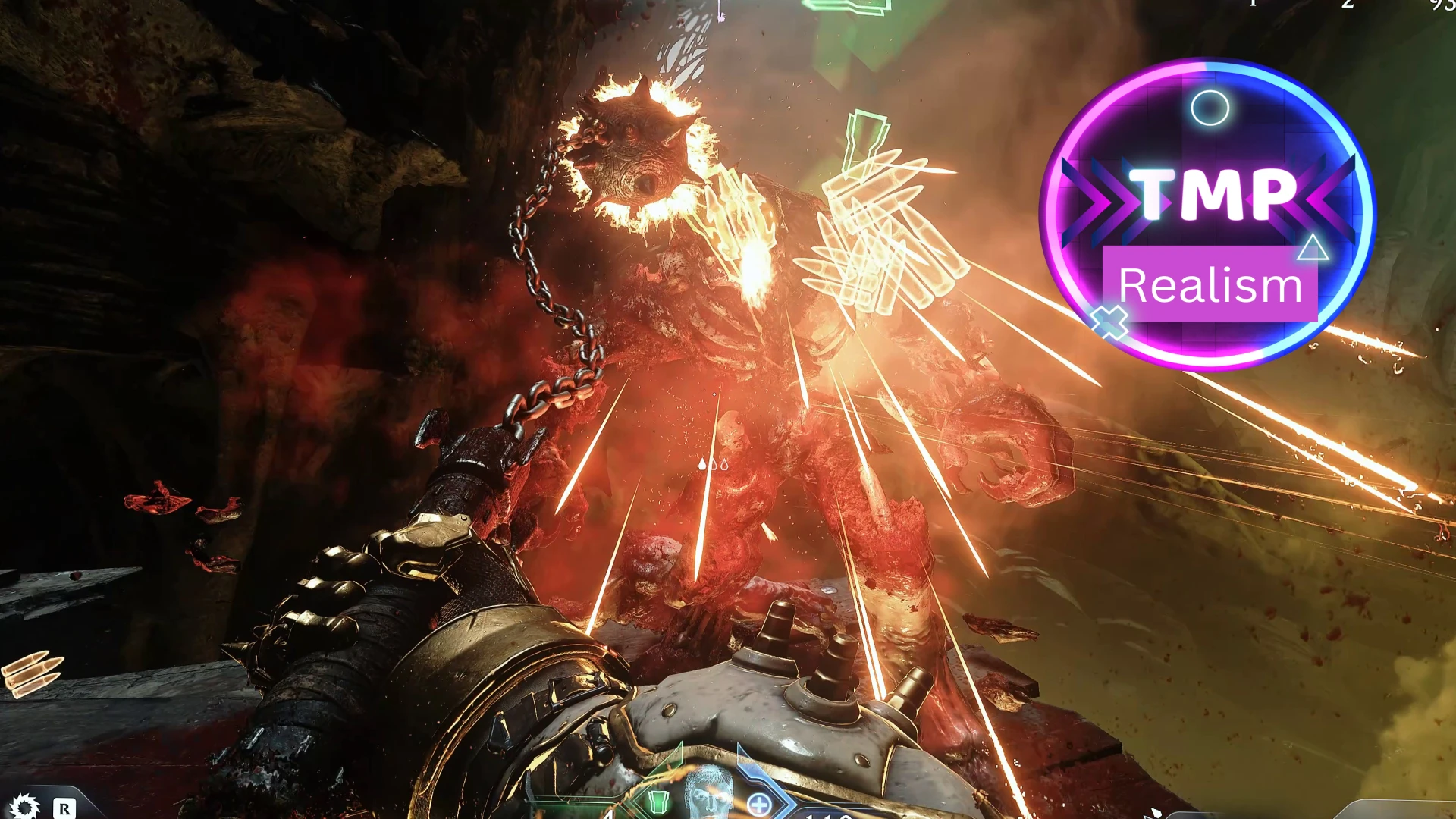
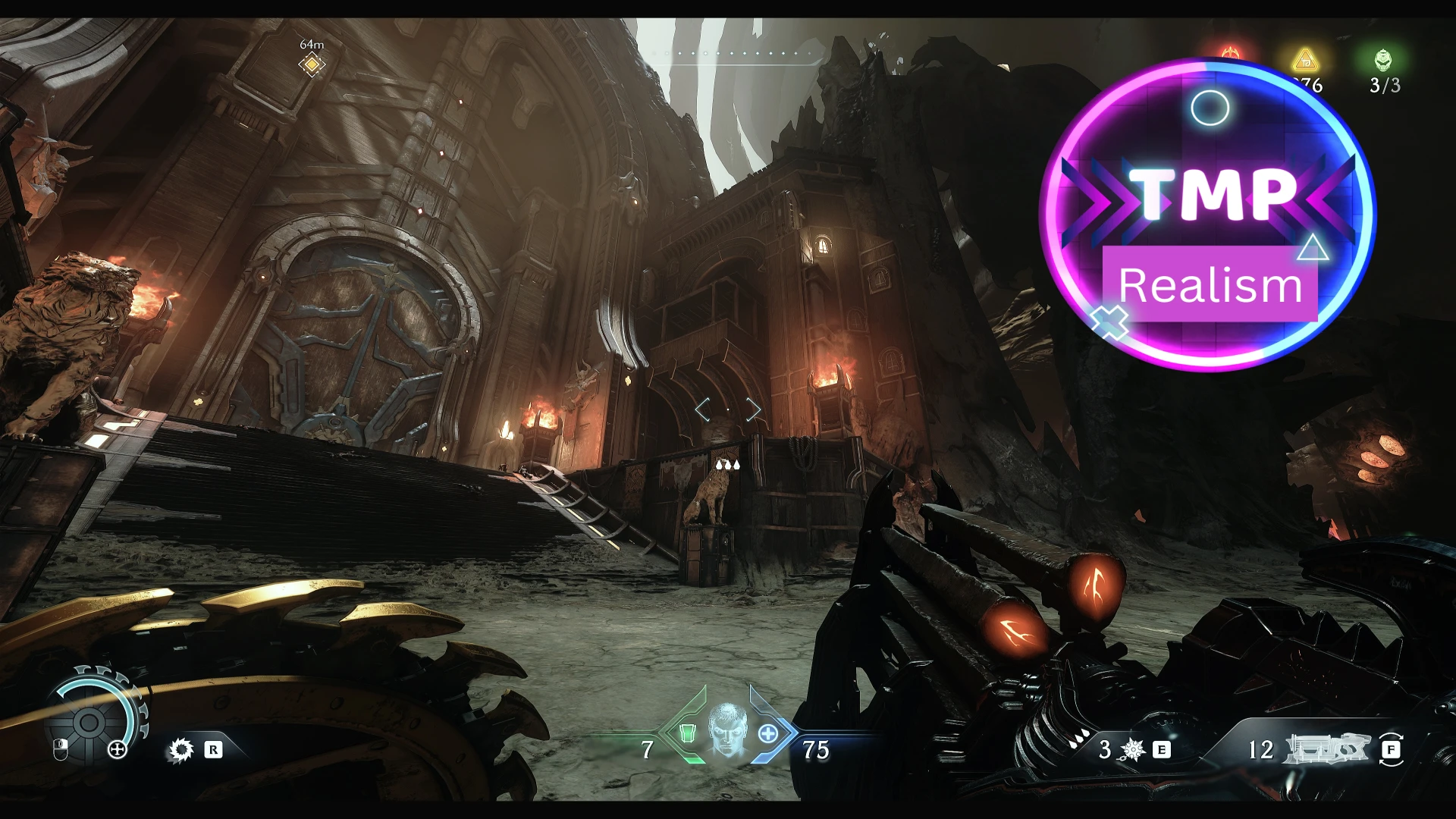
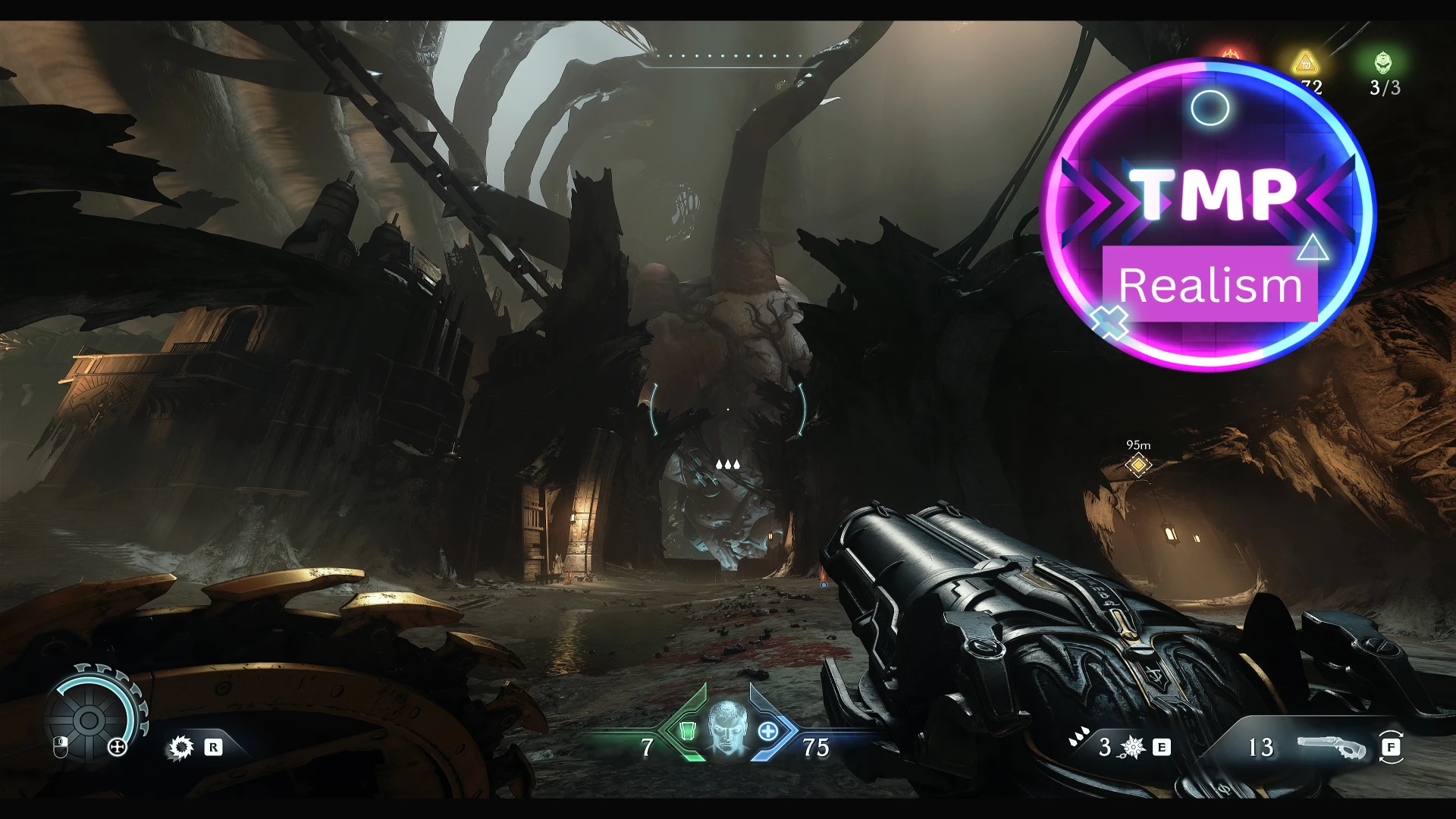
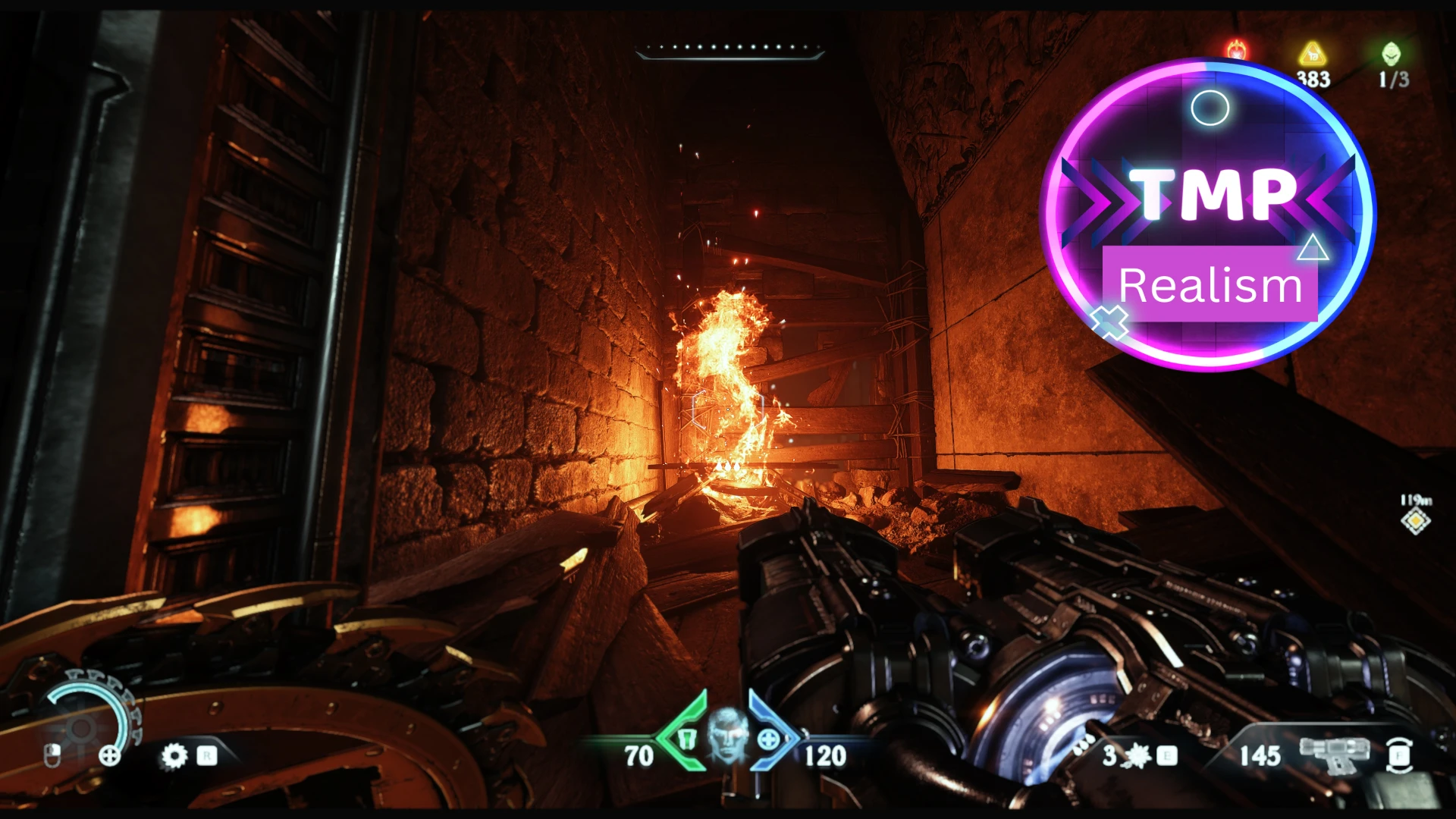
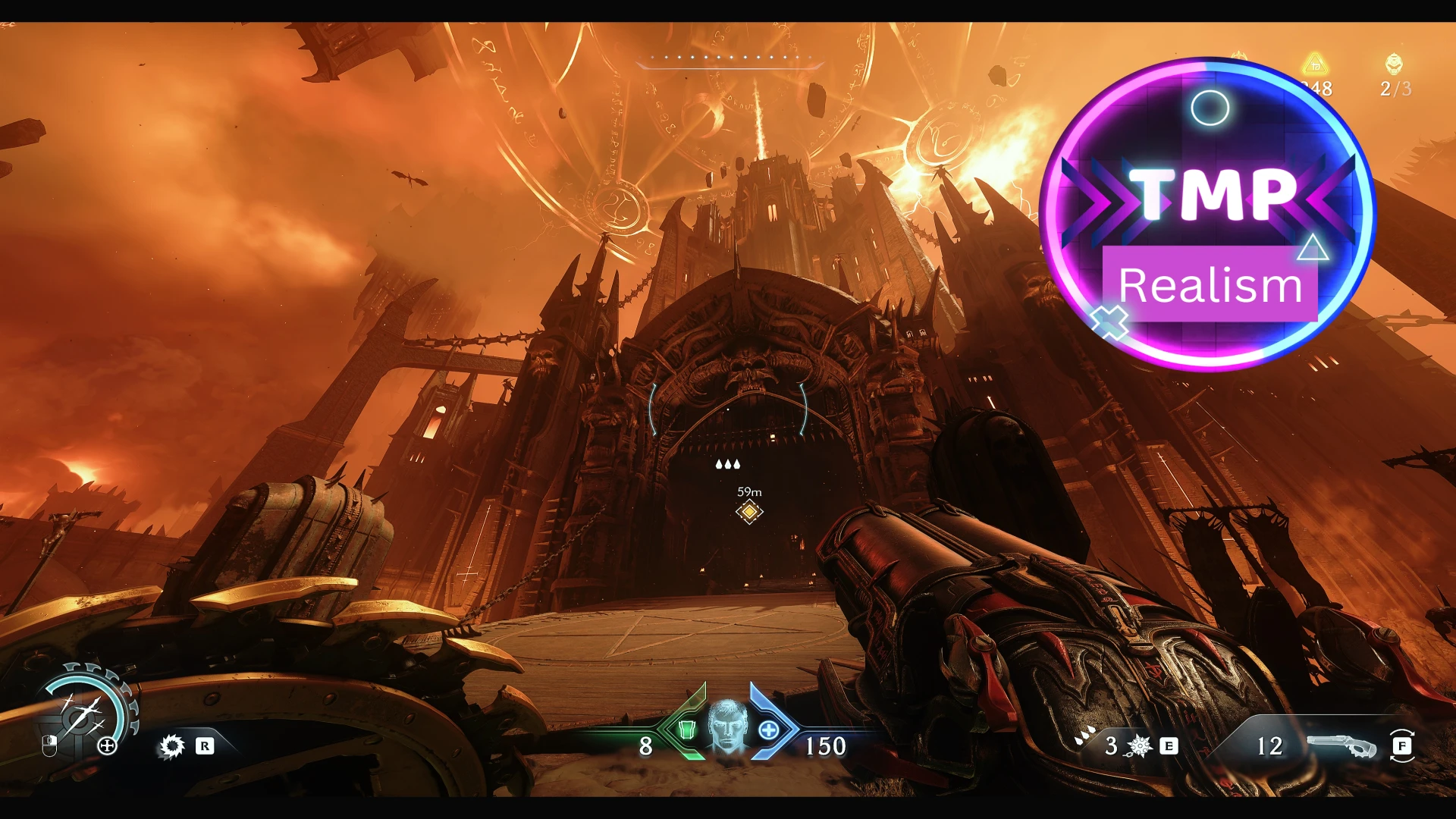
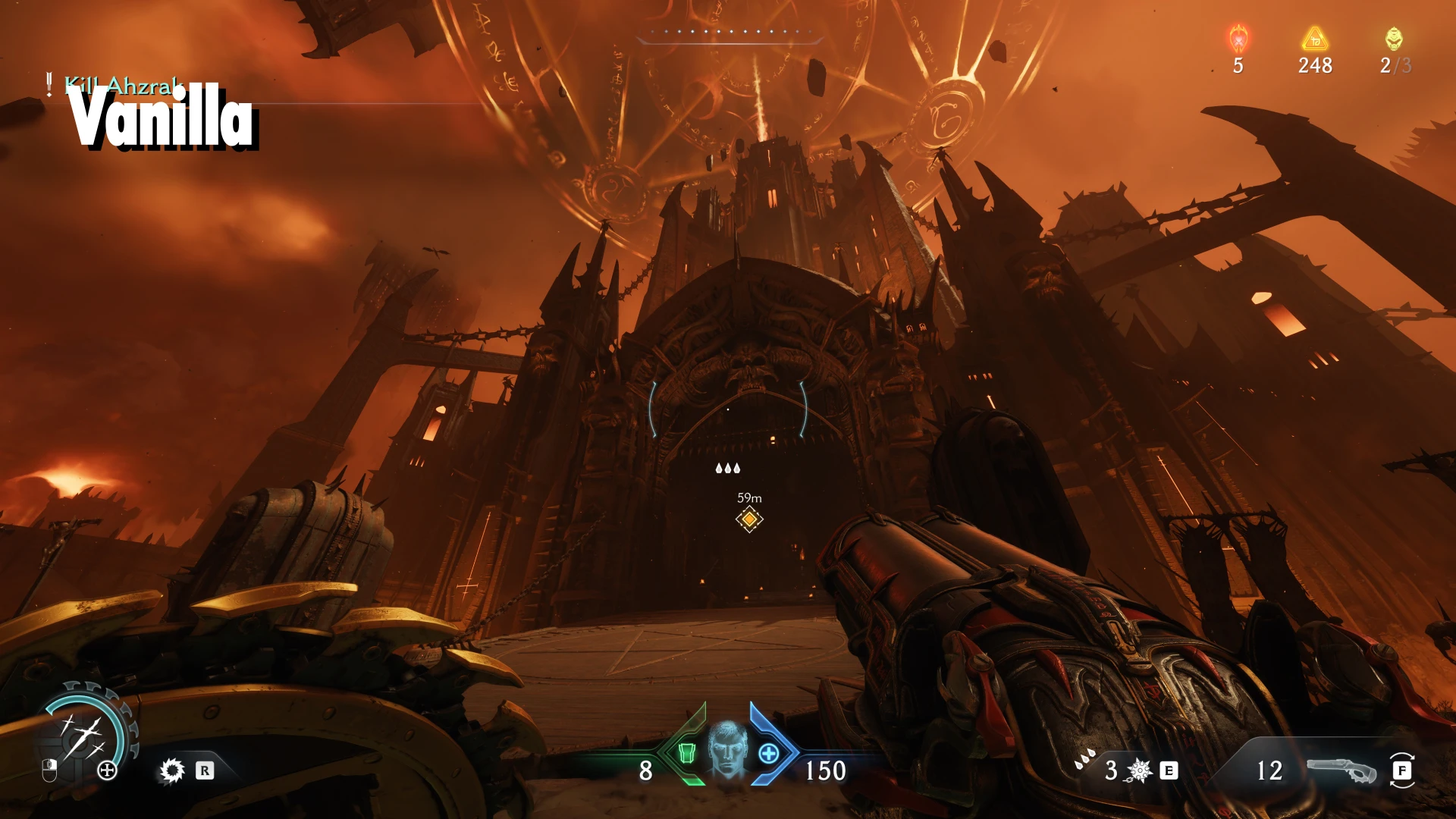
Ironclad Clarity: Reshade - Premium Edition sharpens every detail, enhances contrast, and brightens your path through the infernal battlefield. This preset brings a razor-sharp, high-definition look to Doom: The Dark Ages, making every
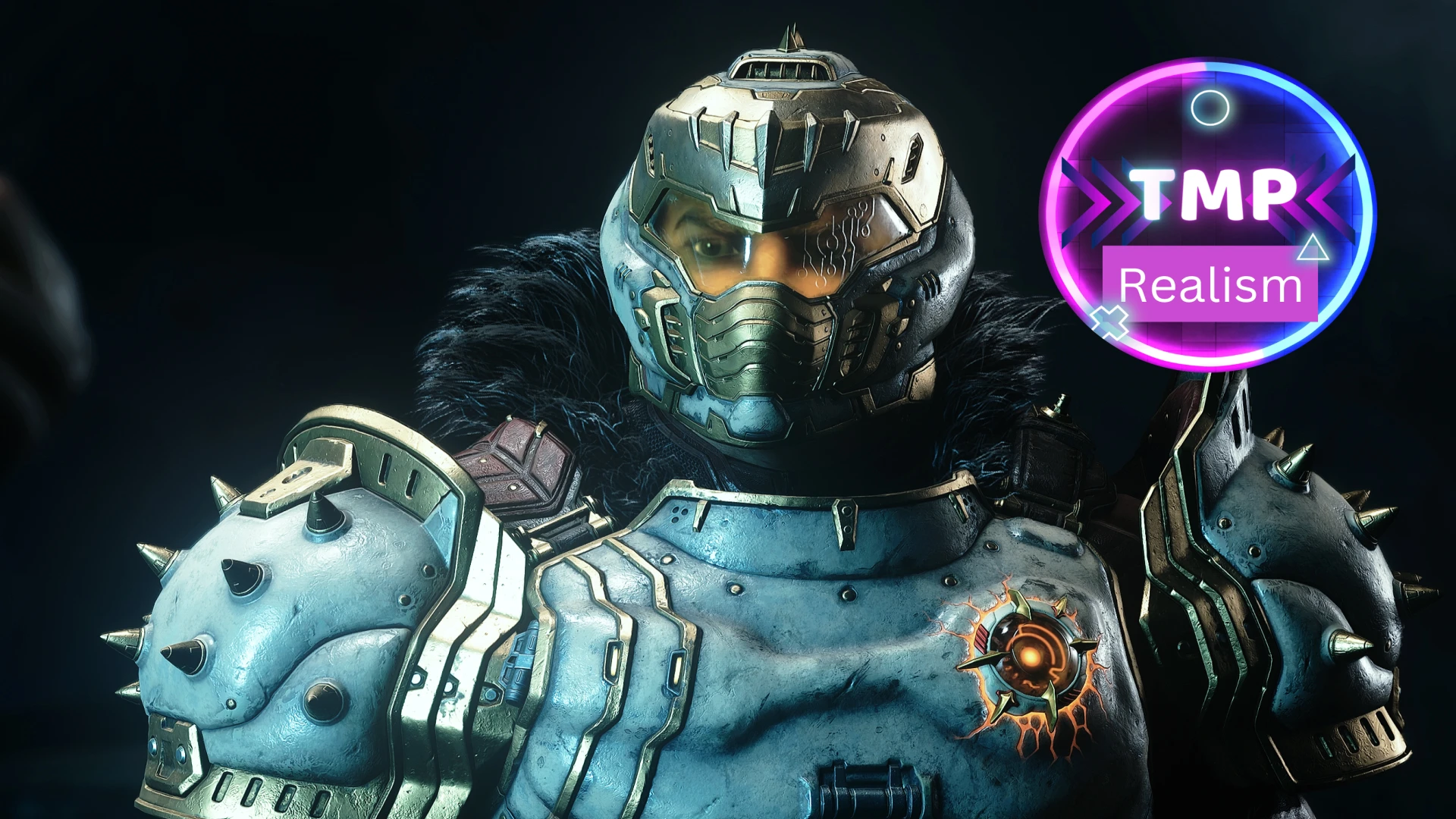
Step into the dark ages with brutal clarity. Ironclad Clarity: Reshade - Premium Edition sharpens every detail, enhances contrast, and brightens your path through the infernal battlefield. This preset brings a razor-sharp, high-definition look to Doom: The Dark Ages, making every demon, dungeon, and drop of blood pop with vivid intensity.
⚔ ️ Features:
Instructions:
To install ReShade presets, follow these general steps. ReShade is a post-processing injector primarily used to enhance visuals in video games or applications like emulators and simulators.
✅ Step-by-Step Guide to Install ReShade Presets1. Install ReShadeIf you haven’t already:
3. Install the Preset File
⚔ ️ Features:
- Crystal-clear sharpness without over-sharpening artifacts
- Bold contrast that deepens shadows and highlights brutality
- Subtle brightness boost to enhance visibility in dark, oppressive environments
- Maintains the gritty, medieval tone of the game while adding a modern visual punch
Instructions:
To install ReShade presets, follow these general steps. ReShade is a post-processing injector primarily used to enhance visuals in video games or applications like emulators and simulators.
✅ Step-by-Step Guide to Install ReShade Presets1. Install ReShadeIf you haven’t already:
- Go to the official site: https://reshade.me
- Download the installer.
- Launch the installer.
- Select the game or executable you want to apply ReShade to.
- Choose the correct rendering API (Vulkan).
- When prompted, install all effects.
3. Install the Preset File
- Locate your game directory, where the game .exe is,
- Drop the preset ".ini" file into the same folder as the game executable.
- Example:
C:\Games\YourGameFolder\preset_name.ini
- Example:
- Launch the game.
- Press "HOME" in older versions) to open the ReShade menu.
- The first time, it will run a tutorial — you can skip it.
- In the drop-down at the top, select my preset file.
- Done! You can toggle individual effects and tweak them live.
This tool is provided by the third party [bufftool]

Download Mods For Free
Install LagoFast, start DOOM: The Dark Ages and play with the mods you love.
We use cookies to make interactions with our websites andservices easy and meaningful. For more information aboutthe cookies we use or to find out how you can disable cookies, click here.