Annoying effect be gone (no fog and more)
Autor:madatnexusLast updated:19/05/2025 03:42:425950KB

Pre-dependencies

Mod Introduction
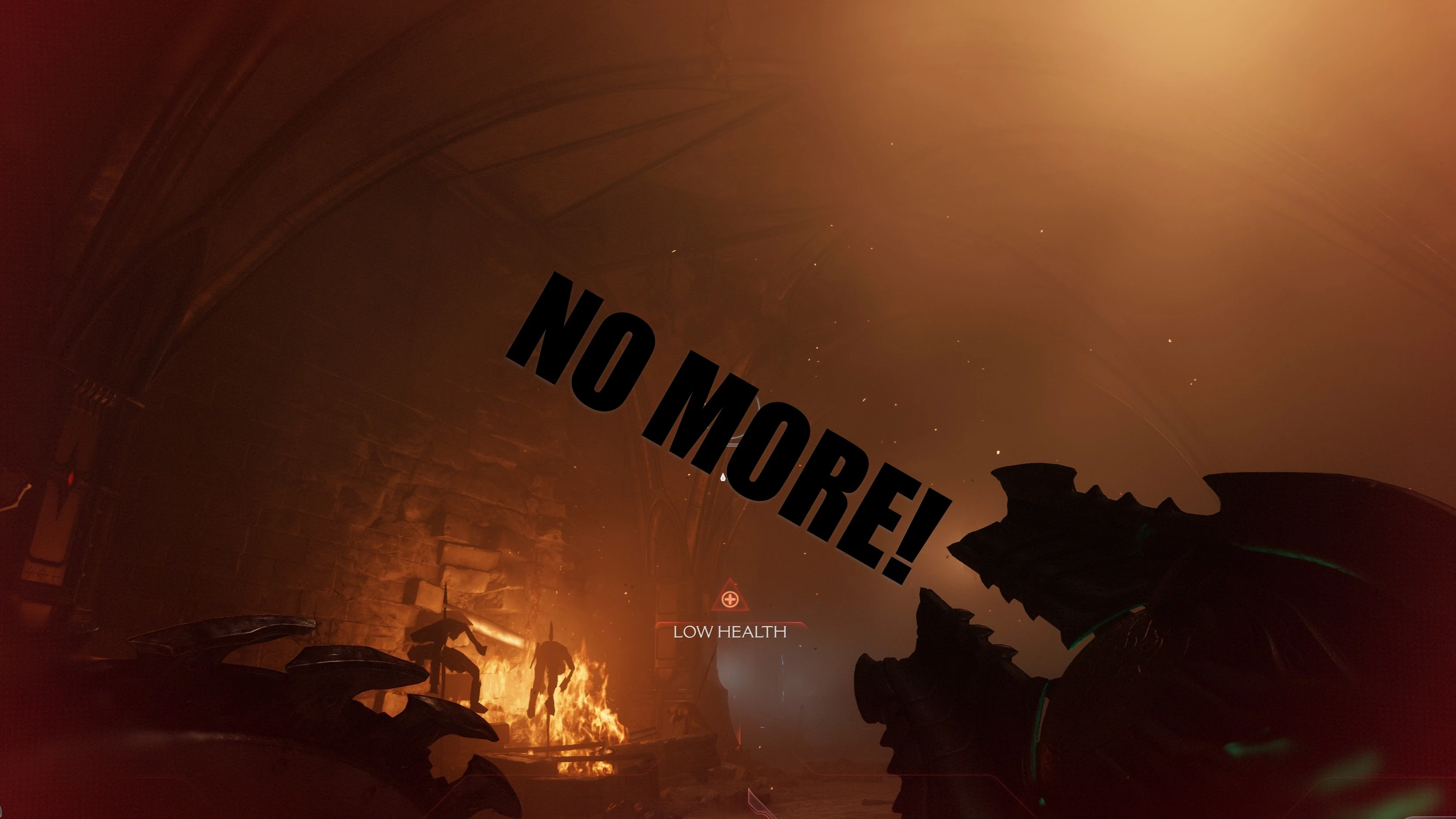
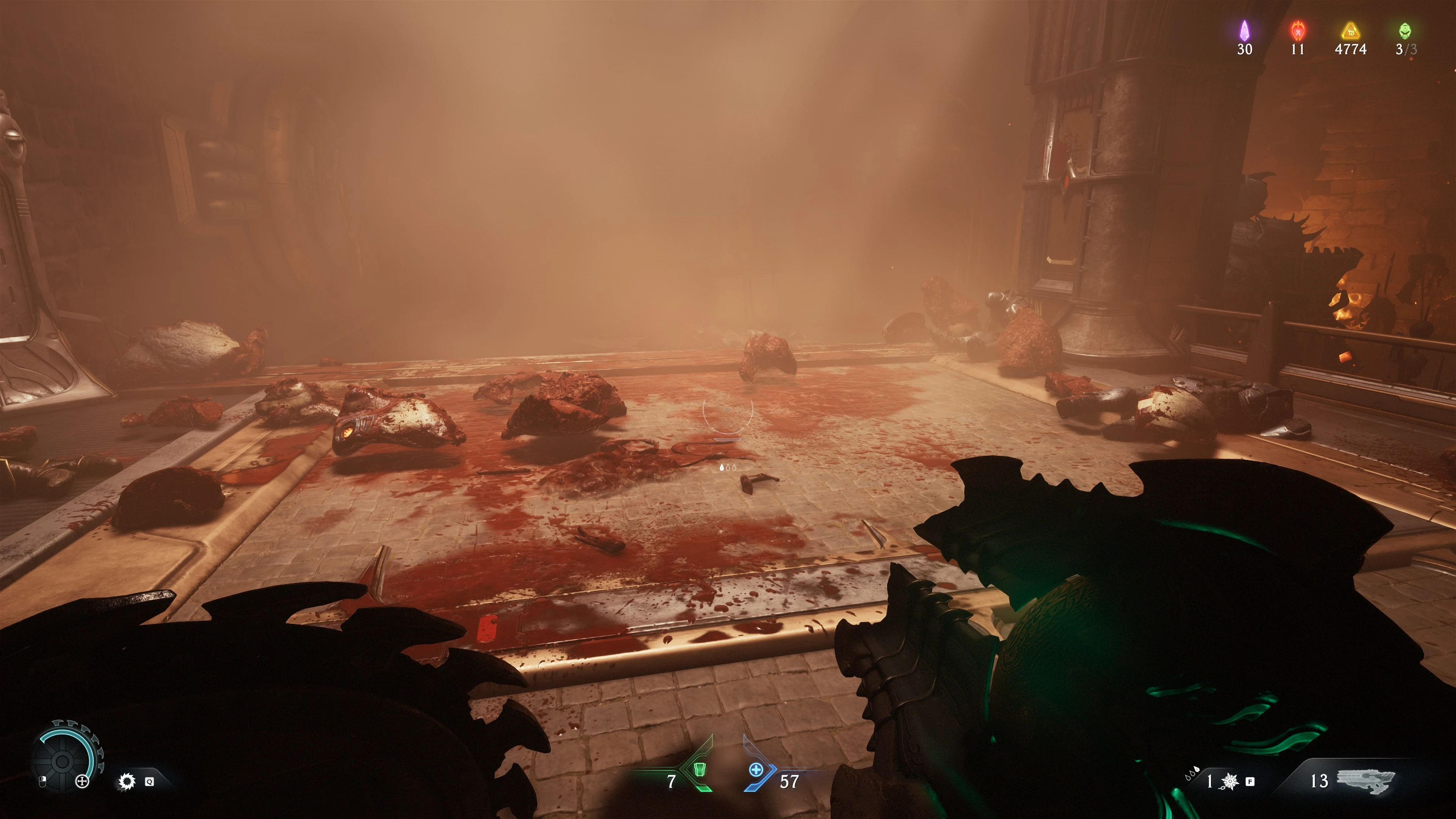
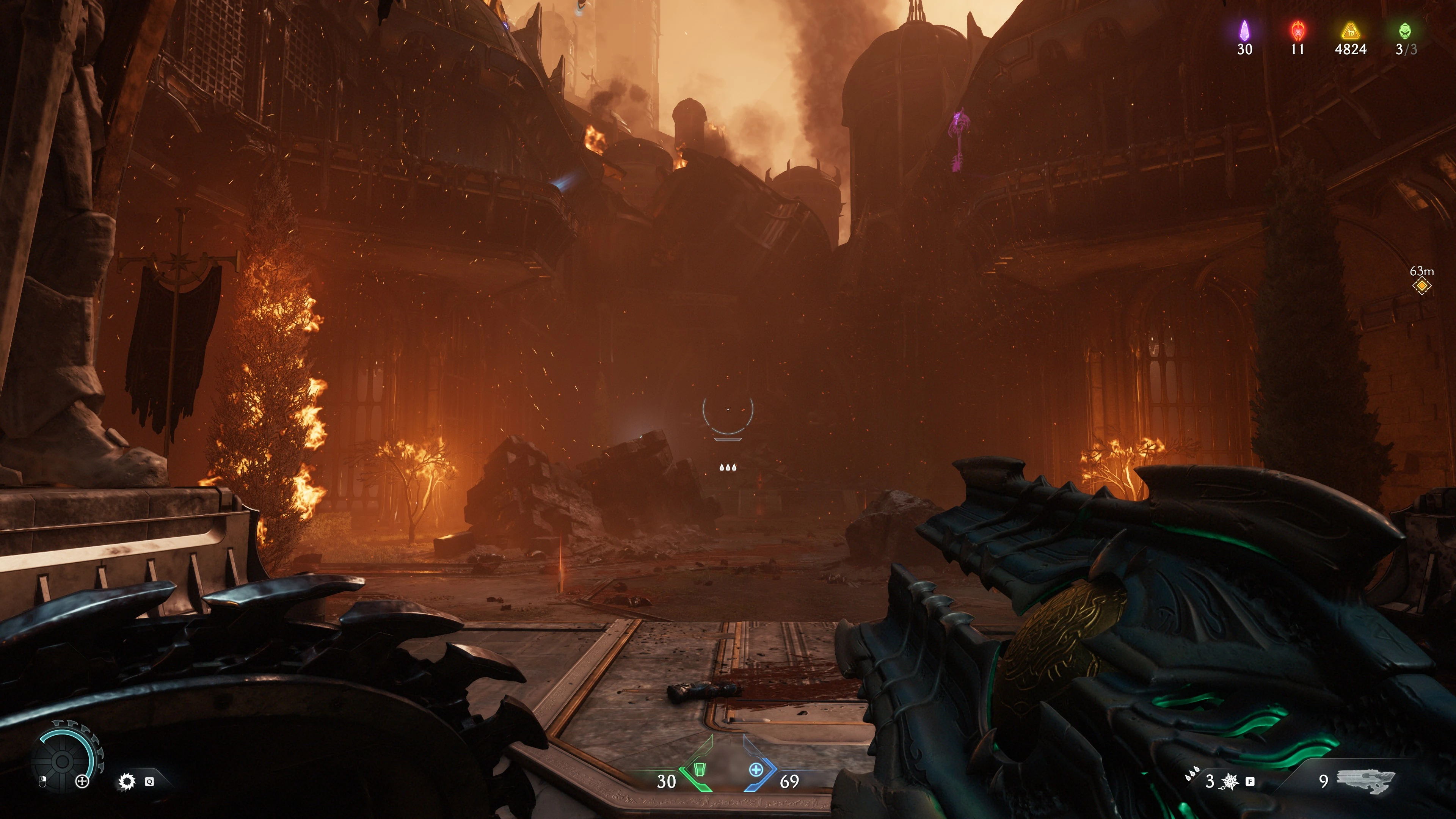
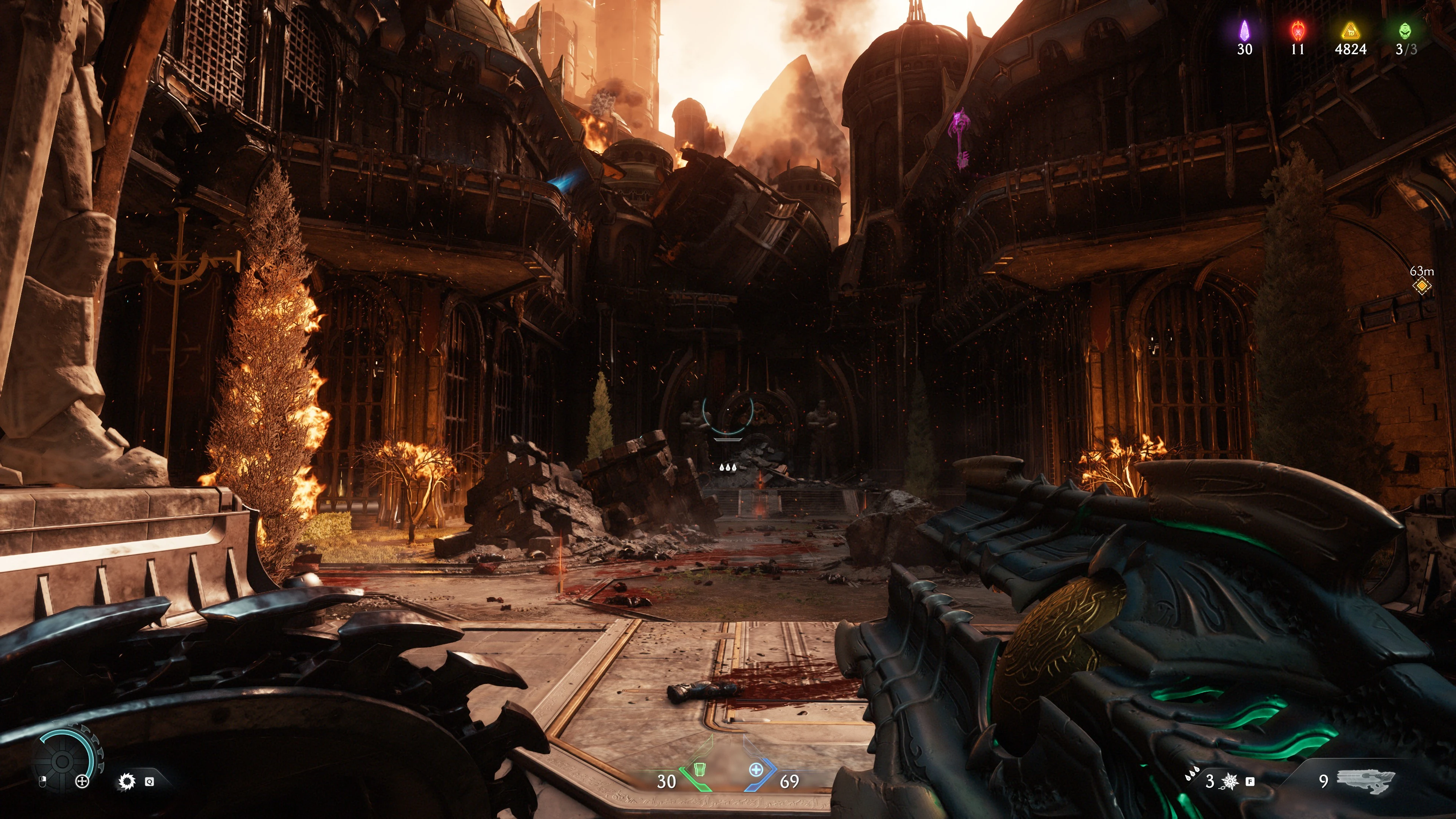
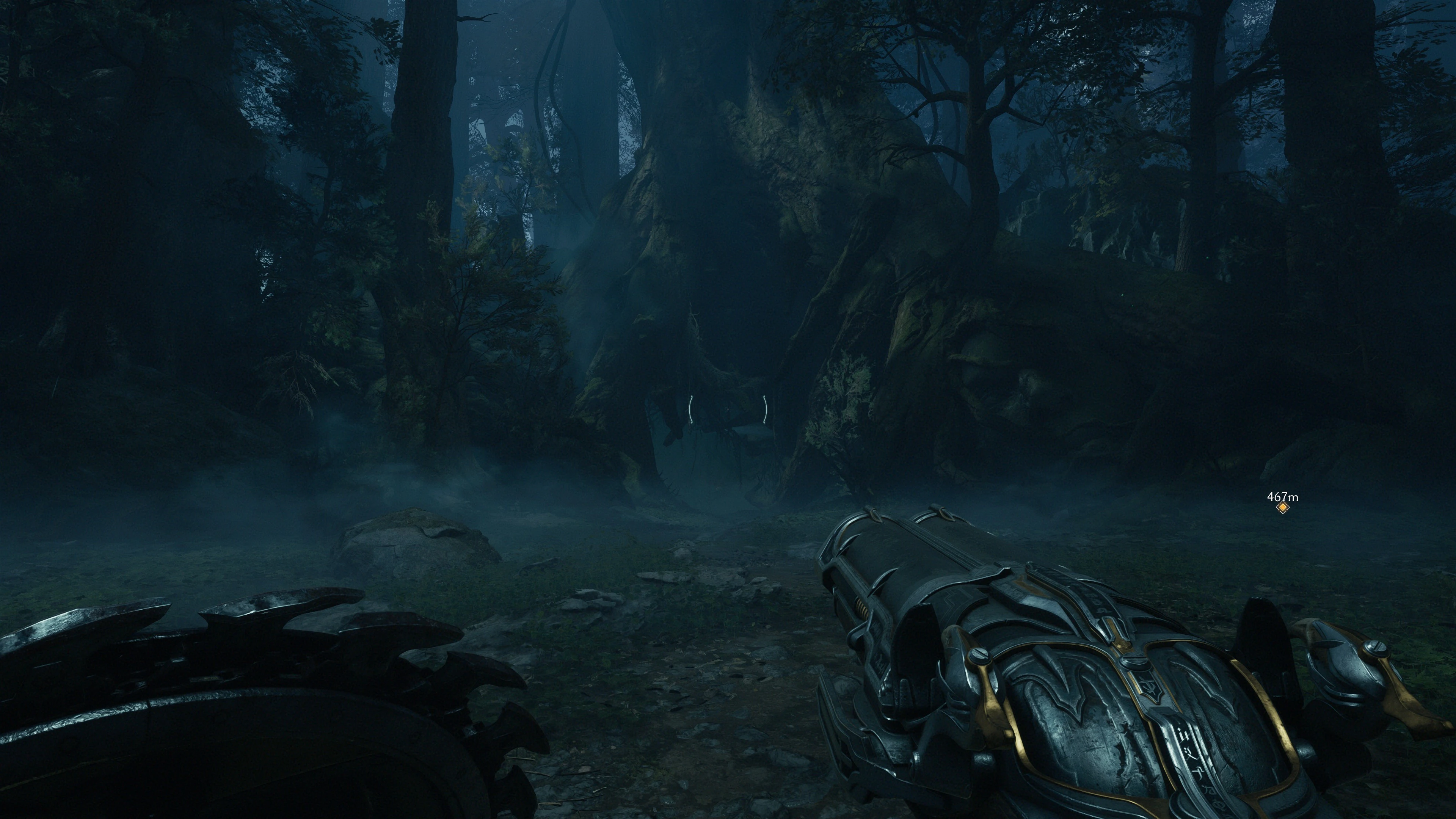
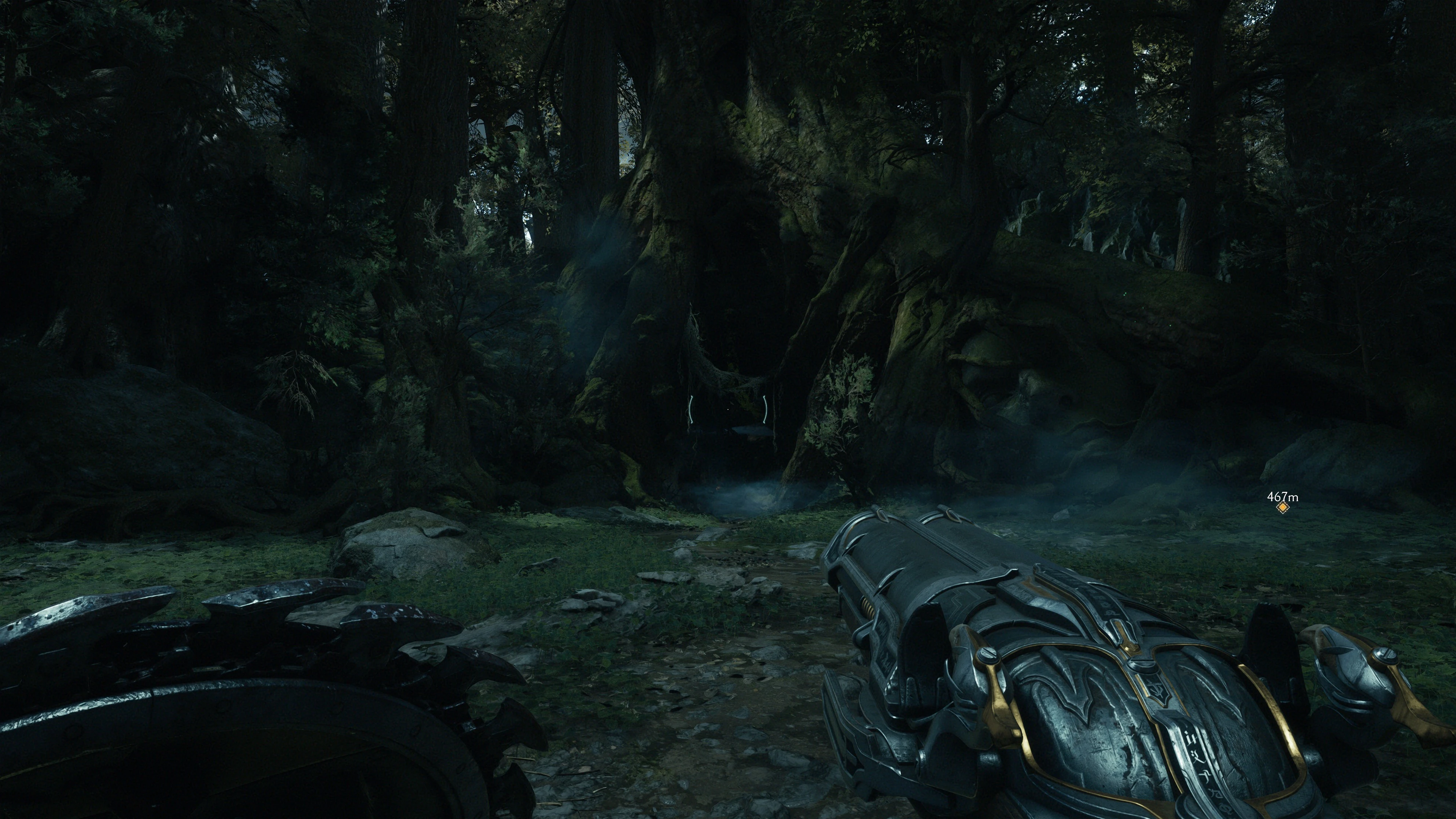
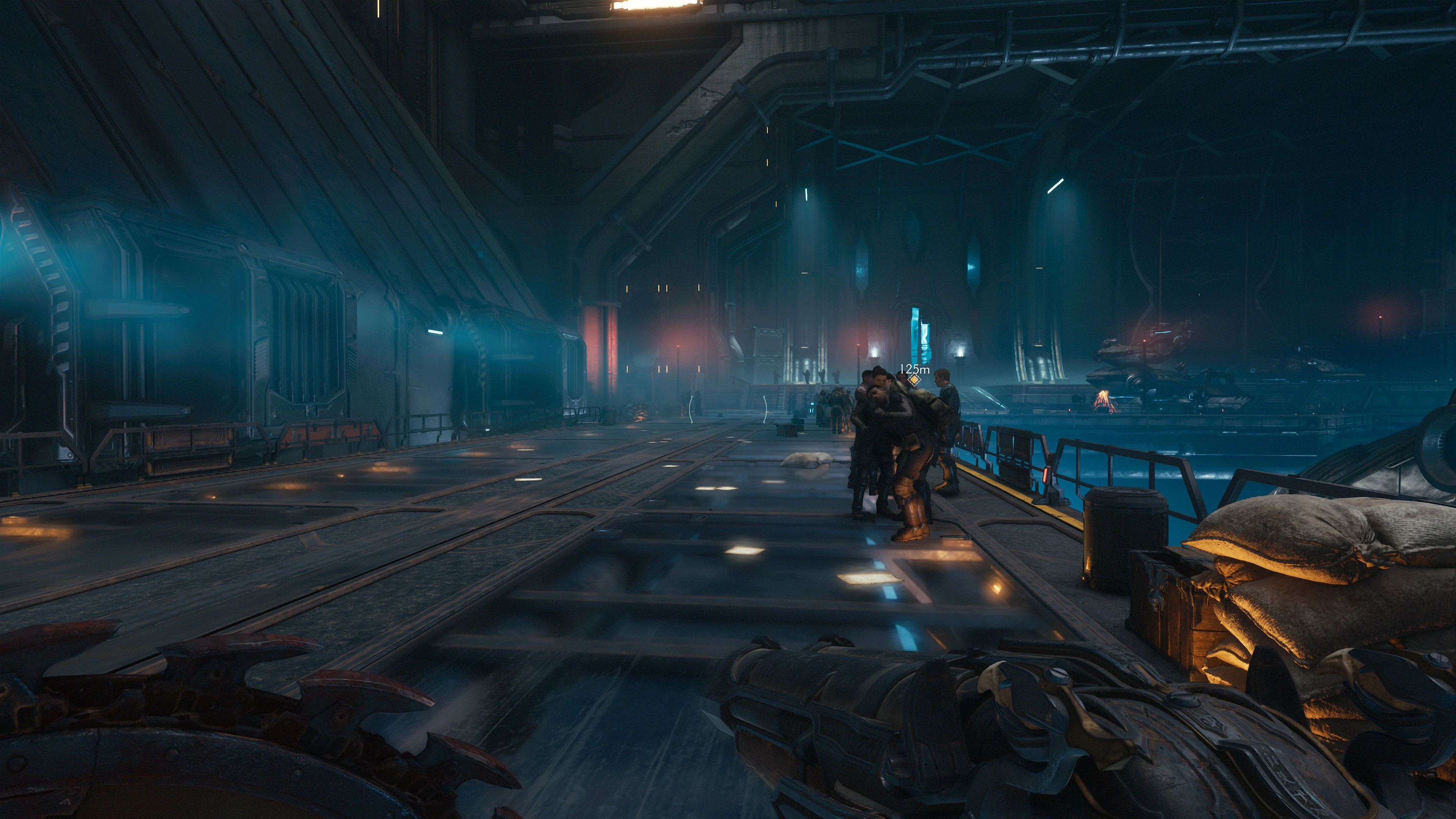
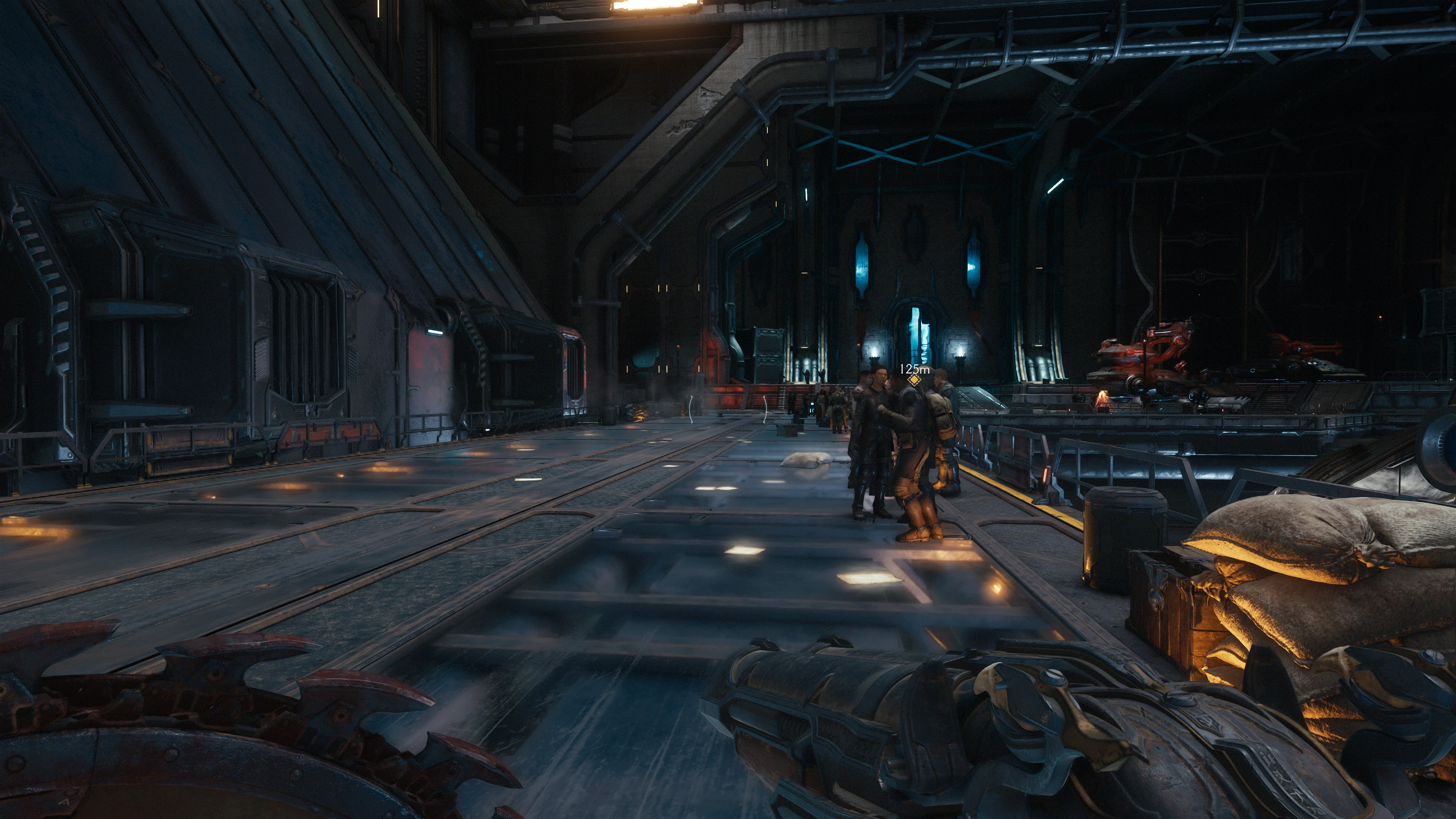
This mod removes background fog, excessive lens flares, bloom, blur, and some RT reflections.
This mod removes background fog, excessive lens flares, bloom, blur, and some RT reflections.
And please, before some m*rons start their whining tirades ("This kills the atmosphere!", "It's part of the game!", "Blablabla!"), this is intended for people like me.
I have a monitor that makes fog and bloom look like smacked b*tthole, in almost every modern game.
Because the fog distributes light in some areas and makes the game a little darker, you should raise the gamma 5-10 ticks, but this is personal preference.
Installation and use + alternative use (with current version of D:DA)
1. Download and install the
Console Unlocker by Kaibz
Give cudos and likes for the awesome mod!
2. Copy and extract NoFog into your C:\Users\Yourname\Saved Games\id Software\DOOMTheDarkAges\base folder.
3. Start the game and (at the main menu or in a level), open the console and type
exec NoFog.cfg
If you get a list of unknown commands, you have to put the commands in manually.
Some commands have an immediate effect, some need a level restart.
It's more or less obvious what every command does.
You only have to type the first few letters and hitting "tab" usually completes the command.
//For Removing effects
R _ skipcinelensflares 1
R _ skippflares 1
r_skipfog 1 (This is the important one!)
r_hdrBloom 0
r_blurRadial 0
R _ blurvignette 0
R _ dof 0
//For Reducing RT
r_raytracedreflections 0
r_waterReflections 0
r_raytracedReflectionsWater 0
r_raytracedReflectionsTemporalUpscaleQuality 0
And please, before some m*rons start their whining tirades ("This kills the atmosphere!", "It's part of the game!", "Blablabla!"), this is intended for people like me.
I have a monitor that makes fog and bloom look like smacked b*tthole, in almost every modern game.
Because the fog distributes light in some areas and makes the game a little darker, you should raise the gamma 5-10 ticks, but this is personal preference.
Installation and use + alternative use (with current version of D:DA)
1. Download and install the
Console Unlocker by Kaibz
Give cudos and likes for the awesome mod!
2. Copy and extract NoFog into your C:\Users\Yourname\Saved Games\id Software\DOOMTheDarkAges\base folder.
3. Start the game and (at the main menu or in a level), open the console and type
exec NoFog.cfg
If you get a list of unknown commands, you have to put the commands in manually.
Some commands have an immediate effect, some need a level restart.
It's more or less obvious what every command does.
You only have to type the first few letters and hitting "tab" usually completes the command.
//For Removing effects
R _ skipcinelensflares 1
R _ skippflares 1
r_skipfog 1 (This is the important one!)
r_hdrBloom 0
r_blurRadial 0
R _ blurvignette 0
R _ dof 0
//For Reducing RT
r_raytracedreflections 0
r_waterReflections 0
r_raytracedReflectionsWater 0
r_raytracedReflectionsTemporalUpscaleQuality 0
This tool is provided by the third party [bufftool]

Download Mods For Free
Install LagoFast, start DOOM: The Dark Ages and play with the mods you love.
We use cookies to make interactions with our websites andservices easy and meaningful. For more information aboutthe cookies we use or to find out how you can disable cookies, click here.