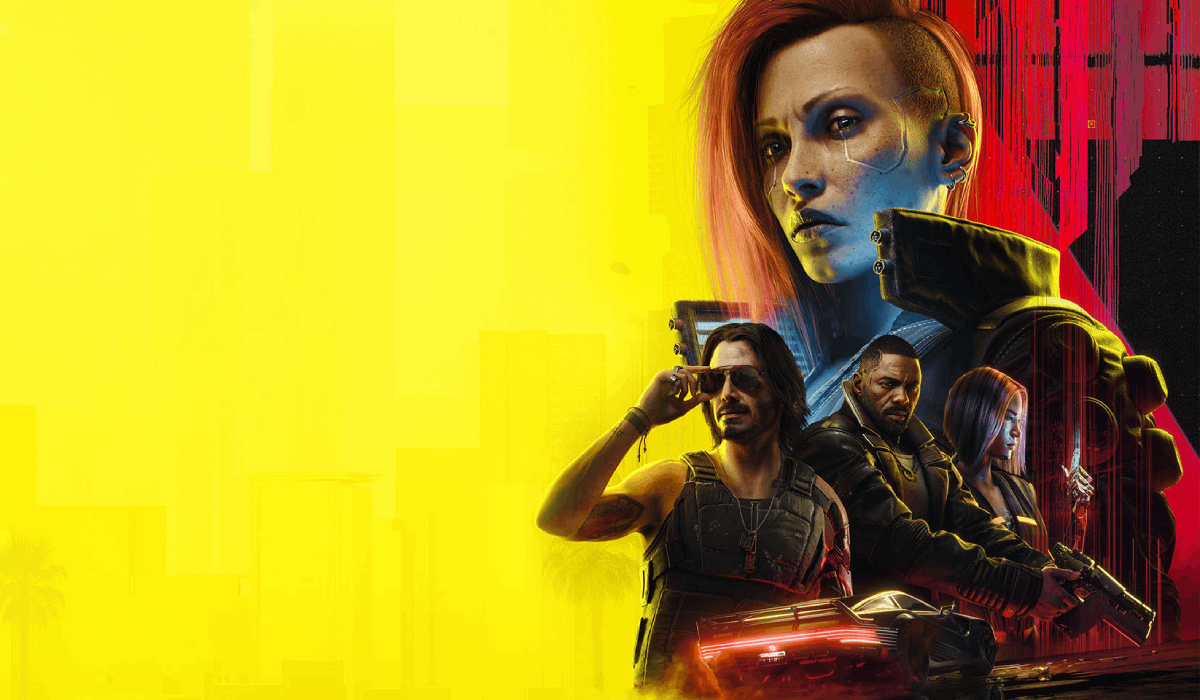
Immersive First Person
Autor:BonanikiLast updated:08/04/2024 02:16:363.3M19KB


Pre-dependencies
Mod Introduction
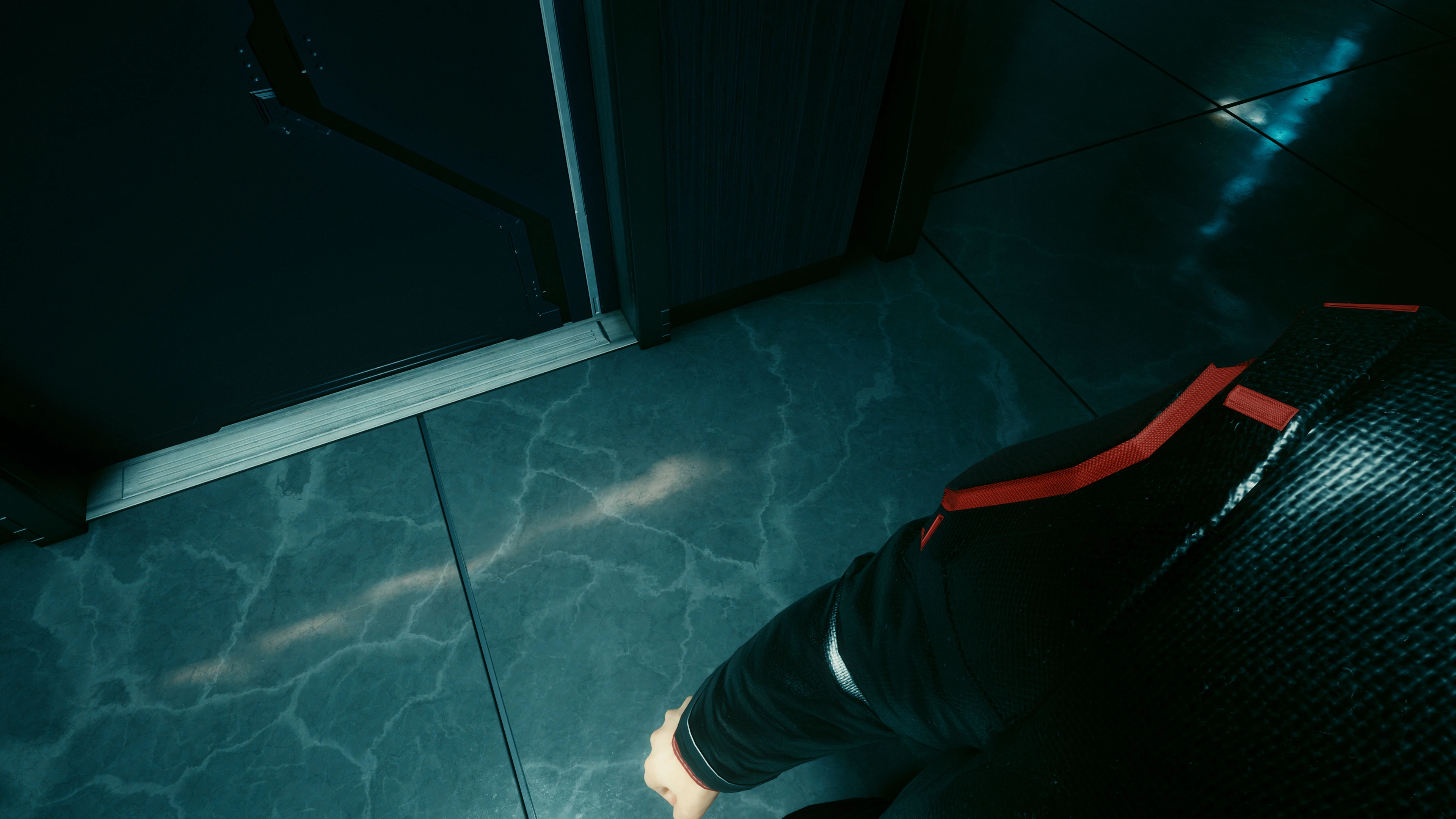
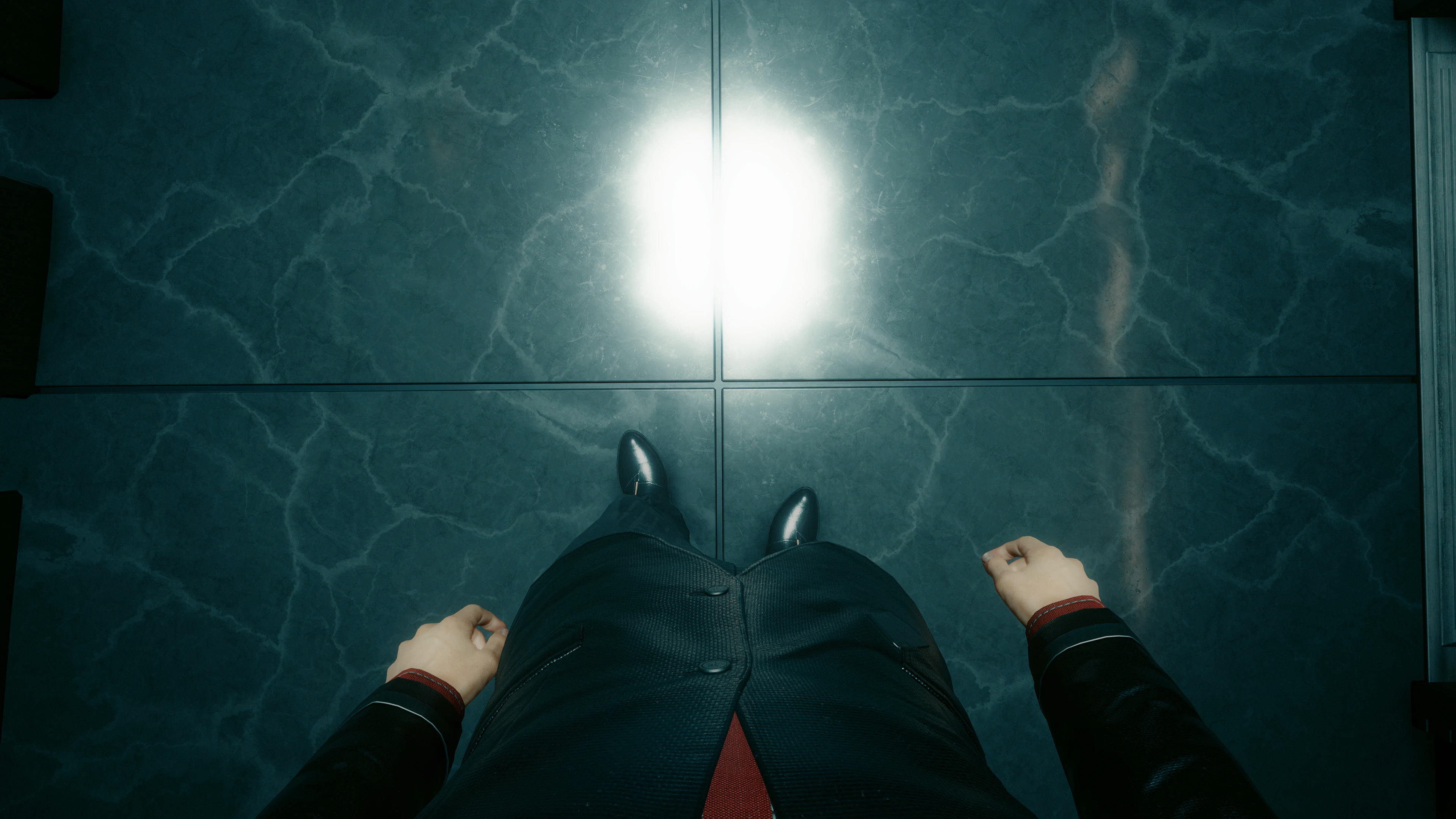
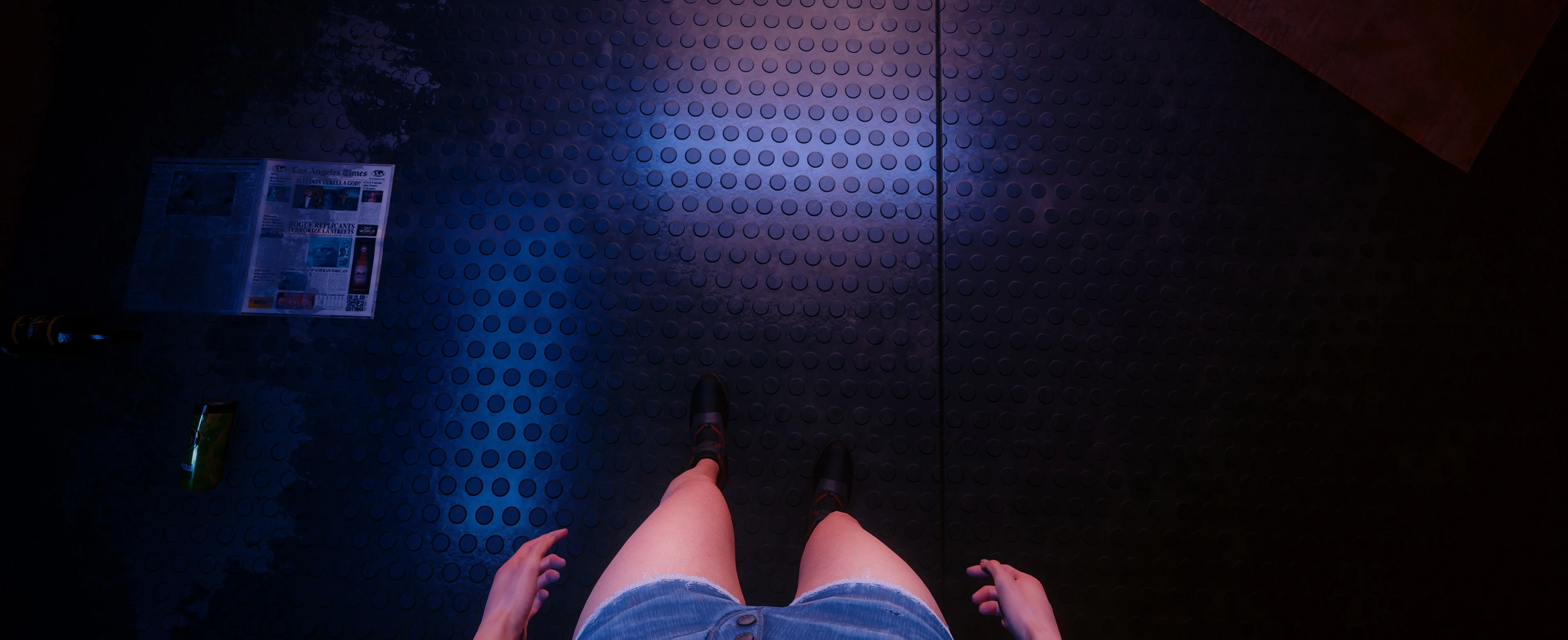
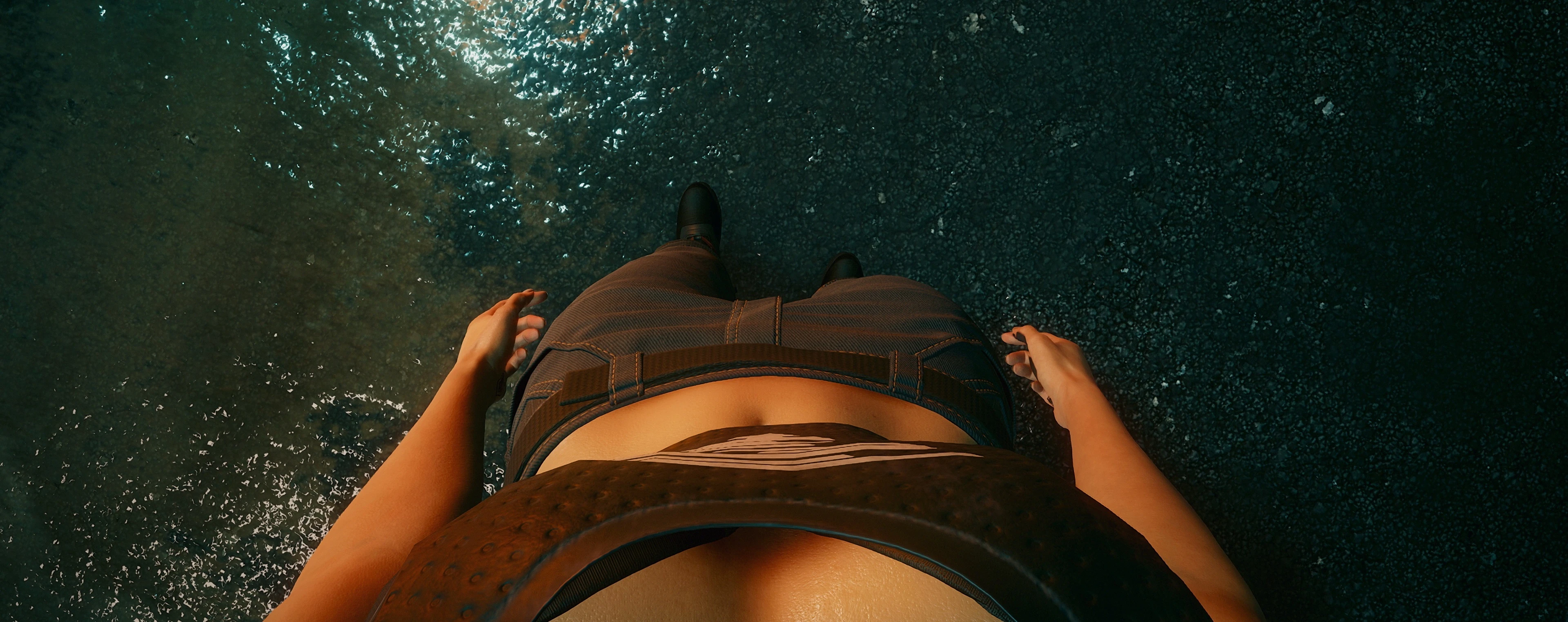
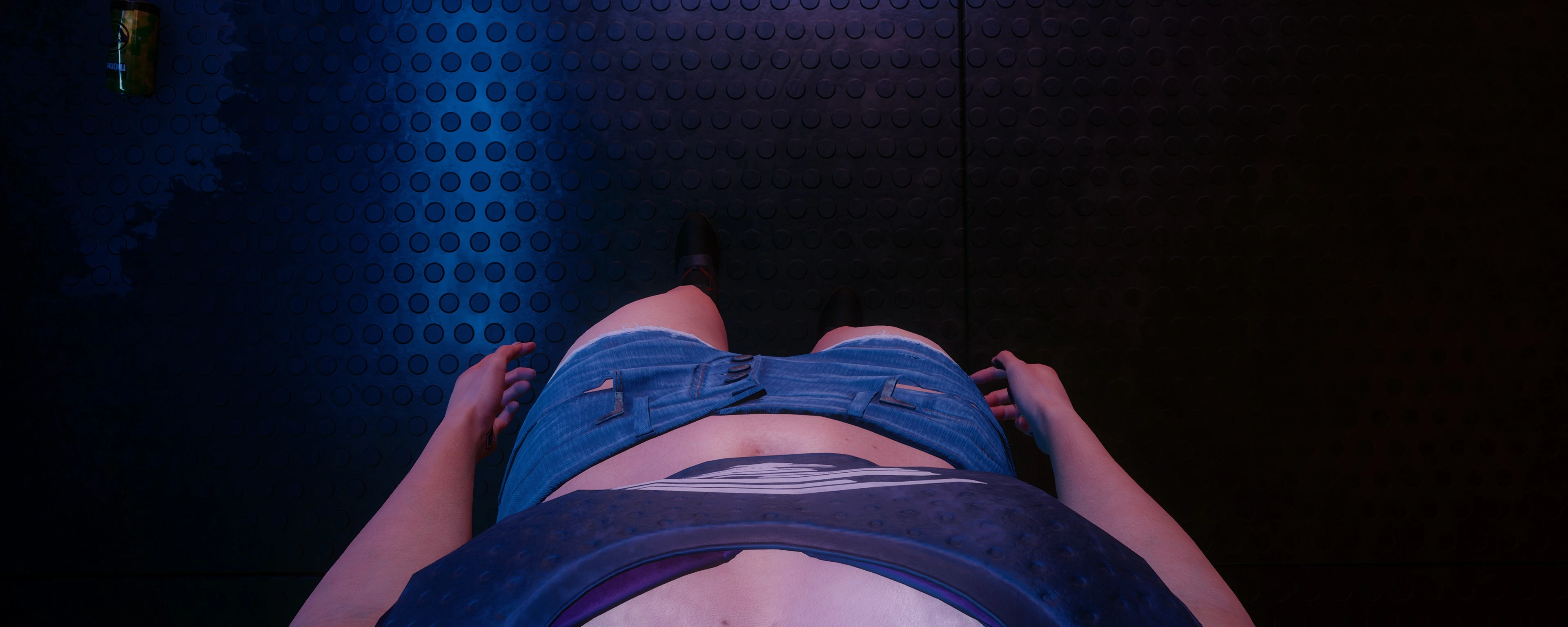
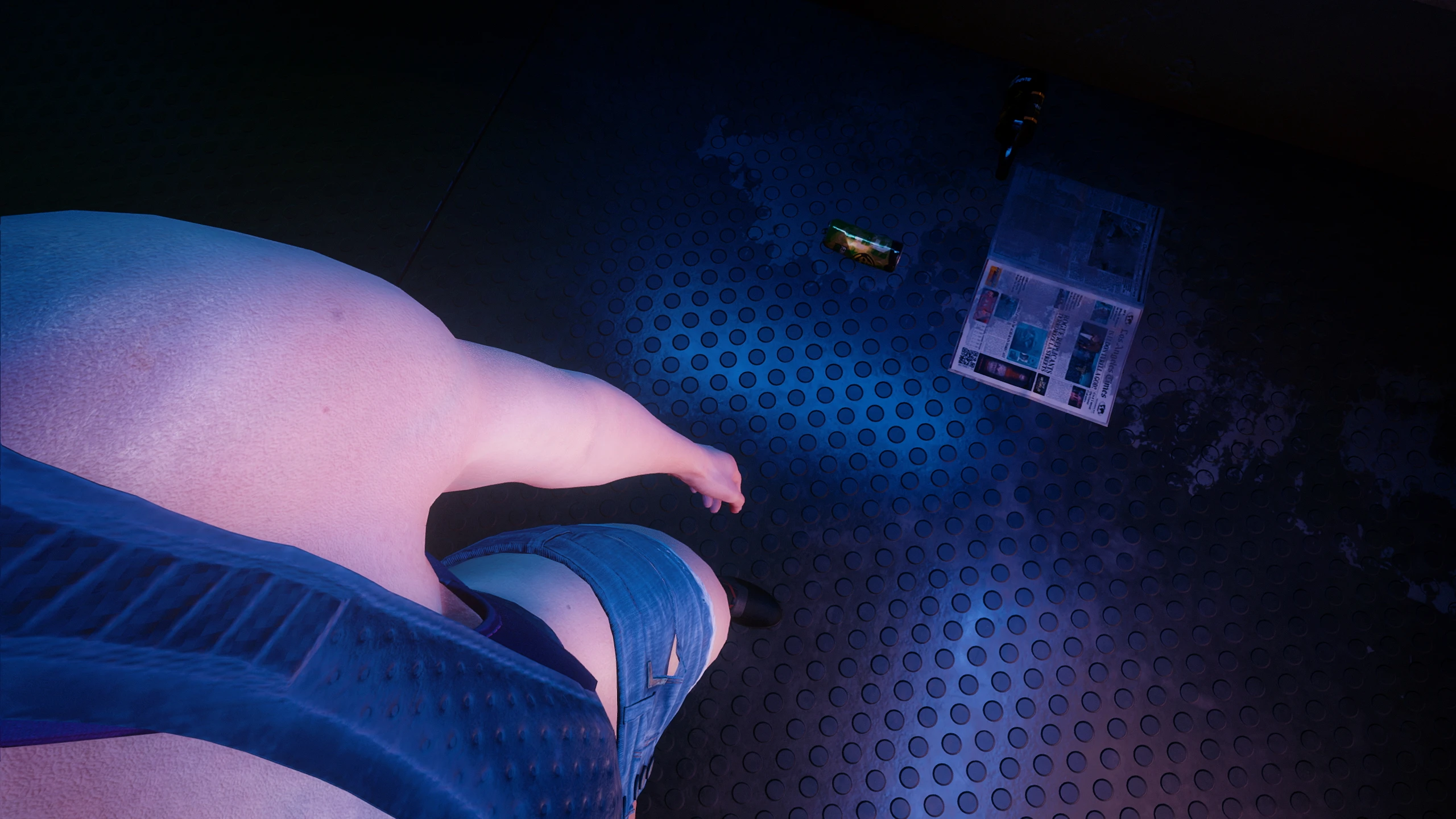
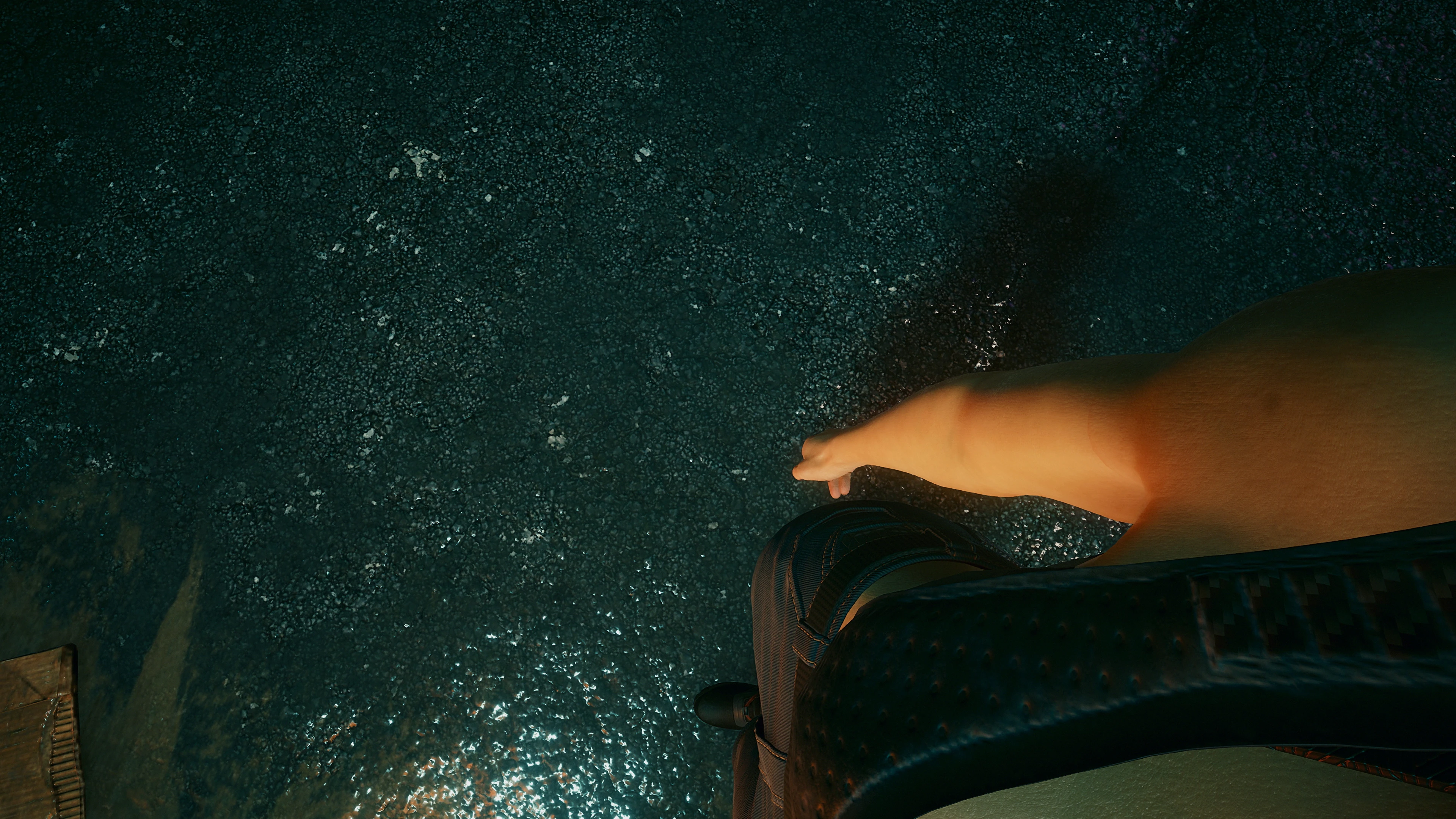
Improved body presence and free look.
Features
1. Overall improvements for the first-person view
The player's torso is now clearly visible, allowing you to enjoy your new outfits.
The camera is unobtrusive and only applied when you aim down.
2. Free Look: rotate the camera without moving the body
Hold assigned shortcut (i use "B") to look around.
The camera works nicely with zooming, scanning and interactions.
Free Look also works with weapons, but there is currently a bug that allows you to shoot in the direction you're facing, despite not aiming there.
Shortcuts
There are two types of hotkeys and they are assigned in two separate menus:
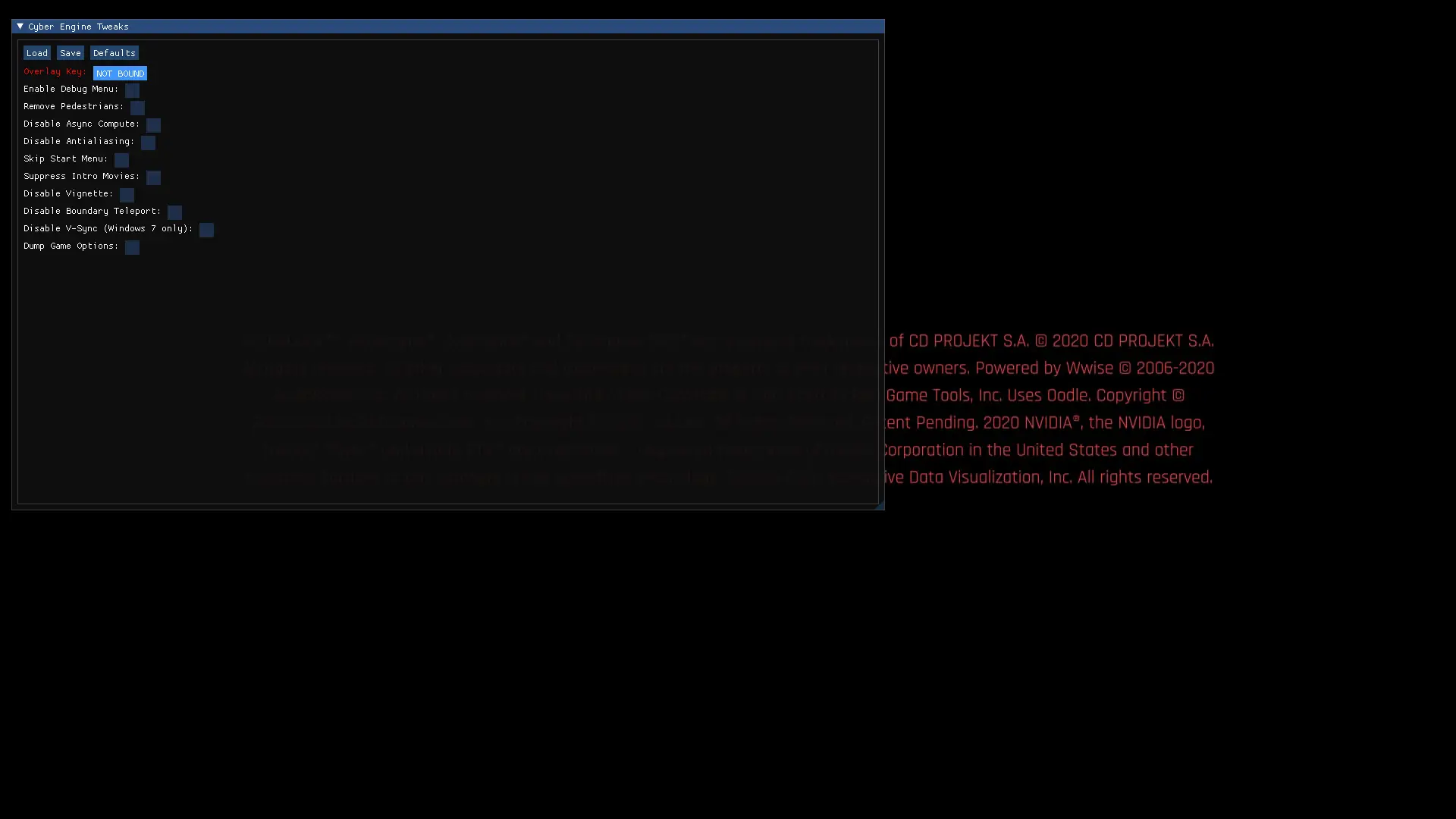
1. CET Overlay -> Bindings -> Hotkeys -> Toggle Enabled
2. CET Overlay -> Bindings -> Inputs -> FreeLook
Installation
1. Make sure you've installed Cyber Engine Tweaks.
2. Drop the content of an archive into your cyberpunk directory (where the "bin" folder is) or use vortex mod manager.
Warning
Due to an internal game bug, some players may experience issues with their character
getting stuck when using "Smooth Transition From FreeLook" option.
In this case, reload the latest save file and uncheck this option, or increase the transition speed.
Mod API (v1.1.0+)
Credits
Source code is available here.
Features
1. Overall improvements for the first-person view
The player's torso is now clearly visible, allowing you to enjoy your new outfits.
The camera is unobtrusive and only applied when you aim down.
2. Free Look: rotate the camera without moving the body
Hold assigned shortcut (i use "B") to look around.
The camera works nicely with zooming, scanning and interactions.
Free Look also works with weapons, but there is currently a bug that allows you to shoot in the direction you're facing, despite not aiming there.
Shortcuts
There are two types of hotkeys and they are assigned in two separate menus:
1. CET Overlay -> Bindings -> Hotkeys -> Toggle Enabled
2. CET Overlay -> Bindings -> Inputs -> FreeLook
Installation
1. Make sure you've installed Cyber Engine Tweaks.
2. Drop the content of an archive into your cyberpunk directory (where the "bin" folder is) or use vortex mod manager.
Warning
Due to an internal game bug, some players may experience issues with their character
getting stuck when using "Smooth Transition From FreeLook" option.
In this case, reload the latest save file and uncheck this option, or increase the transition speed.
Mod API (v1.1.0+)
GetMod("ImmersiveFirstPerson").api.IsEnabled()
GetMod("ImmersiveFirstPerson").api.Enable()
GetMod("ImmersiveFirstPerson").api.Disable()
Credits
Source code is available here.
This tool is provided by the third party [bufftool]

Download Mods For Free
Install LagoFast, start Cyberpunk 2077 and play with the mods you love.
We use cookies to make interactions with our websites andservices easy and meaningful. For more information aboutthe cookies we use or to find out how you can disable cookies, click here.