QuickStack
Autor:WestwudLast updated:06/09/2025 22:38:48216.2K42KB

Mod Introduction
Enables the player to quickly deposit items from their inventory to nearby containers without the need to open them.Enables the player to quickly restock items from nearby containers to their inventory without the need to open them.EAC
Make sure you do not delete the 0_TFP_Harmony folder from Mods.
Contributions:
Features:
Important notes:
How to install:
How to uninstall:
Other Mods:
Contributions:
- I've published the code for quickstack on github. Everyone is welcome to contribute, modify, fix, improve or add new features.
- To other mod authors that want to include all or parts of my mod into theirs, you have full permission as long as you abide by the permissions and credits. A link to this webpage should be enough. If you make any improvements in quickstack, while not necessary, it would be greatly apprectiated if you contribute those.
- If you have any questions, you can post a message here, or DM me on discord Westwud.
- Nohomelike192.168. 8.1 for implementing proper multiplayer quickstack/restock.
- Dance for adding Russian localization.
- Thanks to Schn1ek3 for adding German localization.
- Thanks to Odin1888 for providing a quick update for v2.2.
Features:
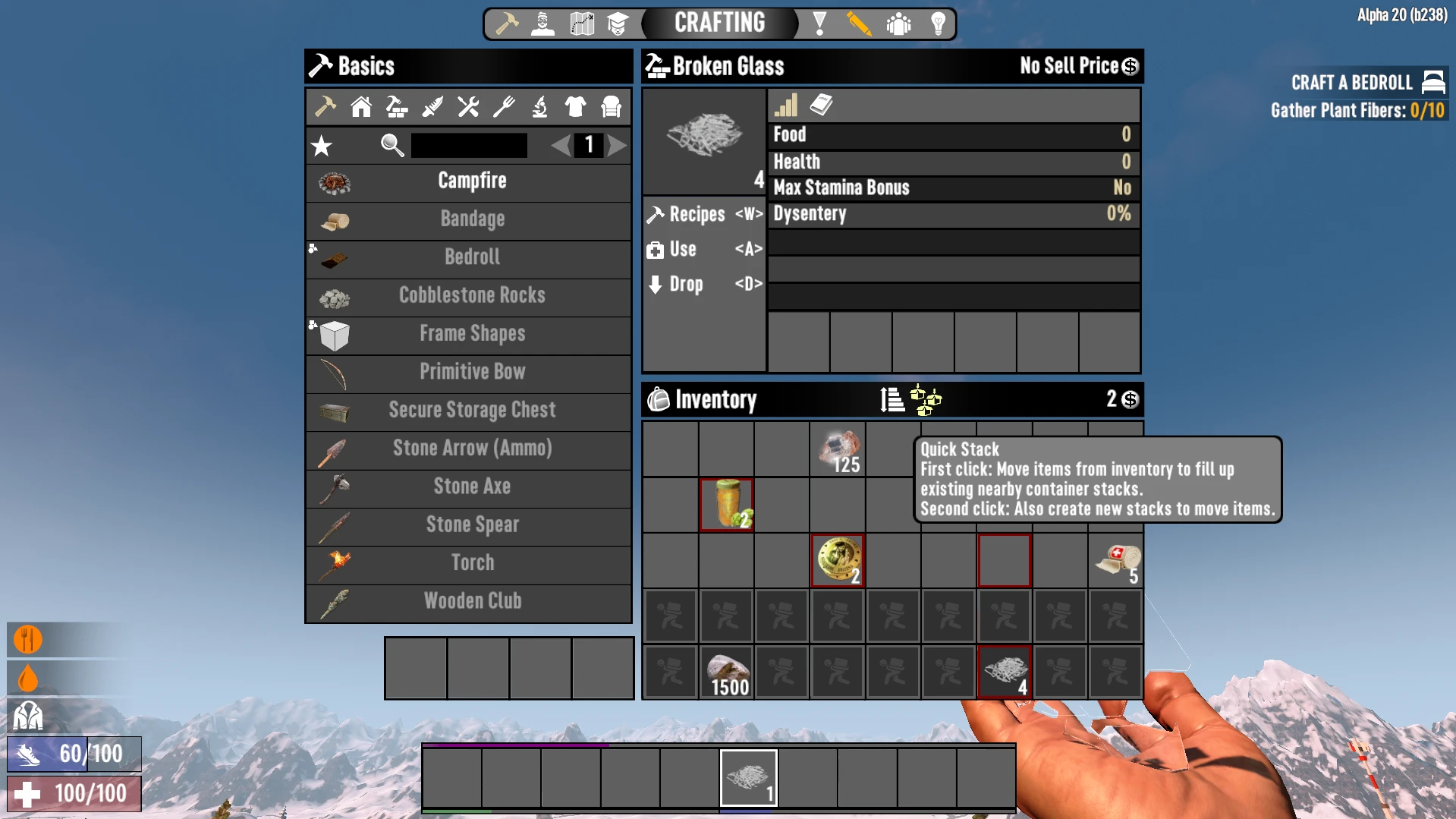
- deposit items from their inventory to nearby containers without the need to open them. The default range is 7 blocks in each direction i.e. 15x15x15 area cenetered on the player. The player can also press Left Alt + X
- Enables the player to quickly restock items from nearby containers to their inventory without the need to open them. The default range is 7 blocks in each direction i.e. 15x15x15 area cenetered on the player. The player can also press Left Alt + Z to trigger the same functionality.
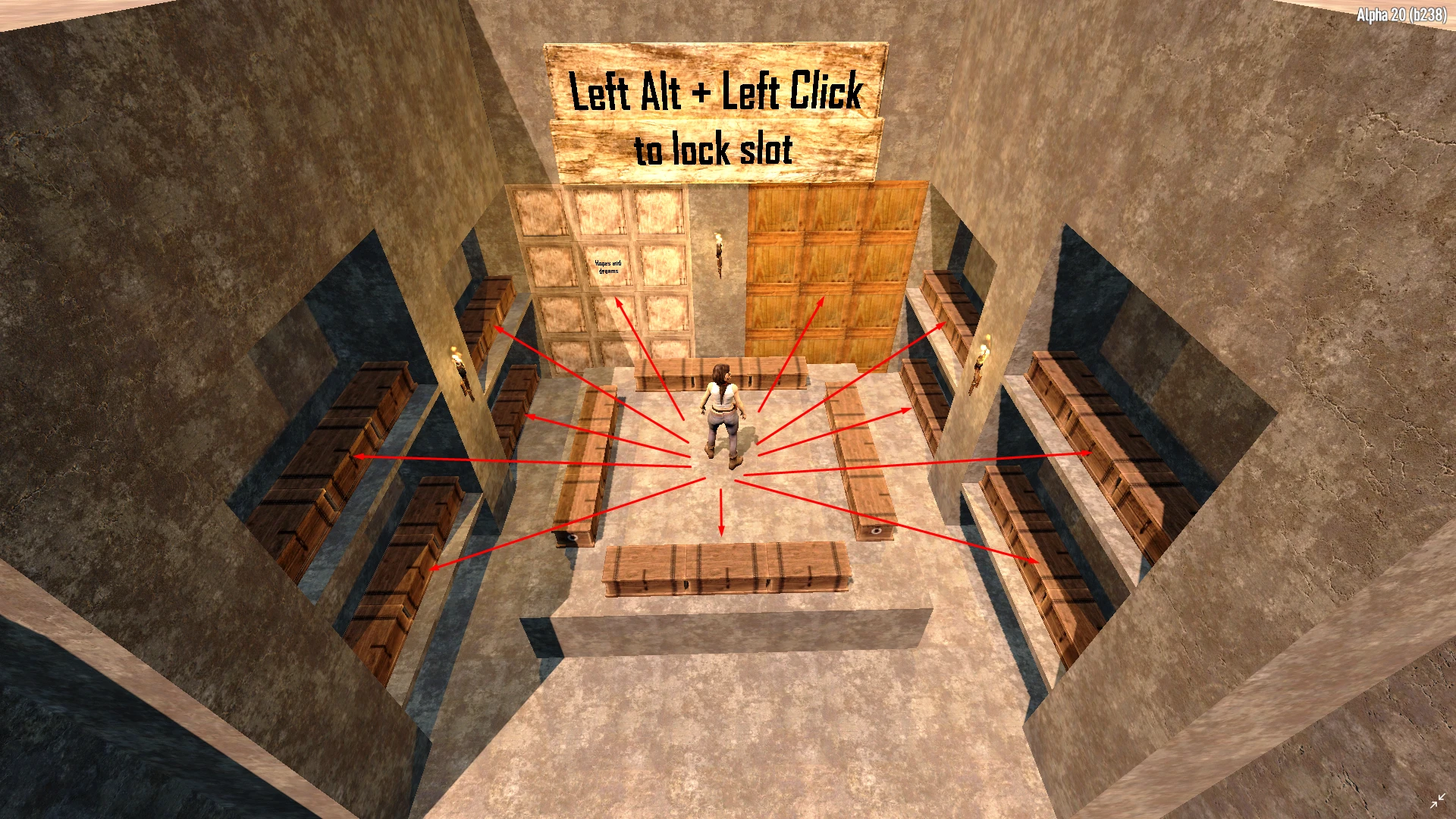
- Enables the player to lock specific slots by holding Left Alt and left clicking on the desired slot.
- Hotkeys and stash range are configurable in QuickStackConfig.xml. Stash range can be any number between 0 and 127, anything outside this range will be reverted back to 7.
- If you need to quickly change any settings in QuickStackConfig.xml, you can use the "reloadqs" or "reloadquickstack" command to do it instead of restarting the game.
Important notes:
- Easy anti cheat (EAC) must be disabled for this mod to work due to haveing a custom dll. You can disable it from 7dLauncher.exe for singleplayer, and from the serverconfig.xml for your dedicated server.
- If you want to play multiplayer, both the client and server must have the mod installed.
- This mod can be installed or uninstalled at any time during your playthrough. However it is always a good idea to backup your worlds.
How to install:
- Singleplayer: Copy the Quickstack folder to your "C:\Users\<USER>\AppData\Roaming\7DaysToDie\Mods" or "7 Days to Die/Mods" folder. If you do not have a "Mods" folder, you can create one manually.
- Multiplayer: Copy the Quickstack folder to your "7 Days to Die Dedicated Server/Mods" folder. If you do not have a "Mods" folder, you can create one manually.
- Be sure to not place the QuickStack folder in another QuickStack folder when extracting. For example
/Mods/QuickStack/QuickStack.dll - Good/Mods/QuickStack/QuickStack/QuickStack.dll - Bad
How to uninstall:
- Delete the QuickStack folder from the Mods folder.
Other Mods:
- If the mod you're trying to use alongside quickstack does not modify "windows.xml" (namely windowBackpack), it should be compatible without any issues.
- As of version 1.5.0, hotkeys have been added to use quickstack and restock functionality in case another mod overwrites the quickstack and restock icons.
- If the above doesn't work, then the mods are not compatible.
This tool is provided by the third party [bufftool]

Download Mods For Free
Install LagoFast, start 7 Days to Die and play with the mods you love.
We use cookies to make interactions with our websites andservices easy and meaningful. For more information aboutthe cookies we use or to find out how you can disable cookies, click here.