Custom Avatars
Autor:JustAIterLast updated:26/09/2025 17:30:32185.0K88.0MB


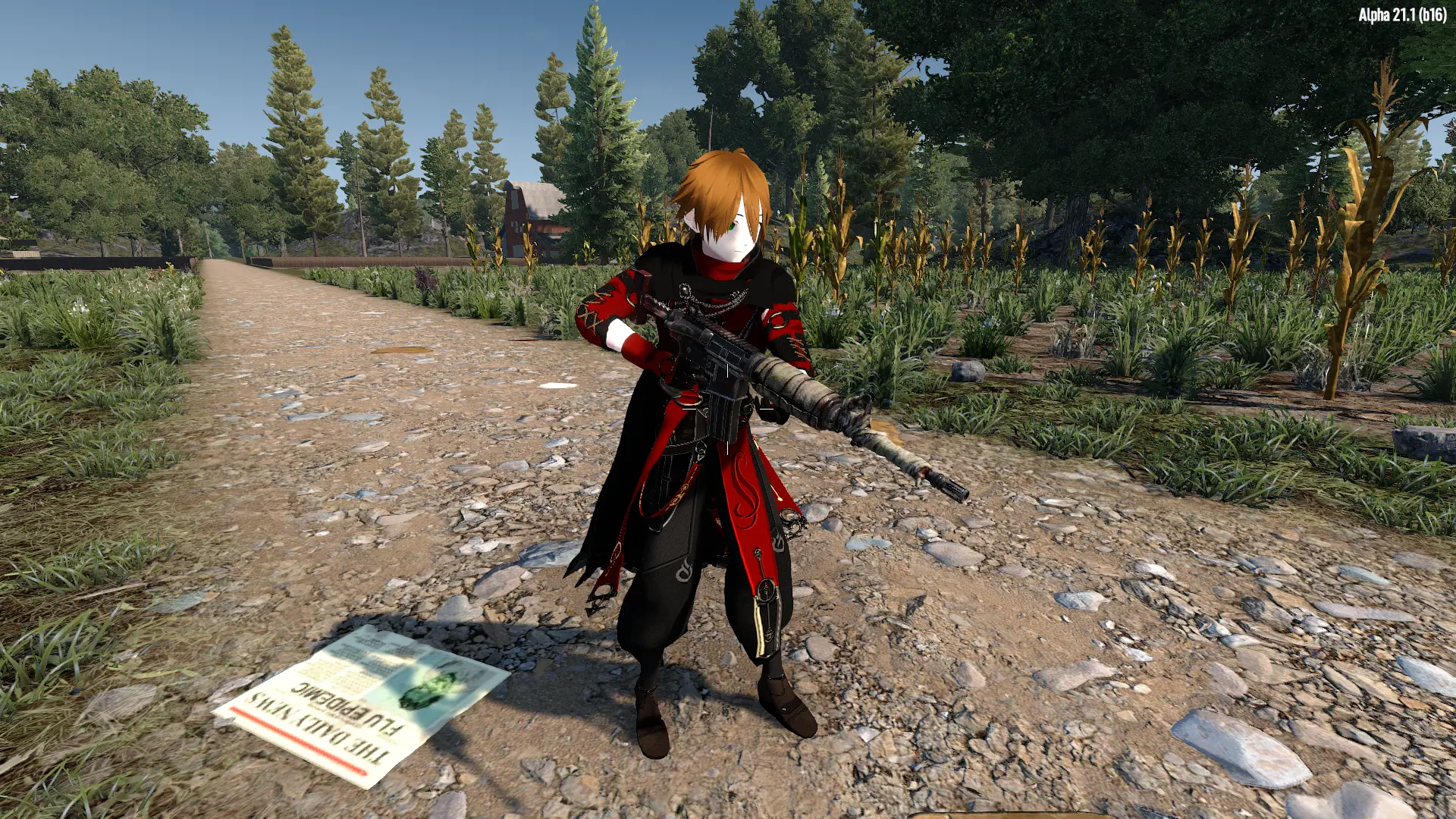
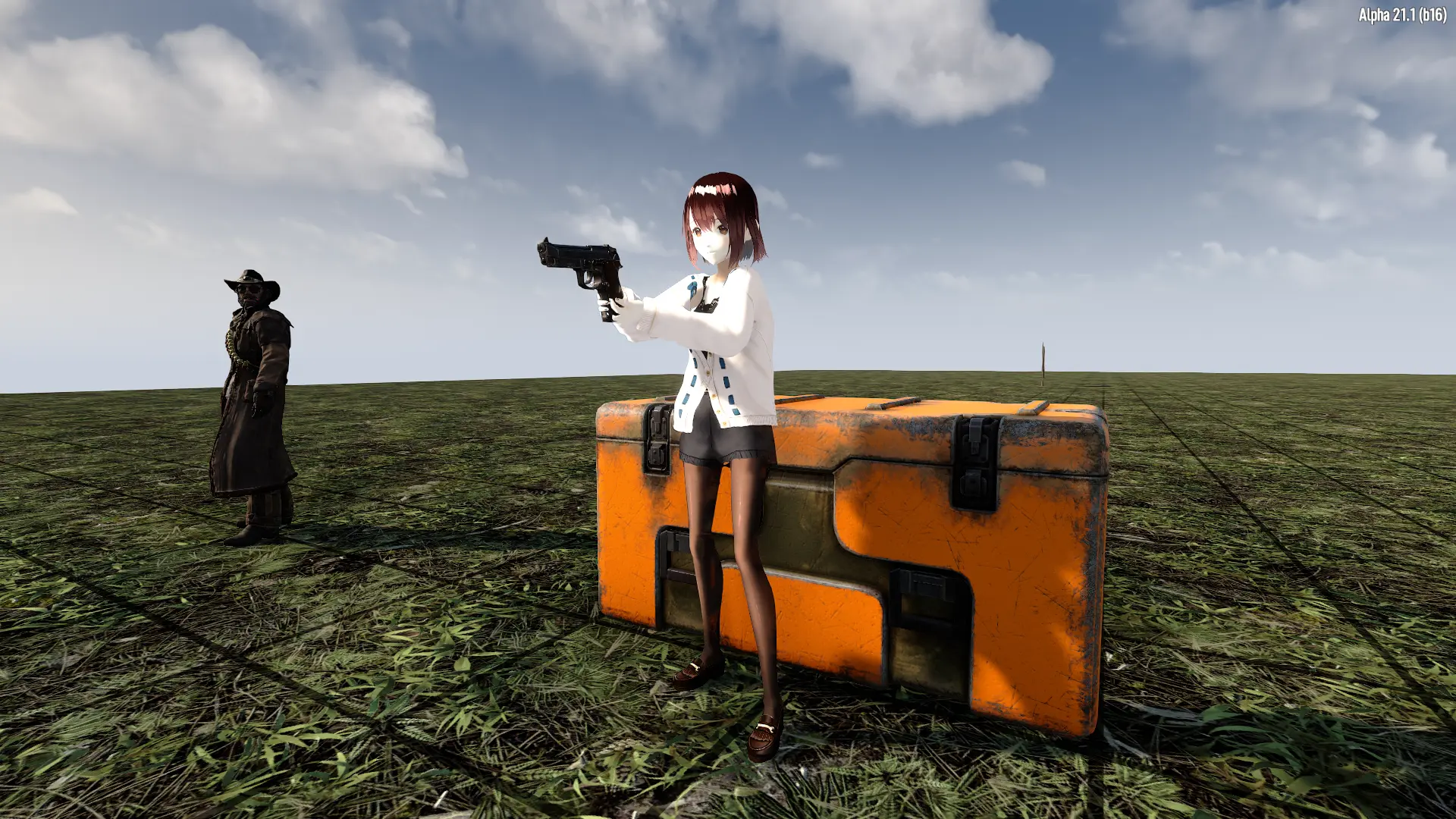
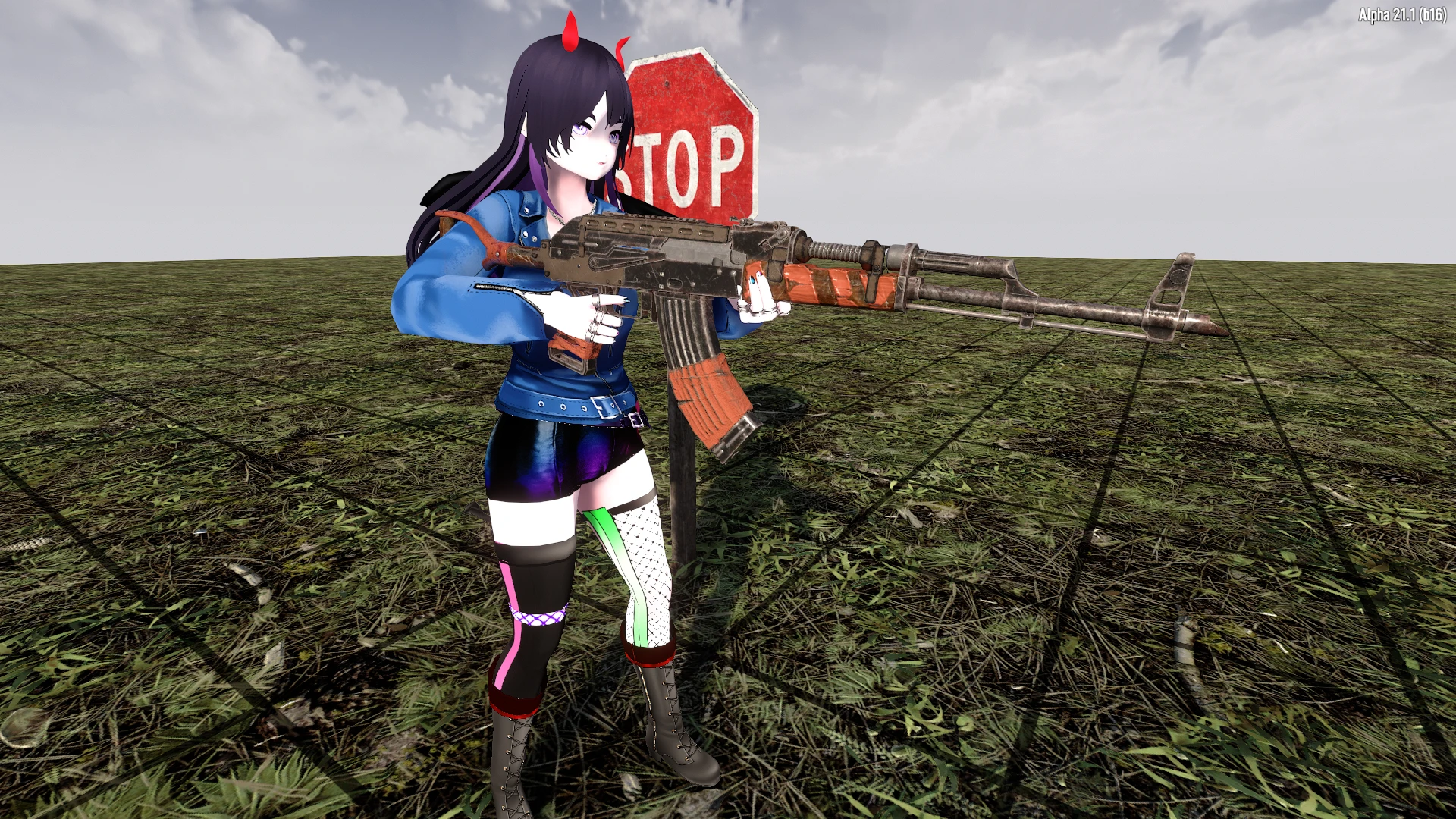
Mod Introduction
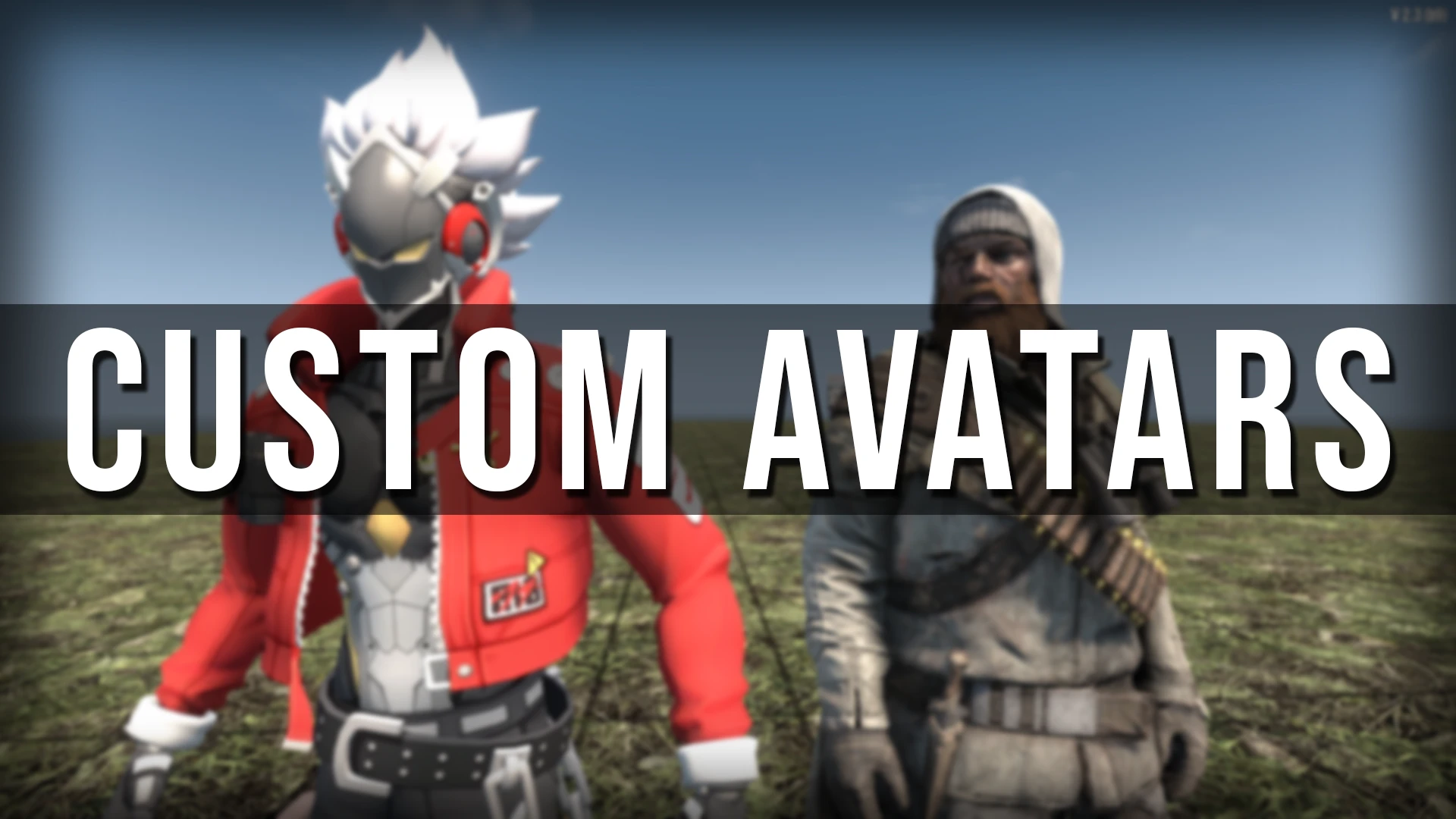
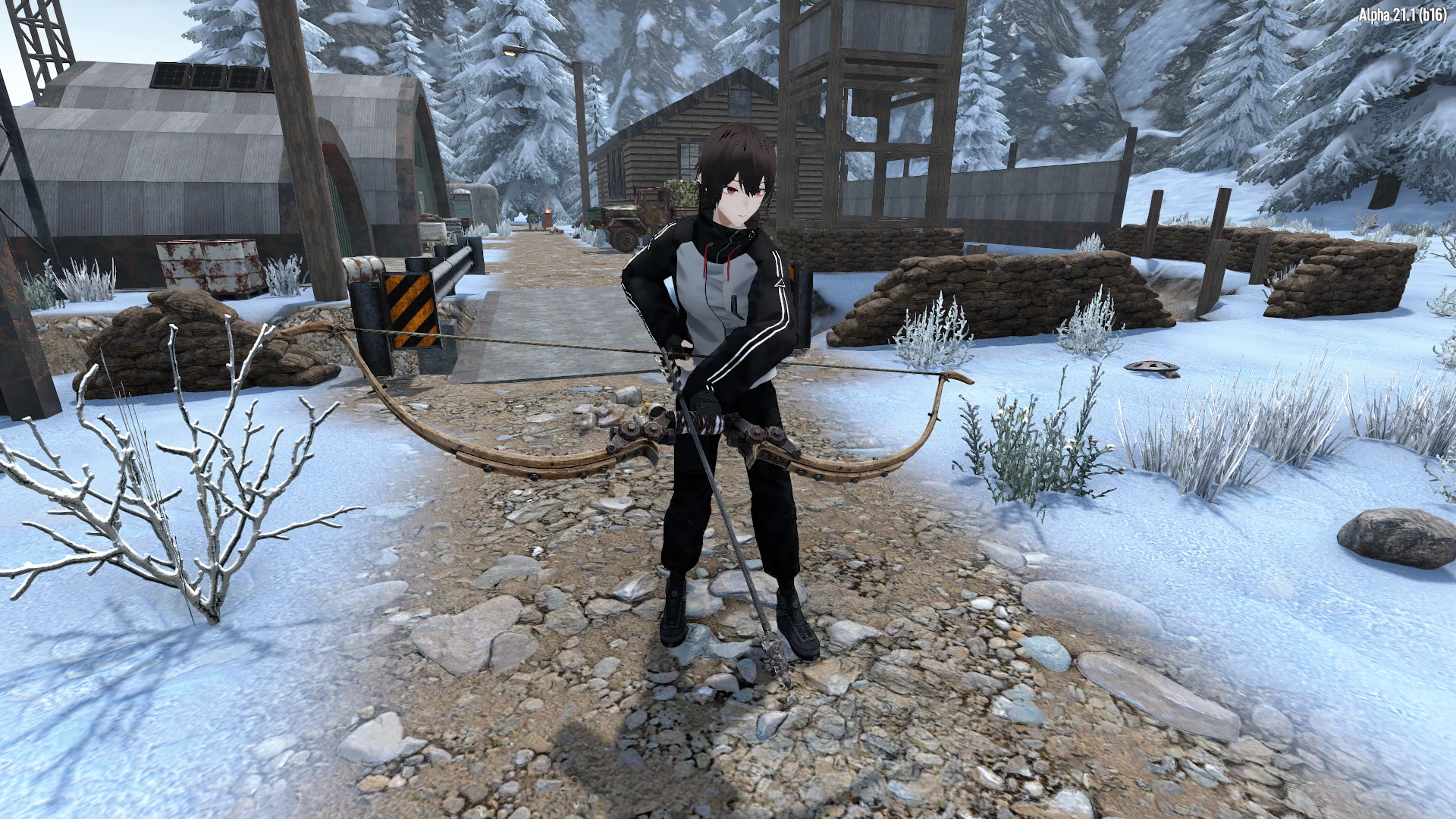
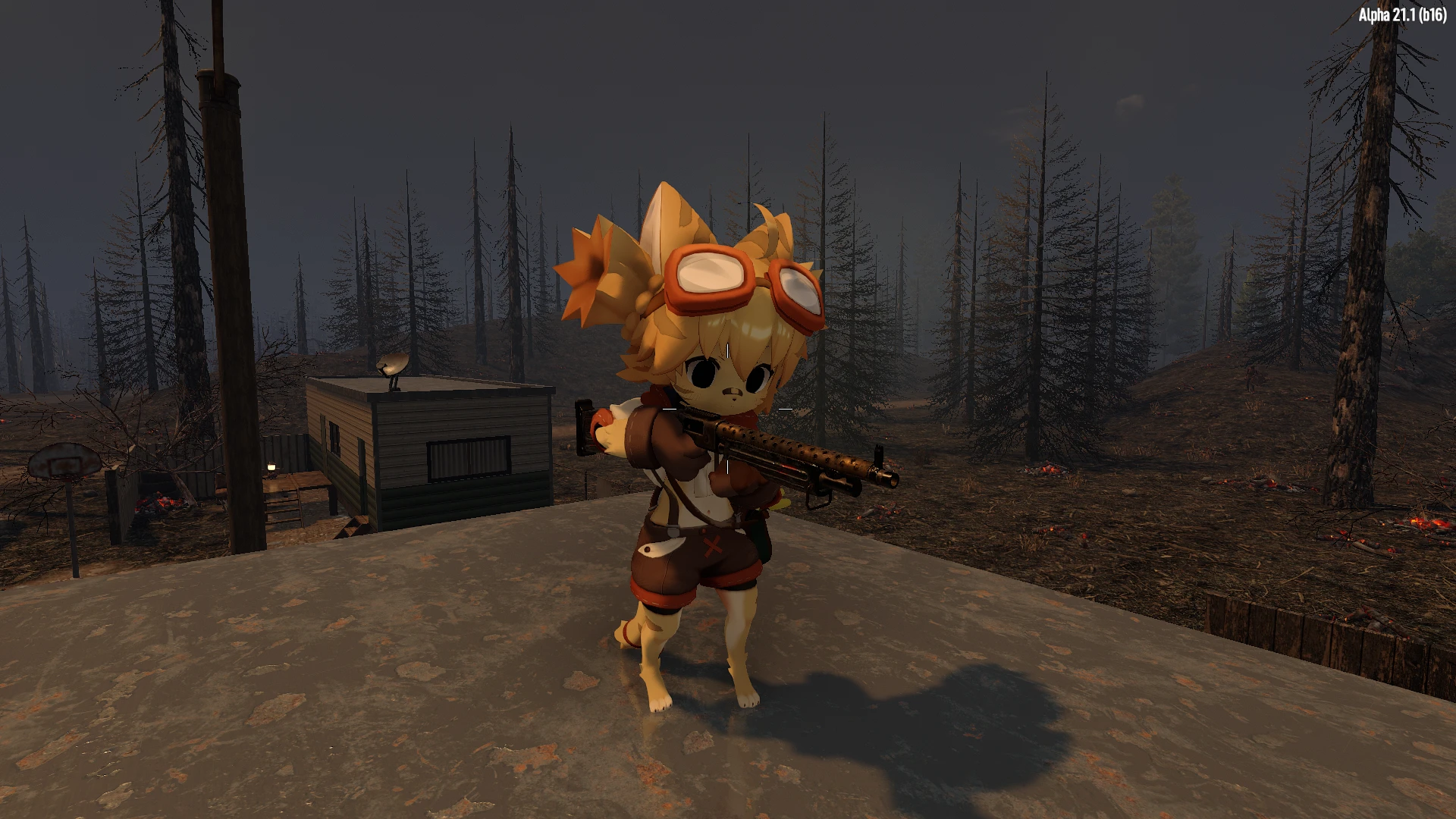
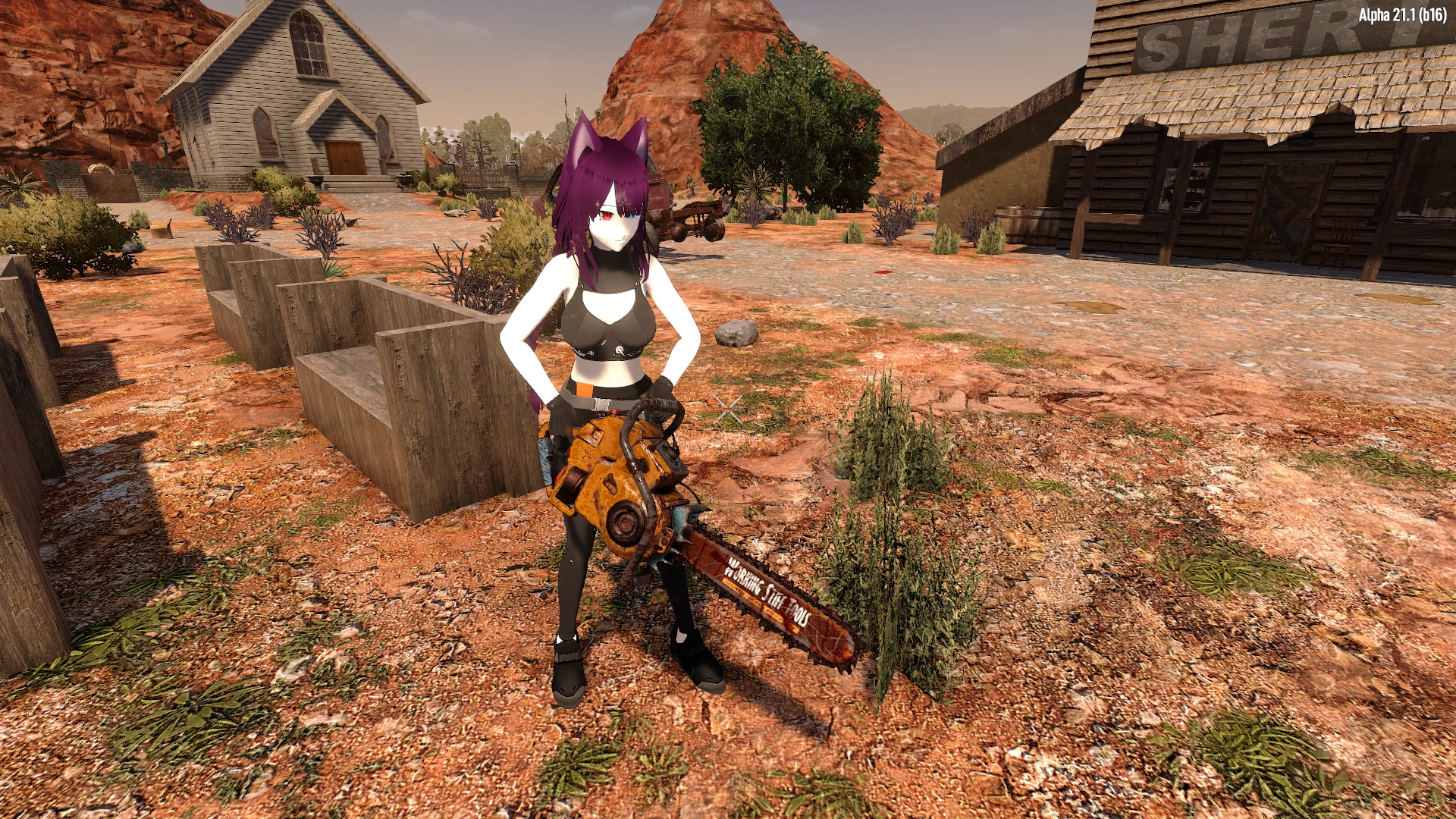
Add custom player avatars to the game.
||Description
||Usage
----------------------------------------------------------------------------
----------------------------------------------------------------------------
----------------------------------------------------------------------------
Avatars that I have converted (click the image to go to the file download)[/center]
Credits:
UniVRM: https://github.com/vrm-c/UniVRM
||Description
- ➤ Add your own player avatars to replace the default player model.
➤ Also adds dances, gestures and a playable third person camera mode.
||Usage
----------------------------------------------------------------------------
- ➤ Needs EAC OFF and installation on both servers and clients.
➤ Download the zip file of the mod.
➤ Extract the entire content of the zip file to the Mods folder
default: "%APPDATA%/7DaysToDie/Mods"
If you are updating from VRoid Mod, copy your avatars to the new mod folder then remove the previous version of the mod.
The tutorial for converting models is here
----------------------------------------------------------------------------
- ➤ You will see an button inside the Character window.
- ➤ Clicking it will open the Avatar Menu. You can choose your avatar or adjust the settings.
- ➤ Hold the <Tab> key and hover over the Dances icon to open the dances menu. Choose an entry to play the dance animation. You can do the same to play Gestures. Press <Tab> again to cancel the animation.
- ➤ Copy Dance entry will start a timer. If a nearby player uses a dance, both players will play the animation at the same time.
- ➤ Hover over the Next Page entry to cycle through the pages.
- ➤ Click the Reset Avatar button to go back to the default player model.
- ➤ Voice Override setting till toggle between the Default voice (the one set by the avatar or your player profile) or the Male/Female voices.
- ➤ The Camera Y Offset and the Camera X Offset. Will adjust the vertical/horizontal position of the third person camera.
- ➤ Hips Y Offset will adjust your model vertical position. Use it in case your model is sinking to the ground or floating
- ➤ Dance Entries setting will change the number of dance entries displayed on each page of the dances radial menu.
- ➤ Dance Volume setting will change the volume of the music played during dances.
- ➤ The First Person Body setting will toggle you avatar's arms and legs in first person mode.
- ➤ First Person Aiming setting will toggle the first person view while aiming.
- ➤ Aim Correction setting will toggle the horizontal aim correction while aiming in first person.
- ➤ Transparency setting will toggle the model transparency on camera close up.
- ➤ The Spring Bones setting will toggle on/off the model spring bones.
- ➤ Aim Min Dist setting to change the minimum distance that will trigger the aim correction.
- ➤ Adjust the Reference Scale setting if the model arms in third person are too high/too low.
- ➤ Knuckles Offset setting to change the hands position while using knuckle weapons.
- ➤ Adjust the Hand Pos and Hand Rot settings to change the position of the hands and the rotation of the forearm in first person.
----------------------------------------------------------------------------
Avatars that I have converted (click the image to go to the file download)[/center]
Credits:
UniVRM: https://github.com/vrm-c/UniVRM
This tool is provided by the third party [bufftool]

Download Mods For Free
Install LagoFast, start 7 Days to Die and play with the mods you love.
We use cookies to make interactions with our websites andservices easy and meaningful. For more information aboutthe cookies we use or to find out how you can disable cookies, click here.