Bigger Backpack
Autor:MayicLast updated:08/10/2019 09:33:0975.2K16KB

Mod Introduction
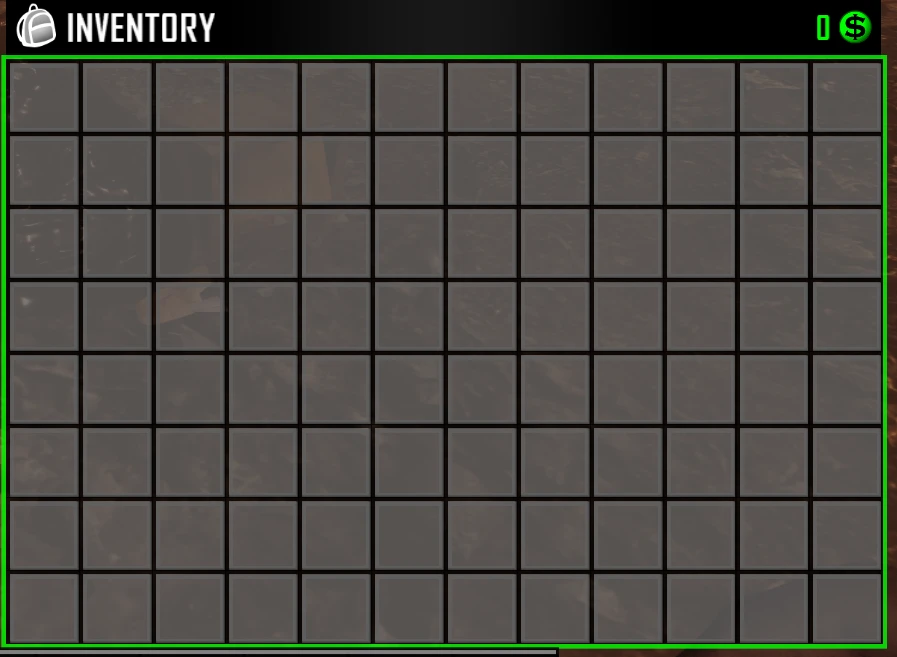
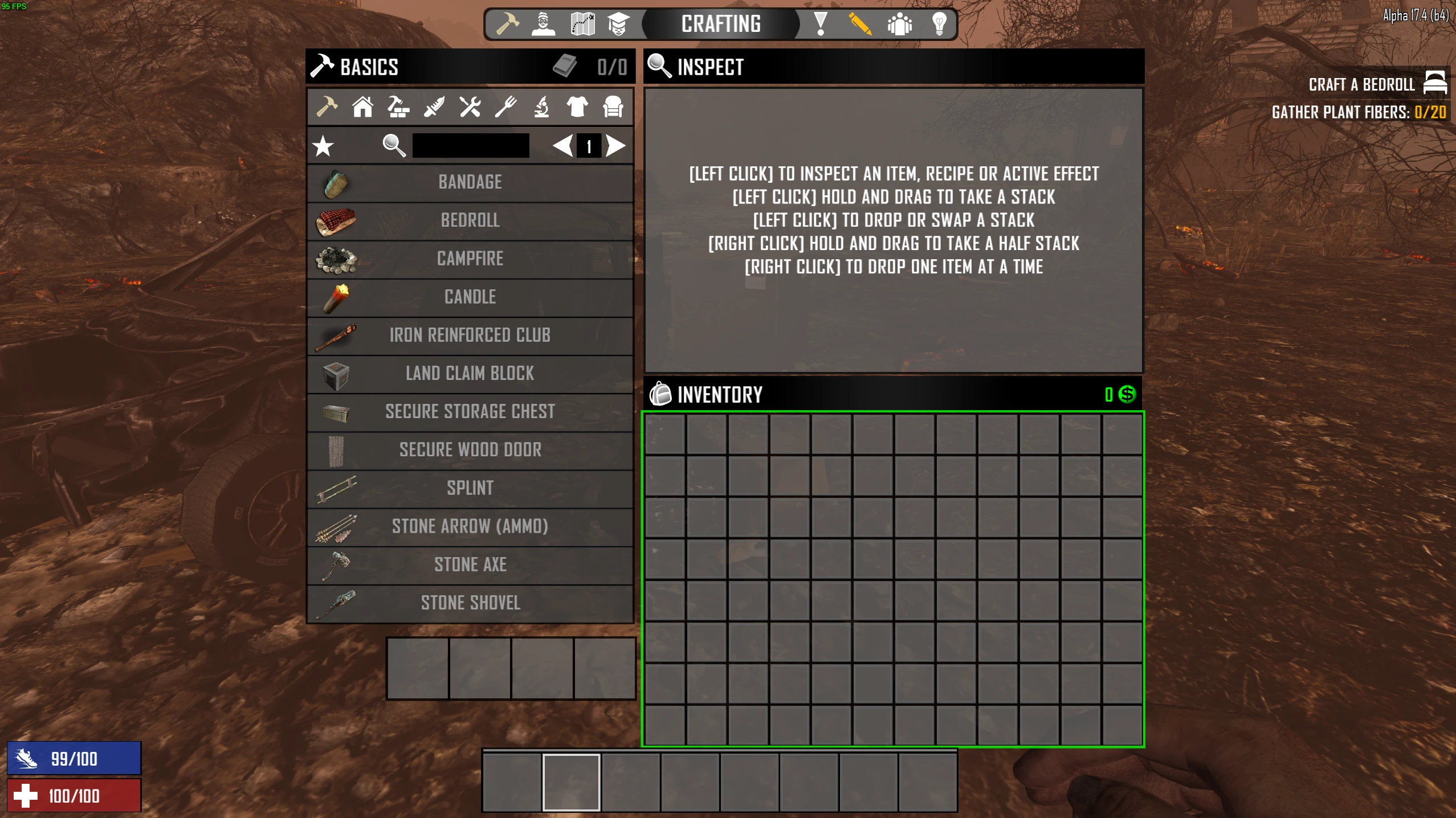
Adds a 6x13(78 slot) slot backpack UI, upgraded from the 5x9(45 slot) Original vanilla backpack.
About this Modlet:
Adds a bigger UI to the backpack, giving you more slots. Original 5x9(45 slots) is now upgraded to a 6x13(78 slots).
Other changes:
How to install:
Bigger Backpack
About this Modlet:
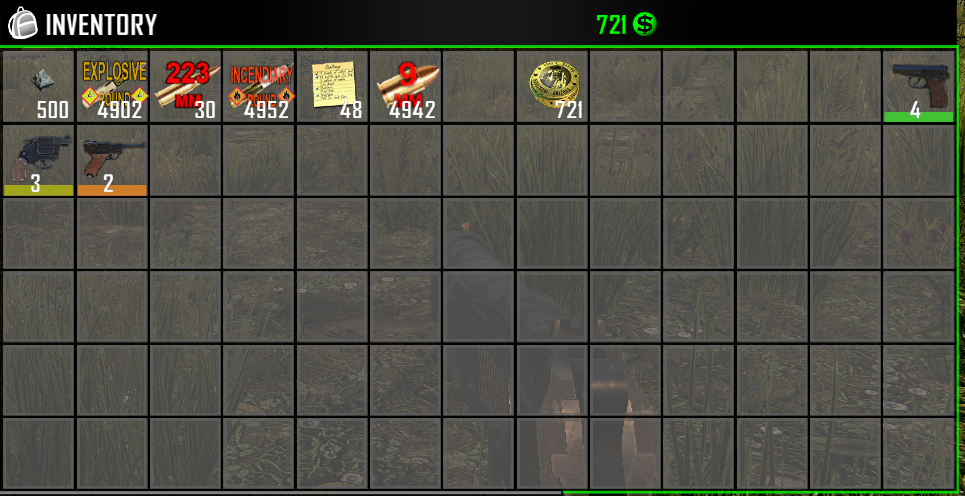
Adds a bigger UI to the backpack, giving you more slots. Original 5x9(45 slots) is now upgraded to a 6x13(78 slots).
Other changes:
- Pack Mule perk has also been adjusted to unlock the correct around of slots.
- Backpacks dropped on death have also been slot adjusted to allow for the players full inventory to be picked up upon death.
How to install:
- Navagate to your 7 Days to Die Directory (default: C:/ProgramFiles86/Steam/Steamapps/Common/7DaystoDie)
- Right click anywhere in your MAIN directory (not Data/Configs, not 7DaysToDie_Data), and create New Folder
- Name New Folder: Mods. Our directory should look similar to something like this
- Download entire mod pack via GitHub or other Trusted source (I only share via Discord, and GitHub. For my personal mods, do not trust any other source unless verified by me)
- Drag and Drop Backpack modlet into 7 Days To Die/Mods folder. Our modlet named "Backpack" should show up under the mods directory like so
- To confirm proper boot, upon loading into a map/server, press F1, and you should see our mod load with the following line:
`2018-12-28T22:36:15 2.709 INF [MODS] Trying to load from Backpack`
`2018-12-28T22:36:15 2.709 INF [MODS] Loaded Mod: Backpack (1.0)`
This tool is provided by the third party [bufftool]

Download Mods For Free
Install LagoFast, start 7 Days to Die and play with the mods you love.
We use cookies to make interactions with our websites andservices easy and meaningful. For more information aboutthe cookies we use or to find out how you can disable cookies, click here.