
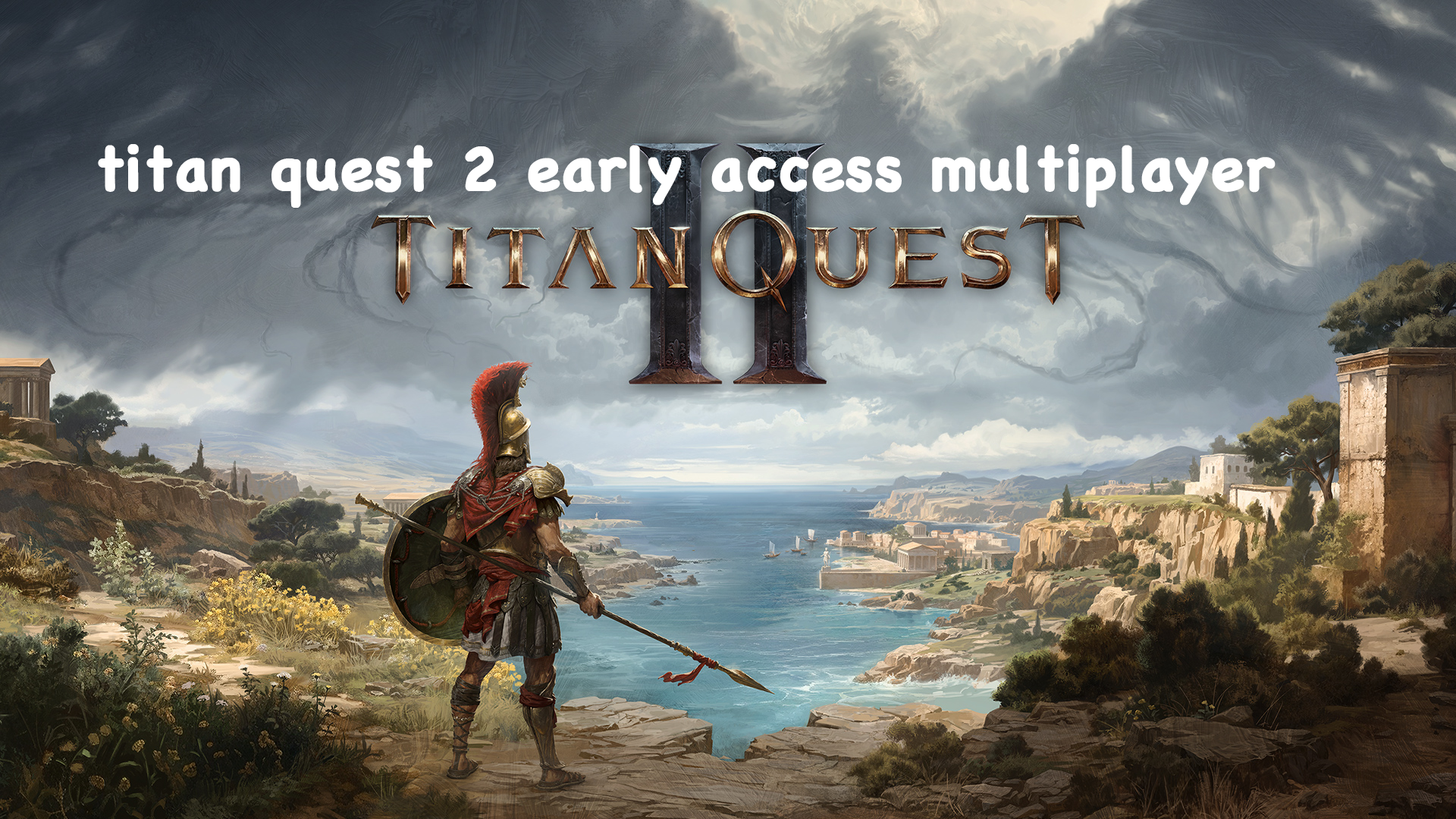
The highly anticipated Titan Quest II is now in early access, inviting heroes to experience its world of ancient Greece. And since many players are keen to team up but still have questions about multiplayer, we’ll break down exactly how it works. This article will clarify everything you need to know about titan quest 2 early access multiplayer, ensuring your epic adventure is smooth and seamless.
Part 1: Titan Quest 2 Preview: The Hero's Journey Begins
Part 2: The Core Question: Is Titan Quest 2 Early Access Multiplayer?
Part 3: How to Unlock the "Hidden" Titan Quest 2 Multiplayer Beta
Part 4: The Ultimate Solution: Fix Lag and Boost FPS with LagoFast
Part 1: Titan Quest 2 Preview: The Hero's Journey Begins
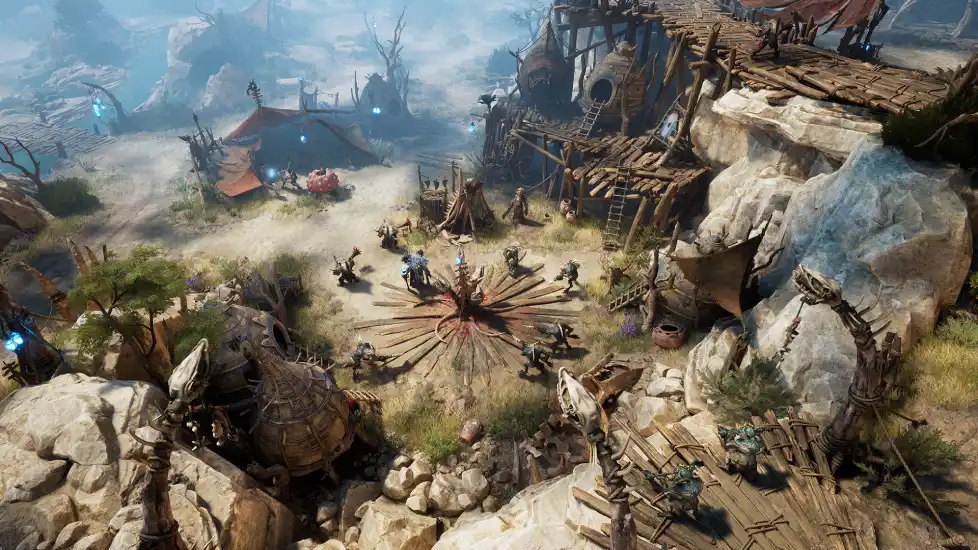
Titan Quest II is crafted by Grimlore Games and published by THQ Nordic – marks a spectacular return to mythological Greece. This action RPG revitalizes the beloved 2006 classic with breathtaking visuals, richer storytelling, and sharper combat mechanics. Players will fight alongside the gods to rewrite the chapter of fate.
Part 2: The Core Question: Does Titan Quest 2 Early Access Support Multiplayer?
This is the most common question among returning fans and new players alike.
Right now, Titan Quest II’s early access focuses solely on single-player. The team is fine-tuning the core experience, gameplay, story, and systems—before introducing multiplayer.
Will Titan Quest 2 be multiplayer? The answer is yes. Full online co-op is confirmed, but it'll arrive in a future update. The developers decided to prioritize stability for launch, which is why multiplayer isn't ready just yet. Also, note that split-screen local co-op won't be included at release – their current focus is squarely on delivering a smooth online multiplayer experience.
Part 3: How to Unlock the "Hidden" Titan Quest 2 Multiplayer Beta
Players eager for multiplayer don't have to lose hope. There is an experimental multiplayer version you can try now, but it's not enabled by default. You need to switch the game version in Steam (by selecting "Multiplayer Beta").
Afterward, Steam will download the experimental version of the game. Please keep the following points in mind:
- Up to 4 Players: This beta supports online co-op for up to four players.
- Dedicated Characters: You must create new characters for this multiplayer beta; your single-player heroes cannot be used.
- Steam Invites: You can connect with friends through the standard Steam friend invite system.
- Expect Bugs: This is an experimental build. Players have reported issues like random disconnects, character auras not working correctly, and problems with town portals. Be prepared for an unstable experience.
The official full release will eventually feature improved stability and potentially even cross-platform play, although the latter is yet to be confirmed.
Part 4: The Ultimate Solution: Fix Lag and Boost FPS with LagoFast
Many players will still want to try the multiplayer mode but hope to avoid issues like disconnects, invalid auras, or portal problems. To solve these issues and ensure your multiplayer sessions are smooth, you need a professional tool. LagoFast is a game accelerator designed to solve all these problems with a single click, providing an ultra-smooth gaming experience.
LagoFast utilizes a multi-path connection system and real-time servers to find the optimal route for your game data. If one network path becomes congested, it instantly switches to a better one, guaranteeing a stable connection.
Why LagoFast stands out for Titan Quest II:
- Slash Lag & Ping: Its global network uses optimized routes to bypass internet congestion, delivering lower ping and eliminating packet loss where it matters most.
- One-Click Performance Boost: Expect higher FPS, reduced stutter, and no screen tearing. It even checks your graphics drivers automatically.
- Real-Time Game Translation: Currently supports languages including Brazilian Portuguese, Polish, French, German, Russian, Traditional Chinese, and Turkish.
How to use LagoFast to optimize your Titan Quest 2 experience, just follow step by step:
Step 1: Click the "Free Trial" button below to download and install LagoFast for free.
Step 2: Launch LagoFast and search for Titan Quest II in the client.

Step 3: Select the server with the best performance for Titan Quest II and click "Smart Boost" to initiate acceleration.

Step 4: Click the "One-Click Translation" tool in the bottom right corner.

Step 5: Import your game files and select your target language.

By following these steps, you will not only accelerate the game but also see the translated version of Titan Quest II, as LagoFast applies the language pack and launches the game with optimized settings.
Conclusion
Unlocking Titan Quest 2 Early Access multiplayer enhances your gaming experience by allowing you to team up with friends and tackle challenges together. By following the steps to access the multiplayer beta, optimizing your game with tools like LagoFast to reduce lag and boost FPS, and understanding the importance of low ping and high performance, you can fully immerse yourself in the action-packed world of Titan Quest 2. Prepare for an epic journey and enjoy the game to its fullest potential!

Boost Your Game with LagoFast for Epic Speed
Play harder, faster. LagoFast game booster eliminates stutter and lags on PC, mobile, or Mac—win every match!
Quickly Reduce Game Lag and Ping!
Boost FPS for Smoother Gameplay!