
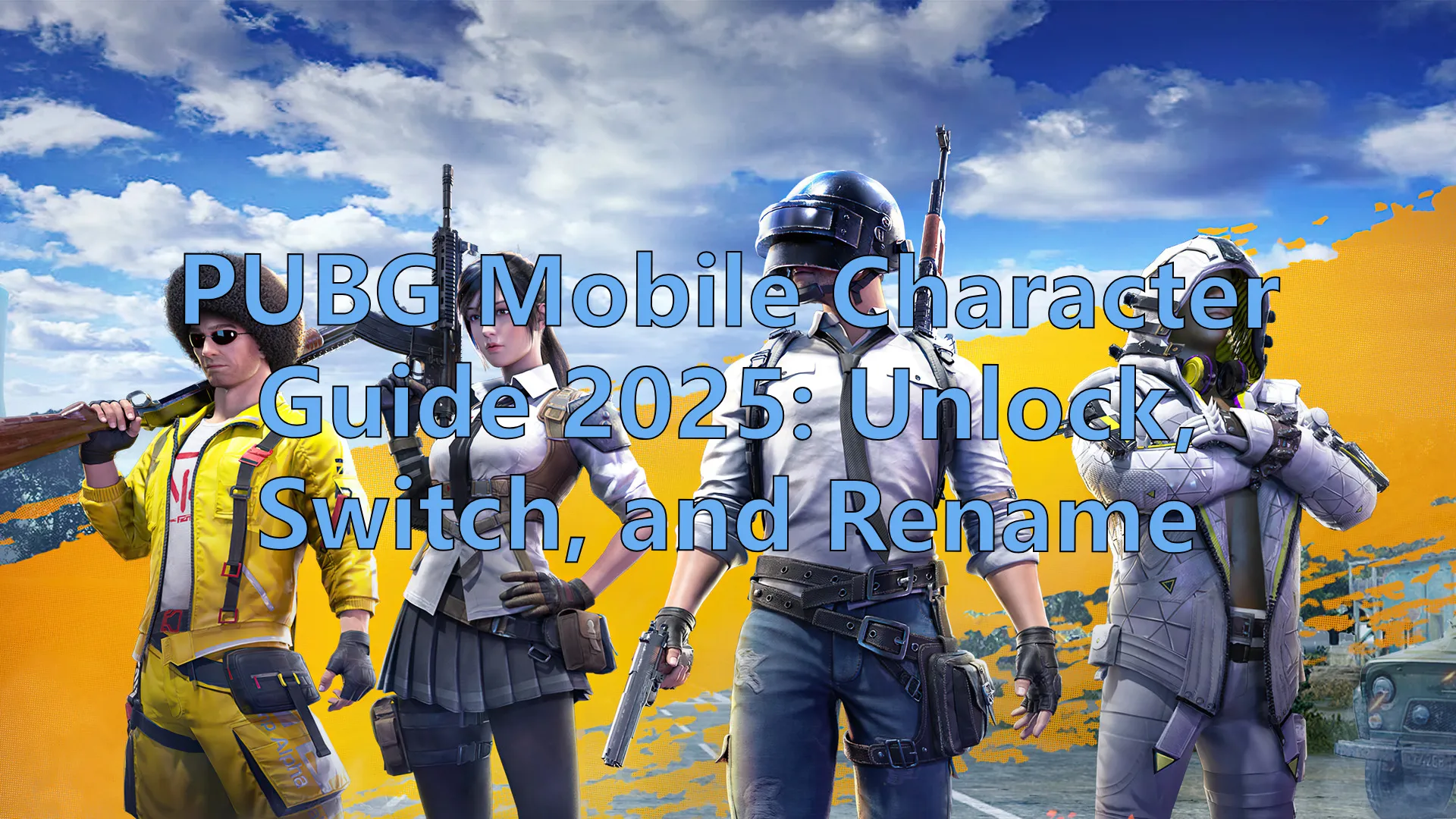
Following the release of the Ibong Adarna skin, PUBG Mobile continues to expand its universe with unique characters and major collaborations like Transformers. As these updates roll out, the official character system has also become a bigger part of the game.
Curious about how many playable characters there are, how to unlock them, or how to switch between them? This article breaks it all down—plus a bonus tip on how to add special characters to your in-game name.
Part 1: How Many Characters Are There in PUBG Mobile?
Part 2: How to Unlock Characters in PUBG Mobile?
Part 3: How to Change Characters in PUBG Mobile?
Part 4: Best Game Booster and VPN for PUBG Mobile - LagoFast
Part 1: How Many Characters Are There in PUBG Mobile?
PUBG Mobile currently features 5 official playable characters:
1. Victor
- Skill: Increases reload speed for submachine guns, improving as the character levels up.
- Background: Victor is the first official character in PUBG Mobile, designed as a close-combat specialist. He's available to all players from the start.
2. Sara
- Skill: Reduces damage taken while driving vehicles. The effect strengthens with each level.
- Background: Sara is a vehicle expert who shines in fast-paced driving scenarios.
3. Anna
- Skill: Speeds up the use of healing items such as First Aid Kits and Bandages.
- Background: Anna is a battlefield medic who specializes in support and survival.
4. Carlo
- Skill: Decreases fall damage from high drops. Higher levels improve this effect.
- Background: Carlo is an agile operative skilled at navigating vertical environments.
5. Andy
- Skill: Increases weapon draw and holster speed for faster transitions in combat.
- Background: Andy is a former puppeteer turned gunslinger, with lightning-fast reflexes.
With ongoing updates and collaborations like Transformers, more characters may be added in the future. Each character has unique voice lines and abilities usable in special modes.
Part 2: How to Unlock Characters in PUBG Mobile?
- Victor is free and granted automatically upon logging in.
Sara, Anna, Carlo, Andy can be unlocked by:
- Purchasing with UC: Game's paid currency;
Sara and Anna's prices are 600UC or 600 character vouchers each.
Carlo and Andy's prices are1,200 UC or 1,200 character vouchers each. - Exchanging Character Vouchers: Earn vouchers through events, missions, and daily login rewards, then exchange for characters.
- Launch the game and go to the main screen.
- Tap on Workshop.
- Select the Characters tab.
- Choose the character to unlock.
- Use UC or vouchers to unlock the character.
Part 3: How to Change Characters in PUBG Mobile?
Follow these steps:
- Open the game and go to Workshop.
- Select Characters.
- Browse your unlocked characters.
- Tap the desired character and select Switch Character.
- Confirm to switch your active character.
Note:
- Changing characters does not affect your equipped skins.
- Character skills apply only in training or special modes, not classic mode.
Make your nickname stand out by using special symbols:
- Use a special text generator.
- Enter your desired name and copy the fancy text.
- Paste it in-game using a Rename Card to change your name.
Be aware some characters may be unsupported and require adjustment.
Part 4: Best Game Booster and VPN for PUBG Mobile - LagoFast
For players outside supported regions, LagoFast is the safest and most reliable VPN for downloading and playing PUBG Mobile Lite. It helps bypass geographical restrictions and switches network locations to enable successful downloads and gameplay. Here's why you need to choose LagoFast:
- Real-time Ping Optimization: LagoFast automatically detects the best server route to minimize ping and prevent disconnections.
- Packet Loss Prevention: It prevents data loss during transmission, which is a major cause of connection errors.
- One-click Acceleration: With a simple activation, LagoFast optimizes your network and eliminates lag.
- Smart Traffic Control: LagoFast prioritizes gaming traffic over other network activities, reducing lag spikes.
Step 1: Start by clicking the Free Trial button below to download LagoFast.
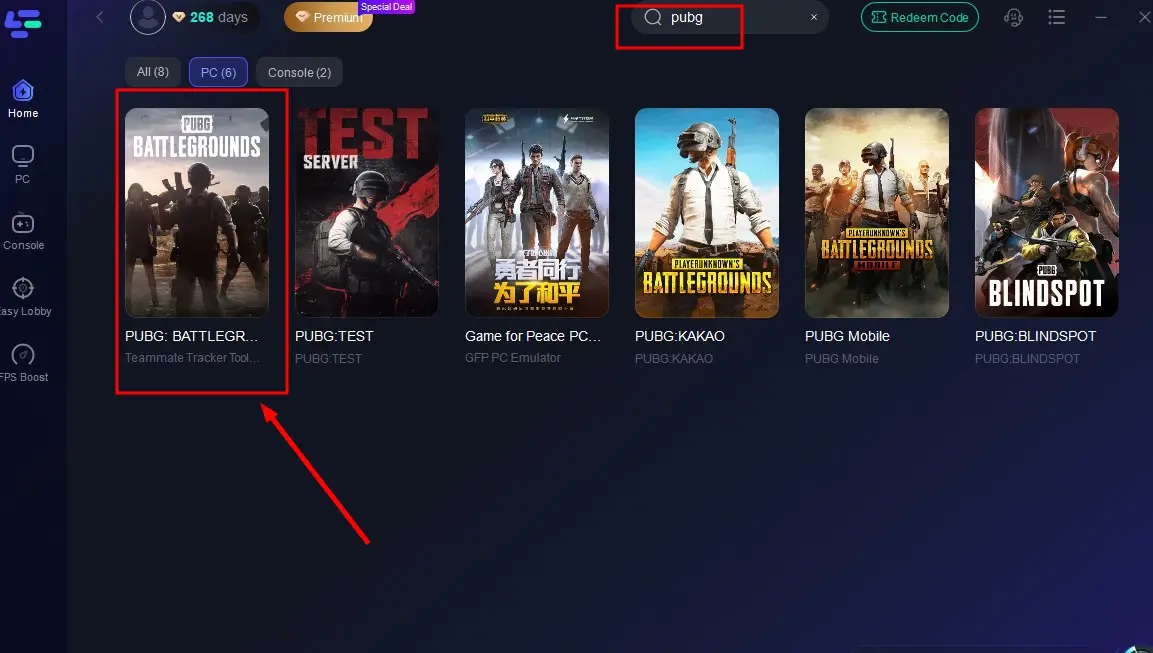
Step 2: Launch LagoFast, then type the game name in the search bar.
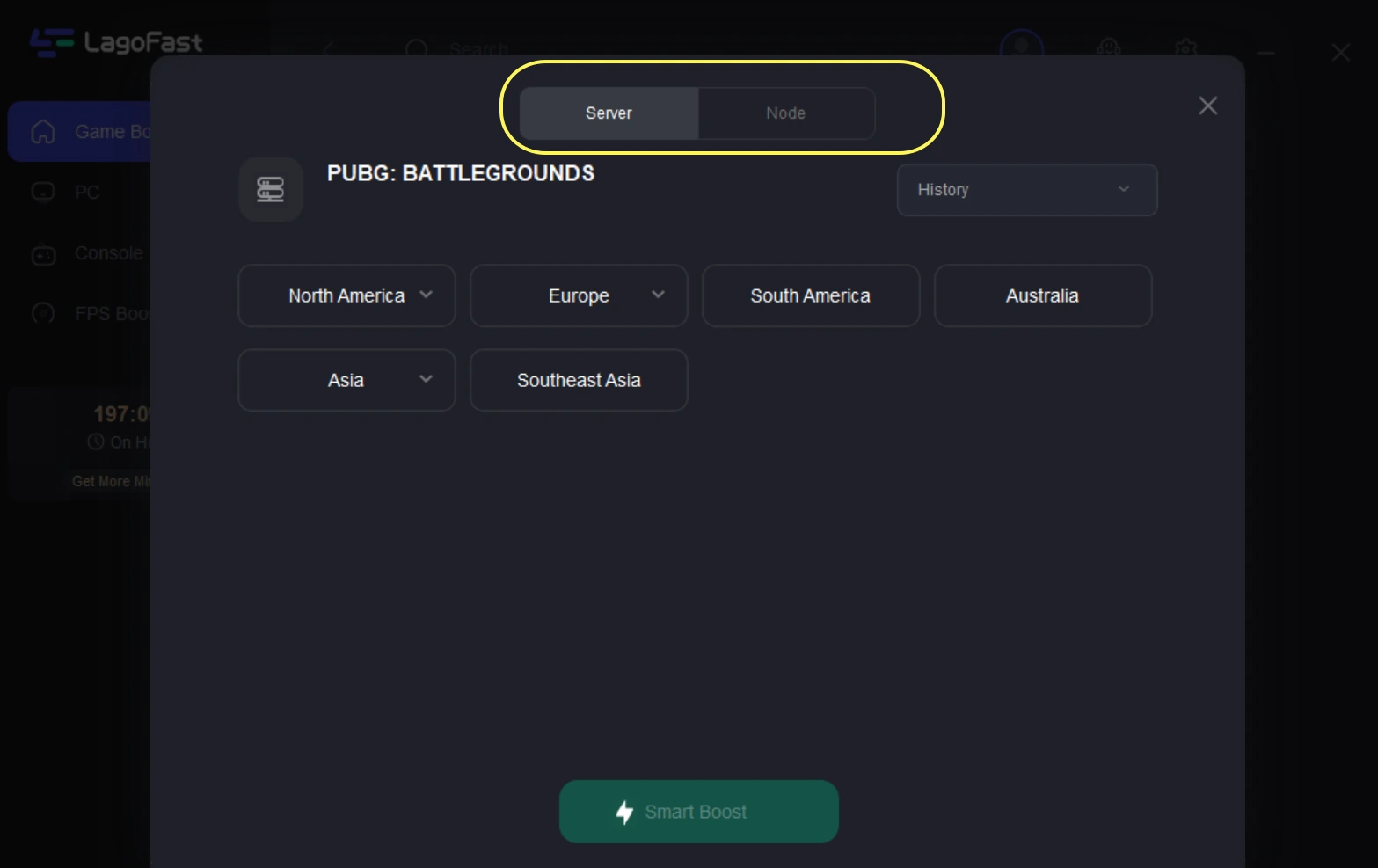
Step 3: Choose a stable server and the best node to optimize connectivity.
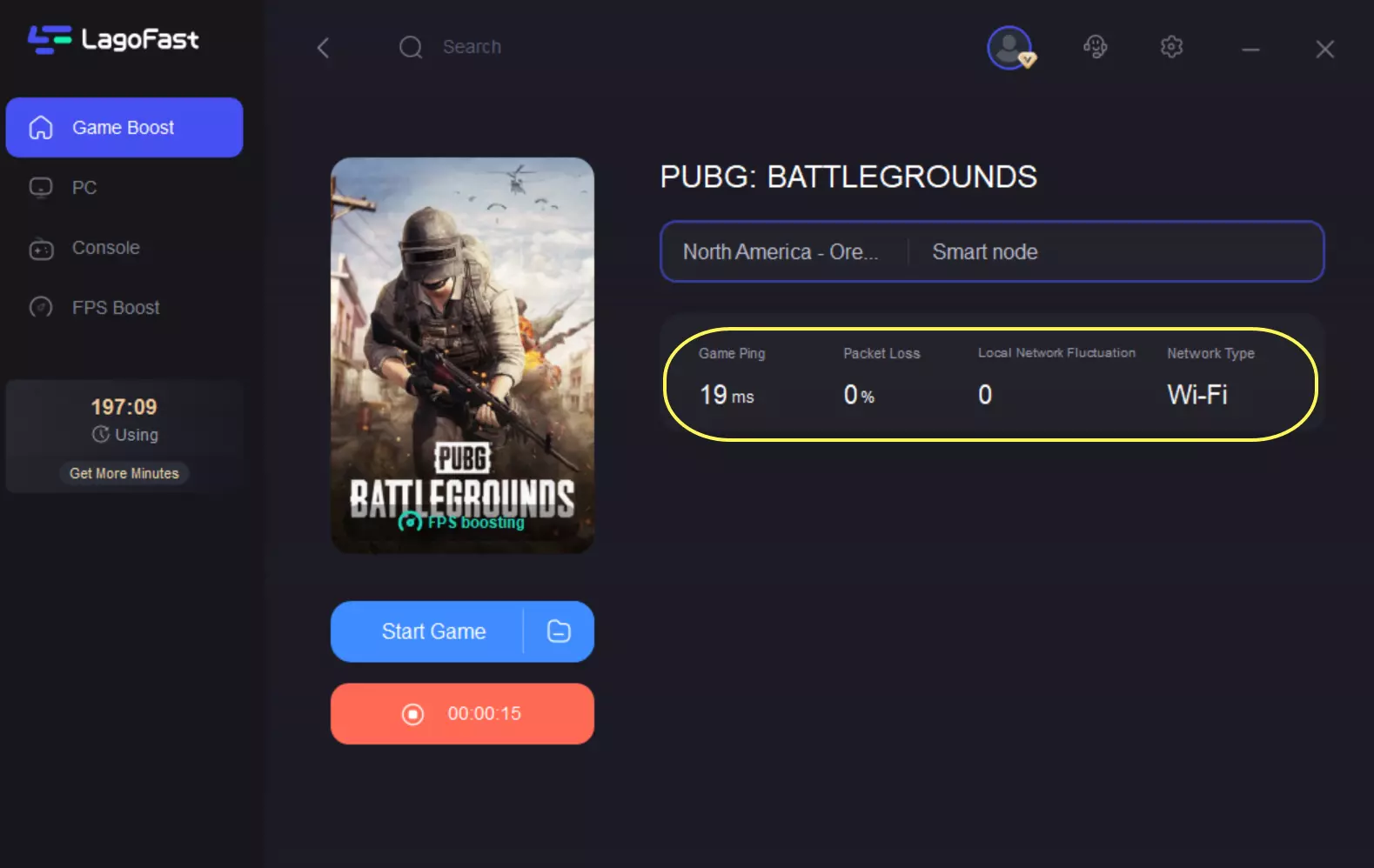
Step 4: Hit “Smart Boost” to monitor game ping, packet loss, and network type in real time.
How to Play PUBG Mobile with LagoFast Mobile:
Step 1: Download LagoFast Mobile through the Google Play Store or App Store, or you can scan the QR code below.

Step 2: Complete downloading and installing LagoFast Mobile on your phone.
Step 3: Open LagoFast Mobile and search PUBG in its search bar((Take the global version for an example; there are also different versions of PUBG, you can choose the preferred version according to your needs).
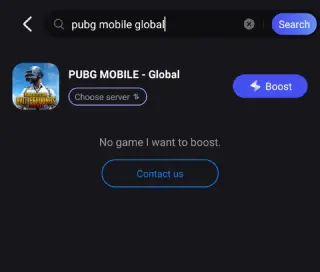
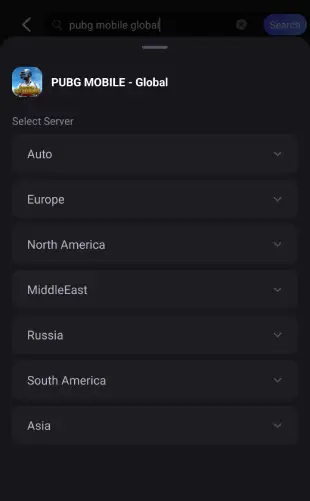
Step 4: Choose a better server for it.
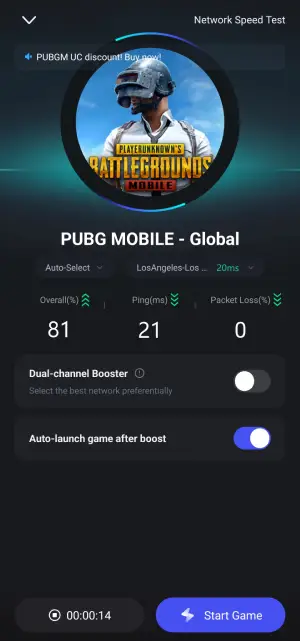
Step 5: Confirm that the real-time game data has been optimized, click the Start Game button to play PUBG.
Boost Your Game with LagoFast for Epic Speed
Play harder, faster. LagoFast game booster eliminates stutter and lags on PC, mobile, or Mac—win every match!
Quickly Reduce Game Lag and Ping!
Boost FPS for Smoother Gameplay!