
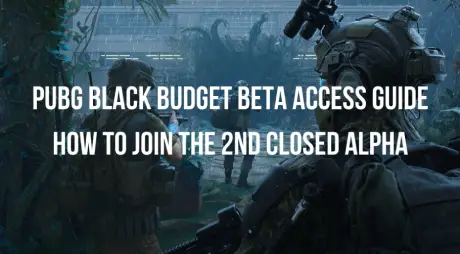
The tactical extraction shooter market is about to get a massive shakeup. Developed by PUBG Studios and published by KRAFTON, PUBG: Black Budget brings the tension of high-stakes extraction loops to an island wrapped in a supernatural anomaly. With the community buzzing, the PUBG Black Budget second closed alpha is the perfect opportunity for players to dive into this intense PvPvE world before the official launch.
Whether you are trying to secure your entry, troubleshoot a missing invite, or understand how to team up with your squad, this comprehensive PUBG Black Budget Beta Access Guide covers everything you need to know to get into the game and stay connected.

- ✅ Reduce Lag and High Ping.
- ✅ Boost FPS at the Same Time.
- ✅ Support 2000+ Popular Online Games.
- ✅ Get Twitch Drops Easily
- ✅ Stabilize Server Connection
- ✅ Black Budget Translation Tool
Part 1: PUBG Black Budget 2nd Closed Alpha Date and Time
Part 2: How to Join PUBG Black Budget Beta on Steam
Part 3: Who Can Join PUBG Black Budget 2nd Closed Alpha?
Part 4: How Does PUBG Black Budget Friend Invite Work?
Part 5: PUBG Black Budget Beta Access Not Showing: Common Reasons
Part 6: How to Download & Play PUBG Black Budget Playtest
Part 7: What to Do If PUBG Black Budget Beta Won’t Connect
Part 8: PUBG Black Budget Beta Access FAQs
Part 1: PUBG Black Budget 2nd Closed Alpha Date and Time
Timing is everything when it comes to limited-time playtests. To maximize your time inside the Anomaly, make sure your schedule aligns with the official testing windows provided by the developers.
When Does the PUBG Black Budget 2nd Closed Alpha Start?
The PUBG Black Budget second closed alpha officially kicks off on Friday, June 26, 2026. Servers will go live simultaneously across all supported global regions, allowing selected contractors to deploy, scavenge, and extract top-secret technology.
When Does the PUBG Black Budget 2nd Closed Alpha End?
The testing window is short and highly focused. The second closed alpha concludes on Monday, June 29, 2026. Once the servers shut down, player progression and persistent inventories will be wiped to prepare for future development phases.
PUBG Black Budget Beta Time Zones: KST, UTC, PT, ET, and CEST
To ensure you don’t miss a single minute of the action, here is the exact global breakdown of the test schedule from start to finish:
|
Time Zone |
Test Start Time |
Test End Time |
|
KST (Korea Standard Time) |
June 26, 2026 @ 17:00 |
June 29, 2026 @ 17:00 |
|
UTC (Coordinated Universal Time) |
June 26, 2026 @ 08:00 |
June 29, 2026 @ 08:00 |
|
PT (Pacific Time) |
June 26, 2026 @ 01:00 |
June 29, 2026 @ 01:00 |
|
ET (Eastern Time) |
June 26, 2026 @ 04:00 |
June 29, 2026 @ 04:00 |
|
CEST (Central European Summer Time) |
June 26, 2026 @ 10:00 |
June 29, 2026 @ 10:00 |
Is There an NDA for PUBG Black Budget Beta?
No, there is no NDA (Non-Disclosure Agreement) for this playtest. PUBG Studios has confirmed that this alpha runs in an open format. Players are fully encouraged to stream their matches on Twitch, record gameplay clips for YouTube, take screenshots, and openly discuss their strategies on social media and Discord.
Part 2: How to Join PUBG Black Budget Beta on Steam
Securing your spot in the alpha requires using Valve’s native playtest system. The entire application process is centralized on the game's official store page. Use this quick routine to submit your PUBG Black Budget Playtest Request:
Step 1. Open your Steam client or navigate to the Steam website.
Step 2. Search for PUBG: Black Budget to open the official store page.
Step 3. Scroll down right below the standard wishlist section until you see the banner labeled "Join the PUBG: Black Budget Playtest".
Step 4. Click the green "Request Access" button.
Step 5. A confirmation pop-up will appear. Confirm your choice, and your status will instantly change to “Access Requested.”
Once submitted, your application is registered. When the developers open up more slots, access is granted automatically on a rolling basis.
Part 3: Who Can Join PUBG Black Budget 2nd Closed Alpha?
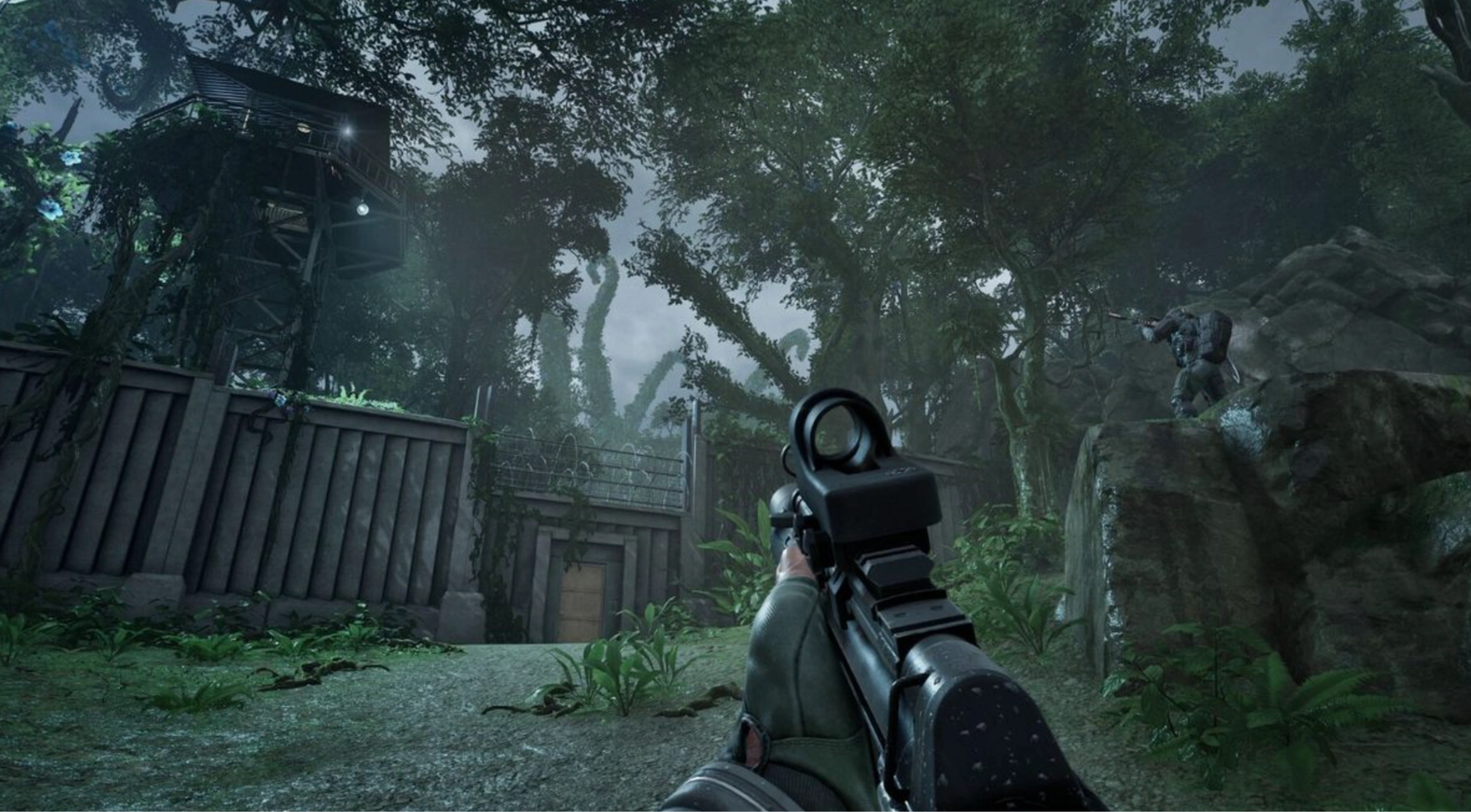
While KRAFTON aims to accommodate as many players as possible, this alpha test is bound by specific technical boundaries regarding hardware and regional availability.
PUBG Black Budget Beta Supported Regions
The second closed alpha focuses its server infrastructure across three primary territories:
- North America (US and Canada)
- Europe (including CIS regions)
- East Asia (including Korea and China)
Is PUBG Black Budget Beta Available on PC Only?
Yes. At this stage of development, the playtest is conducted exclusively through the Steam platform on PC. The developers are using this environment to iterate rapidly on balance, optimization, and mechanical design.
Can Console Players Join PUBG Black Budget Beta?
Currently, console players cannot participate in the second closed alpha. No playtest versions are available for PlayStation 5 or Xbox Series X/S. However, a console release remains a strong possibility for the final game post-launch.
Can Players from Unsupported Regions Join the Beta?
Technically, if you manage to acquire a friend invite or are granted access via Steam, you can open the game. However, because there are no dedicated regional servers outside of NA, Europe, and Asia, players connecting from South America, Oceania, or Africa will experience severe latency and connectivity hurdles. If you use LagoFast, you can fix all the lag issues and ensure you can play it smoothly even if you are in unsupported regions.
PUBG Black Budget Beta Supported Languages
The alpha client features complete localization and interface translation for five languages: English, Korean, Chinese, Russian, and Turkish.
Part 4: How Does PUBG Black Budget Friend Invite Work?
One of the best features of this playtest is the ability to form a squad, even if your friends weren't lucky enough to get selected by the initial Steam lottery.
Can You Invite Friends to PUBG Black Budget Beta?
Yes! To encourage squad-based tactical play, PUBG Studios allows players who have successfully gained entry to share the experience with their close gaming circle.
How Many Friends Can You Invite?
Every player who receives direct validation for the playtest can invite up to 2 friends to join them. This perfectly accommodates the game's maximum squad size of three players per team.
PUBG Black Budget Friend Invite 30-Day Requirement
To prevent exploitation and code-selling markets, the developers have enforced a strict social boundary: You and your friend must have been registered Steam friends for at least 30 days before you can send or receive an in-game playtest invite.
Why Can’t I Invite My Friend?
If the option to invite a buddy is grayed out, it is likely due to one of three specific rules:
- You have already exhausted your lifetime limit of 2 friend invitations.
- You haven't met the 30-day friend history requirement on Steam.
- The developers have capped friend invitations early due to escalating server loads or maximum concurrent player limits.
Why Is PUBG Black Budget Friend Invite Not Working?
If your invite system fails completely, check the official Discord. KRAFTON has explicitly stated that friend invites may be shut off dynamically without warning if the regional data centers experience unexpected traffic spikes.
What to Do If Your Friend Does Not Receive the Invite
If you sent an invite but your partner sees nothing, advise them to restart their Steam client completely. They should check both their Steam desktop alerts and the inbox of the email address tied directly to their Valve account.
Part 5: PUBG Black Budget Beta Access Not Showing: Common Reasons
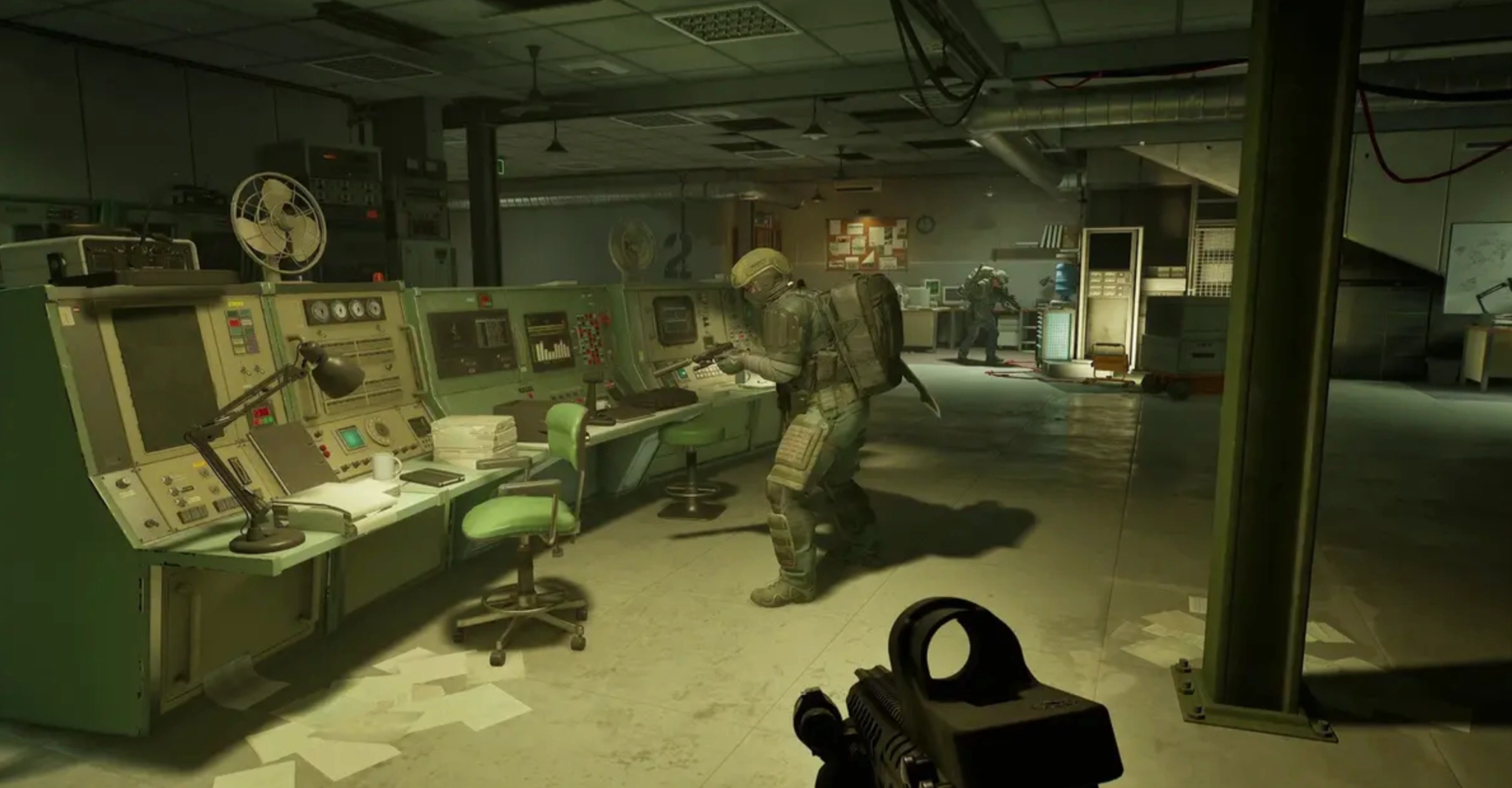
The alpha rollout can cause widespread confusion when notifications don't arrive as expected. If you feel stuck, review these potential bottlenecks.
You Have Not Been Selected Yet
When dealing with a PUBG Black Budget invite not received scenario, remember that KRAFTON rolls out access permissions in staggered waves. If your friend gets in and you don't, it simply means your account hasn't been drawn from the pool yet. Unselected players will not receive a rejection email; your Steam store page button will simply remain on "Access Requested."
You Are Checking the Wrong Steam Account
Ensure that the account you are logged into on your desktop client matches the exact profile where you originally pressed the "Request Access" button.
Your Region May Not Be Eligible
If your Steam account is registered to a territory far outside North America, Europe, or Asia, the rolling selection algorithm may deprioritize your account to protect server health.
The Playtest Button Disappeared
If the "Request Playtest" asset vanishes entirely from the store page, it indicates that the developer has officially closed the application portal for this specific testing phase due to over-allocation.
PUBG Black Budget Is Not Showing in Your Steam Library
Even if you are accepted, the game will not appear in your library until the exact moment the test period goes live. If you receive an acceptance email on June 24th, do not panic if your library looks empty; check back when the servers spin up on June 26th.
PUBG Black Budget Is in Your Library but Won’t Launch
This occurs when you attempt to launch the game before the official start time, or if Valve's servers are struggling to validate your account’s credentials during peak rolling admission hours.
Part 6: How to Download & Play PUBG Black Budget Playtest
Once your invitation is validated, getting the client onto your machine is straightforward, provided you meet the mechanical storage criteria.
How to Download PUBG Black Budget Playtest
Step 1. Navigate to your Steam Library.
Step 2. Look for "PUBG: Black Budget Playtest" (it will appear as a separate entry from the main game page).
Step 3. Click the blue "Install" button.
Step 4. Select your preferred storage drive and initiate the download.
Why Can’t I Download PUBG Black Budget Beta?
If the installation path fails, ensure that you are running Windows 11, as older operating systems are explicitly listed as unsupported for this alpha build. Additionally, verify your network connection isn't blocking Steam's content delivery networks.
PUBG Black Budget Playtest Not Showing in Steam Library
If you are confident you received entry but the game title won't appear, use the top search bar in your library and filter by "Games" while ensuring "Ready to Play" isn't toggled on, which hides uninstalled files.
Steam Download Stuck or Not Starting
A classic issue during major playtests. Navigate to your Steam settings, select the Downloads tab, and click "Clear Download Cache." This forces the client to restart its connection to local download nodes. Besides, you can use LagoFast to keep the stable network connection.
How Much Storage Space Does PUBG Black Budget Need?
The alpha client requires a minimum of 30 GB of available storage space. To prevent severe texture pop-in and loading hangs, installing the game on an SSD (Solid State Drive) is highly recommended.
Part 7: What to Do If PUBG Black Budget Beta Won’t Connect
Because this is an early alpha build, server stability is a major challenge. Players frequently encounter high latency, login failures, and abrupt disconnects. To solve these network roadblocks instantly, you need a dedicated gaming tool like LagoFast.
LagoFast is a premium game booster designed specifically to optimize your routing pathways directly to the game's match servers. By bypassing congested public internet nodes, it effectively eliminates rubber-banding and stabilizes your connection during chaotic extractions.
Key Network Stabilization Features:
- Multipath Connection Routing: Automatically switches between alternative server nodes to secure the fastest, most direct route to the matchmaker.
- Real-Time High Ping Reducer: Stabilizes erratic latency fluctuations, minimizing the sudden spikes that get you killed during critical extraction gunfights.
- One-Click FPS Boost: Optimizes underlying Windows background threads and processes to maximize local hardware performance.
- One-Click Crash Fix: Adjusts network card configurations to prevent sudden game crashes caused by server handshake timeouts.
Tutorial to Use LagoFast to Optimize Your PUBG Black Budget Beta Testing Gaming Experience:
Step 1: Click the Free Trial button to download and install LagoFast.
Step 2: Open LagoFast, then click the PC button on the left, search for PUBG Black Budget Beta in the search bar, and click it after it appears.

Step 3: Click on “Server” to change to a better server that ensures a better gaming experience, then click on “Smart Boost” to fix PUBG Black Budget Beta lag and stuttering.

Step 4: Check the specific game ping, packet loss, and multiple path connections on the right side. Finally, click “Start Game” to play the game.

Part 8: PUBG Black Budget Beta Access FAQs
Is progress from the second closed alpha saved for the final release?
No. All player inventories, extracted items, character levels, and currency balances will be completely wiped once the testing phase concludes on June 29.
What are the minimum hardware specifications required to run the game?
You need a 6-Core Processor (Intel Core i5-8400 or AMD Ryzen 5 2600), at least 16 GB of system RAM, a DirectX 12 compatible graphics card (NVIDIA RTX 2060 or AMD Radeon RX 6600 with 8GB VRAM), and Windows 11.
Can I run the game if I do not have an SSD?
While the game may launch on an older mechanical HDD, it is highly discouraged. The fast-paced asset loading required for the extraction map will cause severe stuttering, long load times, and potential connection drops.
Can I share my invitation access code with a family member?
No. Access permissions are securely bound directly to your specific Steam account ID and cannot be transferred, traded, or shared.
Can I keep my loot and character level when the full game releases?
No. All progress, unlocks, weapons, and currencies gathered during the second closed alpha will be wiped completely when the test concludes.
Does the playtest support cross-play?
No, because the second closed alpha is running exclusively on PC via Steam. Cross-play functionality is not active.
Conclusion
The PUBG Black Budget second closed alpha offers an exhilarating glimpse into KRAFTON's tactical future. By securing your Steam playtest request early, managing your 30-day friend list requirements, and utilizing LagoFast to iron out any early-alpha network wrinkles, you'll ensure your extraction squad runs perfectly from deployment to safe extraction. See you inside the Anomaly!
Boost Your Game with LagoFast for Epic Speed
Play harder, faster. LagoFast game booster eliminates stutter and lags on PC, mobile, or Mac—win every match!
Quickly Reduce Game Lag and Ping!
Boost FPS for Smoother Gameplay!