
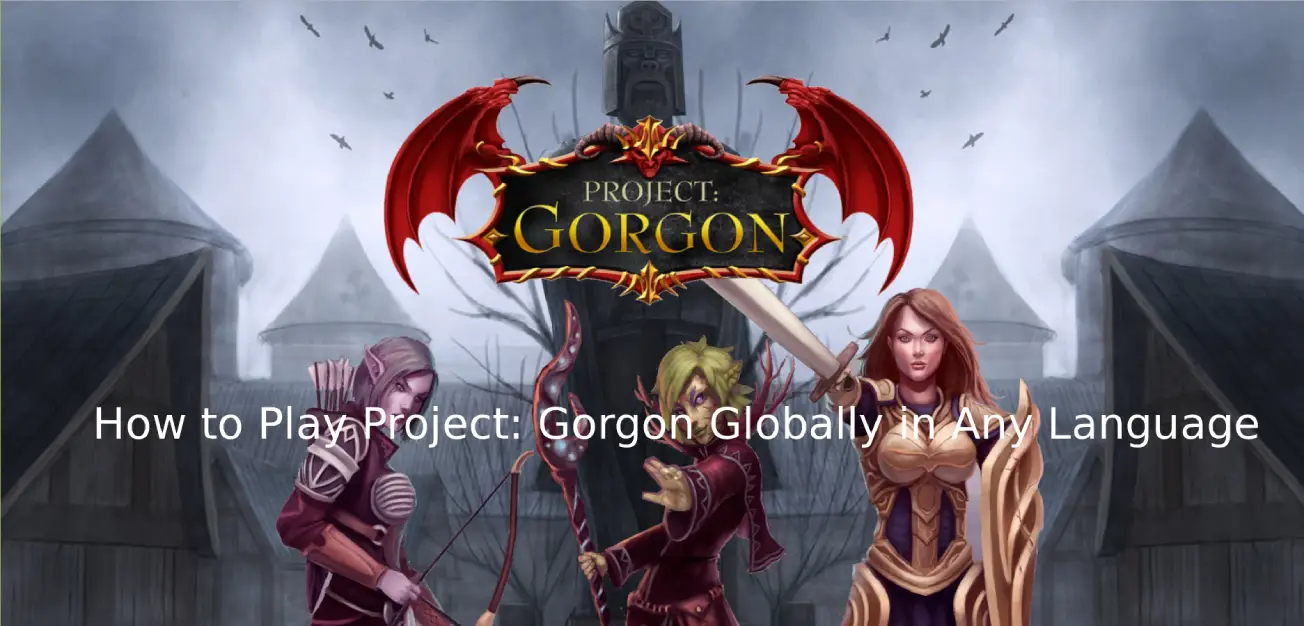
If you’ve ever opened Project: Gorgon, paused on a skill description, and wondered what it actually means, you’re definitely not alone. This is a game where text isn’t just flavor—it explains how systems work, how skills interact, and how you progress. Important details are locked behind text, and missing them often means slower progress and confusion about core mechanics.
This guide looks at how Project: Gorgon is featured, where language barriers appear, and how a translation tool can help make in-game text easier to understand.

- ✅ Reduce Lag and High Ping.
✅ Boost FPS at the Same Time.
✅ Support 2000+ Popular Online Games.
✅ Change Server without Latency.
✅ Boost Game Loading Speed.
Part 1: Project: Gorgon Release Date, Platforms, and Game Features
Part 2: What Languages Does Project: Gorgon Support?
Part 3: The Best Translation Tool to Play Project: Gorgon Smoothly
Part 1: Project: Gorgon Release Date, Platforms, and Game Features
Project: Gorgon is set to officially launch on January 28, 2026, following its Early Access that began on March 13, 2018. It is available on PC via Steam, with no official console or mobile versions. The game caters to players who enjoy deep systems, unconventional progression, and the freedom to explore and experiment.
Key Gameplay Features
- Classless Progression: Mix and match over 100 combat, trade, and niche skills to create unique builds.
- Animal Forms/Transformations: Become sentient animals through curses or choices, affecting combat and NPC interactions.
- Deep NPC Interaction: NPCs have personalities and preferences, unlocking training, shops, and secrets.
- Exploration and Survival: Navigate a large, unforgiving world, manage food/alcohol, and discover hidden dungeons.
- Player-Driven Economy & Housing: Run stalls, craft with the community, and plan personal housing.
- Combat System: Combine over 30 combat skills creatively, like pairing sword fighting with psychology.
The depth and complexity of Project: Gorgon make understanding in-game text essential. Missing key information can slow progress or cause confusion about core mechanics.
Part 2: What Languages Does Project: Gorgon Support?
Project: Gorgon only officially supports English, with no in-game language switch and only very limited community translations. This creates a real challenge for players who speak other languages, such as French, German, Portuguese, Turkish, Arabic, Russian, or Thai. Almost every part of the game—skill descriptions, quest instructions, and NPC dialogue—is text-heavy, so not understanding English can lead to mistakes in combat, crafting, or questing. For international players, these language barriers aren’t just inconvenient—they can seriously block progress and make it difficult to fully enjoy the game.
Part 3: The Best Translation Tool to Play Project: Gorgon Smoothly
Project: Gorgon’s English-only text and complex gameplay can make skills, quests, and NPC dialogue hard to understand for international players. LagoFast’s One-Click Game Translator solves this by translating in-game text instantly, without alt-tabbing or copy-pasting, and works with supported game engines for seamless multilingual gameplay. It supports multiple major languages—including French, German, Portuguese, Turkish, Arabic, Russian, Thai, and more—allowing players worldwide to follow quests and understand skills clearly, without frustration.
LagoFast not only translates in-game text instantly, but also improves gameplay by reducing ping, stabilizing connections, optimizing routing, minimizing packet loss, and enhancing FPS. For Project: Gorgon, this means smoother, more immersive gameplay—letting you focus on exploring, experimenting, and enjoying the game instead of being blocked by language or network issues.
How to Use LagoFast for Project: Gorgon Translation
Step 1: Click the Free Trial button to download and install LagoFast.
Step 2: After installation, search "Project: Gorgon" in the search bar and select the game.
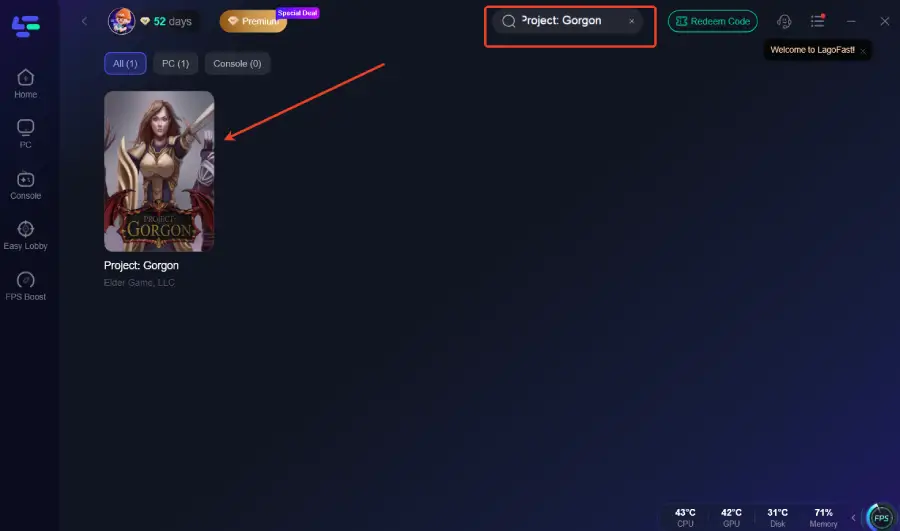
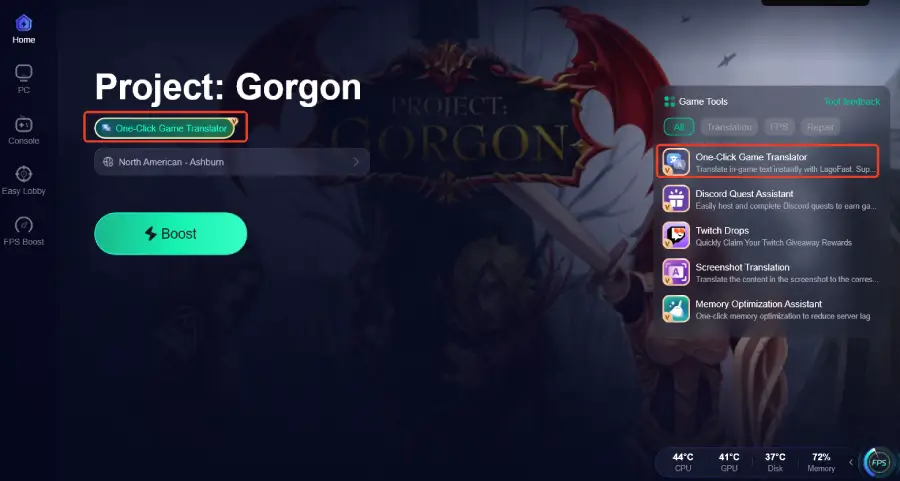
Step 3: Activate the Translation Tool—Click the One-Click Game Translator icon in LagoFast.
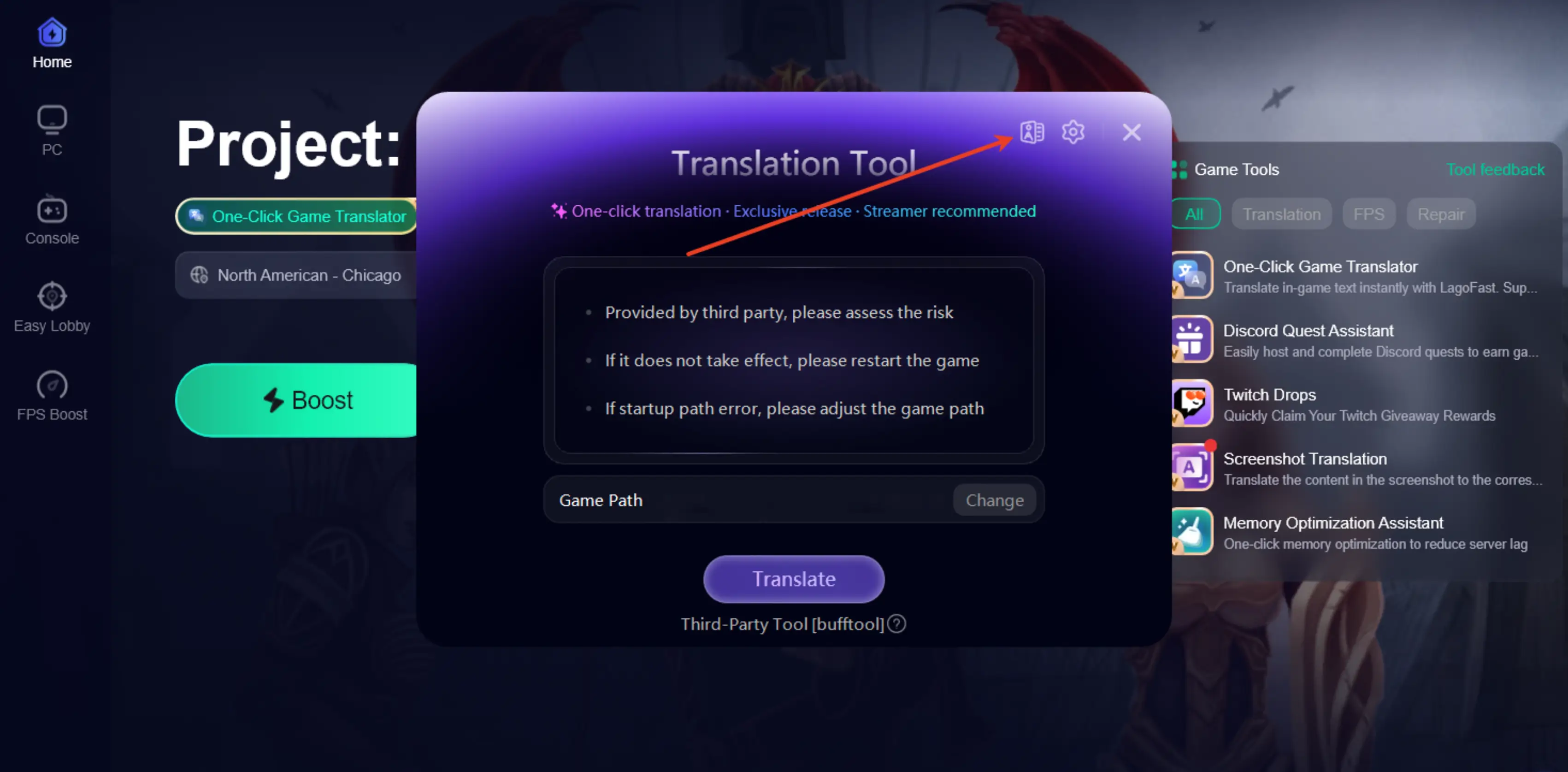
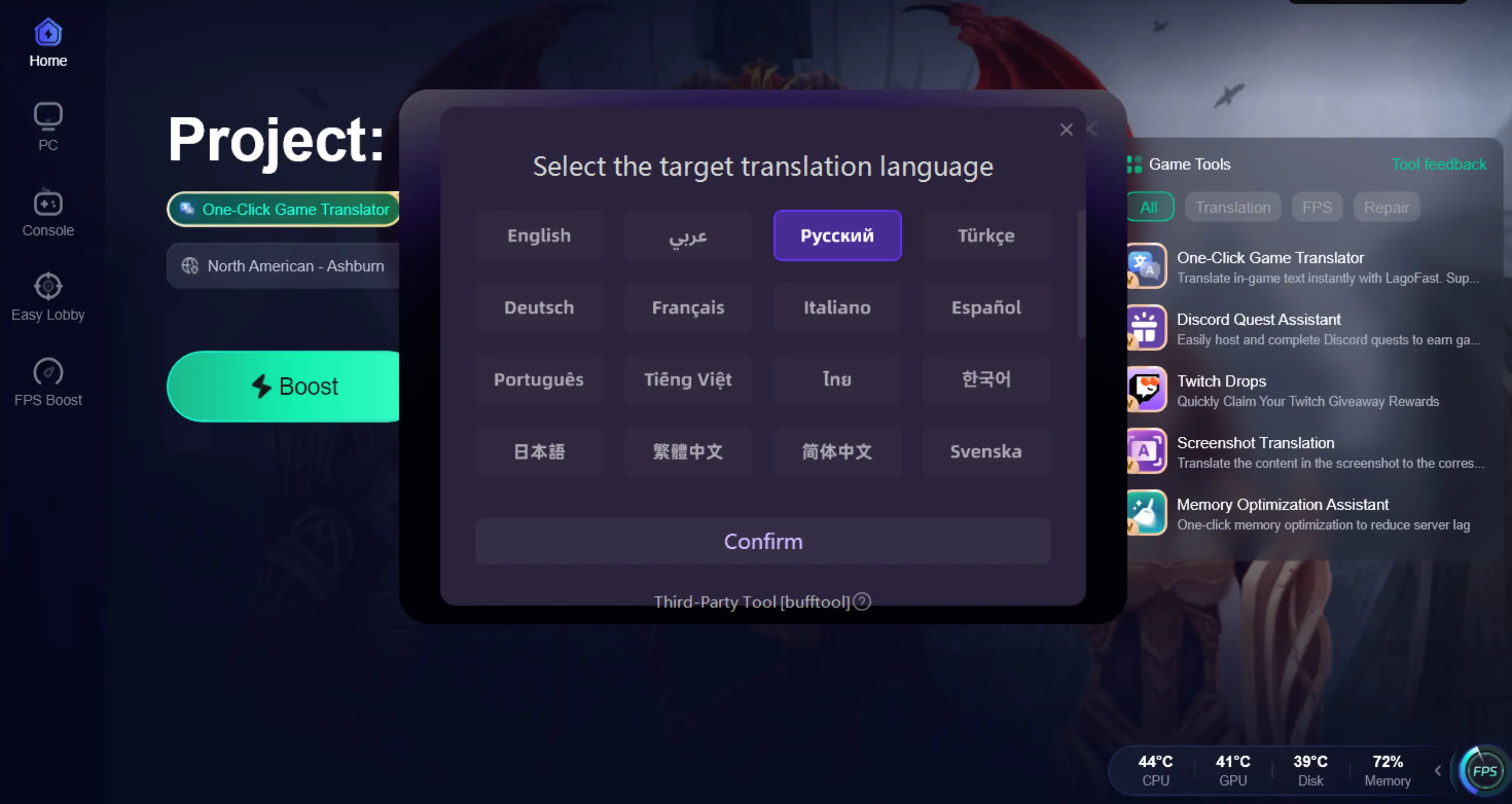
Step 4: Choose your target language and set up the hotkeys.
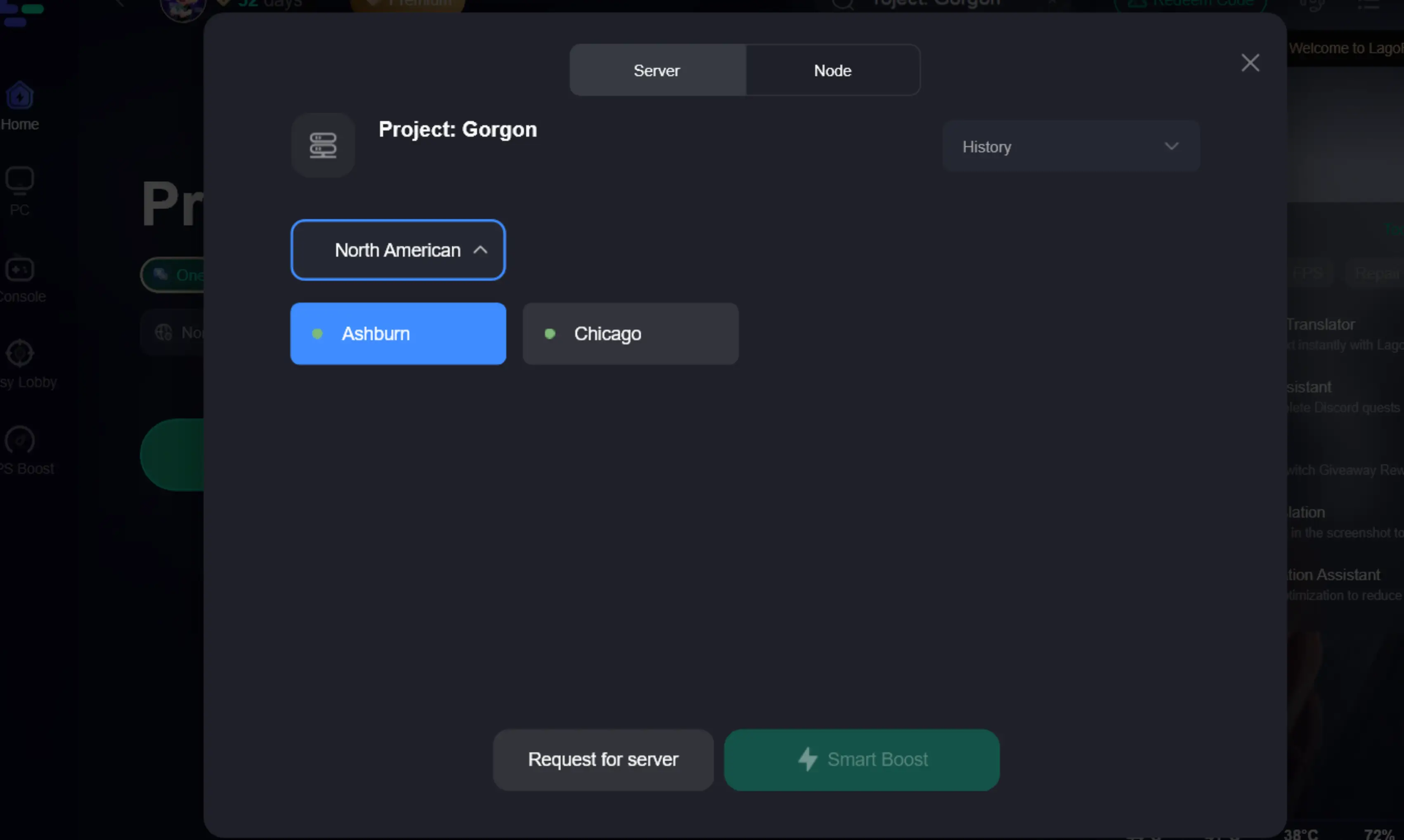
Step 5: Choose your preferred server node and click "Smart Boost" to start optimizing.
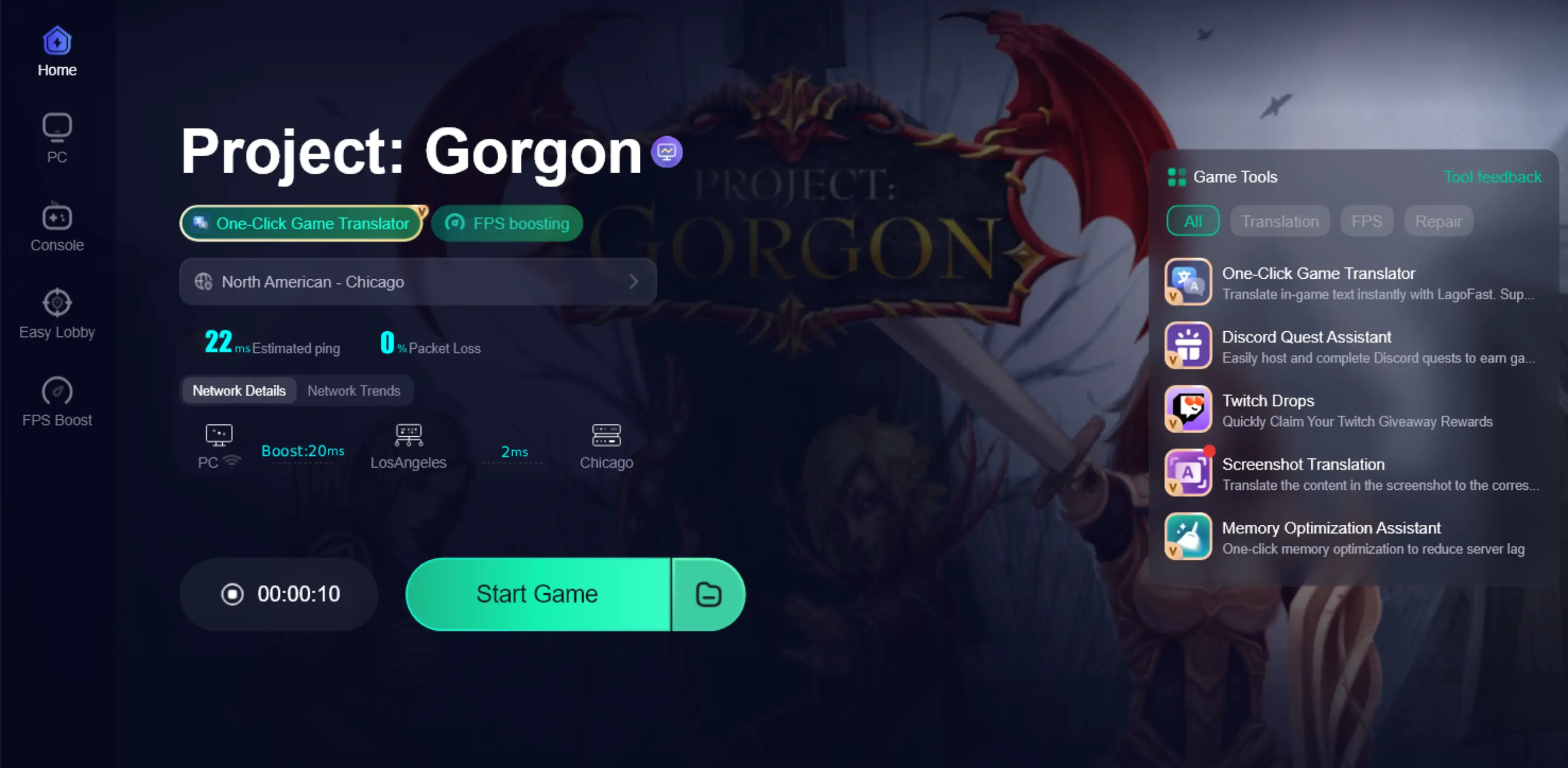
Step 6: Launch your game and enjoy smooth, optimized gameplay with lower ping and no stutter.
Conclusion
Project: Gorgon is a complex, text-heavy MMORPG where understanding in-game content is key to progress. LagoFast’s One-Click Game Translator allows players to read skills, quests, and NPC dialogue instantly while improving network performance. With this tool, players can explore, master game systems, and enjoy a smoother, more immersive experience without being limited by language or network issues.

Boost Your Game with LagoFast for Epic Speed
Play harder, faster. LagoFast game booster eliminates stutter and lags on PC, mobile, or Mac—win every match!
Quickly Reduce Game Lag and Ping!
Boost FPS for Smoother Gameplay!