
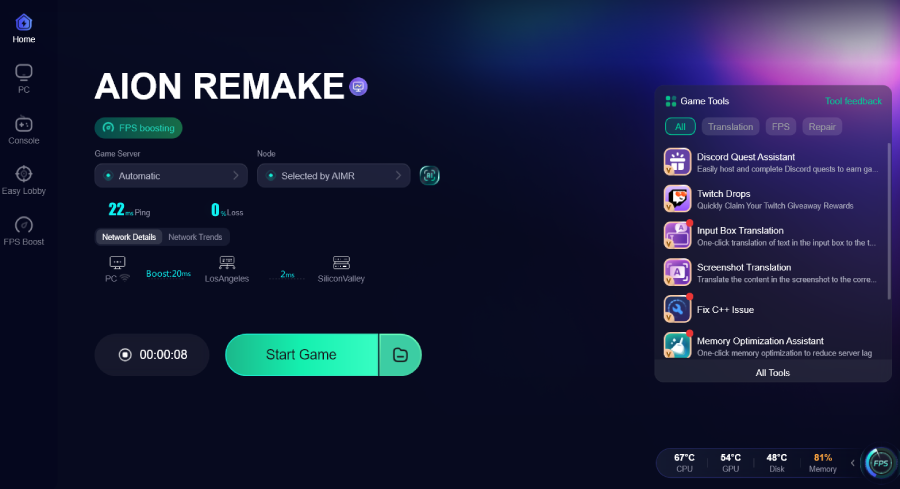
If AION Remake does not start after you log in through the Purple platform, the issue may not be your PC or the game server.
During testing, some players found a specific launch problem:
You log in to Purple.
You click Start Game.
The button turns gray.
Nothing opens.
After a few seconds, the button returns to the normal Start state.
The AION Remake game process never starts.
This usually means the game failed during the handoff between Purple and the game client. In this case, one possible cause is a DLL file conflict inside the Purple platform, which prevents the game from launching properly.

- ✅ Lower ping and fewer disconnects.
- ✅ More FPS and better PC performance.
- ✅ Support for 3000+ games.
- ✅ Stable connections and region switching.
Why AION Remake Fails to Launch Through Purple
This problem is different from a normal server connection error.
If the game process never appears in Task Manager, the issue is usually happening before the game fully starts.
Common causes include:
Purple platform login failure
Purple launcher process stuck in the background
corrupted Purple platform files
DLL conflict inside the Purple platform
antivirus blocking launcher files
broken game launch permission
network route issue between Purple and the login service
outdated Purple client
The most recognizable symptom is:
You click Start Game, the button turns gray, then returns to Start, but AION Remake never opens.
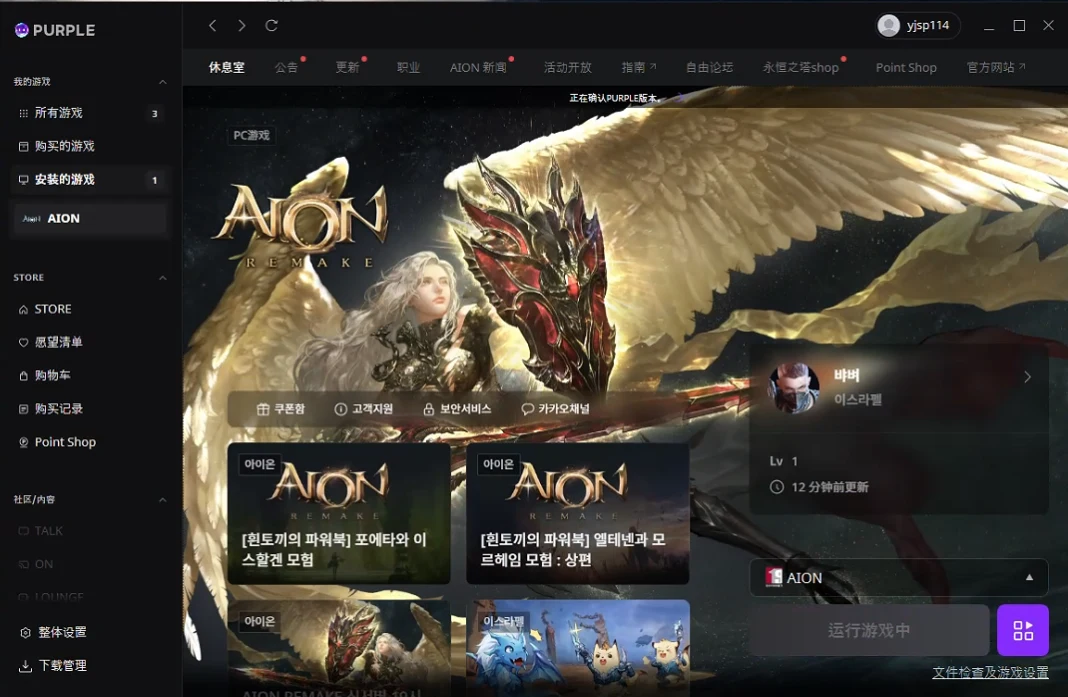
Fix 1: Restart Purple and Clear Stuck Processes
First, close Purple completely.
Do not only close the window. Make sure the background processes are also stopped.
Steps
Close Purple.
Press Ctrl + Shift + Esc to open Task Manager.
Look for Purple-related processes.
End all related processes.
Also check for any AION Remake process that may be stuck.
Restart your PC.
Open Purple again as administrator.
Try launching AION Remake.
Use This Fix If
the Start button resets after clicking
the launcher looks normal but the game never opens
Purple was running for a long time before launch
the game worked before but suddenly stopped launching
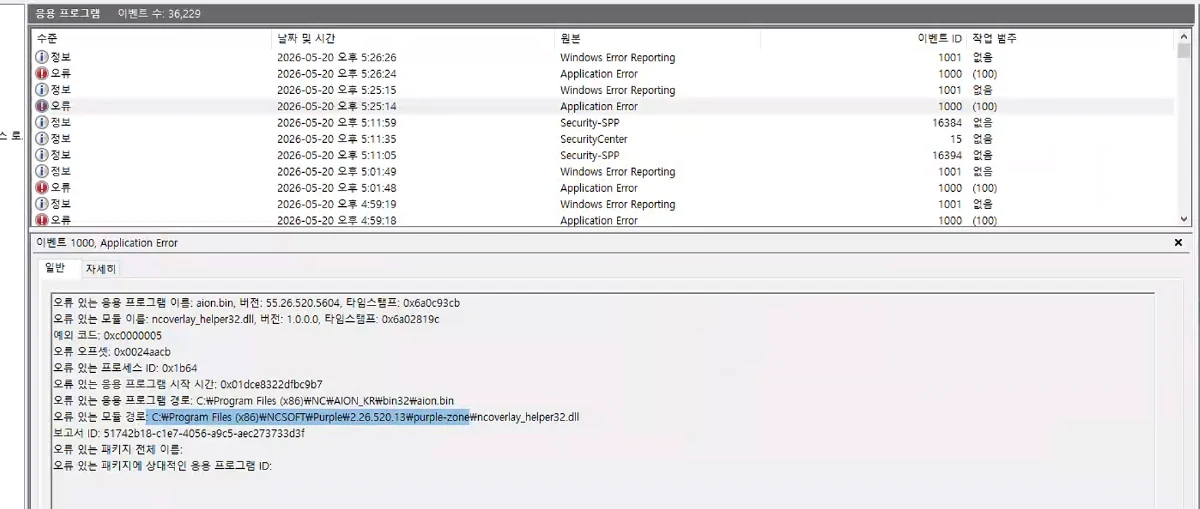
Fix 2: Run Purple as Administrator
AION Remake may fail to start if Purple does not have enough permission to launch the game client.
Steps
Close Purple.
Right-click the Purple shortcut.
Select Run as administrator.
Log in again.
Click Start Game.
If this works, you can make it permanent:
Right-click Purple.
Open Properties.
Go to Compatibility.
Enable Run this program as an administrator.
Click Apply.
Use This Fix If
Purple opens normally
login works
the game does not start after clicking the button
there is no visible error message
Fix 3: Use LagoFast Fix Purple Platform Login Failures
If the problem is caused by a Purple platform DLL conflict or login handoff failure, normal network fixes may not be enough.
LagoFast is adapting a dedicated tool called:
Fix Purple Platform Login Failures
This tool is designed for cases where Purple fails to properly launch AION Remake after login.
What This Tool Helps With
It can help when:
clicking Start Game does nothing
the Start button turns gray and then resets
AION Remake does not appear in Task Manager
Purple login works, but game launch fails
the game client cannot be started by the launcher
a Purple platform DLL conflict blocks the launch process
How to Use It
Step 1: Open LagoFast.
Step 2: Search for AION Remake.
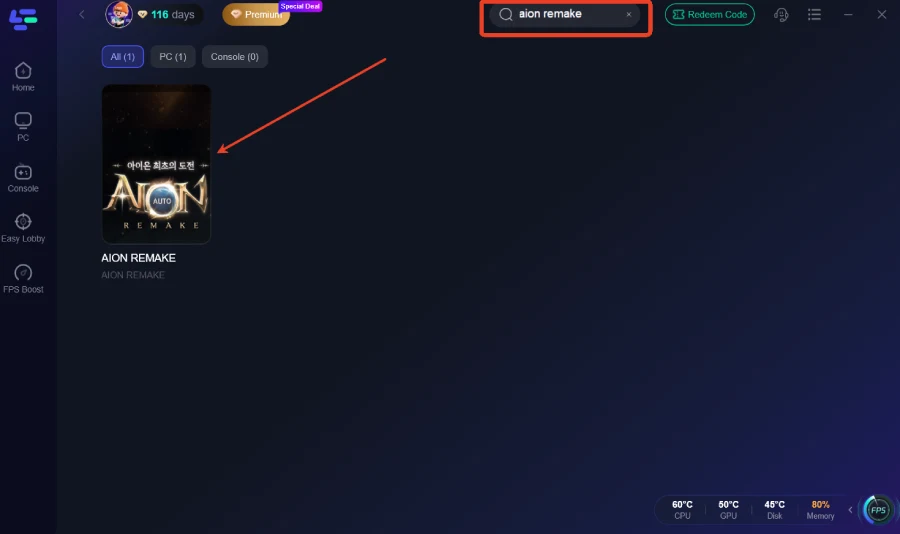
Step 3: Select the AION Remake optimization page.
Step 4: Use the tool:
Fix Purple Platform Login Failures
Step 5: Apply the fix.
Step 6: Restart Purple.
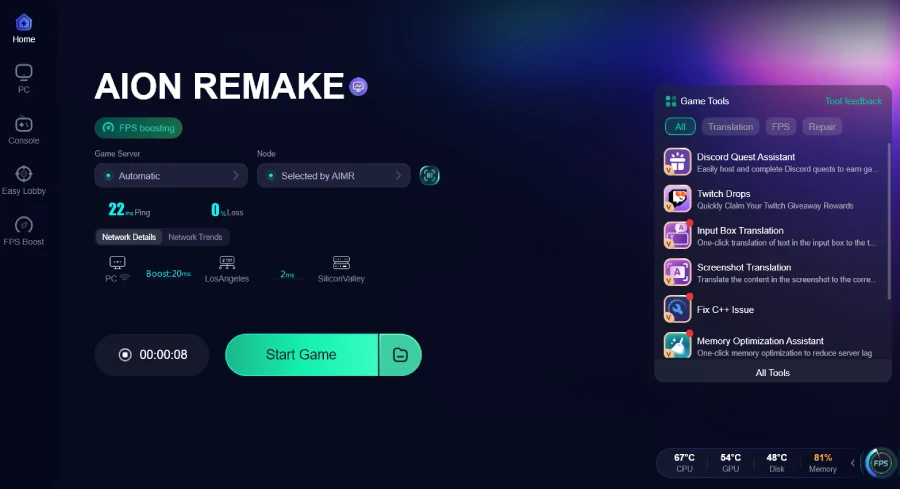
Step 7: Click Start Game again.
This is the most direct fix if your problem matches the exact symptom:
Start Game turns gray, then returns to Start, and the game process never starts.
Fix 4: Repair Purple Platform Files
If Purple has damaged or missing files, the game may fail before it even starts.
Steps
Open Purple.
Go to settings or game management.
Look for repair, verify, or check file options.
Repair Purple if the option is available.
Repair AION Remake game files.
Restart Purple.
Try launching again.
Use This Fix If
Purple recently updated
the game failed after a patch
the launcher opens but cannot start the game
the Start button resets with no error message
Fix 5: Reinstall Purple
If repair does not work, reinstall Purple completely.
A broken launcher installation can keep the same launch error even after restarting your PC.
Steps
Uninstall Purple.
Restart your PC.
Delete leftover Purple cache files if they remain.
Download the latest Purple installer.
Install Purple again.
Log in.
Reconnect or verify AION Remake.
Try launching the game.
Use This Fix If
Purple keeps failing after repair
the launcher updated incorrectly
the same error happens every time
the game never reaches the loading screen
How to Know If This Is the Purple Login Failure Bug
You are likely facing the Purple platform login failure issue if:
Purple login works
the game page opens
you click Start Game
the button turns gray
no game window opens
no error message appears
the button returns to Start
AION Remake does not appear in Task Manager
If this is exactly what happens, the problem is probably not normal lag or server downtime. It is more likely a Purple launch failure, DLL conflict, or login handoff problem.

Boost Your Game with LagoFast for Epic Speed
Play harder, faster. LagoFast game booster eliminates stutter and lags on PC, mobile, or Mac—win every match!
Quickly Reduce Game Lag and Ping!
Boost FPS for Smoother Gameplay!