
Quick Answer
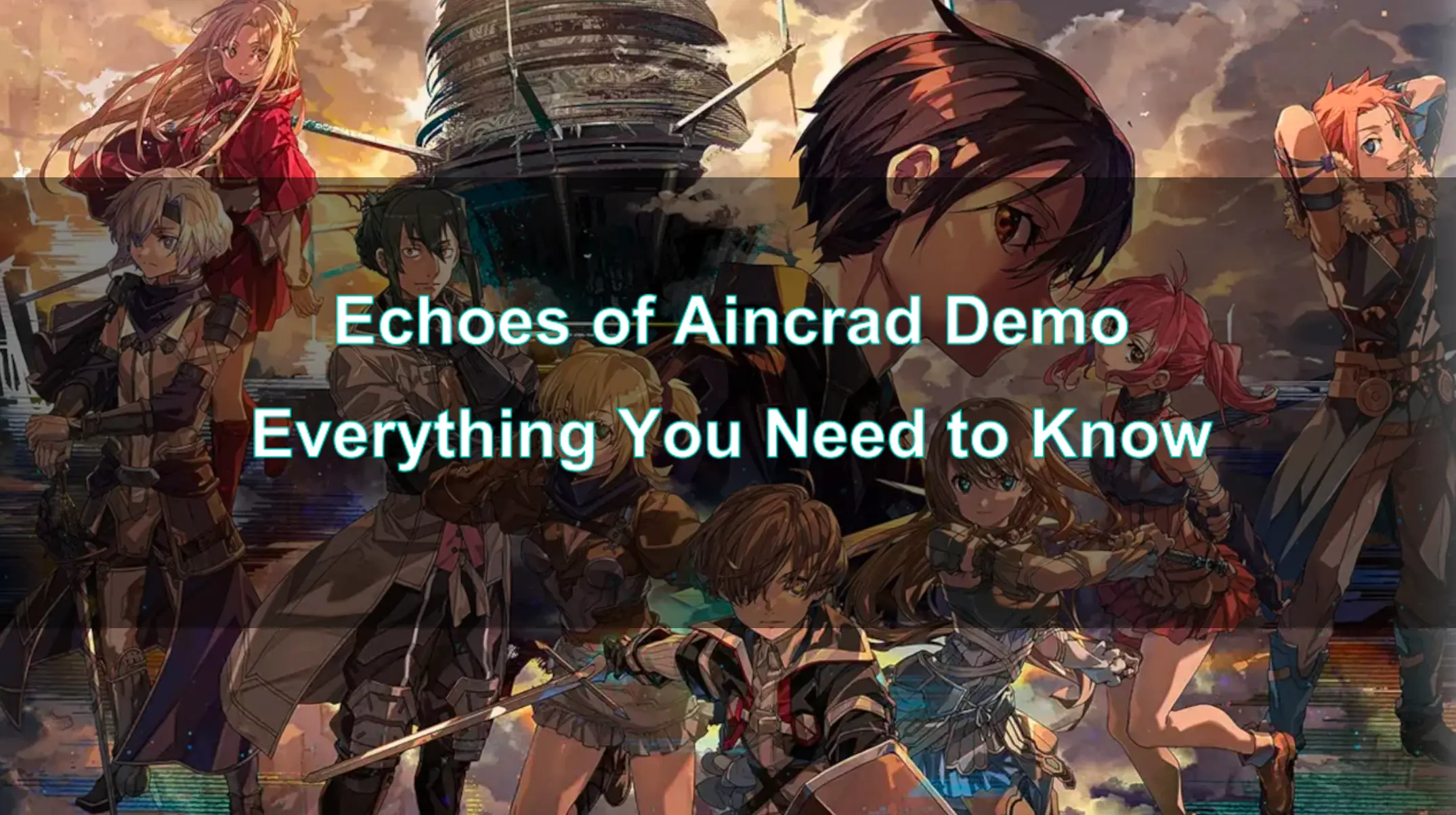
The Echoes of Aincrad demo is available now on PC (Steam), PlayStation 5, and Xbox Series X|S. It features the "beta phase" of the story with five missions and all six weapon types. Crucially, your save data from the demo will transfer to the full game upon its release on July 10, 2026. While character creation is a full game feature, the demo uses a fixed avatar. To ensure a smooth experience, especially with network stability, consider using LagoFast Game Booster.

- ✅ Reduce Lag and High Ping.
- ✅ Boost FPS at the Same Time.
- ✅ Support 2000+ Popular Online Games.
- ✅ Support Easy Lobby in all COD games without Lag
Part 1: Is the Echoes of Aincrad Demo Available Now?
Part 2: How to Download & Play the Echoes of Aincrad Demo
Part 3: What Is Included in the Echoes of Aincrad Demo?
Part 4: Echoes of Aincrad Demo Mission List
Part 5: All Weapon Types You Can Try in the Demo
Part 6: Does Echoes of Aincrad Demo Save Data Carry Over?
Part 7: Why Is My Avatar Fixed in the Demo?
Part 8: Echoes of Aincrad Beginner Tips
Part 9: How to Enhance Your Game Experience with LagoFast Game Booster
Part 10: Echoes of Aincrad Demo FAQ
Part 1: Is the Echoes of Aincrad Demo Available Now?
The highly anticipated Echoes of Aincrad demo has officially launched, offering players a tantalizing glimpse into the immersive world of the new Sword Art Online VRMMORPG. This demo provides a crucial opportunity for fans and newcomers alike to experience the game's core mechanics, combat systems, and narrative before the full release. Its availability has been a hot topic among the gaming community, especially given the franchise's dedicated fanbase.
As of June 15th (PC via Steam) and June 16th (PlayStation 5 and Xbox Series X|S), the Echoes of Aincrad demo is indeed available for download. This staggered release ensures that players across different platforms can dive into the beta phase of the story. The demo's launch is strategically timed to build excitement and gather valuable player feedback ahead of the full game's release on July 10, 2026.
Part 2: How to Download & Play the Echoes of Aincrad Demo
Accessing the Echoes of Aincrad demo is a straightforward process, designed to get players into the action as quickly as possible. Whether you're a PC enthusiast or a console gamer, the steps are intuitive.
For PC players, the demo is available through Steam. Simply navigate to the Echoes of Aincrad store page on Steam and look for the "Download Demo" button. The game is part of Steam Next Fest, making it easily discoverable for those exploring new titles.
Console players can find the demo on their respective digital storefronts:
- PlayStation 5: Search for "Echoes of Aincrad Demo" on the PlayStation Store.
- Xbox Series X|S: Search for "Echoes of Aincrad Demo" on the Xbox Games Store.
Once downloaded, simply launch the game from your library. The demo is designed to be a self-contained experience, guiding you through the initial stages of gameplay. Ensure your system meets the minimum requirements for the game to ensure a smooth experience. A stable internet connection is also recommended, especially for initial downloads and any potential online features, even in a demo environment.
Part 3: What Is Included in the Echoes of Aincrad Demo?
The Echoes of Aincrad demo is more than just a brief teaser; it's a substantial slice of the game designed to introduce players to its core concepts and systems. Bandai Namco has packed enough content into this beta phase to give players a genuine feel for what the full game will offer.
Players will experience the "beta phase" of the story, which includes a significant portion of the narrative. This isn't just a combat arena; it's an introduction to the game's world, characters, and overarching plot. The demo allows players to explore the beautiful environments of the floating castle of Aincrad, providing a sense of scale and atmosphere.
Key inclusions in the demo are:
- Five Full Missions: These missions guide players through various objectives, introducing them to different gameplay scenarios and challenges.
- All Six Weapon Types: Players can experiment with every weapon category available in the game, allowing them to find their preferred combat style.
- Core Gameplay Systems: The demo introduces players to fundamental mechanics such as combat, exploration, character progression (stats, Cardinal Rank), and item crafting.
- Save Data Transferability: A major highlight is the ability to carry over your progress to the full game, making your time in the demo a valuable head start.
This comprehensive offering ensures that players can make an informed decision about the full game while getting a head start on their adventure.
Part 4: Echoes of Aincrad Demo Mission List
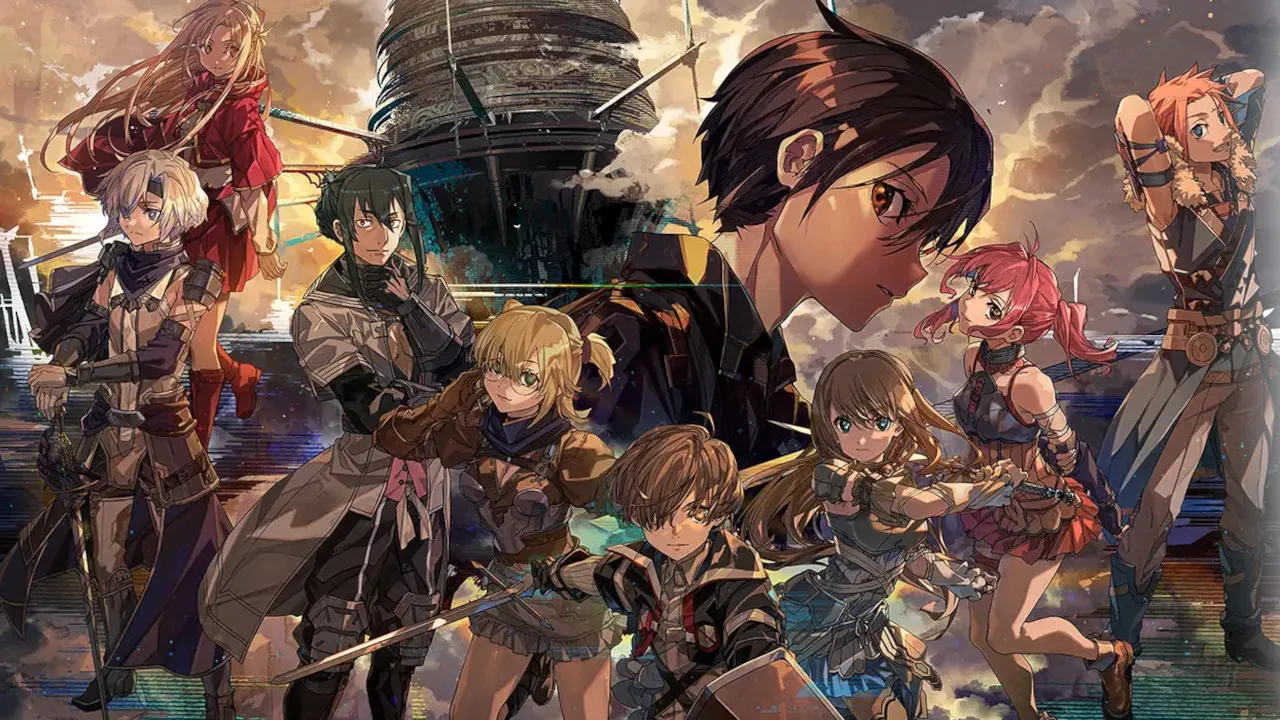
The Echoes of Aincrad demo features five distinct missions, each designed to introduce players to different facets of the game's world and combat. While the exact names of all missions might vary slightly, the progression generally involves an initial foray into an unexplored dungeon, followed by objectives that deepen your understanding of the game's mechanics and narrative.
The demo begins with players joining their team deeper inside an unexplored dungeon, quickly leading into a scenario where they must navigate a monster-infested maze alone after a disaster strikes [1]. This initial quest serves as a tutorial, familiarizing players with movement, basic combat, and the importance of managing resources.
Subsequent missions will likely involve:
- Exploration and Discovery: Uncovering new areas, revealing the map, and finding points of interest like hidden treasures or sealed shortcuts.
- Combat Encounters: Facing various monster types, learning their attack patterns, and utilizing different weapon skills and partner abilities.
- Boss Fights: Engaging with massive boss enemies, which are often gated behind barriers and require strategic planning and resource management.
- Base Town Activities: Returning to the Town of Beginnings to interact with NPCs, reserve a room at the Inn, visit the Smithy for weapon upgrades and crafting, and apply Growth Points to character stats.
These missions are structured to provide a well-rounded experience, showcasing the game's blend of action, exploration, and RPG progression. Completing them will not only advance your understanding of the game but also contribute to your character's Cardinal Rank, which is crucial for unlocking new items and increasing difficulty.
Part 5: All Weapon Types You Can Try in the Demo
In Echoes of Aincrad, your chosen weapon defines your combat style, as traditional spellcasters and magical powers are absent. The demo generously allows players to experiment with all six weapon types, encouraging them to find the perfect fit for their playstyle. Each weapon type has unique characteristics, strengths, and a set of "Sword Skills" that unlock with use.
Here's a breakdown of the weapon types available in the demo:
- Sword and Shield: A balanced option offering both offense and defense. It's your tutorial starting weapon, versatile for various combat situations. You can unequip the shield for faster, riskier moves.
- Two-Handed Axe: A slower, aggressive weapon focusing on area-of-effect attacks. It leaves you open to attack if mistimed and cannot be paired with a shield.
- Dagger: A light, quick weapon with a shorter range and lower average damage, but it hits often. It can be used at range by throwing blades and cannot be paired with a shield.
- Rapier: A graceful, lighter sword known for its long reach and flowing style, chaining attacks and countering enemies with ease. It can be used with a shield.
- Two-Handed Sword: A heavy-hitting weapon that allows for charged attacks with greater damage. It cannot be used with a shield, and your dodge maneuver becomes a roll when equipped.
- Mace: Another weapon that can be paired with a shield, excelling at breaking through enemy defenses to stagger or knock them down.
Players can change weapons between quests when in the Town of Beginnings. The more you use a weapon, the more Weapon Exp you earn, unlocking powerful Sword Skills. You can equip up to three Sword Skills at a time, allowing for strategic customization of your combat loadout.
Part 6: Does Echoes of Aincrad Demo Save Data Carry Over?
One of the most frequently asked questions about any game demo is whether progress made will transfer to the full version. For Echoes of Aincrad, the answer is a resounding yes! This is excellent news for players who invest time and effort into the demo, as their progress will not be lost.
Bandai Namco has confirmed that save data from the demo will be transferable to the full version of Echoes of Aincrad when it launches on July 10, 2026 [1]. This means any experience gained, items collected, weapon proficiencies increased, and character stats boosted will seamlessly carry over. This feature encourages players to fully engage with the demo, experiment with different weapon types, and get a head start on their adventure without worrying about replaying content.
This commitment to save data transferability is a significant player-friendly decision, allowing for a continuous and rewarding experience from the demo to the full game. It transforms the demo from a mere preview into a true prologue, where your initial efforts contribute directly to your long-term journey in Aincrad.
Part 7: Why Is My Avatar Fixed in the Demo?
Upon starting the Echoes of Aincrad demo, players might notice that they are playing with a pre-set character, rather than being able to create their own. This has led to some questions and discussions within the community, especially since character creation has been advertised as a feature of the full game.
The reason your avatar is fixed in the demo is primarily to streamline the introductory experience. Character creation systems can be extensive and time-consuming, and for a demo designed to get players into the core gameplay quickly, a fixed avatar allows for immediate immersion. It ensures that all players experience the initial narrative and combat tutorials from a consistent starting point, reducing potential confusion or delays.
While the demo uses a fixed avatar, Bandai Namco has explicitly stated that Echoes of Aincrad will feature extensive avatar customization, allowing players to create their own original character for the first time in the Sword Art Online video game series [2]. This means that while you're exploring the demo with a pre-defined look, you'll have full control over your protagonist's characteristics and appearance in the full game. The fixed avatar in the demo is a temporary measure, not an indication of the final game's features.
Part 8: Echoes of Aincrad Beginner Tips
Stepping into the dangerous yet beautiful world of Aincrad can be daunting, even in a demo. To help you make the most of your initial journey, here are some essential beginner tips from a seasoned PC gamer's perspective:
- Experiment with All Weapon Types: The demo offers all six weapon types. Don't stick to just one! Try them all to understand their unique combat styles, ranges, and Sword Skills. This will help you find your main weapon for the full game and understand enemy weaknesses.
- Master Stamina/SP Management: Every action, from light attacks to dodges, consumes Stamina (SP). Running out mid-combat can be fatal. Learn to manage your SP carefully, using it for critical attacks and evasions, and allowing it to regenerate during brief lulls.
- Utilize Your Partner: You don't fight alone. Your partner is a valuable asset. Experiment with their Combination Skills and Support Skills. Learn when to use
their "Switch Mode" to draw enemy focus or "Free Mode" to concentrate fire. A well-coordinated partner can turn the tide of any battle.
- Don't Neglect the Smithy and Inn: Regularly visit the Smithy in the Town of Beginnings to upgrade your weapons, combine EX-Mods, and craft new gear. Similarly, use your room at the Inn to apply Growth Points to your character stats. Neglecting these can leave you underpowered as your Cardinal Rank increases.
- Learn Enemy Patterns: Each new monster type has distinct attack patterns and weaknesses. Take a moment to observe them before rushing in. Parrying and evading at the right time can make even tough encounters manageable.
- Explore Thoroughly: The demo encourages exploration. Uncover the map, find hidden treasures, and unlock sealed shortcuts. This not only provides valuable resources but also increases your Cardinal Rank.
- Manage Your Inventory: Collect crafting materials and items. Don't be afraid to use healing potions or other consumables during challenging fights. The demo is a safe space to learn resource management.
Part 9: How to Enhance Your Game Experience with LagoFast Game Booster
Even in a demo, a smooth and responsive gaming experience is paramount. While Echoes of Aincrad is primarily a single-player experience, network stability can still impact game updates, initial downloads, and any potential online features that might be present or added in the future. Furthermore, for any online components or if you plan to play the full game with friends, a stable, low-latency connection is critical. This is where LagoFast Game Booster comes into play.
LagoFast is a powerful game optimization tool designed to provide PC and mobile gamers with a superior online experience. It achieves this by utilizing a proprietary data transmission protocol and a vast global network of optimized servers. By intelligently routing your game traffic through the most efficient pathways, LagoFast effectively reduces ping, minimizes packet loss, and stabilizes your network connection. This ensures that your commands are registered instantly, and you experience minimal delays, which is crucial for the fast-paced RPG action of Echoes of Aincrad.
Even for primarily offline games, LagoFast can help ensure that any background processes, game updates, or interactions with game servers (for things like leaderboards or cosmetic shops) are handled with optimal network performance, preventing any potential slowdowns or interruptions to your gameplay.
Steps to Use LagoFast Game Booster for Echoes of Aincrad:
Step 1. Click the Free Trial button to download and install LagoFast Free Trial.
Step 2. Search for Echoes of Aincrad: Launch the LagoFast application. In the prominent search bar, type "Echoes of Aincrad" and select the game from the search results.
Step 3. Select Optimal Server and Node: LagoFast will automatically analyze your network conditions and recommend the most optimal server and node for the best connection. You can accept the recommendation or manually choose a different node if you have a specific preference.
Step 4. Start Boosting: Click the "Start Boosting" button. LagoFast will then establish an optimized connection, and you will see real-time metrics for your ping and network stability.
Once boosting is active, launch the Echoes of Aincrad demo (or the full game when it releases) and enjoy a smoother, more responsive gaming experience. LagoFast will work in the background to maintain your optimized connection.
Part 10: Echoes of Aincrad Demo FAQ
Q1: Is the Echoes of Aincrad demo available on all platforms simultaneously?
A: The demo was released on PC (Steam) on June 15th and on PlayStation 5 and Xbox Series X|S on June 16th, 2026. So, there was a slight staggered release, but it is now available on all announced platforms.
Q2: How long can I play the Echoes of Aincrad demo?
A: The demo does not have a time limit for gameplay. You can play through the available content as many times as you like until the full game launches on July 10, 2026.
Q3: Can I play the Echoes of Aincrad demo with friends?
A: The Echoes of Aincrad demo is a single-player experience. While the full game might feature multiplayer elements or co-op, the demo focuses on introducing players to the core mechanics and narrative as a solo adventure with AI partners.
Q4: What is the file size of the Echoes of Aincrad demo?
A: The file size can vary slightly by platform, but typically demos of this scope range from 15-30 GB. It is recommended to check the specific store page (Steam, PlayStation Store, Xbox Games Store) for the exact download size.
Q5: Will there be any rewards for playing the demo in the full game?
A: While the primary reward is the transfer of your save data (progress, items, stats), some games offer exclusive cosmetic items or bonus currency for playing their demos. Bandai Namco has not explicitly announced any additional demo-specific rewards beyond save data transfer, but it's always worth keeping an eye on official announcements.
Key Takeaway
The Echoes of Aincrad demo offers a substantial preview of the game, allowing players to experience five missions, all six weapon types, and transfer their progress to the full game. While the avatar is fixed for the demo, extensive character creation awaits in the full release. Optimize your experience with LagoFast Game Booster for stable performance and delve into Aincrad with confidence.
Boost Your Game with LagoFast for Epic Speed
Play harder, faster. LagoFast game booster eliminates stutter and lags on PC, mobile, or Mac—win every match!
Quickly Reduce Game Lag and Ping!
Boost FPS for Smoother Gameplay!