
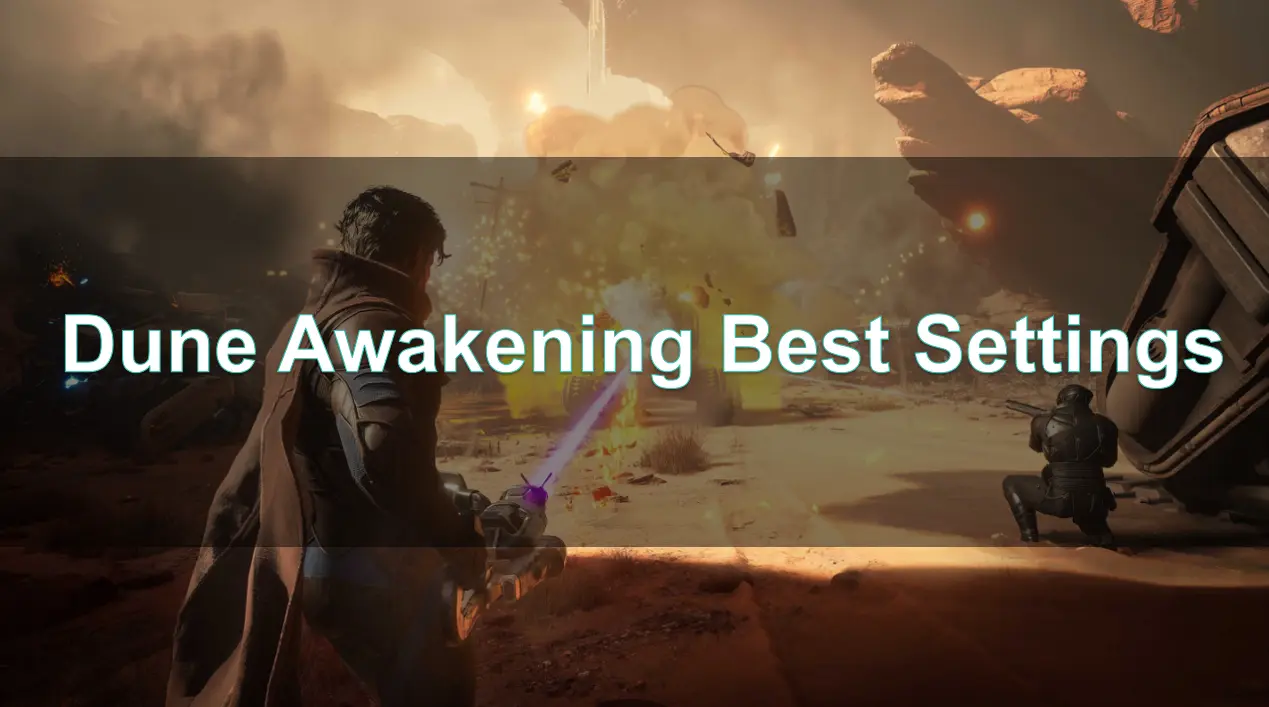
Welcome to the ultimate guide for optimizing your experience in Dune: Awakening. Set on the perilous planet of Arrakis, this open-world survival MMO immerses players in a richly detailed environment filled with dynamic sandstorms, colossal sandworms, and intricate political intrigue. To fully appreciate the game's stunning visuals and ensure smooth gameplay, it's crucial to fine-tune your graphics settings according to your system's capabilities.
This guide will walk you through the various graphics options, recommend optimal settings for different hardware configurations, and introduce you to tools like LagoFast Game Booster to enhance your gaming experience.

- ✅ Reduce Lag and High Ping.
- ✅ Boost FPS at the Same Time.
- ✅ Support 2000+ Popular Online Games.
- ✅ Change Server without Latency.
- ✅ Reduce Packet Loss in Game.
- ✅ Support Cross-Platform Gameplay.
Part 2: Dune Awakening Graphics Settings Explained
Part 3: Best Settings for Dune: Awakening
Part 4: How to Enhance Game Experience With LagoFast Game Booster
Part 1: Introduction
Welcome, spice harvesters and warriors of the desert! As you prepare to embark on your journey through the arid landscapes of Dune: Awakening, it's essential to optimize your gaming experience. The graphics settings in this game can significantly impact both performance and visual quality, allowing you to admire the stunning vistas of Arrakis while maintaining smooth gameplay.
Part 2: Dune Awakening Graphics Settings Explained
Dune: Awakening offers a comprehensive suite of graphics settings, allowing players to balance visual fidelity with performance. Here's a breakdown of the key options:
- View Distance: Controls how far into the game world detailed objects are rendered. Higher settings provide more immersive vistas but can impact performance.
- Post Processing: Encompasses effects like bloom, motion blur, and ambient occlusion. Enhances visual depth but may reduce frame rates on lower-end systems.
- Shadow Quality: Determines the sharpness and accuracy of shadows. Higher settings offer more realism at the cost of GPU resources.
- Effects Quality: Affects the detail of particle effects, explosions, and weather phenomena like sandstorms.
- Texture Quality: Sets the resolution of surface details on objects and environments. Higher settings require more VRAM.
- Foliage Quality: Controls the density and detail of vegetation and environmental clutter.
- Hair Quality: Affects the rendering of character hair, impacting realism and performance.
- Antialiasing & Upscalers: Options include TAA, TSR, DLSS, and FSR3, each balancing edge smoothing and performance differently.
- DLSS/FSR3 Upscaler Quality: Adjusts the balance between image quality and frame rate for NVIDIA and AMD users, respectively.
- Screen Percentage: Controls the internal rendering resolution before upscaling. Lower percentages can boost performance but may reduce image clarity.
- Frame Generation: Technologies like DLSSG and FSR3 generate additional frames to enhance smoothness.
- Global Illumination: Simulates how light bounces in the environment. Quality settings affect realism and performance.
Understanding these settings allows you to tailor the game's visuals to your system's strengths, ensuring an optimal balance between performance and graphical fidelity.
Part 3: Best Settings for Dune: Awakening
High-End Systems (RTX 3080+/RX 6800 XT+)
For players with top-tier hardware aiming for maximum visual immersion:
- View Distance: Ultra
- Post Processing: Ultra
- Shadow Quality: Ultra
- Effects Quality: Ultra
- Texture Quality: Ultra
- Foliage Quality: Ultra
- Hair Quality: Ultra
- Antialiasing & Upscalers: DLSS (Quality) or TSR
- Frame Generation: DLSSG or FSR3
- Global Illumination Method: Quality
- Global Illumination Quality: Ultra
- Global Illumination Reflections Quality: Ultra
This configuration delivers breathtaking visuals, capturing the essence of Arrakis in all its glory.
Mid-Range Systems (RTX 3060/RX 6600 XT)
For a balance between performance and visual quality:
- View Distance: High
- Post Processing: High
- Shadow Quality: High
- Effects Quality: High
- Texture Quality: High
- Foliage Quality: Medium
- Hair Quality: Medium
- Antialiasing & Upscalers: DLSS (Balanced) or FSR3 (Balanced)
- Frame Generation: Enabled
- Global Illumination Method: Performance
- Global Illumination Quality: High
- Global Illumination Reflections Quality: High
This setup ensures smooth gameplay while maintaining impressive visual detail.
Low-End Systems (GTX 1060/RX 5600 XT)
For systems with limited resources:
- View Distance: Medium
- Post Processing: Medium
- Shadow Quality: Medium
- Effects Quality: Medium
- Texture Quality: Medium
- Foliage Quality: Low
- Hair Quality: Low
- Antialiasing & Upscalers: FSR3 (Performance)
- Frame Generation: Enabled (if supported)
- Global Illumination Method: Performance
- Global Illumination Quality: Medium
- Global Illumination Reflections Quality: Medium
This configuration prioritizes performance, ensuring playable frame rates without sacrificing too much visual quality.
Part 4: How to Enhance Game Experience With LagoFast Game Booster
To further optimize your gaming experience, consider using LagoFast Game Booster. LagoFast enhances performance by reducing lag, lowering ping, and stabilizing your network connection. LagoFast utilizes multipath connections and real-time servers to ensure smooth gameplay, even during peak hours.
Benefits of Using LagoFast for Dune: Awakening:
- Reduced Ping and Lag: Stable servers and intelligent routing reduce latency even on crowded Arrakis servers.
- Packet Loss Reduction: Smooth data transmission ensures your abilities trigger without delay.
- Global Servers: Choose the optimal server based on your location and reduce desync during PvP or raids.
Whether you're crafting your ornithopter, infiltrating enemy strongholds, or leading political intrigue, a smooth connection is vital. LagoFast ensures that your skill-based gameplay isn’t hampered by technical issues.
How to Use LagoFast with Dune: Awakening:
Step 1: Begin by clicking the Free Trial button to download and install the LagoFast Free Trial.
Step 2: Open LagoFast and search for "Dune: Awakening".

Step 3: Choose the server closest to your location for optimal performance. Then click on "Smart Boost" to optimize your network route and system settings.

Step 4: Check real-time ping and paket loss of Dune:Awakening before clicking "Start Game" to jump into the game world.

With support for over 2,000 games across various platforms, LagoFast is a versatile tool for any gamer seeking a seamless experience.
Part 5: FAQs
Q1: What are the minimum system requirements for Dune: Awakening?
- OS: Windows 10 64-bit (or newer)
- Processor: Intel Core i5-7400 / AMD Ryzen 3 1200
- Memory: 16 GB RAM
- Graphics: NVIDIA GeForce GTX 1060 (6GB) / AMD Radeon 5600XT (6GB)
- Storage: 60 GB available space
Q2: Does Dune: Awakening support DLSS and FSR?
Yes, the game supports NVIDIA's DLSS 4 with Multi Frame Generation and AMD's FSR3, allowing for enhanced performance and image quality.
Q3: Can I test my system's performance before the game's release?
Yes, you can download the Character Creator & Benchmark Mode on Steam to test how your system performs with Dune: Awakening at various settings.
Conclusion
By understanding and adjusting your graphics settings, and utilizing tools like LagoFast, you can ensure an optimal gaming experience on Arrakis. Whether you're battling sandworms or navigating political intrigue, these optimizations will keep your gameplay smooth and immersive.

Boost Your Game with LagoFast for Epic Speed
Play harder, faster. LagoFast game booster eliminates stutter and lags on PC, mobile, or Mac—win every match!
Quickly Reduce Game Lag and Ping!
Boost FPS for Smoother Gameplay!